Web Siteniz için Ücretsiz Radyo Çalar Widget'ı
Canlı radyo yayınlarını doğrudan sitenize ekleyin. Kanal adlarını, türlerini ve logolarını ekleyin; dinleyicilerin kanalları değiştirmesine olanak tanıyın; oynatmayı, düzeni, renkleri ve arka planı kod yazmadan özelleştirin.
Hemen oluşturun - Ücretsiz!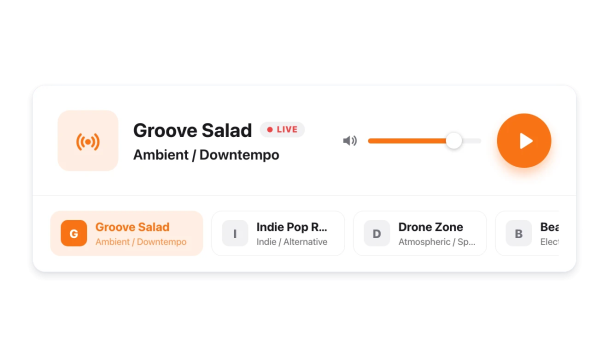

Radyo Çalar widget'ı nasıl oluşturulur
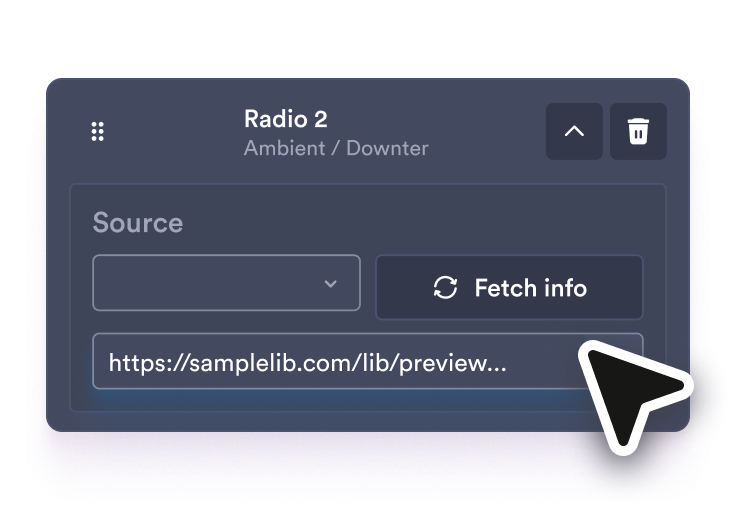
Radyo kanallarınızı ekleyin
Her bir canlı yayın URL'sini yapıştırın, ardından listedeki her radyo kanalı için kanal adını, türünü ve logosunu düzenleyin.
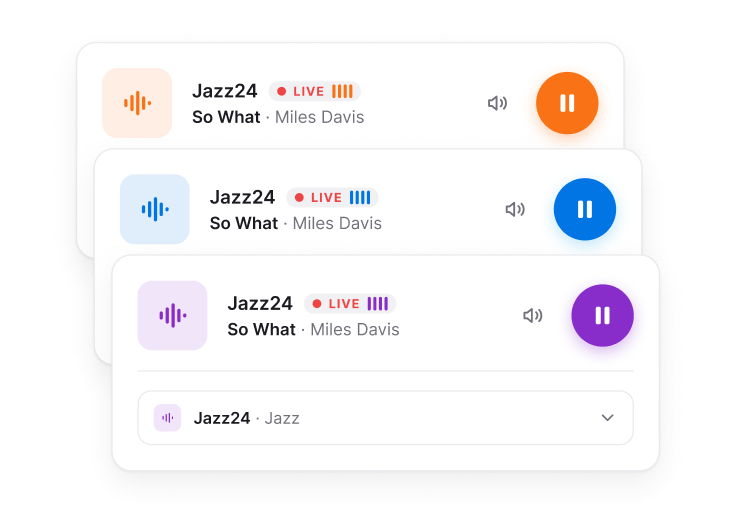
Oynatıcıyı özelleştirin
Bir düzen seçin, hangi kanalların ve ayrıntıların görüneceğine karar verin, otomatik oynatmayı, ses seviyesini, renkleri ve arka planı ayarlayın.
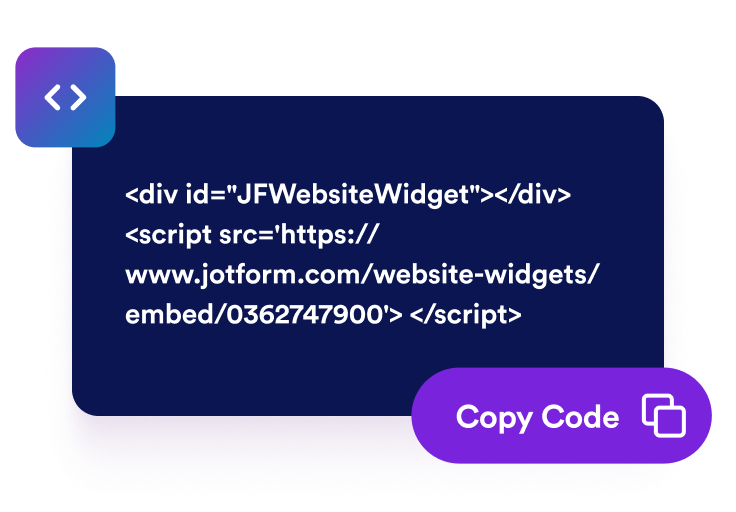
Web sitenize yerleştirin
Oynatıcıyı ön izleyin, yerleştirme kodunu kopyalayın ve web sitenize yerleştirin, böylece ziyaretçiler sayfadan ayrılmadan dinleyebilir.
Canlı dinlemeyi web sitesi deneyiminize taşıyın
Sayfada canlı radyo yayınlarını yayınlayın
Ziyaretçilerin web sitenizden ayrılmadan oynatabilmesi, duraklatabilmesi, sesi kapatabilmesi ve ses düzeyini ayarlayabilmesi için doğrudan MP3 veya AAC yayın bağlantıları kullanın.

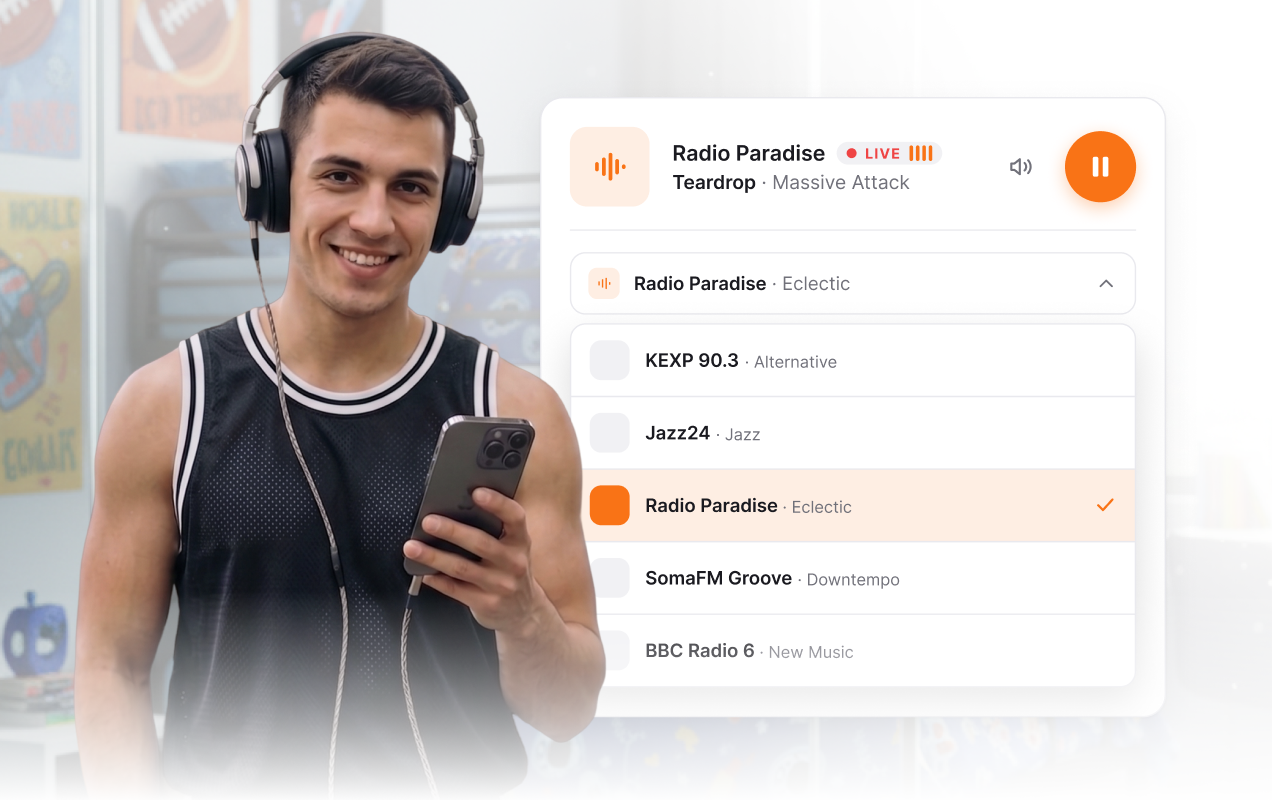
Dinleyicilerin kanalları değiştirmesine izin verin
Kanal adları, türleri ve logolarıyla yatay bir kanal şeridi veya açılır seçici gösterin, böylece ziyaretçiler birden fazla yayına göz atabilsin.
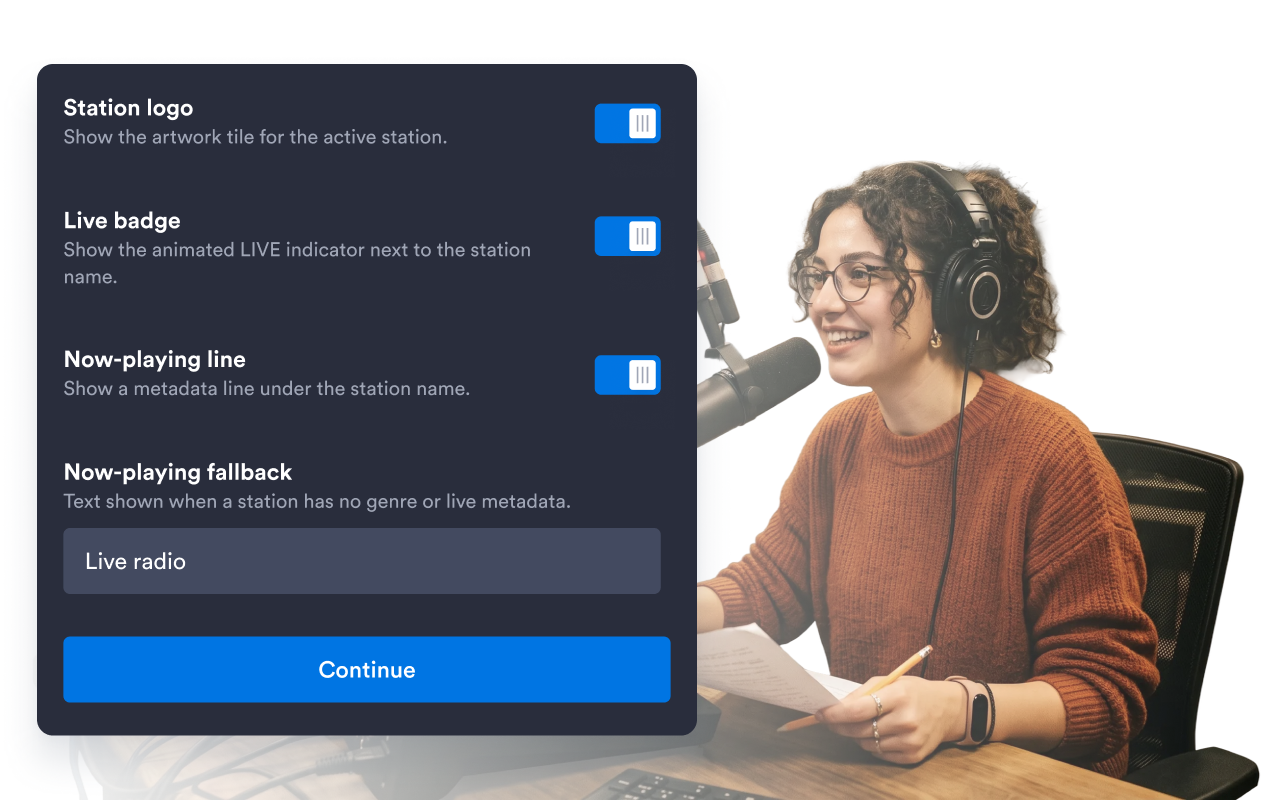
Kanal ayrıntılarını tek bir düzenleyicide yönetin
Tek bir kurulum adımından radyo kanallarını ekleyin, kaldırın, yeniden sıralayın veya daraltın. Kanal girişlerini, yayın URL’lerini, başlıkları, müzik türlerini ve kapak görsellerini düzenleyin.
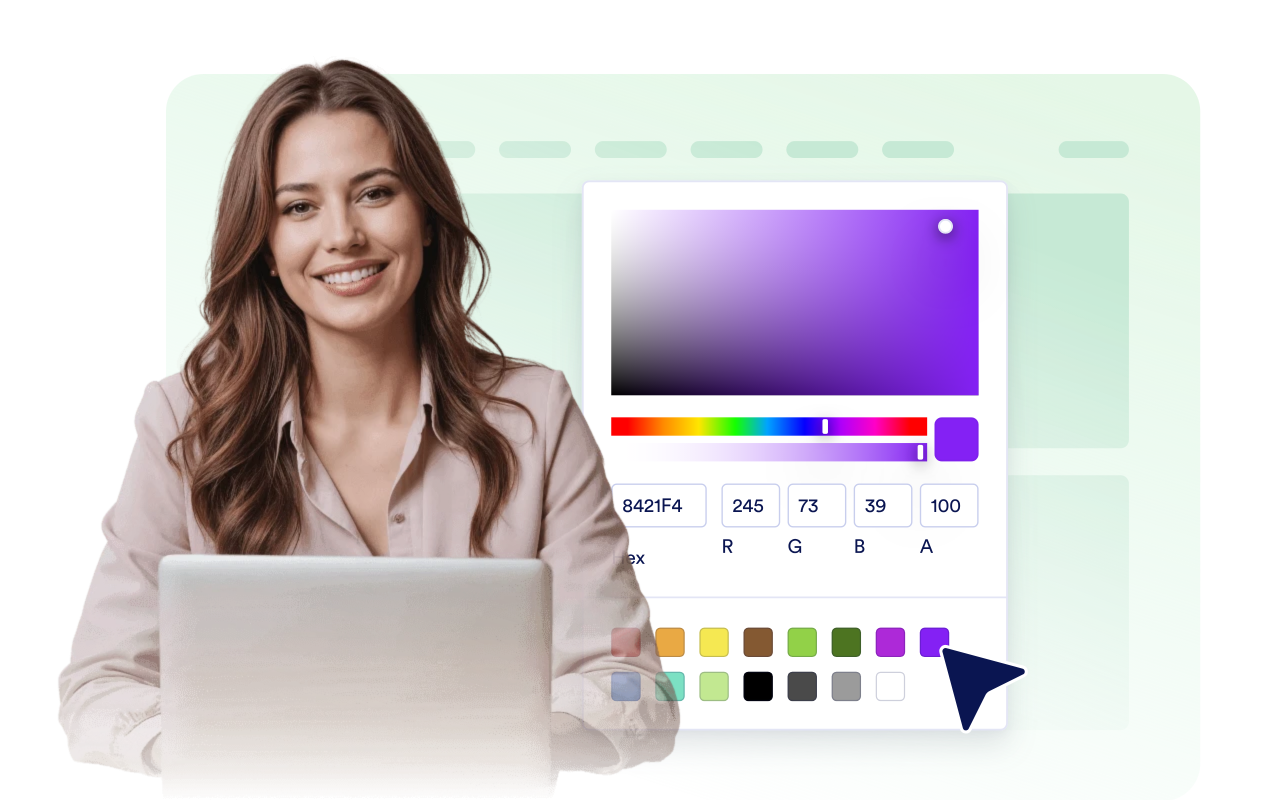
Tasarladığınız web sitesine uyum sağlayın
Açık, koyu ya da özel renkler seçin; şeffaf, düz veya görsel arka plan ayarlayın; yarıçapı düzenleyin ve kapsamlı özel CSS ekleyin.
Jotform Web Site Widget'ları neden öne çıkıyor
Jotform'un widget'ları web sitenizi daha etkileşimli hale getirir ve dönüşümleri artırır. Yıldızlı değerlendirmelerden ve kullanıcı görüşü kaydırıcılarından sosyal kanıt açılır pencerelerine ve medya yerleştirmelerine kadar birçok araç mevcut. Veri toplamak, kanıt göstermek ve potansiyelmüşteri yakalamak için kod yazmanıza gerek olmadan formlarınıza veya açılış sayfalarınıza widget'lar ekleyin.
Basit bir yerleştirme koduyla Jotform widget'larını web sitenize ekleyin. Bir geliştiriciye ihtiyaç duymadan widget'ı özelleştirin, nasıl göründüğünü önizleyin ve özel HTML ya da yerleştirme bloklarını destekleyen herhangi bir sayfaya yapıştırın.
Potansiyel müşterileri toplamak, müşteri geribildirimlerini göstermek, sosyal kanıt sunmak, medya içeriklerini yerleştirmek veya kullanışlı web sayfası araçları eklemek için Jotform Website Widget'larını kullanın. Her widget, ziyaretçilerin işletmenizle doğrudan web sitenizden etkileşime geçmesine yardımcı olur.
Widget'ınızı kurma, özelleştirme, yerleştirme veya sorun giderme konusunda yardıma ihtiyacınız olursa, Jotform'un müşteri destek ekibi 7/24 hizmetinizdedir. İhtiyacınız olduğunda yardımın hazır olduğunu bilerek güvenle ilerleyebilirsiniz.
Radyo Çalar widget'ınızı nerelerde kullanabilirsiniz
Canlı yayınlarınızı, ziyaretçilerin markanız, içeriğiniz ve topluluğunuzla zaten etkileşim kurduğu yerlere yerleştirin.
Canlı yayını ve alternatif kanalları tek tıkla erişebilir kılmak için radyo istasyonu ana sayfalarında.
Özenle seçilmiş müzik türlerine yöenlik radyo kanallarını, dinleme odalarını veya çıkış günü yayınlarını paylaşmak için müzik ve sanatçı sayfalarında.
Online katılımcılar için sahne sesini, duyuruları veya canlı yayınları aktarmak için etkinlik ve festival sayfalarında.
Yerel güncellemeleri, röportajları ve kamu yararına yönelik programları yayınlamak için topluluk ve sivil toplum kuruluşu sitelerinde.
Ayinleri, vaazları veya topluluk radyosunu basit bir oynatıcı üzerinden yayınlamak için kilise ve ibadet sayfalarında.
Makalelerin, program notlarının veya kampanya sayfalarının yanına kompakt bir ses yayını eklemek için bloglar ve medya markalarında.
Jotform Form Oluşturucu ile müşteri adaylarını ödeme yapan müşterilere dönüştürün
Jotform ile etkileşimi eyleme dönüştürün. Potansiyel müşterileri yakalayan, ödemeleri alan ve yanıtları otomatikleştiren güçlü formları tek bir yerde oluşturun. Her yanıt, takip edebileceğiniz veya favori uygulamalarınızla bağlantı kurabileceğiniz Jotform Gelen Kutusu'na ulaşır.
Hemen Başla — Ücretsiz!
SSS
Radyo Çalar widget'ı nedir?
Radyo Çalar widget'ı, canlı radyo yayınlarını oynatma kontrolleri, kanal değiştirme ve özelleştirilebilir stillerle web sitenize eklemenize olanak sağlar.
Birden fazla radyo kanalı ekleyebilir miyim?
Hangi yayın formatları destekleniyor?
Radyo Çalar otomatik oynatmayı destekliyor mu?
Oynatıcının bazı bölümlerini gizleyebilir miyim?
Oynatıcının arkasına bir arka plan görseli ekleyebilir miyim?
Tasarımı özelleştirebilir miyim?
Mobil uyumlu mu?