Web Siteniz için Müşteri Yorumları Widget'ı
Müşteri alıntılarını mobil uyumlu bir müşteri yorumları kaydırıcısı, slayt gösterisi, karusel, ızgara, liste, duvar örgüsü veya rozet düzeninde gösterin. Müşteri yorumları metni, yıldız puanları, değerlendiren kişinin fotoğrafları, açıklamalar, tarihler, sosyal bağlantılar, logolar ve destekleyici görseller ekleyin, ardından tasarımı özelleştirin ve kod olmadan yerleştirin.
Hemen oluşturun - Ücretsiz!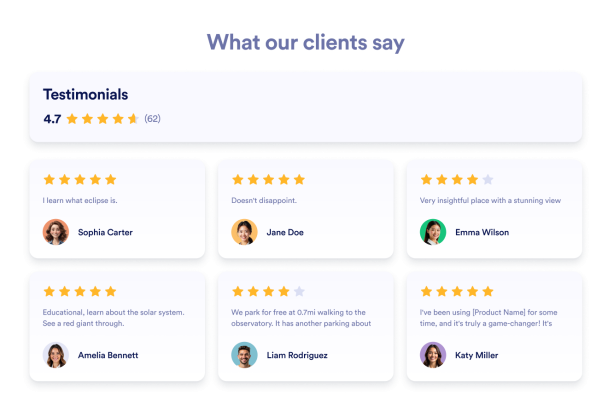

Müşteri Yorumları widget'ı nasıl oluşturulur
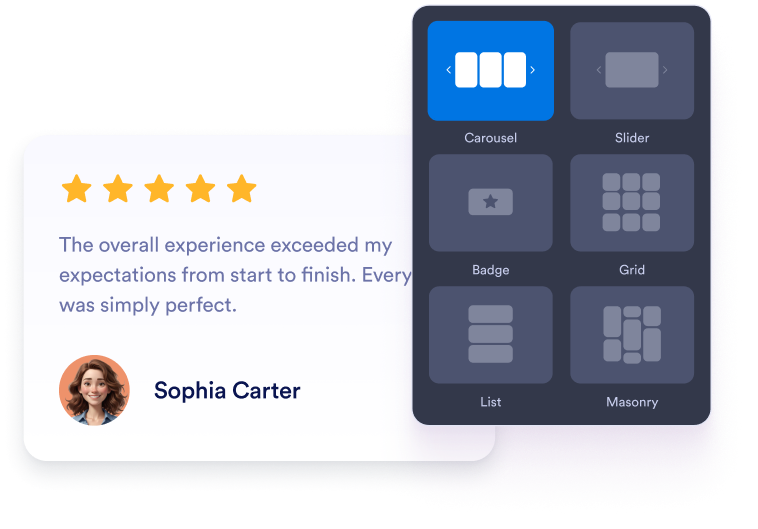
Widgetʼınızı özelleştirin
Widget'ın web sitesi tasarımınıza uyması için içeriğinizi, düzeninizi, renklerinizi ve davranışını seçin.
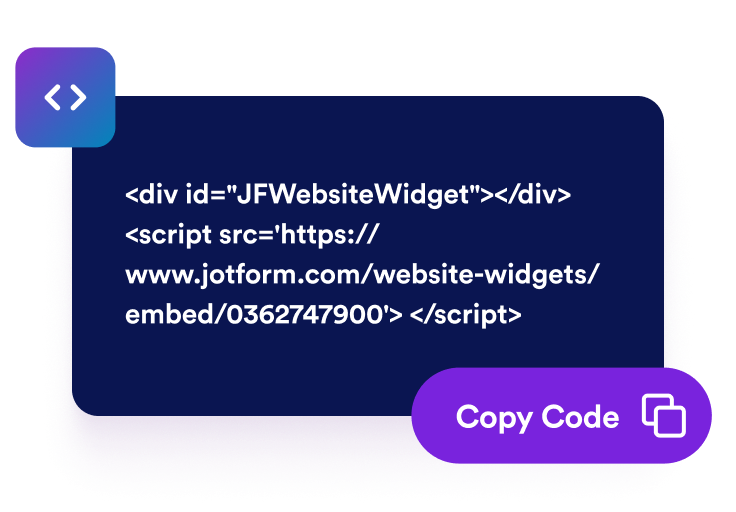
Yerleştirme kodunu alın
Jotform tarafından oluşturulan kullanıma hazır yerleştirme kodunu kopyalayın. Kurulum veya kodlama gerekmez.

Dilediğiniz yere yerleştirin
Kodu web sitenize yapıştırın ve yayınlayın. Trustpilot değerlendirmeleriniz hemen görünecektir.
Müşteri yorumlarını sosyal kanıta dönüştürün
Özenle seçilmiş müşteri yorumlarını gösterin
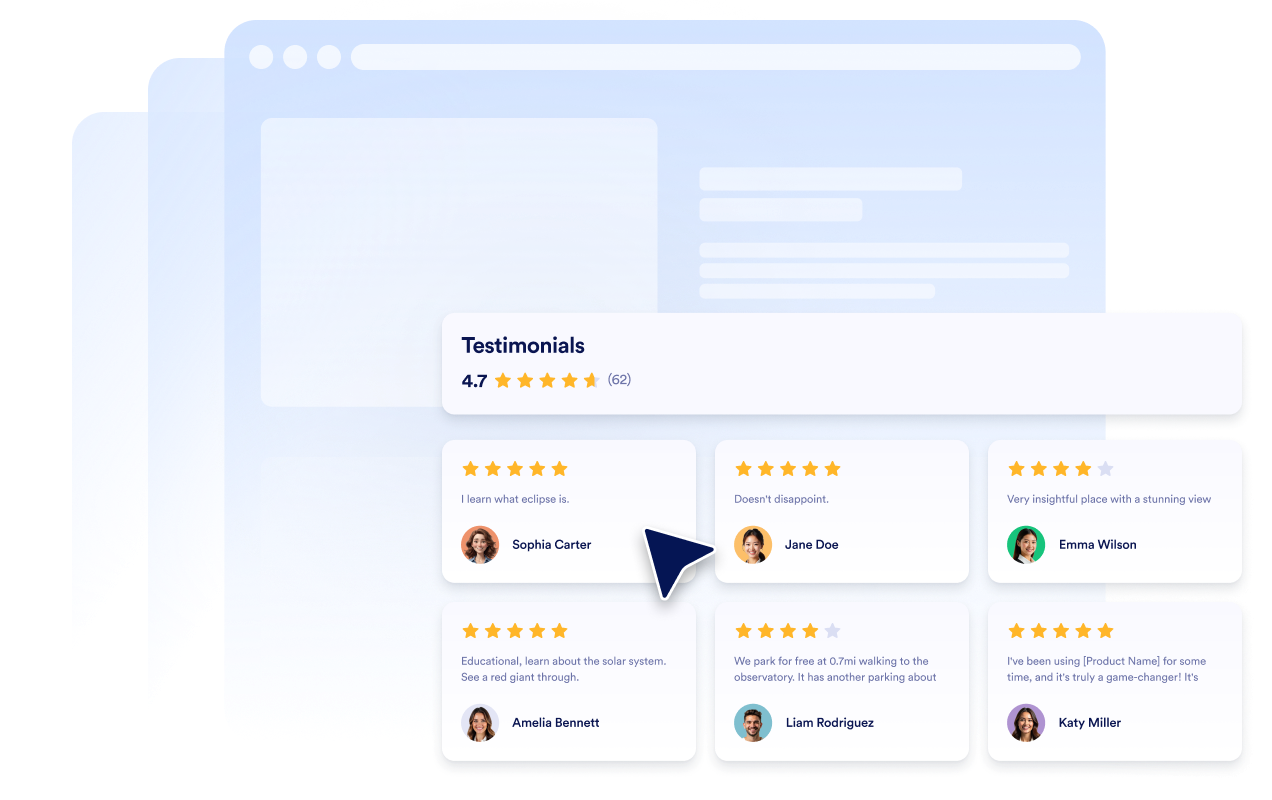
Müşteri alıntıları, yıldız puanları, değerlendiren kişinin ayrıntıları ve fotoğraflarıyla müşteri yorumu slaytları oluşturun. Her müşteri yorumu slaytı, ziyaretçilerin işletmenizle çalışmış kişilerin gerçek geri bildirimlerini görmesine yardımcı olur.
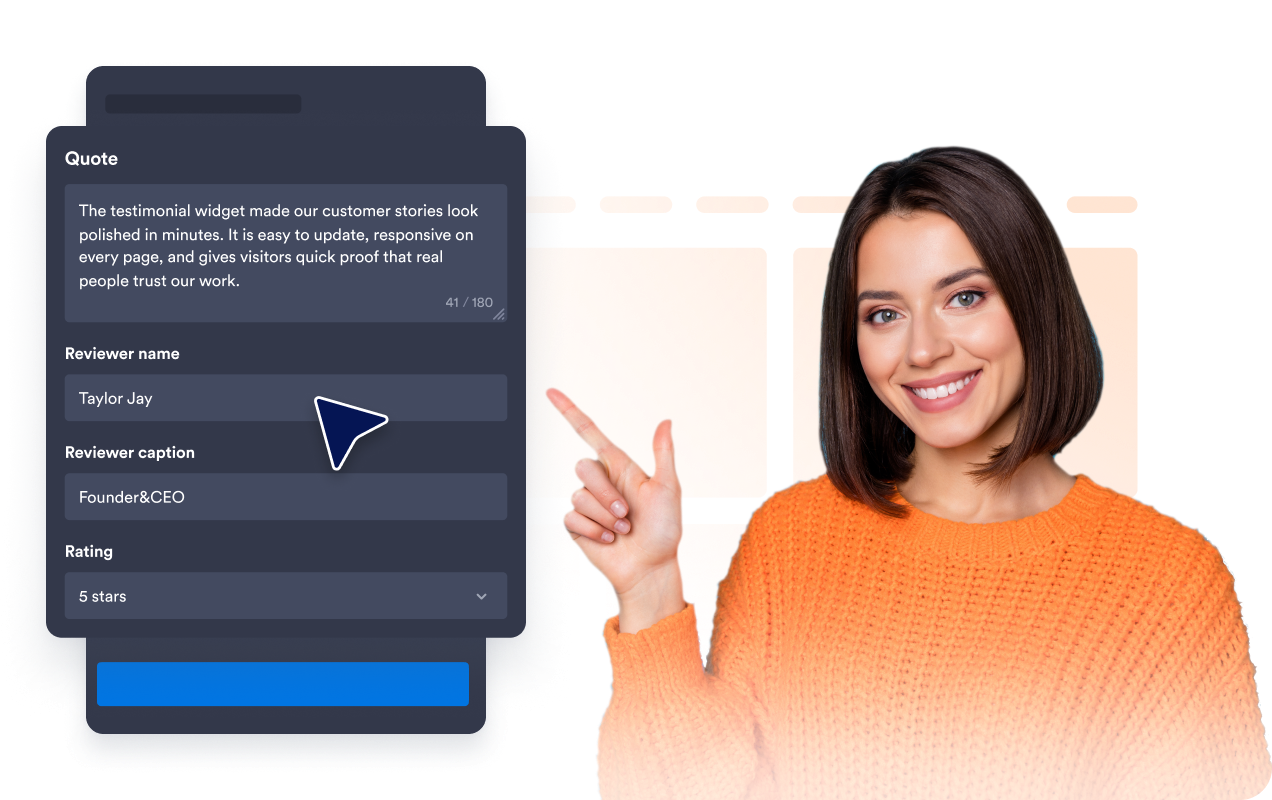
Kaydırıcı ve ızgara düzenlerini seçin
Kompakt ana sayfa bölümleri için mobil uyumlu bir müşteri yorumları kaydırıcısı, dönüşümlü alıntılar için bir müşteri yorumları slayt gösterisi, sosyal kanıt blokları için bir ızgara veya daha uzun müşteri hikayeleri için bir liste düzeni kullanın.

Müşteri yorumları kart ayrıntılarını kontrol edin
Değerlendiren kişinin fotoğrafları, isimleri, açıklamaları, tarihleri, puanları, doğrulama rozetleri, logoları, görselleri, profil bağlantıları ve devamını oku metni dahil olmak üzere her müşteri kullanıcı görüşü slaytında hangi ayrıntıların görüneceğini seçin.
Müşteri yorumlarını sitenizle eşleştirin
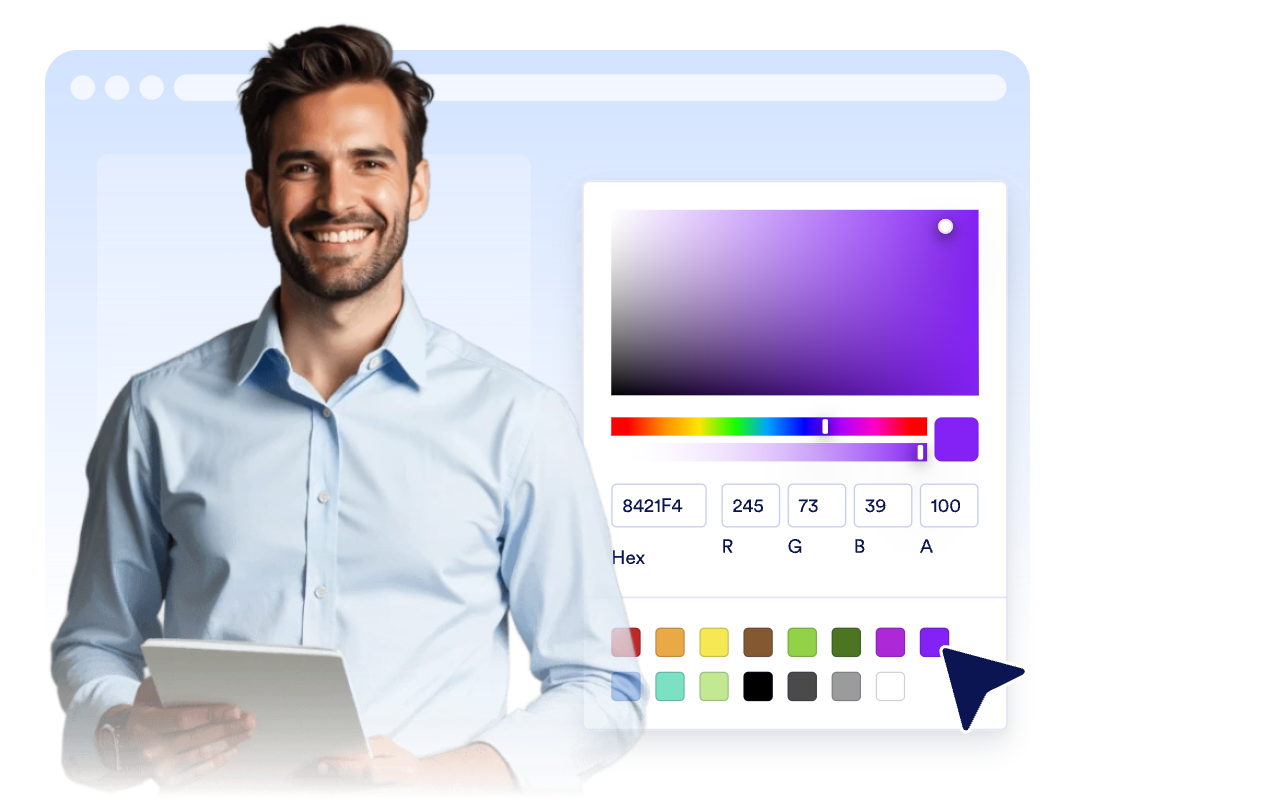
Müşteri Yorumları widget'ının web sitenize uyması için açık veya koyu modu, vurgu rengini, yıldız rengini, kart arka planını, müşteri yorumları metin renklerini, değerlendiren kişinin ad rengini, genişliği, gezinmeyi ve markalamayı özelleştirin.
Jotform Web Site Widget'ları neden öne çıkıyor
Jotform'un widget'ları web sitenizi daha etkileşimli hale getirir ve dönüşümleri artırır. Yıldızlı değerlendirmelerden ve kullanıcı görüşü kaydırıcılarından sosyal kanıt açılır pencerelerine ve medya yerleştirmelerine kadar birçok araç mevcut. Veri toplamak, kanıt göstermek ve potansiyelmüşteri yakalamak için kod yazmanıza gerek olmadan formlarınıza veya açılış sayfalarınıza widget'lar ekleyin.
Basit bir yerleştirme koduyla Jotform widget'larını web sitenize ekleyin. Bir geliştiriciye ihtiyaç duymadan widget'ı özelleştirin, nasıl göründüğünü önizleyin ve özel HTML ya da yerleştirme bloklarını destekleyen herhangi bir sayfaya yapıştırın.
Potansiyel müşterileri toplamak, müşteri geribildirimlerini göstermek, sosyal kanıt sunmak, medya içeriklerini yerleştirmek veya kullanışlı web sayfası araçları eklemek için Jotform Website Widget'larını kullanın. Her widget, ziyaretçilerin işletmenizle doğrudan web sitenizden etkileşime geçmesine yardımcı olur.
Widget'ınızı kurma, özelleştirme, yerleştirme veya sorun giderme konusunda yardıma ihtiyacınız olursa, Jotform'un müşteri destek ekibi 7/24 hizmetinizdedir. İhtiyacınız olduğunda yardımın hazır olduğunu bilerek güvenle ilerleyebilirsiniz.
Müşteri Yorumları Widget'ınızı nerelerde kullanabilirsiniz
Müşteri yorumlarını, ziyaretçilerin kaydolmadan, satın almadan, rezervasyon yapmadan veya ekibinizle iletişime geçmeden önce güven duymalarını sağlayacak yerlere yerleştirin.
Sayfanın üst kısmındaki müşteri yorumları kaydırıcısıyla müşteri güvenini oluşturmak için ana sayfa sosyal kanıt bölümlerinde.
İlgili müşteri görüşü slaytlarıyla satın alma kararlarını desteklemek için ürün ve hizmet sayfalarında.
Plan karşılaştırmaları, ödeme bağlantıları ve CTA butonlarının yanında tereddüdü azaltmak için fiyatlandırma sayfalarında.
Formların ve kayıt istemlerinin yanına mobil uyumlu bir müşteri yorumları kaydırıcısı eklemek için potansiyel müşterilere yönelik açılış sayfalarında.
Daha uzun alıntıları, rolleri, şirket bağlamını ve destekleyici görselleri öne çıkarmak için kullanım örneği ve müşteri hikayesi sayfalarında.
Sitenizin genelinde müşteri güvenini vurgulamak için alt bilgi veya kenar çubuğu rozetlerinde.
Jotform Form Oluşturucu ile müşteri adaylarını ödeme yapan müşterilere dönüştürün
Jotform ile etkileşimi eyleme dönüştürün. Potansiyel müşterileri yakalayan, ödemeleri alan ve yanıtları otomatikleştiren güçlü formları tek bir yerde oluşturun. Her yanıt, takip edebileceğiniz veya favori uygulamalarınızla bağlantı kurabileceğiniz Jotform Gelen Kutusu'na ulaşır.
Hemen Başla — Ücretsiz!
SSS
Müşteri Yorumları Widget'ı nedir?
Müşteri Yorumları Widget'ı; seçili müşteri alıntılarını, yıldız puanlarını, değerlendiren kişinin ayrıntılarını, fotoğrafları, logoları ve isteğe bağlı hikaye görsellerini özelleştirilebilir bir web sitesi widget'ında gösterir.
Bir müşteri yorumları kaydırıcısı oluşturabilir miyim?
Müşteri yorumları'nı kendim ekleyebilir miyim?
Hangi düzenler mevcut?
Hangi alanların görüneceğini seçebilir miyim?
Widget mobilde de çalışır mı?
Müşteri Yorumlarını WordPress, Shopify, Wix, Squarespace, Webflow veya WooCommerce'e yerleştirebilir miyim?
Müşteri Yorumları Widget'ı ücretsiz mi?