Appointment scheduling software for Microsoft Outlook Calendar
Build a powerful, customized booking experience with Jotform Appointment Scheduling Software. Automatically sync with Microsoft Outlook Calendar, prevent double bookings, automate confirmations, and easily manage multiple services.
Create a Scheduling Form
How to connect Microsoft Outlook Calendar with Jotform
Jotform се интегрира лесно, за да подсили процеса ви на планиране. Елиминирайте повтарящите се задачи и създайте персонализирани работни потоци за срещи, които пасват идеално на вашия бизнес.
Персонализирайте формуляри за срещи
Add form fields, conditions, disclaimers, or anything else you need for a complete workflow.
Connect Microsoft Outlook Calendar
Синхронизирайте наличността в реално време, за да отразите заетите слотове и автоматично да блокирате конфликтите.
Автоматизирайте последващите действия
Задействайте имейли, покани за календар или интеграции веднага щом някой направи резервация.
Powerful appointment scheduling software features
A smarter way to manage appointments — so you can focus on what matters most. Keep everything running smoothly while delivering exceptional client experiences.
Умна синхронизация на календар
Sync appointments in real time with Microsoft Outlook Calendar, ensuring your form always shows accurate availability. Booked time slots and existing calendar events are automatically blocked to prevent overlaps.
Create Free Scheduling Form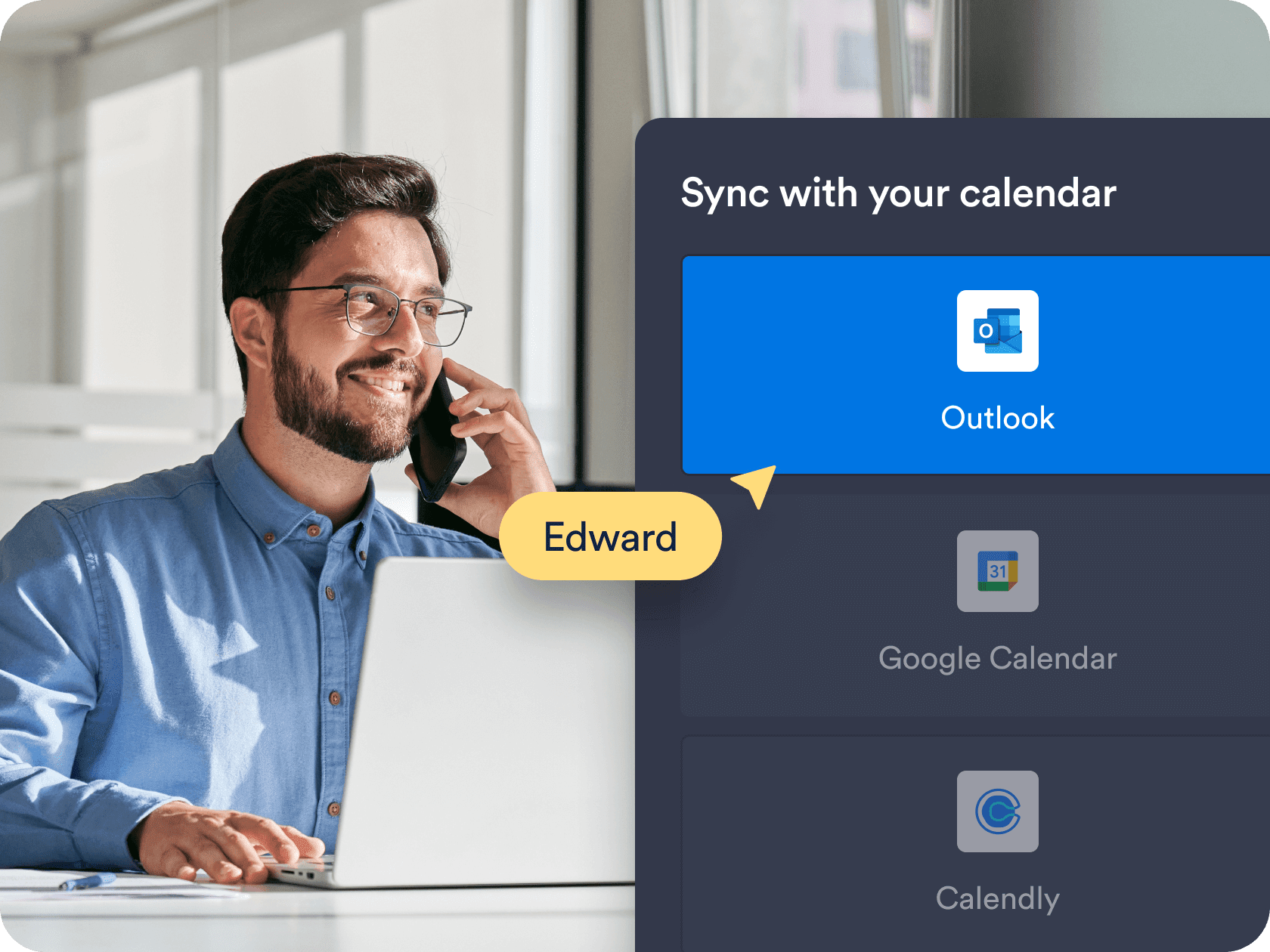
Персонализирана наличност и контроли на времето
Choose the exact days, hours, and appointment durations that work for you. Add buffer times, daily limits, and blackout dates to fit your personal or business schedule.
Create Free Scheduling Form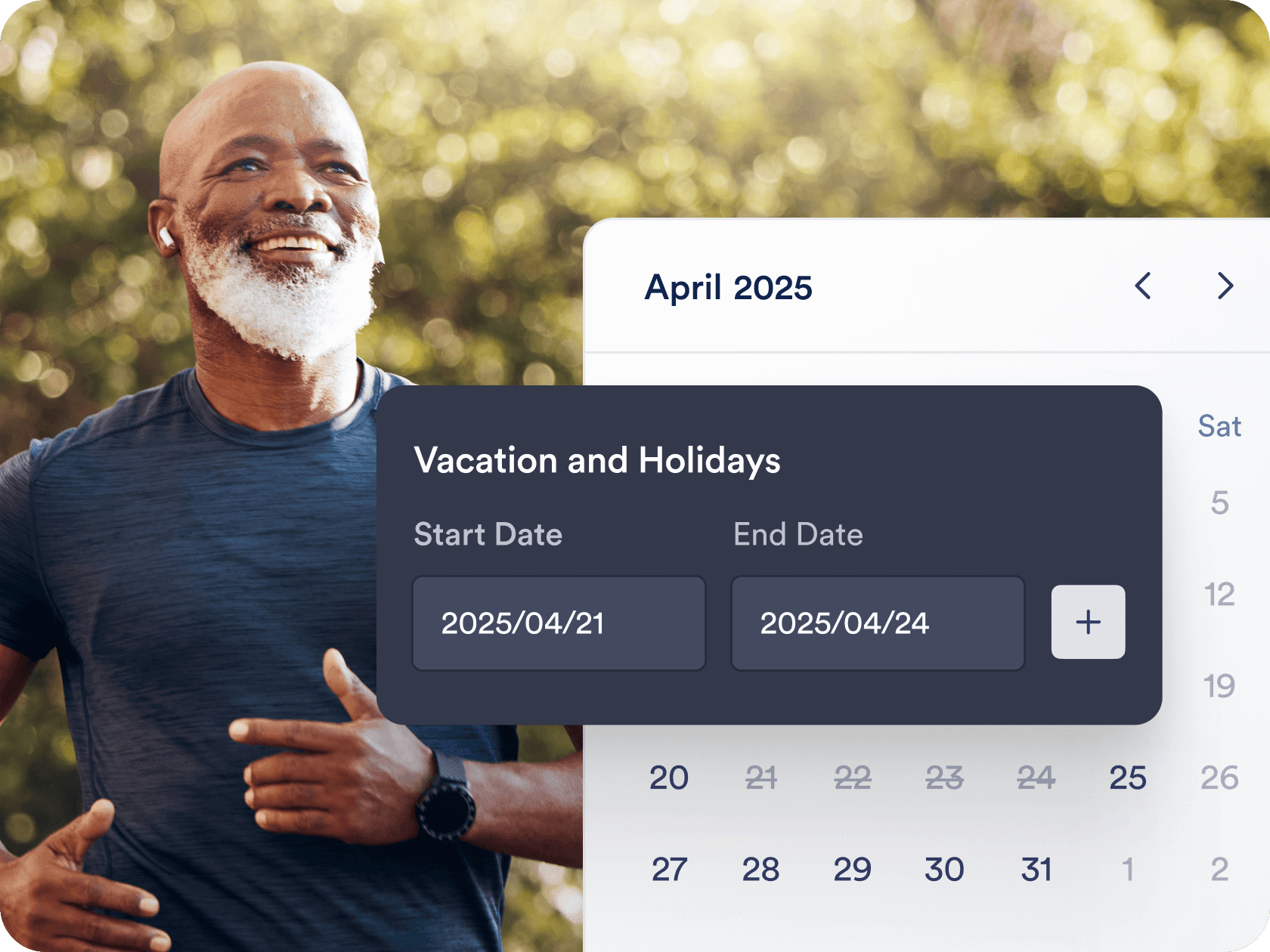
Automated workflows and integrations
Send confirmation emails, automate reminders, and connect with tools like Zoom, Slack, or CRMs. Jotform helps you create a seamless workflow around each booking — without manual follow-up.
Create Free Scheduling Form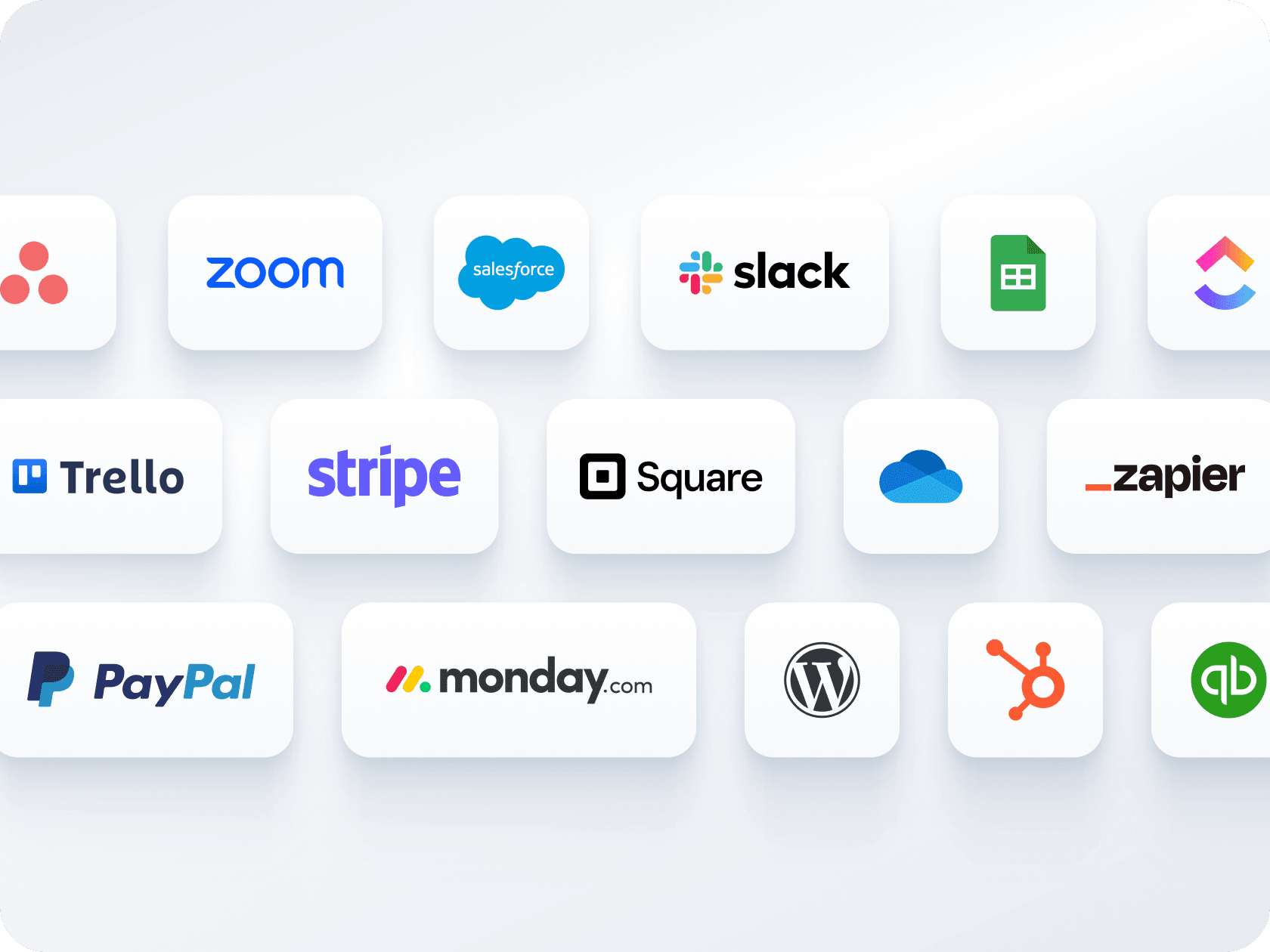
Множество форми, един календар
Събирайте плащания и планирайте срещи чрез една форма — без нужда от отделни инструменти. Свържете се с Stripe, PayPal, Square или други платежни системи, за да таксувате клиентите по време на резервация.
Create Free Scheduling Form
Лесни опции за споделяне и вграждане
Разпространете формата си за записване на час чрез линк или QR код, или я вградете директно в уебсайта си. Независимо дали споделяте чрез имейл, социални медии или целеви страници, това отнема само няколко кликвания.
Create Free Scheduling Form
Appointment Scheduling Software for Outlook Calendar
Let your AI Agent book appointments anywhere
Turn every conversation into a confirmed booking with Jotform AI Agents. Your agent can schedule appointments in real time from your website, your email, WhatsApp, Messenger, Slack, and more — so you never miss a chance to connect.
Научете повече
Често задавани въпроси
-
Can I sync Jotform appointments with Microsoft Outlook Calendar?
Yes, Jotform offers full two-way sync with Outlook Calendar. When someone books through your form, the appointment is automatically added to your calendar, and existing calendar events are used to block off unavailable times.
-
Как Jotform предотвратява двойните резервации?
-
Can I offer different services or appointment types through a single form?
-
Can I collect payments as part of the booking process?
-
Are confirmation and reminder emails sent automatically?
-
How flexible is the availability setup for appointments?
-
Can I customize the form layout and design?
-
Can I automate tasks after someone books an appointment?
-
Can I connect multiple appointment forms to the same Outlook Calendar?
-
What do I get with Jotform’s free plan?