Jotform + Adobe
Jotform has numerous integrations with Adobe products and services
-
Sign your forms with Adobe Document Cloud eSign Services (formerly known as Echosign)
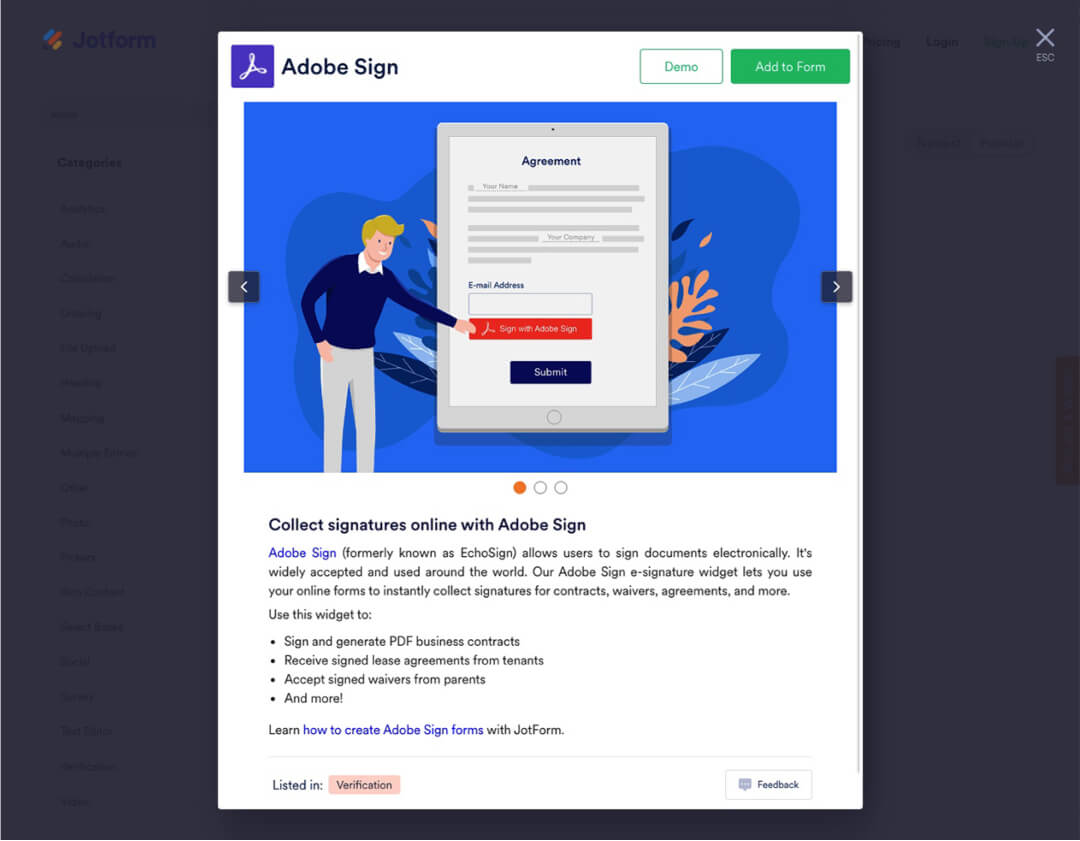
Our eSign Widget allows your form visitors to electronically sign documents, turning your forms into signable contracts. You can collect legal e-signatures quickly and securely, with the convenience and ease of going paperless.
-
Adobe FormsCentral user? Import to Jotform
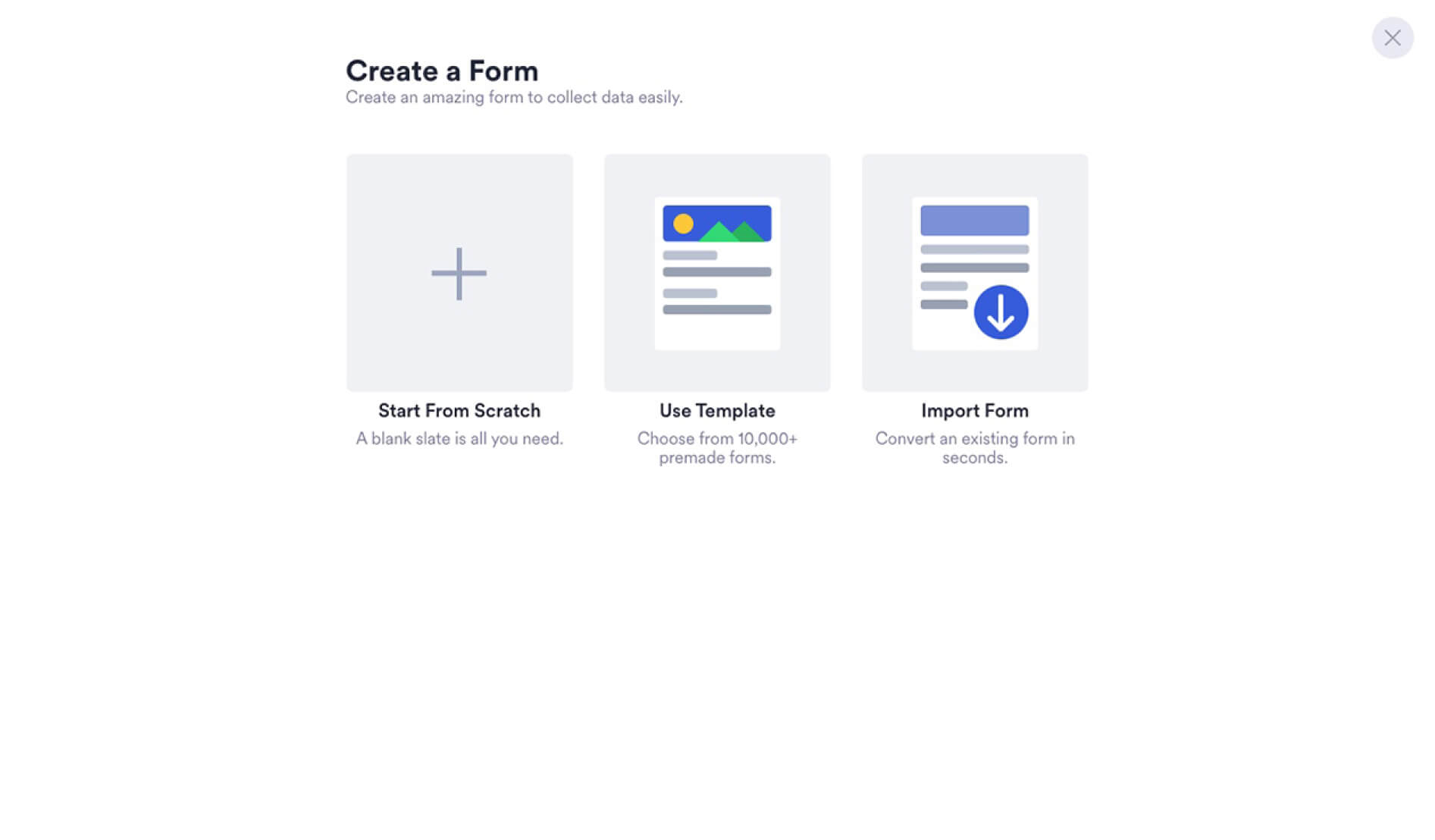
Adobe FormsCentral will no longer work on June 22, as the product is retiring. Switch your forms and submissions by importing your information to Jotform. You don't have to recreate your forms from scratch, save time and effort with one quick switch.
-
Check out the Fillable PDF Form Creator
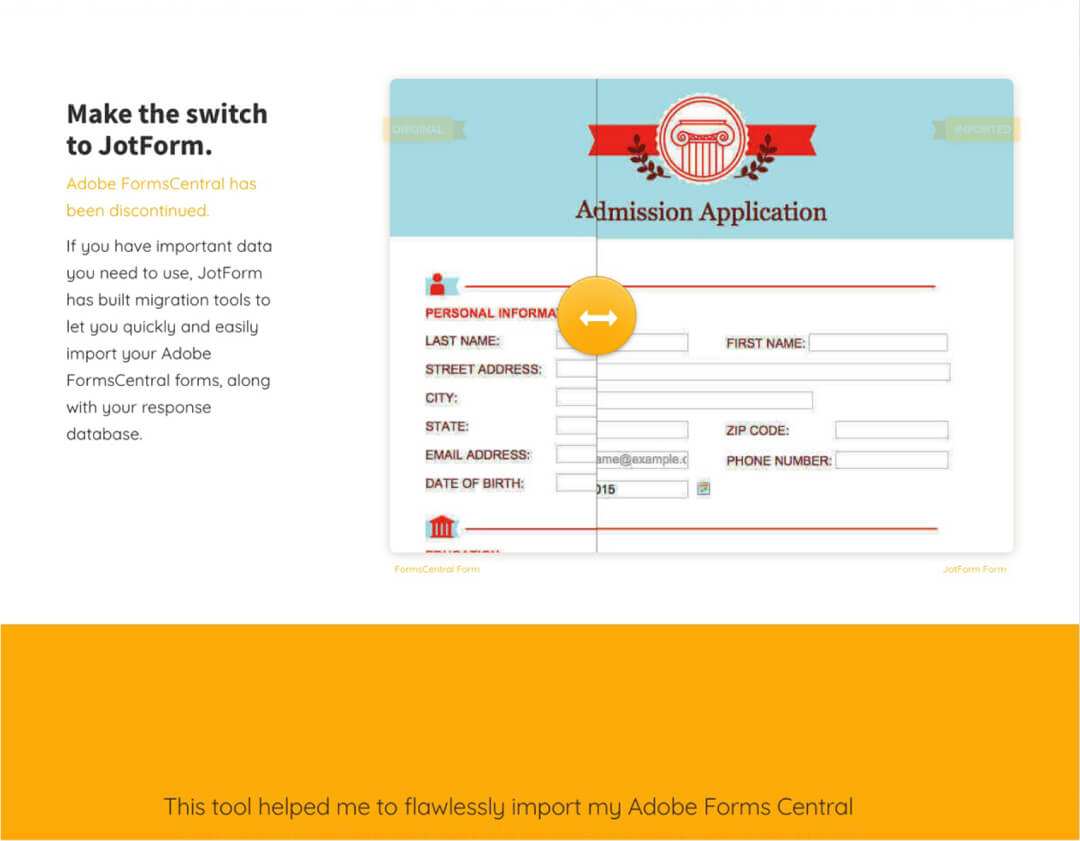
With the Fillable PDF Form Creator you can export your forms to fillable PDFs, send it out to your intended recipients, and they can fill out their form responses and submit them directly from the PDF. They also have the option to email the PDFs back directly, if you prefer to keep your data offline.
-
Add PDFs to Your Forms with our PDF Embed Widget
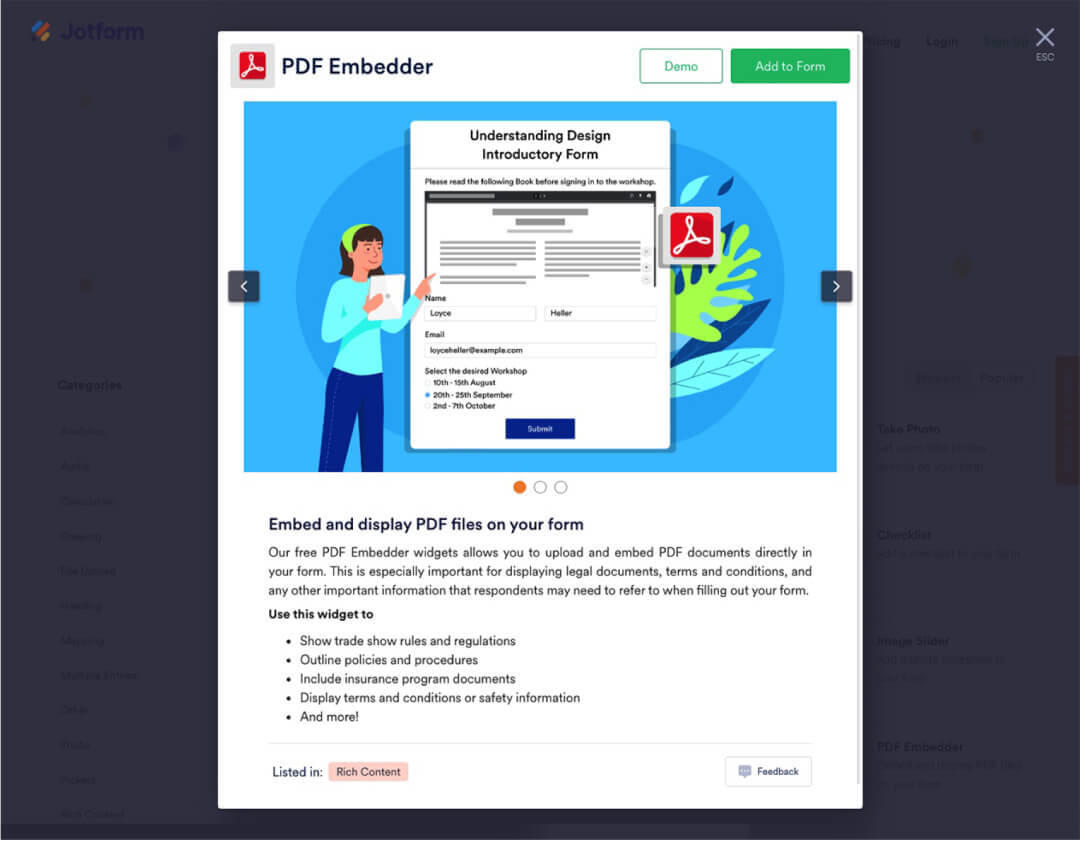
It's easy to embed a PDF right in your form. Just add the PDF Embed widget, set the URL of your PDF document, and it will be displayed in an easy to view scrollable window.
-
Export form submission to PDF or email PDF directly
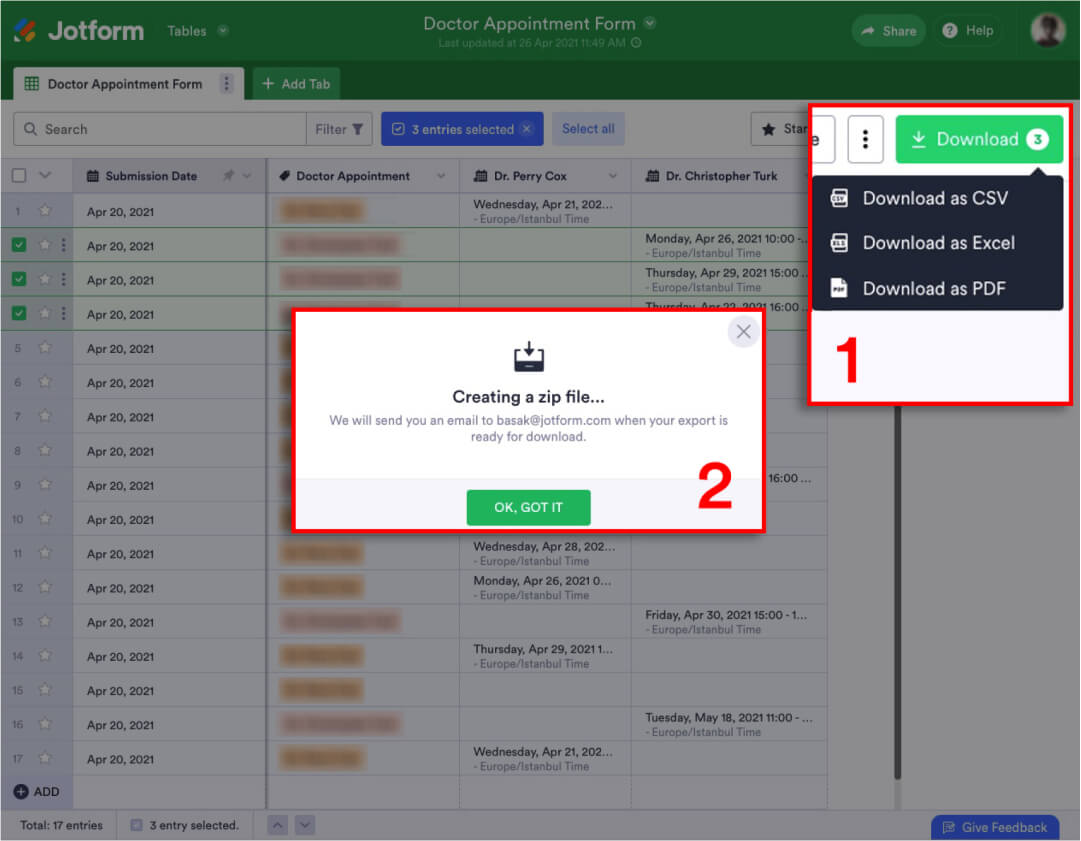
From our form submissions view it's easy to export your results in full, or just a single submissions, directly to a PDF. It's also just as easy to set up your form notifications to include PDFs as attachments.