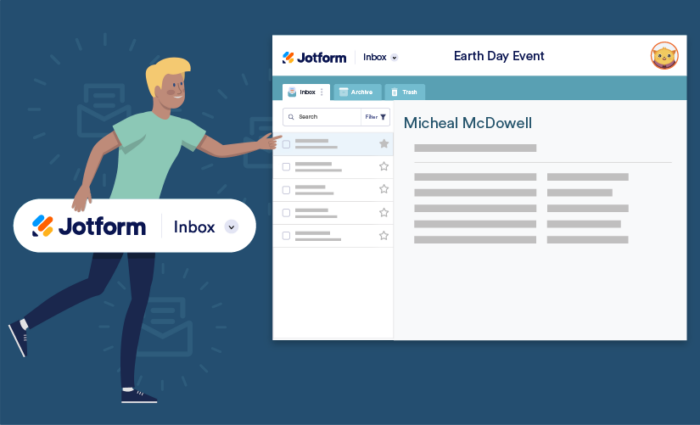
# Jotform Inbox: Manage Form Submissions like a Pro

Jotform Inbox

# Search, organize and manage your submissions.

Track, search, and manage all of your form submissions with Jotform Inbox — and get more control over how you view and share your data. Keep submissions organized, collaborate with others, and find exactly what you’re looking for with search filters.

[**TRY NOW** — It’s Free!](https://www.jotform.com/inbox/)

Jotform Inbox lets you view and organize form submissions from any device. You can create search filters, add comments or tags, reply to and forward emails, generate PDFs, share your inbox, and much more.

## Filter submissions

Jotform Inbox offers advanced search options that make it easy to find, sort, and group your submissions.

![Image 1: Create filters to find what you’re looking for](https://cdn.jotfor.ms/p/products/inbox/assets/img-min/home/create-filters.svg)

## Create filters to find what you’re looking for

Simply select the criteria you want to use to filter search results. You can filter by dates, labels, tags, submission content, form fields and more.
[User Guide](https://www.jotform.com/help/how-to-filter-and-search-submissions-in-inbox/)

![Image 2: Organize with tags](https://cdn.jotfor.ms/p/products/inbox/assets/img-min/home/organize-with-tags.svg)

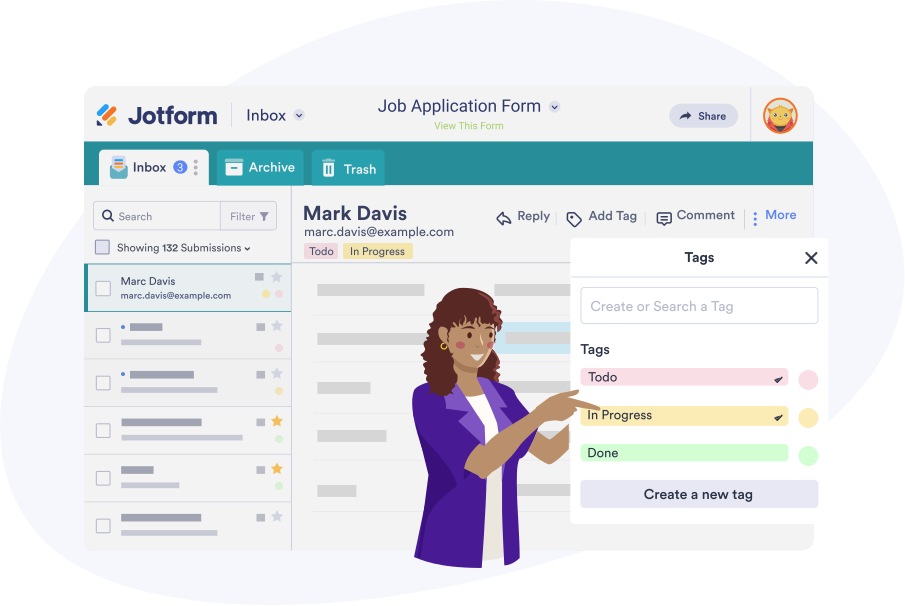
## Organize with tags

Add color-coded tags to help sort and filter submissions, so you can easily find what you need.
![Image 3: Create new tabs](https://cdn.jotfor.ms/p/products/inbox/assets/img-min/home/create-new-tabs.svg)

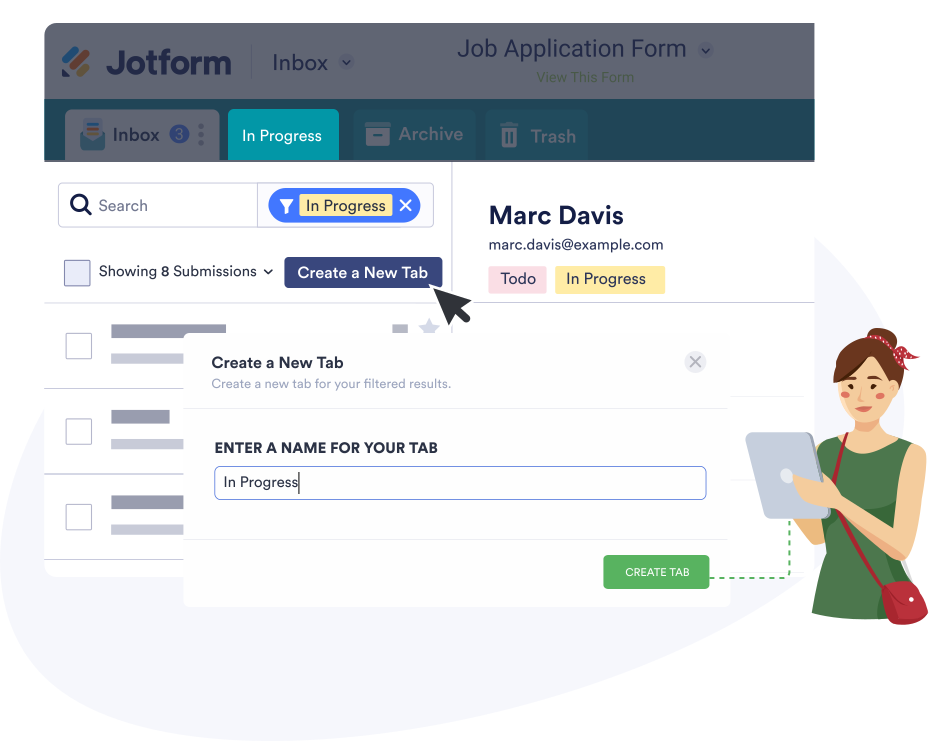
## Create new tabs

Find what you need as soon as you open your inbox. Create new tabs to sort and group form submissions however you’d like.

[User Guide](https://www.jotform.com/help/how-to-organize-your-inbox-with-tabs/)

## Collaborate with your team

Share your Jotform Inbox for seamless online collaboration. Let others access, edit, and respond to submissions.
![Image 4: Add comments](https://cdn.jotfor.ms/p/products/inbox/assets/img-min/home/add-comments.svg)

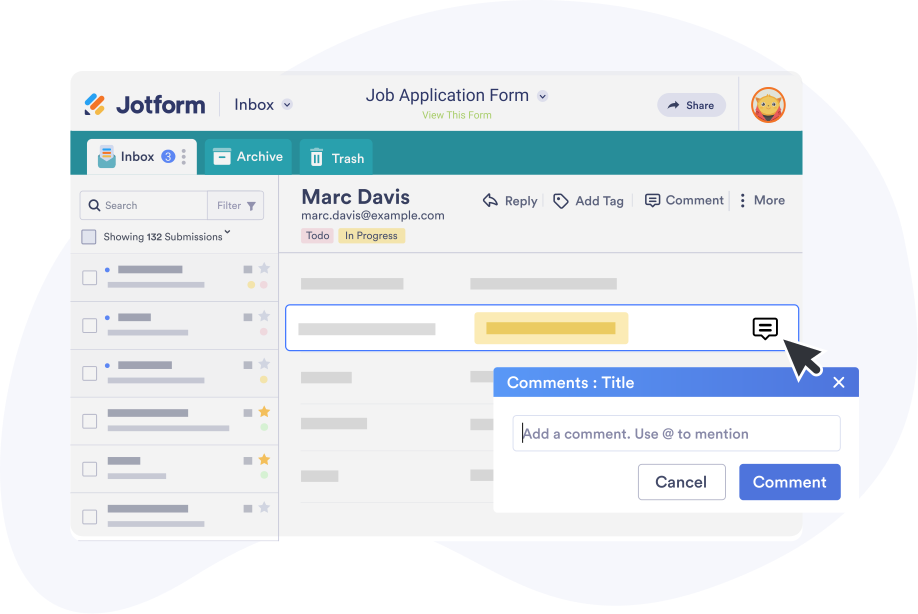
## Add comments

Leave comments on submissions and tag teammates using their email addresses.
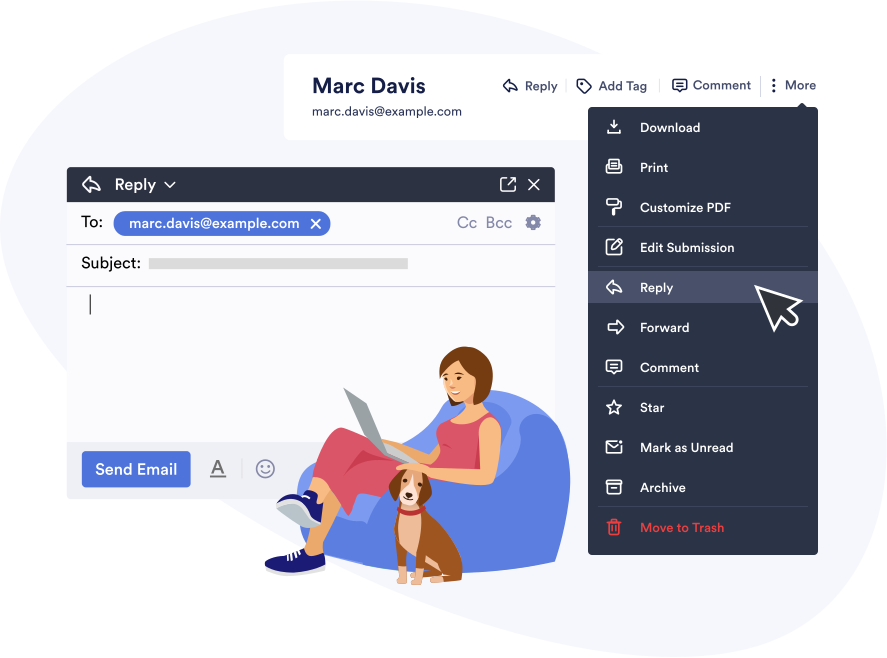
[User Guide](https://www.jotform.com/help/how-to-create-collaboration-in-inbox-with-comments-comments-mentions-replies/)

![Image 5: Reply to or forward submissions](https://cdn.jotfor.ms/p/products/inbox/assets/img-min/home/reply-forward-submissions.svg)

## Reply to or forward submissions

Send email replies to form fillers, or simply forward a submission to another teammate.
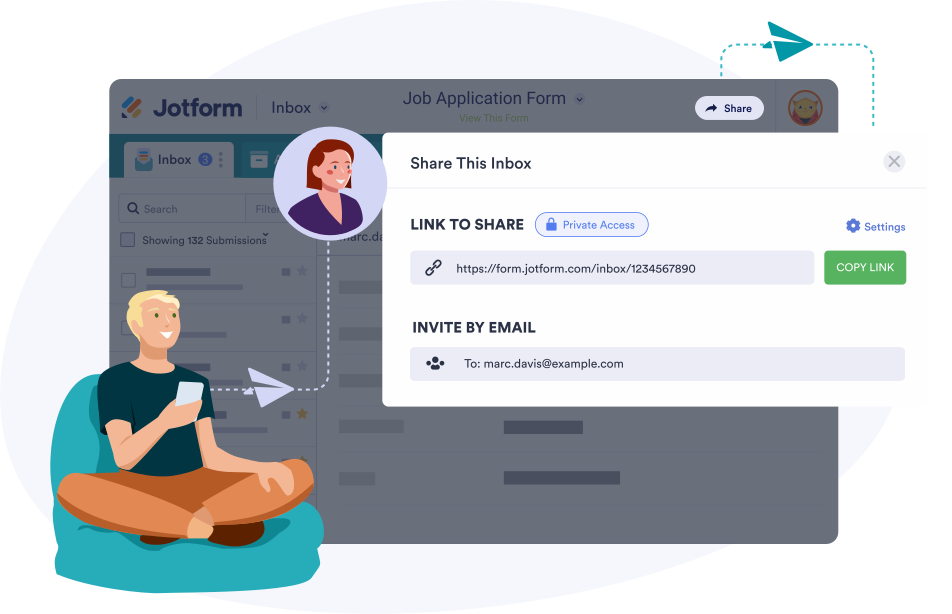
[User Guide](https://www.jotform.com/help/how-to-create-collaboration-in-inbox-with-comments-comments-mentions-replies/#replies)

## Create shareable links

Generate a Jotform Inbox link to share with other Jotform users. Set a link expiration date, change editing permissions, and adjust access settings.
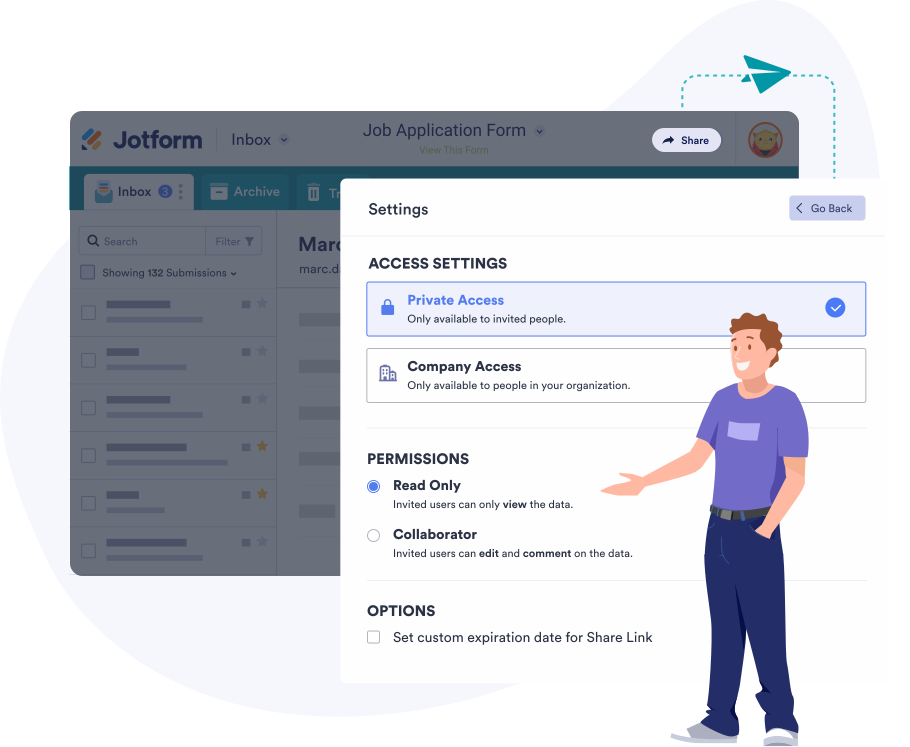
[User Guide](https://www.jotform.com/help/how-to-share-your-inbox/)

![Image 6: Send email invitations](https://cdn.jotfor.ms/p/products/inbox/assets/img-min/home/send-email-invitations.svg)

## Send email invitations

Invite others to your Jotform Inbox by adding email addresses and messages. Give read-only or collaborator access.

[User Guide](https://www.jotform.com/help/how-to-share-your-inbox/#invitation-email)

## Manage all of your submissions

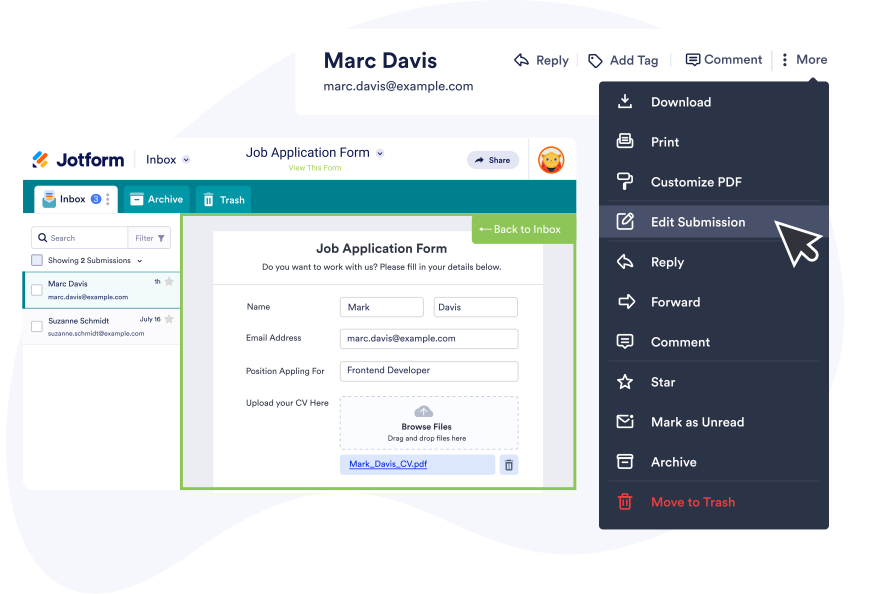
Make the most out of your data. Jotform Inbox makes it easy to organize, edit, and download submissions from any device.
![Image 7: Edit responses](https://cdn.jotfor.ms/p/products/inbox/assets/img-min/home/edit-responses.svg)

## Edit responses

Change submissions by opening the original form and filling it out as you’d like it to appear.
![Image 8: Download or print submissions](https://cdn.jotfor.ms/p/products/inbox/assets/img-min/home/download-print-submissions.svg)

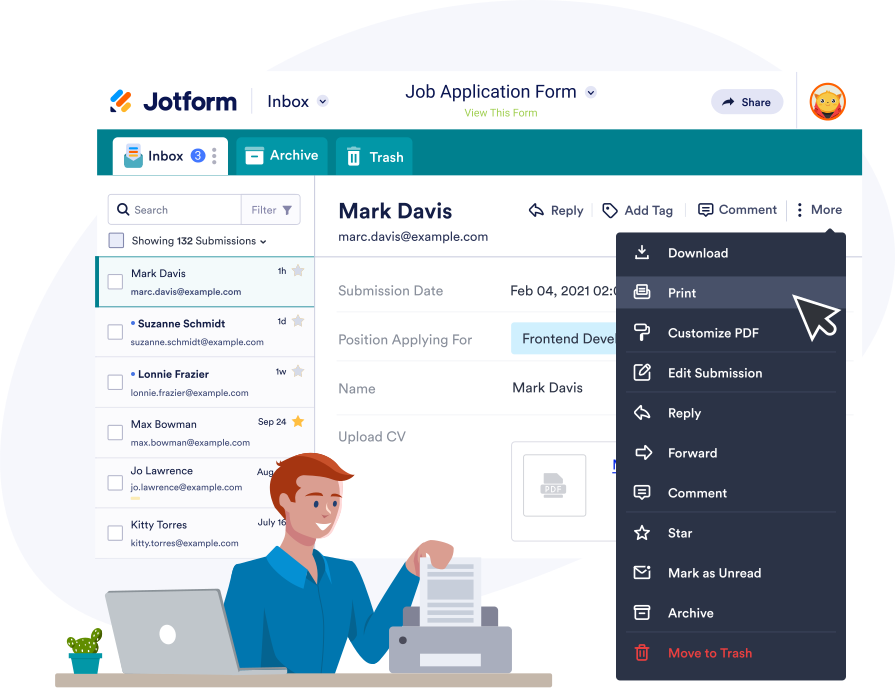
## Download or print submissions

Save submissions as PDFs or print them out in one click.
![Image 9: Generate PDFs](https://cdn.jotfor.ms/p/products/inbox/assets/img-min/home/generate-pdfs.svg)

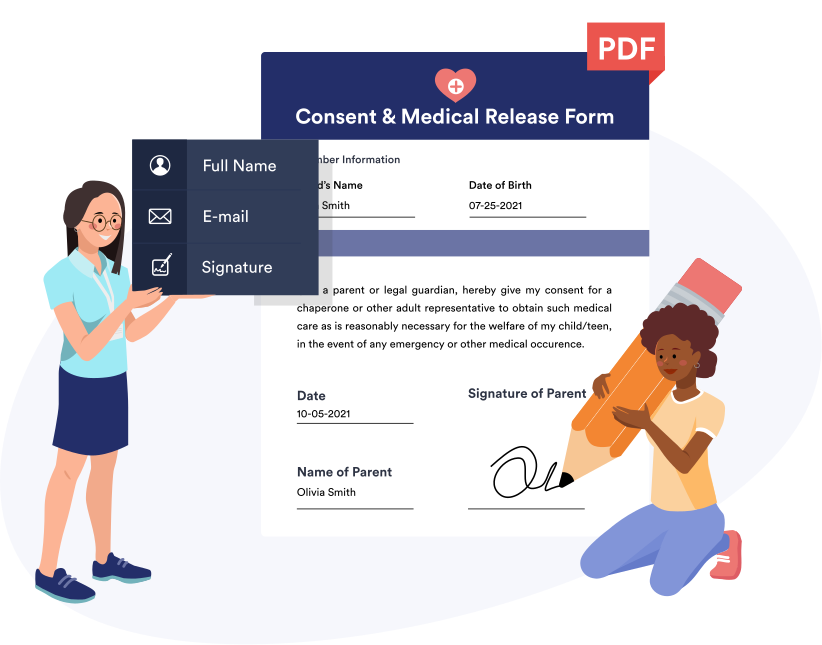
## Generate PDFs

Use Jotform’s drag-and-drop PDF Editor to turn submissions into customizable PDFs.

## Jotform Inbox FAQ

All your questions about Jotform Inbox — answered. Check out our FAQs for answers to common questions, or contact our support team for further information.

[Go to FAQ](https://www.jotform.com/features/inbox/faq/)

![Image 10: Jotform Inbox FAQ](https://cdn.jotfor.ms/p/products/inbox/assets/img-min/home/faq.svg)

## Jotform Inbox Tutorial

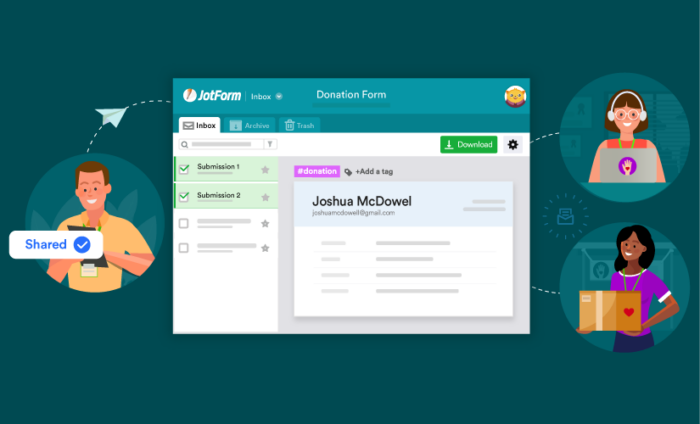
Ready to start using Jotform Inbox? Learn how to view, organize, and share your form submissions in just a few easy steps!

![Image 11: How to Use Jotform Inbox](https://cdn.jotfor.ms/image/r/aHR0cHM6Ly9jZG4uam90Zm9yLm1zL3AvcHJvZHVjdHMvaW5ib3gvYXNzZXRzL2ltZy1taW4vaG9tZS92aWRlby10aHVtYi5qcGc=/video-thumb.jpg?w=40&t=1)

## Related Content

BLOG POST

[How to collaborate and communicate using Jotform Inbox](https://www.jotform.com/blog/how-to-collaborate-and-communicate-using-jotform-inbox/)

[![Image 12: How to collaborate and communicate using Jotform Inbox](https://www.jotform.com/blog/wp-content/uploads/2020/09/How_to_collaborate_using_JotForm_Inbox-700x424.png)](https://www.jotform.com/blog/how-to-collaborate-and-communicate-using-jotform-inbox/)

BLOG POST

[New product: Organize form submissions with Jotform Inbox](https://www.jotform.com/blog/organize-form-submissions-with-jotform-inbox/)

[![Image 13: New product: Organize form submissions with Jotform Inbox](https://www.jotform.com/blog/wp-content/uploads/2019/04/84-16-700x425.png)](https://www.jotform.com/blog/organize-form-submissions-with-jotform-inbox/)