-
 marwood_ofis
Merhaba
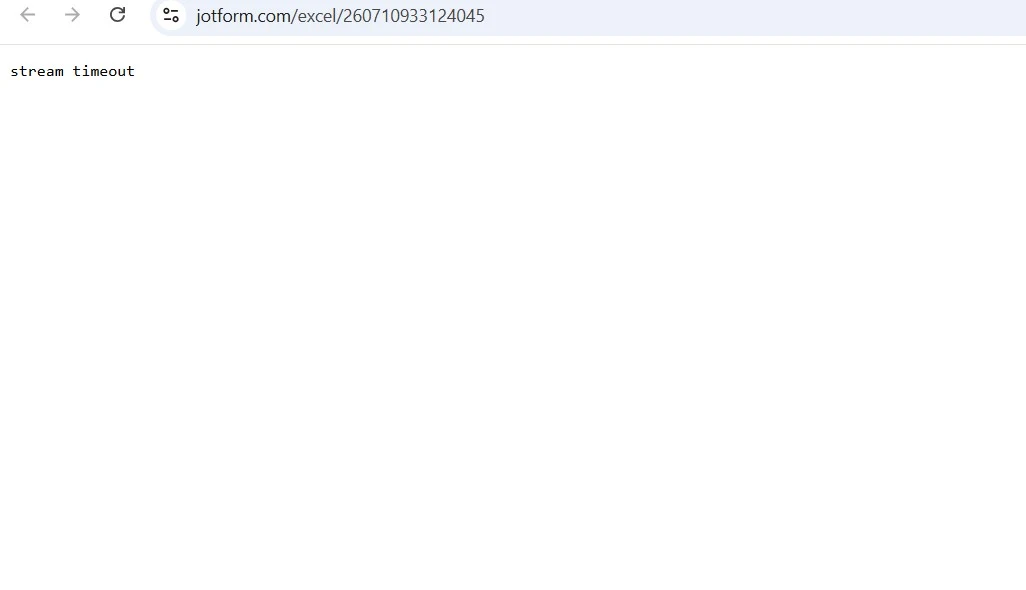
Formlar arasında yer alan Kalite Kontrol Formu’nu indirmeye çalıştığımızda, ekteki görselde yer alan hatayla karşılaşıyoruz. Daha önce de aynı hatayı yaşamıştık. Konu hakkında yardımlarınızı rica ederiz.

-
 Podo: Destek Uzmanı
Hi marwood_ofis,
Thanks for reaching out to Jotform Support. I'm an AI assistant here to assist you.
Let me show you how:
- Go to your My Tables page on Jotform, hover your mouse over the form with the data you want to download, and click on View Table.
- Click on Download All on the upper-right side of the page.
- Select Download as CSV, Excel, or PDF to download your data.
You can also check out our How to Download Form Submissions as Excel, CSV, or PDF guide for more information.
Let us know if you need any other help.
-
marwood_ofis
Merhaba,
Sizin belirttiğiniz yöntemi denememize rağmen aynı hatayı almaya devam ediyoruz.
-
Podo: Destek Uzmanı
Hi marwood_ofis,
Since you are still encountering the same issue despite trying the previous method, here are some additional steps you can try to resolve the download error:
- Clear your browser cache and cookies to ensure there are no corrupted files affecting the download process.
- Try using a different browser or device to see if the issue persists across platforms.
- Check your internet connection to make sure it is stable during the download attempt.
- Ensure you have the necessary permissions to download submissions from the form, especially if it is shared with you.
- Review the form's submission data in Jotform Tables to confirm it is accessible and not corrupted.
If these steps do not resolve the issue, please provide more details about the error message or a screenshot of the error so we can assist you further.
Let us know if you need any other help.
-
 Keanu Jotform Support
Merhaba Marwood,
Jotform Destek ile iletişime geçtiğiniz için teşekkür ederiz. Kalite Kontrol Formu isimli formunuzun önbelleğini temizledim. Yeniden deneyip, durumun devam etmesi halinde bizimle bir ekran kaydı paylaşır mısınız? Loom'u kullanabilir veya aldığınız kaydı Google Drive/Dropbox'a yükleyip bize görüntüleme linkini gönderebilirsiniz.
Daha fazla yardıma gereksinim duymanız halinde lütfen bizimle iletişime geçmekten çekinmeyin.