
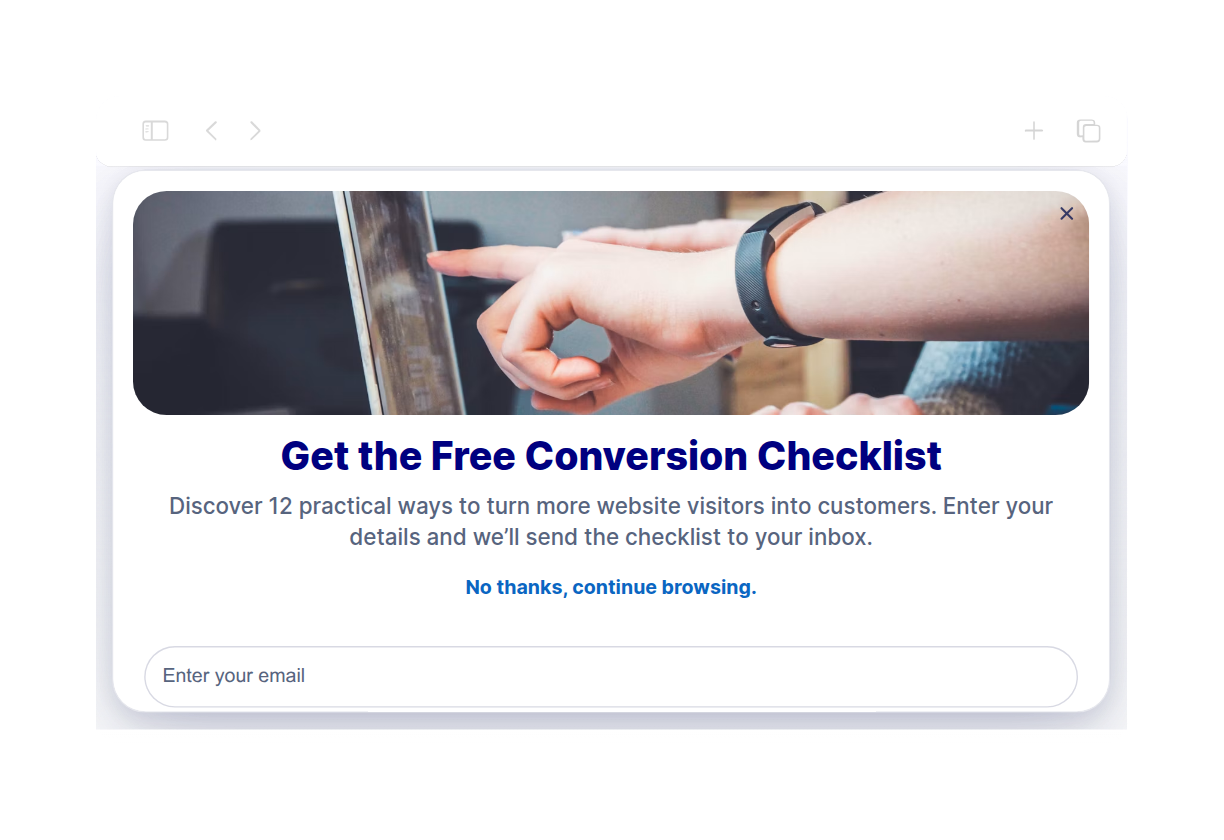
Web siteniz için Açılır Pencere Widget'ı

Create website popups, fixed bars, slide-ins, and floating offers that help visitors take action. Use Jotform's no-code Popup widget to promote discounts, collect newsletter signups, announce launches, guide visitors to forms, and keep important messages visible without editing your site code.

Popup widget'ı nasıl oluşturulur

Customize content and timing

Customize content and timing

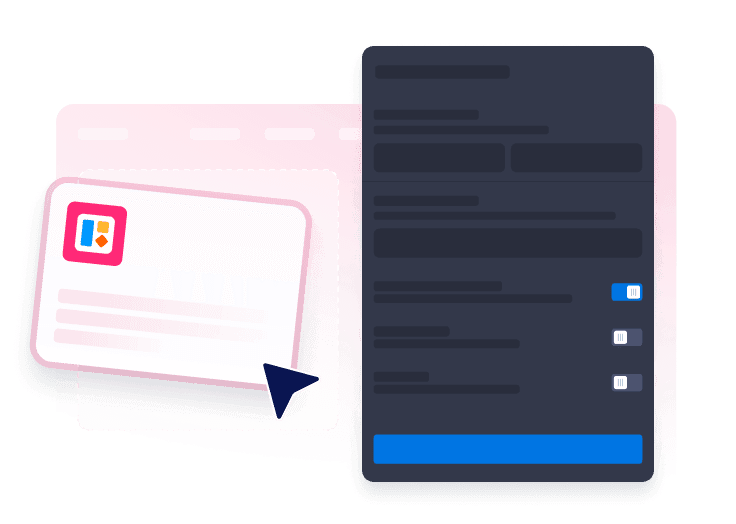
Start by adding your copy and colors, buttons, forms, triggers, targeting, close behavior, and display frequency.

Choose your popup format

Choose your popup format

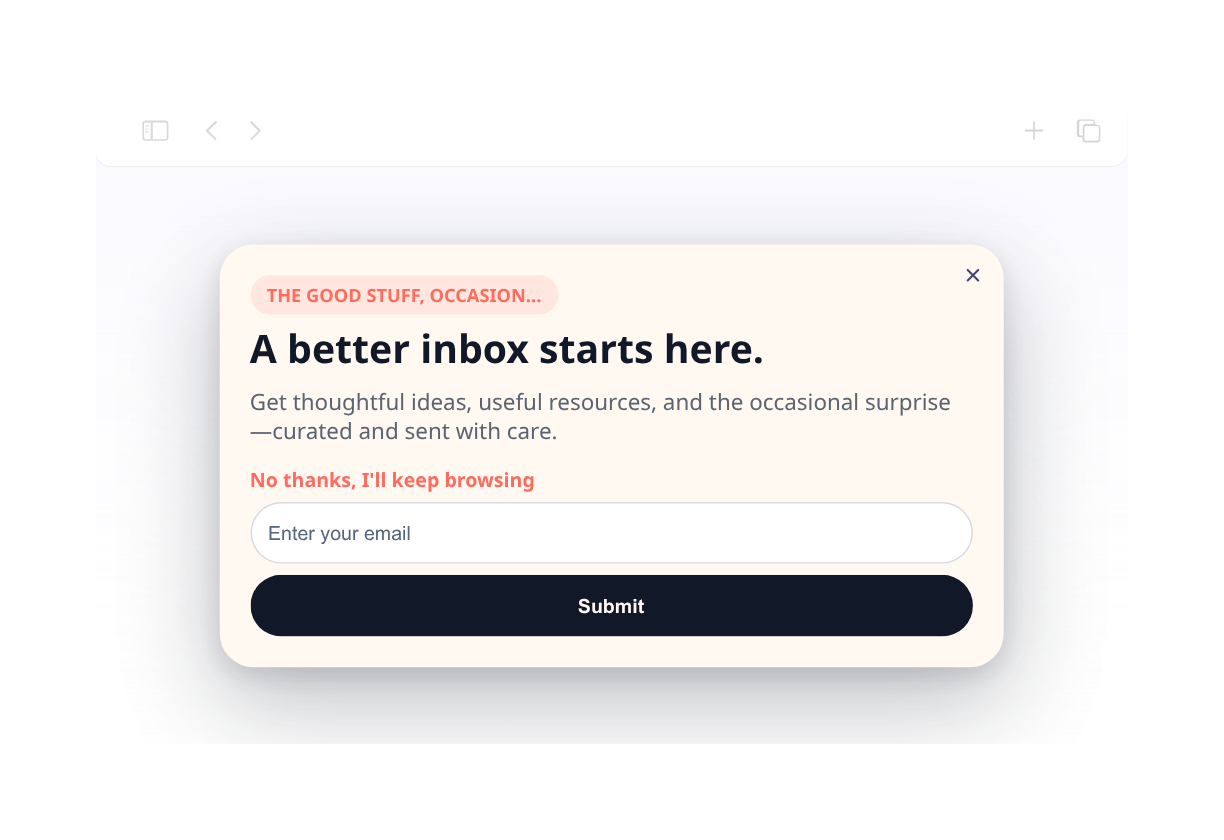
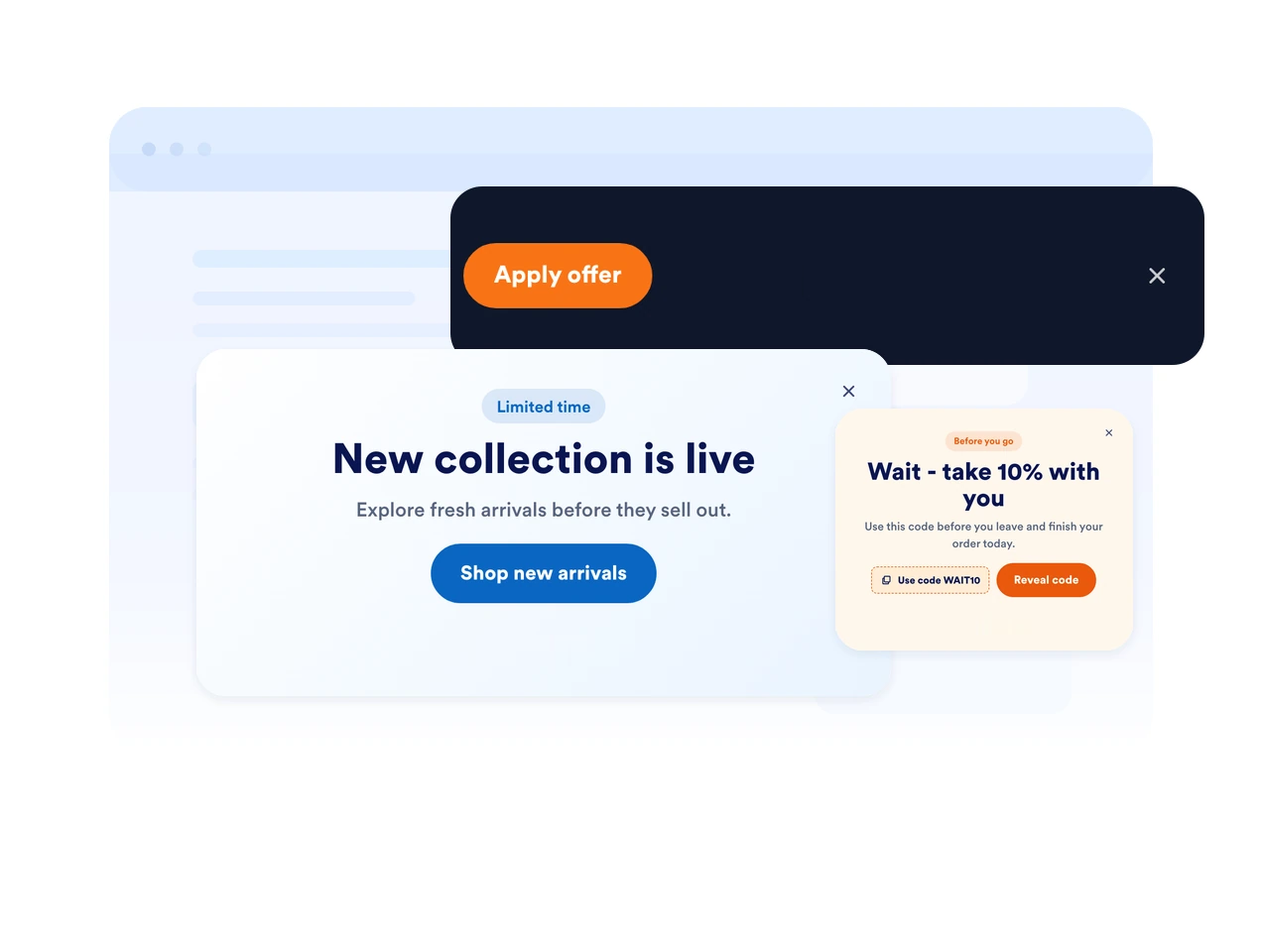
Pick a layout from centered popup, top bar, bottom bar, slide-in, or floating promotions.

Embed it on your website

Web sitenize yerleştirin

Preview the popup, copy the embed code, and publish it on any page where visitors should see your offer.

Capture attention with popups that fit your campaign

Use popups, bars, slide-ins, and floating offers

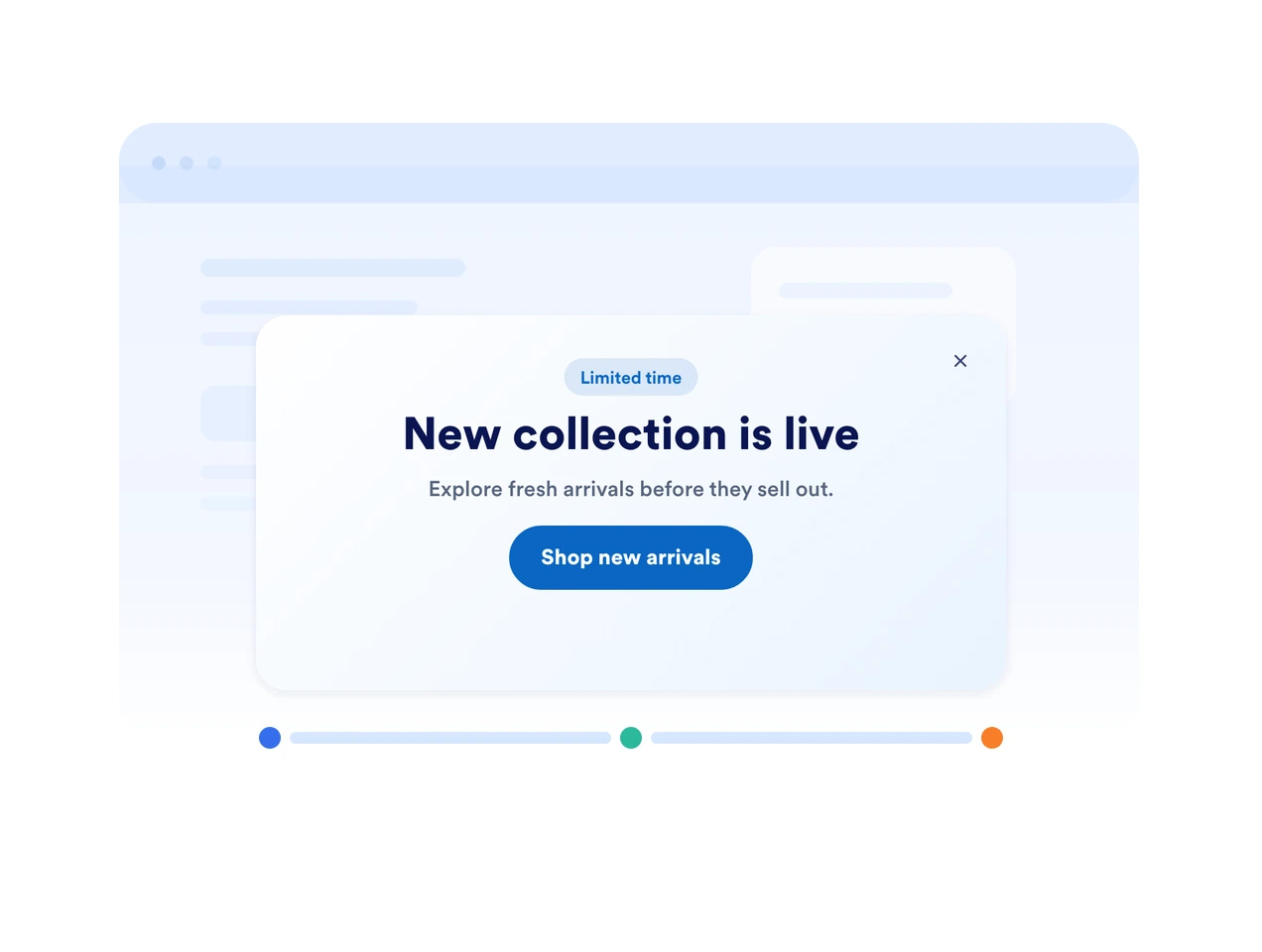
Pick the display style that fits your page. Show a focused modal, a fixed top or bottom bar, a side slide-in, or a compact floating callout.

Use popups, bars, slide-ins, and floating offers

Trigger messages at the right moment

Show your popup on page load, after a delay, on scroll, on exit intent, or when a visitor clicks a button. Match timing to the decision point.

Trigger messages at the right moment

Match every message to your brand

Customize colors, rounded corners, spacing, imagery, button styles, and form fields so your popup feels native to your website.

Match every message to your brand

Keep urgent offers visible with fixed bars

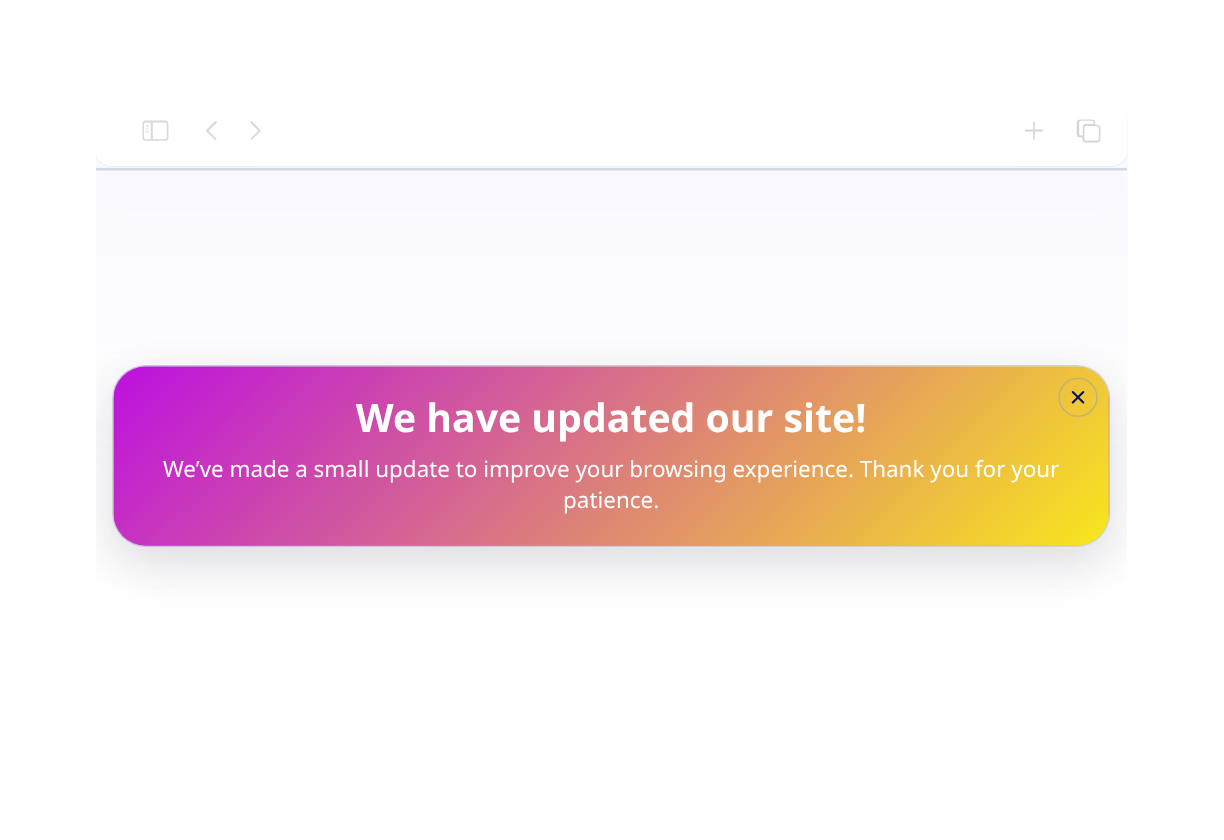
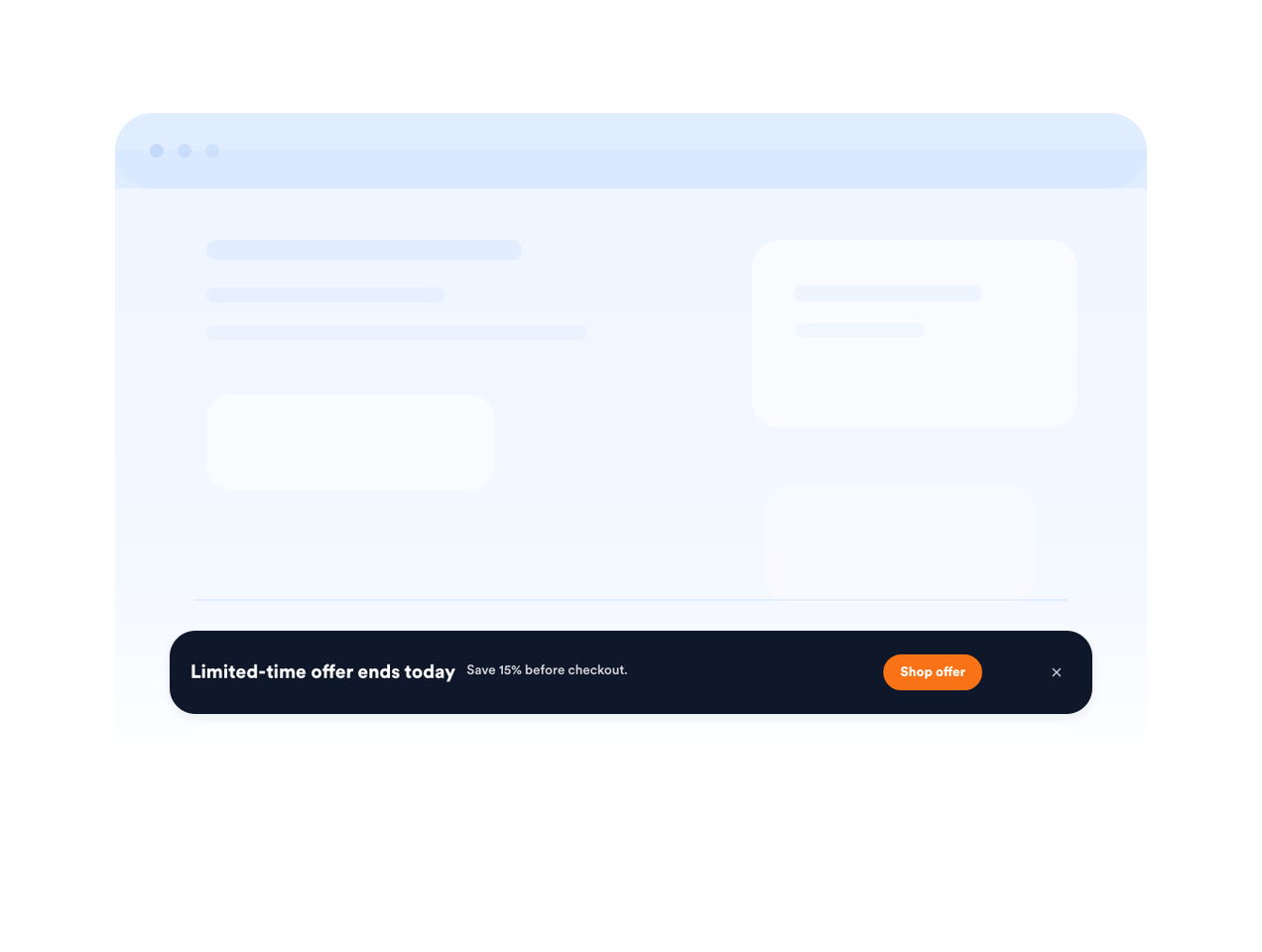
Use a fixed top or bottom bar for shipping deadlines, sale reminders, event registration, or important service updates.

Keep urgent offers visible with fixed bars

How to embed your Popup into WordPress

1Get your embed code

After customizing your Jotform website widget, click Try it on your website for free, and copy the generated embed code.

2Open the page editor

Go to the WordPress post or page where you want to display the widget, then add a new block.

3Add a Custom HTML block

Select Custom HTML and paste your Jotform website widget embed code into the HTML field.

4Update and view

Click Update or Publish, then open the page to check your embedded widget.

Jotform Website Widget'ları neden öne çıkıyor

Jotform'un widget'ları web sitenizi daha etkileşimli hale getirir ve dönüşümleri artırır. Yıldızlı değerlendirmelerden ve kullanıcı görüşü slider'larından sosyal kanıt açılır pencerelerine ve medya yerleştirmelerine kadar birçok araç mevcut. Veri toplamak, kanıt göstermek ve müşteri adayı yakalamak için formlarınıza veya açılış sayfalarınıza widget'lar ekleyin; kod yazmaya gerek yok.

Widget'ları kodlama olmadan yerleştirin

Basit bir yerleştirme koduyla Jotform widget'larını web sitenize ekleyin. Bir geliştiriciye ihtiyaç duymadan widget'ı özelleştirin, nasıl göründüğünü önizleyin ve özel HTML ya da yerleştirme bloklarını destekleyen herhangi bir sayfaya yapıştırın.

Daha etkileşimli sayfalar oluşturun

Müşteri adaylarını toplamak, müşteri geribildirimlerini göstermek, sosyal kanıt sunmak, medya yerleştirmek veya faydalı web sayfası araçları eklemek için Jotform Website Widget'larını kullanın. Her widget, ziyaretçilerin işletmenizle doğrudan web sitenizden etkileşime geçmesine yardımcı olur.

İhtiyaç duyduğunuzda destek alın

Widget'ınızı kurma, özelleştirme, yerleştirme veya sorun giderme konusunda yardıma ihtiyacınız olursa, Jotform'un müşteri destek ekibi 7/24 hizmetinizdedir. İhtiyacınız olduğunda yardımın hazır olduğunu bilerek güvenle ilerleyebilirsiniz.

Where to use your Popup widget

Add popups and bars wherever a timely message can help visitors subscribe, buy, book, or continue to the next step.

E-commerce product pages to promote discounts, bundles, shipping offers, or limited-stock alerts.

Checkout and cart pages to recover abandoning shoppers with coupon codes or support prompts.

Newsletter and content pages to grow your email list with downloadable resources or updates.

Event and webinar pages to remind visitors about registration deadlines and upcoming sessions.

Homepage announcements to highlight launches, seasonal campaigns, or service updates.

Landing pages for ads to keep a focused offer visible while visitors compare details.

Jotform Form Oluşturucu ile müşteri adaylarını ödeme yapan müşterilere dönüştürün

Jotform ile etkileşimi eyleme dönüştürün. Müşteri adaylarını yakalayan, ödemeleri toplayan ve yanıtları otomatikleştiren güçlü formları tek bir yerde oluşturun. Her yanıt, takip edebileceğiniz veya favori uygulamalarınızla bağlantı kurabileceğiniz Jotform Gelen Kutusu'na ulaşır.

Hemen BaşlaÜcretsiz!
Convert leads into customers

SSS

  • What is a Popup widget?

    A Popup widget is an embeddable website message that appears as a modal, bar, slide-in, or floating callout. It helps promote offers, collect leads, announce updates, and guide visitors to forms or links.

  • Can I create fixed top or bottom bars?

  • Can I control when the popup appears?

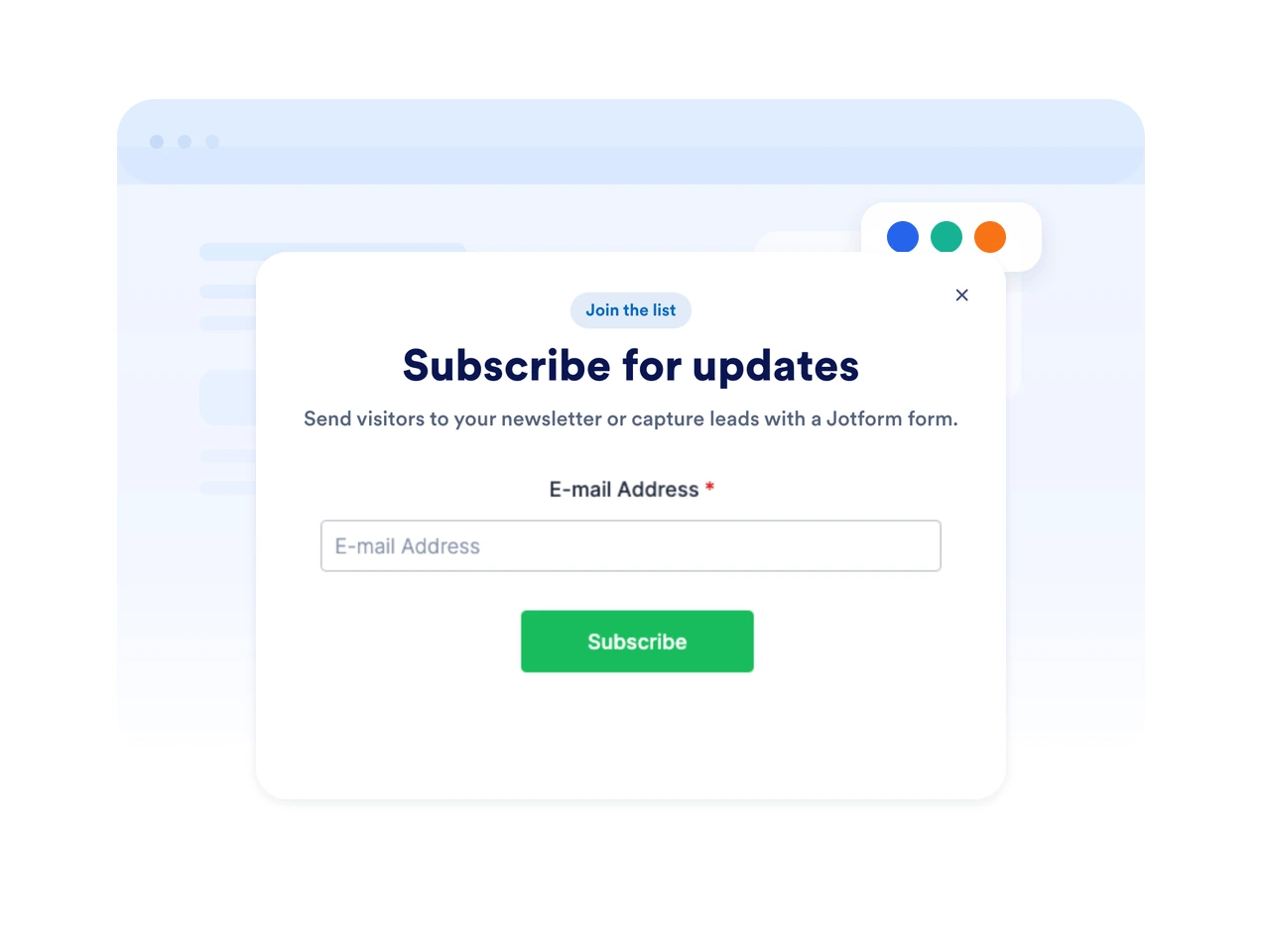
  • Can I add a form to my popup?

  • Can I customize the popup design?

  • Will the Popup widget work on mobile?

  • Can visitors close the popup?

  • Do I need to code anything?