Web Siteniz için Ücretsiz Hava Durumu Widget'ı
Ziyaretçilerinizin web sitenizden ayrılmadan güncel hava koşullarını ve yaklaşan hava tahminlerini kontrol etmesine yardımcı olun. Jotform'un Hava Durumu Widget'ı, bir konum seçmenize, saatlik, günlük, ayrıntılı, güncel hava durumu veya yalnızca sıcaklık görünümü belirlemenize, tasarımı özelleştirmenize ve ücretsiz web sitesi widget'ını kod yazmadan yerleştirmenize yardımcı olur.
Hemen oluşturun - Ücretsiz!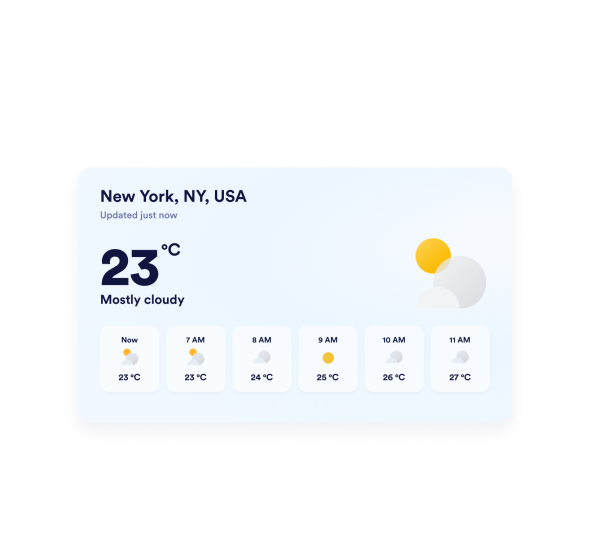

Hava Durumu widget'ı nasıl oluşturulur
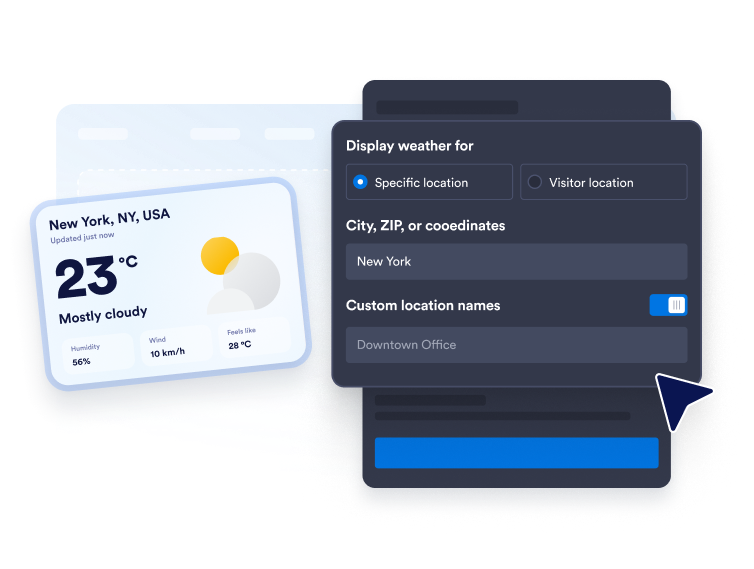
Hava durumu konumunuzu seçin
Sabit bir tahmin için bir şehir, posta kodu veya koordinat girin. Widget'ın hava durumunu ziyaretçinin konumuna göre görüntülemesini istediğinizde ziyaretçi konumu modunu da kullanabilirsiniz.
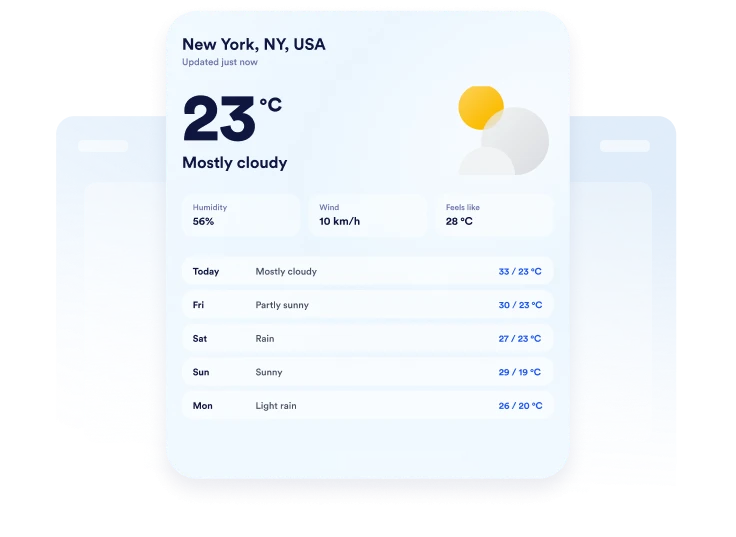
Hava tahmini görünümünü özelleştirin
Fahrenheit veya Celsius'u seçin, tahmin uzunluğunu ayarlayın ve hangi ayrıntıların gösterileceğine karar verin. Düzene bağlı olarak sıcaklık, nem, rüzgar ve hissedilen sıcaklık bilgilerini ekleyebilirsiniz.

Web sitenize yerleştirin
Renkleri özelleştirin, mobil uyumlu hava durumu kartını önizleyin ve oluşturulan yerleştirme kodunu kopyalayın. Kodu özel bir HTML veya yerleştirme bloğuna yapıştırın, ardından sayfanızı yayınlayın ve görünümü kontrol edin.
Esnek web sitesi düzenlerinde yerel hava durumunu gösterin
Seçilen konumlar için hava durumunu gösterin
Hedef kitleniz için önem taşıyan bir şehir, posta kodu veya koordinat kümesi için hava durumunu görüntüleyin. Hava tahminini bir otele, mekana, okula, tur noktasına veya yerel işletmeye daha uygun hale getirmek için özel bir konum etiketi ekleyin.
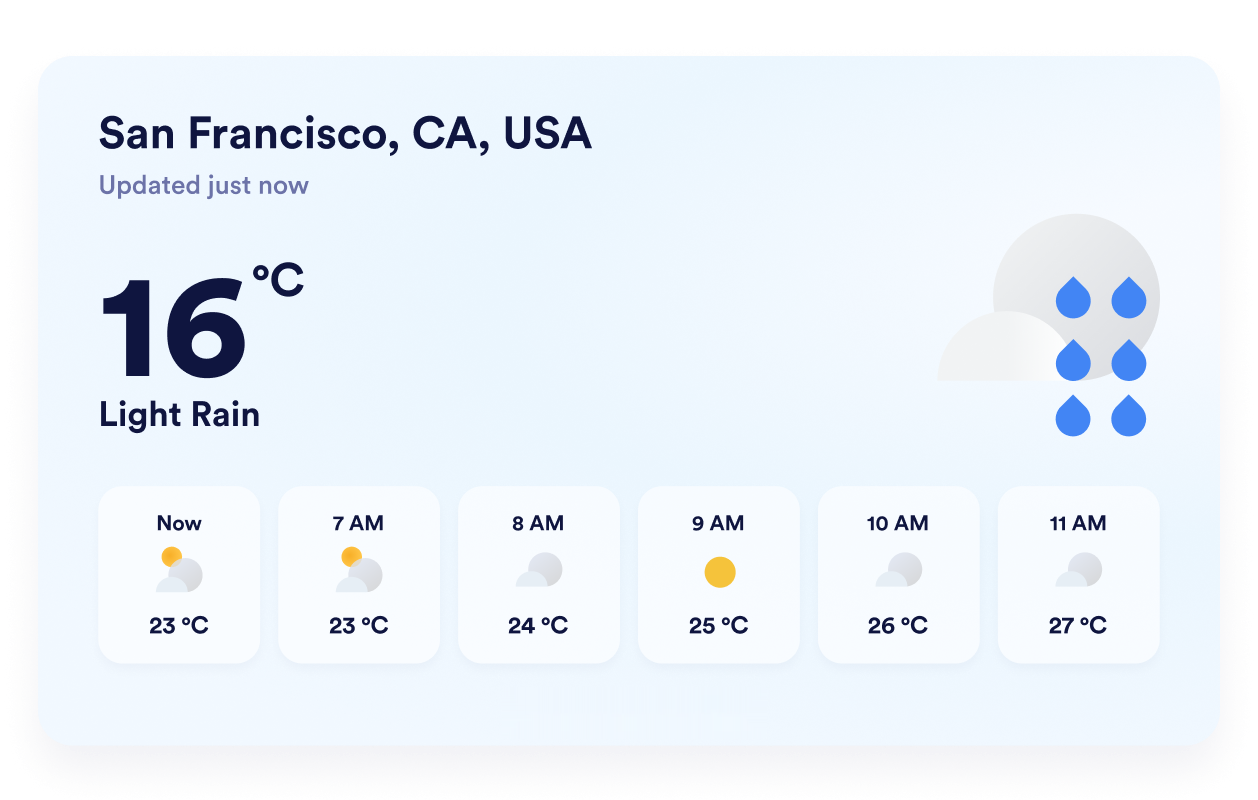
Doğru hava tahmini görünümünü seçin
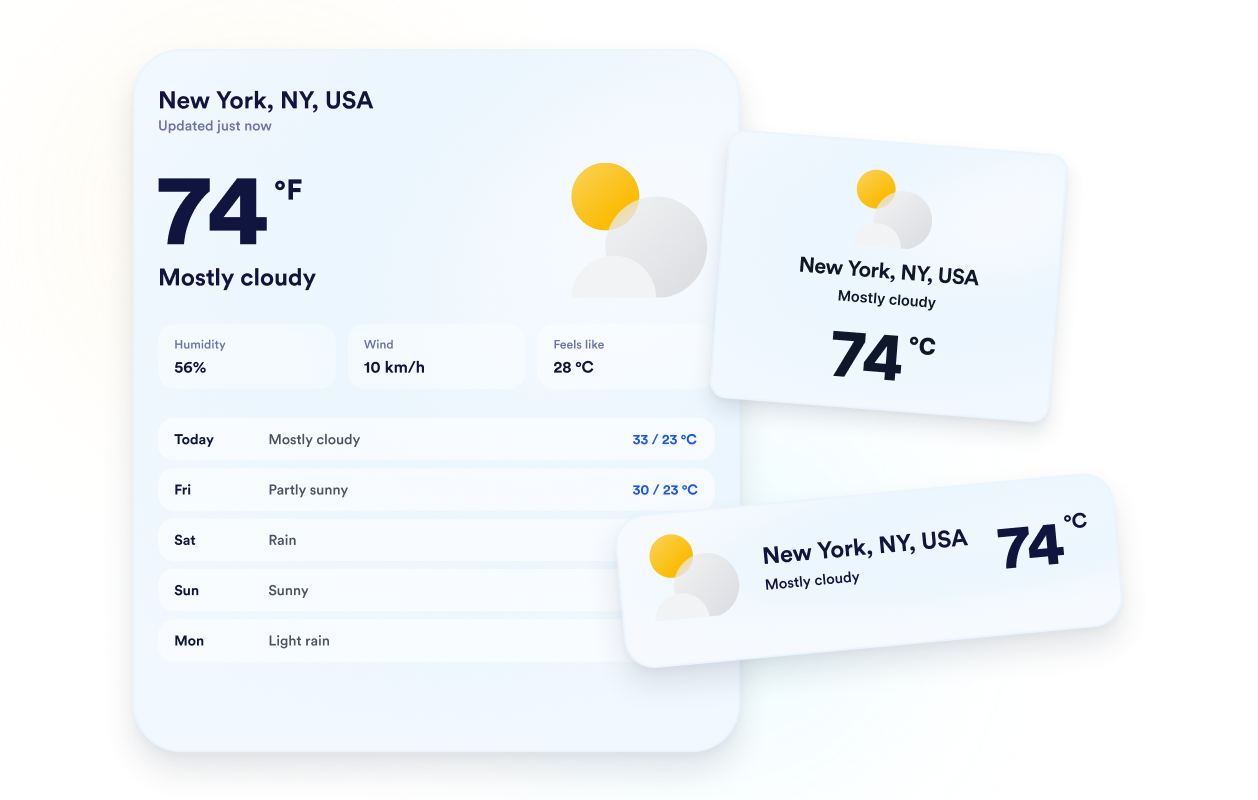
Mevcut alanınıza göre ayrıntılı, günlük, saatlik, güncel hava durumu veya yalnızca sıcaklık düzeni seçin. Bu esneklik, kapsamlı bir tahmin sunmanıza veya widget'ı ziyaretçilerin en çok ihtiyaç duyduğu hava durumu bilgileriyle sınırlı tutmanıza olanak tanır.
Hava tahminlerini web sitenize uyarlayın
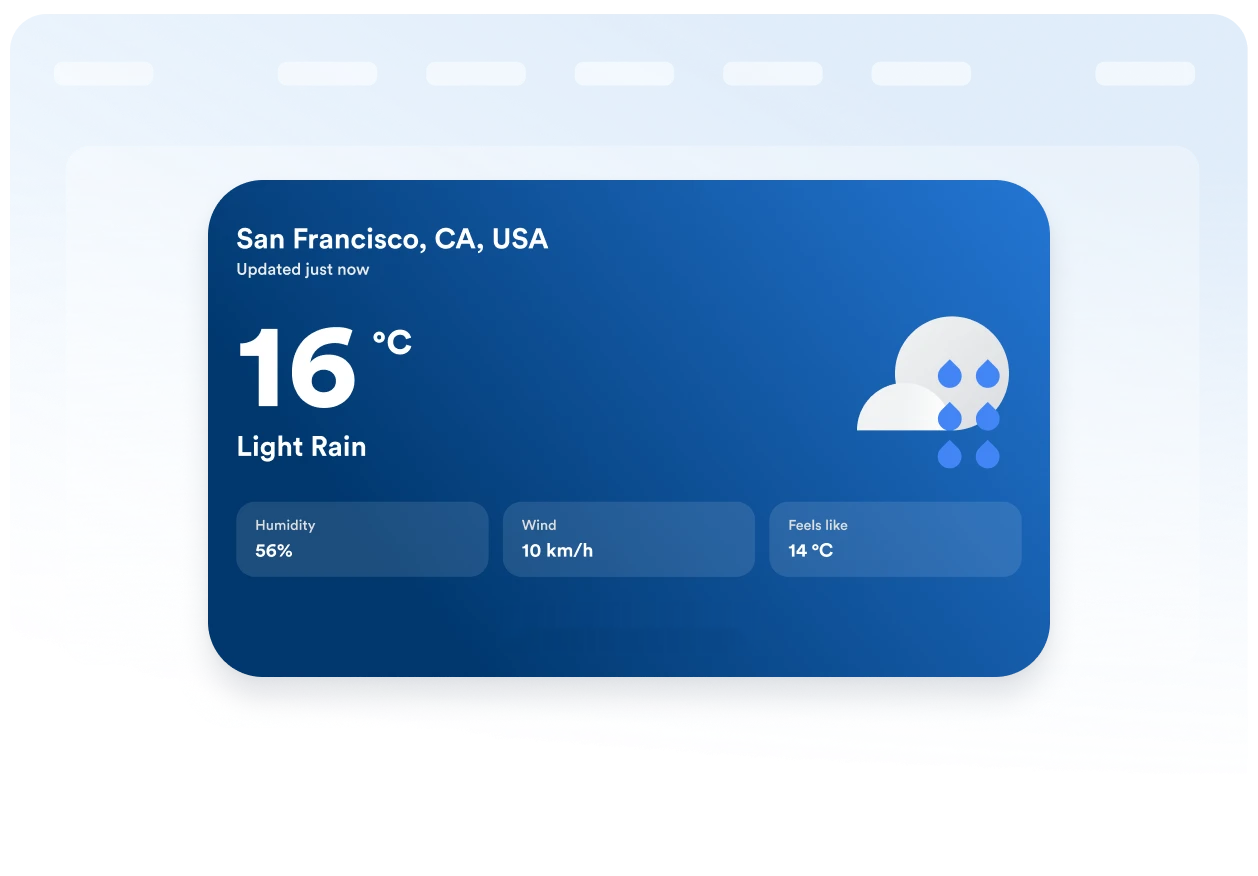
Temalı bir arka plan veya düz bir renk seçin, ardından kartı, hava tahmini satırlarını, metni, vurgu renklerini, genişliği ve köşe yuvarlaklığını ayarlayın. Bu görsel ayarlar, Hava Durumu Ekleme widget'ının mevcut sayfa tasarımınıza doğal bir şekilde uymasına yardımcı olur.
Birimleri ve etiketleri anlaşılır tutun
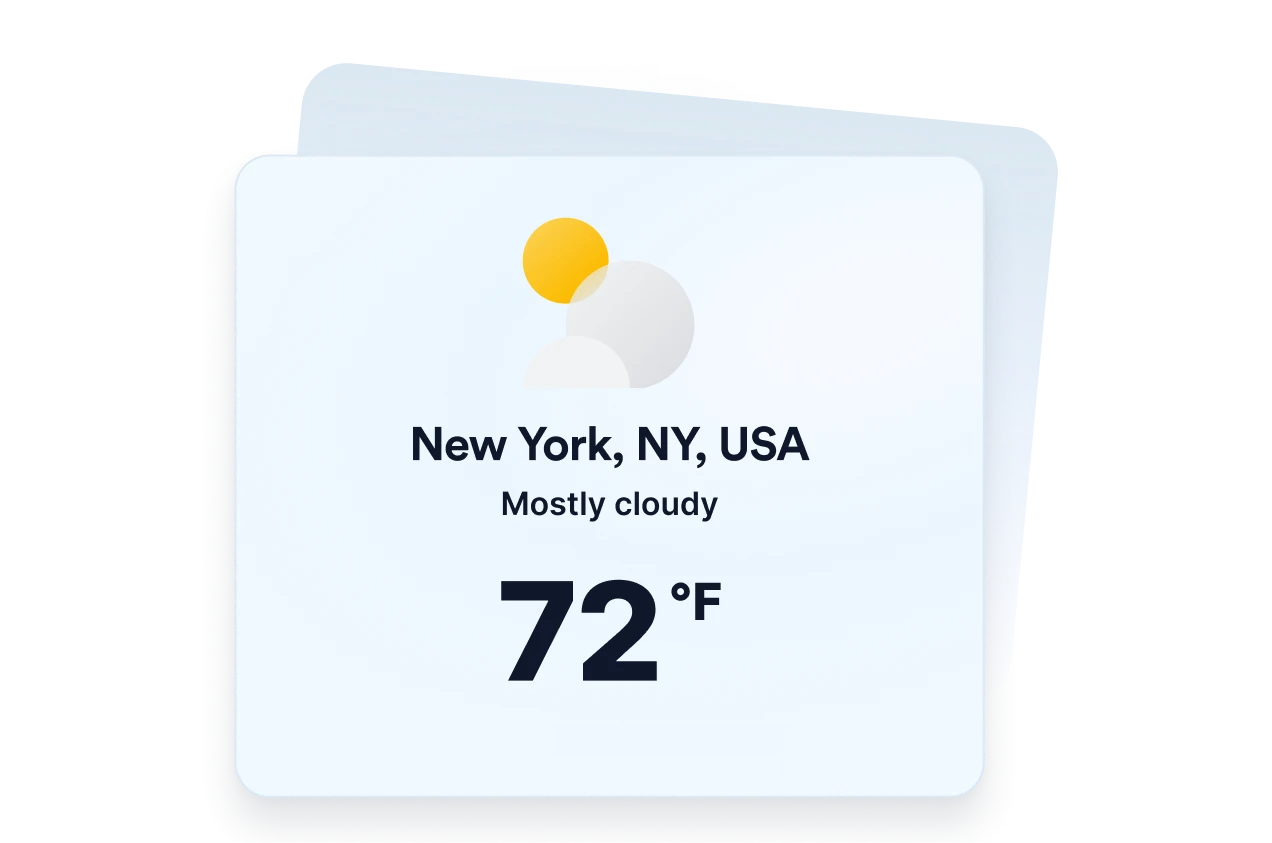
Sıcaklıkları Fahrenheit veya Celsius olarak görüntüleyin ve widget'ın temel etiketlerini hedef kitleniz için çevirin. Mobil uyumlu davranış ile masaüstü ve mobil görünürlük kontrolleri, hava durumu bilgilerinin farklı ekran boyutlarında anlaşılır kalmasına yardımcı olur.
Jotform Web Site Widget'ları neden öne çıkıyor
Jotform'un widget'ları web sitenizi daha etkileşimli hale getirir ve dönüşümleri artırır. Yıldızlı değerlendirmelerden ve kullanıcı görüşü kaydırıcılarından sosyal kanıt açılır pencerelerine ve medya yerleştirmelerine kadar birçok araç mevcut. Veri toplamak, kanıt göstermek ve potansiyelmüşteri yakalamak için kod yazmanıza gerek olmadan formlarınıza veya açılış sayfalarınıza widget'lar ekleyin.
Basit bir yerleştirme koduyla Jotform widget'larını web sitenize ekleyin. Bir geliştiriciye ihtiyaç duymadan widget'ı özelleştirin, nasıl göründüğünü önizleyin ve özel HTML ya da yerleştirme bloklarını destekleyen herhangi bir sayfaya yapıştırın.
Potansiyel müşterileri toplamak, müşteri geribildirimlerini göstermek, sosyal kanıt sunmak, medya içeriklerini yerleştirmek veya kullanışlı web sayfası araçları eklemek için Jotform Website Widget'larını kullanın. Her widget, ziyaretçilerin işletmenizle doğrudan web sitenizden etkileşime geçmesine yardımcı olur.
Widget'ınızı kurma, özelleştirme, yerleştirme veya sorun giderme konusunda yardıma ihtiyacınız olursa, Jotform'un müşteri destek ekibi 7/24 hizmetinizdedir. İhtiyacınız olduğunda yardımın hazır olduğunu bilerek güvenle ilerleyebilirsiniz.
Hava Durumu Ekleme widget'ınızı nerelerde kullanabilirsiniz
Hava koşullarının ziyaretçilerin planlarını, hazırlıklarını veya kararlarını etkileyebileceği sayfalara ilgili hava durumu bilgilerini ekleyin.
Misafirlerin konaklamalarından önce yerel koşullara hazırlanmasına yardımcı olmak için otel ve tatil köyü sayfalarında.
Katılımcılara açık hava veya yüz yüze etkinlik öncesinde beklenen hava durumunu göstermek için etkinlik sayfalarında.
Gezginlerin kıyafet, ekipman ve rezervasyon tarihlerini planlamasına yardımcı olmak için tur ve etkinlik sayfalarında.
Ailelerle, öğrencilerle ve sakinlerle yerel koşulları paylaşmak için okul ve topluluk sayfalarında.
Ziyaretçilerin açık hava oyunlarına, tesislere veya etkinliklere hazırlanmasına yardımcı olmak için spor ve eğlence sayfalarında.
Müşterileriniz ziyaret etmeden önce faydalı hava durumu bilgileri sunmak için yerel işletme web sitelerinde.
Jotform Form Oluşturucu ile müşteri adaylarını ödeme yapan müşterilere dönüştürün
Jotform ile etkileşimi eyleme dönüştürün. Potansiyel müşterileri yakalayan, ödemeleri alan ve yanıtları otomatikleştiren güçlü formları tek bir yerde oluşturun. Her yanıt, takip edebileceğiniz veya favori uygulamalarınızla bağlantı kurabileceğiniz Jotform Gelen Kutusu'na ulaşır.
Hemen Başla — Ücretsiz!
SSS
Hava Durumu Ekleme widget'ı nedir?
Bir Hava Durumu Ekleme widget'ı, güncel hava koşulları ve tahmin bilgilerini doğrudan bir web sitesinde görüntüler. Seçilen düzene bağlı olarak ziyaretçiler, sayfadan ayrılmadan sıcaklıkları, günlük veya saatlik tahminleri, nem, rüzgar ve hissedilen sıcaklık koşullarını inceleyebilir.
Jotform Hava Durumu Ekleme widget'ı ücretsiz mi?
Widget'ın hangi konumu görüntüleyeceğini seçebilir miyim?
Widget bir ziyaretçinin konumunu kullanabilir mi?
Hangi hava durumu tahmini düzenlerini kullanabilirim?
Sıcaklığın yanı sıra hava durumu ayrıntılarını da gösterebilir miyim?
Fahrenheit yerine Celsius kullanabilir miyim?
Hava Durumu Ekleme widget'ının tasarımını özelleştirebilir miyim?
Hava Durumu Ekleme widget'ı mobil cihazlarda çalışır mı?
Hava Durumu Ekleme widget'ı oluşturmak için kod yazmam gerekir mi?
Hangi web sitesi platformları Hava Durumu Ekleme widget'ını destekler?
Hava Durumu Ekleme widget'ımı kurarken yardım alabilir miyim?