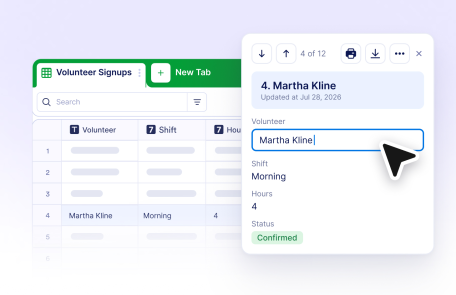
View Individual Form Submissions
Open any form submission in Jotform Tables to review its details in a clear, focused view.
Single Entry View
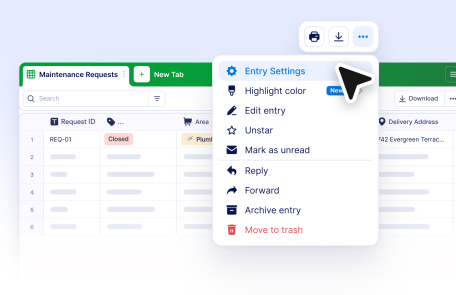
View and manage individual submissions in Jotform Tables. Review entry details, edit responses, customize field visibility, and download or print records with ease.
Personalize Single Entry View in Jotform Tables to make submissions easier to review. Customize entry headers, choose which fields appear, and hide empty responses for a cleaner layout.
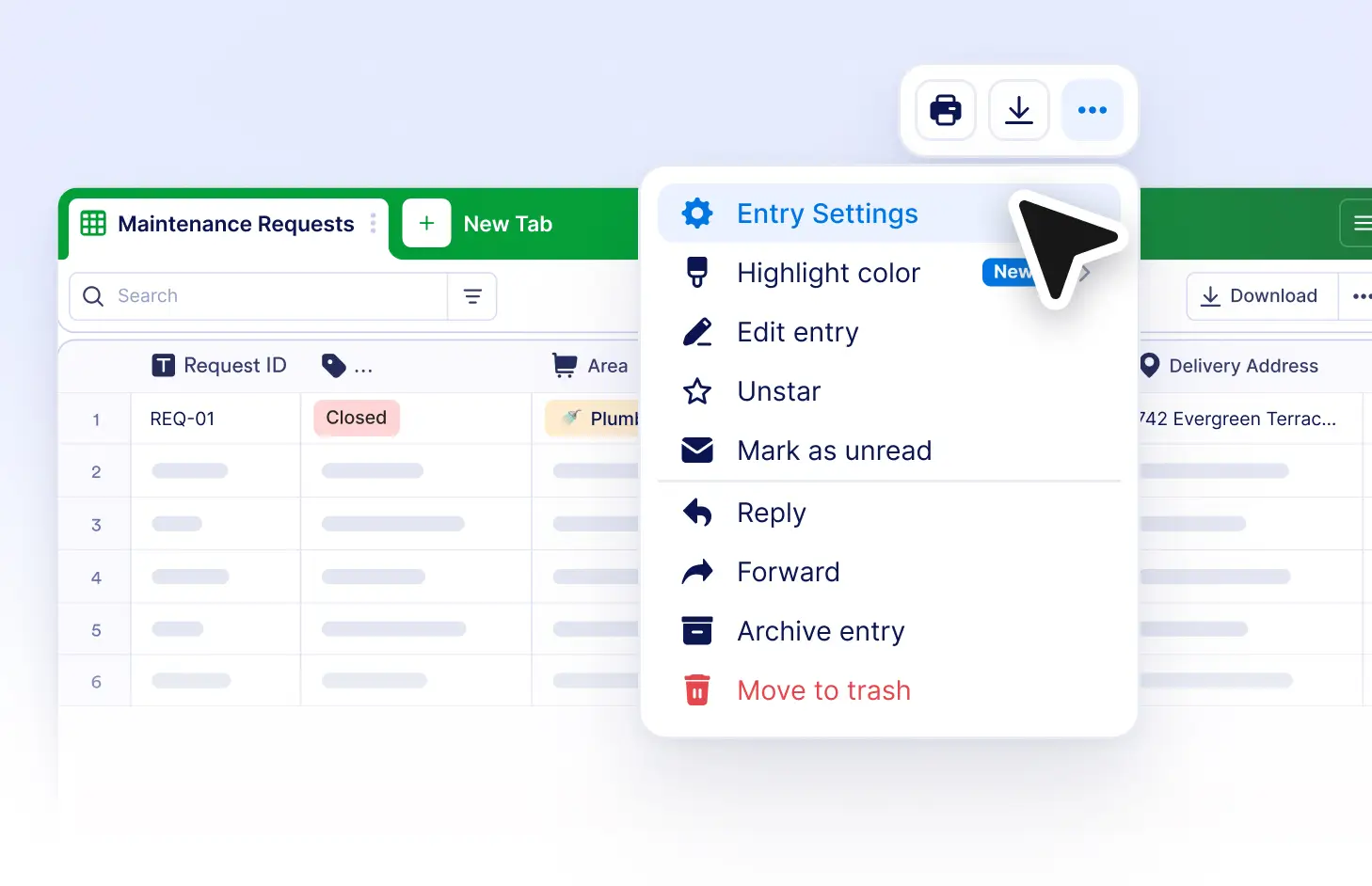
Focus on the submission information that matters most. Adjust entry titles, control field visibility, and simplify detailed views to make reviewing individual records faster and easier.
Organize submission details to fit your workflow with flexible Entry Settings. Customize headers and field visibility to create a focused, easy-to-read view of each record.
Choose which form field appears as the entry title, show or hide the header, and control the last update date. Make individual submissions easier to recognize and review at a glance.
Display all submission fields or limit the view to columns visible in your current table tab. Hide empty fields to reduce clutter and keep important responses easy to find.
Entry Settings lets you control how submissions appear in Single Entry View. You can customize the entry header, choose a field to display as the title, show the last update date, and manage field visibility.
Yes. You can hide fields without responses to create a cleaner view of each submission. This helps you focus on the information that has been provided.
Yes. You can choose to show all submission fields or only those visible in your current table tab, making it easier to keep your detailed view consistent with your table layout.