إضافة عمود
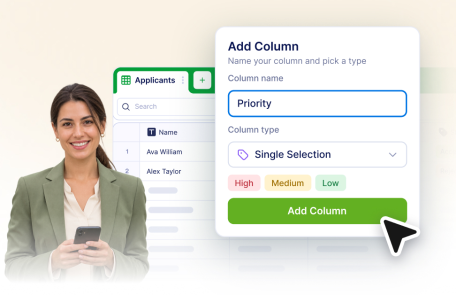
Expand your tables by adding new columns for text, numbers, dates, connections, formulas, and more.
Column Management
Organize, edit, and analyze table data with tools for sorting, grouping, summarizing, and customizing columns and entries.
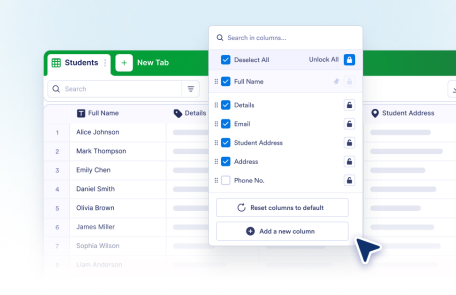
Prevent unwanted changes to important data in Jotform Tables by locking columns. Keep information visible to collaborators while restricting edits and maintaining control over your data.
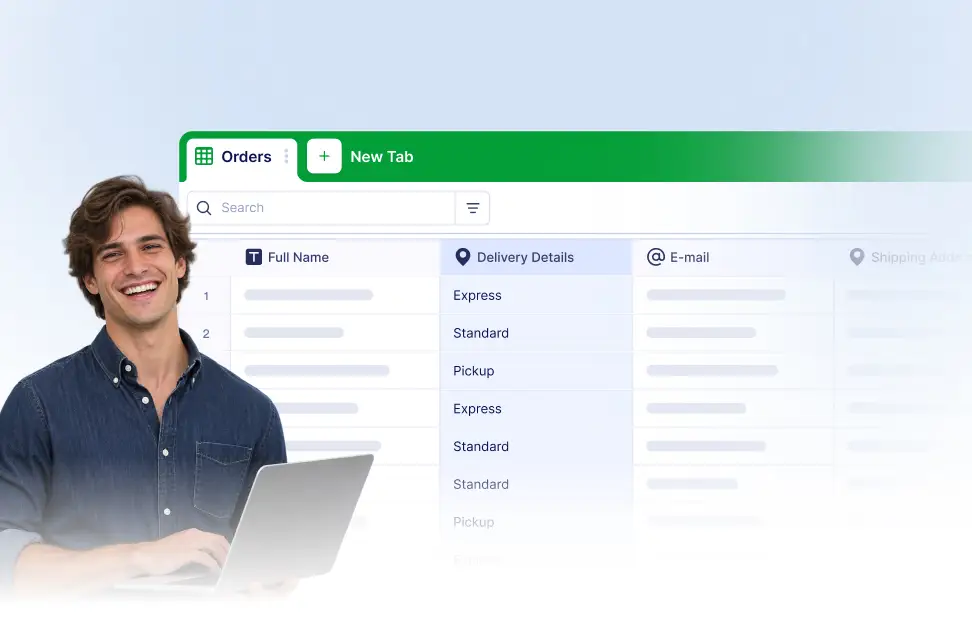
Keep important information protected from edits with column locking. Allow collaborators to view data without changing it, while table owners control which columns remain locked.
Lock specific columns to prevent changes to critical information. Maintain a consistent table structure while giving collaborators access to view data without modifying locked values.
Table owners can lock columns to disable editing and prevent unwanted changes. Only the owner can apply or remove column locks, keeping important data protected during collaboration.
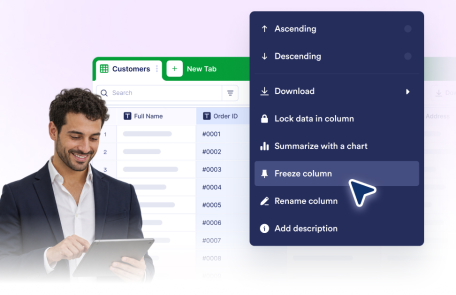
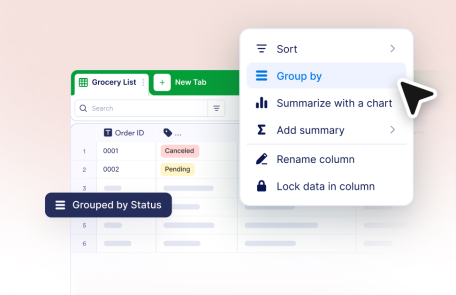
Open the column's menu and select the option to lock its data. This disables editing for that column while keeping its information visible to collaborators.
No. Locking a column prevents collaborators from modifying its values while still allowing them to view the information.
Only the table owner can lock or unlock columns. This ensures that control over protected data remains with the owner.