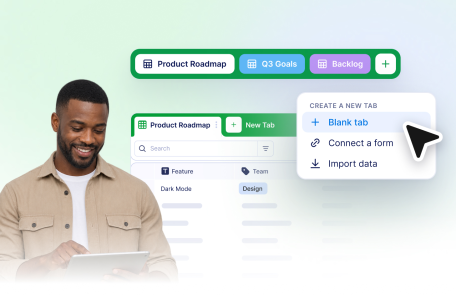
Add New Tabs to Jotform Tables
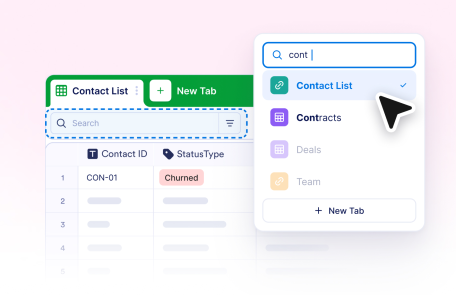
Add new tabs to Jotform Tables to organize submissions from different forms in one workspace.
Tables Tabs
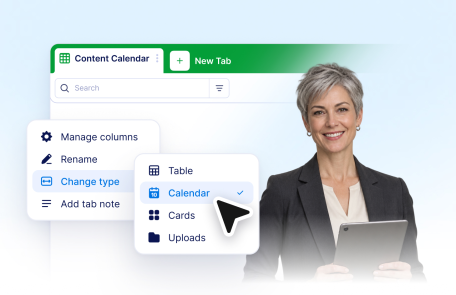
Organize your data with tabs in Jotform Tables. Create, customize, and manage different table views to keep submissions organized and easy to navigate.
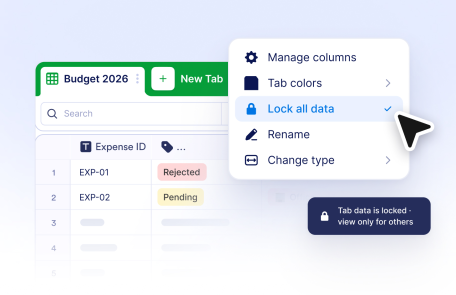
Lock all data in a Jotform Tables tab to prevent accidental cell edits. Keep important submission details intact and make shared workspaces easier to manage with a single setting.
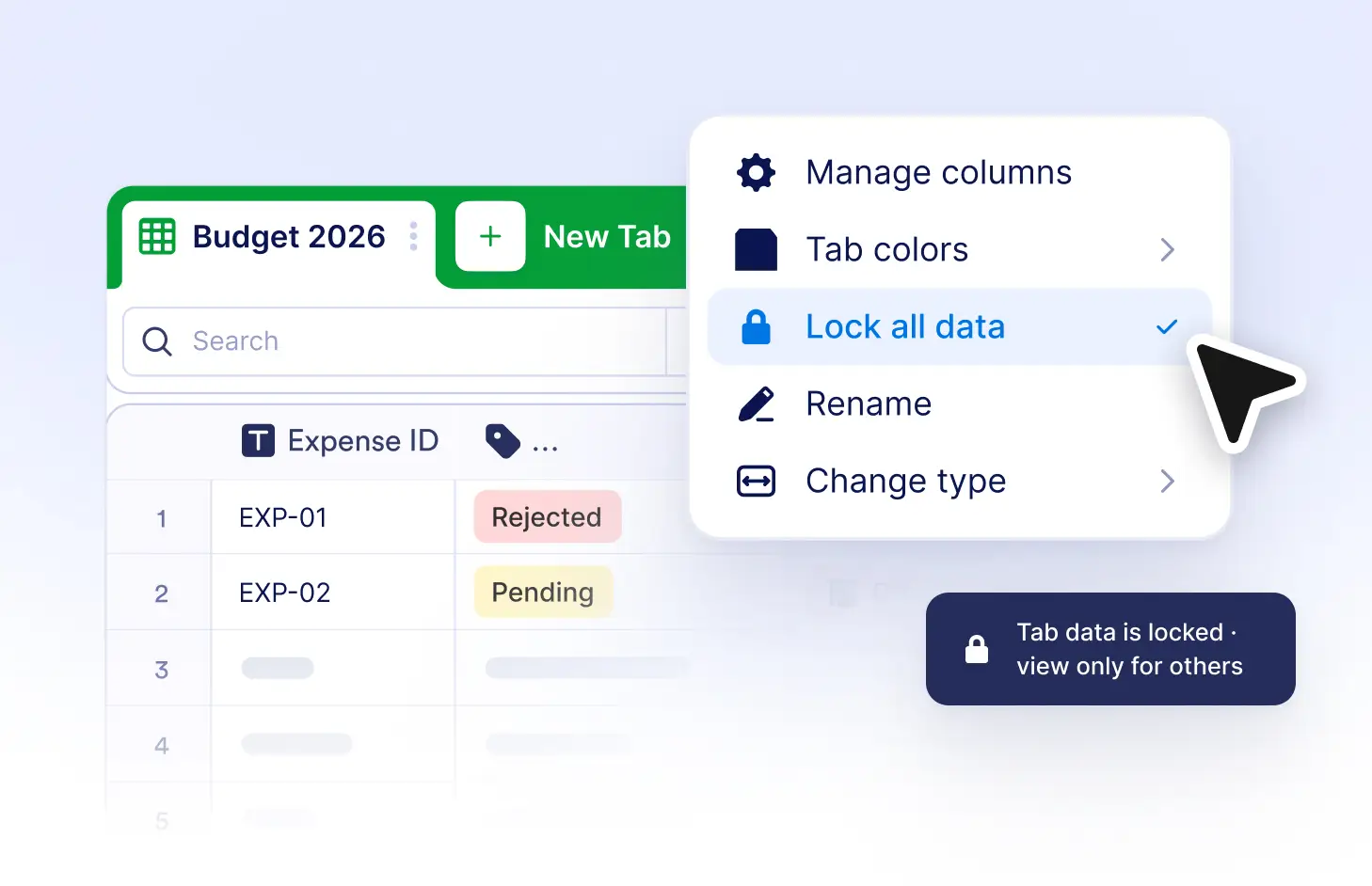
Keep your records consistent when working with teammates. Lock every column in a tab at once to prevent unintended inline changes while keeping submission information accessible.
Protect an entire tab from accidental inline edits without locking columns individually. Maintain reliable records and unlock the data whenever direct editing is needed again.
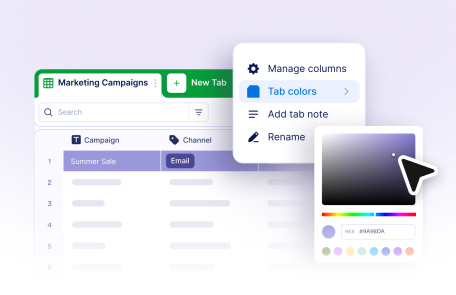
Assign colors to different tabs to visually separate projects, workflows, or datasets. Make important views easier to recognize and navigate across multiple tabs.
Restore inline editing when your records need updating. Unlock the tab to make changes directly in cells, then lock it again to help prevent further accidental modifications.
Locking tab data disables inline editing for all columns within the selected tab. This helps prevent accidental changes when reviewing submission records or collaborating with teammates.
No. Locking tab data prevents direct cell editing, but users with the appropriate permissions can still update submissions through the entry editing method.
Yes. You can unlock the data from the tab menu whenever you need to make changes directly in your table. You can then lock it again to protect against accidental edits.