أداة مؤقت عد تنازلي مجانية لموقعك الإلكتروني
أنشئ إحساسًا بالإلحاح للمبيعات، وإطلاق المنتجات، والندوات عبر الإنترنت، والفعاليات، والحملات الموسمية. تتيح لك أداة مؤقت العد التنازلي من Jotform تحديد تاريخ مستهدف، واختيار توقيت إعادة التشغيل، وتخصيص التخطيط والألوان، وإضافة أزرار الإجراءات، وتضمين الأداة في موقعك الإلكتروني — دون الحاجة إلى البرمجة.
ابدأ الآن — إنها خدمة مجانية!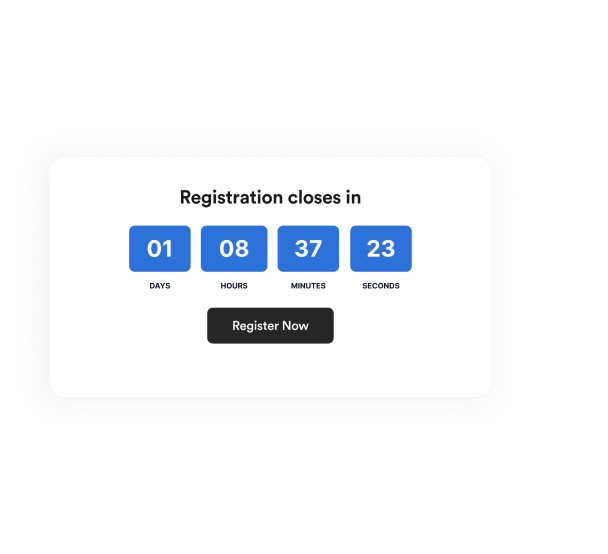

كيفية إنشاء عنصر واجهة مؤقت العد التنازلي
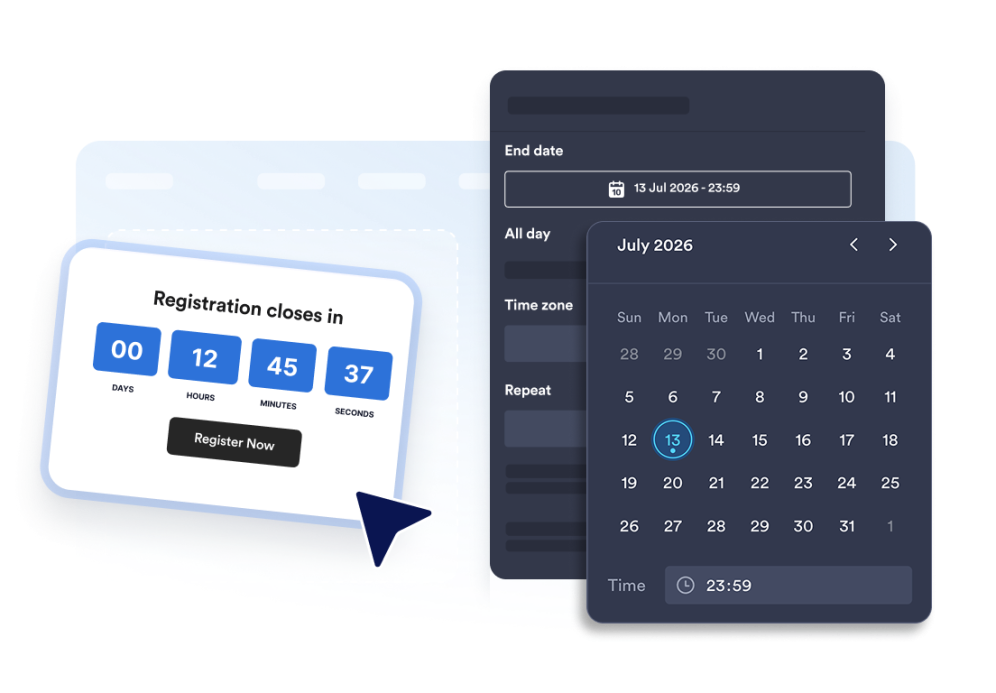
إعداد مؤقت العد التنازلي
اختر تاريخ الانتهاء، والمنطقة الزمنية، ونوع الفعالية، وجدول إعادة التشغيل الاختياري.
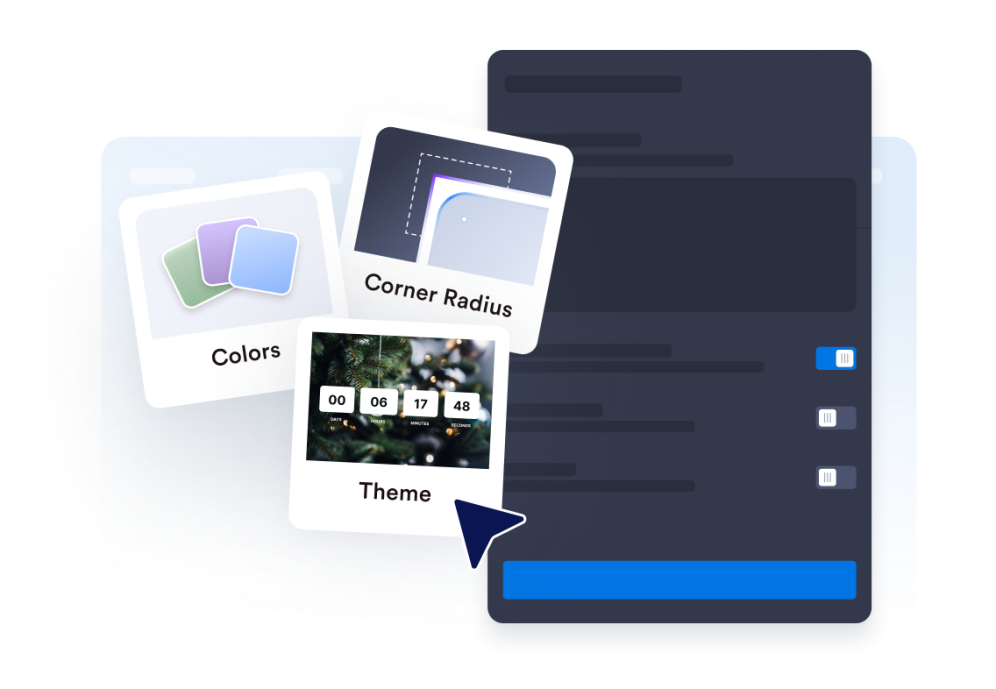
خصّص التخطيط والنسق
حدد موضع المؤقت واضبط الألوان والتسميات ونمط الزوايا.
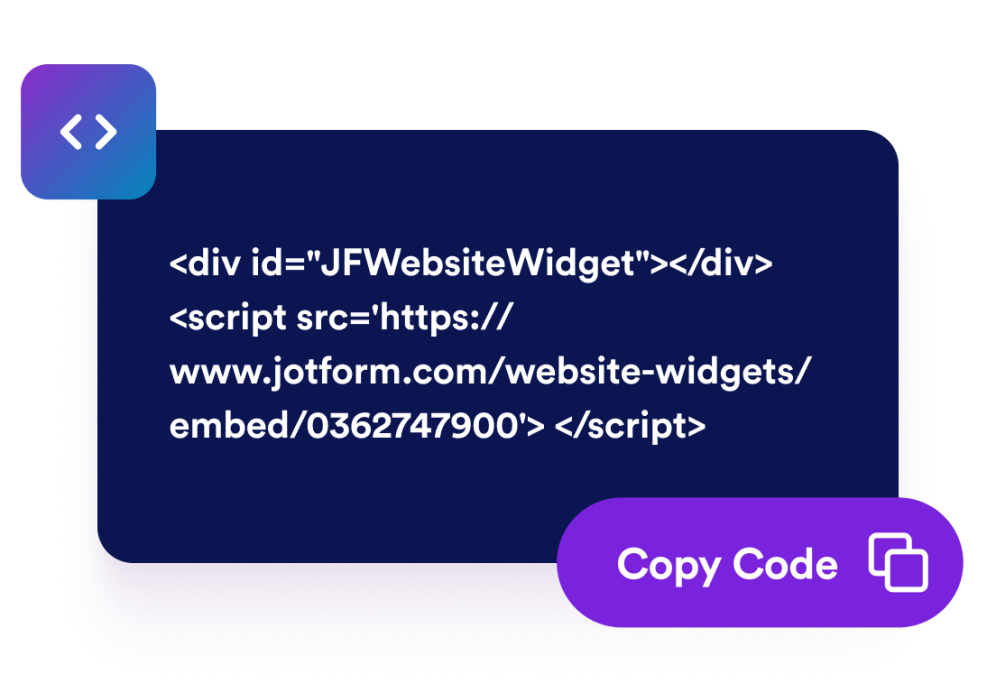
قم بتضمينها في موقع الويب الخاص بك
أضف أزرار الحث على اتخاذ إجراء، وعاين المؤقت، وانسخ رمز التضمين لنشره في أي مكان.
أنشئ إحساسًا بالإلحاح باستخدام مؤقت عد تنازلي يتناسب مع صفحتك
العد التنازلي حتى تاريخ ووقت محددين
حدد موعدًا نهائيًا دقيقًا لعمليات الإطلاق، والعروض الترويجية، والندوات عبر الإنترنت، وإطلاق المنتجات، أو حملات الفعاليات. تحافظ وظيفة المنطقة الزمنية على اتساق العد التنازلي لحملتك.
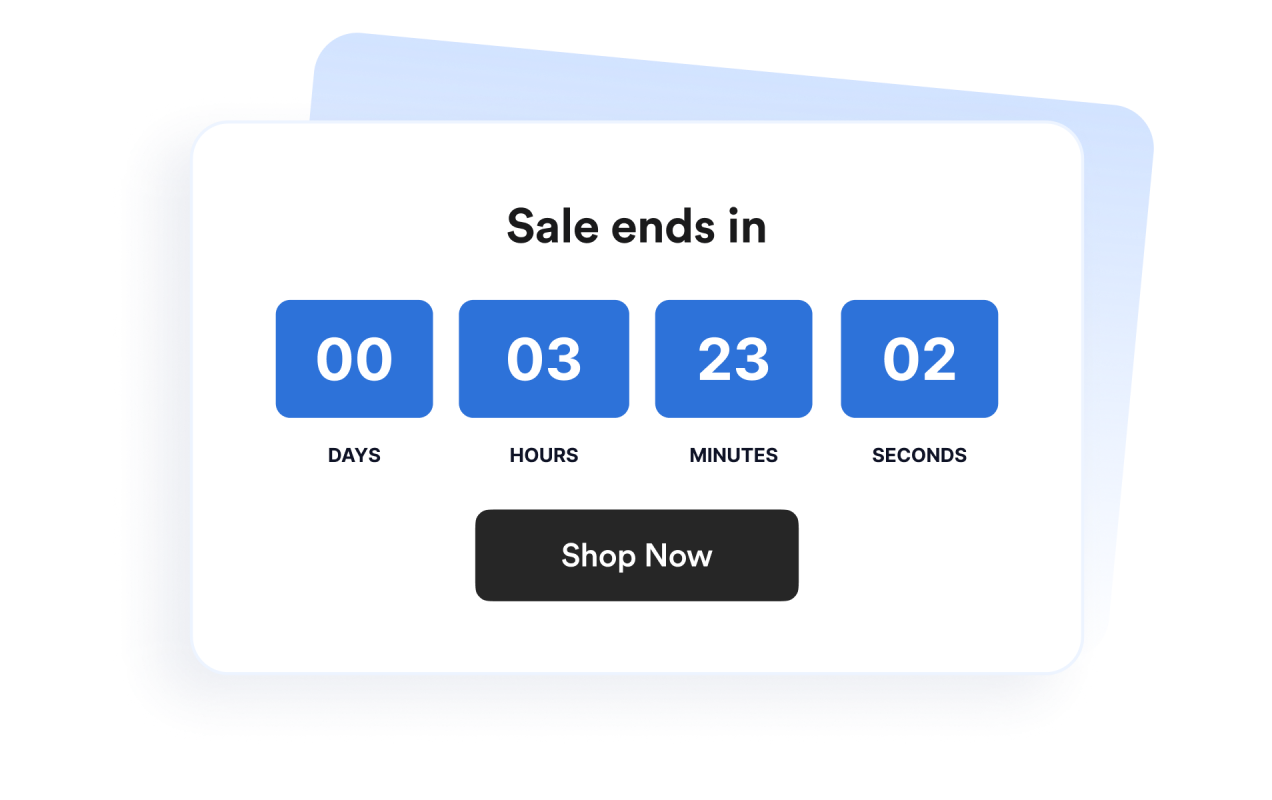
استخدم تخطيطات لللافتات والأقسام المضمنة
اعرض المؤقت بشكل مضمن، أو كقسم بعرض كامل، أو كشريط ثابت أعلى الصفحة أو أسفلها، أو كبطاقة عائمة. يسهل ذلك ملاءمة الأداة مع تصميمات المواقع الإلكترونية المختلفة.
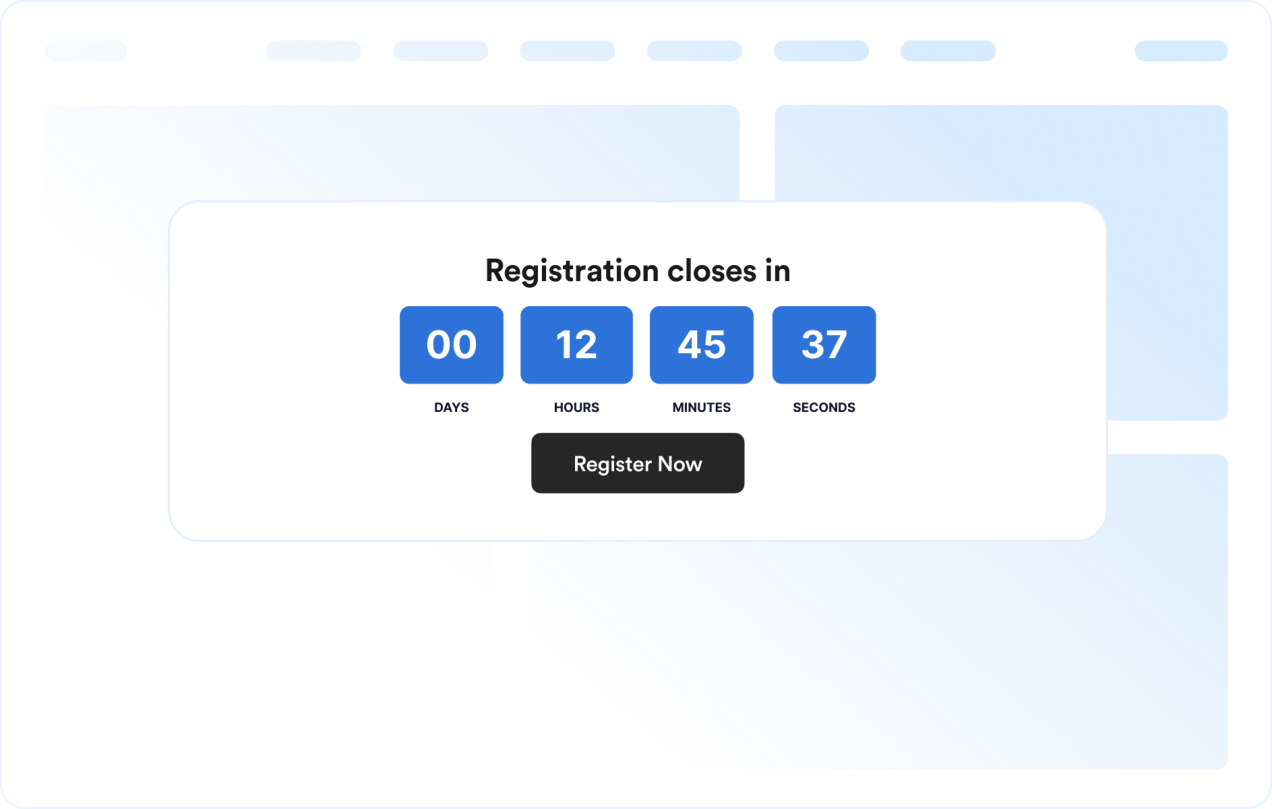
خصّص تصميم المؤقت
اعرض وحدات الوقت أو أخفها، واضبط التسميات، وحدد نمط الزوايا، وطبّق إعدادات النسق المسبقة الجاهزة للحملات.
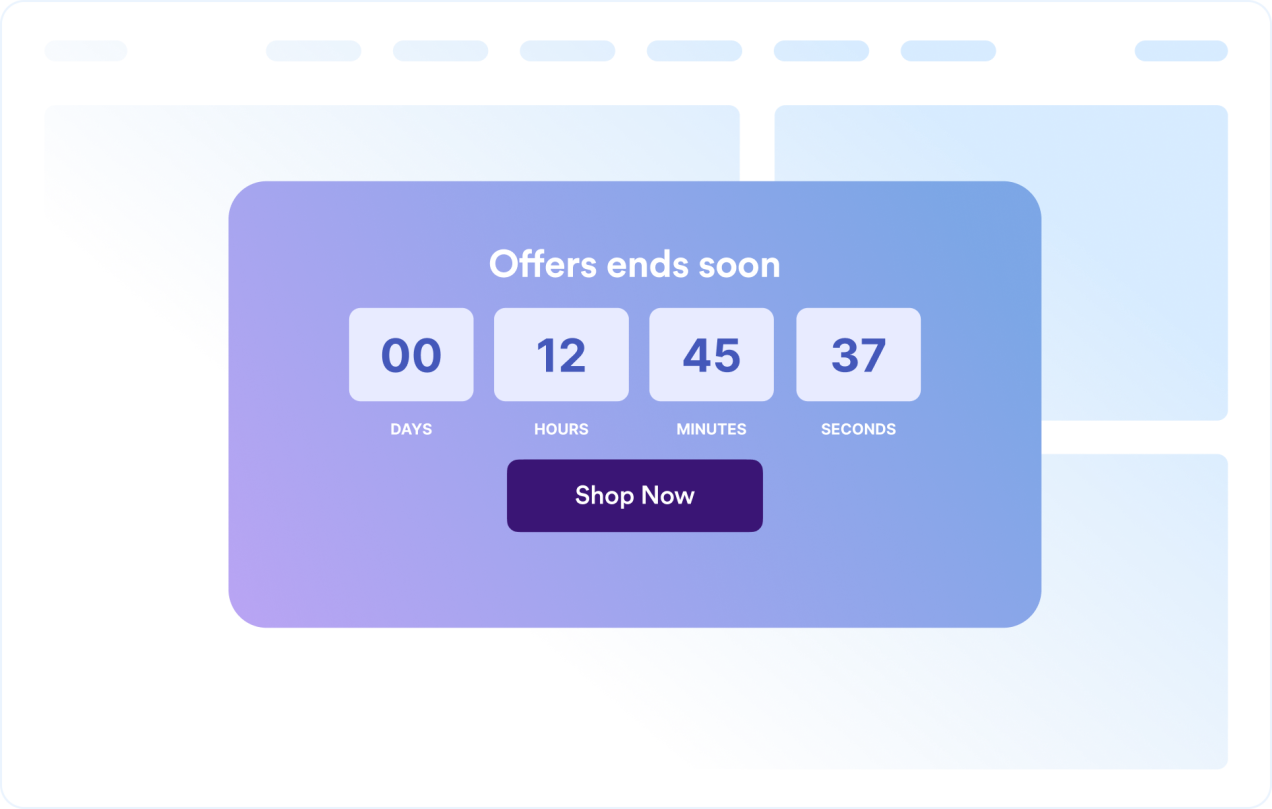
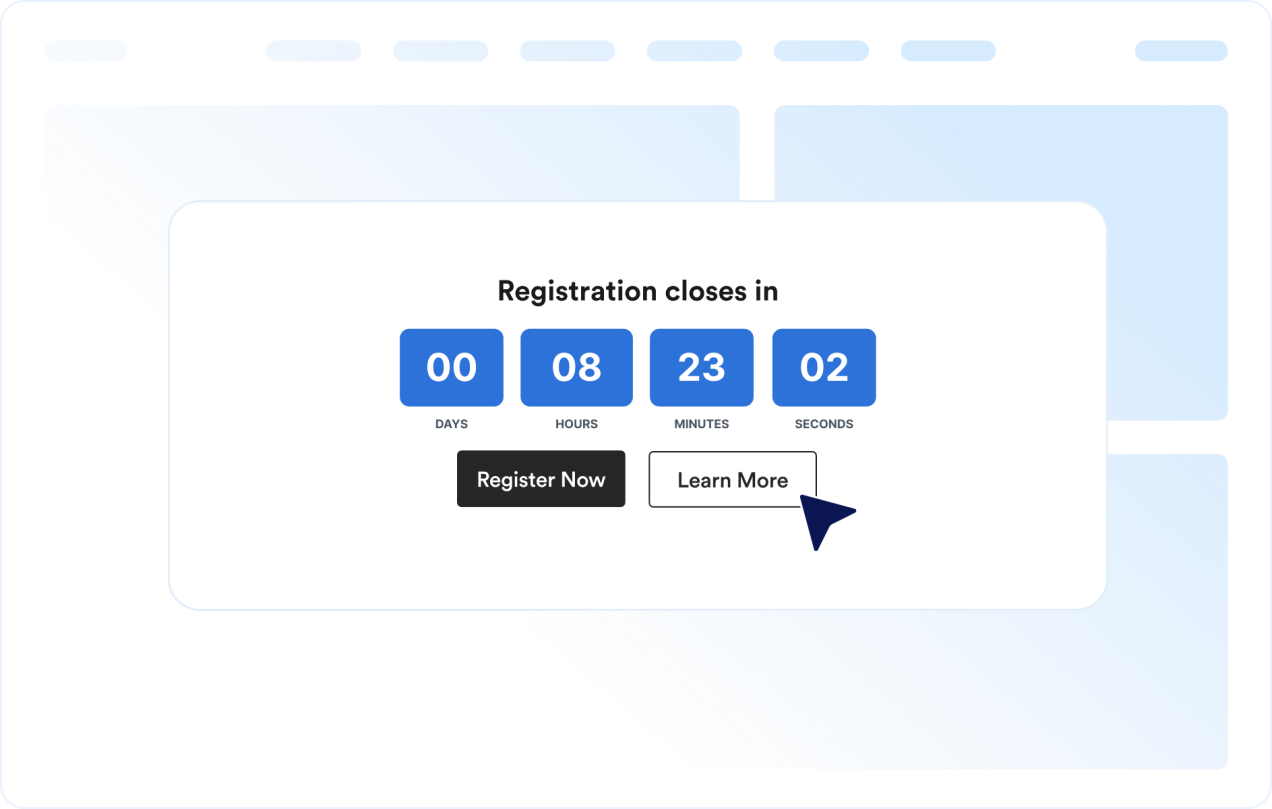
وجّه الزوار إلى الإجراء التالي
أضف الأداة في أي مكان على موقعك الإلكتروني يمكن أن يدفع فيه موعد نهائي واضح الزوار إلى اتخاذ إجراء.
لماذا تتميز أدوات Jotform لمواقع الويب؟
تجعل أدوات Jotform موقع الويب الخاص بك أكثر تفاعلية وتساعد على زيادة معدلات التحويل. تتوفر العديد من الأدوات، بدءًا من تقييمات النجوم وأشرطة تمرير تقييمات العملاء، وصولًا إلى النوافذ المنبثقة التي تعرض تقييمات العملاء وتضمين الوسائط. أضف الأدوات إلى نماذجك أو صفحاتك المقصودة لجمع البيانات، وعرض آراء العملاء، وجمع العملاء المحتملين — دون الحاجة إلى كتابة أكواد.
أضف أدوات Jotform إلى موقعك الإلكتروني باستخدام كود تضمين بسيط. خصّص الأداة، واعرض معاينة لشكلها، ثم أدرجها في أي صفحة تدعم HTML المخصص أو حزم التضمين، وكل ذلك دون الحاجة إلى مطور.
استخدم أدوات مواقع الويب من Jotform لجمع بيانات العملاء المحتملين، وإظهار تقييمات العملاء، وعرض الآراء الاجتماعية، وتضمين ملفات الوسائط، أو إضافة أدوات مفيدة لصفحات ويب. تقوم كل أداة بمساعدة الزوار على التفاعل مع خدماتك مباشرةً من موقعك الإلكتروني.
إذا كنت بحاجة إلى مساعدة في إعداد أداتك أو تخصيصها أو تضمينها أو استكشاف المشكلات وإصلاحها، فإن فريق دعم العملاء في Jotform متاح على مدار الساعة طوال أيام الأسبوع. يمكنك المتابعة بثقة، مع العلم أن المساعدة متاحة عندما تحتاج إليها.
أين تستخدم أداة مؤقت العد التنازلي الخاصة بك
أضف الأداة في أي مكان يمكن أن يساعد فيه موعد نهائي واضح الزوار على اتخاذ إجراء بشكل أسرع ومعرفة موعد انتهاء عرض أو فعالية أو حملة.
صفحات الهبوط الخاصة بالتخفيضات لتسليط الضوء على الخصومات لفترة محدودة والحملات الترويجية السريعة
صفحات إطلاق المنتجات لتعزيز الترقب قبل الإصدار
صفحات الفعاليات والندوات عبر الإنترنت لعرض المواعيد النهائية للتسجيل أو الحضور
أشرطة الإعلانات لإبقاء الموعد النهائي مرئيًا في الجزء العلوي أو السفلي من الموقع
صفحات الدفع والأسعار لتذكير العملاء بالمواعيد النهائية للعروض الترويجية في مرحلة قريبة من اتخاذ قرار الشراء
صفحات «قريبًا» للعد التنازلي حتى تاريخ الإطلاق مع دعوة واضحة لاتخاذ إجراء
حوّل العملاء المحتملين إلى مبيعات حقيقية باستخدام منشئ النماذج من Jotform
حوّل التفاعل إلى نتائج فعلية مع Jotform. أنشئ نماذج قوية لجمع بيانات العملاء المحتملين، واستلام المدفوعات، وأتمتة الردود، كل ذلك في مكان واحد. تصل جميع البيانات المرسلة إلى صندوق الوارد في Jotform الخاص بك، حيث يمكنك المتابعة أو الربط مع تطبيقاتك المفضلة.
ابدأ - إنه مجاني!
أسئلة متكررة ومتداولة
ما هي أداة مؤقت العد التنازلي؟
تعرض أداة مؤقت العد التنازلي الوقت المتبقي حتى تاريخ ووقت محددين. وتساعد مواقع الويب على الترويج للخصومات والفعاليات وعمليات الإطلاق والحملات الأخرى التي تتطلب سرعة في الاستجابة.
هل يمكنني تخصيص التخطيط؟
هل يمكنني تغيير الألوان والتخطيط؟
هل يمكن أن يتكرر العد التنازلي؟
هل يمكنني إضافة أزرار إلى العد التنازلي؟
ماذا يحدث عند انتهاء العد التنازلي؟
هل تعمل على الهاتف المحمول؟
هل أحتاج إلى كتابة أكواد؟