أداة إشعارات المبيعات لموقعك الإلكتروني
اعرض إشعارات حول عمليات الشراء والأنشطة الأخيرة لتنبيه الزوار إلى الاهتمام بالمنتجات، أو الطلبات الجديدة، أو الحجوزات، أو عمليات التسجيل، أو غيرها من الإجراءات الفورية. قم بتخصيص الرسائل، والصور، وروابط الدعوة لاتخاذ إجراء (CTA)، والتوقيت، ومكان العرض، والألوان، وسلوك الإغلاق، وطريقة العرض المتجاوبة، وذلك عبر أداة إنشاء لا تتطلب كتابة أي أكواد برمجية.
ابدأ الآن — إنها خدمة مجانية!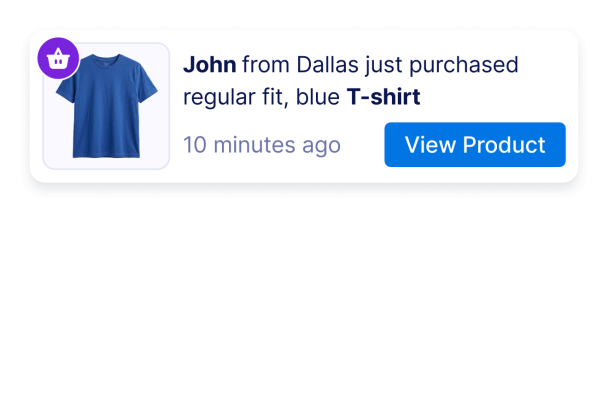

كيفية إنشاء عنصر واجهة Sales Notification
إضافة رسائل الأنشطة
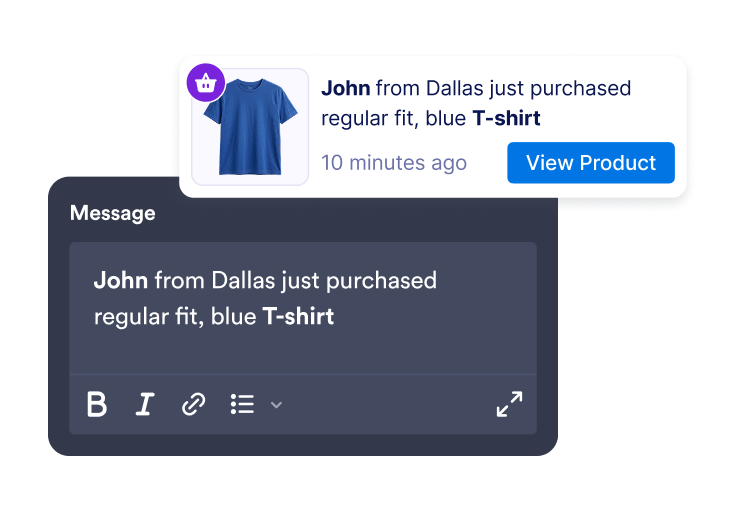
قم بإنشاء إشعارات المبيعات أو الأنشطة متضمنةً أسماء العملاء، والمواقع، وأسماء المنتجات، والطوابع الزمنية، والصور، والشارات، وروابط «الدعوة إلى اتخاذ إجراء» (CTA).
تخصيص التوقيت والأسلوب
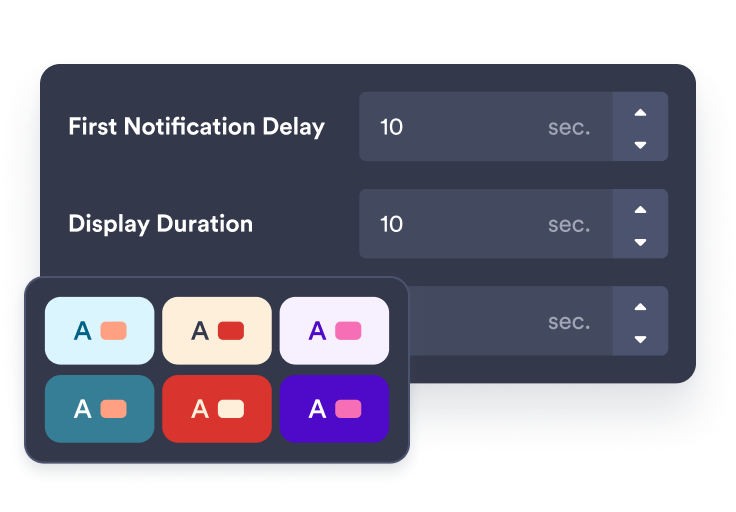
اختر المكان الذي يظهر فيه الإشعار، ومدة بقائه مرئيًا، وتكرار ظهوره، وكيفية ملاءمته لعلامتك التجارية.
قم بتضمينها في موقعك
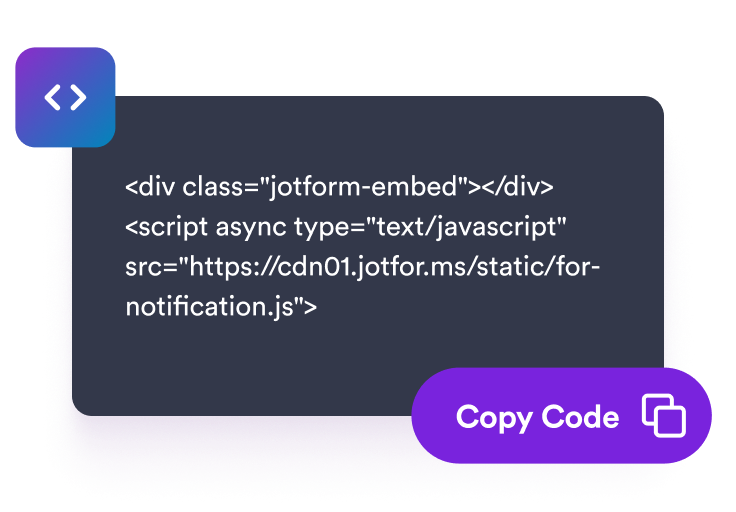
عاين أداة الإشعارات، وانسخ كود التضمين، وأضفه إلى الصفحات التي يمكن أن تدعم فيها الأنشطة الأخيرة قرارات الزوار.
اعرض إشعارات الأنشطة في الوقت المناسب بما يتناسب مع متجرك
إنشاء تنبيهات بالمبيعات والأنشطة الحديثة
أضف إشعارات قابلة للتعديل تتعلق بعمليات الشراء، أو الحجوزات، أو عمليات التسجيل، أو التبرعات، أو تنبيهات انخفاض المخزون، أو أي أنشطة أخرى تدعم رسالة صفحتك.
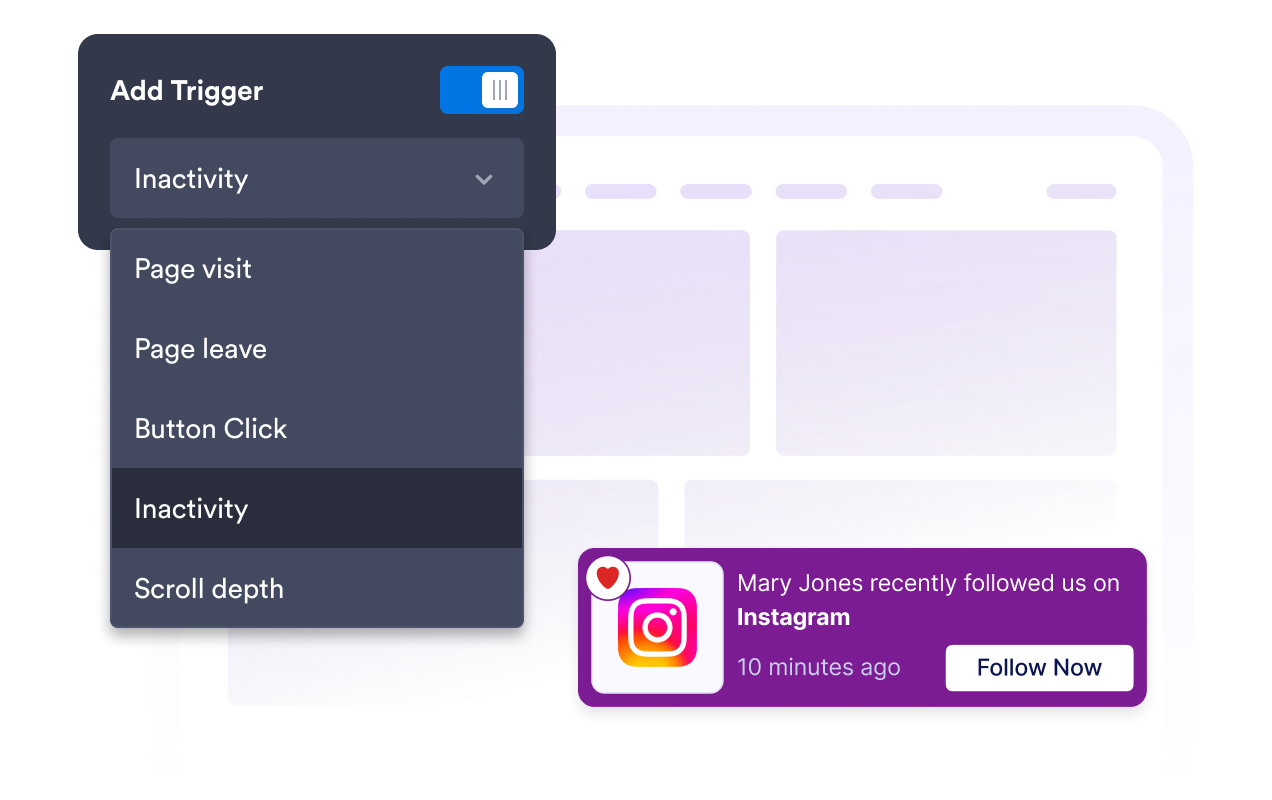
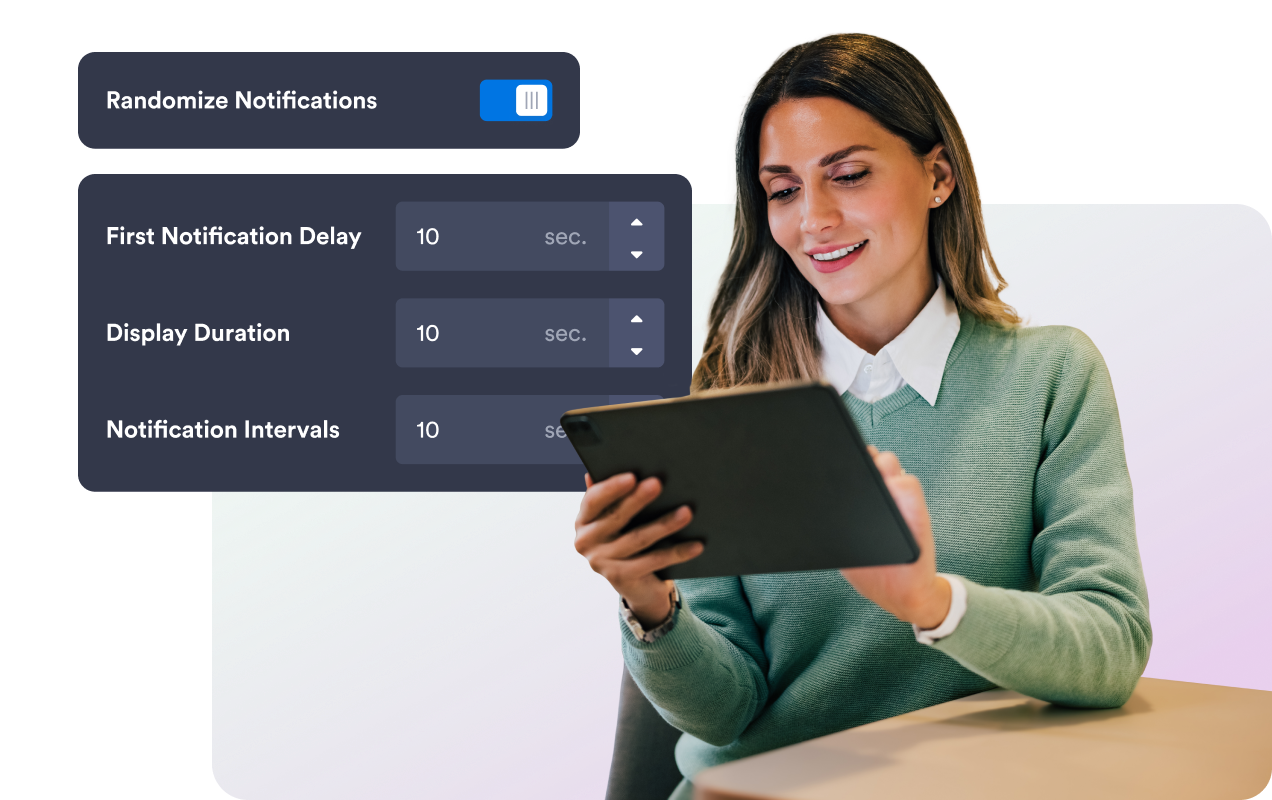
تبديل الإشعارات بتوقيت واضح
اضبط قواعد التأخير الأول، ومدة العرض، والفاصل الزمني، والترتيب العشوائي، وذاكرة الزائر، بحيث تبدو الإشعارات في الوقت المناسب دون إرباك الزوار.
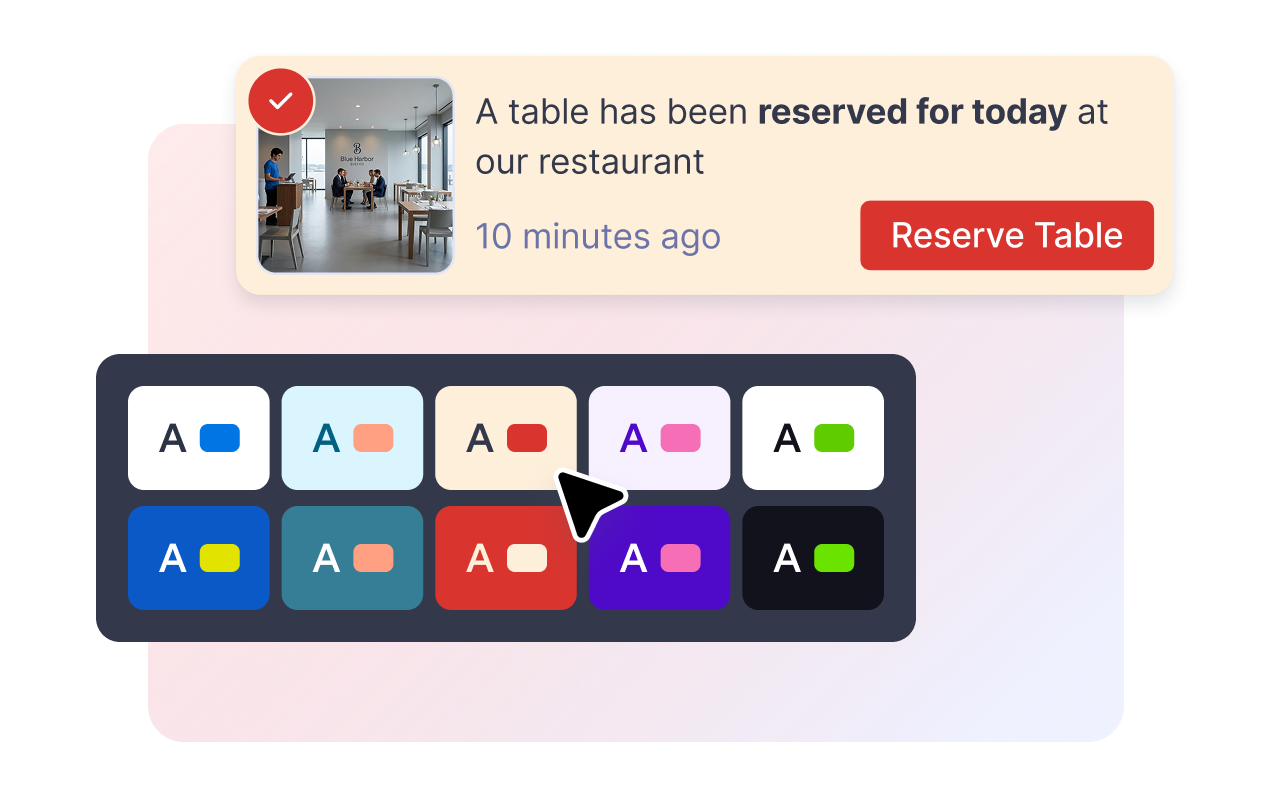
قم بمطابقة الإشعار مع موقعك الإلكتروني
يمكنك تعديل ألوان البطاقة، ونص الرسالة، وألوان زر الدعوة لاتخاذ إجراء (CTA)، ولون الشارة، وزوايا الحواف المستديرة، وحجم الصورة، والظلال، وعناصر العلامة التجارية، بالإضافة إلى استخدام أكواد CSS مخصصة ومحددة النطاق.
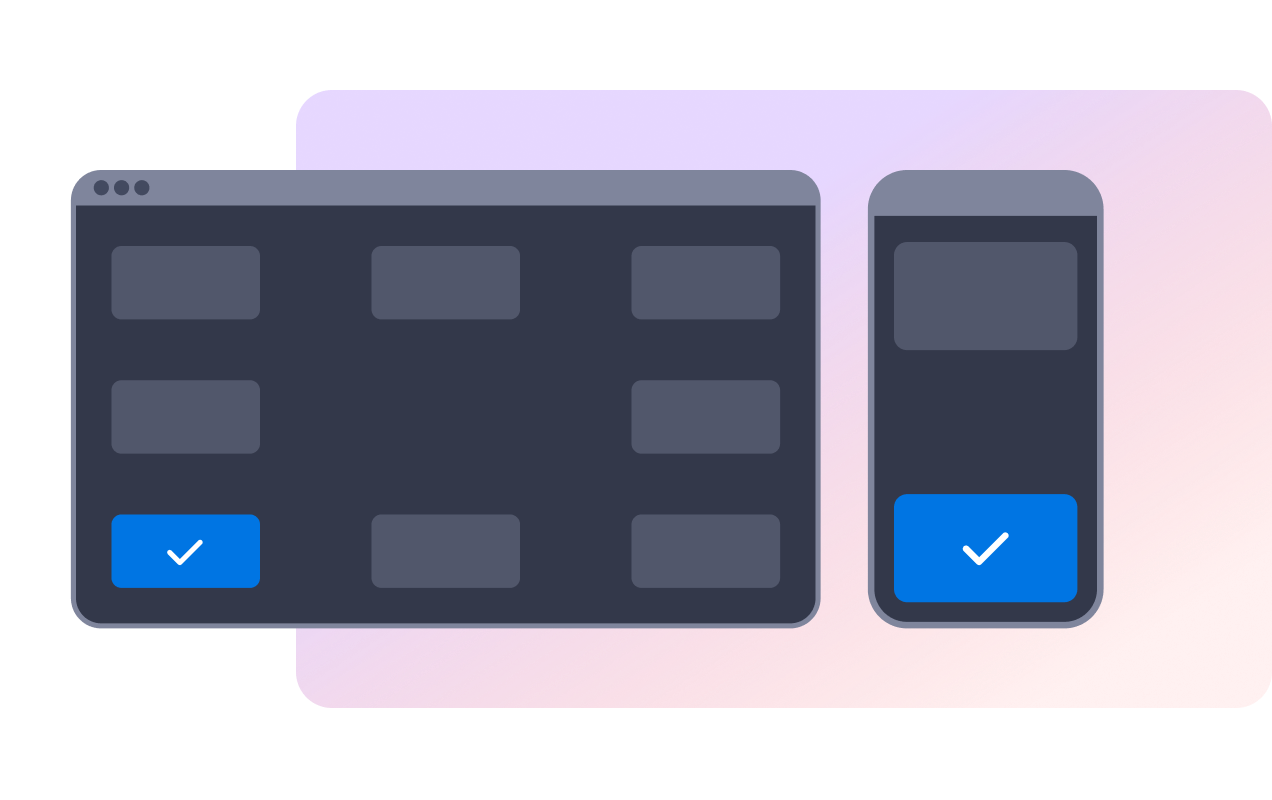
التحكم في موضع العناصر على أجهزة الكمبيوتر المكتبية والأجهزة المحمولة
ضع الإشعار في إحدى زوايا الشاشة على جهاز الكمبيوتر المكتبي، واختر الجزء العلوي أو السفلي على الهاتف المحمول، واسمح للزوار بإغلاق الرسائل باستخدام أزرار الإغلاق أو التمرير.
لماذا تتميز أدوات Jotform لمواقع الويب؟
تجعل أدوات Jotform موقع الويب الخاص بك أكثر تفاعلية وتساعد على زيادة معدلات التحويل. تتوفر العديد من الأدوات، بدءًا من تقييمات النجوم وأشرطة تمرير تقييمات العملاء، وصولًا إلى النوافذ المنبثقة التي تعرض تقييمات العملاء وتضمين الوسائط. أضف الأدوات إلى نماذجك أو صفحاتك المقصودة لجمع البيانات، وعرض آراء العملاء، وجمع العملاء المحتملين — دون الحاجة إلى كتابة أكواد.
أضف أدوات Jotform إلى موقعك الإلكتروني باستخدام كود تضمين بسيط. خصّص الأداة، واعرض معاينة لشكلها، ثم أدرجها في أي صفحة تدعم HTML المخصص أو حزم التضمين، وكل ذلك دون الحاجة إلى مطور.
استخدم أدوات مواقع الويب من Jotform لجمع بيانات العملاء المحتملين، وإظهار تقييمات العملاء، وعرض الآراء الاجتماعية، وتضمين ملفات الوسائط، أو إضافة أدوات مفيدة لصفحات ويب. تقوم كل أداة بمساعدة الزوار على التفاعل مع خدماتك مباشرةً من موقعك الإلكتروني.
إذا كنت بحاجة إلى مساعدة في إعداد أداتك أو تخصيصها أو تضمينها أو استكشاف المشكلات وإصلاحها، فإن فريق دعم العملاء في Jotform متاح على مدار الساعة طوال أيام الأسبوع. يمكنك المتابعة بثقة، مع العلم أن المساعدة متاحة عندما تحتاج إليها.
أين يمكنك استخدام أداة إشعارات المبيعات الخاصة بك
أضف إشعارات المبيعات؛ حيث يمكن للأنشطة الحديثة أن تضفي طابع الحيوية والراهنية على منتج أو عرض أو عملية حجز أو مسار تسجيل.
صفحات المنتجات لعرض المشتريات الأخيرة، والمنتجات الأكثر رواجًا، وروابط الدعوة إلى اتخاذ إجراء (CTA) في المراحل القريبة من اتخاذ قرار الشراء.
صفحات المجموعات لتسليط الضوء على الأنشطة المتعلقة بفئات معينة أو الحملات الموسمية.
صفحات الحجز لعرض الحجوزات أو المواعيد أو عمليات التسجيل الأخيرة.
صفحات دعم إتمام الشراء لتعزيز شعور الزوار بأن زوارًا آخرين يُكملون إجراءات مماثلة.
صفحات التبرعات أو الفعاليات لعرض أحدث التبرعات أو عمليات شراء التذاكر أو التسجيلات.
حوّل العملاء المحتملين إلى مبيعات حقيقية باستخدام منشئ النماذج من Jotform
حوّل التفاعل إلى نتائج فعلية مع Jotform. أنشئ نماذج قوية لجمع بيانات العملاء المحتملين، واستلام المدفوعات، وأتمتة الردود، كل ذلك في مكان واحد. تصل جميع البيانات المرسلة إلى صندوق الوارد في Jotform الخاص بك، حيث يمكنك المتابعة أو الربط مع تطبيقاتك المفضلة.
ابدأ - إنه مجاني!
أسئلة متكررة ومتداولة
ما هي أداة إعلام المبيعات؟
تُعد أداة إشعارات المبيعات نافذة منبثقة قابلة للتضمين في مواقع الويب، تعرض رسائل عمليات الشراء أو الأنشطة الأخيرة في بطاقة إشعار عائمة.
هل يمكنني تعديل رسائل الإشعارات؟
هل يمكنني التحكم في توقيت ظهور الإشعارات؟
هل يمكن للزوار إغلاق الإشعار؟
هل يمكنني تخصيص التصميم؟
هل تتزامن الأداة تلقائيًا مع طلبات متجري؟
هل سيعمل على الهاتف المحمول؟
هل أحتاج إلى كتابة أي أكواد؟