Papan
Coba Sekarang — Gratis!
  • Manfaat
  • Fitur
    • Pengiriman Formulir menjadi Tugas
    • Alur Kerja menjadi Tugas
    • Percakapan AI ke Tugas
    • Pesanan menjadi Tugas
    • Tanda Tangan Dokumen ke Tugas
  • Solusi
  • Templat
    • Top Features
    • Cerita
    • Panduan Bantuan
    • Acara Peluncuran Langsung
    • FAQ
  • Harga
  • Coba Sekarang — Gratis!

Task Details

View and edit every important detail about a specific task easily within a single, convenient interface.

Dialog dimulai
Papan
Fitur
Rincian Tugas Kategori
Print or Download Tasks
Buat Papan

Print or Download Tasks

Akhir dialog
Jotform LogoJotform Icon
Papan
Fitur
Rincian Tugas Kategori
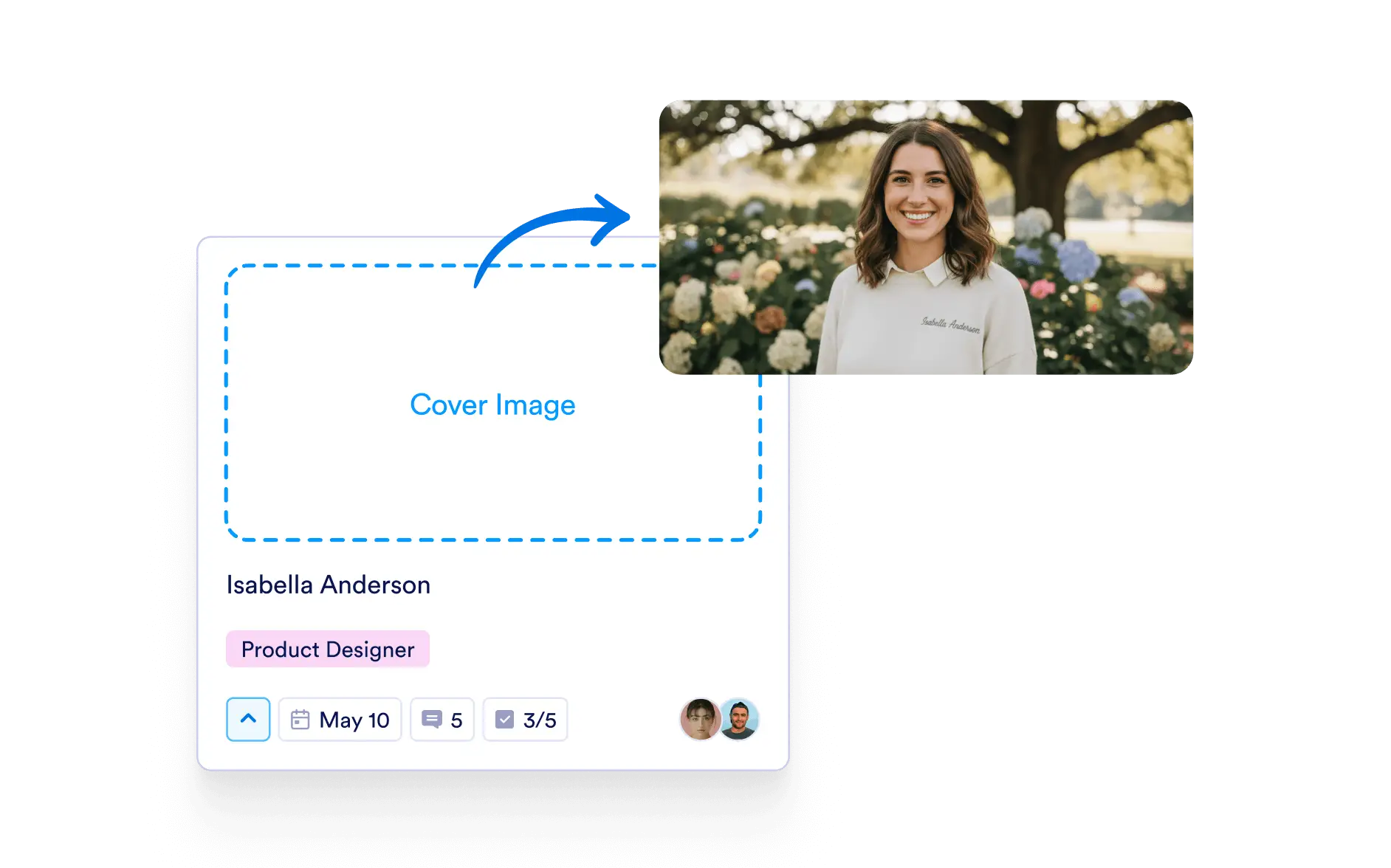
Add a Cover Image
Pelajari Lebih Lanjut: Add a Cover Image

Add a Cover Image

Add a cover image to each task to highlight what matters and give quick visual context.

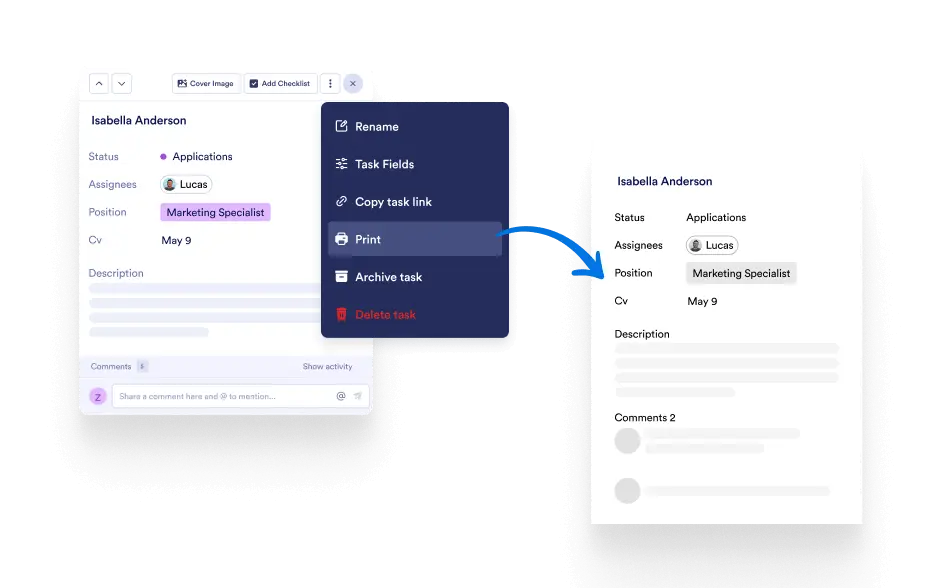
Print or Download Tasks
Pelajari Lebih Lanjut: Print or Download Tasks

Print or Download Tasks

Print or download any task to share updates offline, review in meetings, or keep a paper copy for reference.

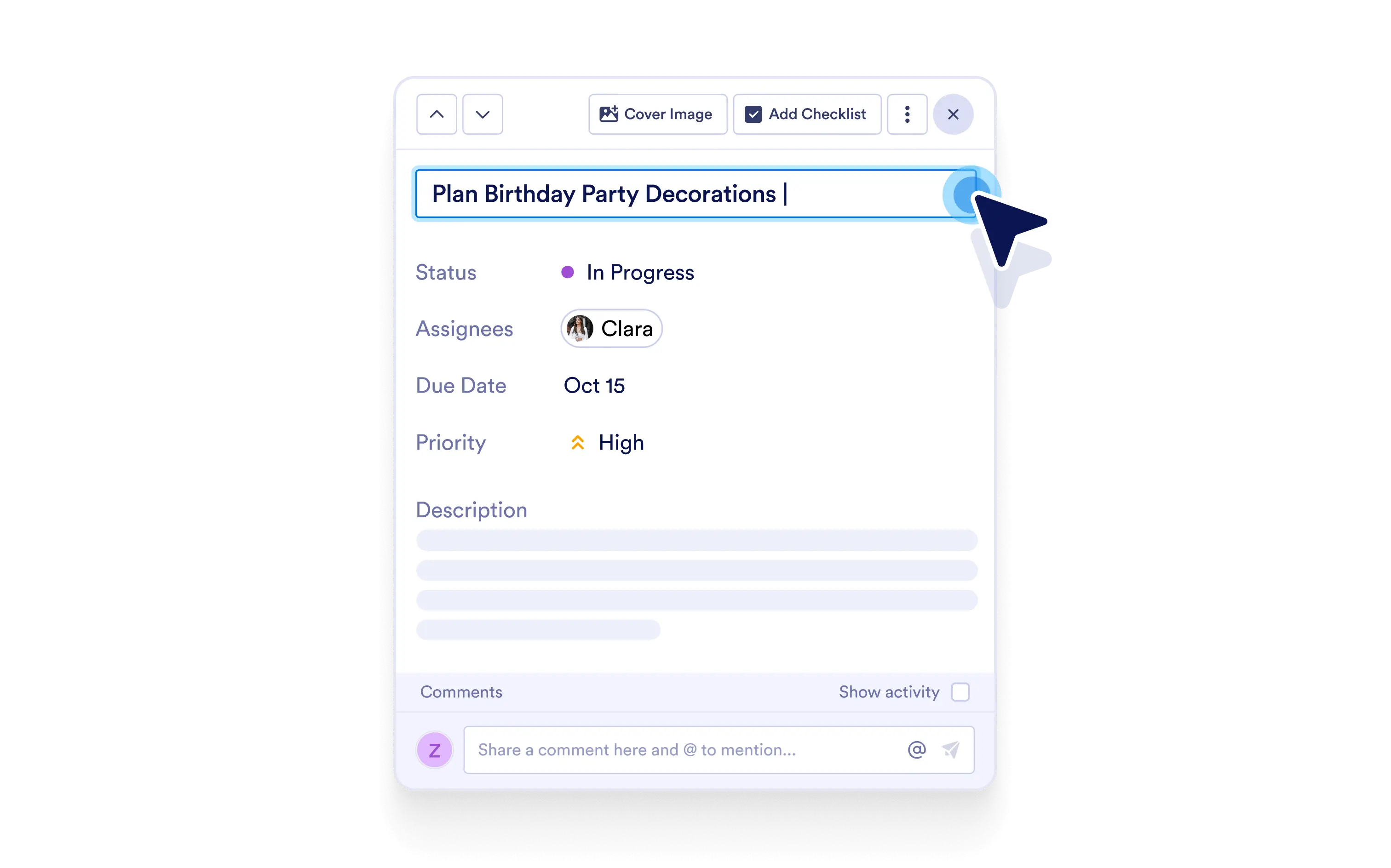
Name Your Task
Pelajari Lebih Lanjut: Name Your Task

Name Your Task

Give tasks clear, custom names so your team instantly understands what needs to be done.

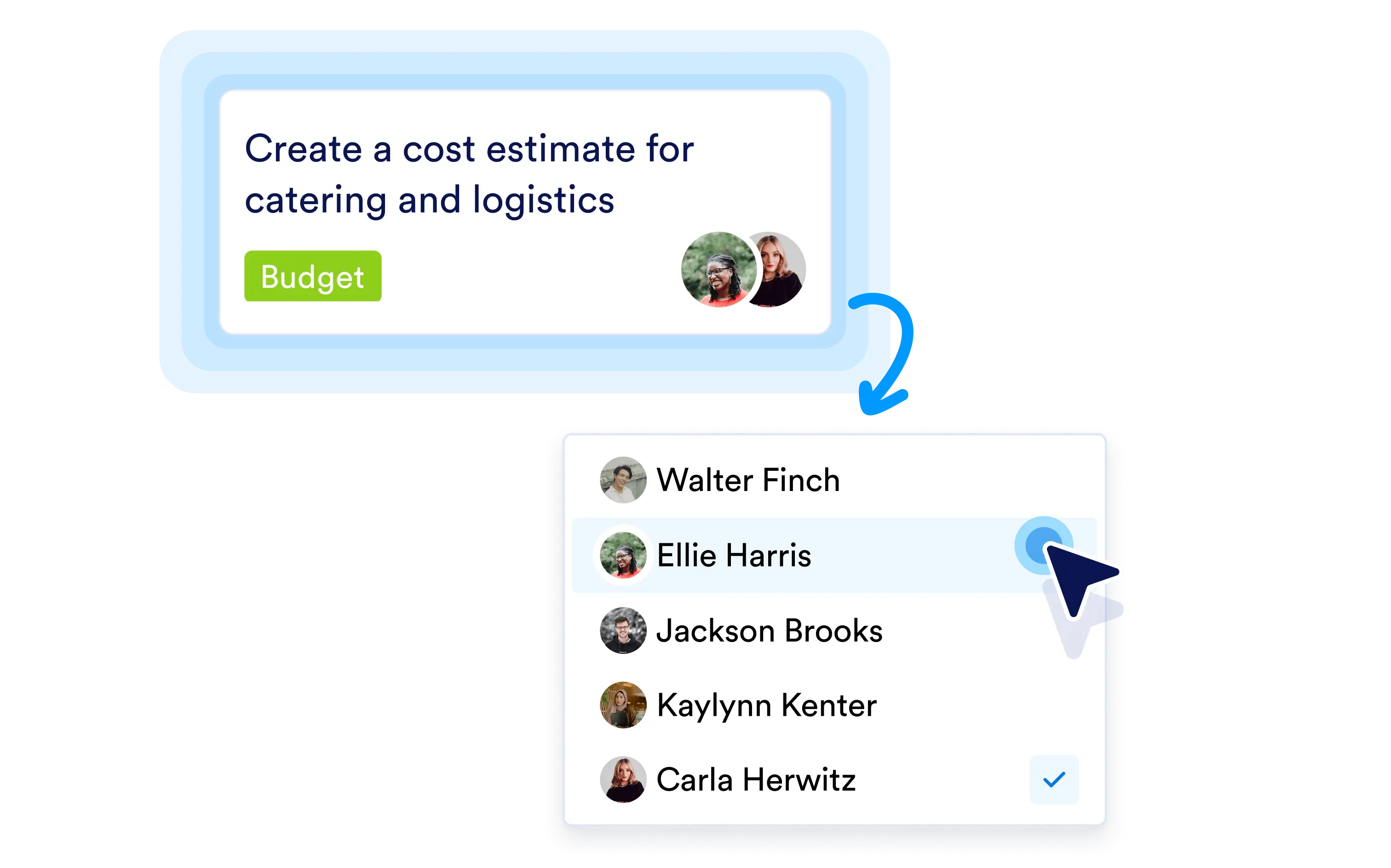
Assign Tasks to Team Members
Pelajari Lebih Lanjut: Assign Tasks to Team Members

Assign Tasks to Team Members

Assign tasks to the right people with a single click, ensuring clear ownership and a smooth workflow progression.

Set Priority Levels for Tasks
Pelajari Lebih Lanjut: Set Priority Levels for Tasks

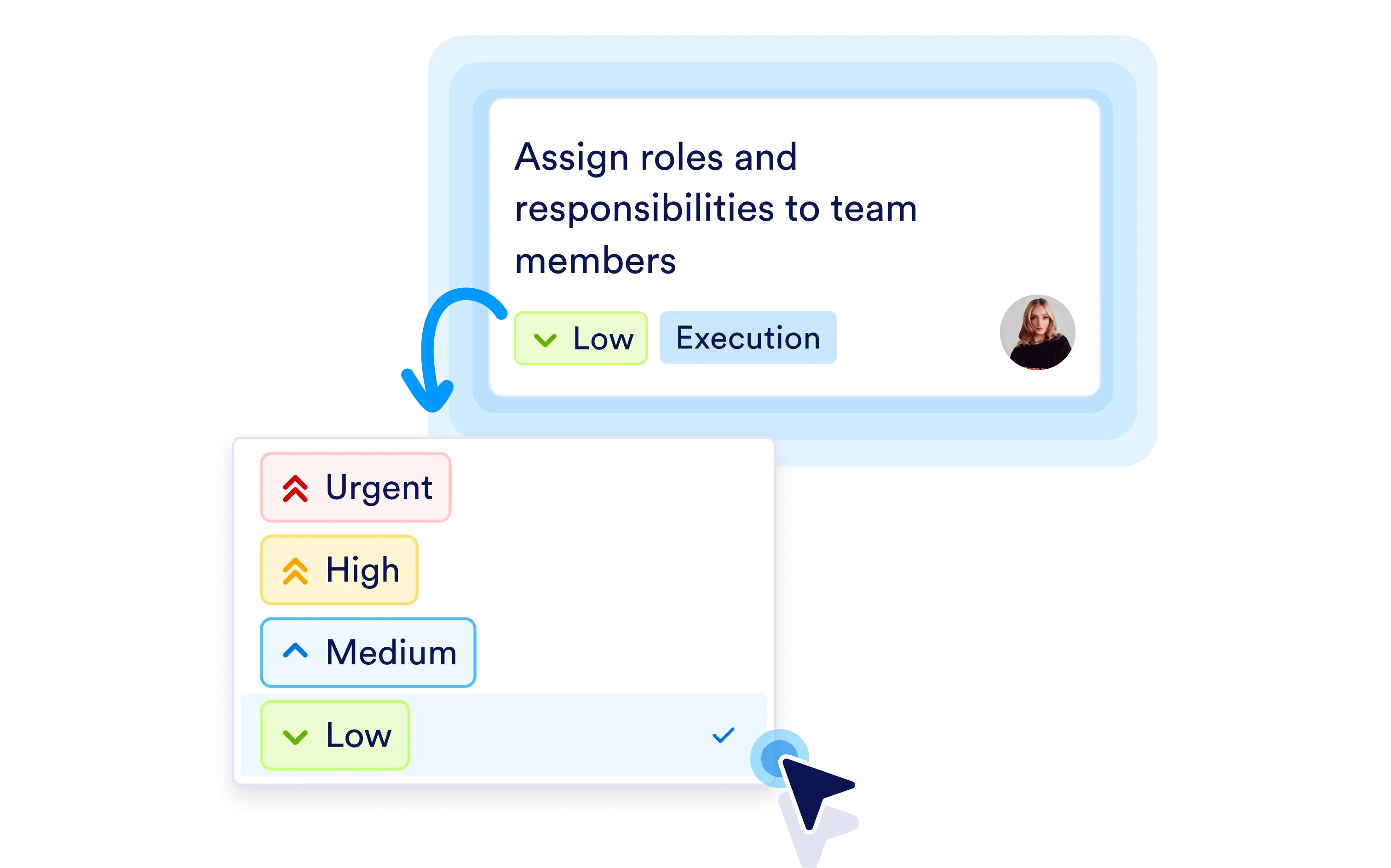
Set Priority Levels for Tasks

Set priorities to clearly indicate what matters most, so everyone knows what to tackle first.

Add a Due Date
Pelajari Lebih Lanjut: Add a Due Date

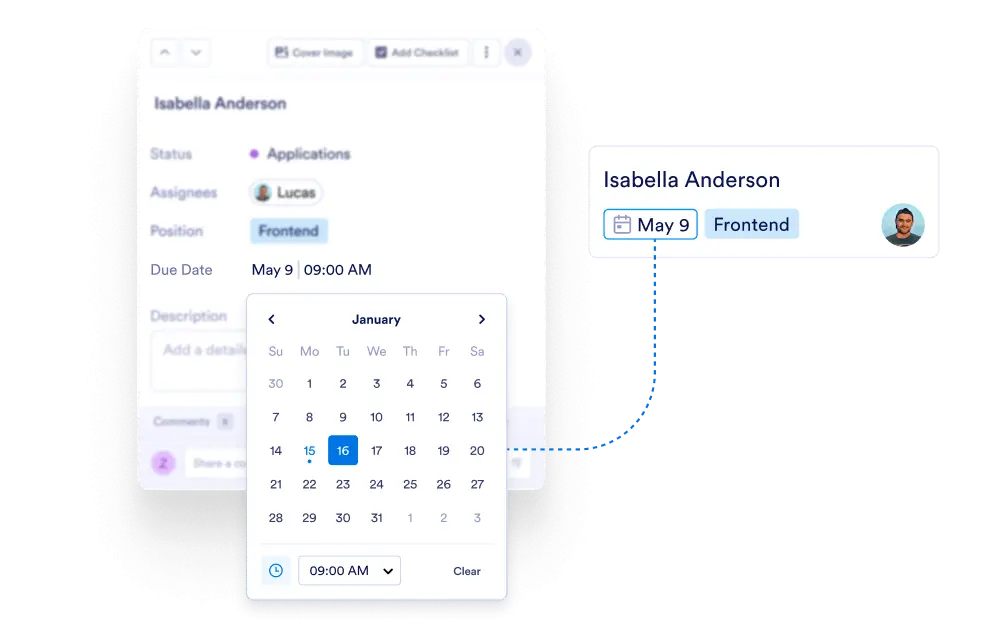
Add a Due Date

Add due dates to keep work on schedule and make sure nothing slips past a deadline.

Add Tags to Easy Organization
Pelajari Lebih Lanjut: Add Tags to Easy Organization

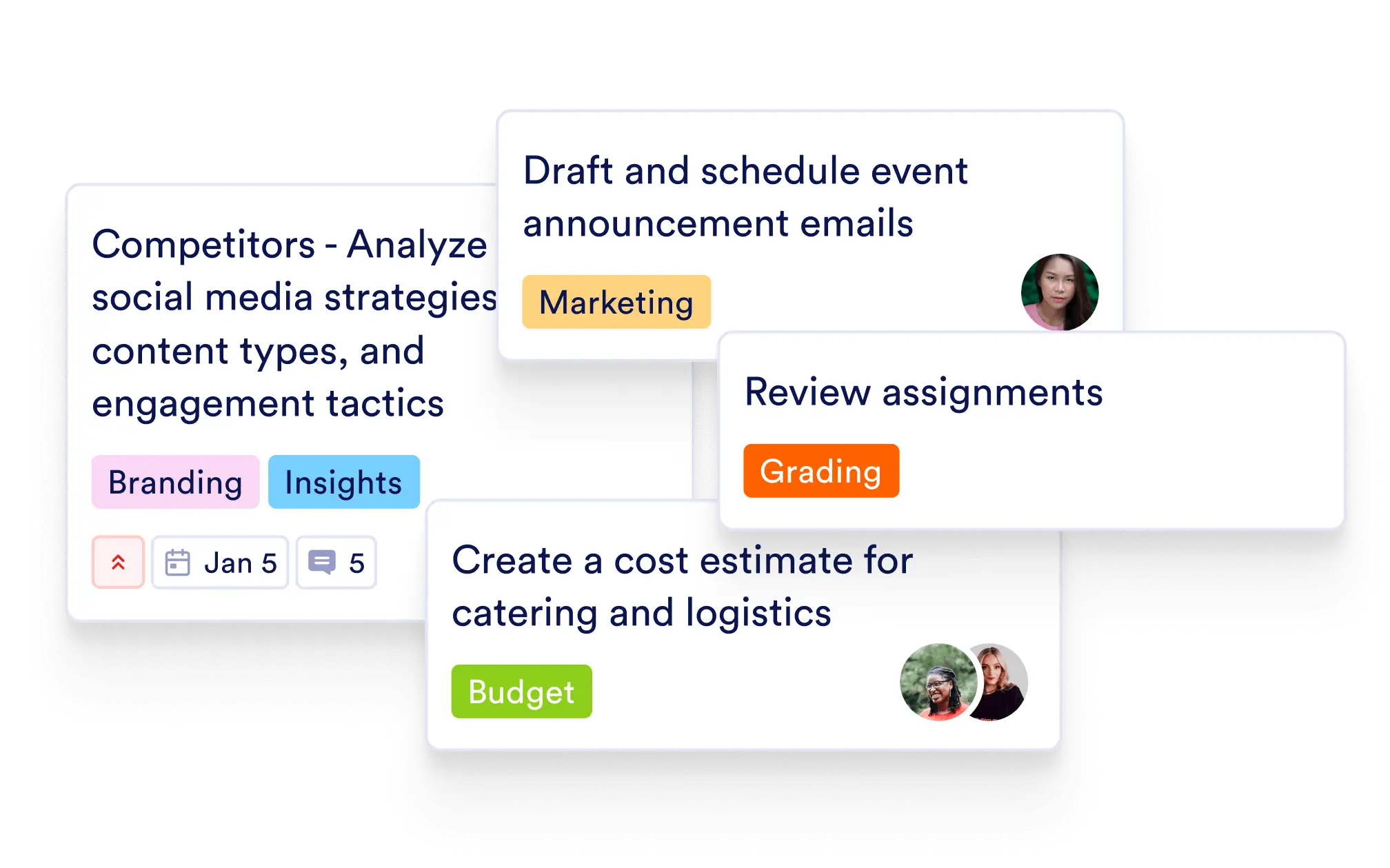
Add Tags to Easy Organization

Add tags to groups and filter tasks fast, making your board easier to organize and scan.

Describe the Task
Pelajari Lebih Lanjut: Describe the Task

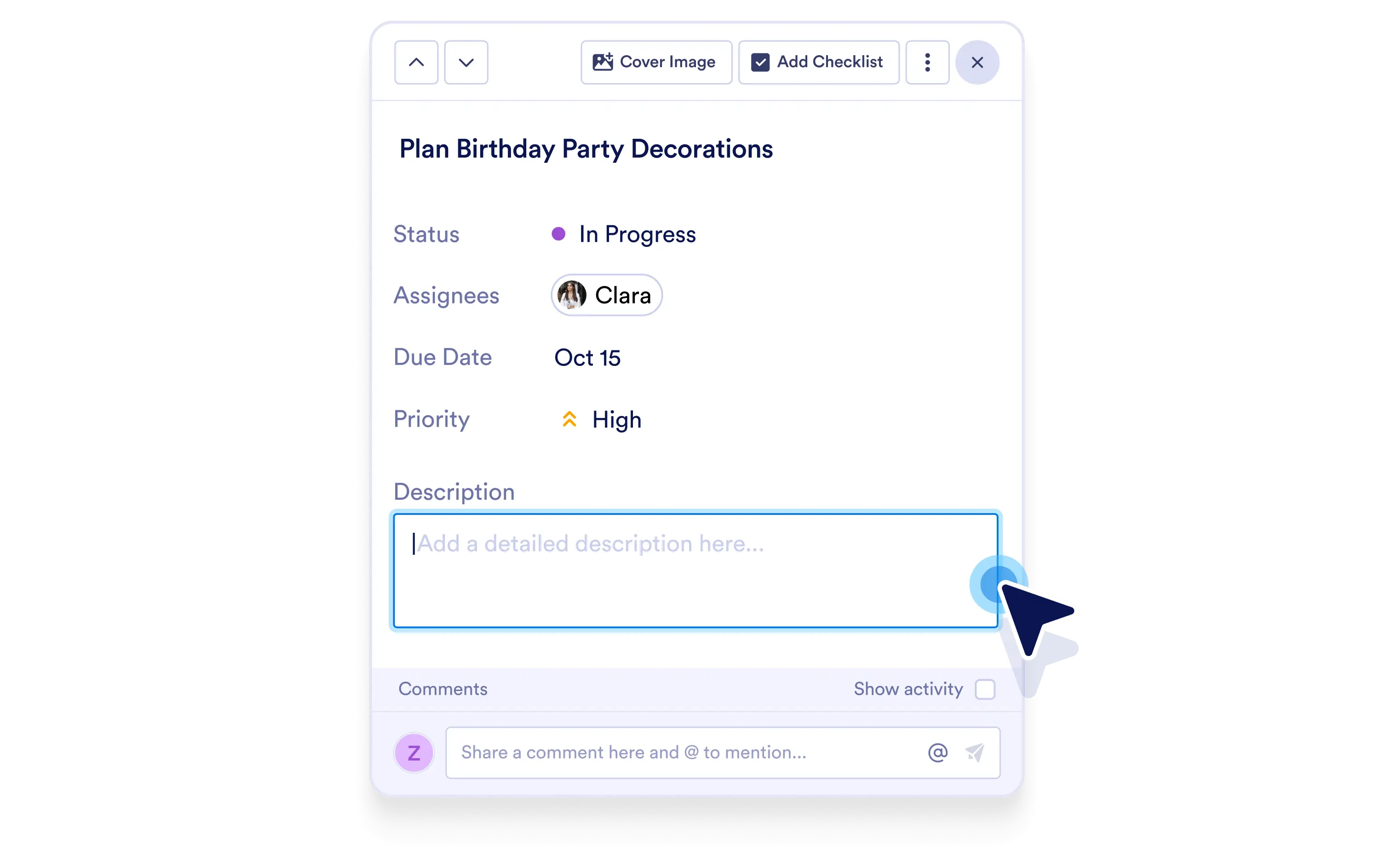
Describe the Task

Add rich descriptions to share context, requirements, and next steps inside each task.

Attach Files
Pelajari Lebih Lanjut: Attach Files

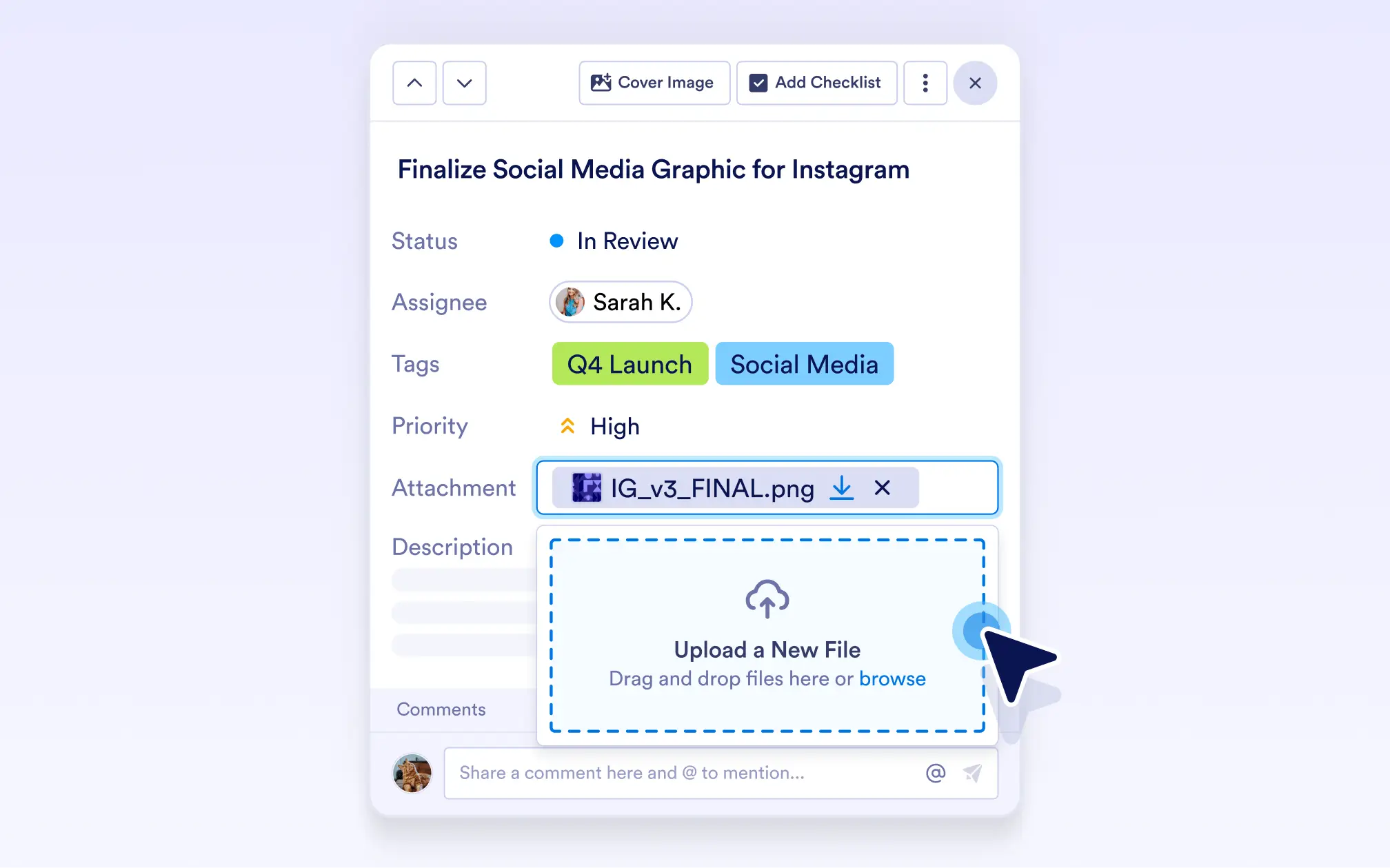
Attach Files

Attach files to tasks so all related documents and assets stay in one place.

Add Links for Quick Access
Pelajari Lebih Lanjut: Add Links for Quick Access

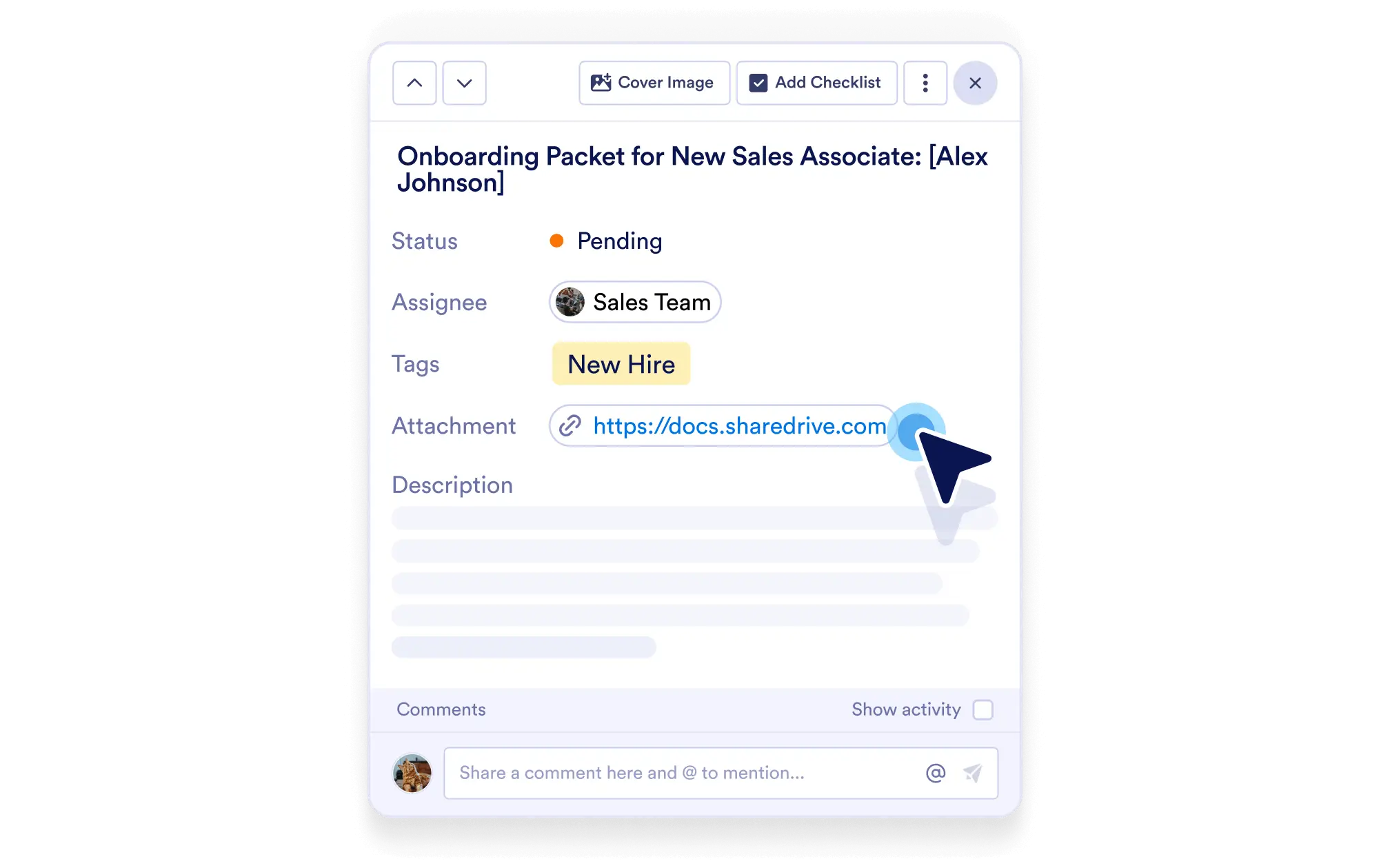
Add Links for Quick Access

Add URLs to tasks for one-click access to docs, pages, or any helpful resource.

Add a Checklist for Easy Tracking
Pelajari Lebih Lanjut: Add a Checklist for Easy Tracking

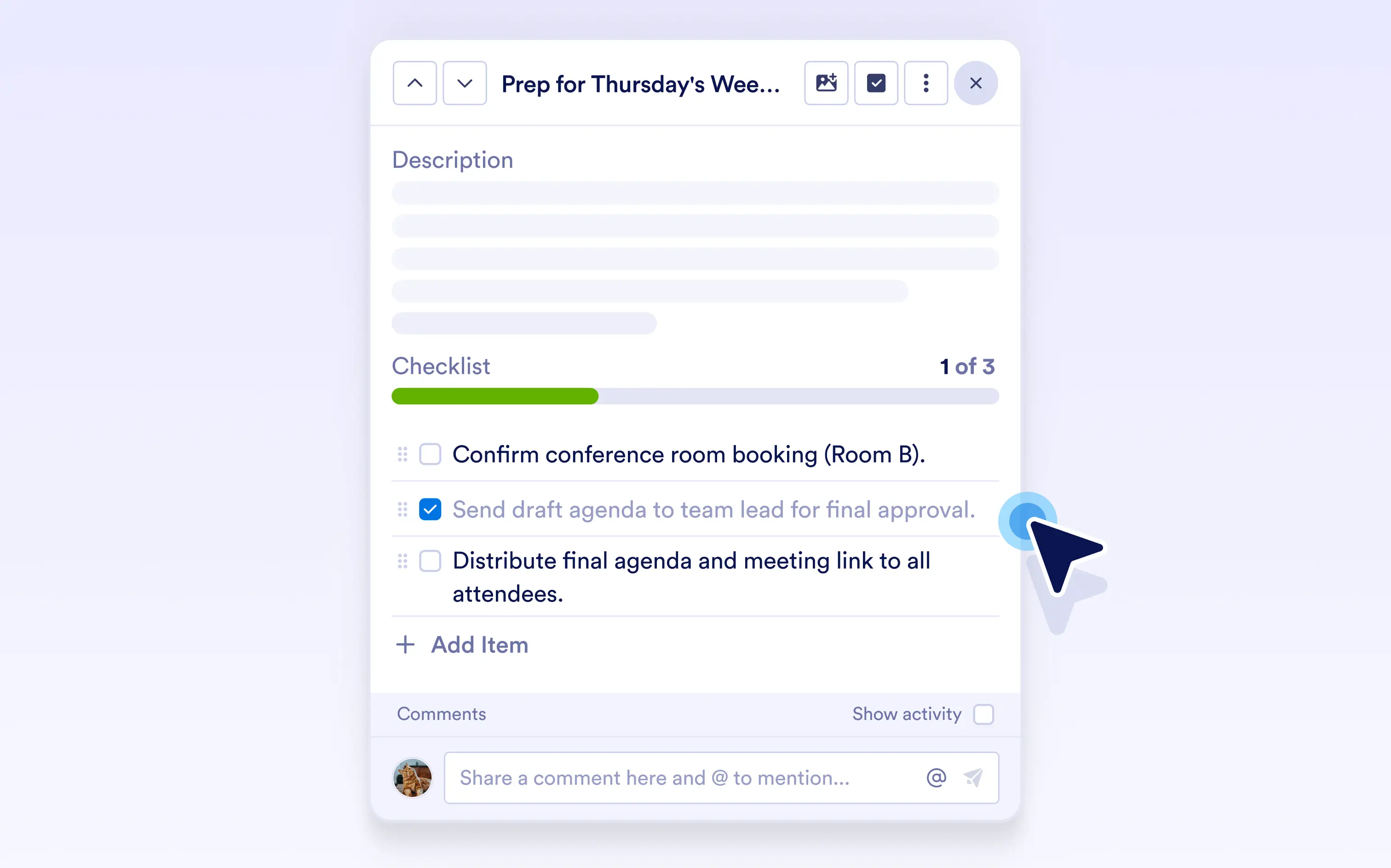
Add a Checklist for Easy Tracking

Add a checklist to break tasks into clear steps and track progress as each item is completed.

Comment on Tasks
Pelajari Lebih Lanjut: Comment on Tasks

Comment on Tasks

Add comments to discuss updates, ask questions, and collaborate without leaving the task.

View the Activity Log
Pelajari Lebih Lanjut: View the Activity Log

View the Activity Log

View the activity log to see every update, comment, and change over time, so task history stays clear and transparent.

View Submission Info
Pelajari Lebih Lanjut: View Submission Info

View Submission Info

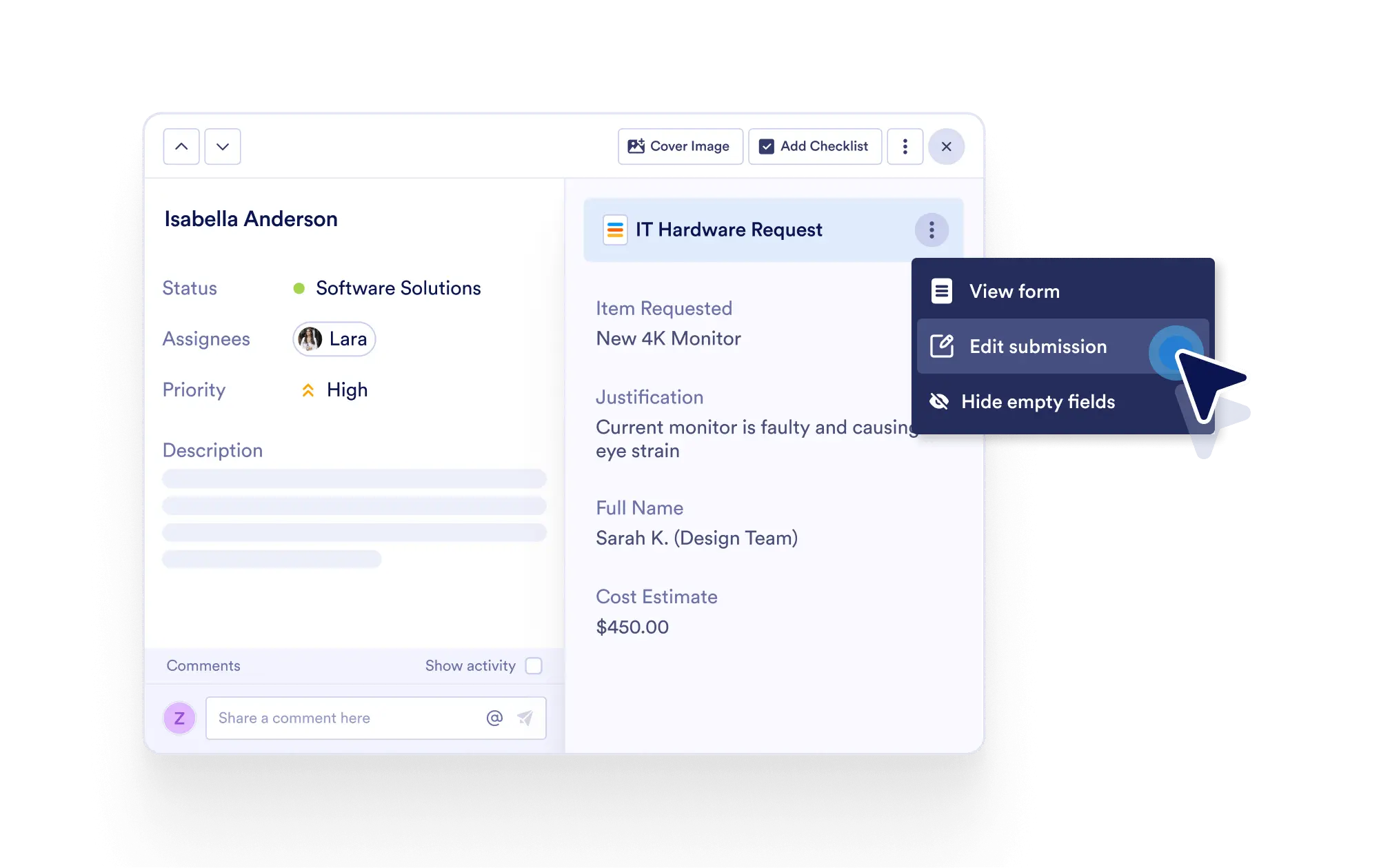
View connected form submission details inside a task for the full request context.

Edit Form Submission
Pelajari Lebih Lanjut: Edit Form Submission

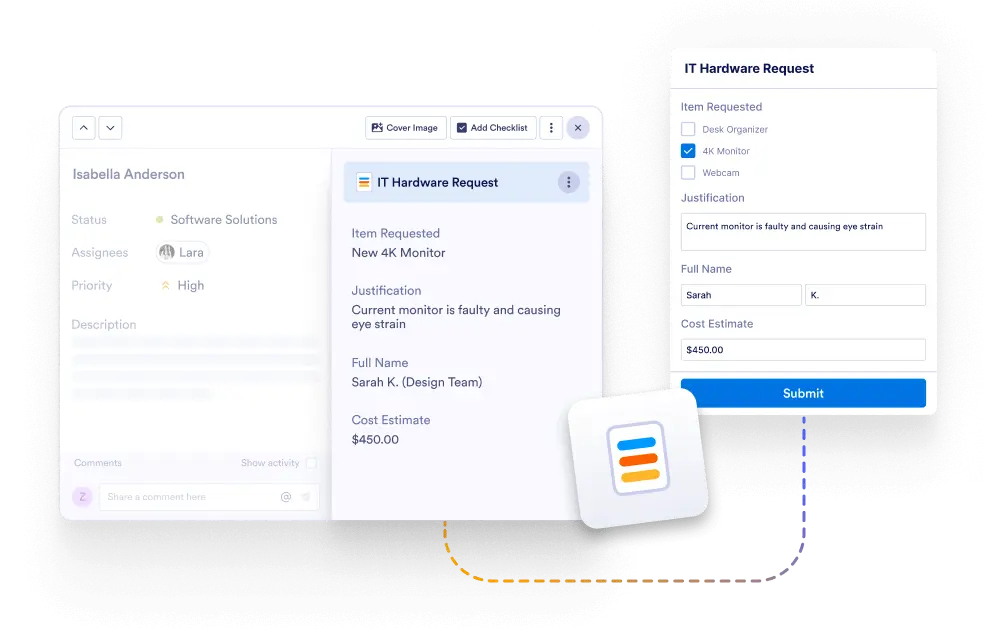
Edit Form Submission

View connected form submission details inside a task for the full request context.

View Conversation Details
Pelajari Lebih Lanjut: View Conversation Details

View Conversation Details

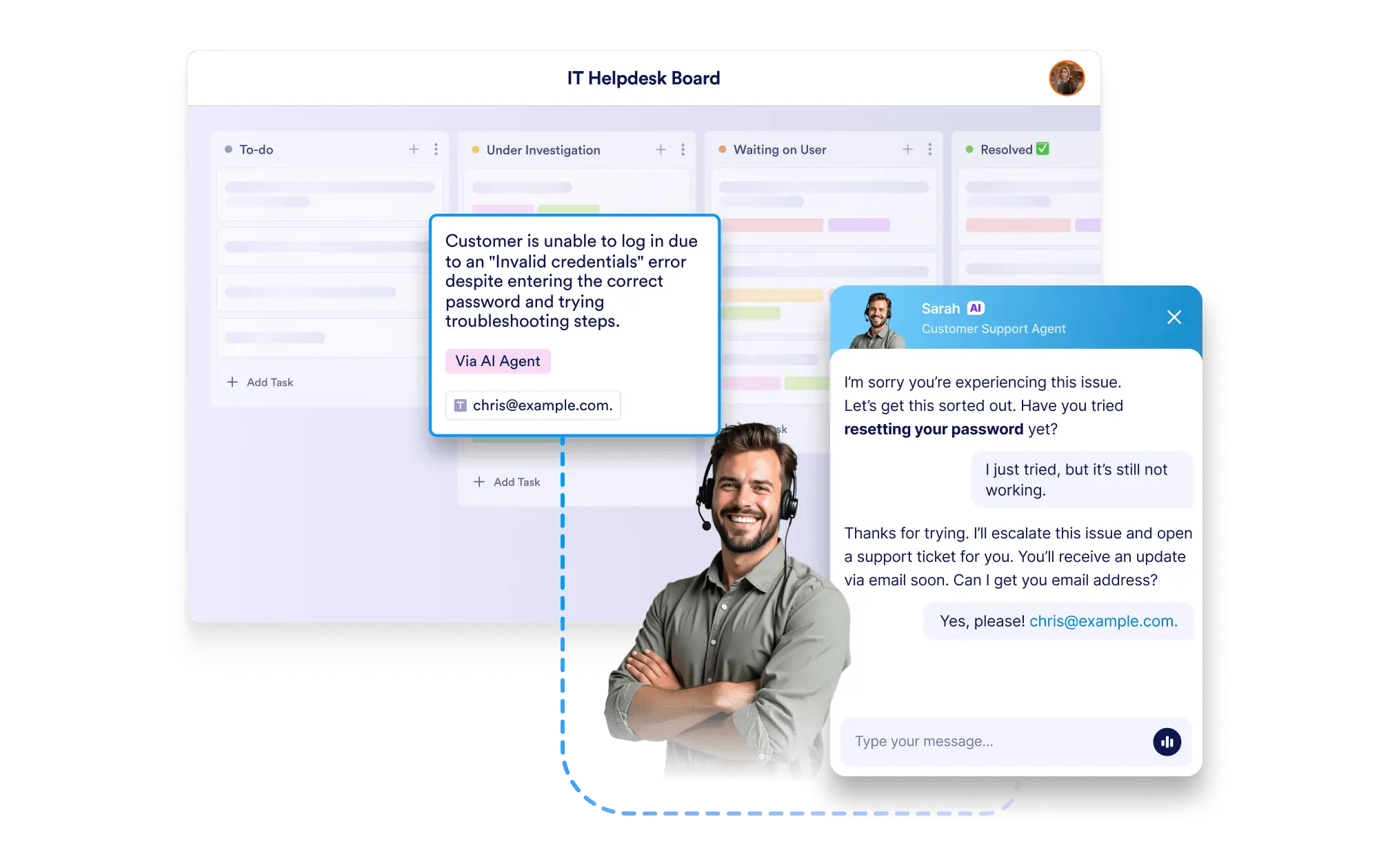
View AI Agent conversation details in tasks to always have the complete interaction context.

View Sign Document Answers
Pelajari Lebih Lanjut: View Sign Document Answers

View Sign Document Answers

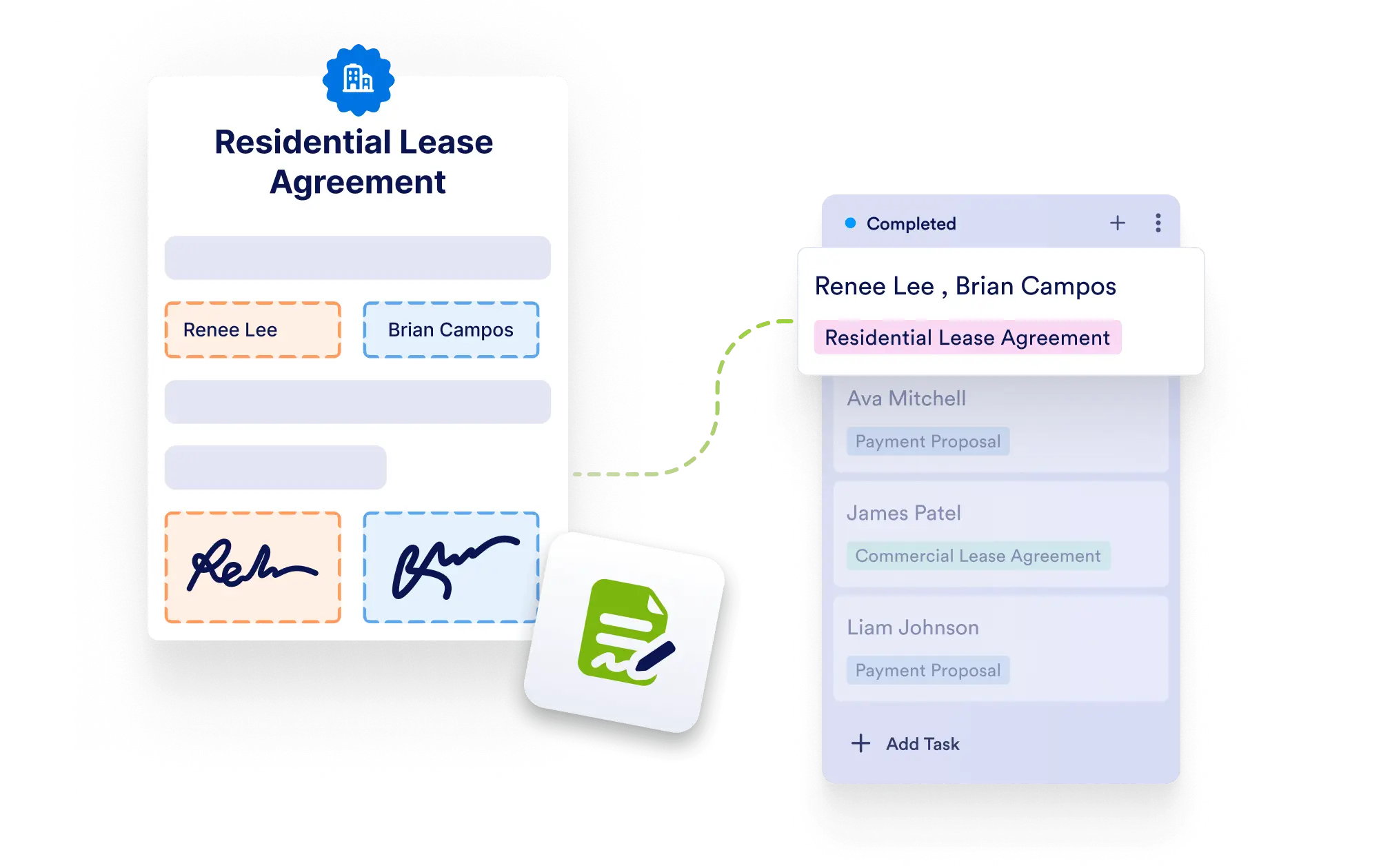
View submitted answers and signing details inside tasks created from Jotform Sign documents, keeping context and approvals in one place.

KATEGORI
  • Pengantar13
  • FiturPembuatan Tugas10
  • FiturRincian Tugas17
  • FiturBidang Tugas11
  • FiturKolom Khusus7
  • FiturKolaborasi5
  • FiturPengaturan Grup2
  • FiturPencarian & Filter3
  • FiturTema2
  • FiturTampilan Kartu12
  • FiturKoneksi Formulir8
  • FiturKoneksi Alur Kerja2
  • FiturKoneksi Agen AI2
  • FiturKoneksi Dokumen Tanda Tangan2

Jotform

  • Buat Formulir
  • Ruang Kerja Saya
  • Harga
  • Jotform Enterprise
      • Formulir Aplikasi
      • Formulir Pendaftaran
      • Formulir Kontak
      • Formulir Umpan Balik
      • Formulir Pemesanan
      • Formulir Evaluasi
      • Formulir Reservasi
      • Formulir Pemesanan
      • Formulir Permintaan
      • Pemerintah
      • Layanan Kesehatan
      • Kamp Musim Panas
      • Restoran dan Bahan Makanan
      • Gereja
      • Penampungan Hewan
      • Fotografi
      • Edukasi Profesional
      • Usaha Kecil Menengah
      • Organisasi Nonprofit
      • Agensi Kreatif
      • Cerita Pengguna
      • Cara Membuat Survei
      • Metode Pengumpulan Data
      • Desain Formulir
      • Terima pembayaran secara online
      • Buat aplikasi tanpa coding
      • Apa Itu Kode QR?
      • Cara Membuat Situs Web
      • Cara Berjualan Online
      • Pedoman Penilaian Kinerja
      • Bekerja dari Rumah
      • Semua Panduan Bisnis
    • Kasus Penggunaan
    • Pembuat Formulir Jotform
    • Janji Temu Jotform
    • Aplikasi Jotform
    • Agen AI Jotform
    • Papan Jotform
    • Mengumumkan Pembuat Toko Jotform
    • Tabel Jotform
    • Kotak Masuk Jotform
    • Formulir Seluler Jotform
    • Alur Kerja Jotform
    • Pembuat Laporan Jotform
    • Formulir PDF Cerdas Jotform
    • Editor PDF Jotform
    • Tanda Tangan Jotform
    • Tim Jotform
    • Logika Bersyarat
    • Formulir Percakapan
    • Tugaskan Formulir
    • Terjemah Formulir
    • White Label
    • Aktifkan-Nonaktifkan Formulir
    • Multipengguna
  • Alat
  • Alat AI
    • Alternatif Formulir Google
    • Alternatif Microsoft Forms
    • Alternatif Typeform
    • Tally Forms Alternative
    • Fillout Alternative
    • Alternatif Formstack
    • Alternatif SurveyMonkey
    • Alternatif Wufoo
    • Alternatif 123FormBuilder
    • Alternatif WPForms
    • Alternatif Paperform
    • Alternatif Adobe Sign
    • Alternatif PandaDoc
    • Alternatif DocuSign
    • Alternatif Jotform

Marketplace

    • Templat Formulir
    • Templat Agen
    • Templat Papan
    • Templat Aplikasi
    • Templat Alur Kerja
    • Templat Tabel
    • Templat PDF
    • Templat Tanda Tangan
  • Tema Formulir
  • Widget Formulir
    • Integrasi Pembayaran
    • Seluruh Integrasi
    • Jotform untuk Canva
  • Widget Situs Web

Dukungan

  • Hubungi kami
  • Panduan Pengguna
    • FAQ
    • Forum
    • API dan Pengembang
    • Status Jotform
    • Buku Jotform
  • Akademi Jotform
  • Webinar
  • Podcast
  • Layanan Profesional
  • Lapor Penyalahgunaan
  • Lapor Masalah Hak Cipta
  • Pulihkan Akun Jotform

Perusahaan

  • Tentang Kami
  • Fakta Jotform untuk AI
  • Kit Media
  • Dalam Berita
  • Buletin
    • Program Agensi NEW
    • Program Reseller
    • Program Afiliasi
    • Mitra Jotform
  • Blog
  • Cerita Pelanggan

Aplikasi

Papan Jotform menangkap dan menyelesaikan setiap permintaan pelanggan melalui manajemen tugas otomatis, dipercaya oleh bisnis di seluruh dunia untuk pelacakan permintaan yang terorganisir, menampilkan tugas yang dihasilkan secara otomatis dari formulir, Agen AI, pesanan, tanda tangan elektronik, dan alur kerja yang merampingkan kolaborasi tim dan penyelesaian tugas, menawarkan {footerBoardTemplatCount} templat papan siap pakai yang dirancang untuk menghemat waktu dengan memberikan opsi kustomisasi lengkap, direkayasa untuk organisasi yang membutuhkan manajemen permintaan pelanggan yang terpusat.

4 Embarcadero Center, Suite 780, San Francisco CA 94111

© 2026 Jotform Inc. The name "Jotform" and the Jotform logo are registered trademarks of Jotform Inc.

  • Terms & Conditions
  • Privacy Policy
  • Security
  • Accessibility Statement
  • Anti-Slavery Policy