




Yanıtları Arayın ve Filtreleyin
Bulmak istediğiniz yanıtları tanımlayın; Jotform Yapay Zeka Veri Asistanı, karmaşık arama kuralları veya manuel filtreleme olmadan verilerinizi anında filtreleyerek en alakalı sonuçları öne çıkarır.
Manage Inbox
Yanıtları bulup düzenlemekten verileri analiz etmeye, iş birliği yapmaya ve e-postalar oluşturmaya kadar gelen kutunuzun her yönünü yapay zeka ile yönetin.
Share your inbox with anyone using a simple prompt. Assign Read Only access for viewing data or Collaborator access for editing and commenting, and let AI configure everything automatically.
Ask Data Assistant to share an inbox with a specific email address and define exactly what that person can do, such as viewing submissions without editing or taking other actions.
Enter the collaborator’s email address and describe the access they should receive. Data Assistant completes the invitation and configures the selected inbox permissions for you.
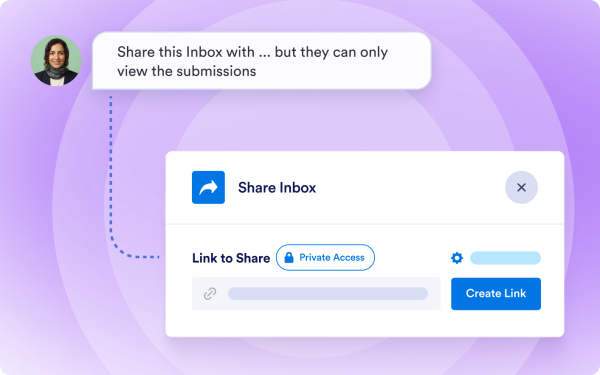
Tell Jotform AI Data Assistant which inbox you want to share and provide the collaborator’s email address. AI sends the invitation and completes the sharing setup based on your prompt.
Yes. You can ask AI to let a collaborator view submissions without editing, deleting, or taking other actions. Data Assistant AI applies the permission level you specify.
Yes. You can describe the access each collaborator should receive in your prompt. Data Assistant AI uses those instructions to configure the appropriate inbox collaboration settings.


