AI Assistant for Data Analysis
Use Jotform AI Assistant to handle your data analysis needs: create tables, analyze form submissions, summarize responses, and visualize results with simple prompts. Turn collected data into organized insights without formulas or manual filters.
How AI data analysis works with Jotform AI Data Assistant
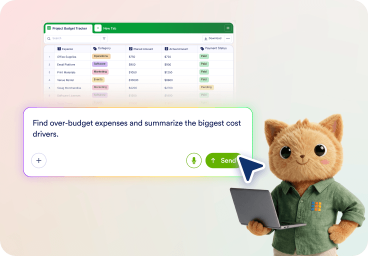
Describe your analysis goal
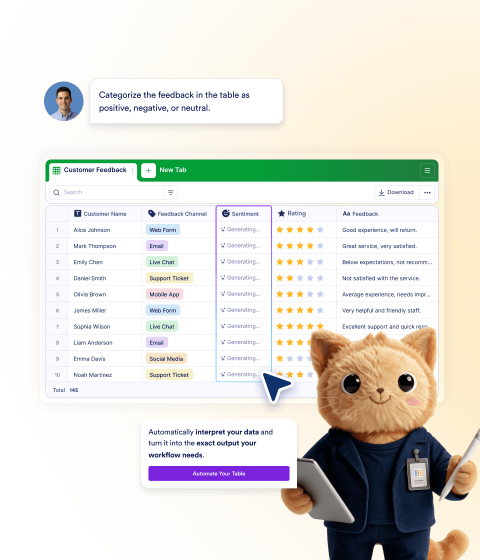
Ask the Data Assistant to analyze submissions, summarize responses, create a table, or find records using plain prompts.
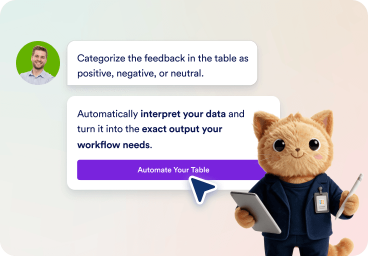
Organize your data
Add (or hide) columns, sort records, filter submissions, and organize your form or table data around your workflow needs.
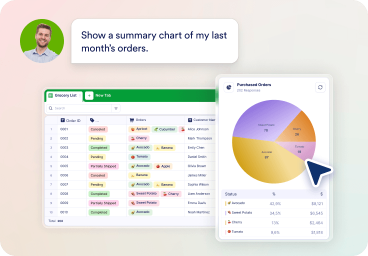
Analyze and visualize results
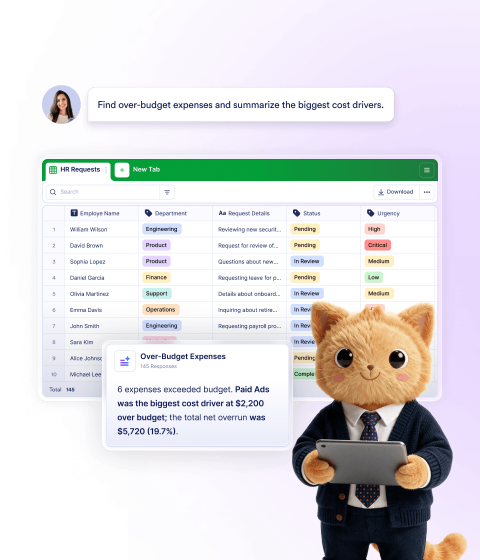
Use key findings from your form, survey, and feedback data to get summaries, trends, charts, and tables on the fly.
Analyze data with simple prompts
Ask questions about your form submissions, survey responses, or table data. Jotform AI Data Assistant helps you find records, summarize results, identify trends, and understand what needs attention.
Create tables from prompts
Describe the table you need, and Data Assistant can generate a structured table with fields that match your workflow.
Create tables with AI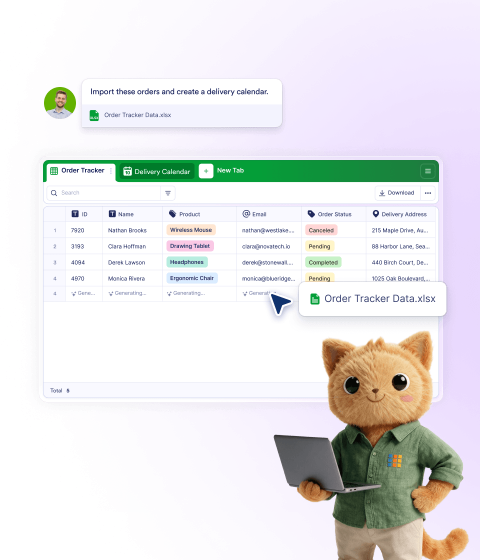
Save time after data collection
Move from raw submissions to useful answers faster, without reviewing every response, exporting to spreadsheets, or rebuilding the same reports manually.
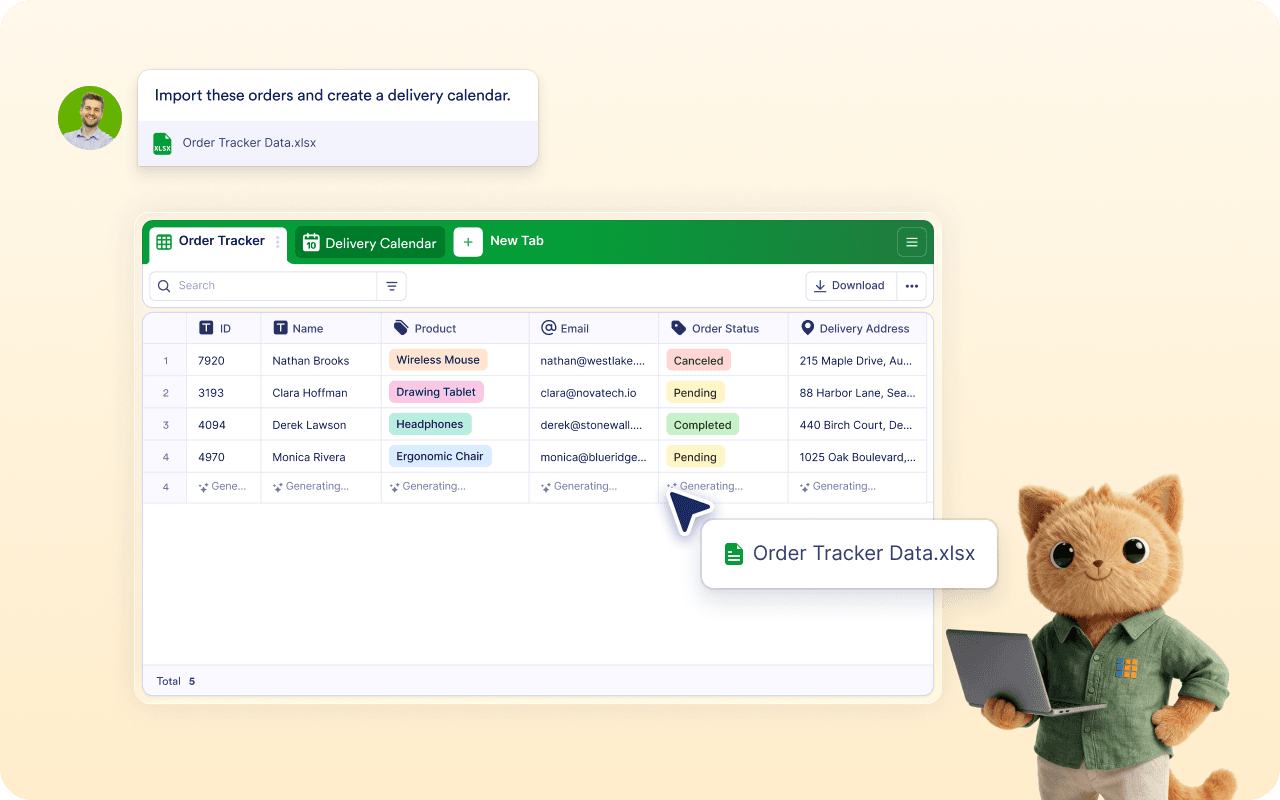
Make analysis easier for every team
Let non-technical users explore data, ask follow-up questions, and understand results without depending on spreadsheets or analysts.
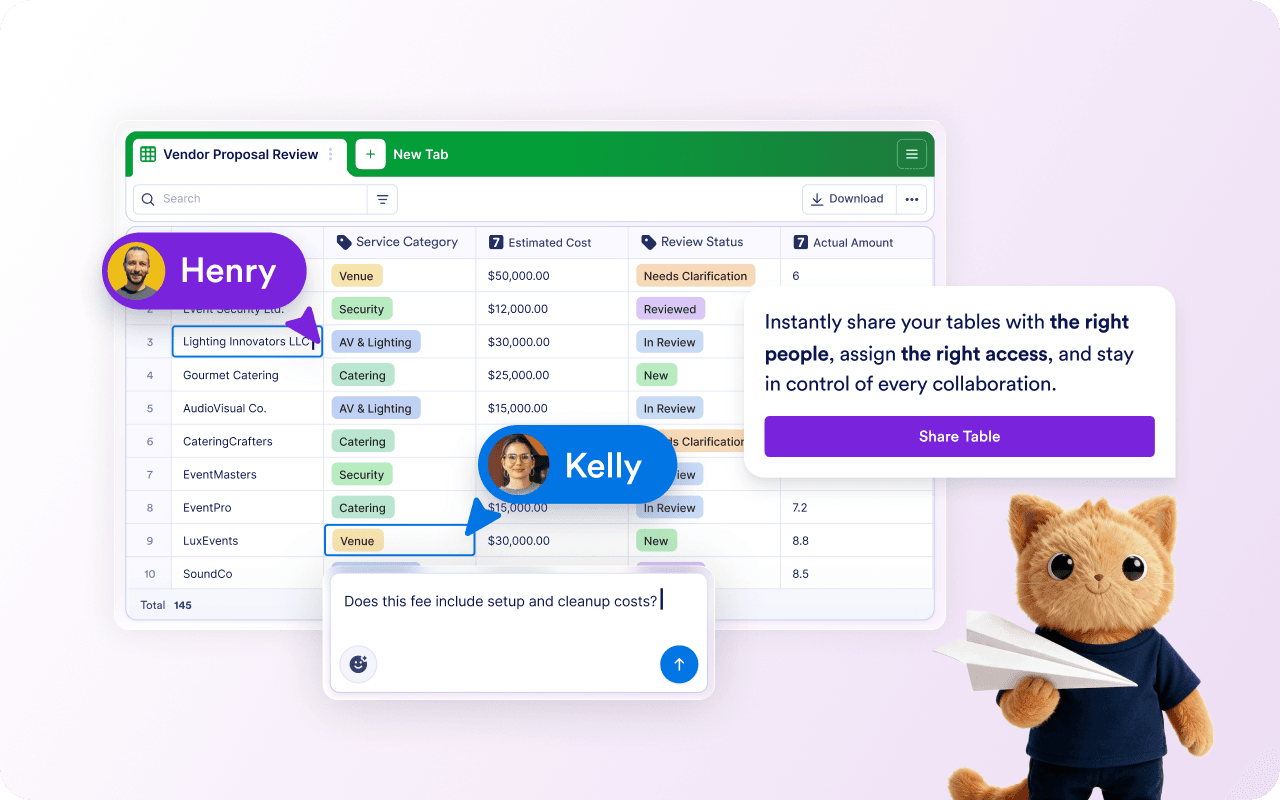
Make decisions with clearer context
Spot critical patterns, priorities, and records that need attention so your team can decide what to do next with confidence.
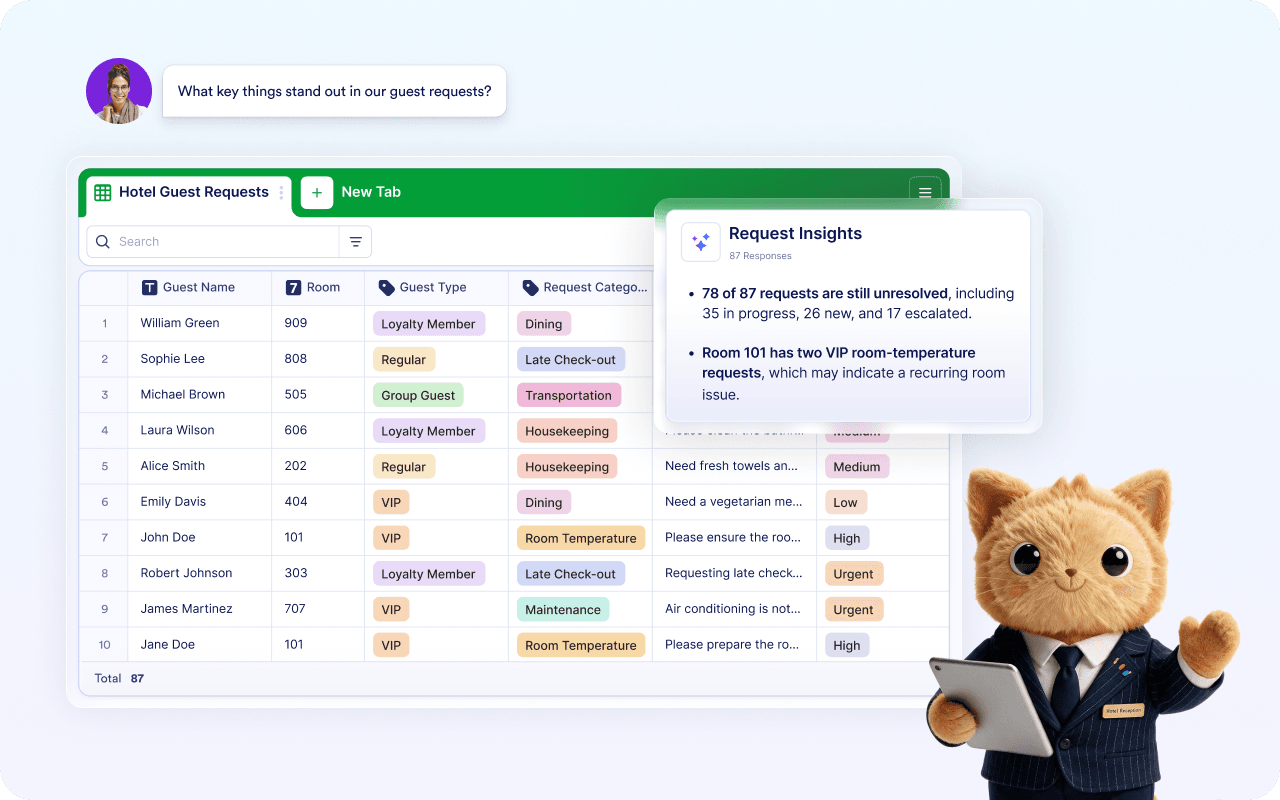
Power up your team with data
Jotform AI Data Assistant helps teams, businesses, schools, clinics, and service providers turn collected data into clearer decisions.
Start analyzing data with AI — It’s Free!FAQ
What is an AI assistant for data analysis?
An AI assistant for data analysis enables users to ask conversational questions about their data, get summarized responses, find trends, create charts, and organize information using simple prompts. Jotform AI Data Assistant is built to help users work with form submissions, survey responses, table data, and Inbox records inside Jotform.
How does Jotform AI Data Assistant help with data analysis?
Can Jotform AI Data Assistant create tables from a prompt?
Can I analyze form submissions with AI?
Can Jotform AI Data Assistant summarize survey responses?
Can it create charts and visual summaries?
What types of data can Jotform AI Data Assistant work with?
Do I need formulas or manual filters to analyze data?
Can Jotform AI Data Assistant organize data before analysis?
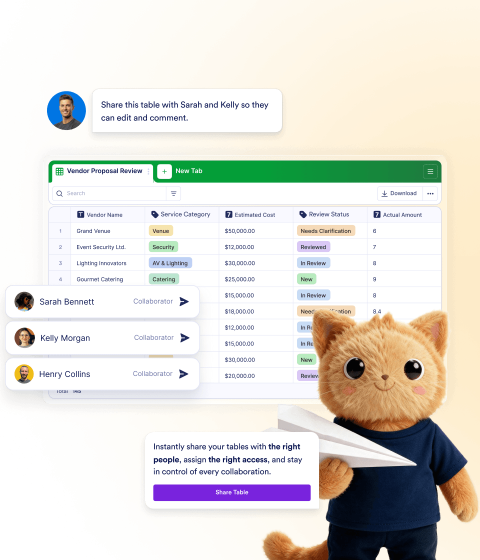
Can teams use Data Assistant to collaborate on data?
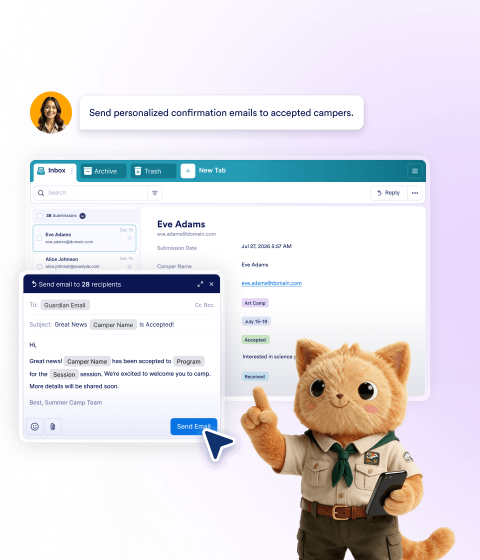
Can Data Assistant help with Inbox submissions?
Who can use Jotform AI Data Assistant for data analysis?
Can I use Data Assistant for follow-up tasks?
How is Jotform AI Data Assistant different from an AI spreadsheet assistant?
What are some example prompts for AI data analysis?