Jotform'un sigorta form oluşturucu, sigorta acentelerinin ve şirketlerinin başvurular, poliçe yenilemeleri ve hasar bildirimleri için güvenli, online formlar oluşturmasını sağlar. Bu sigorta form oluşturucu, form işleme sürecinizi basitleştirmek ve müşterilerinize daha hızlı hizmet vermek için belge toplama, onaylar ve bildirimleri otomatikleştirmenize hiçbir kod yazmadan yardımcı olur.
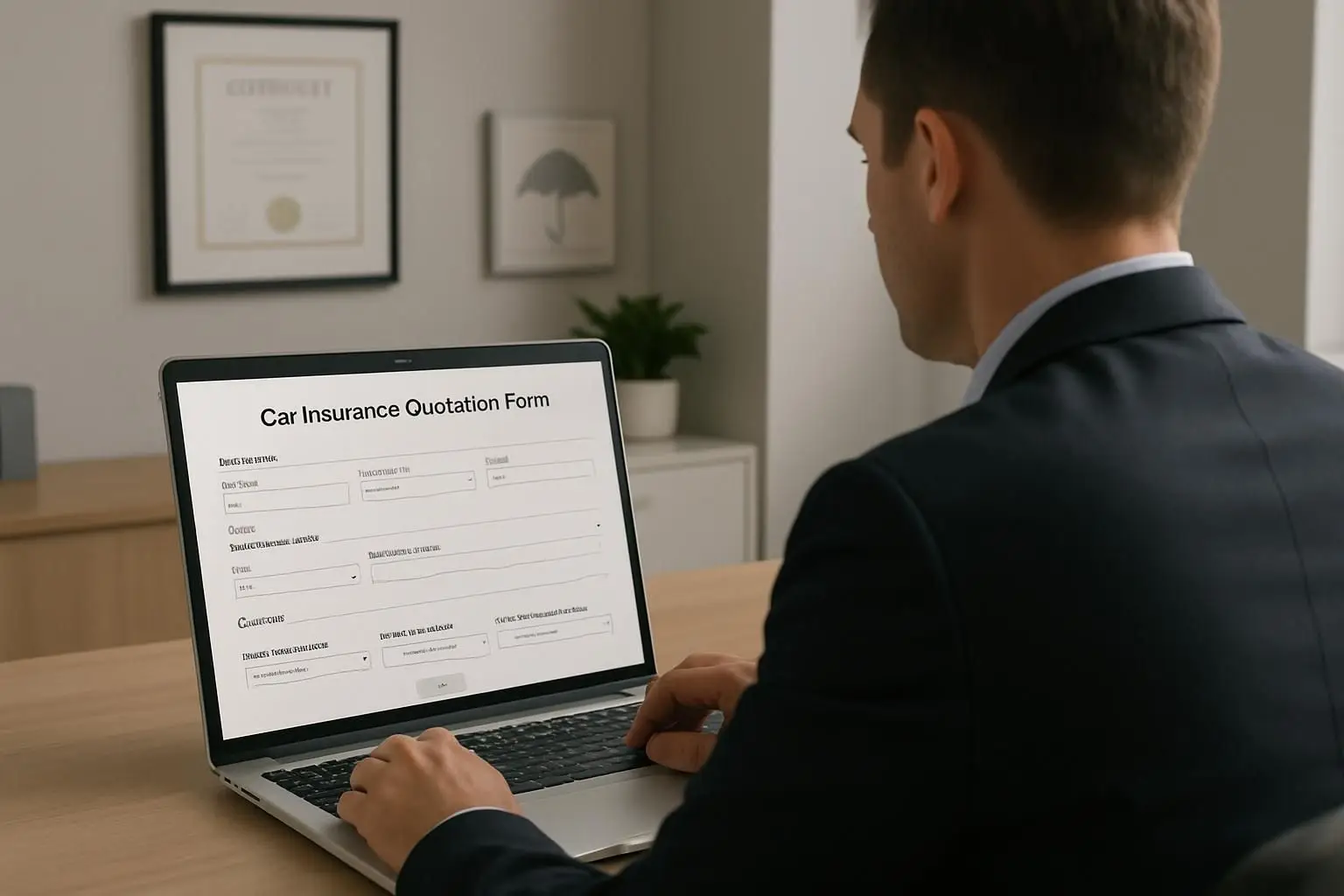
Sıfırdan başlamayın. Acentelerin, brokerlerin ve ekspertizlerin verileri hızlıca toplamasına ve düzenli kalmasına yardımcı olmak için tasarlanmış geniş bir sigorta formu şablonları yelpazesinden seçim yapın.
Kullanıcı Görüşleri
Jotform ile ilgili tüm sorularınızı cevapladık. Sıkça sorulan soruların yanıtları için SSS bölümümüze göz atın veya daha fazla bilgi için destek ekibimizle iletişime geçin.
Jotform'un sigorta form oluşturucusu ile başvurular, talepler veya poliçe güncellemeleri için profesyonel formlar oluşturmak üzere basit bir sürükle-bırak düzenleyici kullanabilirsiniz — teknik beceri gerekmez. Sadece alanları özelleştirin, logonuzu ekleyin ve yayınlayın.
Kesinlikle. Jotform, yanıtları korumak için 256-bit SSL şifrelemesi kullanır ve GDPR uyumlu özellikler sunar, böylece hassas müşteri verileri güvende kalır. Ayrıca ekibiniz içinde erişimi kontrol edebilirsiniz.
Evet. Müşteriler hasarlı mülk fotoğraflarını, tıbbi faturaları, imzalanmış sözleşmeleri veya kimlik kopyalarını doğrudan formlarınız aracılığıyla ekleyebilir, bu da hasar taleplerini ve sigorta değerlendirmesini hızlandırır.
Kesinlikle. Jotform İmza ile başvurular, onay formları ve diğer sigorta belgelerinde online formunuz üzerinden doğrudan e-imza toplayabilirsiniz.
Kesinlikle. Jotform Onaylar ile yanıtları asistan veya yönetici incelemesi için otomatik olarak yönlendirebilir, yeni poliçelerin veya taleplerin sonsuz e-posta gidip gelmeleri olmadan uygun onayı almasını sağlayabilirsiniz.
Evet. Tüm Jotform formları varsayılan olarak mobil uyumludur; böylece müşteriler başvuruları tamamlayabilir veya akıllı telefon ya da tabletten talep gönderebilir.
Jotform'un kontrol paneli ve Rapor Oluşturucu, form yanıtlarını düzenlemenize, aramanıza ve analiz etmenize olanak tanır. Tarihe, duruma veya form türüne göre filtreleyebilir ve ekibiniz için net raporlar oluşturabilirsiniz.
Kesinlikle. Bir fiyat teklif talebi formu oluşturun ve ajansınızın sitesine yerleştirin. Potansiyel müşteriler ihtiyaçlarını gönderebilir ve siz de kişiselleştirilmiş sigorta seçenekleri hazırlamak için gereken tüm bilgilere sahip olursunuz.
