Open and Switch Between Jotform Tables
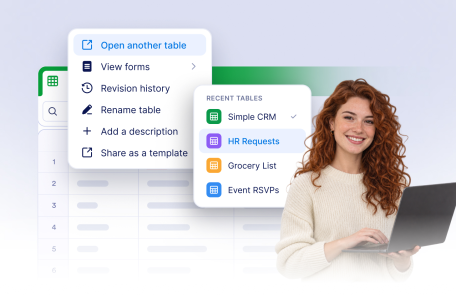
Open another Jotform Table directly from your current workspace.
Table Options
Customize table settings and manage workspace options in Jotform Tables. Adjust preferences, organize your data, and tailor tables to your workflow.
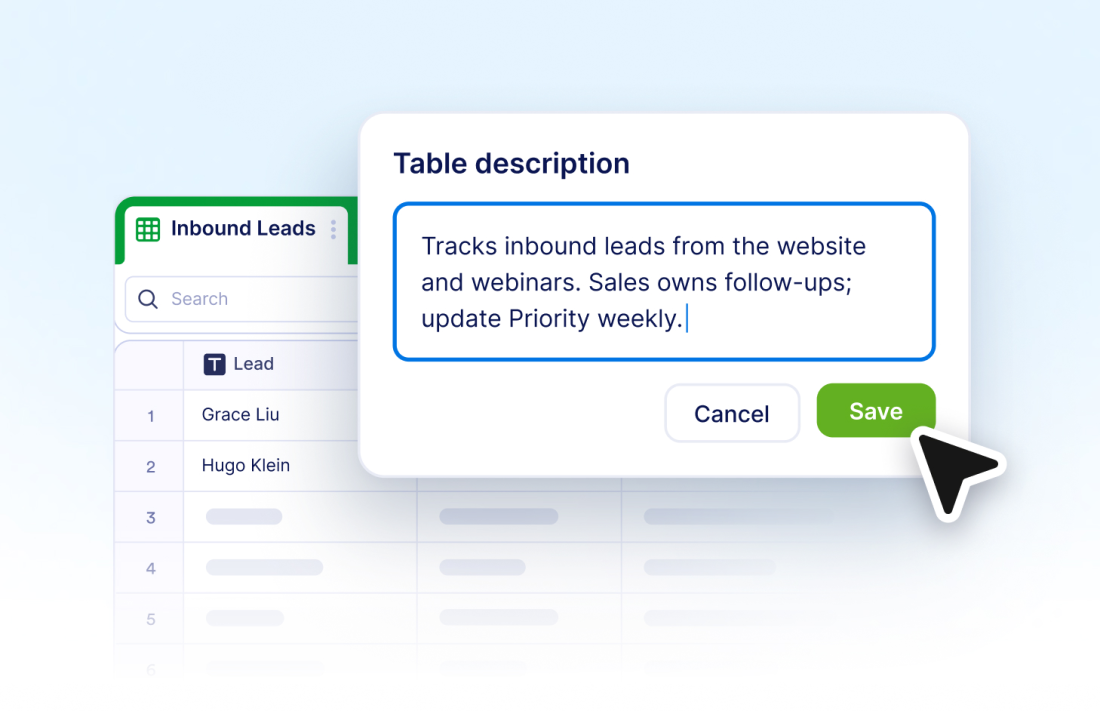
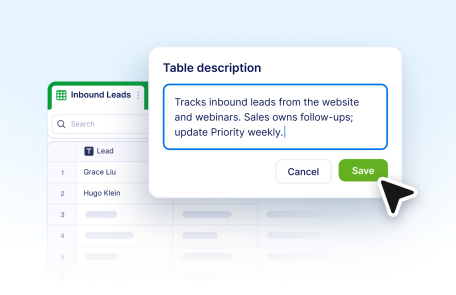
Add custom descriptions to Jotform Tables to explain the purpose of your data. Provide helpful context, clarify how tables are used, and make information easier for your team to understand.
Give every table a clear purpose with custom descriptions. Share important details about your data, provide useful context for collaborators, and keep your workspace easier to navigate.
Help everyone understand what each table contains and how it should be used. Add descriptions to provide context, explain workflows, and make shared information easier to manage.
Access your other Jotform Tables directly from the current table's options menu. Switch to a different dataset without returning to your dashboard or searching through separate pages.
Use table descriptions to communicate important details about your data and its intended use. Help collaborators understand shared records without relying on separate instructions.
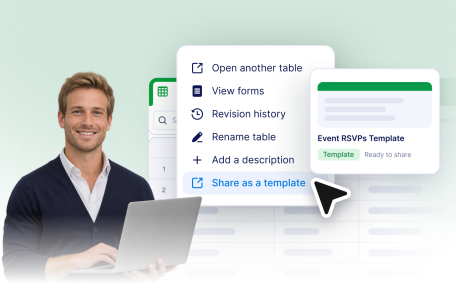
Click your table title to open the Table Options menu and select Add Description. Enter a description to explain your table's purpose or provide additional context.
Yes. You can update your table description whenever needed to reflect changes in your data, projects, or workflows.
Yes. Table descriptions help collaborators understand the purpose and content of shared tables. You can use them to provide useful context and communicate important information about your records.