Open and Switch Between Jotform Tables
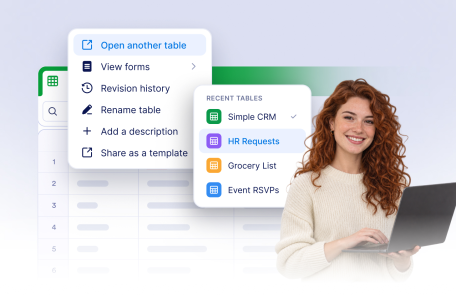
Open another Jotform Table directly from your current workspace.
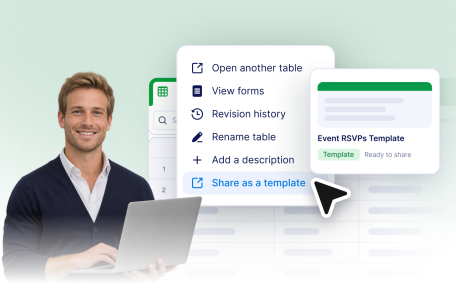
Table Options
Customize table settings and manage workspace options in Jotform Tables. Adjust preferences, organize your data, and tailor tables to your workflow.
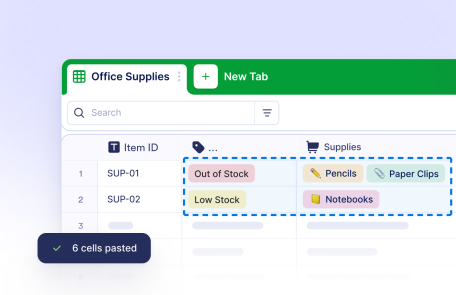
Copy and paste data in Jotform Tables to save time and simplify everyday tasks. Reuse cell values, share selected records, and transfer information between your table and other applications.
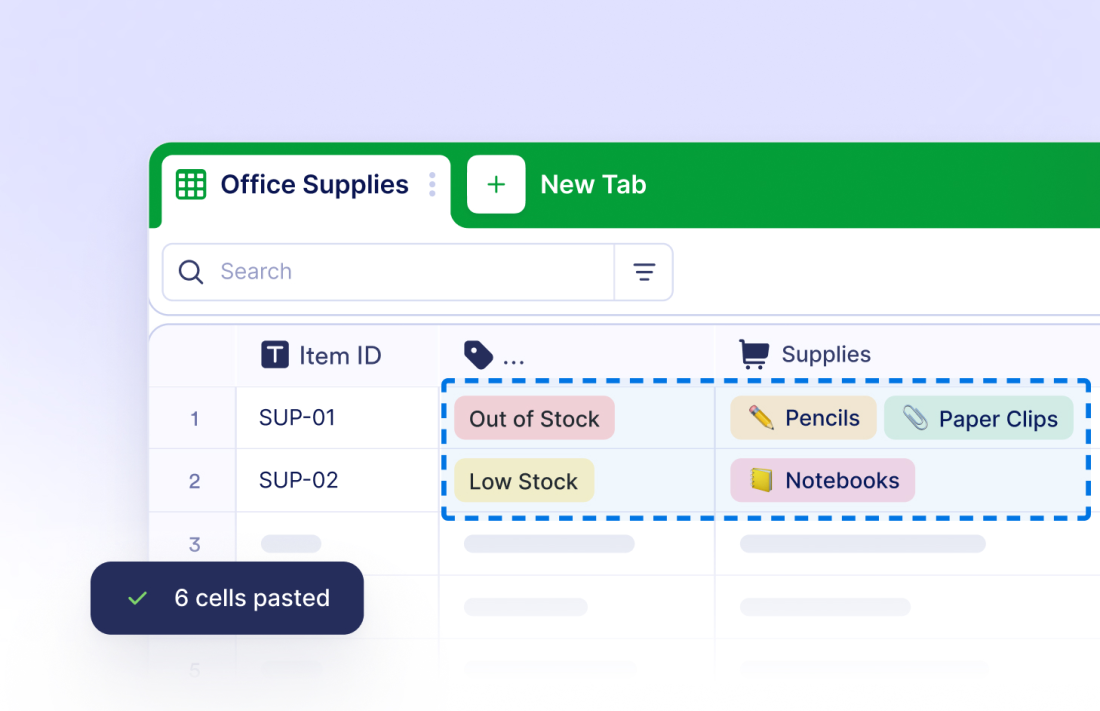
Work with table data more efficiently without manually retyping information. Copy individual values or larger selections, share records across tools, and make quick updates to keep your workflow moving.
Move information between Jotform Tables and other applications with familiar copy-and-paste actions. Quickly reuse values, transfer selected data, and keep information organized.
Select individual cells, entire columns, or larger data ranges to copy information from your table. Paste copied records into compatible documents or email editors while preserving their structure.
Update editable cells by pasting copied values instead of typing them manually. Make quick corrections, reuse existing information, and simplify routine data entry without leaving your table.
You can copy individual cell values and use supported selection options to copy larger ranges of table data. This makes it easier to reuse information in other applications.
When you copy a range of cells and paste it into a compatible application, the data can retain its row-and-column structure. The final appearance depends on the destination application's formatting support.
Yes. You can paste copied values into editable table cells to make quick updates without retyping information. Support for pasting larger ranges may depend on the column types and editing options available.