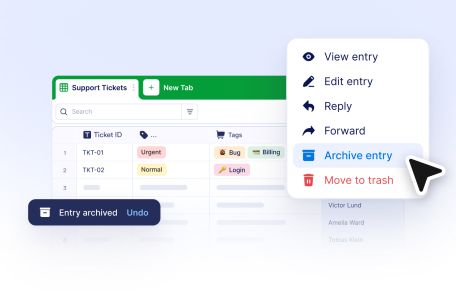
Archive Submissions
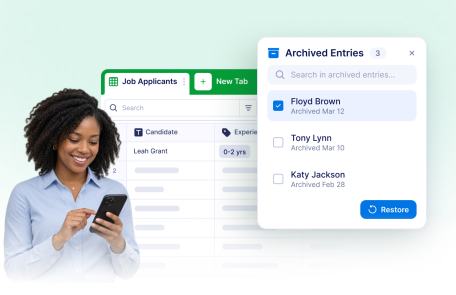
Archive submissions in Jotform Tables to keep records organized. Access and restore archived entries whenever needed.
Archive, Trash & History
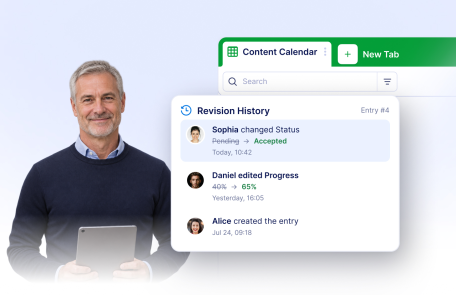
Manage deleted and archived submissions in Jotform Tables. Restore important records, review revision history, and keep track of changes to your data.
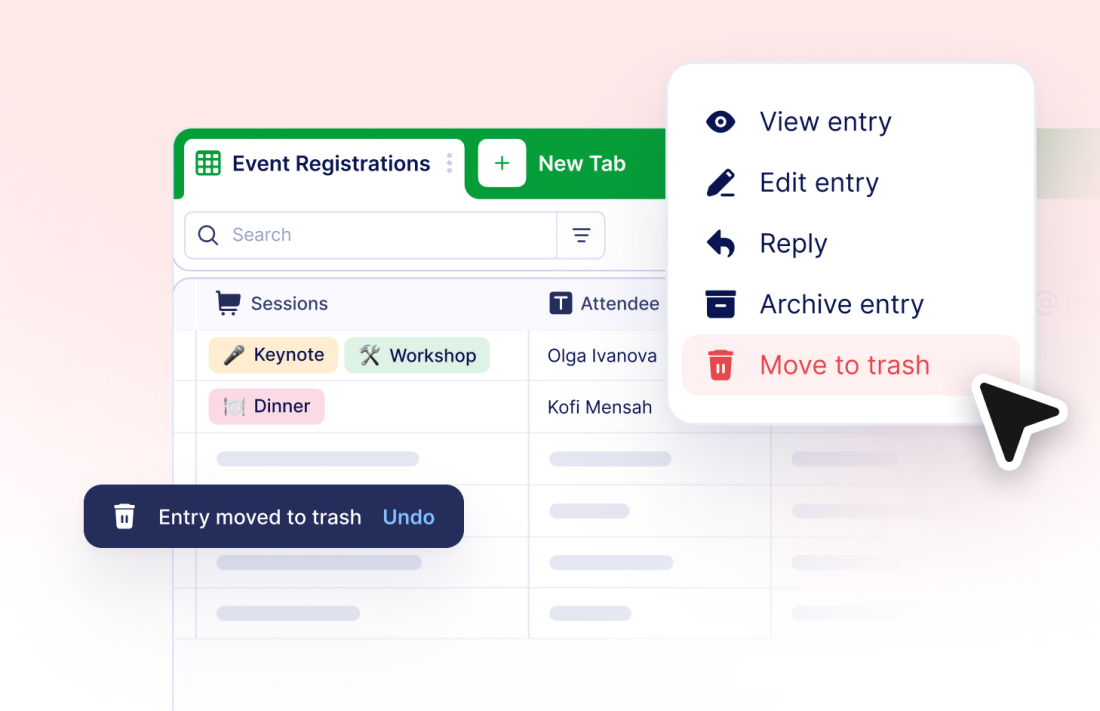
Keep Jotform Tables organized by moving outdated, duplicate, or unnecessary submissions to Trash. Clear unwanted entries from your active table without deleting them permanently right away.
Clean up your workspace with confidence. Move submissions to Trash, reduce clutter in your active table, and recover accidentally removed records within the 30-day retention period.
Remove submissions you no longer need while keeping a temporary recovery option. Move individual or multiple entries to Trash and maintain a cleaner, more focused workspace.
Remove unwanted submissions individually or in bulk to keep your table organized. Clear outdated records and unnecessary entries without permanently deleting their data immediately.
Restore entries from Trash within 30 days if they were removed by mistake. Keep a temporary recovery option available before unwanted records are automatically deleted permanently.
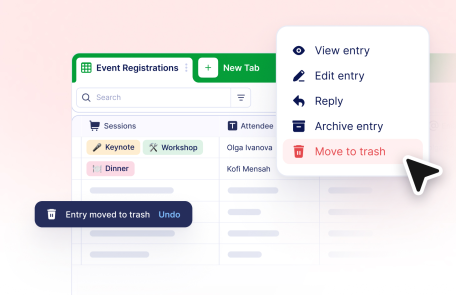
Select one or multiple submissions and choose Move to Trash from the available actions. You can also remove individual entries using their row menu.
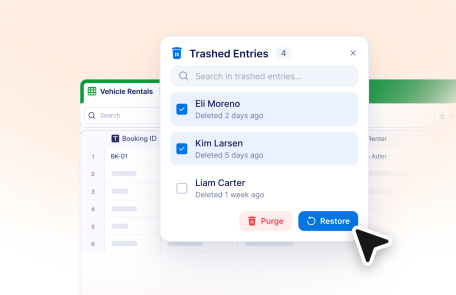
Yes. Open Trashed Entries from your table's tab menu, select the submissions you want to recover, and choose Restore. Entries can be recovered within 30 days of being moved to Trash.
Submissions remain in Trash for 30 days before being automatically deleted permanently. During this period, you can restore them or choose to delete them permanently sooner.