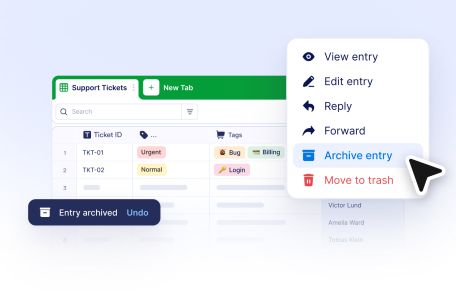
Archive Submissions
Archive submissions in Jotform Tables to keep records organized. Access and restore archived entries whenever needed.
Archive, Trash & History
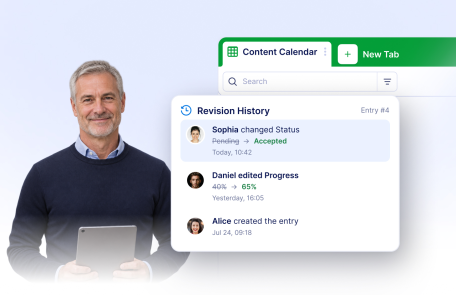
Manage deleted and archived submissions in Jotform Tables. Restore important records, review revision history, and keep track of changes to your data.
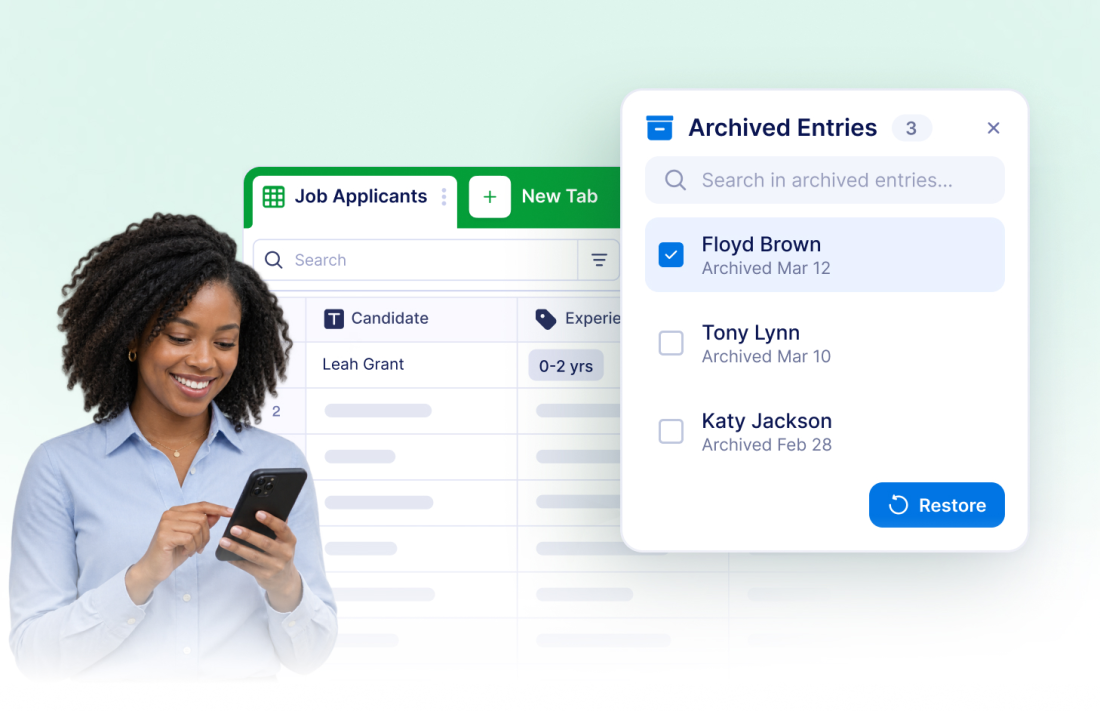
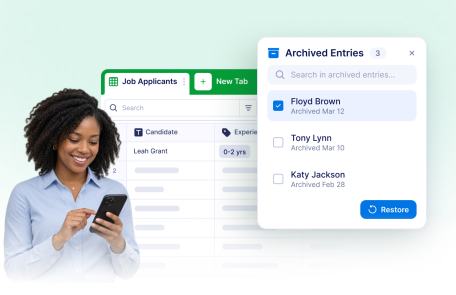
Access archived form submissions in Jotform Tables whenever you need them. Review past records, restore important entries, and manage stored data without cluttering your active table.
Keep your past submissions accessible without filling your active workspace. Review archived records, bring back entries when needed, and remove information you no longer need.
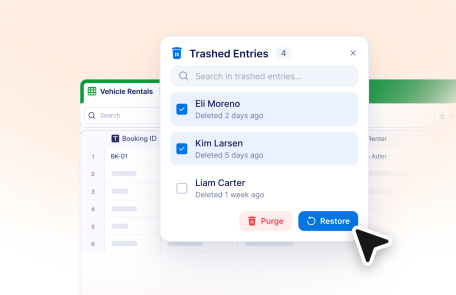
Manage past submissions from a dedicated archive in Jotform Tables. Review stored information, restore individual or multiple entries, and move unnecessary records to Trash.
Access archived entries in a dedicated panel and review their details without returning them to your active table. Find the records you need while keeping current submissions organized.
Bring archived submissions back into your active table whenever you need them. Restore individual or multiple entries to continue reviewing, editing, or managing previously stored information.
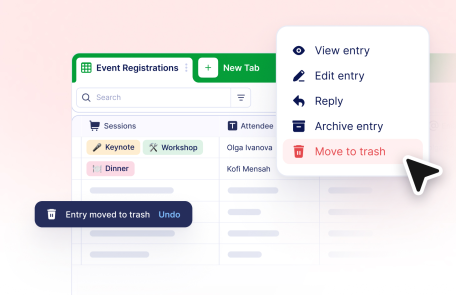
Move archived submissions to Trash when they're no longer needed. Manage individual records or select multiple entries to keep your archive organized and free of outdated information.
Open the menu next to your table tab and select Archived Entries. You can access the archive panel and review the details of previously archived submissions.
Yes. You can select individual or multiple submissions in the Archive panel and restore them to your active table. This makes it easy to recover records when you need to work with them again.
Archived submissions remain stored indefinitely unless you remove them. If you move an archived entry to Trash, it becomes subject to the 30-day deletion period.