أداة حجز المواعيد لمواقع الويب
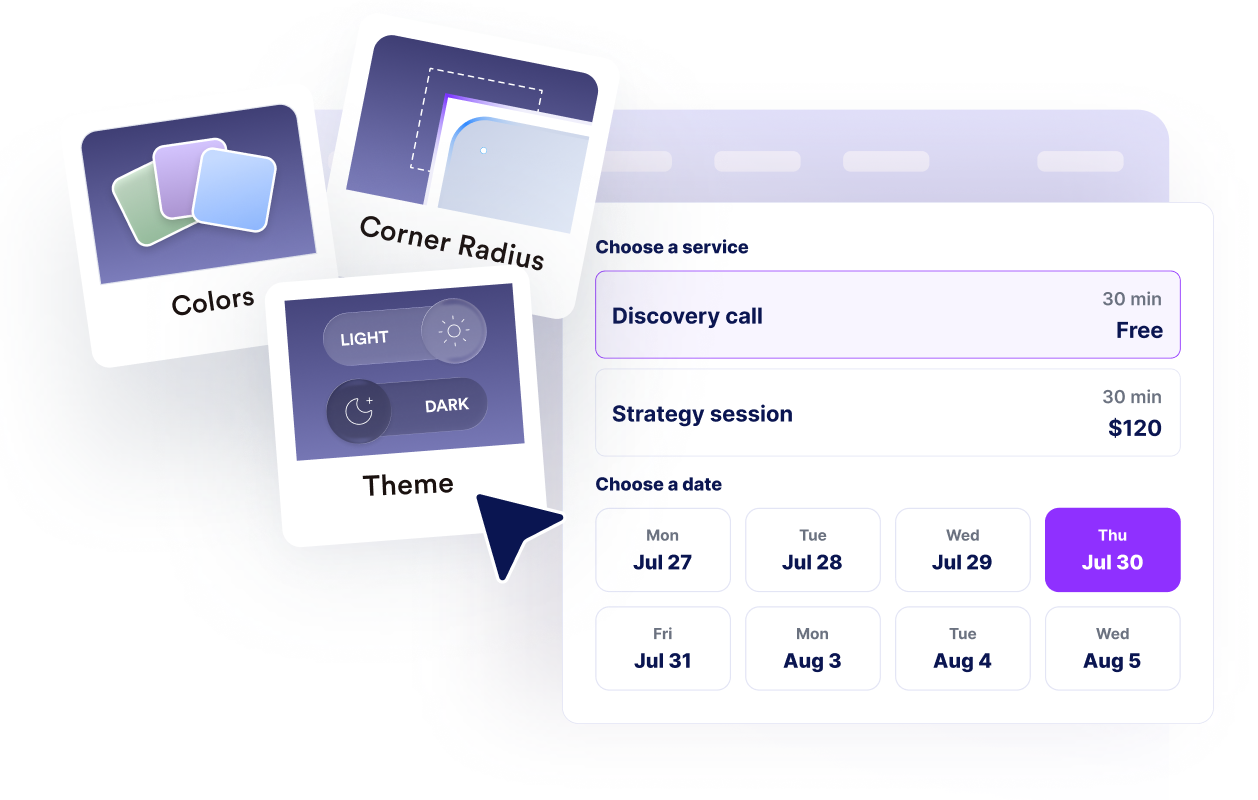
دع الزوار يختارون خدمة، ويحددون تاريخًا ووقتًا متاحين، ويدخلون تفاصيل الاتصال الخاصة بهم، ويرون تأكيدًا واضحًا دون مغادرة موقعك الإلكتروني.
كيفية إنشاء عنصر واجهة حجز المواعيد
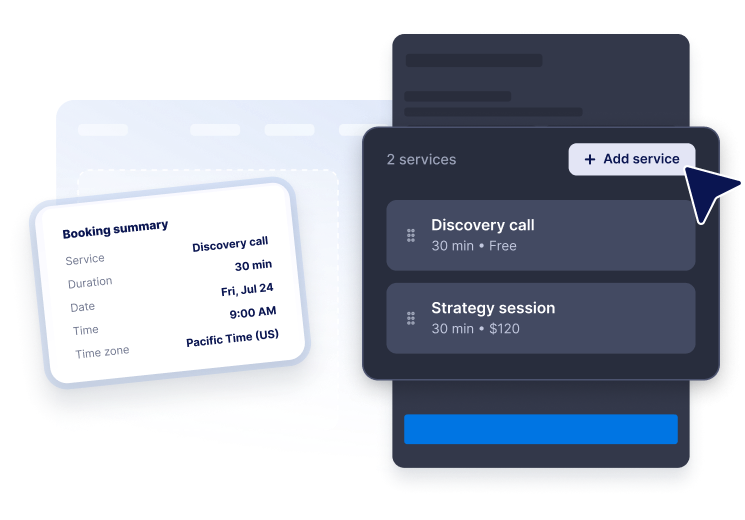
أضف خدماتك
اعرض أنواع المواعيد مع الأوصاف، والمدة، والأسعار حتى يتمكن الزوار من اختيار الخيار المناسب.
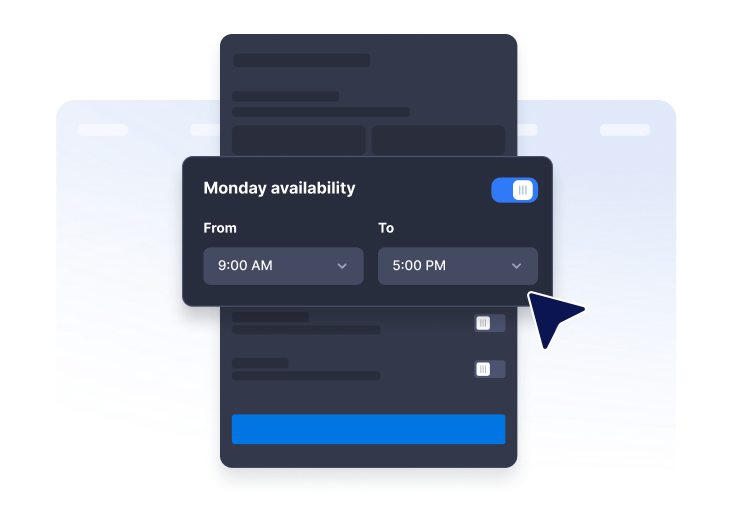
تعيين التوافر
اختر ساعات العمل الأسبوعية، والزيادات الزمنية، وإشعار الحجز، ونافذة الحجز، والمنطقة الزمنية، وتواريخ عدم التوفر.

قم بتضمينها في موقع الويب الخاص بك
خصص نموذج الحجز ونمطه، ثم انشر الأداة حيث يتصفح العملاء خدماتك بالفعل.
امنح الزوار تجربة حجز ذاتية الخدمة متقنة
اعرض الخدمات مع المدة والأسعار
أنشئ قائمة خدمات واضحة مع الأوصاف، ومدد المواعيد، والأسعار المجانية أو الثابتة أو من نوع .

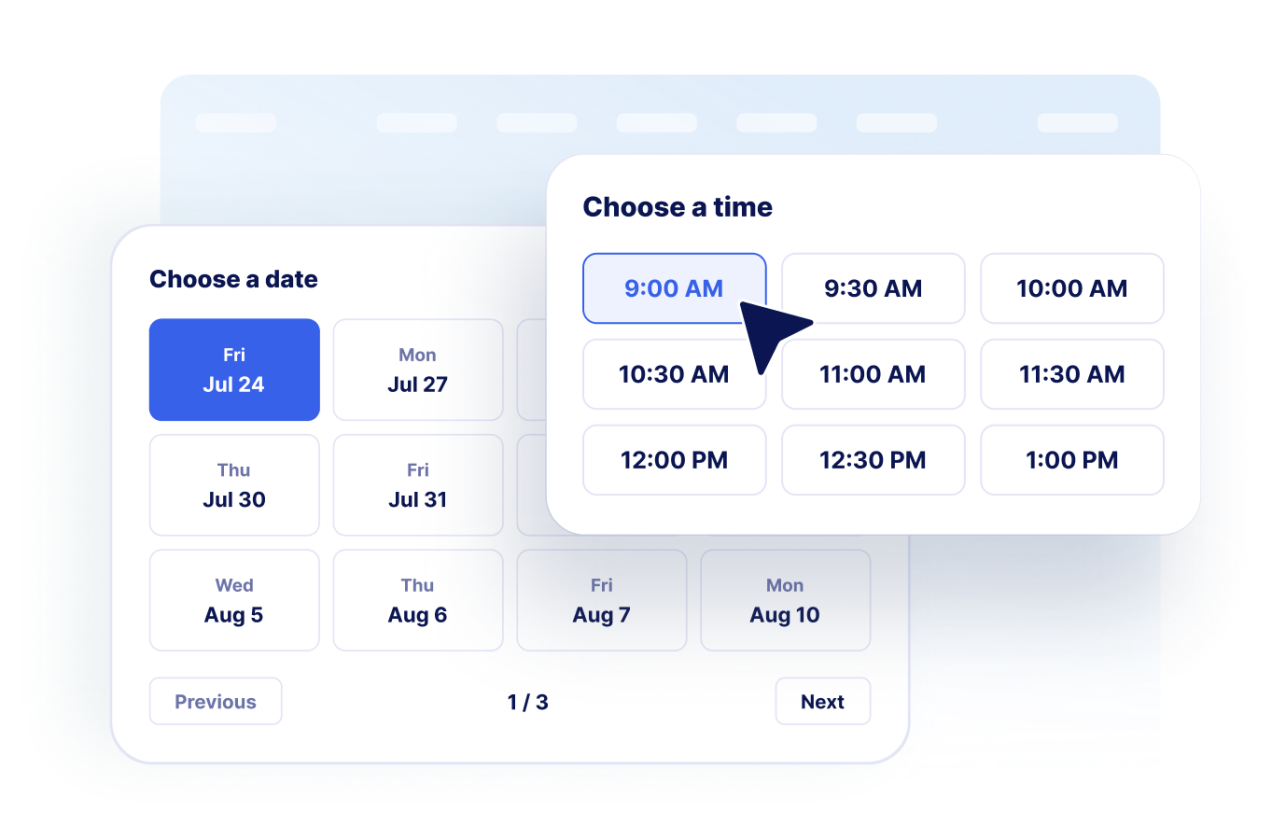
دع العملاء يختارون التاريخ والوقت
اعرض التواريخ المتاحة والفترات الزمنية التي تم إنشاؤها بناءً على توافرك الأسبوعي وقواعد الحجز الخاصة بك.
اجمع تفاصيل الاتصال بالعملاء
اجمع الاسم، والبريد الإلكتروني، ورقم الهاتف الاختياري، وملاحظات الحجز قبل عرض شاشة التأكيد.
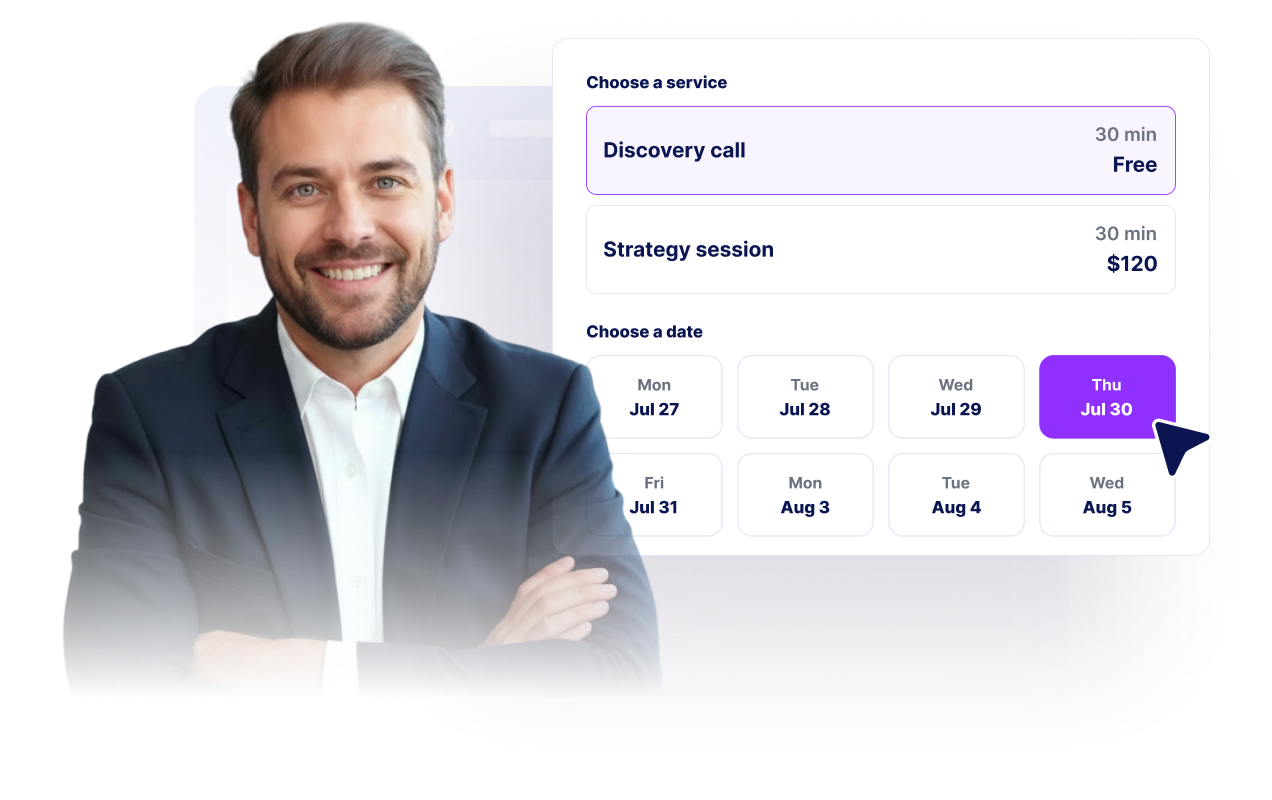
طابق علامتك التجارية وسير عملك
خصص التخطيط، والألوان، ونص التأكيد، والعلامة التجارية، وملاحظات التقويم، وCSS المتقدم لتتناسب بشكل أصلي مع موقع الويب.
لماذا تتميز أدوات Jotform لمواقع الويب؟
تجعل أدوات Jotform موقع الويب الخاص بك أكثر تفاعلية وتساعد على زيادة معدلات التحويل. تتوفر العديد من الأدوات، بدءًا من تقييمات النجوم وأشرطة تمرير تقييمات العملاء، وصولًا إلى النوافذ المنبثقة التي تعرض تقييمات العملاء وتضمين الوسائط. أضف الأدوات إلى نماذجك أو صفحاتك المقصودة لجمع البيانات، وعرض آراء العملاء، وجمع العملاء المحتملين — دون الحاجة إلى كتابة أكواد.
أضف أدوات Jotform إلى موقعك الإلكتروني باستخدام كود تضمين بسيط. خصّص الأداة، واعرض معاينة لشكلها، ثم أدرجها في أي صفحة تدعم HTML المخصص أو حزم التضمين، وكل ذلك دون الحاجة إلى مطور.
استخدم أدوات مواقع الويب من Jotform لجمع بيانات العملاء المحتملين، وإظهار تقييمات العملاء، وعرض الآراء الاجتماعية، وتضمين ملفات الوسائط، أو إضافة أدوات مفيدة لصفحات ويب. تقوم كل أداة بمساعدة الزوار على التفاعل مع خدماتك مباشرةً من موقعك الإلكتروني.
إذا كنت بحاجة إلى مساعدة في إعداد أداتك أو تخصيصها أو تضمينها أو استكشاف المشكلات وإصلاحها، فإن فريق دعم العملاء في Jotform متاح على مدار الساعة طوال أيام الأسبوع. يمكنك المتابعة بثقة، مع العلم أن المساعدة متاحة عندما تحتاج إليها.
أين تستخدم أداة حجز المواعيد الخاصة بك
ضع الأداة في أي مكان يكون فيه الزوار مستعدين لاختيار وقت، أو طلب المساعدة، أو حجز خدمة، أو بدء استشارة.
صفحات الخدمات حتى يتمكن الزوار من الحجز فورًا بعد مقارنة عروضك.
صفحات الاتصال حيث يُعد تحديد موعد الخطوة التالية الأفضل مقارنة ببدء سلسلة رسائل جديدة.
صفحات العيادات وصالونات التجميل ومراكز العافية التي تحتاج إلى خدمة طلب المواعيد مع عرض واضح للتوافر.
صفحات الاستشارات والوكالات لإجراء مكالمات التعارف وجلسات وضع الاستراتيجيات واجتماعات المتابعة.
صفحات الهبوط حيث يمكن لعملية حجز مبسطة تحويل زيارات الحملة إلى عملاء محتملين مؤكدين.
صفحات الدعم والتأهيل التي يحتاج فيها العملاء إلى قضاء بعض الوقت مع أحد المتخصصين.
حوّل العملاء المحتملين إلى مبيعات حقيقية باستخدام منشئ النماذج من Jotform
حوّل التفاعل إلى نتائج فعلية مع Jotform. أنشئ نماذج قوية لجمع بيانات العملاء المحتملين، واستلام المدفوعات، وأتمتة الردود، كل ذلك في مكان واحد. تصل جميع البيانات المرسلة إلى صندوق الوارد في Jotform الخاص بك، حيث يمكنك المتابعة أو الربط مع تطبيقاتك المفضلة.
ابدأ - إنه مجاني!
أسئلة متكررة ومتداولة
ما هي أداة حجز المواعيد؟
تتيح لك أداة حجز المواعيد لزوار موقع الويب اختيار خدمة، وتحديد تاريخ ووقت متاحين، وإدخال تفاصيل الاتصال، وطلب موعد عبر الإنترنت.
هل يمكنني إضافة خدمات متعددة؟
هل يمكنني التحكم في الأوقات المتاحة؟
هل يمكن للأداة جمع بيانات العملاء؟
هل يدعم التأكيدات؟
هل يمكنني تخصيص التصميم؟
هل أحتاج إلى كتابة كود لإضافته إلى موقعي الإلكتروني؟