أداة تقييمات Booking لموقعك الإلكتروني
ساعد المسافرين على تقييم مكان الإقامة لديك من خلال التقييمات والملاحظات الواردة من Booking.com. تتيح لك أداة تقييمات Booking من Jotform بربط مكان الإقامة لديك، واختيار تخطيط متجاوب للمراجعات، وتخصيص التصميم، وإضافته إلى موقعك الإلكتروني دون الحاجة إلى كتابة أكواد.
كيفية إنشاء عنصر واجهة تقييمات موقع Booking
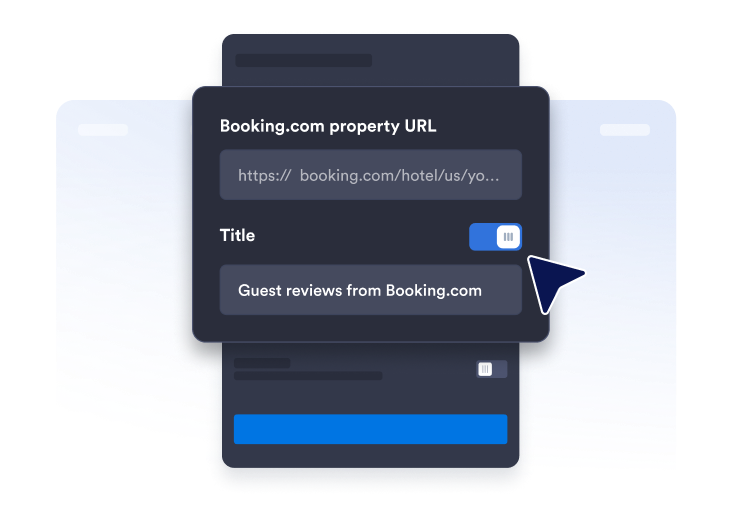
الحصول على رابط صفحة المراجعات
ابحث عن صفحة ملفك الشخصي على Booking.com وانسخ عنوان URL الخاص بمكان الإقامة لديك والصقه.
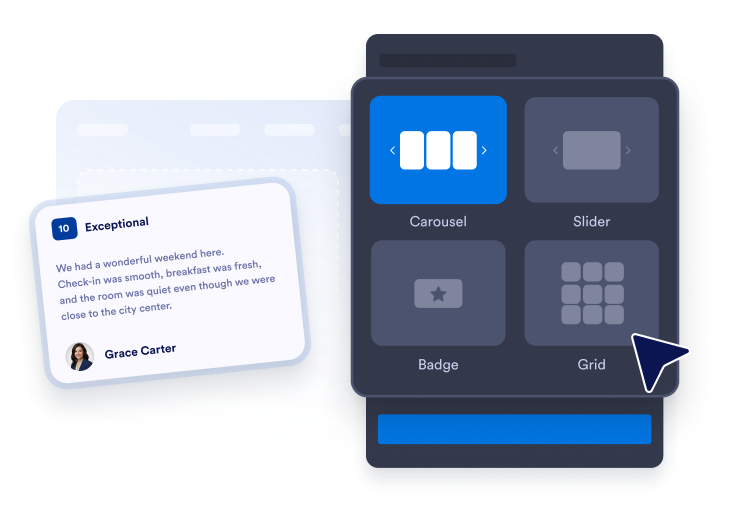
تخصيص تخطيط الأداة
رتّب مظهر أداتك من خلال اختيار السمة والألوان ونص زر الإجراءات.

تضمينه في أي مكان
قم بلصق الرمز في موقعك الإلكتروني وانشره. ستظهر مراجعات Booking.com الخاصة بك مباشرةً.
اعرض مراجعات Booking.com لتعزيز ثقة الزوار
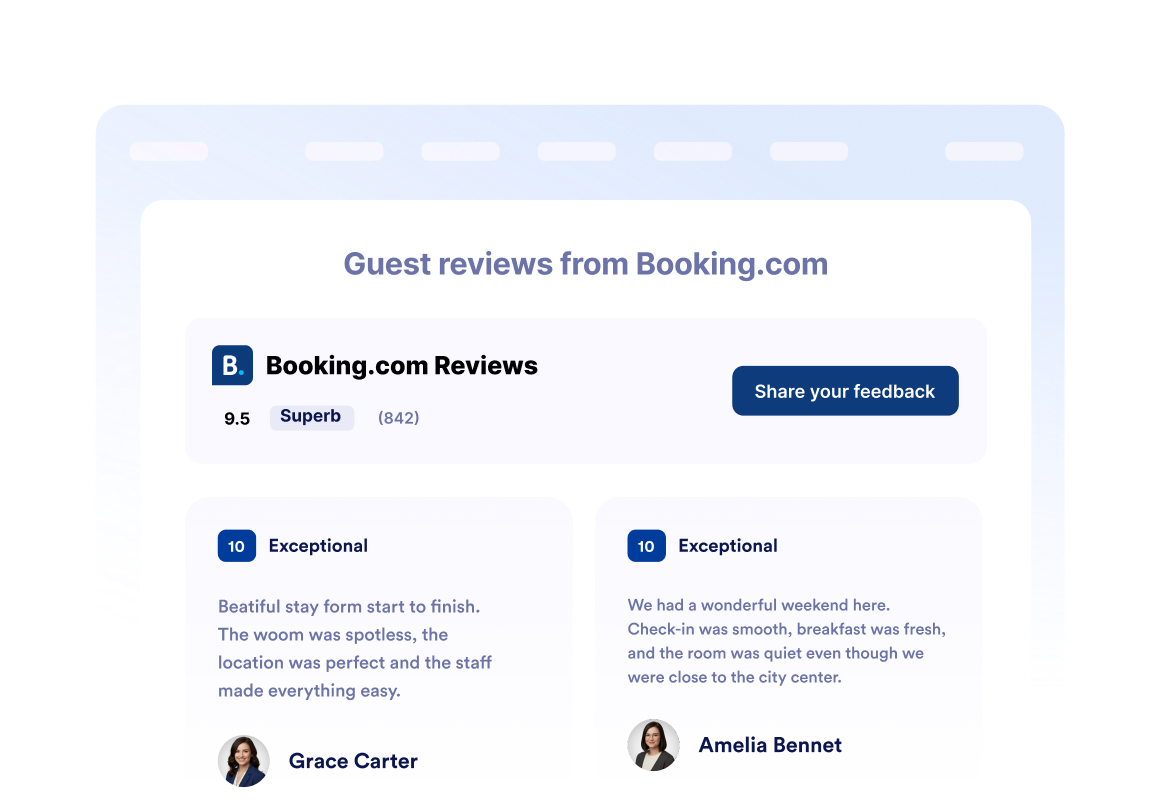
عزّز الثقة من خلال مراجعات النزلاء
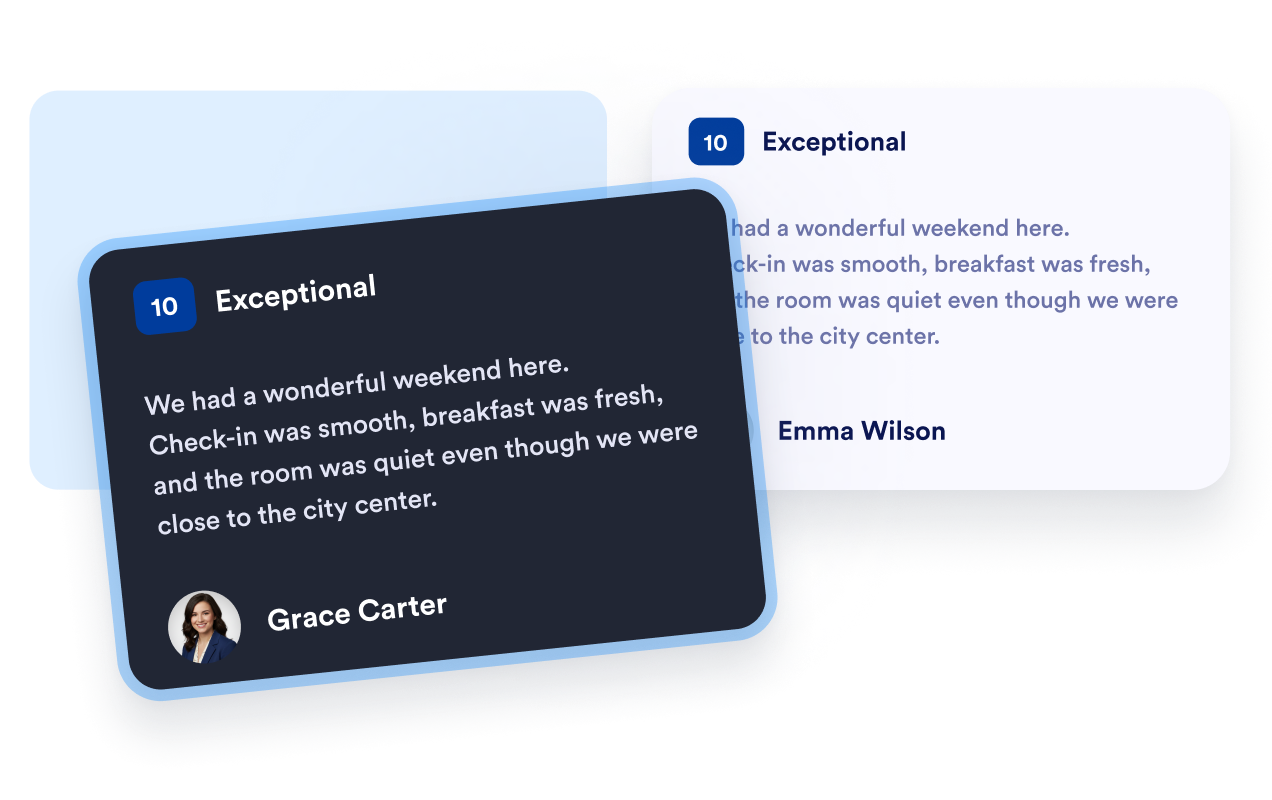
اعرض تقييمات النزلاء وأسماءهم ومراجعاتهم على Booking.com بالتنسيق المألوف لديهم. تساعد هذه الآراء المباشرة المسافرين على التعرف على تجارب الإقامة السابقة، وتمنحهم سياقًا مفيدًا أثناء مقارنة مكان الإقامة لديك بخيارات الإقامة الأخرى.
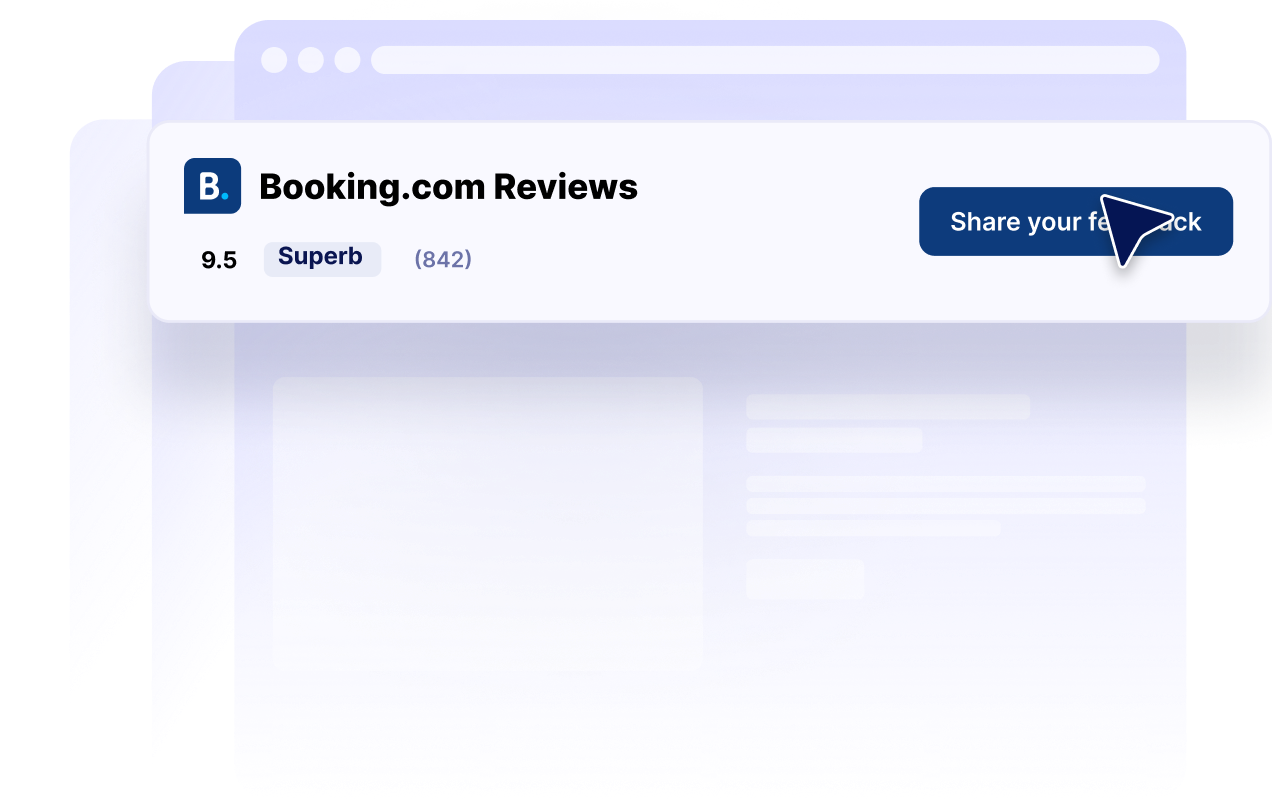
اعرض تقييمات مكان الإقامة بنظرة سريعة
اعرض تقييمك الإجمالي في Booking.com وإجمالي عدد المراجعات في عنوان رأس أداة العرض. يتيح ذلك للزوار تقييم سمعة مكان الإقامة لديك بسرعة قبل الاستكشاف التفصيلي لمراجعات الضيوف، أو تفاصيل الغرف، أو المرافق، أو خيارات الحجز.
اجعل تخطيطات المراجعات مناسبة لكل صفحة
اختر من بين تخطيطات العرض الدائري، أو شريط التمرير، أو الشبكة، أو القائمة، أو التنسيق المترابط، أو شارة التقييم. يمكنك عرض مجموعة مراجعات تفصيلية على صفحة مكان الإقامة، أو استخدام شارة تقييم مدمجة في الشريط الجانبي، أو في تذييل الصفحة، أو الصفحات التعريفية ذات المساحات المحدودة.

اجعل التقييمات متناسقة مع موقعك الإلكتروني
خصص الوضع الداكن، والعناوين، والأزرار، وتفاصيل التقييم، وحقول المراجعة، والألوان، وعرض الأداة. تساعدك الإعدادات هذه على جعل تقييمات Booking.com متناسقة مع تصميم موقعك، مع الإبقاء على معلومات التقييم المألوفة سهلة الاكتشاف والوصول.
لماذا تتميز أدوات Jotform لمواقع الويب؟
تجعل أدوات Jotform موقع الويب الخاص بك أكثر تفاعلية وتساعد على زيادة معدلات التحويل. تتوفر العديد من الأدوات، بدءًا من تقييمات النجوم وأشرطة تمرير تقييمات العملاء، وصولًا إلى النوافذ المنبثقة التي تعرض تقييمات العملاء وتضمين الوسائط. أضف الأدوات إلى نماذجك أو صفحاتك المقصودة لجمع البيانات، وعرض آراء العملاء، وجمع العملاء المحتملين — دون الحاجة إلى كتابة أكواد.
أضف أدوات Jotform إلى موقعك الإلكتروني باستخدام كود تضمين بسيط. خصّص الأداة، واعرض معاينة لشكلها، ثم أدرجها في أي صفحة تدعم HTML المخصص أو حزم التضمين، وكل ذلك دون الحاجة إلى مطور.
استخدم أدوات مواقع الويب من Jotform لجمع بيانات العملاء المحتملين، وإظهار تقييمات العملاء، وعرض الآراء الاجتماعية، وتضمين ملفات الوسائط، أو إضافة أدوات مفيدة لصفحات ويب. تقوم كل أداة بمساعدة الزوار على التفاعل مع خدماتك مباشرةً من موقعك الإلكتروني.
إذا كنت بحاجة إلى مساعدة في إعداد أداتك أو تخصيصها أو تضمينها أو استكشاف المشكلات وإصلاحها، فإن فريق دعم العملاء في Jotform متاح على مدار الساعة طوال أيام الأسبوع. يمكنك المتابعة بثقة، مع العلم أن المساعدة متاحة عندما تحتاج إليها.
أين تستخدم أداة تقييمات Booking.com الخاصة بك
اعرض تقييمات Booking.com حيث يقارن المسافرون بين أماكن الإقامة، ويقيمون تجارب الضيوف، ويتخذون قرار الحجز.
أقسام الثقة في الصفحة الرئيسية لتعريف الزوار الجدد بتقييم مكان الإقامة الخاص بك.
صفحات الغرف ومكان الإقامة لتوفير سياق من النزلاء إلى جانب وسائل الراحة والصور.
صفحات الحجز لتعزيز الثقة بالقرب من زر الحجز الرئيسي.
الصفحات المخصصة للمواقع لمساعدة المسافرين على مقارنة خيارات أماكن الإقامة.
الصفحات المقصودة الترويجية لدعم الباقات الموسمية بآراء النزلاء.
الأشرطة الجانبية والتذييلات للحفاظ على ظهور تقييم مكان الإقامة بشكل مختصر في جميع أنحاء موقعك الإلكتروني.
حوّل العملاء المحتملين إلى مبيعات حقيقية باستخدام منشئ النماذج من Jotform
حوّل التفاعل إلى نتائج فعلية مع Jotform. أنشئ نماذج قوية لجمع بيانات العملاء المحتملين، واستلام المدفوعات، وأتمتة الردود، كل ذلك في مكان واحد. تصل جميع البيانات المرسلة إلى صندوق الوارد في Jotform الخاص بك، حيث يمكنك المتابعة أو الربط مع تطبيقاتك المفضلة.
ابدأ - إنه مجاني!
أسئلة متكررة ومتداولة
ما هي أداة تقييمات Booking.com؟
تعرض أداة تقييمات Booking.com تقييمات النزلاء ومحتوى المراجعات من مكان إقامة على Booking.com على موقع إلكتروني آخر. يمكن للفنادق وأماكن الإقامة لقضاء العطلات وغيرها من شركات الإقامة استخدام الأداة لإتاحة آراء النزلاء المعروفة في جميع أنحاء مواقعهم الإلكترونية.
كيف يمكنني إنشاء أداة تقييمات Booking؟
ما معلومات Booking.com التي يمكن للأداة عرضها؟
ما تخطيطات تقييمات Booking.com المتاحة؟
هل يمكنني تخصيص مظهر الأداة؟
هل يمكن للزوار إرسال تقييم على Booking.com من خلال الأداة؟
هل يمكنني عرض شارة تقييم Booking.com مختصرة؟
هل أداة تقييمات Booking متوافقة مع الهواتف المحمولة؟
هل أحتاج إلى كتابة أكواد؟
هل يمكنني إنشاء أداة تقييمات Booking مجانًا؟
ما منصات المواقع الإلكترونية التي تدعم أداة تقييمات Booking.com؟
هل يمكنني الحصول على مساعدة في إعداد أداة تقييمات Booking.com الخاصة بي؟