أداة اتصل بنا لموقعك الإلكتروني
أضف نموذج اتصل بنا أنيقًا إلى أي صفحة حتى يتمكن الزوار من إرسال الأسئلة، وطلبات الدعم، وتفاصيل عروض الأسعار، وطلبات معاودة الاتصال. خصص الحقول والتسميات والتخطيط والألوان ورسائل النجاح ومستوى الظهور المتجاوب في أداة إنشاء دون كود.
ابدأ الآن — إنها خدمة مجانية!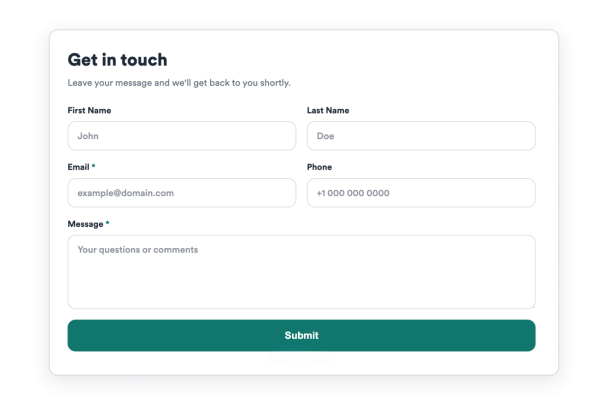

كيفية إنشاء عنصر واجهة اتصل بنا
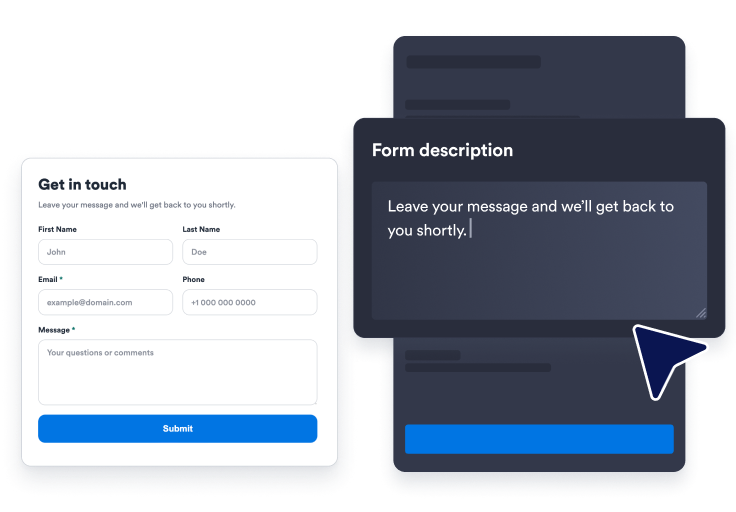
اختر حقولك
ابدأ بنموذج اتصل بنا جاهز وحدد حقول الاسم والبريد الإلكتروني والهاتف والموضوع والرسالة التي يجب أن يراها الزوار.
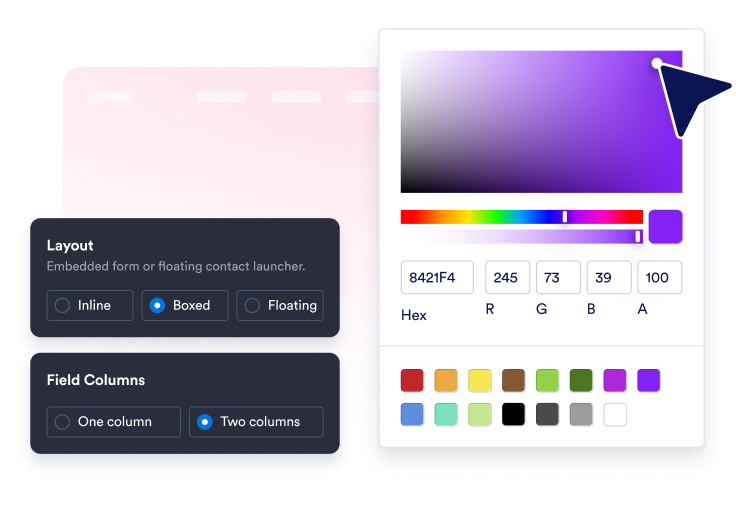
تخصيص التصميم
اضبط العنوان، والوصف، والتخطيط، والألوان، ونصف قطر الزوايا، ونص الزر، ورسالة النجاح، والمشغّل العائم الاختياري.
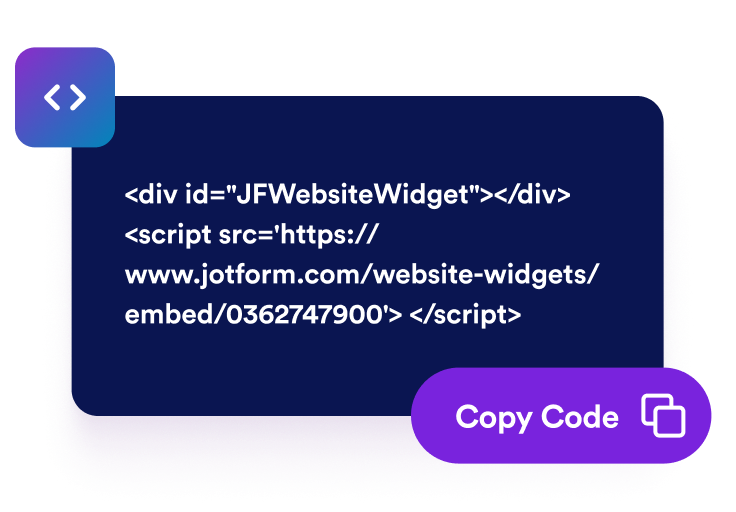
قم بتضمينها في موقع الويب الخاص بك
عاين قسم اتصل بنا، وانسخ كود التضمين المُنشأ، وانشر نموذج اتصل بنا في أي مكان يكون فيه الزوار مستعدين للتواصل.
اجمع استفسارات الموقع الإلكتروني باستخدام نموذج يتناسب مع علامتك التجارية
خصص الحقول التي يكملها الزوار
أظهر أو أخفِ حقول الاسم الأول، واسم العائلة، والهاتف، والموضوع، والرسالة، ثم عدّل التسميات والعناصر النائبة وإعدادات الحقول المطلوبة.

وجّه كل رسالة إلى خطوة تالية واضحة
استخدم زر إرسال مخصصًا، والتحقق من الحقول المطلوبة، والتحقق من صحة البريد الإلكتروني، ورسالة شكر بعد إرسال الزوار لطلبهم.

طابق النموذج مع نمط موقعك الإلكتروني
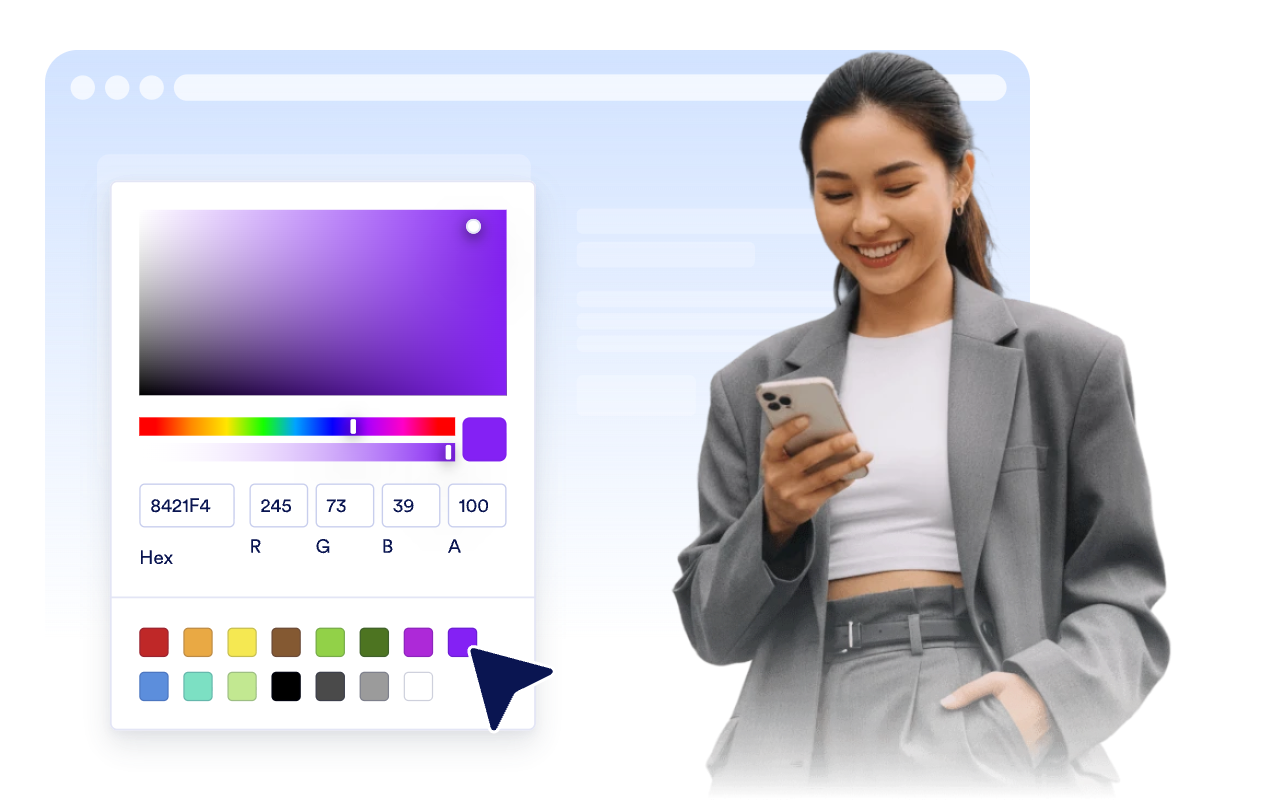
اختر إعدادًا مسبقًا للنمط، واضبط ألوان الحقول، وألوان الأزرار، والحدود، ونصف قطر الزوايا، والعلامة التجارية، وCSS مخصصًا محدود النطاق.
ضمّنها بشكل مباشر أو أبقِ الوصول إلى نموذج الاتصال عائمًا
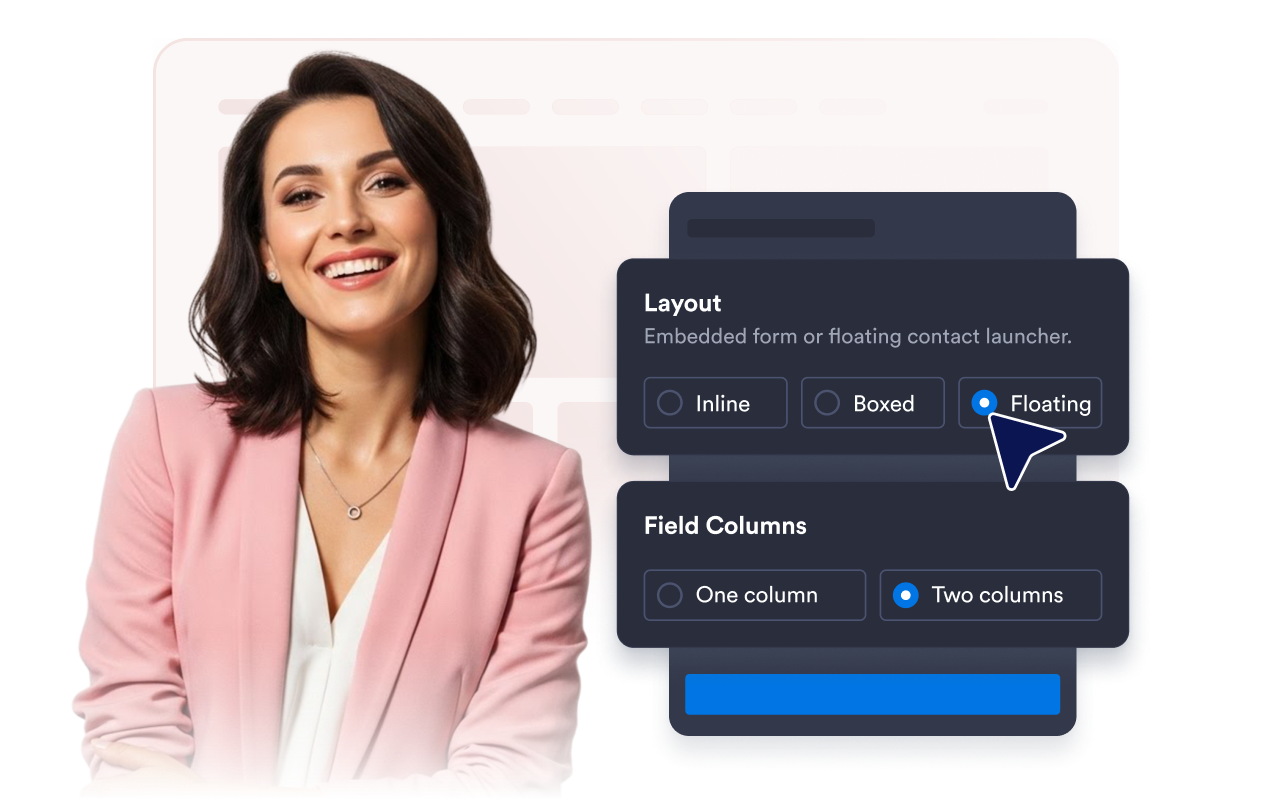
استخدم التخطيطات المباشرة أو المحاطة بإطار أو العائمة مع حقول بعمود واحد أو عمودين، وموضع المشغّل، وعناصر التحكم في مستوى الظهور على أجهزة سطح المكتب والأجهزة المحمولة.
لماذا تتميز أدوات Jotform لمواقع الويب؟
تجعل أدوات Jotform موقع الويب الخاص بك أكثر تفاعلية وتساعد على زيادة معدلات التحويل. تتوفر العديد من الأدوات، بدءًا من تقييمات النجوم وأشرطة تمرير تقييمات العملاء، وصولًا إلى النوافذ المنبثقة التي تعرض تقييمات العملاء وتضمين الوسائط. أضف الأدوات إلى نماذجك أو صفحاتك المقصودة لجمع البيانات، وعرض آراء العملاء، وجمع العملاء المحتملين — دون الحاجة إلى كتابة أكواد.
أضف أدوات Jotform إلى موقعك الإلكتروني باستخدام كود تضمين بسيط. خصّص الأداة، واعرض معاينة لشكلها، ثم أدرجها في أي صفحة تدعم HTML المخصص أو حزم التضمين، وكل ذلك دون الحاجة إلى مطور.
استخدم أدوات مواقع الويب من Jotform لجمع بيانات العملاء المحتملين، وإظهار تقييمات العملاء، وعرض الآراء الاجتماعية، وتضمين ملفات الوسائط، أو إضافة أدوات مفيدة لصفحات ويب. تقوم كل أداة بمساعدة الزوار على التفاعل مع خدماتك مباشرةً من موقعك الإلكتروني.
إذا كنت بحاجة إلى مساعدة في إعداد أداتك أو تخصيصها أو تضمينها أو استكشاف المشكلات وإصلاحها، فإن فريق دعم العملاء في Jotform متاح على مدار الساعة طوال أيام الأسبوع. يمكنك المتابعة بثقة، مع العلم أن المساعدة متاحة عندما تحتاج إليها.
أين تستخدم أداة اتصل بنا الخاصة بك
ضع الأداة في أي مكان يحتاج فيه الزوار إلى طريقة مباشرة لطرح الأسئلة، أو طلب المساعدة، أو بدء محادثة مع فريقك.
صفحات الاتصال لتجميع الأسئلة العامة وطلبات عروض الأسعار وتفاصيل المتابعة في مكان واحد.
صفحات الخدمات حتى يتمكن العملاء المحتملون من الاستفسار عن التوافر والأسعار والخطوات التالية أثناء مقارنة الخيارات.
صفحات الدعم لتوجيه تفاصيل المشكلات وعناوين الرسائل ومعلومات الردود ضمن مسار طلبات واضح.
صفحات المنتجات التي قد يحتاج المشترون فيها إلى مزيد من المعلومات قبل الحجز أو الطلب أو طلب عرض توضيحي.
صفحات الهبوط لتحويل حركة المرور الواردة من الحملة إلى رسائل دون توجيه الزوار إلى صفحة نموذج منفصلة.
مواقع الويب على الأجهزة المحمولة حيث يمكن لواجهة اتصال عائمة أن تجعل الحصول على المساعدة متاحًا بنقرة واحدة.
حوّل العملاء المحتملين إلى مبيعات حقيقية باستخدام منشئ النماذج من Jotform
حوّل التفاعل إلى نتائج فعلية مع Jotform. أنشئ نماذج قوية لجمع بيانات العملاء المحتملين، واستلام المدفوعات، وأتمتة الردود، كل ذلك في مكان واحد. تصل جميع البيانات المرسلة إلى صندوق الوارد في Jotform الخاص بك، حيث يمكنك المتابعة أو الربط مع تطبيقاتك المفضلة.
ابدأ - إنه مجاني!
أسئلة متكررة ومتداولة
ما هي أداة اتصل بنا؟
تُعد أداة «اتصل بنا» نموذجًا إلكترونيًّا قابلًا للتضمين في الموقع الإلكتروني، تتيح للزوار إرسال الرسائل وبيانات الاتصال وطلبات الدعم واستفسارات إعادة الاتصال مباشرةً من موقعك.
هل يمكنني اختيار الحقول التي تظهر؟
هل يمكنني استخدام نموذج اتصل بنا عائم؟
هل يمكنني تخصيص التصميم؟
ماذا يحدث بعد أن يرسل الزائر النموذج؟
هل تعمل الأداة على الأجهزة المحمولة؟
هل أحتاج إلى كتابة أي أكواد؟