
Real Stories Facebook Reviews Carousel
تعذّر علينا إنشاء عنصر واجهة المستخدم الخاص بك. يُرجى المحاولة مرة أخرى.


تعذّر علينا إنشاء عنصر واجهة المستخدم الخاص بك. يُرجى المحاولة مرة أخرى.

تعذّر علينا إنشاء عنصر واجهة المستخدم الخاص بك. يُرجى المحاولة مرة أخرى.

تعذّر علينا إنشاء عنصر واجهة المستخدم الخاص بك. يُرجى المحاولة مرة أخرى.

تعذّر علينا إنشاء عنصر واجهة المستخدم الخاص بك. يُرجى المحاولة مرة أخرى.
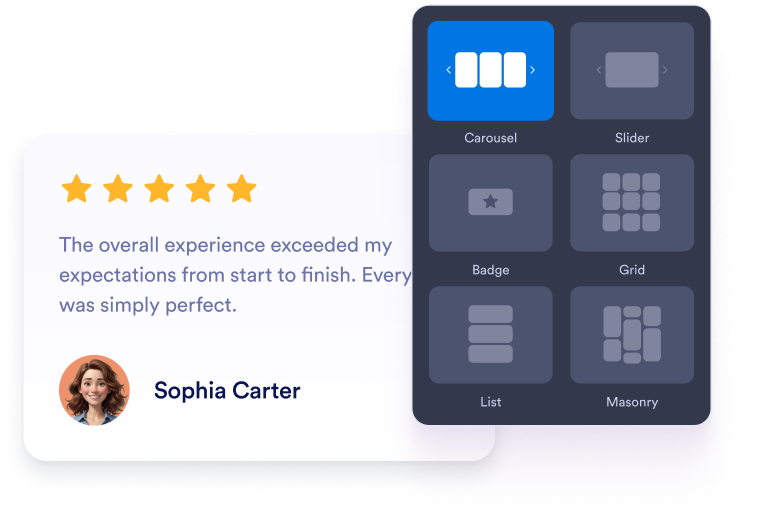
اختر المحتوى والتصميم والألوان وطريقة العمل بحيث تتناسب الأداة مع تصميم موقعك الإلكتروني.
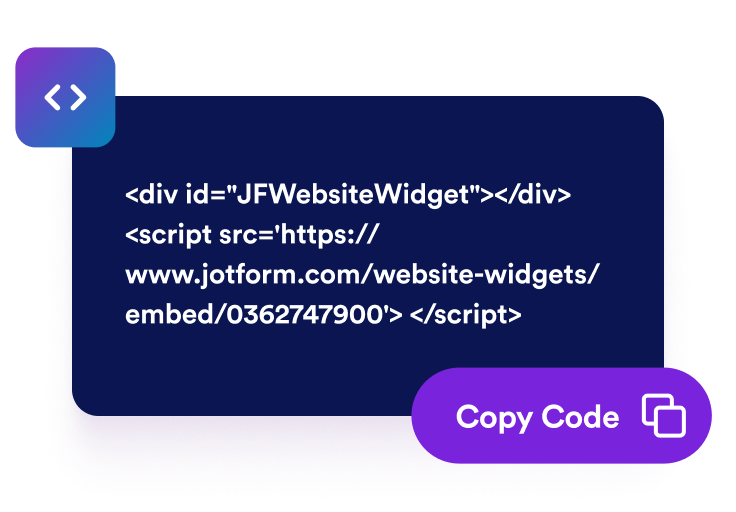
انسخ كود التضمين الجاهز للاستخدام الذي تم إنشاؤه بواسطة Jotform. لا حاجة إلى إعداد أو برمجة.

الصق الكود في موقعك الإلكتروني وانشره. ستظهر تقييمات Facebook الخاصة بك على الفور.
تُضفي الصفحة الواضحة والتفاعلية طابعًا أكثر احترافية وتساعد الزوار على اكتساب الثقة في موقعك الإلكتروني بشكل أسرع.

يمكن أن يؤدي تحسين تفاعل الزوار إلى زيادة الوقت الذي يقضونه على الموقع ومساعدة محركات البحث على فهم قيمة المحتوى الذي تقدمه.

تساعد التفاعلات المفيدة داخل الصفحة على توجيه الزوار إلى الخطوة التالية وتسهيل اتخاذ القرارات.

استخدم نمط الأداة نفسه في جميع أرجاء موقعك حتى تبدو كل صفحة متناسقة وسهلة الاستخدام.
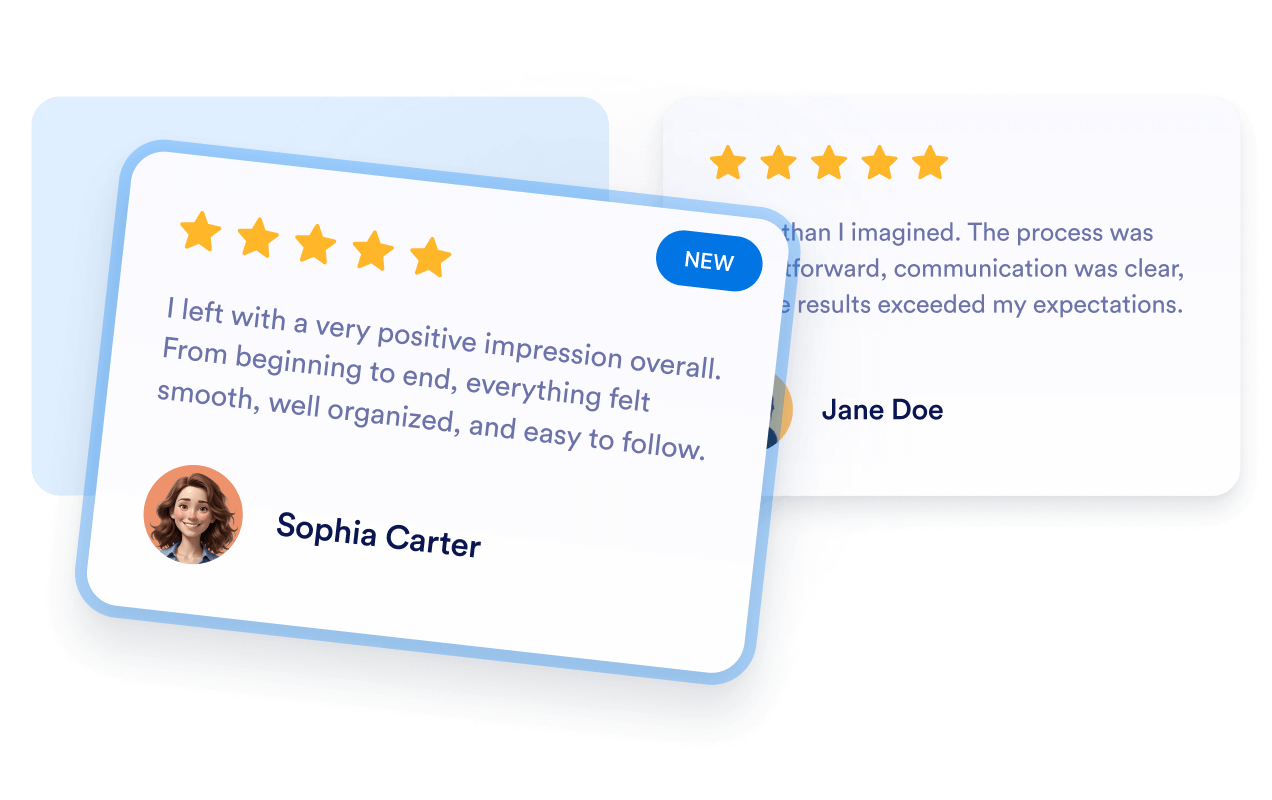
تجعل أدوات Jotform موقع الويب الخاص بك أكثر تفاعلية وتساعد على زيادة معدلات التحويل. تتوفر العديد من الأدوات، بدءًا من تقييمات النجوم وأشرطة تمرير تقييمات العملاء، وصولًا إلى النوافذ المنبثقة التي تعرض تقييمات العملاء وتضمين الوسائط. أضف الأدوات إلى نماذجك أو صفحاتك المقصودة لجمع البيانات، وعرض آراء العملاء، وجمع العملاء المحتملين — دون الحاجة إلى كتابة أكواد.
أضف أدوات Jotform إلى موقعك الإلكتروني باستخدام كود تضمين بسيط. خصّص الأداة، واعرض معاينة لشكلها، ثم أدرجها في أي صفحة تدعم HTML المخصص أو حزم التضمين، وكل ذلك دون الحاجة إلى مطور.
استخدم أدوات مواقع الويب من Jotform لجمع بيانات العملاء المحتملين، وإظهار تقييمات العملاء، وعرض الآراء الاجتماعية، وتضمين ملفات الوسائط، أو إضافة أدوات مفيدة لصفحات ويب. تقوم كل أداة بمساعدة الزوار على التفاعل مع خدماتك مباشرةً من موقعك الإلكتروني.
إذا كنت بحاجة إلى مساعدة في إعداد أداتك أو تخصيصها أو تضمينها أو استكشاف المشكلات وإصلاحها، فإن فريق دعم العملاء في Jotform متاح على مدار الساعة طوال أيام الأسبوع. يمكنك المتابعة بثقة، مع العلم أن المساعدة متاحة عندما تحتاج إليها.
أضف تقييمات Facebook إلى الصفحات التي يحتاج فيها الزوار إلى معلومات سريعة أو إرشادات أو تعزيز الثقة أو التفاعل. يساعد ذلك على تحسين سهولة الاستخدام والحفاظ على تفاعل الزوار من القسم الأول وحتى الدعوة النهائية إلى اتخاذ إجراء.
أقسام الصفحة الرئيسية تقدم المعلومات الأساسية بسرعة وتوجه الزوار نحو الإجراءات المهمة.
صفحات المنتجات والخدمات تجعل الاطلاع على التفاصيل أسهل وتساعد المتسوقين على مقارنة الخيارات.
تدعم الصفحات المقصودة الحملات التسويقية من خلال تقديم محتوى مركّز، وإشارات توحي بالثقة، ودعوات واضحة لاتخاذ إجراء.
صفحات المدونة والمقالات تضيف سياقًا مفيدًا وتساعد في الحفاظ على تفاعل القراء مع الصفحة.
صفحات الموارد والوثائق تجعل المعلومات المطولة أسهل في الفهم والاستخدام.
الصفحات التي تعتمد بشكل كبير على الأجهزة المحمولة لإنشاء تجربة تصفح أكثر سلاسة للزوار على الشاشات الأصغر.
حوّل التفاعل إلى نتائج فعلية مع Jotform. أنشئ نماذج قوية لجمع بيانات العملاء المحتملين، واستلام المدفوعات، وأتمتة الردود، كل ذلك في مكان واحد. تصل جميع البيانات المرسلة إلى صندوق الوارد في Jotform الخاص بك، حيث يمكنك المتابعة أو الربط مع تطبيقاتك المفضلة.
ابدأ - إنه مجاني!
أنشئ أداتك وخصصها في Jotform، ثم انسخ كود التضمين. الصقه في موقعك وانشره.