أداة خرائط جوجل
أضف Google Maps إلى موقع نشاطك التجاري الإلكتروني
أنشئ أداة Google Maps تحتوي على المواقع المحفوظة، وتفاصيل الشركات، ووظيفة البحث، وفلاتر الفئات، وروابط الاتجاهات، وأربعة أنواع من الخرائط، وتصميمات متوافقة مع جميع الأحجام. قم بإعدادها بصريًّا وقم بتضمينها دون الحاجة إلى كتابة كود خريطة مخصص.
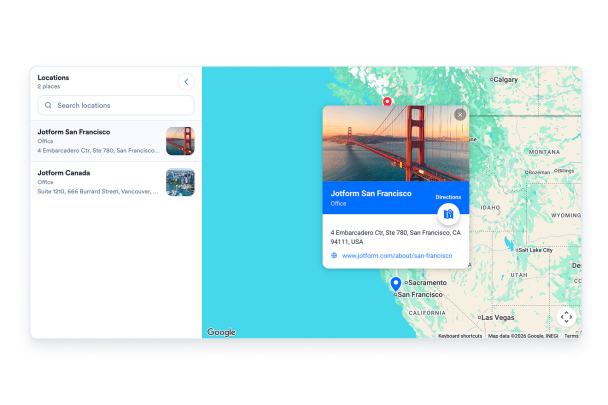

ارسم خريطة لكل موقع مع التفاصيل الكاملة
أضف المكاتب أو المتاجر أو الأماكن أو مناطق تقديم الخدمات إلى خريطة واحدة. حدد لكل موقع محفوظ اسماً وعنواناً ورقم هاتف وساعات عمل وفئة وتقييماً ووصفاً وصورة، بالإضافة إلى إحداثيات اختيارية.
تشمل حقول الموقع ما يلي:
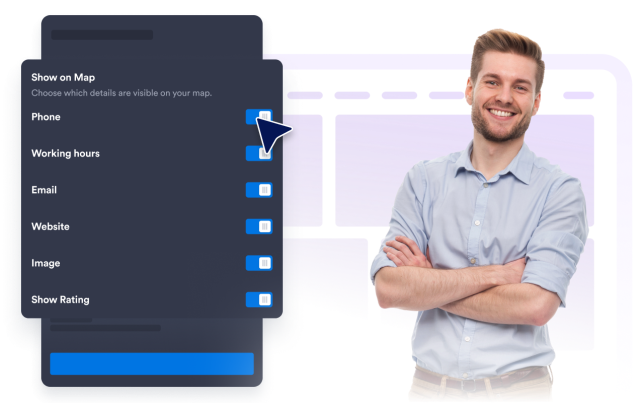
اسمح للزوار بالبحث عن موقع واختياره
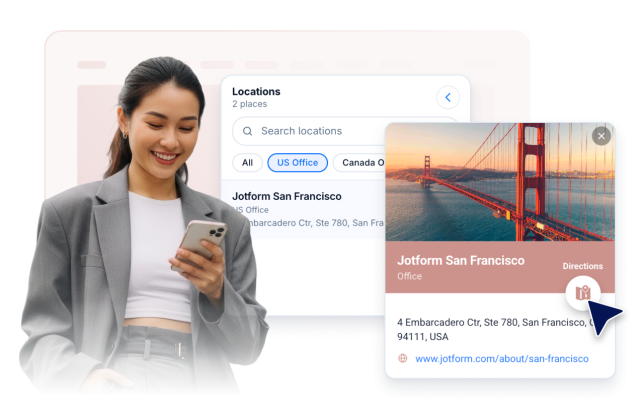
يُظهر اللوح الجانبي قائمة بالمواقع التي قمت بحفظها مع التفاصيل التي تختار عرضها. يمكن للزوار البحث حسب الاسم أو العنوان، وتصفية النتائج حسب الفئة، واختيار إحدى النتائج لإعادة توسيط الخريطة.
تشمل عناصر التحكم في اللوحة ما يلي:
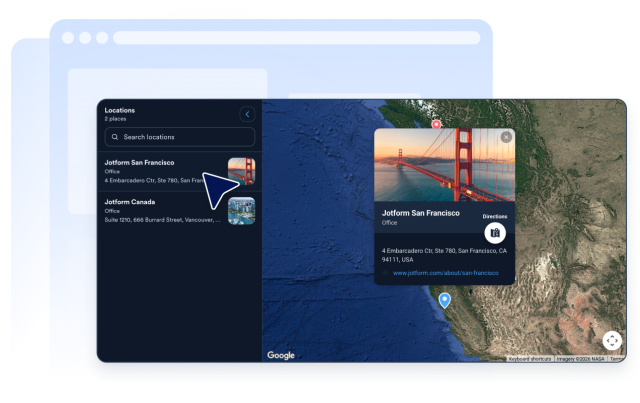
أرسل الزوار مباشرة إلى الاتجاهات
تقوم روابط "الحصول على الاتجاهات" و"الفتح في خرائط Google" بتمرير الوجهة المحددة إلى خرائط Google؛ إذ يمكن للزوار متابعة استخدام خرائط Google دون الحاجة إلى نسخ العنوان، كما يمكنك تحديد ما إذا كانت الروابط ستُفتح في علامة تبويب جديدة أو في نفس علامة التبويب الحالية.
تشمل إجراءات الخريطة ما يلي:
تنسيق الخريطة بما يتوافق مع علامتك التجارية
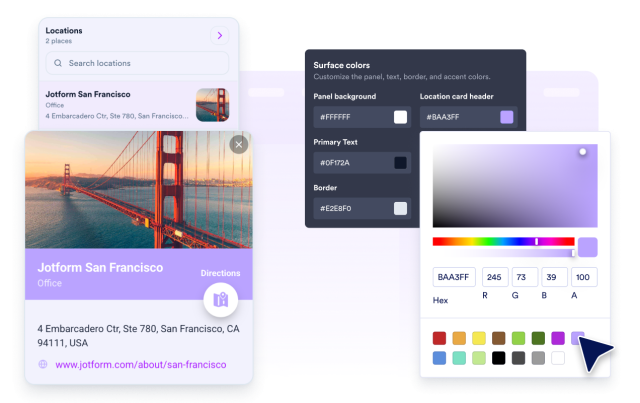
اختر تخطيط التقسيم أو الصفوف، وحدد موضع اللوحة، واضبط ارتفاع الخريطة ومستوى التكبير، واختر النمط الفاتح أو الداكن، واضبط ألوان اللوحة والنص والحدود والعناصر المميزة والعلامات بدقة. أضف كود CSS مخصص ضمن النطاق عندما تحتاج إلى مزيد من التحكم.
تتضمن عناصر التحكم في التنسيق:
الظهور بوضوح على جميع الشاشات
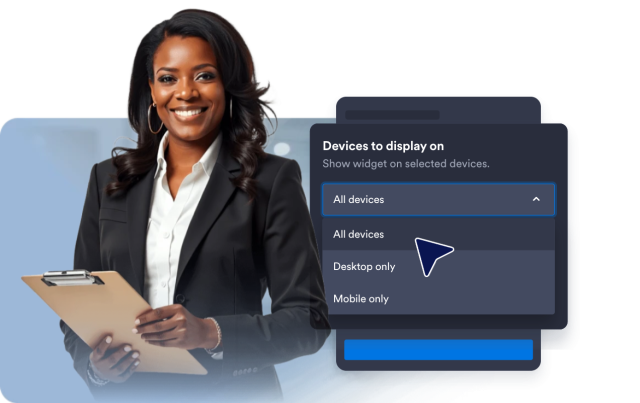
يتم إعادة عرض الخريطة واللوحات على الهواتف والأجهزة اللوحية، مع تصميمات مقسمة أو في شكل صفوف على الأجهزة المحمولة لسهولة القراءة. تتيح لك عناصر التحكم المنفصلة في الرؤية على أجهزة سطح المكتب والأجهزة المحمولة تحديد مكان ظهور الأداة.
تشمل عناصر التحكم المستجيبة ما يلي: