أدوات الأعمال المجانية للمواقع الإلكترونية

طوّر علامتك التجارية وتفاعل مع العملاء باستخدام أدوات الأعمال من خلال أداة إنشاء Jotform البسيطة بدون أكواد برمجية.
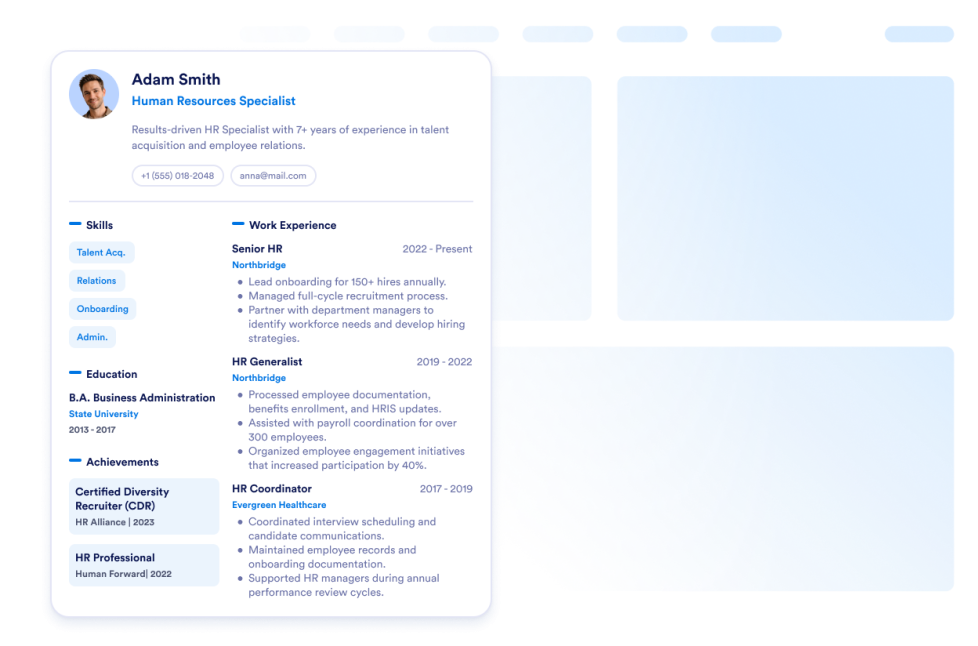
السيرة الذاتية

أضف سيرتك الذاتية إلى موقعك الإلكتروني. مع أداة السيرة الذاتية من Jotform، يمكنك بسهولة إتاحة الفرصة لزوار موقعك لمعرفة كل شيء عنك.

انتقل إلى الفئة:أعمالاستخدام الأداة

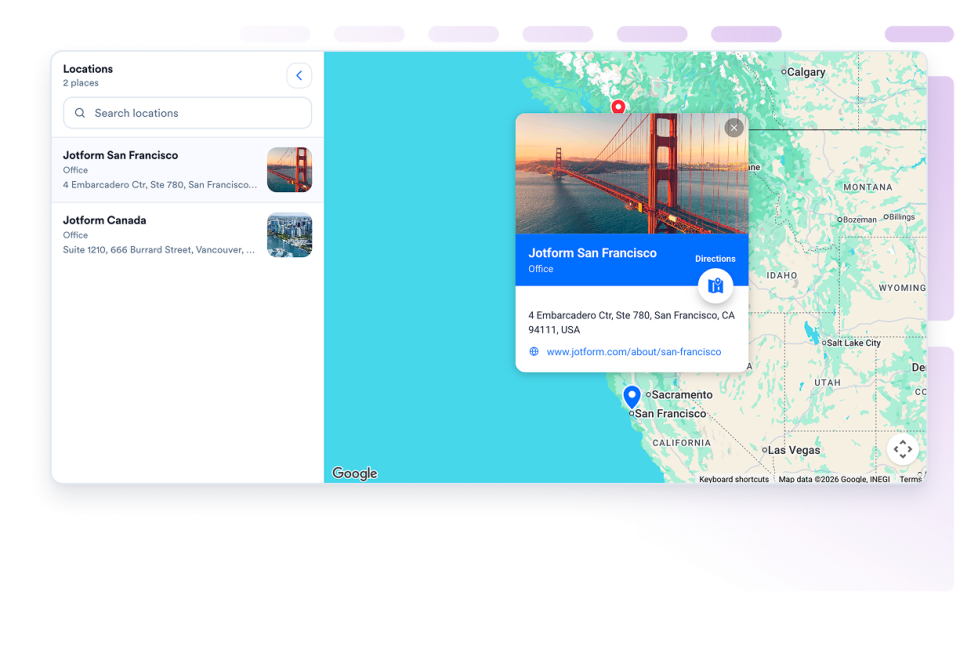
خرائط Google

أضف أداة Google Maps قابلة للتخصيص لعرض متاجرك أو مكاتبك أو أماكن فعالياتك أو مناطق خدمتك، مع تفاصيل الاتصال وساعات العمل والصور والفئات وروابط الاتجاهات.

انتقل إلى الفئة:أعمالاستخدام الأداة
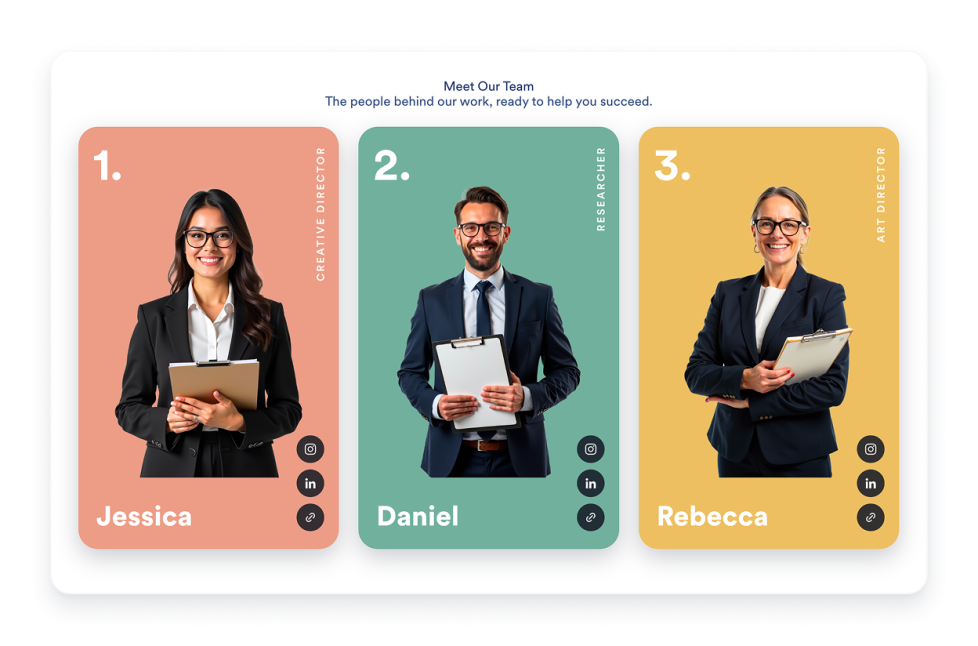
عرض فريق العمل

أنشئ أداة عرض الفريق لموقعك الإلكتروني باستخدام بطاقات الملفات الشخصية، وتخطيطات القوالب، ونبذات عن أعضاء الفريق، وروابط وسائل التواصل الاجتماعي، وتنسيقات الألوان، وتضمين متجاوب.

انتقل إلى الفئة:أعمالاستخدام الأداة
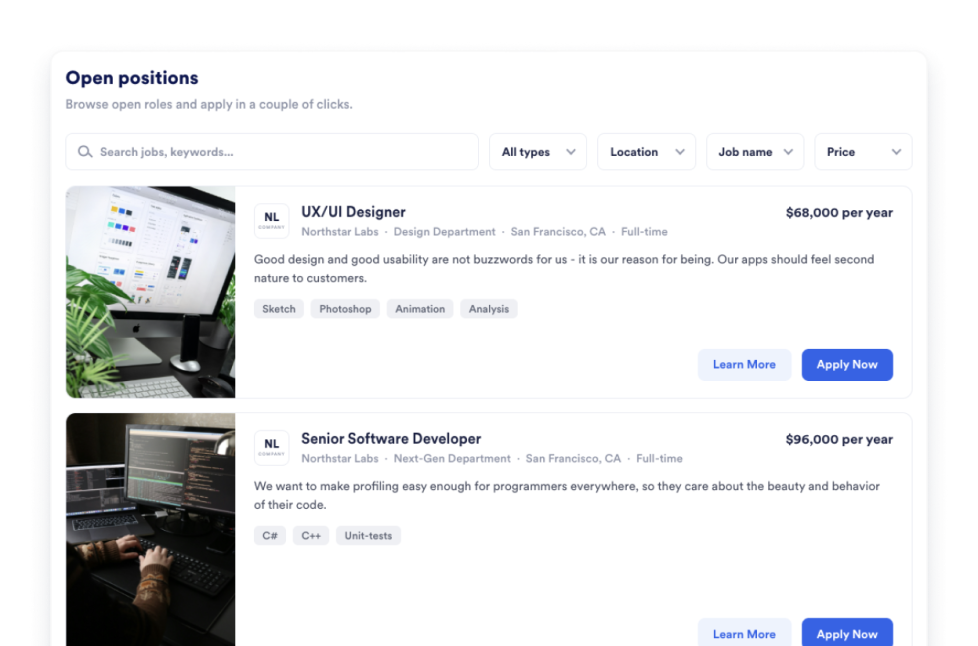
لوحة الوظائف

أضف لوحة وظائف إلى موقعك الإلكتروني خلال ثواني. خصص التصميم والمحتوى، ثم قم بتضمين الأداة باستخدام أداة إنشاء أدوات مواقع الويب من Jotform التي لا تتطلب كتابة أي أكواد برمجية.

انتقل إلى الفئة:أعمالاستخدام الأداة
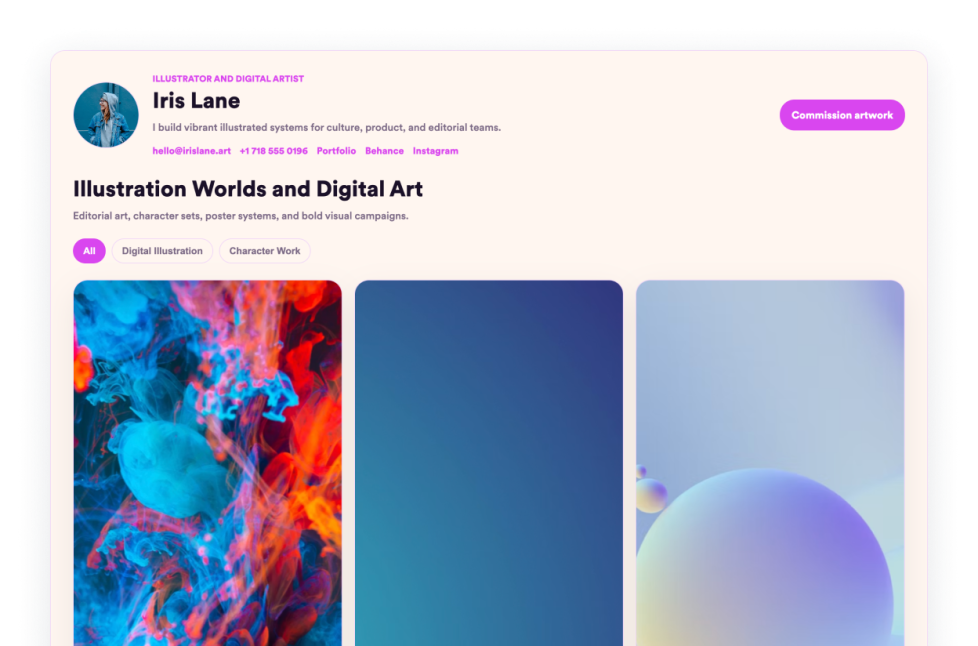
معرض الأعمال

اعرض أفضل أعمالك باستخدام أداة Portfolio من Jotform. أنشئ معرض أعمال مذهلًا، وسلّط الضوء على المشاريع، وقم بتضمينه في أي موقع إلكتروني دون الحاجة إلى كتابة أكواد.

انتقل إلى الفئة:أعمالاستخدام الأداة
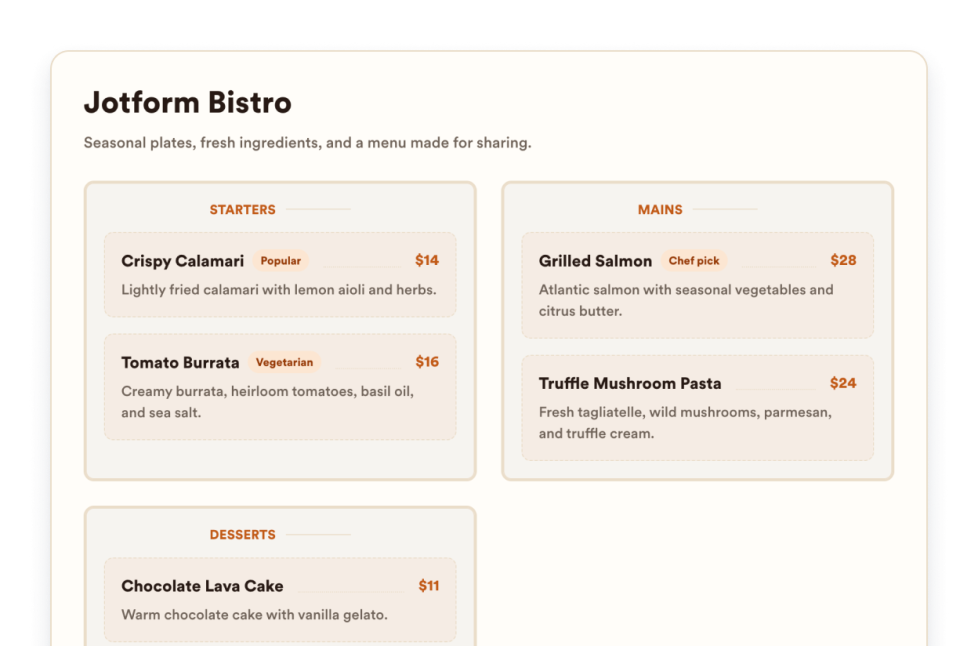
قائمة المطعم

أضف أداة لعرض قائمة متجاوبة إلى موقعك الإلكتروني مع إمكانية تعديل الفئات ووصف العناصر والأسعار والأيقونات والتصميمات والمظاهر وروابط الحجز.

انتقل إلى الفئة:أعمالاستخدام الأداة
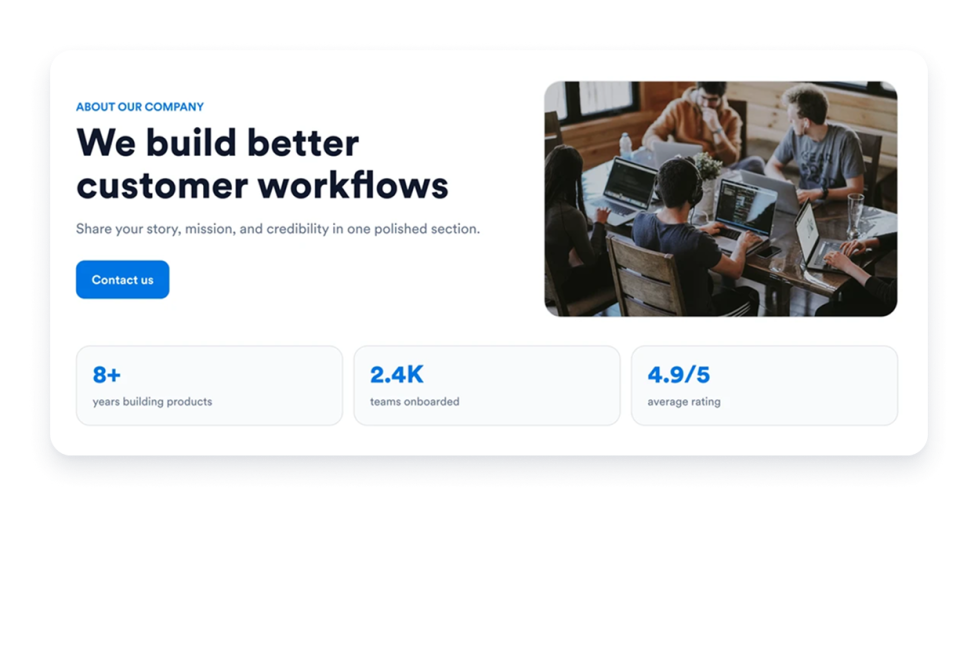
من نحن

أضف أداة نبذة عنا إلى موقعك الإلكتروني لعرض قصة شركتك، ومهمتها، وقيمها، وأعضاء فريقها، وهوية علامتها التجارية بتصميم احترافي قابل للتخصيص.

انتقل إلى الفئة:أعمالاستخدام الأداة
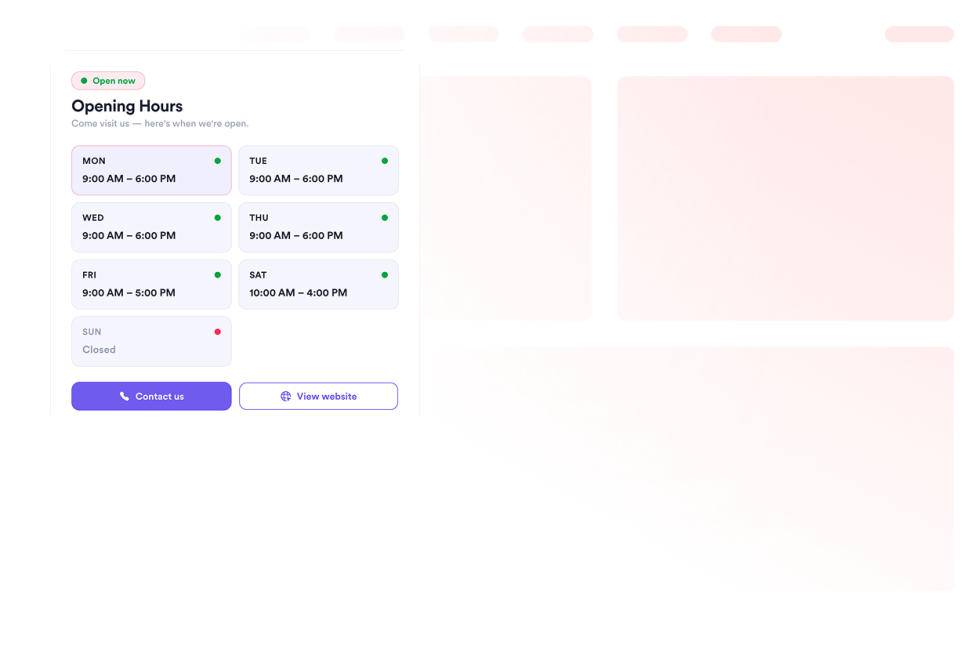
ساعات العمل

أضف أداة أوقات العمل إلى موقعك الإلكتروني لتعرض القوالب، وتناسق الألوان، وساعات العمل، والحالة المباشرة، وتفاصيل التواصل، والموقع الجغرافي، وأزرار اتخاذ الإجراء.

انتقل إلى الفئة:أعمالاستخدام الأداة
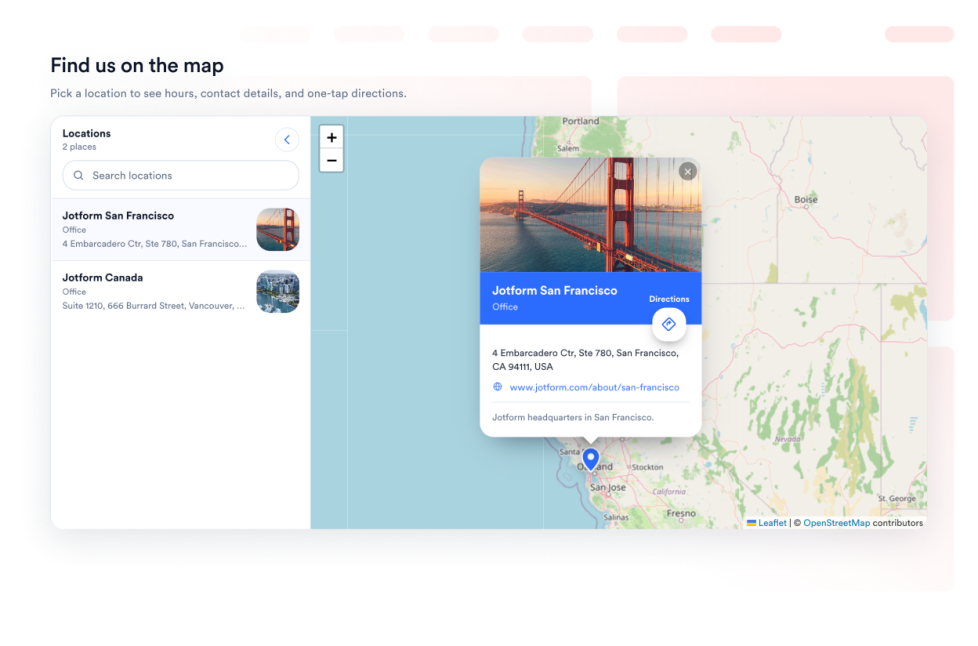
خريطة الشارع المفتوحة

امنح زوارك أداة تفاعلية للعثور على المواقع باستخدام OpenStreetMap على صفحة الويب الخاصة بك. خصّص المواقع المدرجة، واربط كل موقع بخدمة الوجهات في OpenStreetMap.

انتقل إلى الفئة:أعمالاستخدام الأداة
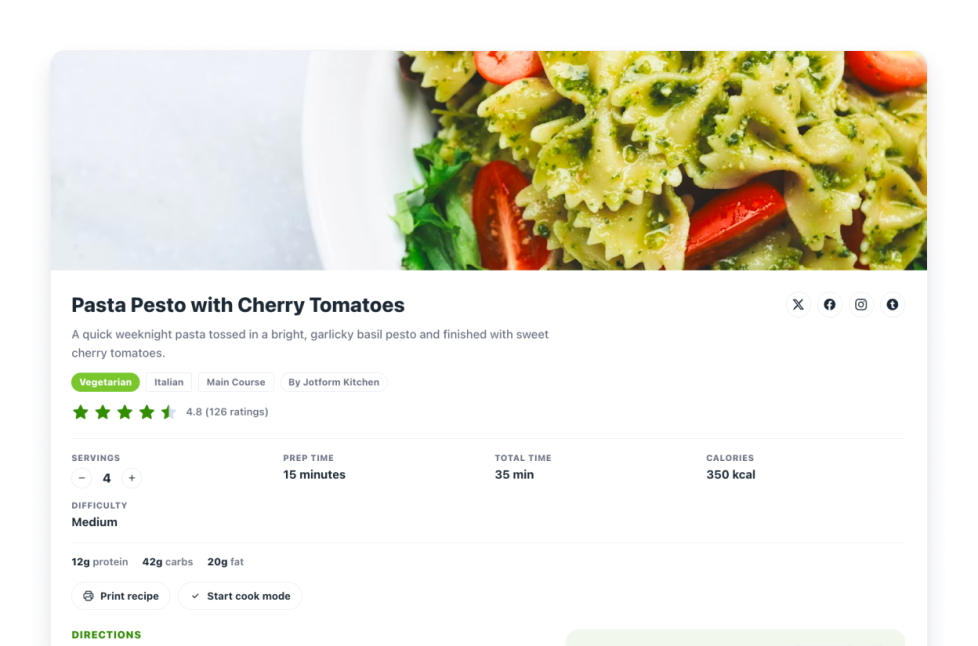
الوصفات

أضف أداة وصفات إلى موقعك الإلكتروني. شارك بطاقات وصفات مع الصور والمكونات والتعليمات والمعلومات الغذائية والتوقيت والطباعة والمشاركة وعناصر التحكم في المخطط.

انتقل إلى الفئة:أعمالاستخدام الأداة
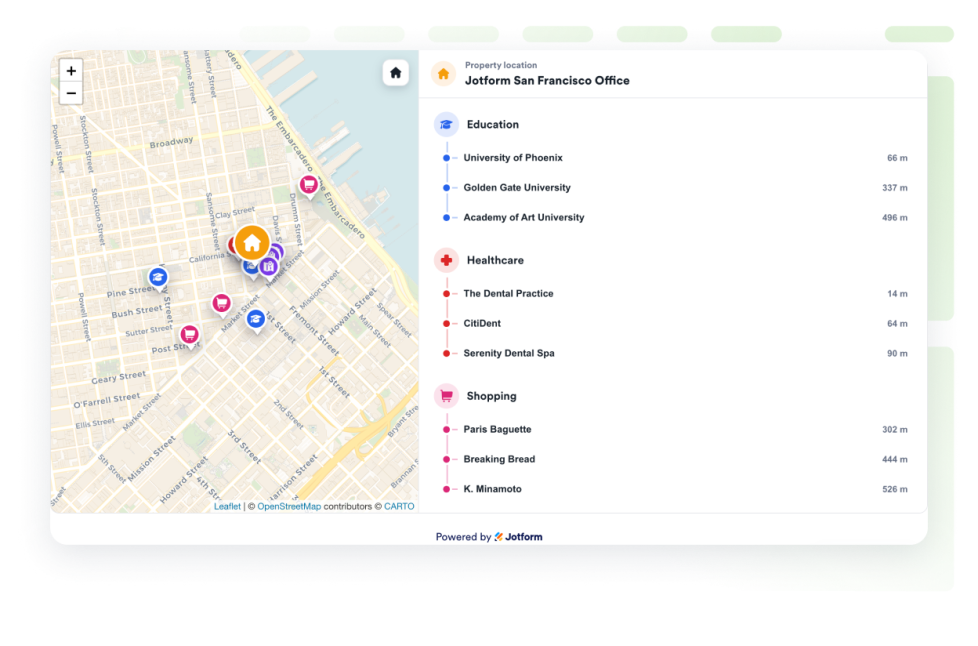
خريطة موقع العقار

أضف خريطة موقع عقاري لعرض عقار واحد باستخدام OpenStreetMap، مع إظهار المسافات والمرافق القريبة مثل المؤسسات التعليمية ومرافق الرعاية الصحية ووسائل النقل والحدائق والمتاجر.

انتقل إلى الفئة:أعمالاستخدام الأداة

About Business Widgets

Business widgets help companies present important information and useful resources directly on their websites without custom code. These embeddable widgets can introduce a team, display business hours and locations, share services or work samples, publish job openings, and provide visitors with practical business details.

With Jotform’s business widgets, you can create restaurant menus, team showcases, portfolios, business hours displays, location maps, job boards, About Us sections, resumes, and recipe cards. They can be added to business websites, service pages, contact pages, restaurant websites, real estate listings, career pages, portfolios, and local business landing pages.

What can you do with business widgets?

Business widgets can help you:

  • Display menu categories, item descriptions, prices, and reservation links with a Restaurant Menu widget
  • Introduce employees using team profiles, photos, roles, biographies, and social links
  • Present projects and work samples in a Portfolio widget
  • Show opening hours, contact details, location information, and current business status
  • Help visitors find stores, offices, venues, or service areas with Google Maps or OpenStreetMap
  • Publish available positions on an embeddable Job Board
  • Share your company’s history, mission, values, and team in an About Us section
  • Add a professional resume to a personal or business website
  • Display recipes with ingredients, instructions, images, nutrition details, and preparation times
  • Show real estate locations and nearby schools, transportation, parks, stores, or healthcare services

Popular business widget use cases

Business widgets can support many types of companies and independent professionals. Restaurants can use a Restaurant Menu widget to present food and drink categories, prices, descriptions, and reservation links. Local businesses can add a Business Hours widget and an interactive map so customers can check opening times, contact the business, and find directions.

Agencies, freelancers, photographers, designers, and consultants can use a Portfolio widget to display completed projects. Companies can add a Team Showcase or About Us widget to help visitors learn about their employees, background, mission, and values.

Recruiters and growing businesses can publish available roles with a Job Board widget. Real estate professionals can use a Real Estate Location Map to show a property and nearby services, while businesses with multiple locations can display offices, stores, or service areas using a map widget.

Easy website widgets for any team

Embeddable business widgets are useful for small businesses, restaurants, agencies, freelancers, real estate professionals, recruiters, local service providers, creators, and growing teams that want to share useful information without relying on a developer or designer.

With Jotform, users can select a widget, customize the content, settings, layout, and design, preview how it will appear, and copy the embed code. They can then add the widget to a supported website editor or HTML section without custom code.

This gives business owners and team members a practical way to update their website with company information, team profiles, operating hours, locations, job listings, and other visitor resources.

أدلة ذات صلة

To learn more about setting up and managing widgets, users can read Jotform’s guide on managing website widgets. The guide explains that users can create new widgets, edit existing widgets, copy embed codes, control widget visibility, and organize their widget assets from the My Website Widgets page.

Business Widgets FAQ

What are business widgets?

Business widgets are embeddable website tools that help companies display information and resources for customers, applicants, and other visitors. They can include menus, business hours, maps, team profiles, portfolios, job boards, company information, and resumes.

What types of businesses can use business widgets?

Business widgets can be used by restaurants, local businesses, agencies, freelancers, real estate companies, professional service providers, recruiters, creators, and organizations with multiple locations. The best widget depends on what information visitors need from the business.

Where should I add business widgets?

You can add business widgets to homepages, About Us pages, contact pages, service pages, career pages, property listings, restaurant pages, and portfolio pages. Place each widget close to the related information or action so visitors can find it easily.

Do business widgets require coding?

No. You do not need a developer or designer. You can customize the widget, copy the embed code, and add it to your website without custom code. The exact embedding steps depend on the website platform or page editor you use.