أداة عرض جدول المقاسات لموقعك الإلكتروني
ساعد المتسوقين على اختيار المقاس المناسب قبل إتمام الشراء. أضف تبويب الفئات، وجداول القياس القابلة للتعديل، والصور الإرشادية، والتخطيطات المتجاوبة، والألوان، والعلامة التجارية، وتنسيقات CSS المخصصة باستخدام أداة جدول المقاسات بدون كود من Jotform.
ابدأ الآن — إنها خدمة مجانية!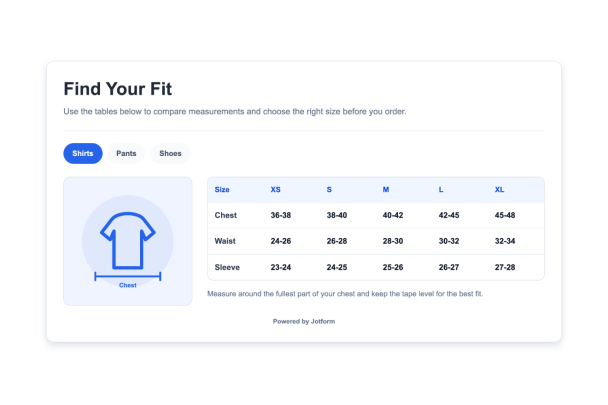

كيفية إنشاء عنصر واجهة جدول المقاسات
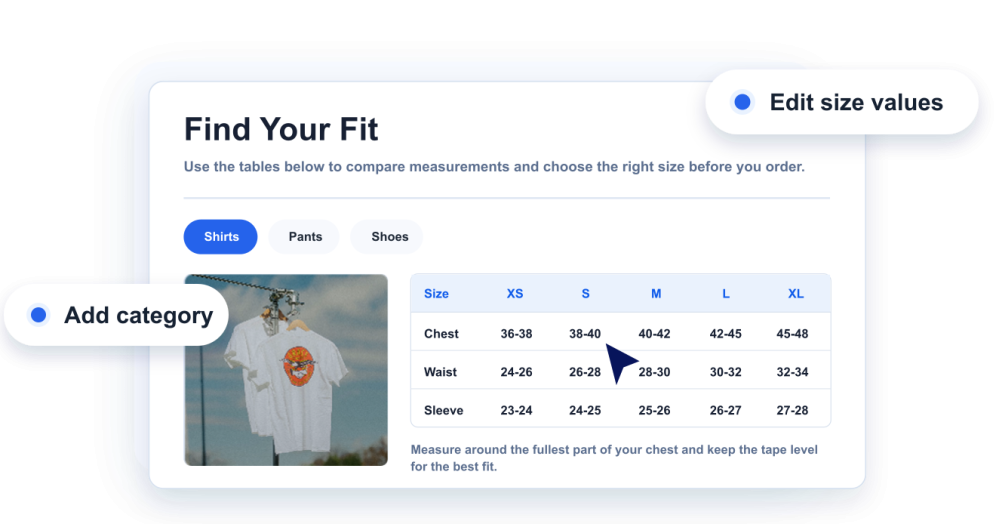
أضف قياساتك
أنشئ فئات مخطط المقاسات، والأعمدة، والصفوف، وقيم المقاسات، والملاحظات المفيدة لكل نوع من المنتجات.
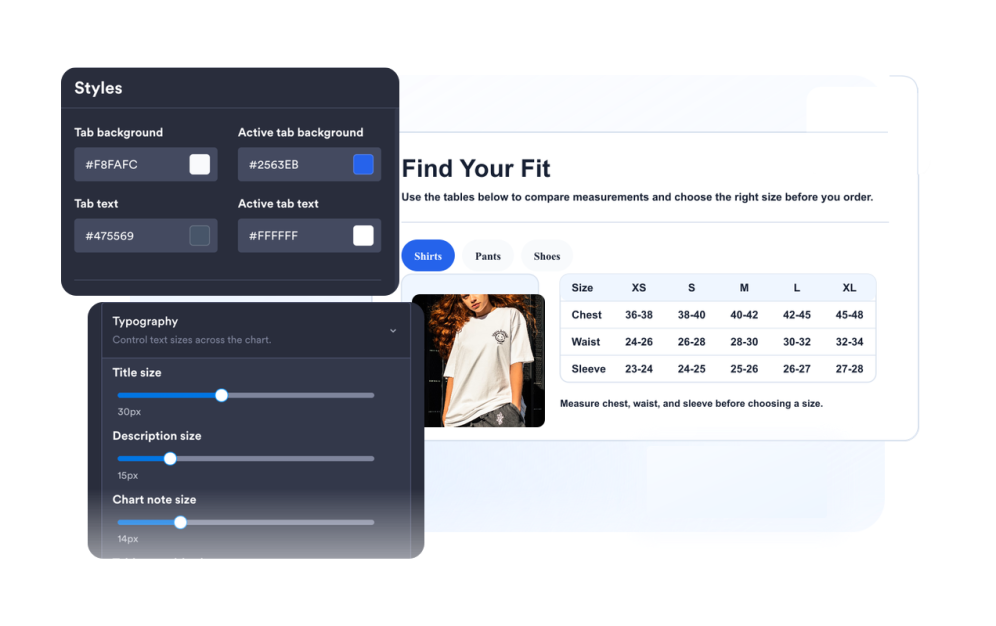
تخصيص الدليل
اختر الرسوم التوضيحية للقياسات، والتخطيط، والألوان، والتبويبات، وكثافة الجداول، ودوران الزوايا، والعلامة التجارية.
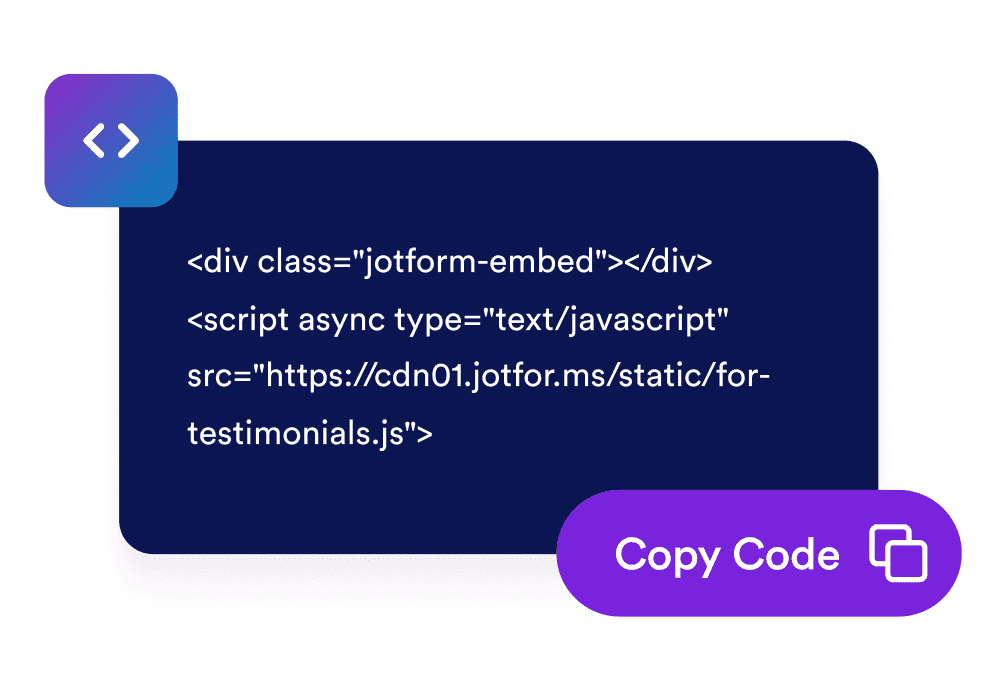
قم بتضمينها في موقع الويب الخاص بك
قم بمعاينة الأداة، وانسخ كود التضمين المُنشأ، وانشر دليل المقاسات الخاص بك على صفحات المنتجات أو المساعدة.
قدّم للمتسوقين دليل مقاسات واضحاً في كل صفحة منتج
أنشئ جداول قياس قابلة للتعديل
أضف الأعمدة، والصفوف، والتسميات، وقيم للملابس، أو الأحذية، أو الإكسسوارات، أو أي فئة من المنتجات التي تحتاج إلى توضيح المقاسات.
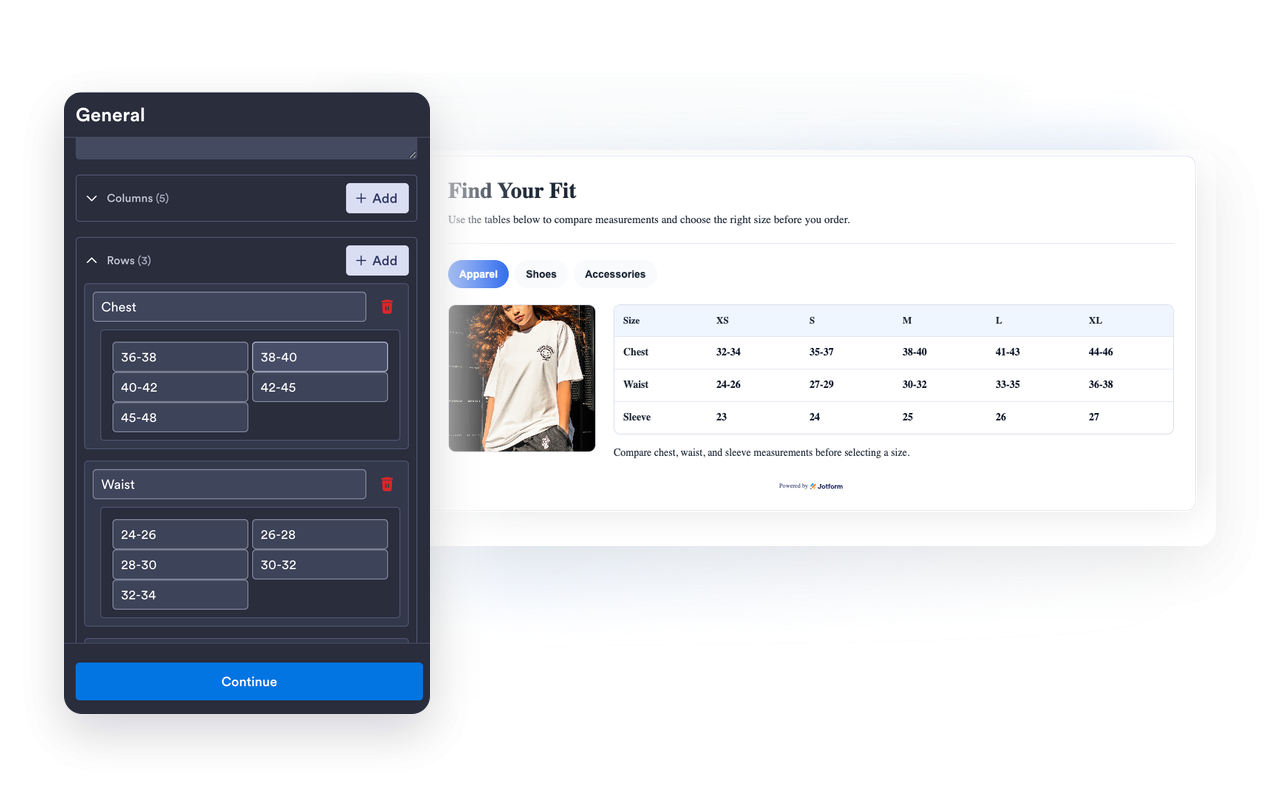
اربط كل مخطط بصورة توضيحية للقياسات
استخدم الرسوم التوضيحية المدمجة للدليل أو رابط صورة مخصص حتى يفهم الزوار موضع وكيفية القياس.
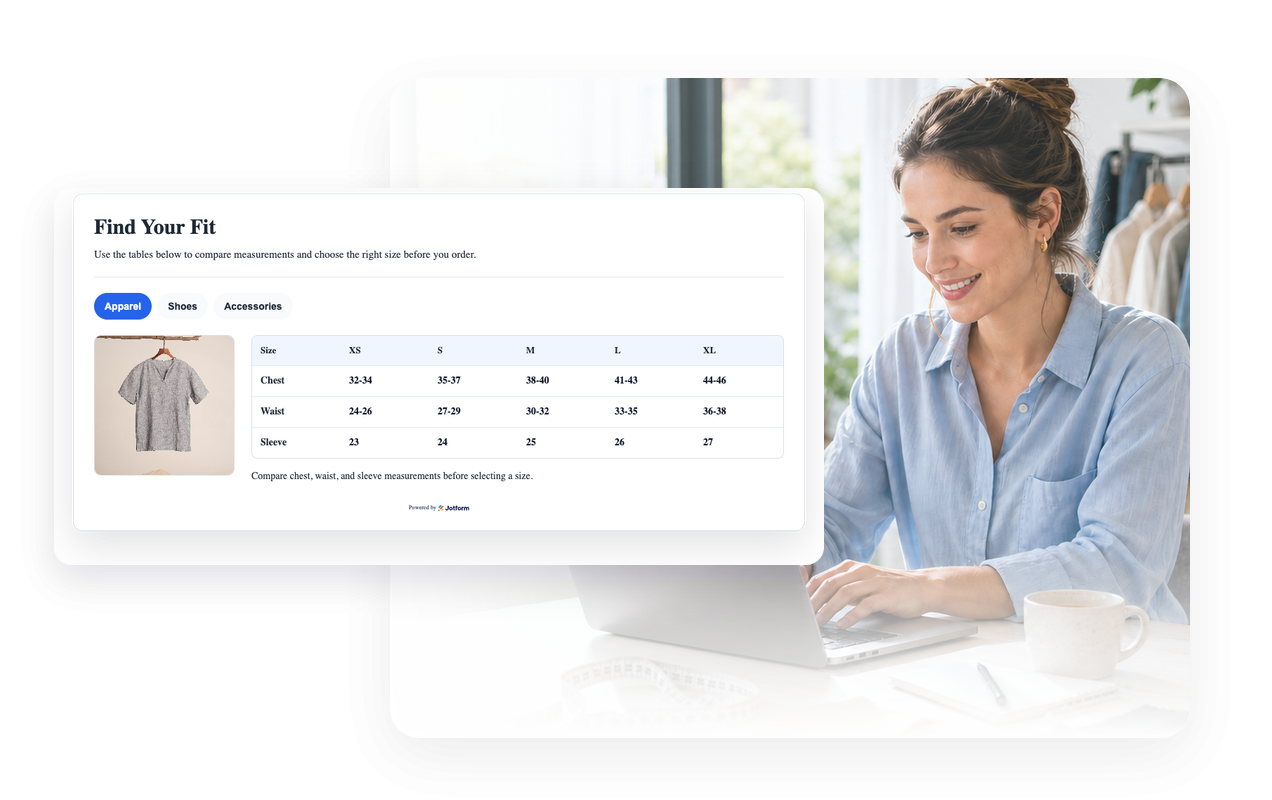
طابق تصميم متجرك
اضبط الثيمات الفاتحة أو الداكنة، وألوان الجداول، وألوان التبويبات، والحدود، ودوران الزوايا، والعلامة التجارية، وتنسيقات CSS المخصصة.

الحفاظ على قابلية قراءة المخططات العريضة على الأجهزة المحمولة
اختر موضع العناصر المرئية، والعرض المتكيف، وكثافة الجدول، والتمرير الأفقي للجدول على الشاشات الصغيرة.

لماذا تتميز أدوات Jotform لمواقع الويب؟
تجعل أدوات Jotform موقع الويب الخاص بك أكثر تفاعلية وتساعد على زيادة معدلات التحويل. تتوفر العديد من الأدوات، بدءًا من تقييمات النجوم وأشرطة تمرير تقييمات العملاء، وصولًا إلى النوافذ المنبثقة التي تعرض تقييمات العملاء وتضمين الوسائط. أضف الأدوات إلى نماذجك أو صفحاتك المقصودة لجمع البيانات، وعرض آراء العملاء، وجمع العملاء المحتملين — دون الحاجة إلى كتابة أكواد.
أضف أدوات Jotform إلى موقعك الإلكتروني باستخدام كود تضمين بسيط. خصّص الأداة، واعرض معاينة لشكلها، ثم أدرجها في أي صفحة تدعم HTML المخصص أو حزم التضمين، وكل ذلك دون الحاجة إلى مطور.
استخدم أدوات مواقع الويب من Jotform لجمع بيانات العملاء المحتملين، وإظهار تقييمات العملاء، وعرض الآراء الاجتماعية، وتضمين ملفات الوسائط، أو إضافة أدوات مفيدة لصفحات ويب. تقوم كل أداة بمساعدة الزوار على التفاعل مع خدماتك مباشرةً من موقعك الإلكتروني.
إذا كنت بحاجة إلى مساعدة في إعداد أداتك أو تخصيصها أو تضمينها أو استكشاف المشكلات وإصلاحها، فإن فريق دعم العملاء في Jotform متاح على مدار الساعة طوال أيام الأسبوع. يمكنك المتابعة بثقة، مع العلم أن المساعدة متاحة عندما تحتاج إليها.
أين تستخدم أداة مخطط المقاسات؟
ضع جداول المقاسات في أي مكان يحتاج فيه المتسوقون إلى إرشادات حول المقاسات قبل شراء المنتجات أو حجزها أو مقارنتها.
صفحات المنتجات لمساعدة المتسوقين على مقارنة المقاسات دون الحاجة إلى فتح دليل منفصل.
متاجر الملابس لعرض قياسات القمصان والسراويل والفساتين والملابس الخارجية في أداة واحدة مزودة بعلامات تبويب.
صفحات الأحذية لتوضيح تحويلات المقاسات حسب المناطق، وطول القدم، وملاحظات المقاس.
صفحات الإكسسوارات للقبعات والأحزمة والقفازات والمجوهرات والحقائب، مع مقاسات محددة.
قوائم المنتجات في السوق حيث تستخدم العلامات التجارية أو البائعون أنظمة مقاسات مختلفة.
مراكز المساعدة وصفحات دليل المقاسات لتوحيد تعليمات القياس في جميع أنحاء الكتالوج الخاص بك.
حوّل العملاء المحتملين إلى مبيعات حقيقية باستخدام منشئ النماذج من Jotform
حوّل التفاعل إلى نتائج فعلية مع Jotform. أنشئ نماذج قوية لجمع بيانات العملاء المحتملين، واستلام المدفوعات، وأتمتة الردود، كل ذلك في مكان واحد. تصل جميع البيانات المرسلة إلى صندوق الوارد في Jotform الخاص بك، حيث يمكنك المتابعة أو الربط مع تطبيقاتك المفضلة.
ابدأ - إنه مجاني!
أسئلة متكررة ومتداولة
ما هي أداة «جدول المقاسات»؟
تُعد أداة جدول المقاسات دليلًا قابلًا للتضمين في موقع الويب يعرض مقاسات المنتجات وأعمدة المقاسات وعلامات تبويب الفئات وصور القياسات الاختيارية.
هل يمكنني إنشاء جداول مقاسات متعددة؟
هل يمكنني تعديل الصفوف والأعمدة؟
هل يمكنني عرض صور القياس؟
هل يمكنني تخصيص الألوان والتخطيط؟
هل تعمل على الهاتف المحمول؟
هل أحتاج إلى كتابة أكواد؟