أداة محدد مواقع المتاجر لموقعك الإلكتروني
ساعد الزوار على العثور على المتاجر أو الفروع أو نقاط الاستلام أو مواقع تقديم الخدمات واستعراضها دون مغادرة موقعك. يجمع عنصر محدد مواقع المتاجر من Jotform بين بطاقات المواقع القابلة للبحث، وخريطة تفاعلية، وبيانات الاتصال، وساعات العمل، والصور، وتخطيطات قابلة للتخصيص، وكل ذلك ضمن عنصر تضمين واحد لا يتطلب كتابة أي تعليمات برمجية.
ابدأ الآن — إنها خدمة مجانية!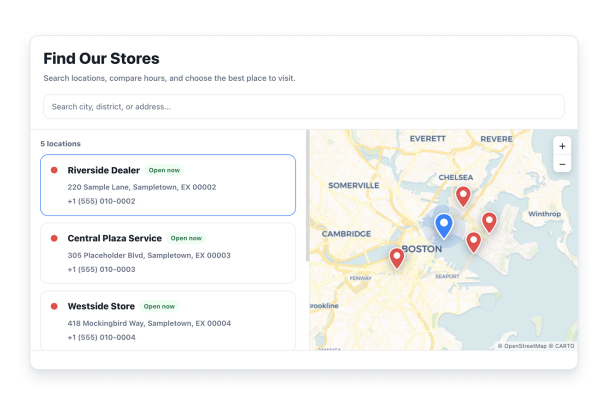

كيفية إنشاء عنصر واجهة محدِّد مواقع المتاجر
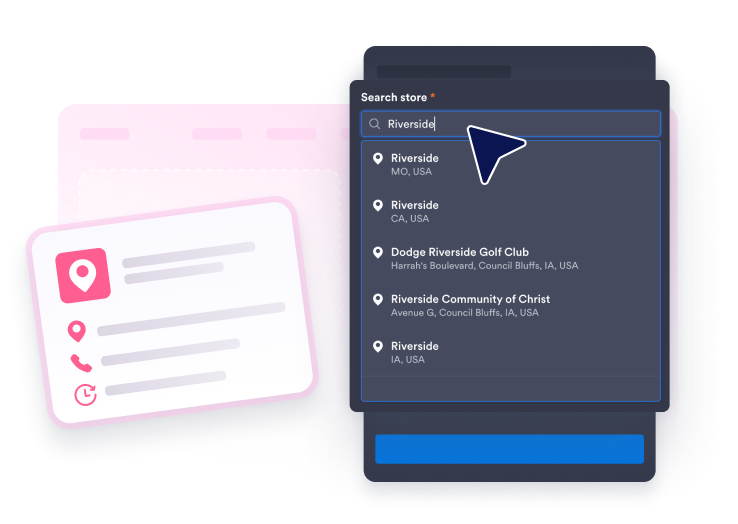
إضافة المواقع الخاصة بك
ابحث عن نشاط تجاري أو عنوان باستخدام Google، ثم أضف مقدمة، وساعات العمل الأسبوعية، وبيانات الاتصال، وصوراً، وشعاراً، ولوناً للعلامة المميزة لكل موقع.
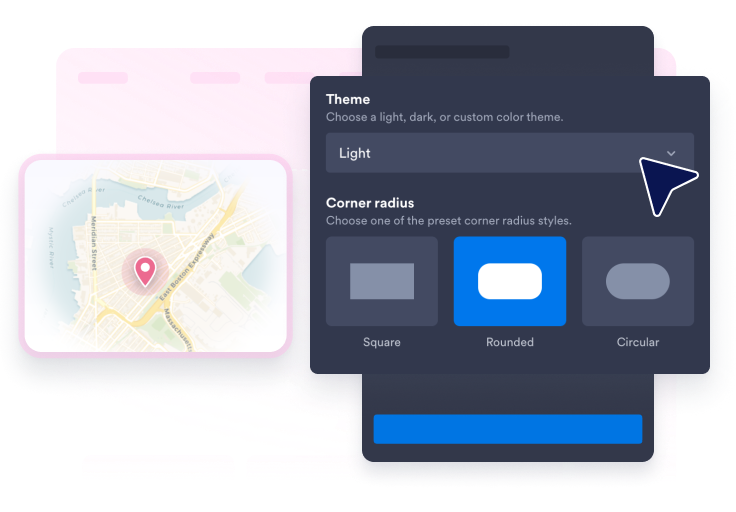
تخصيص البحث والخريطة والتصميم
اختر تخطيطًا، وموضوع الخريطة، ونمط البطاقة، وشكل الدبوس، وتسميات الدبوس، والألوان، ونصف قطر الزوايا، والحجم، وما إذا كنت تريد إظهار شريط البحث أم لا.
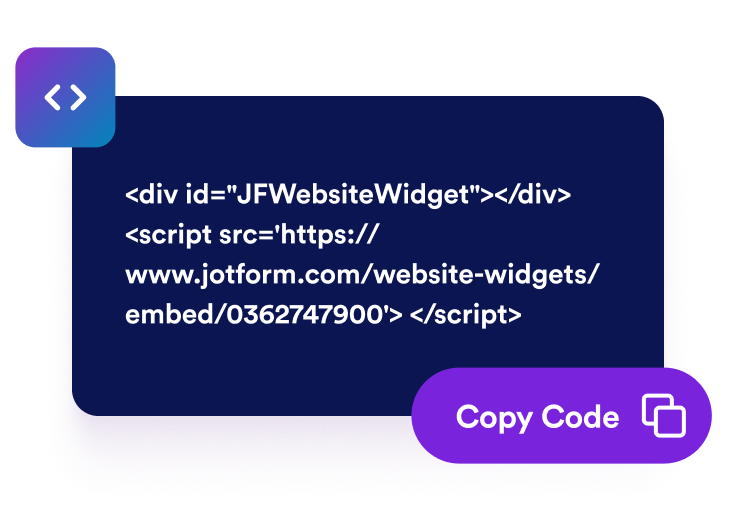
قم بتضمينها في موقع الويب الخاص بك
قم بمعاينة أداة تحديد الموقع، وانشرها، ثم الصق رمز التضمين الذي تم إنشاؤه في أي صفحة يحتاج فيها الزوار إلى تفاصيل المتجر أو اتجاهات الوصول إليه.
اجعل من السهل العثور على كل موقع واتخاذ الإجراءات اللازمة بشأنه
إنشاء بطاقات مواقع مفيدة
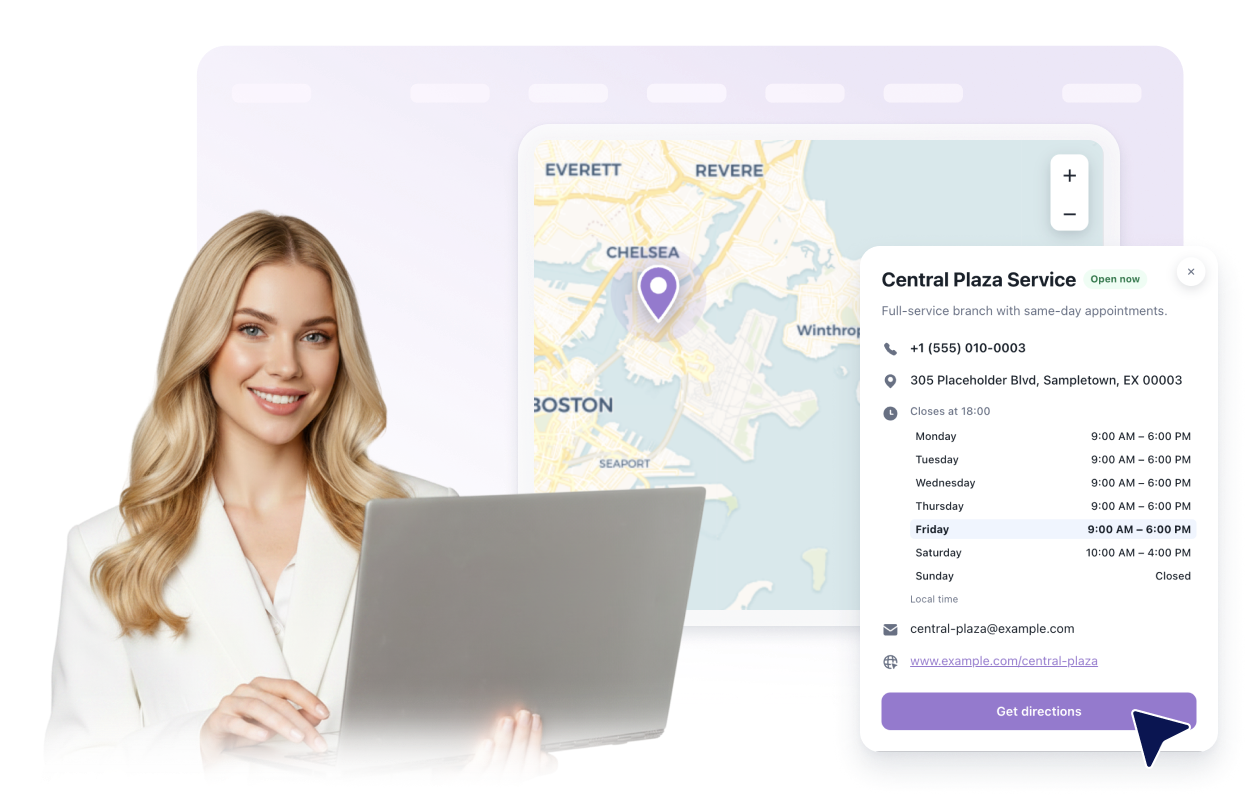
اعرض الأسماء والعناوين والأوصاف وساعات العمل وتفاصيل الاتصال الظاهرة والصور والشعارات وحالة الفتح أو الإغلاق وفقًا للجدول الزمني، بالإضافة إلى توجيهات الوصول لكل موقع.
مساعدة الزوار في البحث في قائمة المواقع
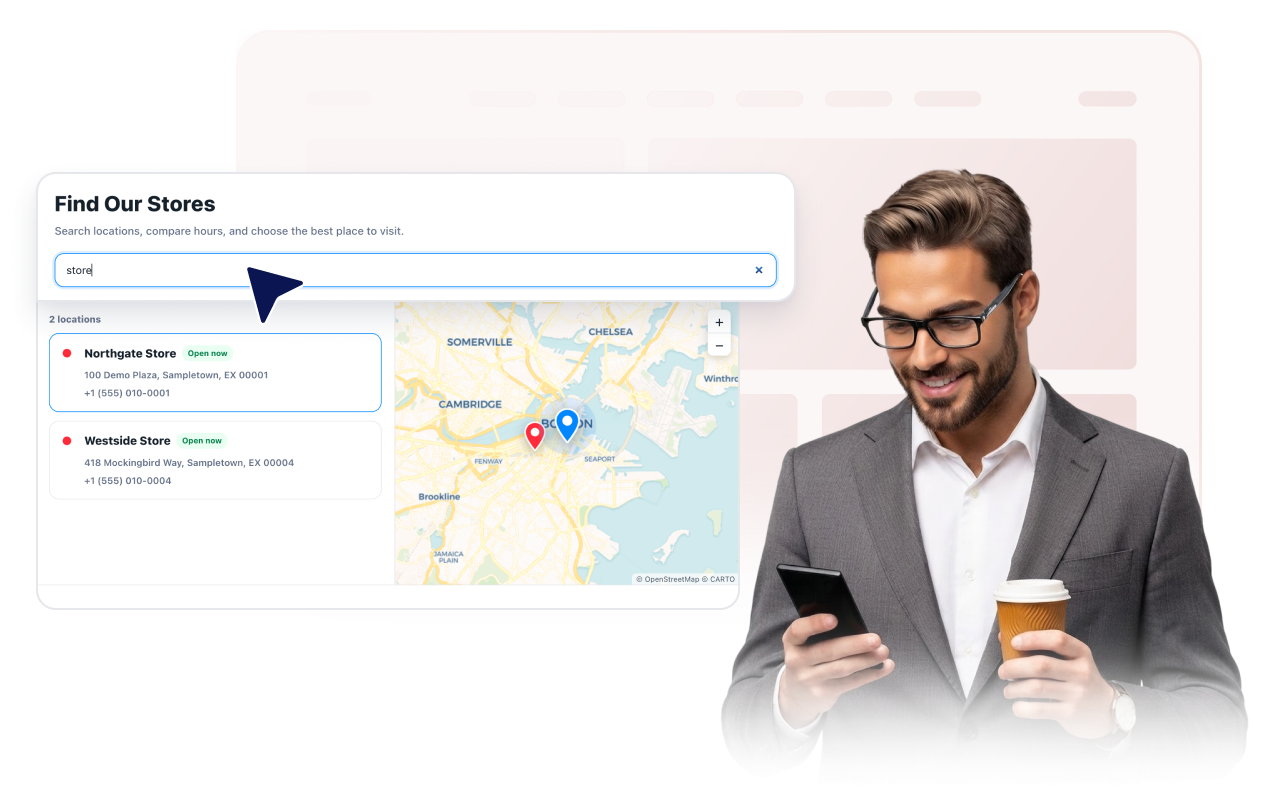
اعرض شريط بحث اختياري يتيح البحث عن أسماء المواقع والعناوين والأوصاف، بالإضافة إلى رقم الهاتف أو البريد الإلكتروني أو الموقع الإلكتروني أو ساعات العمل التي تختار عرضها.
اربط القائمة بخريطة تفاعلية
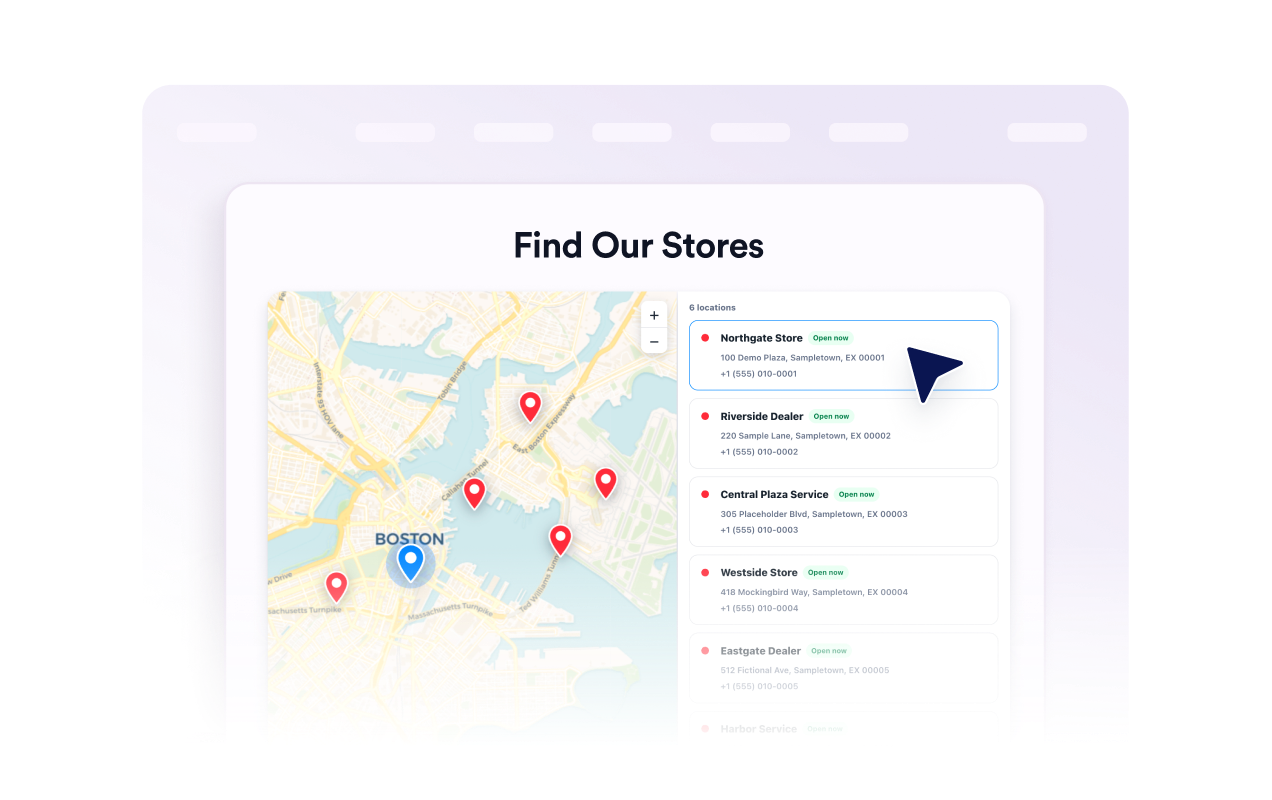
اسمح للزوار بالتحريك والتكبير/التصغير، واختيار بطاقة موقع أو دبوس، وفتح تفاصيلها. اختر مظهر الخريطة، ومستوى التكبير، ونمط الدبوس، والتسميات، وألوان العلامات.
قم بمواءمة الأداة مع موقعك
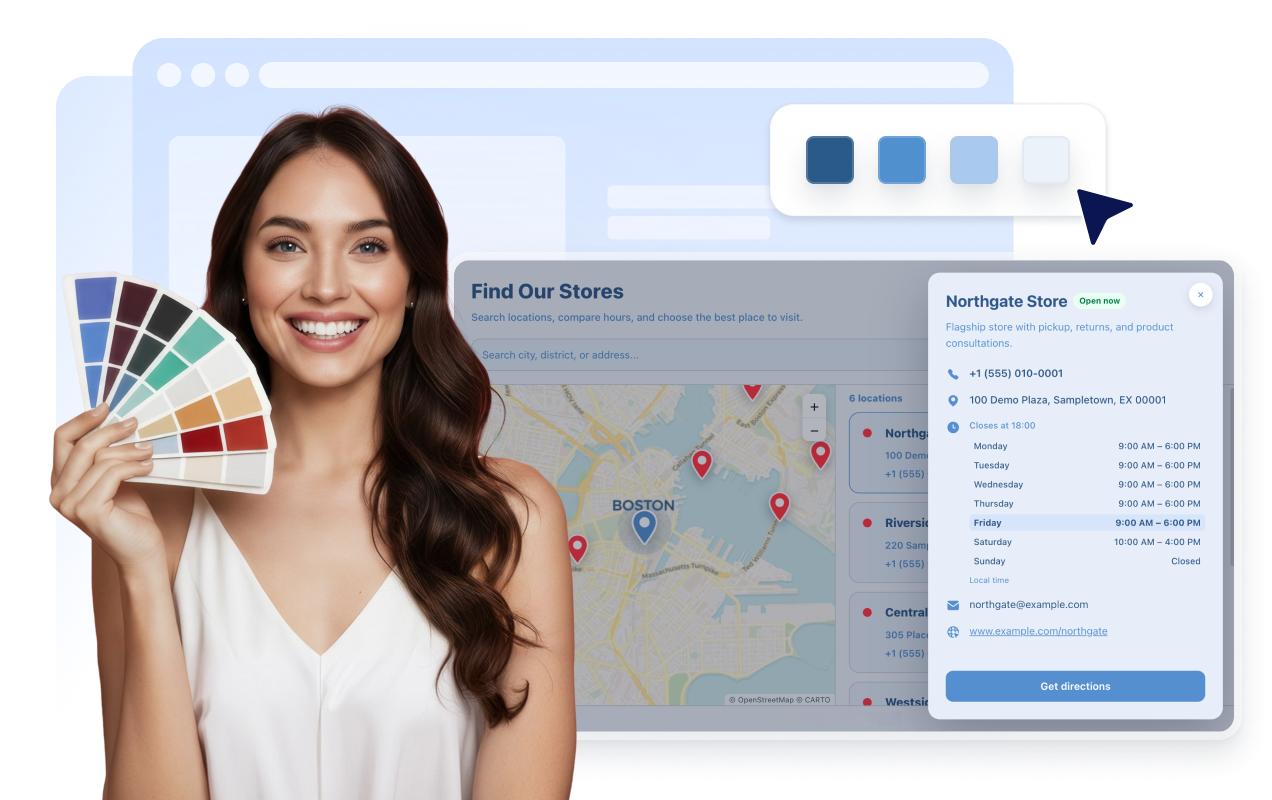
اختر نمط العرض (فاتح أو داكن أو مخصص)، وشكل البطاقات (صور أو تفصيلية أو مدمجة)، وتخطيط الخريطة (يسار أو يمين أو أعلى أو شبكي). كما يمكنك ضبط الألوان، ونصف قطر الزوايا، والأحجام، وعناصر العلامة التجارية، وتنسيقات CSS المحددة النطاق بدقة.
لماذا تتميز أدوات Jotform لمواقع الويب؟
تجعل أدوات Jotform موقع الويب الخاص بك أكثر تفاعلية وتساعد على زيادة معدلات التحويل. تتوفر العديد من الأدوات، بدءًا من تقييمات النجوم وأشرطة تمرير تقييمات العملاء، وصولًا إلى النوافذ المنبثقة التي تعرض تقييمات العملاء وتضمين الوسائط. أضف الأدوات إلى نماذجك أو صفحاتك المقصودة لجمع البيانات، وعرض آراء العملاء، وجمع العملاء المحتملين — دون الحاجة إلى كتابة أكواد.
أضف أدوات Jotform إلى موقعك الإلكتروني باستخدام كود تضمين بسيط. خصّص الأداة، واعرض معاينة لشكلها، ثم أدرجها في أي صفحة تدعم HTML المخصص أو حزم التضمين، وكل ذلك دون الحاجة إلى مطور.
استخدم أدوات مواقع الويب من Jotform لجمع بيانات العملاء المحتملين، وإظهار تقييمات العملاء، وعرض الآراء الاجتماعية، وتضمين ملفات الوسائط، أو إضافة أدوات مفيدة لصفحات ويب. تقوم كل أداة بمساعدة الزوار على التفاعل مع خدماتك مباشرةً من موقعك الإلكتروني.
إذا كنت بحاجة إلى مساعدة في إعداد أداتك أو تخصيصها أو تضمينها أو استكشاف المشكلات وإصلاحها، فإن فريق دعم العملاء في Jotform متاح على مدار الساعة طوال أيام الأسبوع. يمكنك المتابعة بثقة، مع العلم أن المساعدة متاحة عندما تحتاج إليها.
أين يمكنك استخدام أداة «محدد مواقع المتاجر» الخاصة بك
يمكنك تضمين الأداة في أي مكان يحتاج فيه الزوار إلى مقارنة المواقع المتاحة، أو الاطلاع على التفاصيل، أو اختيار وجهتهم التالية.
مواقع التسوق الإلكتروني لعرض المتاجر ونقاط الاستلام والأقسام وتفاصيل الاتصال المحلية.
مجموعات المطاعم لمساعدة الضيوف في الاطلاع على العناوين وساعات العمل وأرقام الهواتف ومواقع الويب الخاصة بالمطاعم.
شركات الخدمات لإدراج الفروع ومكاتب حجز المواعيد ومواقع مناطق الخدمة.
صفحات الموزعين والشركاء لمساعدة العملاء في العثور على البائعين المعتمدين أو مراكز الدعم.
صفحات الفعاليات وأماكن إقامتها لعرض المداخل ومناطق الاستلام ومكاتب بيع التذاكر أو المواقع الإقليمية.
صفحات الدعم لتتيح للزوار مقارنة عناوين الفروع وساعات العمل وخيارات الاتصال.
حوّل العملاء المحتملين إلى مبيعات حقيقية باستخدام منشئ النماذج من Jotform
حوّل التفاعل إلى نتائج فعلية مع Jotform. أنشئ نماذج قوية لجمع بيانات العملاء المحتملين، واستلام المدفوعات، وأتمتة الردود، كل ذلك في مكان واحد. تصل جميع البيانات المرسلة إلى صندوق الوارد في Jotform الخاص بك، حيث يمكنك المتابعة أو الربط مع تطبيقاتك المفضلة.
ابدأ - إنه مجاني!
أسئلة متكررة ومتداولة
ما هي أداة تحديد مواقع المتاجر؟
يعرض عنصر محدد مواقع المتاجر، المعروف أيضًا باسم عنصر البحث عن المتاجر أو المواقع، بطاقات مواقع قابلة للبحث مع خريطة تفاعلية، وتفاصيل النشاط التجاري، والصور، والاتجاهات على موقعك الإلكتروني.
هل يمكنني إضافة أكثر من موقع واحد؟
هل يمكن للزوار البحث عن موقع ما؟
هل يمكنني اختيار تفاصيل الموقع التي سيتم عرضها؟
هل تتضمن الأداة المصغرة خريطة؟
هل يمكنني إضافة صور وشعار لكل موقع؟
هل يمكنني تخصيص التصميم؟
هل يعمل على الهواتف المحمولة والأجهزة اللوحية؟
هل أحتاج إلى كتابة أكواد؟
هل أداة «محدد مواقع المتاجر» مجانية؟