أداة معرض الفيديو لموقعك الإلكتروني
أنشئ معرض فيديو متجاوبًا لموقعك الإلكتروني باستخدام Jotform. أضف مقاطع فيديو من YouTube وVimeo، واختر تخطيطًا، وخصص النمط، وامنح الزوار إمكانية المشاهدة في نافذة عرض بسيطة دون الحاجة إلى كتابة أي أكواد برمجية.
ابدأ الآن — إنها خدمة مجانية!

كيفية إنشاء عنصر واجهة معرض الفيديو
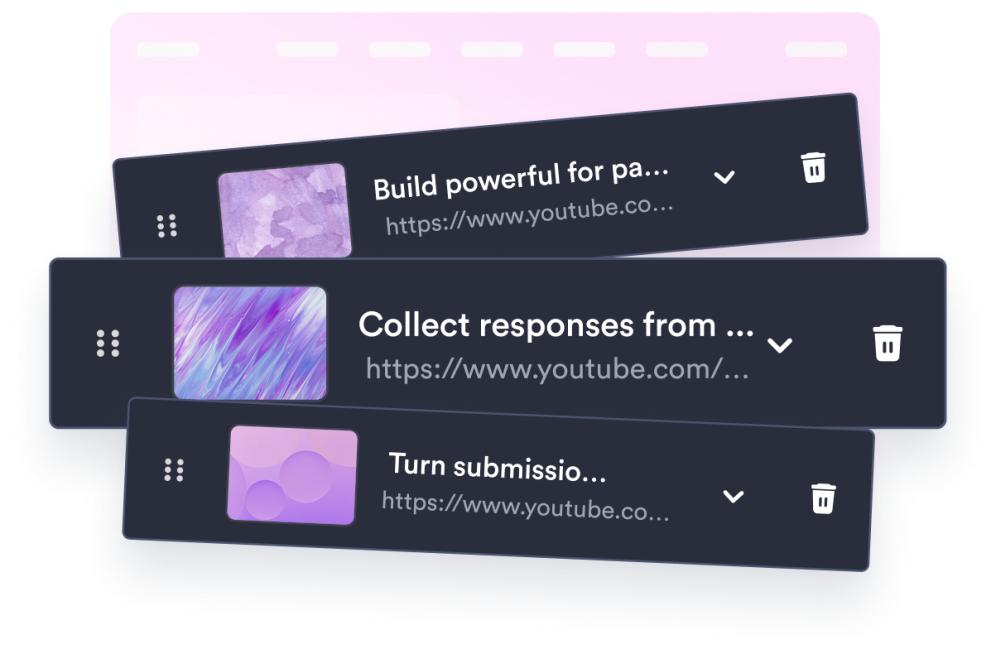
أضف مقاطع الفيديو الخاصة بك
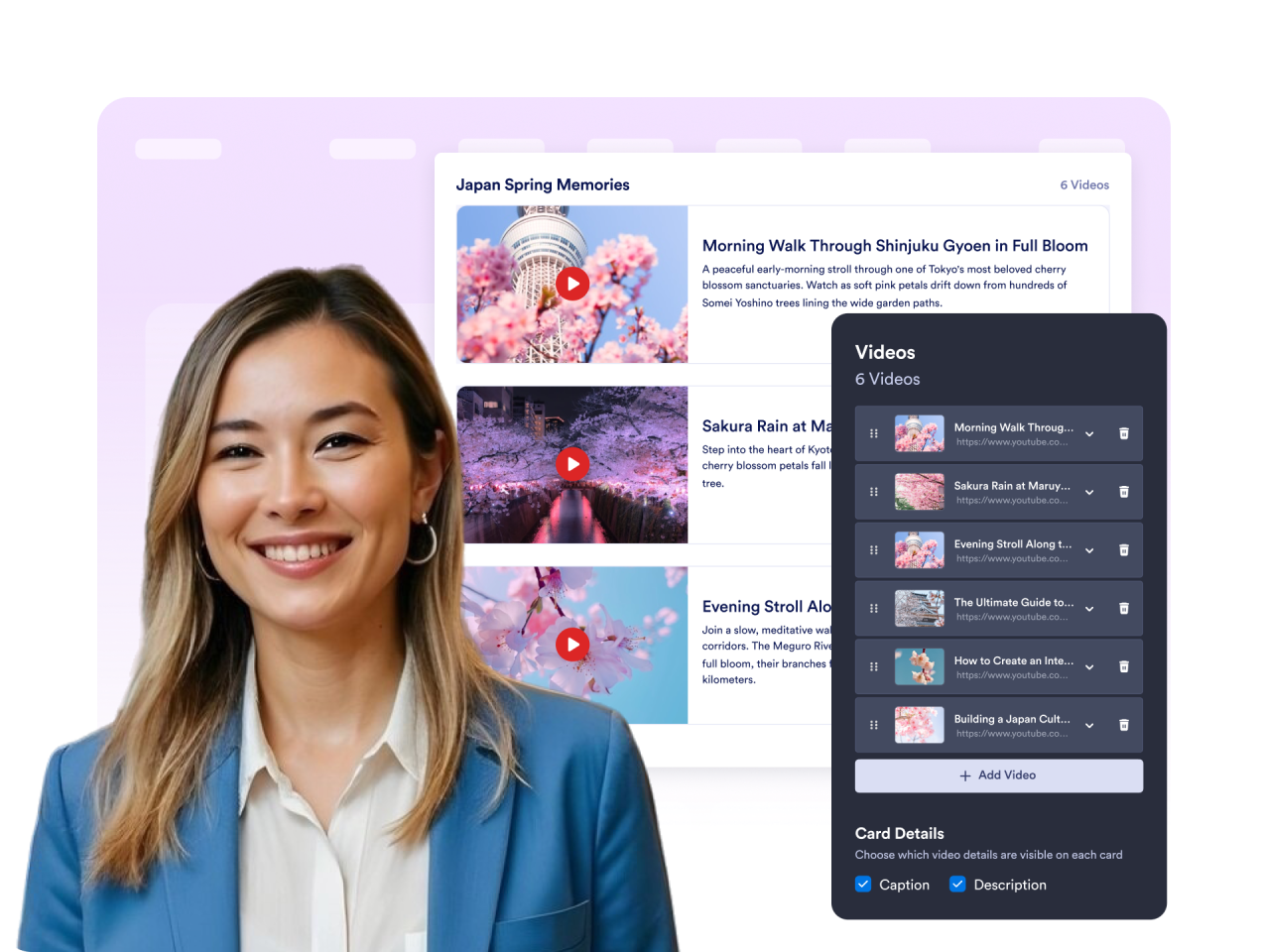
الصق روابط YouTube أو Vimeo وأضف صورة مصغرة وعنوانًا ووصفًا لكل فيديو.
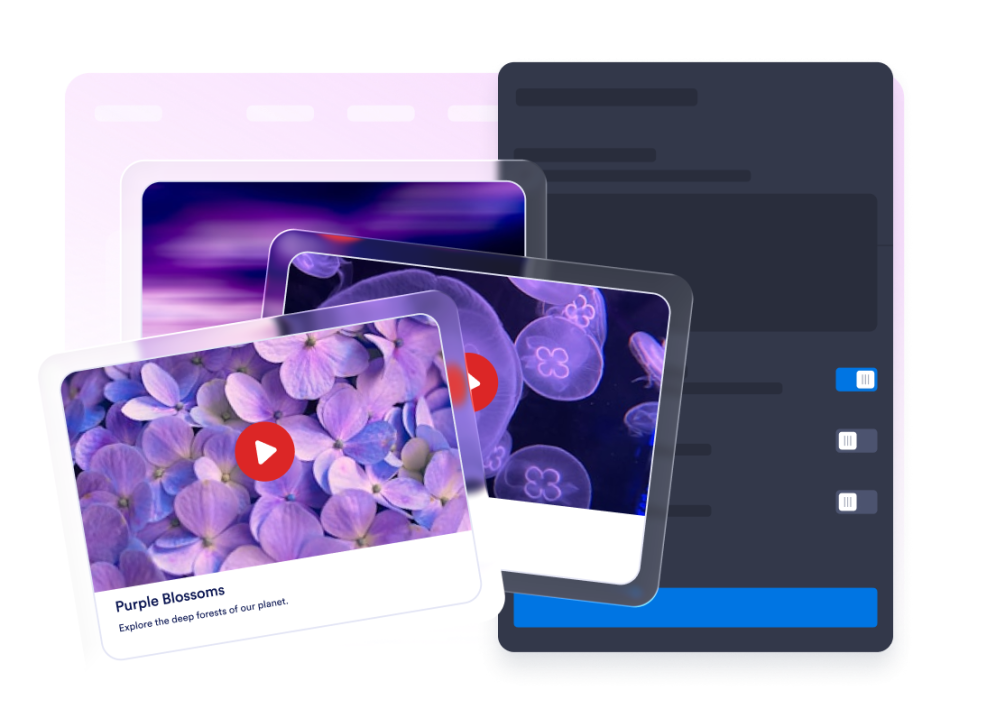
خصص المعرض
اختر تخطيطًا على شكل شبكة أو قائمة أو عرض متتابع، واضبط الأعمدة والمسافات، وقم بضبط الألوان لتتناسب مع موقعك.
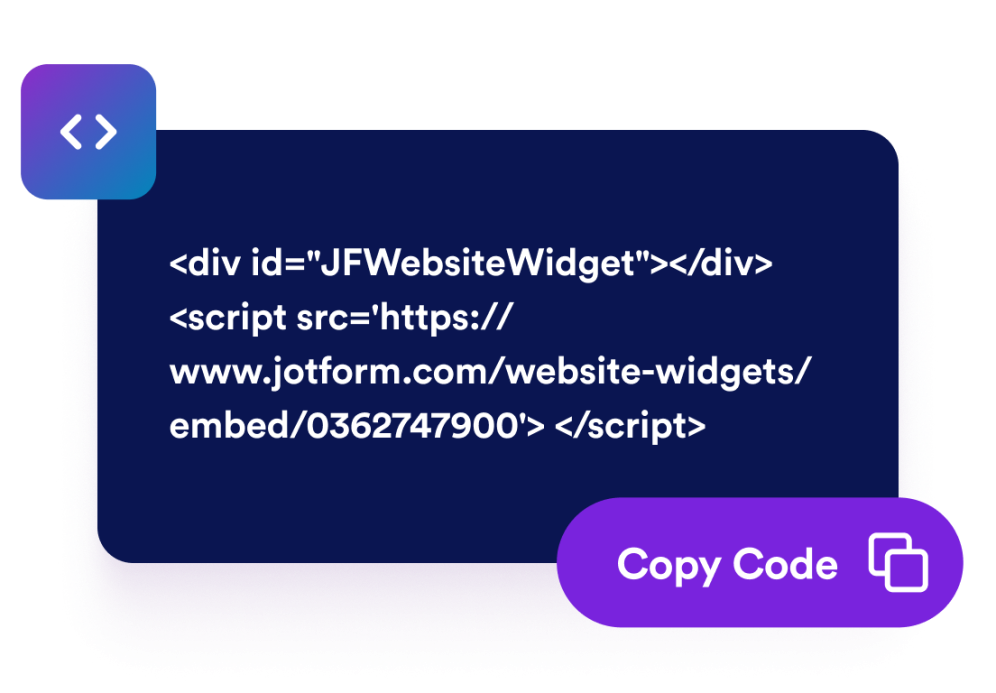
تضمينه في أي مكان
انسخ رمز التضمين الذي تم إنشاؤه، ثم ضع معرض الفيديو الخاص بك على أي صفحة من صفحات الموقع الإلكتروني.
حوّل أي مجموعة فيديوهات إلى معرض إلكتروني أنيق على موقع الويب
استيراد مقاطع الفيديو من أي مكان
اجمع مقاطع الفيديو من منصات مختلفة في معرض واحد للمحتوى الذي تفضل عدم نشره على المنصات العامة.
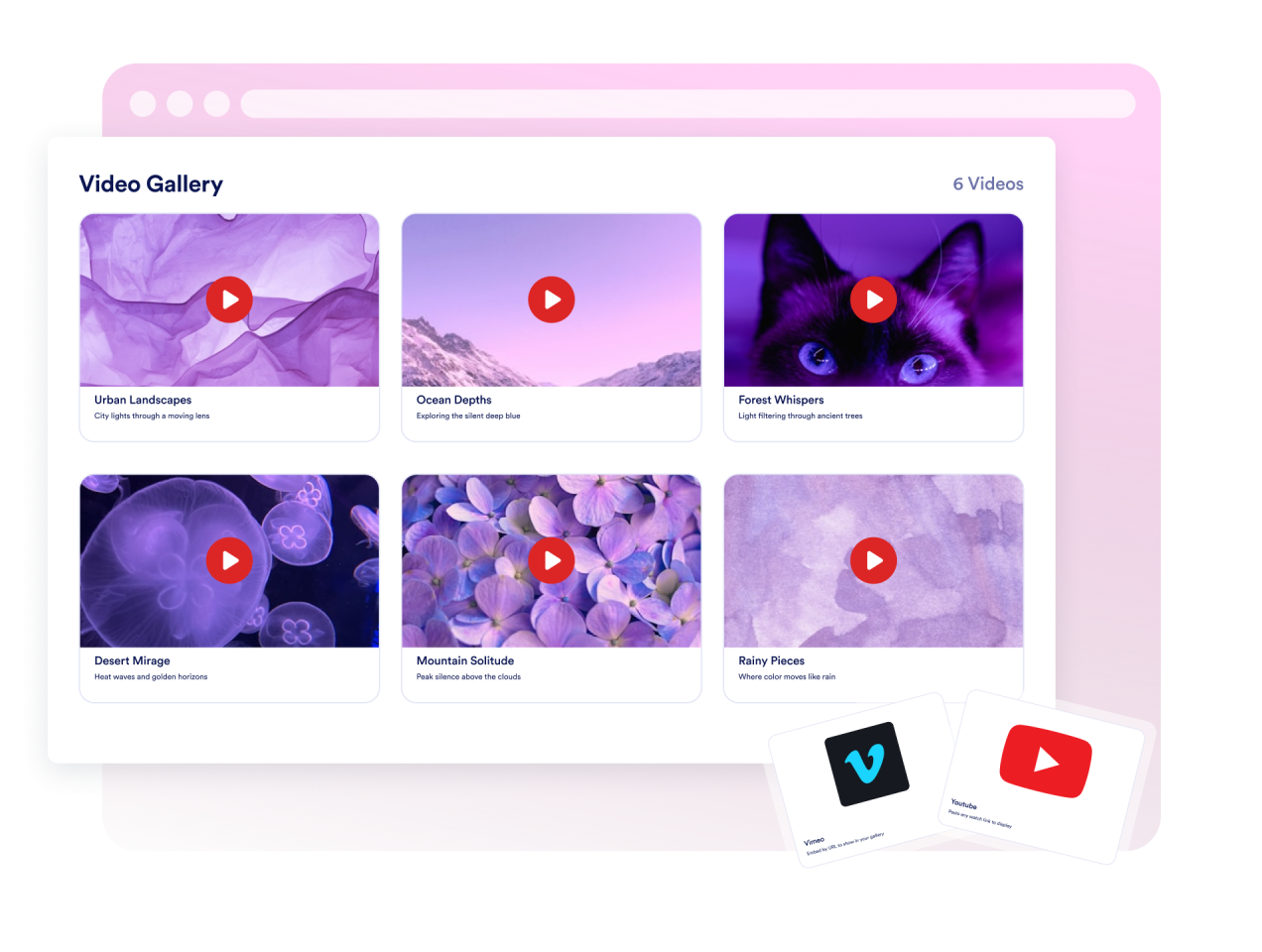
التحكم في تجربة التصفح
اختر تخطيطًا على شكل شبكة أو قائمة أو عرض متتابع، واضبط الأعمدة والمسافات، وحدد ما إذا كان سيتم فتح مقاطع الفيديو في نافذة منبثقة أم تشغيلها مباشرةً في الصفحة.
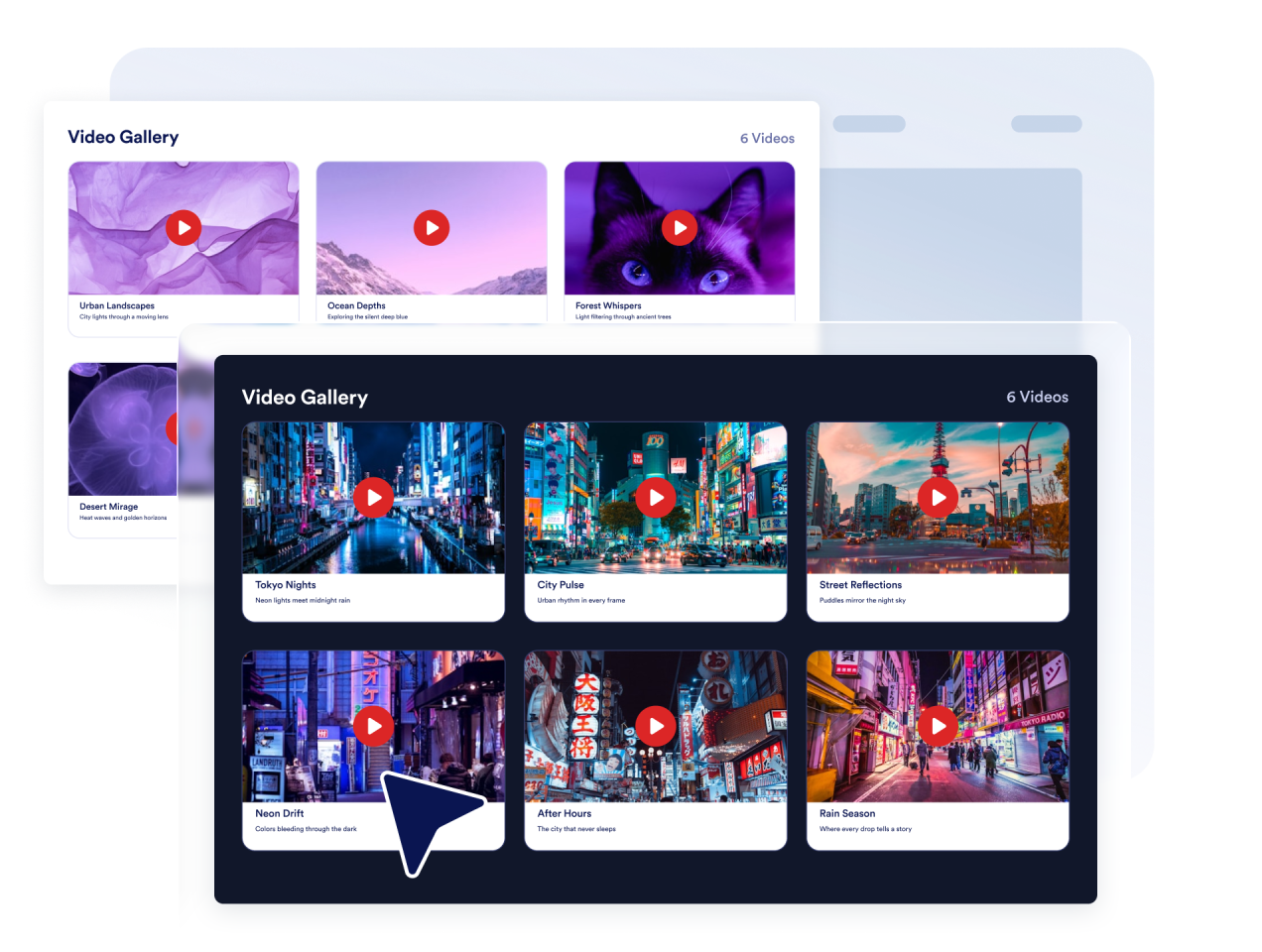
طابق تصميم موقعك
يمكنك التبديل بين السمة الفاتحة والداكنة، وتخصيص ألوان العنوان والتعليق والوصف والبطاقة، ثم إضافة كود CSS مخصص لإضفاء اللمسة النهائية.
تبدو رائعة على كل جهاز
يظل المعرض متجاوبًا عبر الهواتف والأجهزة اللوحية وأجهزة الكمبيوتر المكتبية، مع مشغل نافذة منبثقة يتكيف مع أي حجم شاشة.

لماذا تتميز أدوات Jotform لمواقع الويب؟
تجعل أدوات Jotform موقع الويب الخاص بك أكثر تفاعلية وتساعد على زيادة معدلات التحويل. تتوفر العديد من الأدوات، بدءًا من تقييمات النجوم وأشرطة تمرير تقييمات العملاء، وصولًا إلى النوافذ المنبثقة التي تعرض تقييمات العملاء وتضمين الوسائط. أضف الأدوات إلى نماذجك أو صفحاتك المقصودة لجمع البيانات، وعرض آراء العملاء، وجمع العملاء المحتملين — دون الحاجة إلى كتابة أكواد.
أضف أدوات Jotform إلى موقعك الإلكتروني باستخدام كود تضمين بسيط. خصّص الأداة، واعرض معاينة لشكلها، ثم أدرجها في أي صفحة تدعم HTML المخصص أو حزم التضمين، وكل ذلك دون الحاجة إلى مطور.
استخدم أدوات مواقع الويب من Jotform لجمع بيانات العملاء المحتملين، وإظهار تقييمات العملاء، وعرض الآراء الاجتماعية، وتضمين ملفات الوسائط، أو إضافة أدوات مفيدة لصفحات ويب. تقوم كل أداة بمساعدة الزوار على التفاعل مع خدماتك مباشرةً من موقعك الإلكتروني.
إذا كنت بحاجة إلى مساعدة في إعداد أداتك أو تخصيصها أو تضمينها أو استكشاف المشكلات وإصلاحها، فإن فريق دعم العملاء في Jotform متاح على مدار الساعة طوال أيام الأسبوع. يمكنك المتابعة بثقة، مع العلم أن المساعدة متاحة عندما تحتاج إليها.
أين يمكنك استخدام أداة «معرض الفيديو»؟
أضف معرض فيديو في أي مكان يساعد فيه الفيديو الزوار على التعلم أو المقارنة أو التفاعل مع المحتوى الخاص بك.
صفحات الدورات التدريبية والبرامج التعليمية لتنظيم الدروس والشرح التفصيلي وإرشادات استخدام المنتجات في معرض يسهل تصفحه.
صفحات المنتجات والعروض التوضيحية لعرض مقاطع فيديو الإطلاق، ومعاينات الميزات، وقصص العملاء بالقرب من العبارات الرئيسية التي تحث على اتخاذ إجراء.
صفحات المحفظة والأعمال الإبداعية لعرض مقاطع «ريلز» ودراسات الحالة ومقاطع الفيديو الخاصة بالمشاريع في مكان واحد منظم.
صفحات الفعاليات والحملات لتجميع أبرز الأحداث والملخصات ومقاطع الفيديو الترويجية عبر المنصات المختلفة.
مدونات ومراكز موارد لربط المحتوى المكتوب بمكتبات الفيديو ذات الصلة.
مراكز التدريب والتأهيل لإنشاء مكتبات موارد الفيديو للموظفين أو العملاء.
حوّل العملاء المحتملين إلى مبيعات حقيقية باستخدام منشئ النماذج من Jotform
حوّل التفاعل إلى نتائج فعلية مع Jotform. أنشئ نماذج قوية لجمع بيانات العملاء المحتملين، واستلام المدفوعات، وأتمتة الردود، كل ذلك في مكان واحد. تصل جميع البيانات المرسلة إلى صندوق الوارد في Jotform الخاص بك، حيث يمكنك المتابعة أو الربط مع تطبيقاتك المفضلة.
ابدأ - إنه مجاني!
أسئلة متكررة ومتداولة
ما هي أداة «معرض الفيديو»؟
تعرض أداة معرض الفيديو مجموعة من مقاطع الفيديو على موقعك الإلكتروني في معرض متجاوب. يمكن للزوار تصفح الصور المصغرة ومشاهدة مقاطع الفيديو دون مغادرة الصفحة.
ما هي مصادر الفيديو المدعومة؟
هل يمكنني تخصيص تصميم معرض الصور؟
هل يمكنني مواءمة الأداة مع تصميم موقع الويب الخاص بي؟
هل يتم إنشاء الصور المصغرة تلقائيًا؟
هل ستعمل أداة «معرض الفيديو» على الأجهزة المحمولة؟
هل أحتاج إلى كتابة أكواد؟