أداة عدّاد الزوار المجانية لموقعك الإلكتروني
اعرض مشاهدات صفحات موقعك الإلكتروني وعدد الزوار المستقلين بناءً على عنوان IP باستخدام أداة عداد الزوار المجانية والمخصصة. اختر المقاييس والفترات الزمنية لعرضها، وأضف رسمًا بيانيًا اختياريًا للنشاط، وطابق مظهر موقعك دون الحاجة لبرمجة.
ابدأ الآن — إنها خدمة مجانية!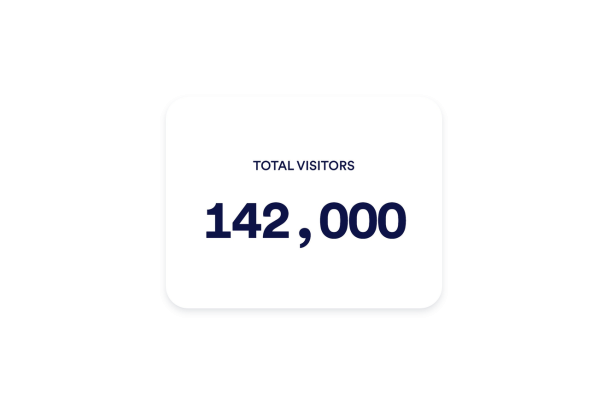

كيفية إنشاء عنصر واجهة عداد الزوار
اختر مقاييسك
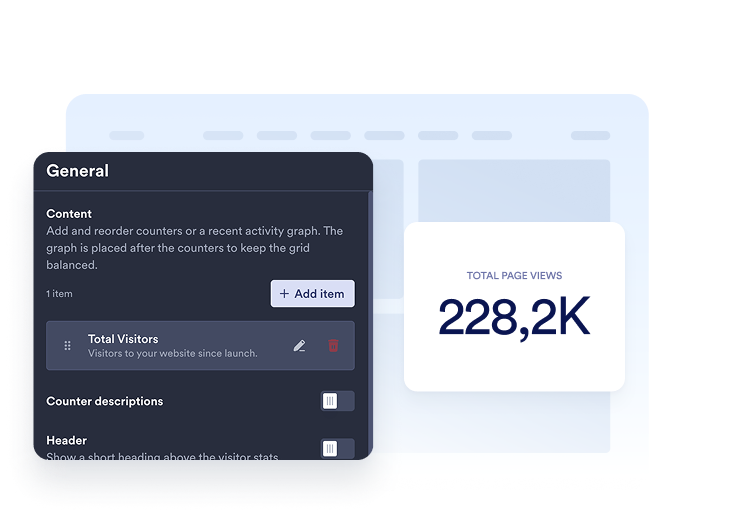
أضف العدادات التي تريد عرضها. اختر فترة زمنية وحدد مشاهدات الصفحة أو الزوار الفريدين لكل عنصر، ثم خصص عنوانه ووصفه.
تخصيص العداد
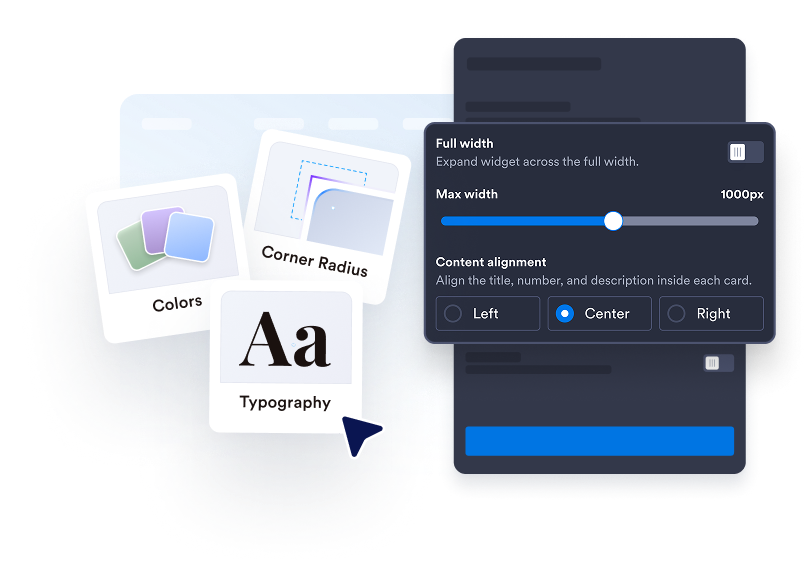
يمكنك اختيار البطاقات، أسلوب مدمج، مصغر، أو عمودي. اضبط الألوان، والتباعد، وتنسيق الأرقام، والعرض. أضف رسم بياني خطي، أو تنسيق مساحات، أو شكل شريط، أو دائري في التخطيطات المدعومة.

قم بتضمينها في موقع الويب الخاص بك
الصق كود التضمين في كتلة HTML مخصصة أو كتلة تضمين، ثم انشر صفحتك لعرض أداة الموقع الإلكتروني.
اجعل نشاط موقعك الإلكتروني سهل الرؤية
اختر الأرقام التي تهمك
عرض مشاهدات الصفحة أو الزوار الفريدين بناءً على عنوان IP لهذا اليوم، أو الأمس، أو هذا الأسبوع، أو هذا الشهر، أو هذا العام، أو إجمالي الفترات. يمكنك إضافة عدادات متعددة، وإعادة ترتيبها، وكتابة عنوان ووصف واضح لكل منها.
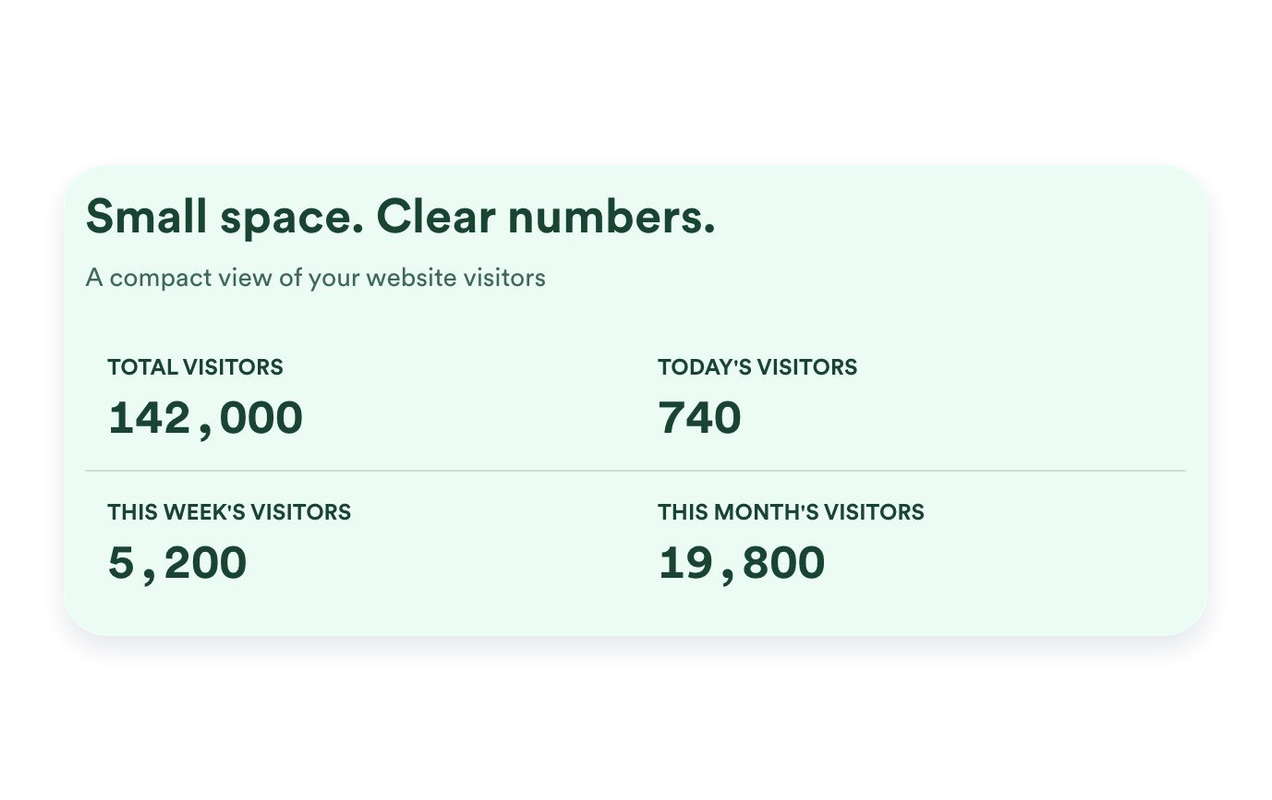
اعثر على التنسيق المناسب لصفحتك
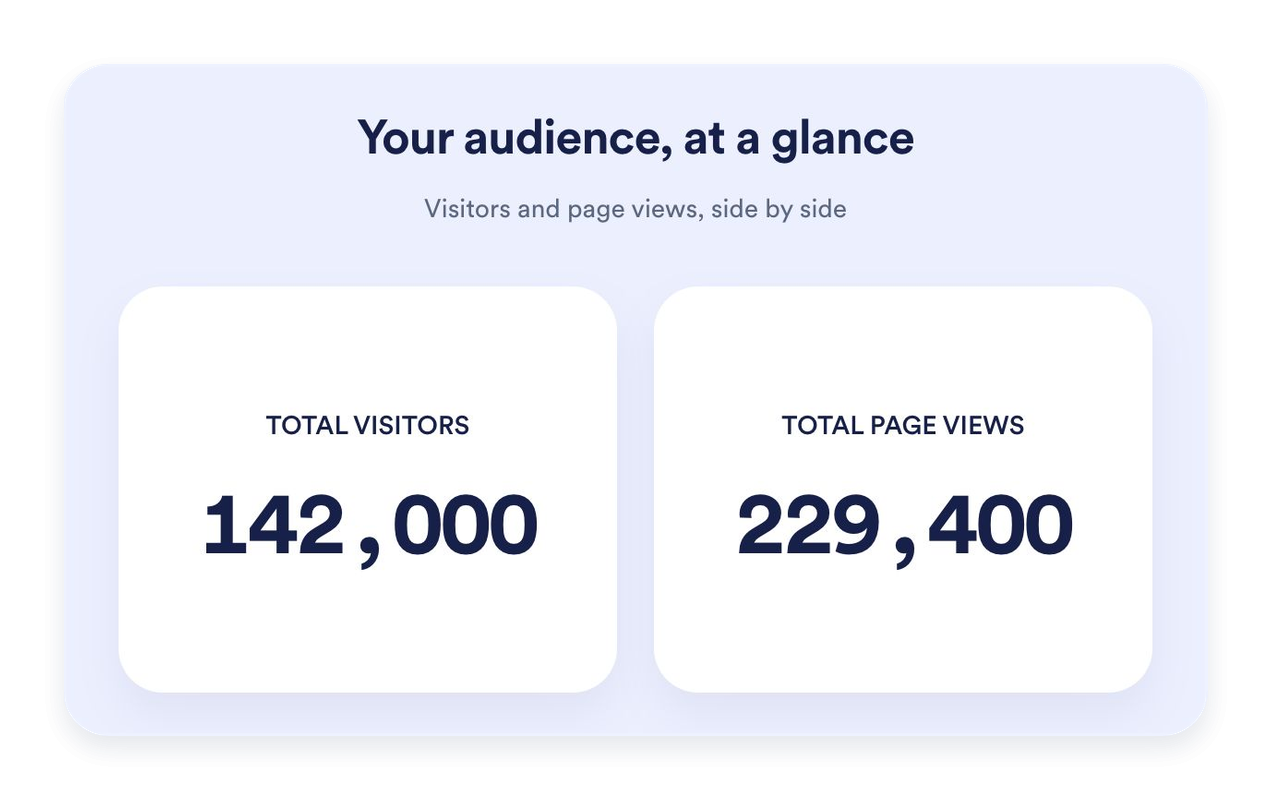
استخدم البطاقات لتمييز المقاييس الفردية، والأسلوب المدمج لقسم مصغر ومباشر، والمصغر لعرض الأعداد فقط، أو الرأسي لعرض العناصر عمودياً. كما يمكنك ضبط الحد الأقصى للعرض والمسافات ليتوافق مع تصميم موقعك.
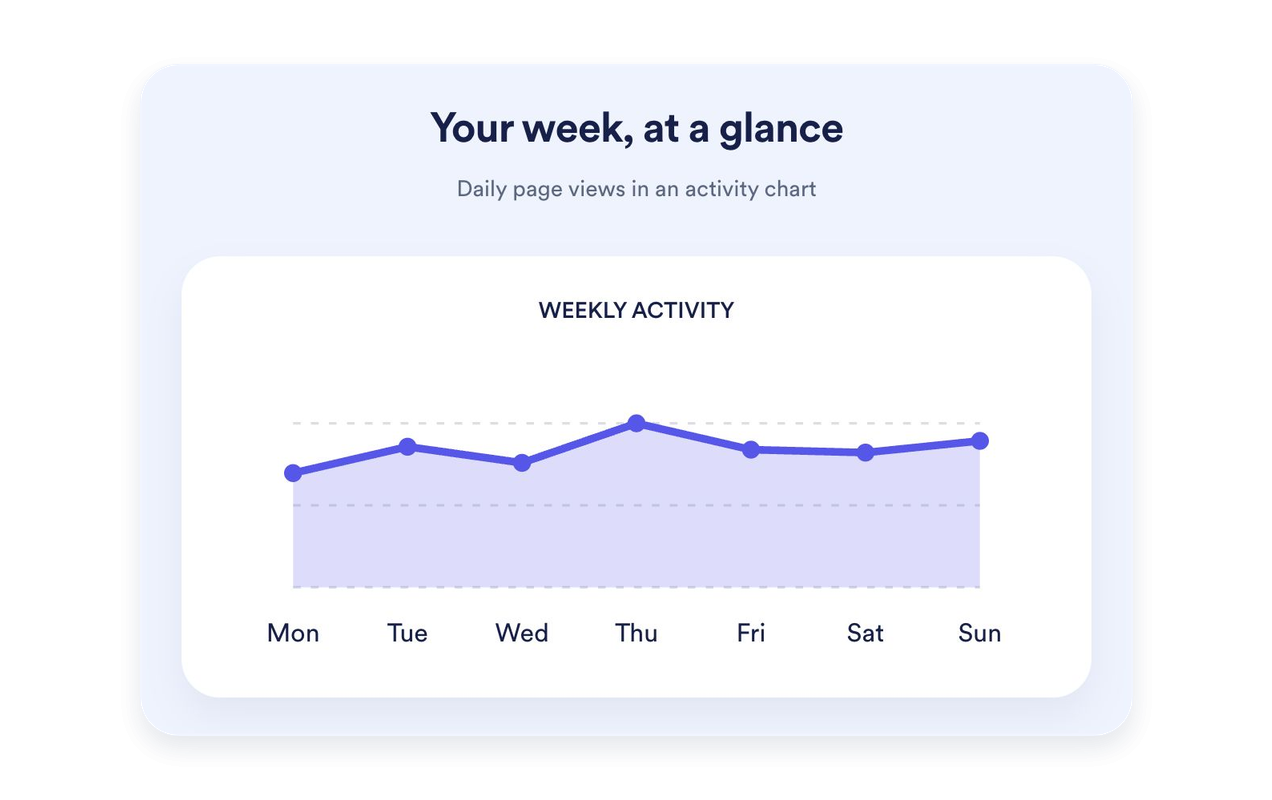
وضع النشاط الأخير في سياقه
اعرض مشاهدات الصفحة لآخر سبعة أيام على شكل رسم بياني خطي، أو مساحات، أو شريطي، أو دائري. يمكنك تخصيص عنوان ووصف مستقل للمخطط. تتوفّر الرسوم البيانية في أنماط البطاقات، والمدمج، والرأسي، بينما يركز النمط المصغّر على الأعداد فقط.
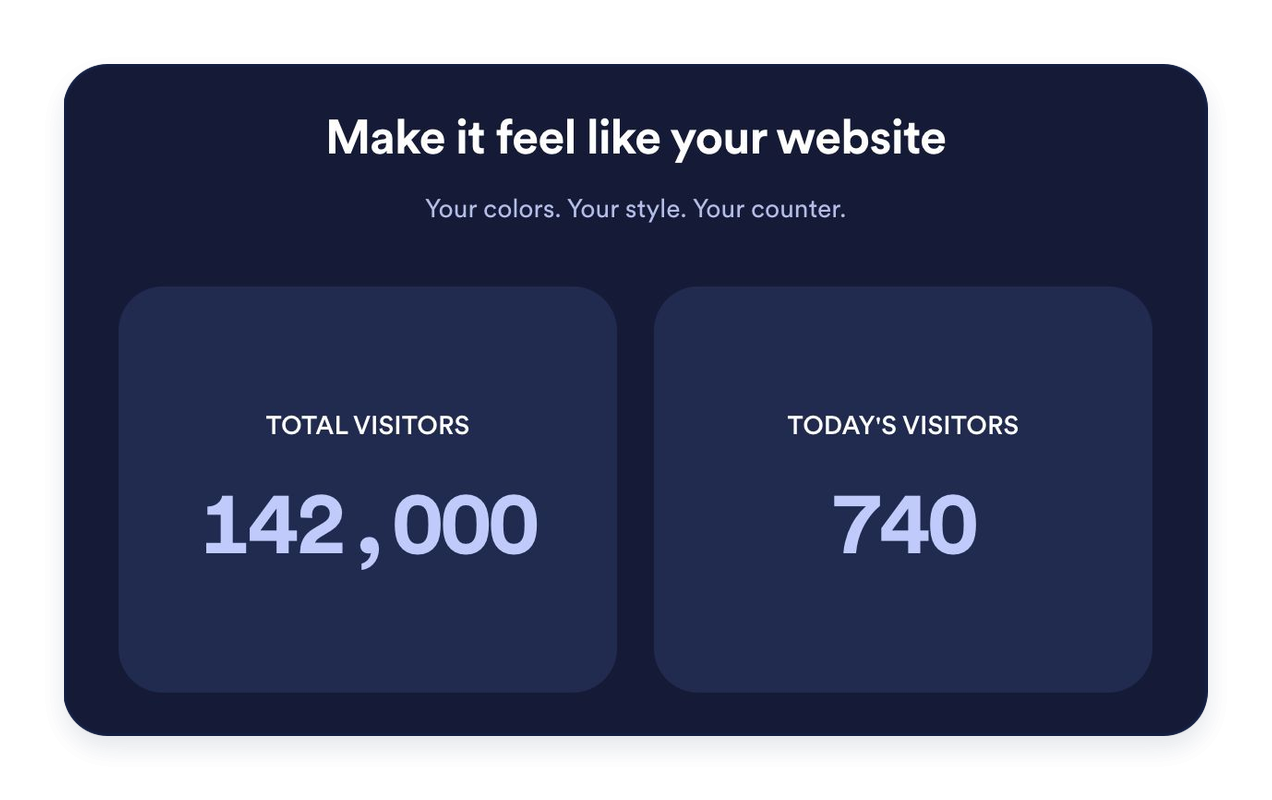
قم بتصميم عدادك ليتناسب مع موقعك الإلكتروني
اختر ألوانًا فاتحة، أو داكنة، أو مخصصة. خصص الخلفيات، والخطوط، وتنسيق الأرقام، ودوران زوايا البطاقات، والمحاذاة. أضف عنوانًا ورسالة اختيارية للتعريف بإحصائياتك.
لماذا تتميز أدوات Jotform لمواقع الويب؟
تجعل أدوات Jotform موقع الويب الخاص بك أكثر تفاعلية وتساعد على زيادة معدلات التحويل. تتوفر العديد من الأدوات، بدءًا من تقييمات النجوم وأشرطة تمرير تقييمات العملاء، وصولًا إلى النوافذ المنبثقة التي تعرض تقييمات العملاء وتضمين الوسائط. أضف الأدوات إلى نماذجك أو صفحاتك المقصودة لجمع البيانات، وعرض آراء العملاء، وجمع العملاء المحتملين — دون الحاجة إلى كتابة أكواد.
أضف أدوات Jotform إلى موقعك الإلكتروني باستخدام كود تضمين بسيط. خصّص الأداة، واعرض معاينة لشكلها، ثم أدرجها في أي صفحة تدعم HTML المخصص أو حزم التضمين، وكل ذلك دون الحاجة إلى مطور.
استخدم أدوات مواقع الويب من Jotform لجمع بيانات العملاء المحتملين، وإظهار تقييمات العملاء، وعرض الآراء الاجتماعية، وتضمين ملفات الوسائط، أو إضافة أدوات مفيدة لصفحات ويب. تقوم كل أداة بمساعدة الزوار على التفاعل مع خدماتك مباشرةً من موقعك الإلكتروني.
إذا كنت بحاجة إلى مساعدة في إعداد أداتك أو تخصيصها أو تضمينها أو استكشاف المشكلات وإصلاحها، فإن فريق دعم العملاء في Jotform متاح على مدار الساعة طوال أيام الأسبوع. يمكنك المتابعة بثقة، مع العلم أن المساعدة متاحة عندما تحتاج إليها.
أين يمكنك استخدام أداة عداد الزوار
ضع عداد الزوار حيث يكون ملخص قصير لنشاط الموقع مفيدًا. اختر المقاييس والتخطيط اللذين يناسبان الصفحة.
الصفحات الرئيسية للموقع: ابرز مشاهدات الصفحة الكلية أو النشاط الحديث بالقرب من محتواك الرئيسي.
تذييلات المدونات: أضف عدادًا مضمّنًا (Inline) أو مصغر (Mini) دون صرف الانتباه عن مقالاتك.
الصفحات المقصودة: استخدم البطاقات لتقديم مقاييس محددة بعرض واضح وسهل القراءة.
الأشرطة الجانبية: قم بترتيب العدادات رأسياً في المساحات الضيقة من الصفحة.
مواقع المجتمعات: اعرض مشاهدات الصفحات وعدد الزوار الفريدين بناءً على عنوان IP بتسميات واضحة.
صفحات الفعاليات والإطلاق: ابرز النشاط المسجل لهذا اليوم أو لهذا الأسبوع.
حوّل العملاء المحتملين إلى مبيعات حقيقية باستخدام منشئ النماذج من Jotform
حوّل التفاعل إلى نتائج فعلية مع Jotform. أنشئ نماذج قوية لجمع بيانات العملاء المحتملين، واستلام المدفوعات، وأتمتة الردود، كل ذلك في مكان واحد. تصل جميع البيانات المرسلة إلى صندوق الوارد في Jotform الخاص بك، حيث يمكنك المتابعة أو الربط مع تطبيقاتك المفضلة.
ابدأ - إنه مجاني!
أسئلة متكررة ومتداولة
ما هي أداة عداد الزوار؟
تعرض أداة عداد الزوار مشاهدات الصفحة المسجلة وعدد الزوار بناءً على عنوان IP على موقعك الإلكتروني. اختر احد العدادات والفترات الزمنية التي تريد عرضها، وخصص مظهرها، وقم بتضمين الأداة دون الحاجة لبرمجة.
كيف يتم حساب مشاهدات الصفحة والزوار الفريدين؟
هل يمكنني اختيار العدادات التي تظهر؟
هل يمكنني تحديد قيمة بداية؟
ما التخطيطات المتاحة؟
هل يمكنني إضافة رسم بياني؟
هل يمكنني تخصيص التصميم؟
هل أحتاج إلى البرمجة لإضافة العداد؟
هل يعمل العداد على الهاتف المحمول؟
هل أداة عداد الزوار مجانية؟
ما هي منصات المواقع الإلكترونية المدعومة؟