# Appointment Scheduling Software for 2026 | Jotform

La programación más inteligente comienza aquí
# Appointment scheduling software

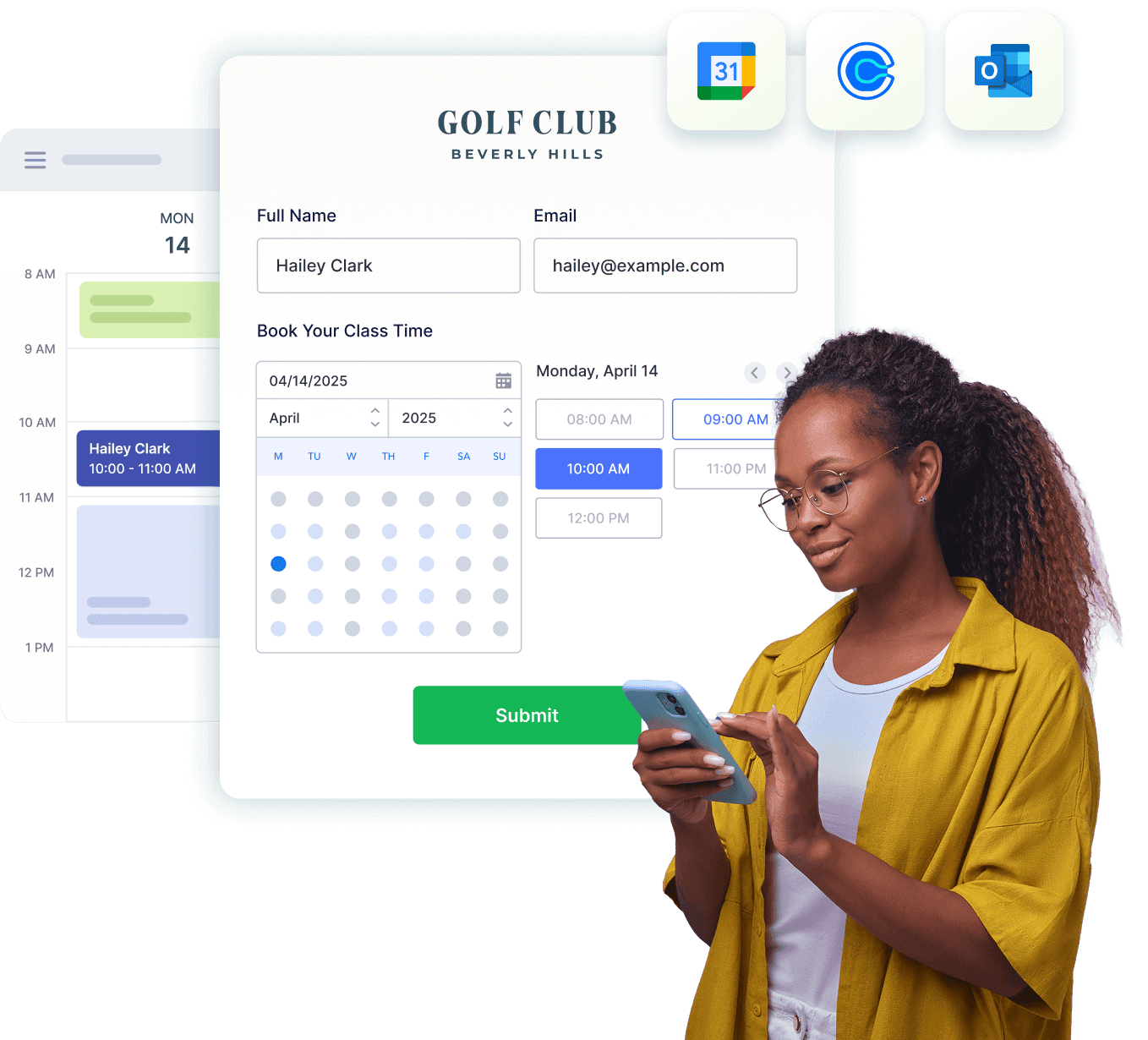
Simplify booking with Jotform’s powerful appointment scheduling software. Avoid double bookings, automate workflows, sync calendars, and collect payments—all in one form.

[Create a Scheduling Form](https://www.jotform.com/es/build/?question=appointment)

![Image 1: Appointment scheduling software hero](https://cdn.jotfor.ms/image/r/aHR0cHM6Ly9jZG4uam90Zm9yLm1zL3AvYXBwb2ludG1lbnQtc2NoZWR1bGluZy1zb2Z0d2FyZS9hc3NldHMvaW1nLW1pbi9ob21lcGFnZS9oZXJvLnBuZz92PTAuMg==/hero.png?w=1358&t=1)![Image 2: hero bg](https://cdn.jotfor.ms/image/r/aHR0cHM6Ly9jZG4uam90Zm9yLm1zL3AvYXBwb2ludG1lbnQtc2NoZWR1bGluZy1zb2Z0d2FyZS9hc3NldHMvaW1nLW1pbi9ob21lcGFnZS9oZXJvLWJnLnBuZz92PTAuMQ==/hero-bg.png?w=1058&t=1)

Integraciones
## Streamline scheduling across tools

Da igual la plataforma que prefiera, Jotform se integra de manera perfecta para potenciar su proceso de planificación. Elimine las tareas repetitivas y cree flujos de trabajo de citas personalizados que se ajusten perfectamente a su negocio.

![Image 3: Google Calendar Logo](https://cdn.jotfor.ms/p/appointment-scheduling-software/assets/img-min/homepage/google-calendar.svg)
### Google Calendar

Automatically sync booked slots with your Google Calendar

[Explore more](https://www.jotform.com/es/appointment-scheduling-software/google-calendar/)

![Image 4: Outlook Calendar Logo](https://cdn.jotfor.ms/p/appointment-scheduling-software/assets/img-min/homepage/outlook.svg?v=0.2)
### Calendario de Outlook

Keep your Outlook Calendar updated with new bookings

[Explore more](https://www.jotform.com/appointment-scheduling-software/microsoft-outlook-calendar/)

![Image 5: Calendly Logo](https://cdn.jotfor.ms/p/appointment-scheduling-software/assets/img-min/homepage/calendly.svg)
### Calendly

Extend Calendly with custom forms, payments, and automation

[Explore more](https://www.jotform.com/es/appointment-scheduling-software/calendly/)

Ventajas
## Powerful appointment scheduling software features

A smarter way to manage appointments — so you can focus on what matters most. Keep everything running smoothly while delivering exceptional client experiences.

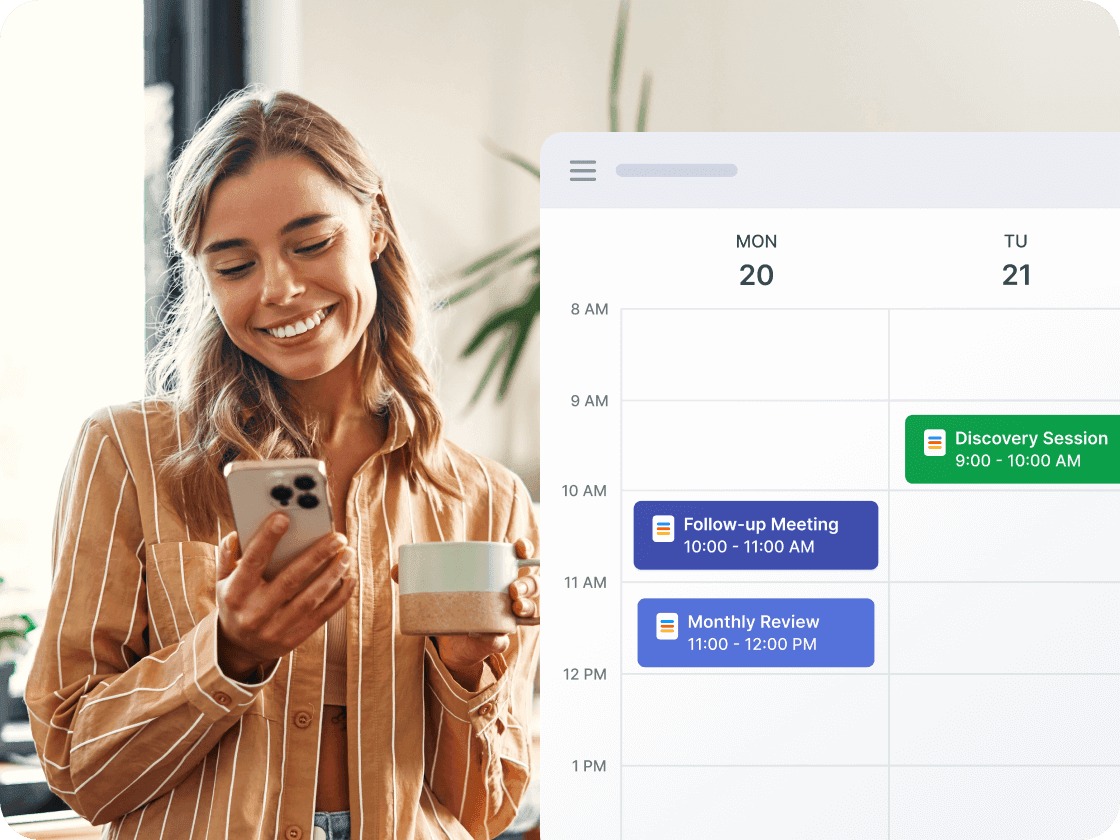
## Two-way calendar sync

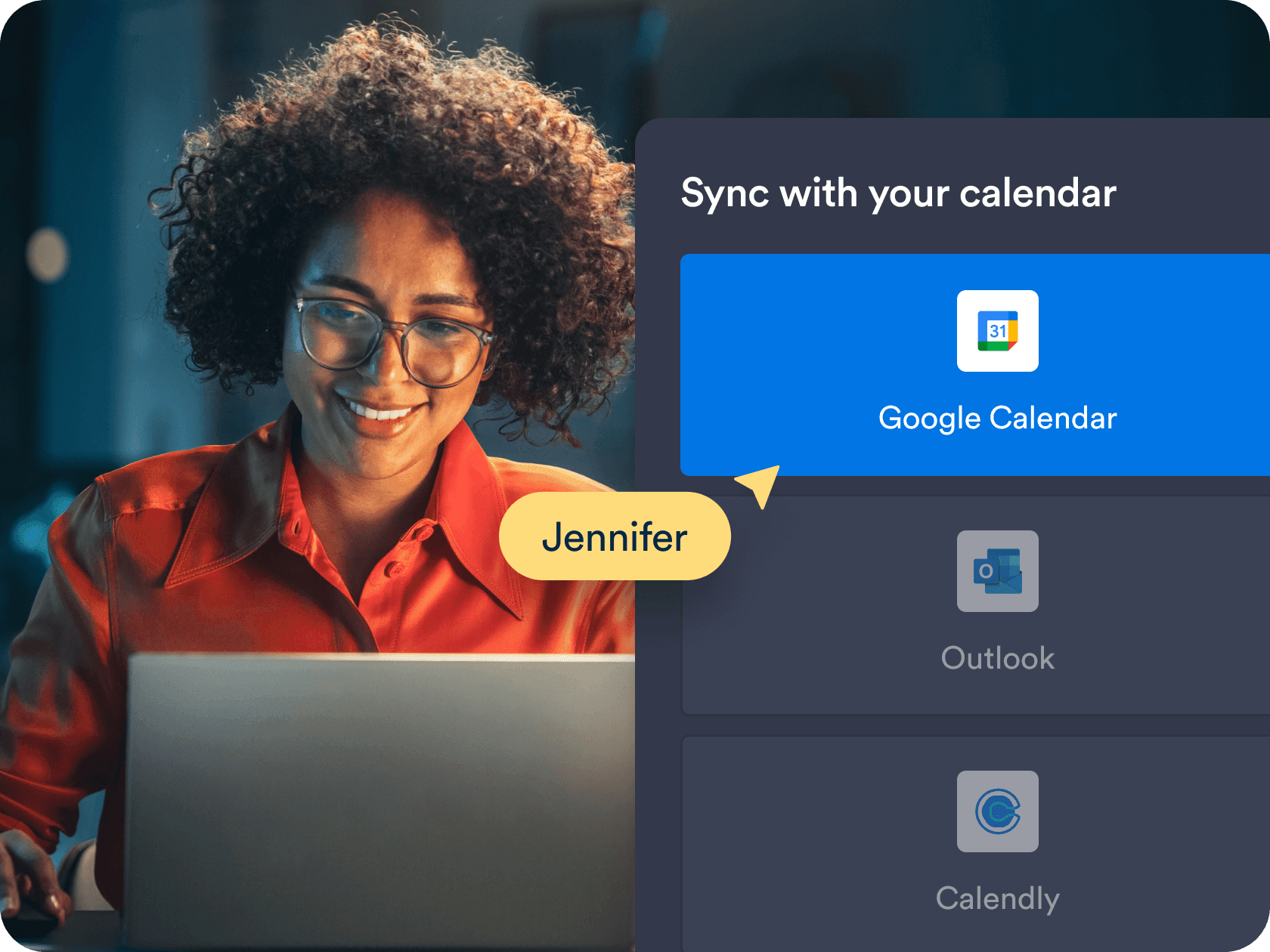
Connect **Google Calendar, Outlook Calendar** or **Calendly** to ensure every appointment is reflected in real time. Prevent scheduling conflicts and stay organized without lifting a finger.

[Create Free Scheduling Form](https://www.jotform.com/es/build/?question=appointment)

![Image 6: Two-way calendar sync](https://cdn.jotfor.ms/image/r/aHR0cHM6Ly9jZG4uam90Zm9yLm1zL3AvYXBwb2ludG1lbnQtc2NoZWR1bGluZy1zb2Z0d2FyZS9hc3NldHMvaW1nLW1pbi9ob21lcGFnZS8xLnBuZw==/1.png?w=1680&t=1)

## No more double bookings

Set availability rules and prevent overlapping slots automatically. Each booked slot instantly blocks out on your connected calendars.

[Create Free Scheduling Form](https://www.jotform.com/es/build/?question=appointment)

![Image 7: No more double bookings](https://cdn.jotfor.ms/image/r/aHR0cHM6Ly9jZG4uam90Zm9yLm1zL3AvYXBwb2ludG1lbnQtc2NoZWR1bGluZy1zb2Z0d2FyZS9hc3NldHMvaW1nLW1pbi9ob21lcGFnZS8yLnBuZw==/2.png?w=40&t=1)

## Unified forms for scheduling and payments

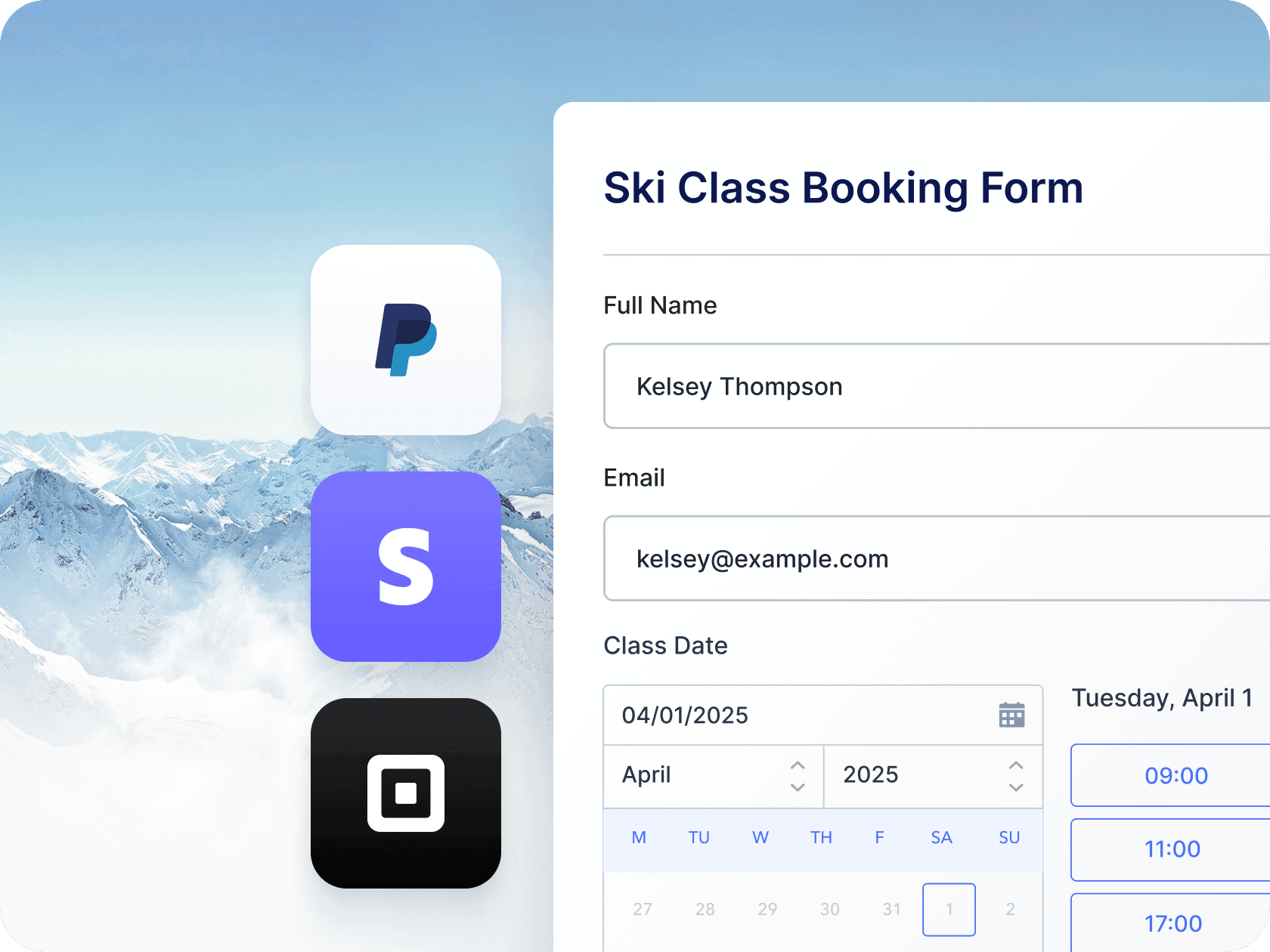
Collect payments and schedule appointments with one streamlined form. Perfect for consultants, healthcare providers, or any business with paid bookings.

[Create Free Scheduling Form](https://www.jotform.com/es/build/?question=appointment)

![Image 8: Unified forms for scheduling and payments](https://cdn.jotfor.ms/image/r/aHR0cHM6Ly9jZG4uam90Zm9yLm1zL3AvYXBwb2ludG1lbnQtc2NoZWR1bGluZy1zb2Z0d2FyZS9hc3NldHMvaW1nLW1pbi9ob21lcGFnZS8zLnBuZw==/3.png?w=40&t=1)

## Multiple form-to-calendar connections

Manage multiple services and team members with forms that feed into a single calendar. Get a centralized view of all upcoming appointments.

[Create Free Scheduling Form](https://www.jotform.com/es/build/?question=appointment)

![Image 9: Multiple form-to-calendar connections](https://cdn.jotfor.ms/image/r/aHR0cHM6Ly9jZG4uam90Zm9yLm1zL3AvYXBwb2ludG1lbnQtc2NoZWR1bGluZy1zb2Z0d2FyZS9hc3NldHMvaW1nLW1pbi9ob21lcGFnZS80LnBuZz92PTAuMQ==/4.png?w=40&t=1)

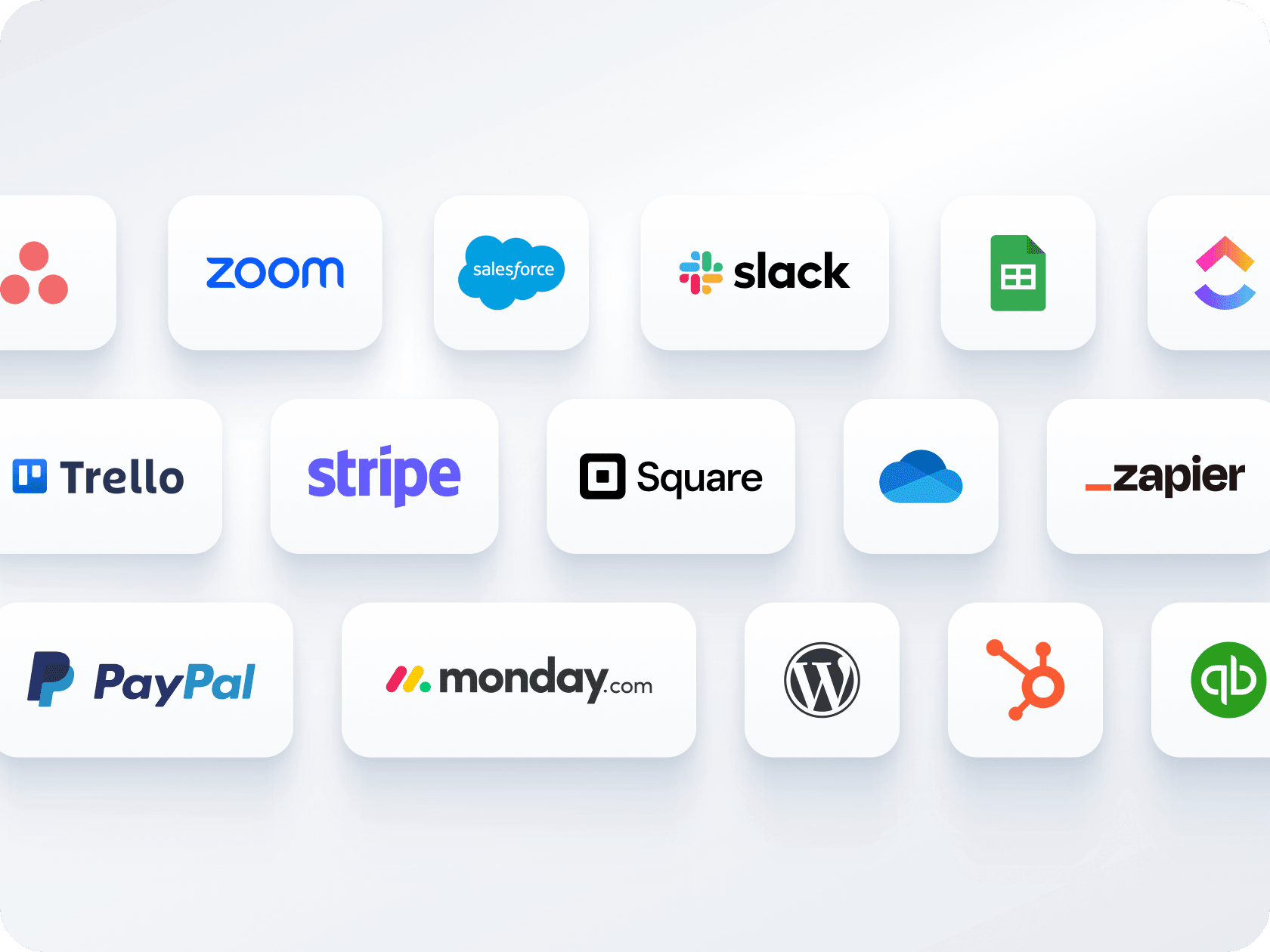
## Automated workflows and integrations

Active correos electrónicos, SMS, recordatorios o acciones de CRM justo después de que alguien reserve. Intégrese con más de 150 herramientas como **Zoom, Salesforce, Google Sheets,** y **Slack**.

[Create Free Scheduling Form](https://www.jotform.com/es/build/?question=appointment)

![Image 10: Automated Workflows & Integrations](https://cdn.jotfor.ms/image/r/aHR0cHM6Ly9jZG4uam90Zm9yLm1zL3AvYXBwb2ludG1lbnQtc2NoZWR1bGluZy1zb2Z0d2FyZS9hc3NldHMvaW1nLW1pbi9ob21lcGFnZS81LnBuZw==/5.png?w=40&t=1)

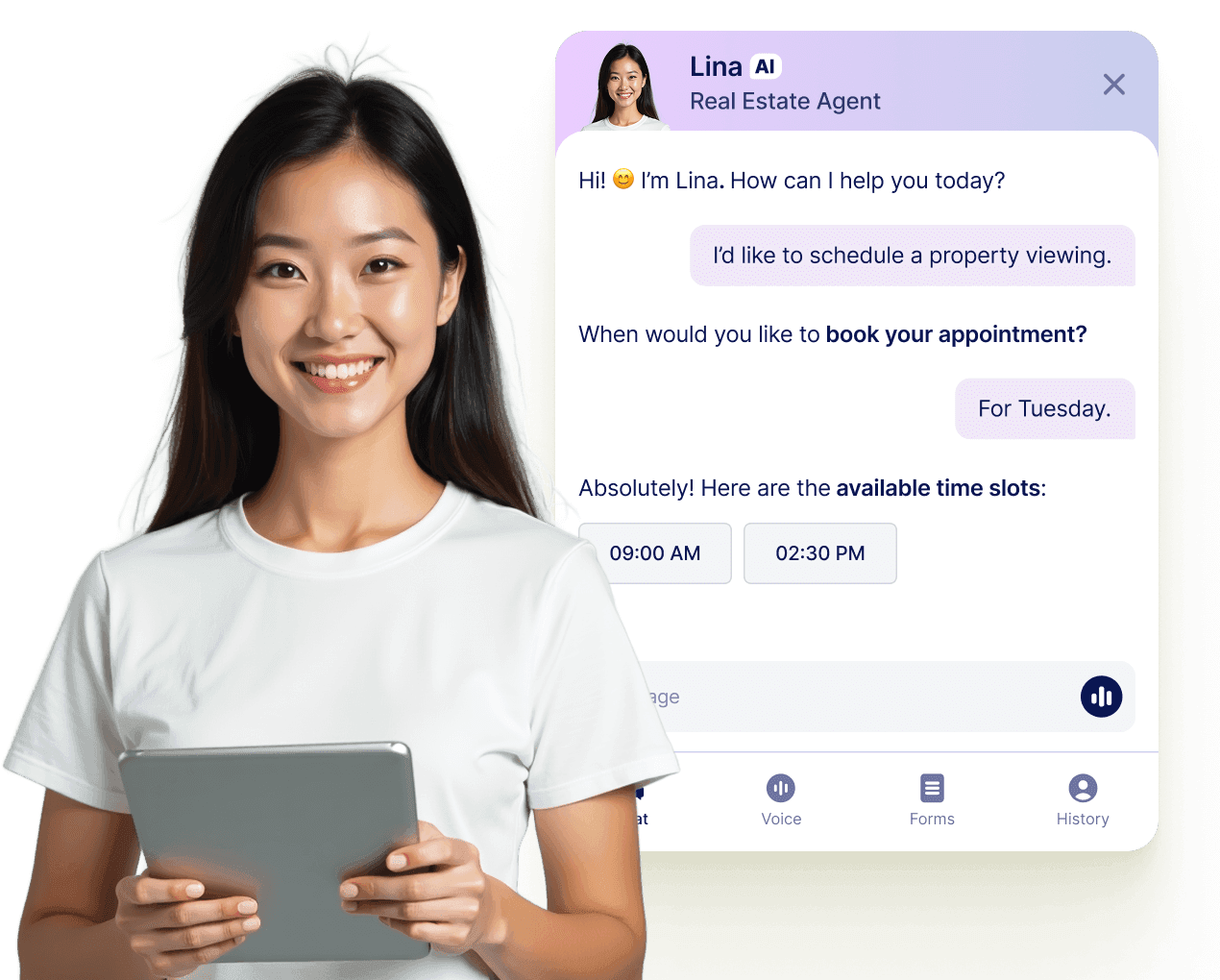
## Permita que su agente de IA reserve citas en cualquier lugar

Transforme cada conversación en una reserva confirmada con los Agentes de Jotform IA. Su agente puede planificar citas en tiempo real desde su sitio web, su correo electrónico, WhatsApp, Messenger, Slack, y más, para que nunca pierda la oportunidad de conectar.

[Leer más](https://www.jotform.com/es/ai/agents/features/multi-channel-support/)

![Image 11: Let your AI Agent book appointments anywhere](https://cdn.jotfor.ms/image/r/aHR0cHM6Ly9jZG4uam90Zm9yLm1zL3AvYXBwb2ludG1lbnQtc2NoZWR1bGluZy1zb2Z0d2FyZS9hc3NldHMvaW1nLW1pbi9hZ2VudC1jYXJkLXVzZWNhc2UucG5n/agent-card-usecase.png?w=40&t=1)

## Preguntas Frecuentes

*    
### How does Jotform’s appointment scheduling software work? La herramienta de planificación de Jotform Citas le permite insertar un campo de cita en cualquier formulario. Los usuarios pueden elegir entre sus fechas y horas disponibles, y una vez enviada, su cita se reserva al instante. Usted puede **personalizar completamente las duraciones de las citas**, los intervalos, los límites diarios, y **los ajustes de disponibilidad** — además de **activar flujos de trabajo automatizados,** con correos electrónicos de confirmación, actualizaciones de calendario y procesamiento de pagos.   
*    
### Can I sync Jotform appointments with my Google or Outlook Calendar? Yes! Jotform offers **two-way sync** with both Google Calendar and Microsoft Outlook. When someone books an appointment through your form, it’s automatically added to your calendar. If you add or update events directly in your calendar, Jotform detects conflicts and prevents double bookings in real time.   
*    
### What makes Jotform different from other appointment tools like Calendly or Acuity? Jotform goes beyond scheduling. It combines **powerful form customization, payment collection, conditional logic,** and **automated integrations** in one platform. Unlike point solutions like Calendly, you can build an end-to-end workflow tailored to your business, whether you’re onboarding a client, registering for an event, or conducting paid consultations — all with one form.   
*    
### Can I prevent double bookings for the same time slot? Yes, double booking prevention is built in. Once a time slot is selected and the form is submitted, that slot becomes unavailable to others. With **two-way calendar sync**, Jotform also blocks off time slots already booked in your connected calendars, ensuring total accuracy across platforms.   
*    
### Is it possible to collect payments during the appointment booking process? Absolutely. Jotform allows you to connect your appointment forms with popular payment processors like **Stripe, PayPal, Square, Authorize.Net, and more.** You can charge a flat fee or a per-session rate, or offer additional services — great for freelancers, therapists, coaches, or clinics that require prepayment.   
*    
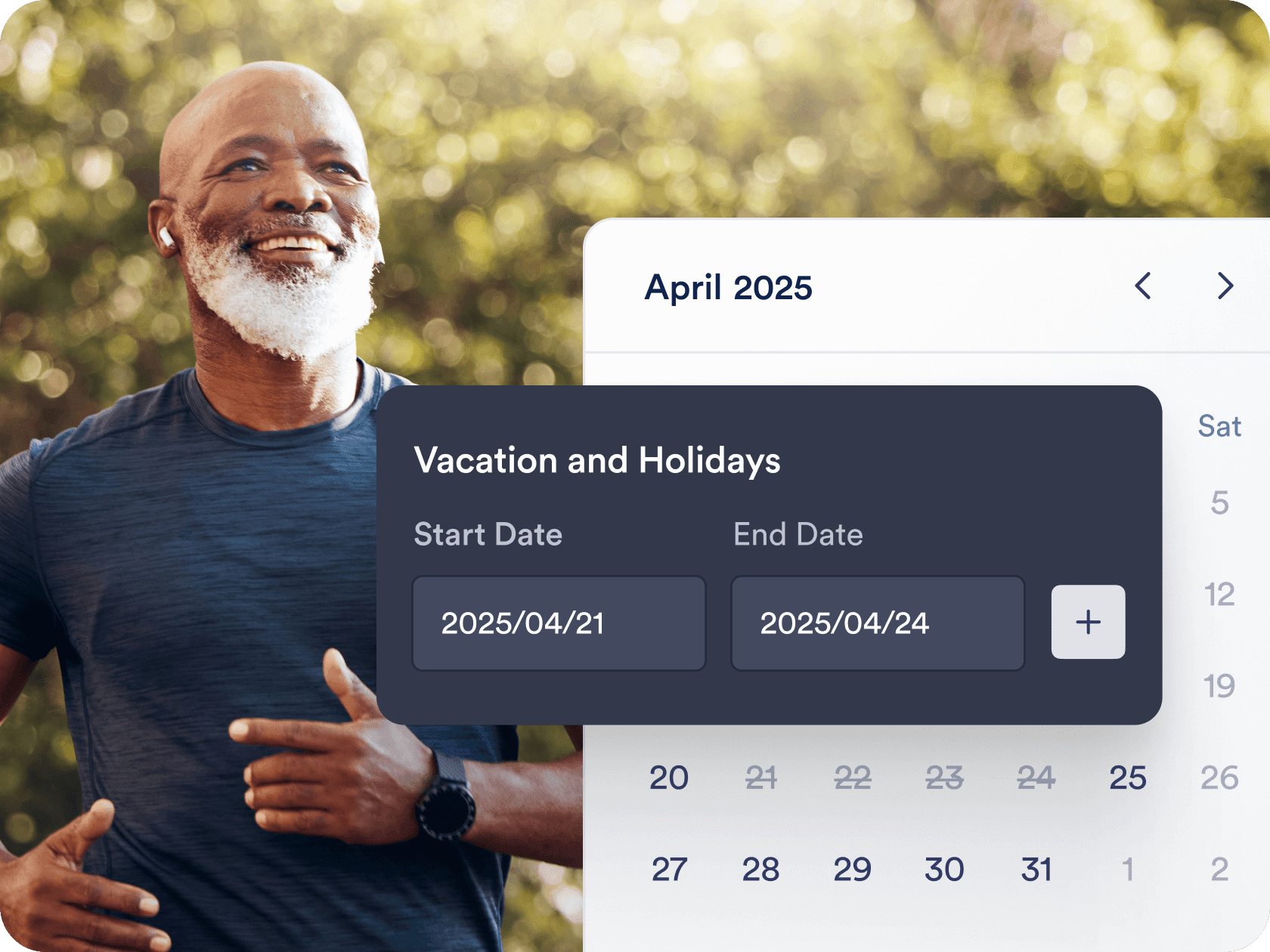
### Can I customize my availability and appointment intervals? Yes. You can set **specific days and hours**, define **appointment durations**, add **buffer times between sessions**, and limit **the number of appointments per day**. You can also mark holidays or days off so no bookings are made during those times. It’s designed for total flexibility to match your real-life schedule.   
*    
### Does Jotform send automated reminders or confirmation emails? ¡Sí! Puede configurar **correos electrónicos de confirmación, notificaciones de recordatorio**, e incluso **correos electrónicos de seguimiento** utilizando el sistema de auto-respuesta de Jotform. Estos correos electrónicos se pueden personalizar con el nombre del usuario, la hora seleccionada y mensajes personalizados. También puede integrar recordatorios por SMS utilizando servicios de terceros como Zapier.   
*    
### Can I use one calendar to manage appointments from multiple forms? Yes, Jotform allows you to **connect multiple appointment forms to a single calendar**. This is perfect for businesses offering different services or managing multiple team members’ schedules. You’ll get a unified view of all incoming appointments in one place.   
*    
### What types of businesses or industries can use Jotform for scheduling? Jotform is trusted across many industries — **healthcare, beauty, education, fitness, legal, HR, consulting, and more**. Whether you’re a therapist booking sessions, a recruiter setting interviews, or a yoga teacher managing class sign-ups, Jotform adapts to your unique appointment flow with ease.   
*    
### Is Jotform’s appointment scheduling tool free to use? Yes, you can start scheduling appointments with Jotform’s free plan, which includes access to key features like the appointment field, calendar sync, form customization, and email notifications. As your needs grow, premium plans offer more submissions, storage, payment options, and advanced integrations.   

Ver más