Hashtag Generator

Find hashtag ideas for your next social media post. Enter a topic, choose Instagram, TikTok or other platforms and generate suggestions you can review and copy into your caption.

Generate your hashtags

Your hashtags will appear here

Hashtag suggestions are a starting point. Review them for relevance and check your platform’s current guidance before posting. Results do not guarantee reach or engagement.

How to use the Hashtag Generator

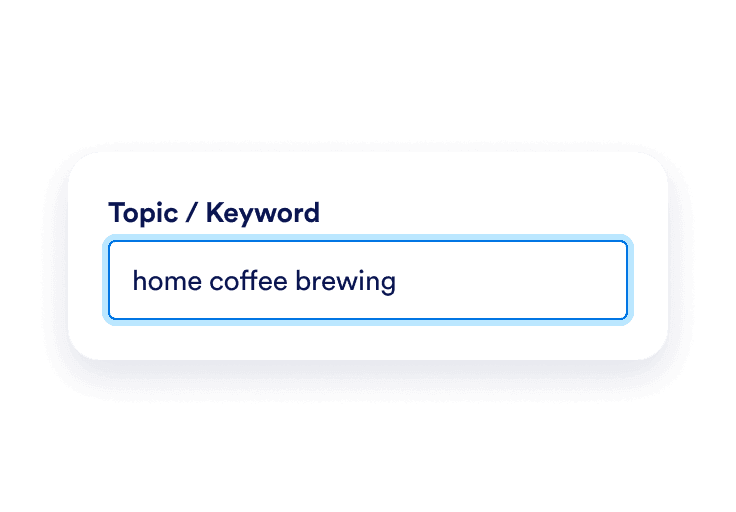
Topic field with home coffee brewing entered

Enter your post topic

Type a keyword or phrase that describes what you’re sharing. For example, use “home coffee brewing” instead of a broad term like “lifestyle.”
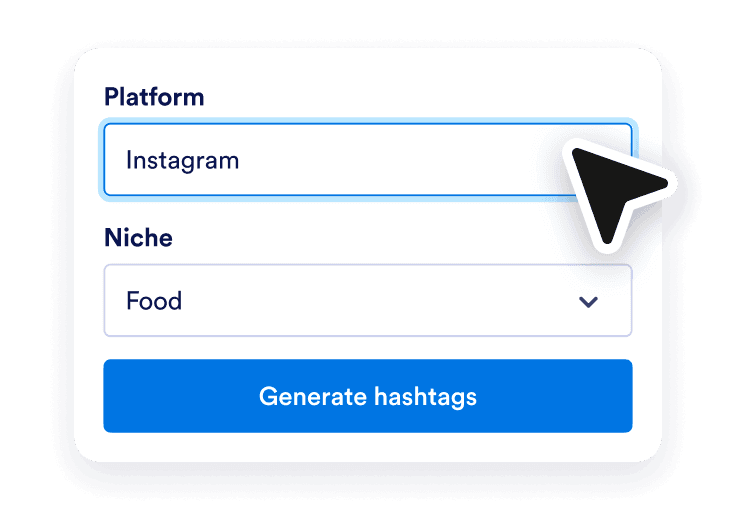
Instagram platform and Food niche selected above the Generate hashtags button

Choose your social platform

Select social media, then choose Generate hashtags to see ideas for your post.
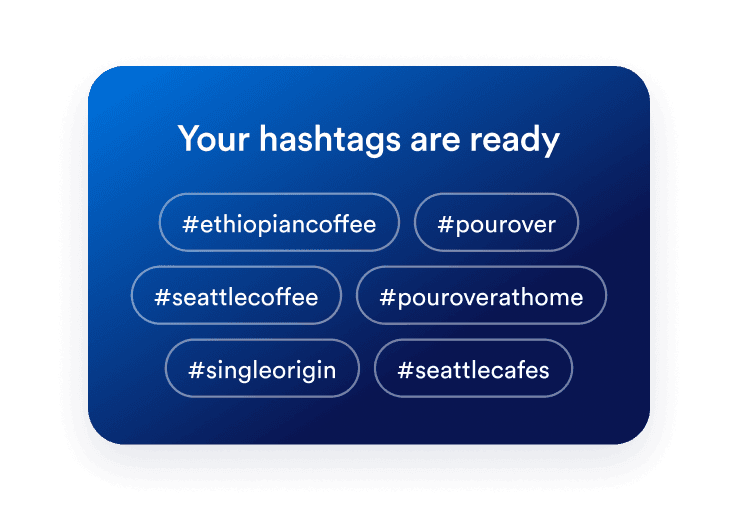
Generated hashtag suggestions for coffee posts, including #ethiopiancoffee and #pourover

Review and copy your hashtags

Keep the suggestions that describe your content. Copy the hashtags you want to use and add them to your caption before publishing.

Benefits of using the Hashtag Generator

Spend less time brainstorming hashtags

Start with a set of suggestions instead of a blank caption. Use your post topic to find ideas, then choose the hashtags that suit what you’re sharing.
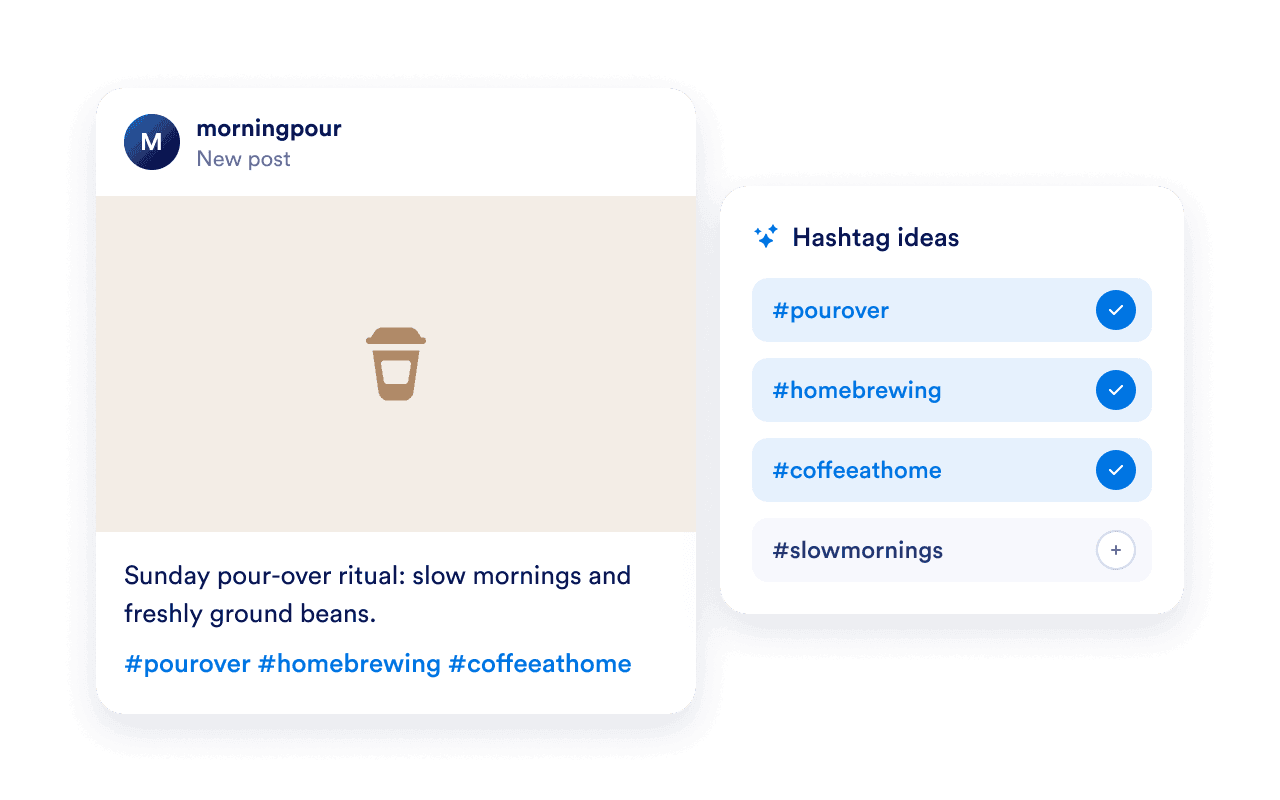
Coffee post caption with selected hashtag ideas for pour-over and home brewing

Find more specific hashtag ideas

Turn a general topic into a more focused set of ideas. Add details such as your product, activity, or location to explore hashtags that describe your post more clearly.
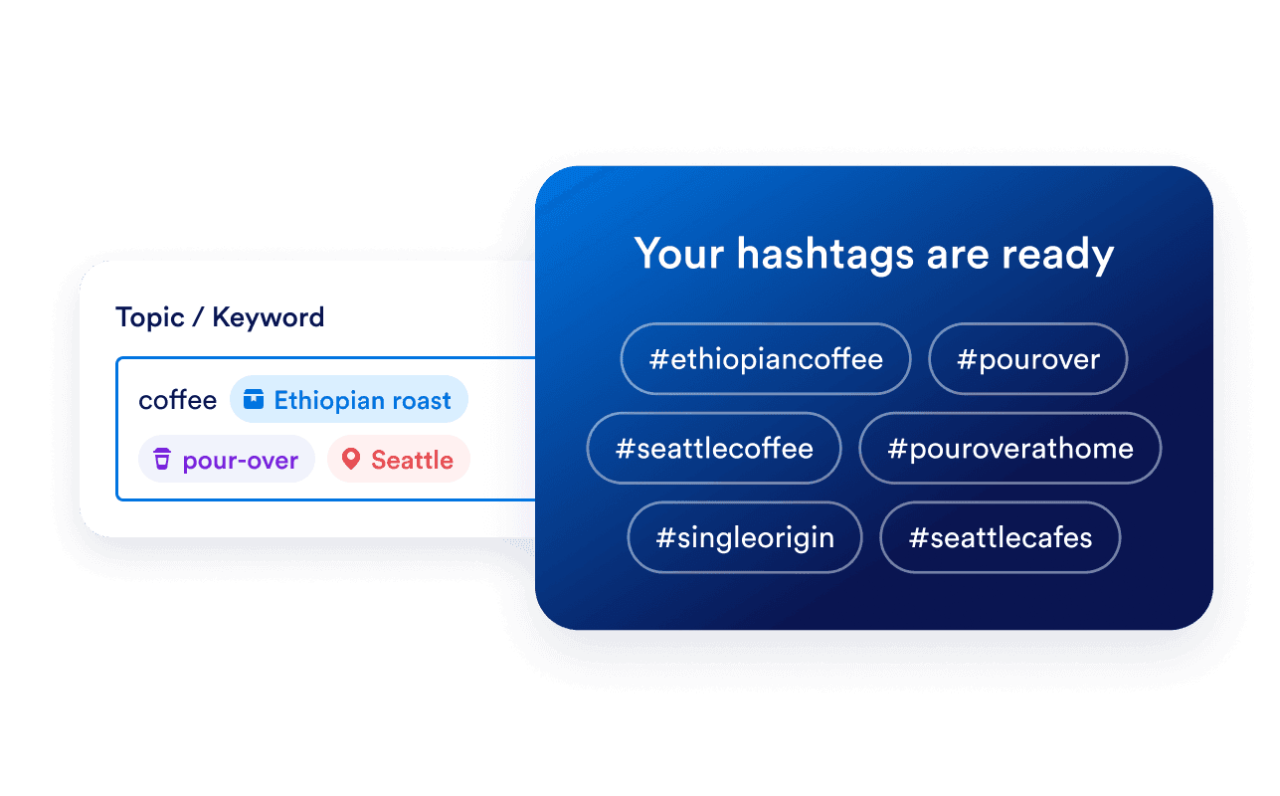
Detailed coffee topic with Ethiopian roast, pour-over, and Seattle producing specific hashtag ideas

Refresh hashtags for each post

Generate ideas around the subject of each new post. Build a relevant selection for a tutorial, product launch, or behind-the-scenes update instead of copying the same list into every caption. Read our guide to combining social media and content marketing.
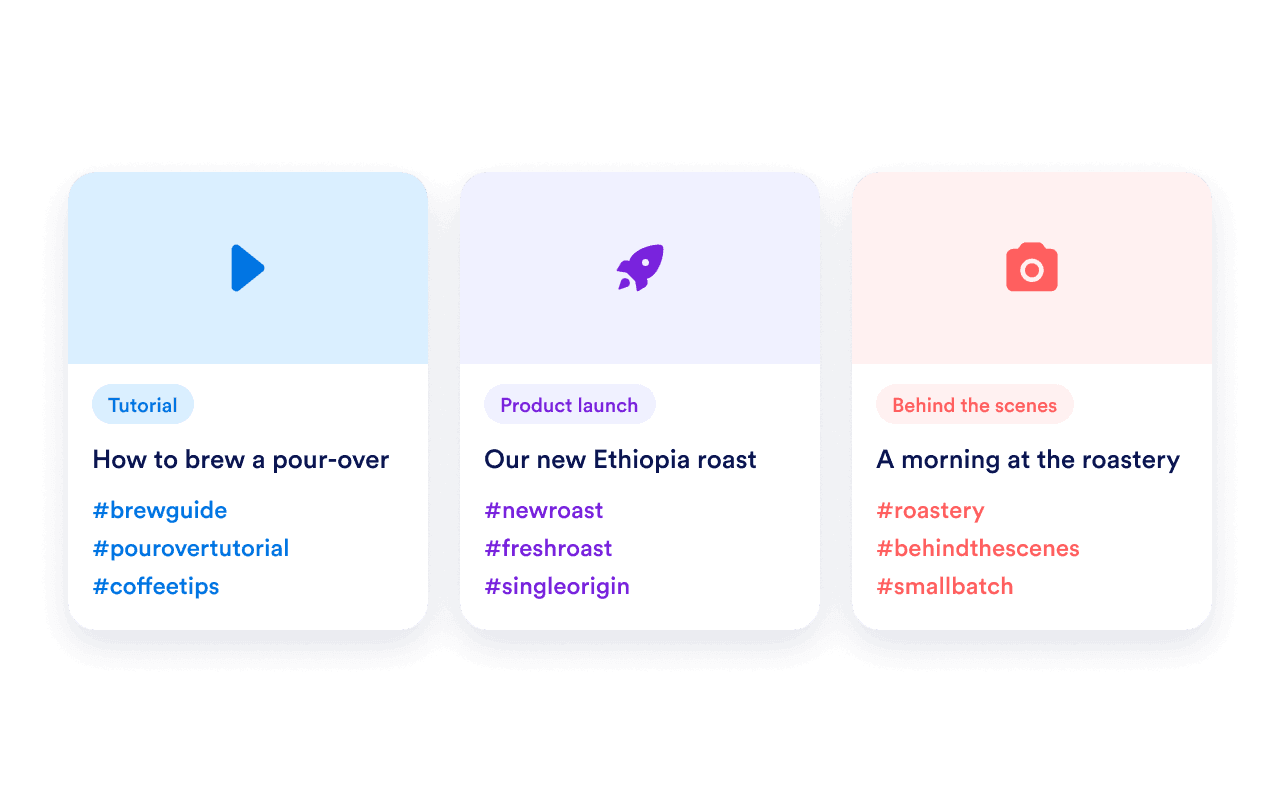
Different hashtag sets for a coffee tutorial, product launch, and behind-the-scenes post

Bring your social media posts to your website

After publishing your post, display your account’s content on your website with Jotform’s Social Media Feed Widget. Choose a layout, customize the feed, and add it to your page with embed code.

Preguntas Frecuentes

  • What is a hashtag generator?

    A hashtag generator suggests hashtags based on a topic or keyword. It gives you ideas to review when preparing a social media post. Enter a subject that describes your content, then choose the suggestions that fit your message and audience.

  • How do I generate hashtags for my post?

  • What keywords should I enter in the Hashtag Generator?

  • Can I use this as an Instagram hashtag generator?

  • Can I generate hashtags for TikTok videos?

  • How many hashtags should I use?

  • What is the difference between broad and niche hashtags?

  • Should I use the same hashtags on every post?

  • Will generated hashtags increase my reach or make my post go viral?

  • How can I display my Instagram posts on my website?