Ilmaiset verkkosivujen widgetit
Paranna verkkosivustoasi helposti kirjoittamatta yhtään riviä koodia. Lisää tehokkaita widgettejä sekunneissa sitouttaaksesi kävijöitä, kerätäksesi liidejä ja rakentaaksesi luottamusta yksinkertaisen no-code-työkalun avulla.
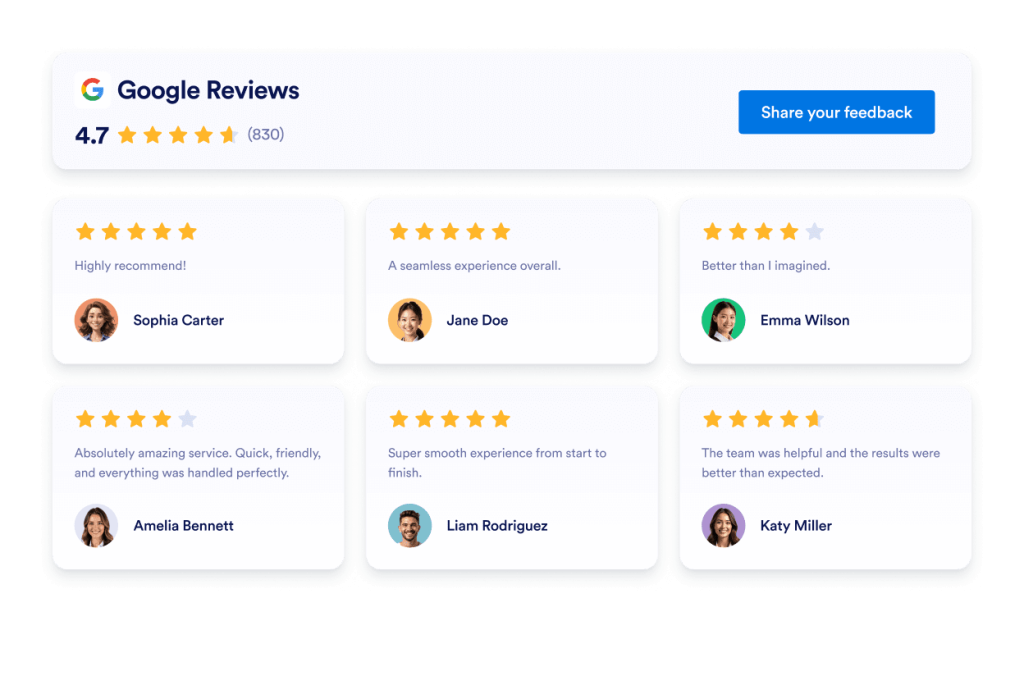
Google arvostelut
Lisää Google Reviews -widget verkkosivustollesi sekunneissa. Esittele asiakaspalautetta, rakenna luottamusta ja kasvata konversioita - ei vaadi koodausta.
Siirry kategoriaan:ArvosteluwidgetitKäytä widgetiä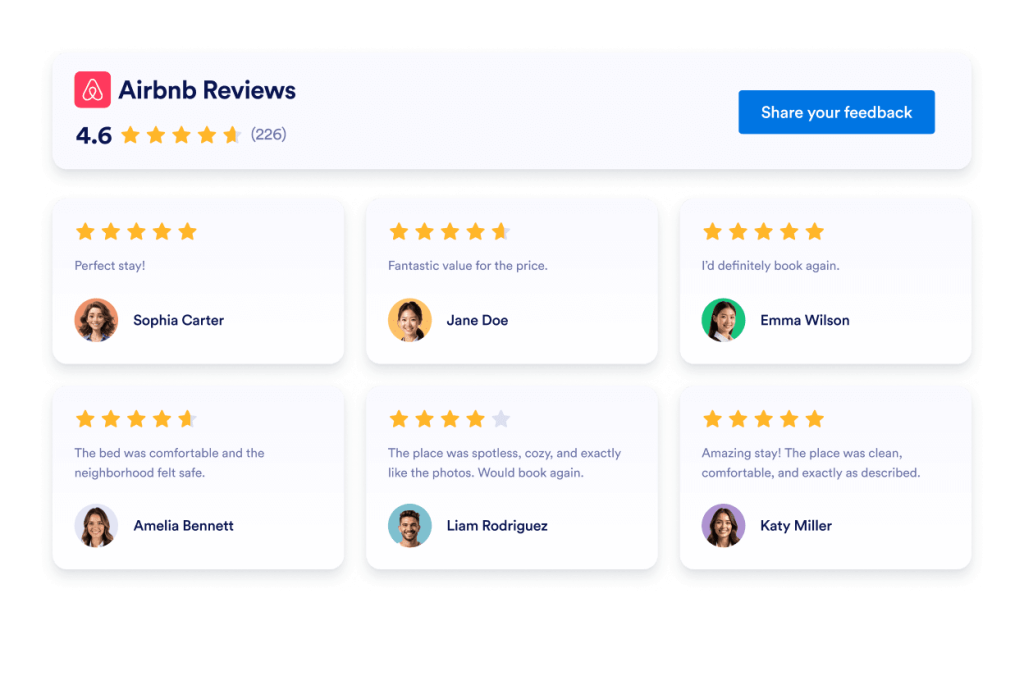
Airbnb-arvostelut
Airbnb Reviews Widget shows real guest feedback in a clean layout. Jotform no-code tool lets you auto-sync, customize, and embed anywhere.
Siirry kategoriaan:ArvosteluwidgetitKäytä widgetiä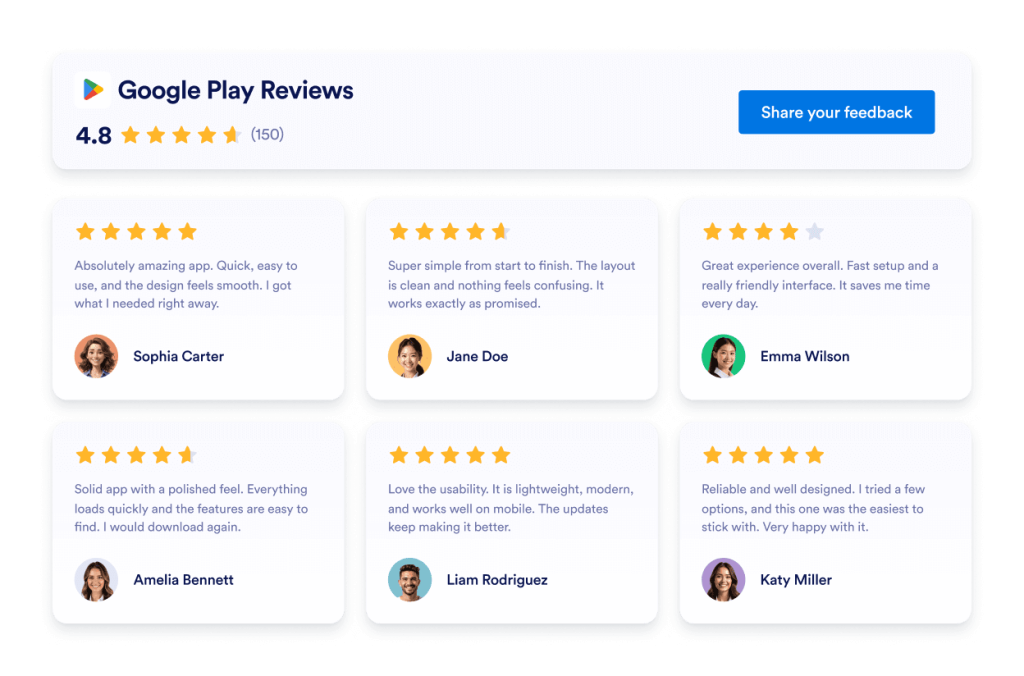
Google Play -arvostelut
Google Play Reviews -widgetti näyttää aitoja käyttäjäarvosanoja ja -arvosteluja responsiivisessa ulkoasussa. Jotform, automaattiseen synkronointiin, mukauttamiseen ja upottamiseen mihin tahansa ei vaadita koodausta.
Siirry kategoriaan:ArvosteluwidgetitKäytä widgetiä
App Store -arvostelut
App Store Reviews -widget näyttää aitoja iOS-käyttäjäarvioita selkeässä ulkoasussa. Jotformin koodittoman työkalun avulla voit synkronoida automaattisesti, mukauttaa ja upottaa sen mihin tahansa.
Siirry kategoriaan:ArvosteluwidgetitKäytä widgetiä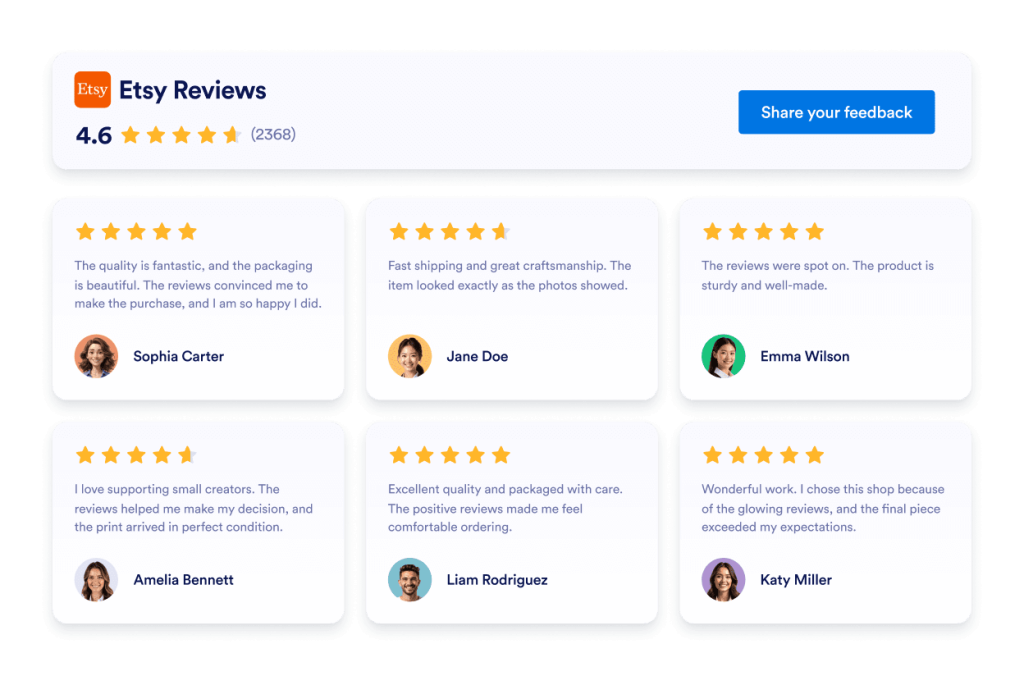
Etsy-arvostelut
Etsy-arvostelut-widget näyttää aitoja ostajien arvioita selkeässä ulkoasussa. Jotformin koodittoman työkalun avulla voit automaattisesti synkronoida, mukauttaa ja upottaa sen minne tahansa.
Siirry kategoriaan:ArvosteluwidgetitKäytä widgetiä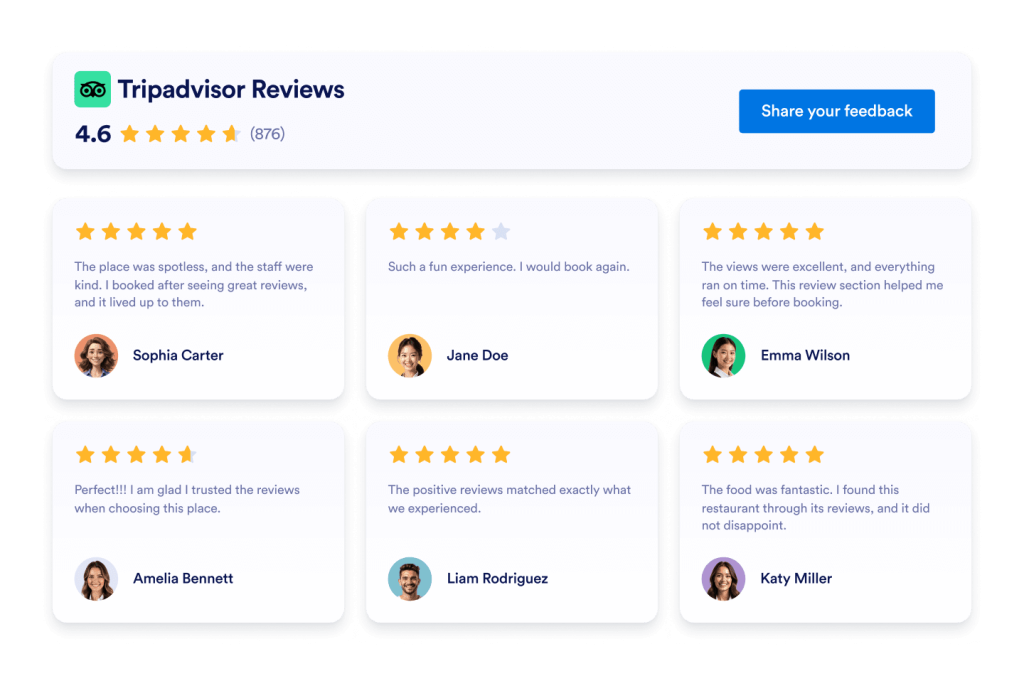
Tripadvisor-arvostelut
Tripadvisor-arvosteluwidget näyttää aitoja matkailijoiden arvioita selkeässä asettelussa. Jotformin koodittomalla työkalulla voit autosynkronoida, mukauttaa ja upottaa sen mihin tahansa.
Siirry kategoriaan:ArvosteluwidgetitKäytä widgetiä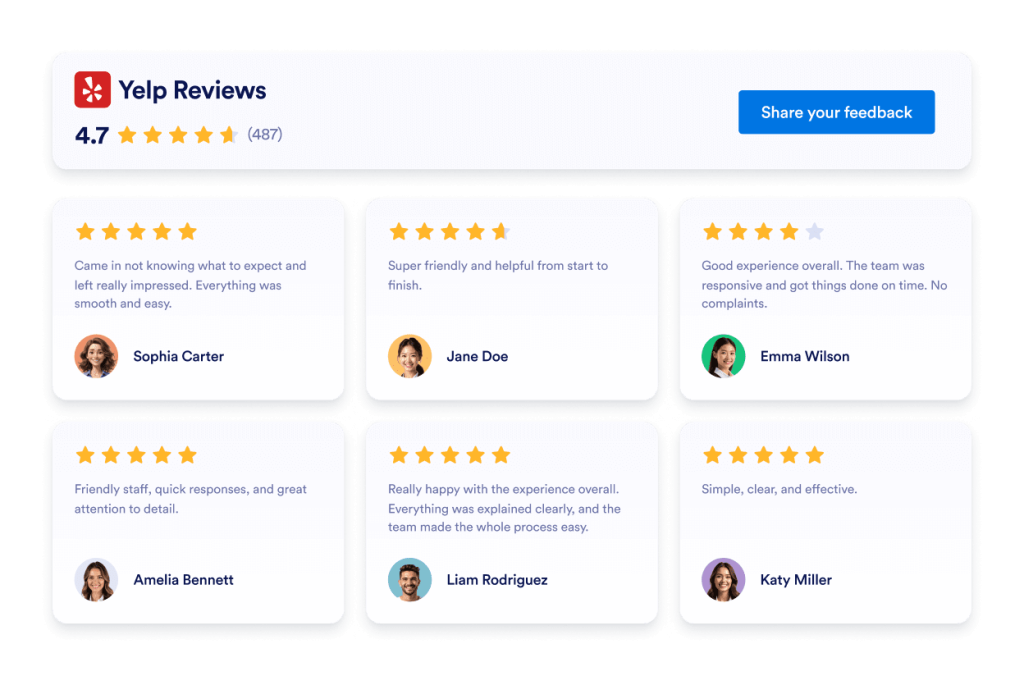
Yelp arvostelut
Yelp Reviews -widget näyttää aitoja asiakasarvioita responsiivisessa asettelussa. Jotformin koodittoman työkalun avulla voit synkronoida automaattisesti, mukauttaa ja upottaa sen minne tahansa.
Siirry kategoriaan:ArvosteluwidgetitKäytä widgetiä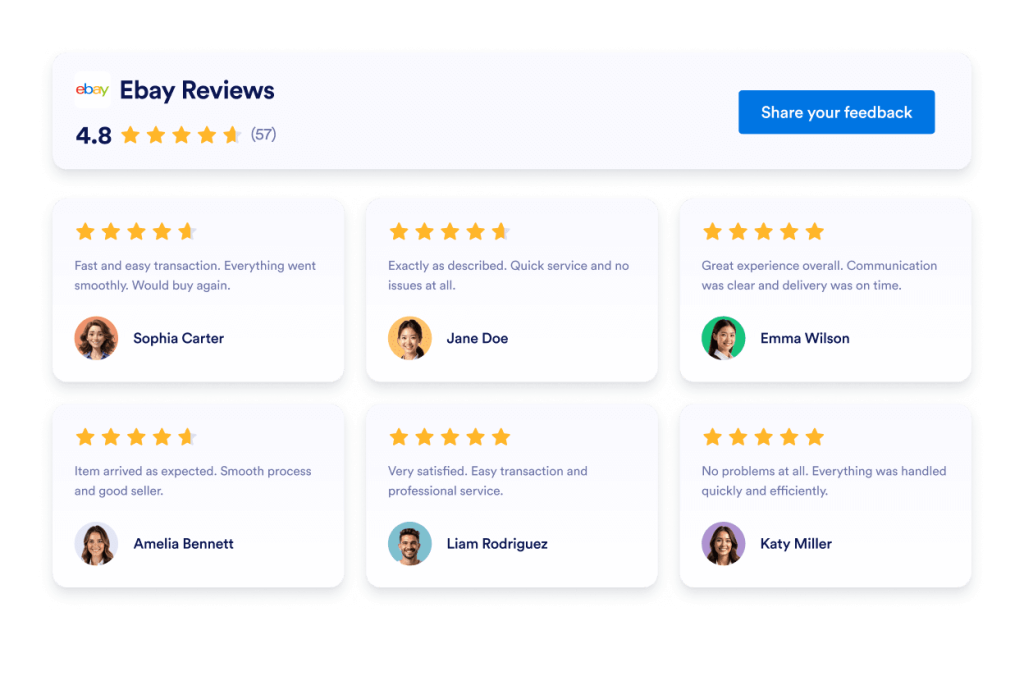
Ebay arvostelut
Tehosta luottamusta eBay-arvostelujen widgetillä. Näytä reaaliaikaista ostajapalautetta, arvosanoja ja automaattisesti päivittyviä arvosteluja. Ota käyttöön sekunneissa Jotformin ilmaisella koodittomalla upotuksella. Aloita nyt.
Siirry kategoriaan:ArvosteluwidgetitKäytä widgetiä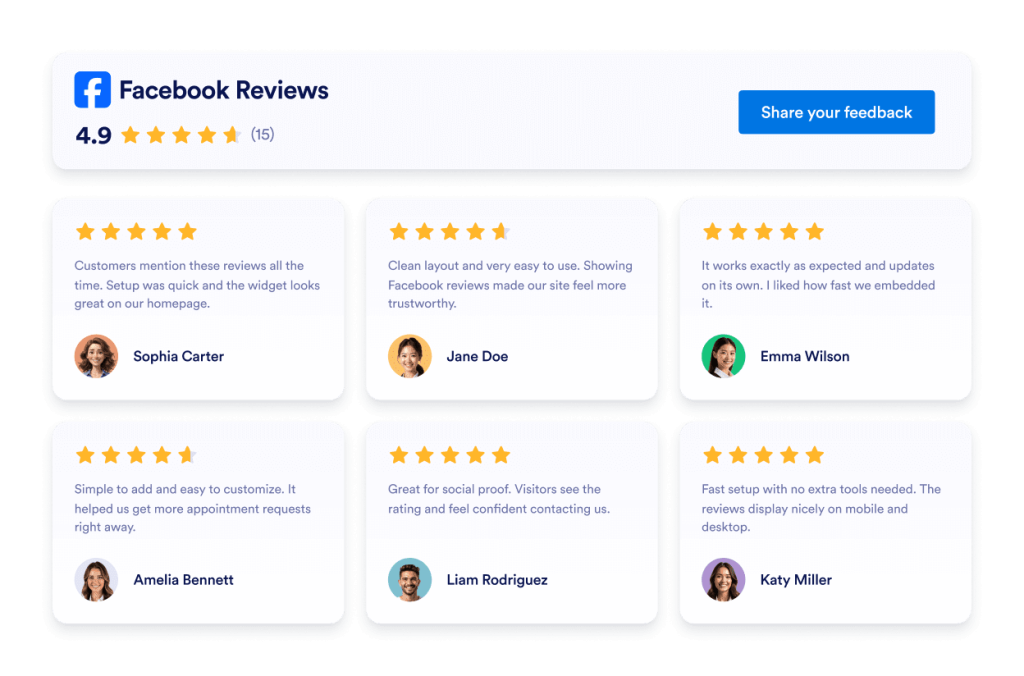
Facebook-arvostelut
Facebook Reviews -widgetti näyttää aitoja asiakasarvioita selkeässä ulkoasussa. Jotformin koodittoman työkalun avulla voit synkronoida automaattisesti, mukauttaa ja upottaa sen mihin tahansa.
Siirry kategoriaan:ArvosteluwidgetitKäytä widgetiä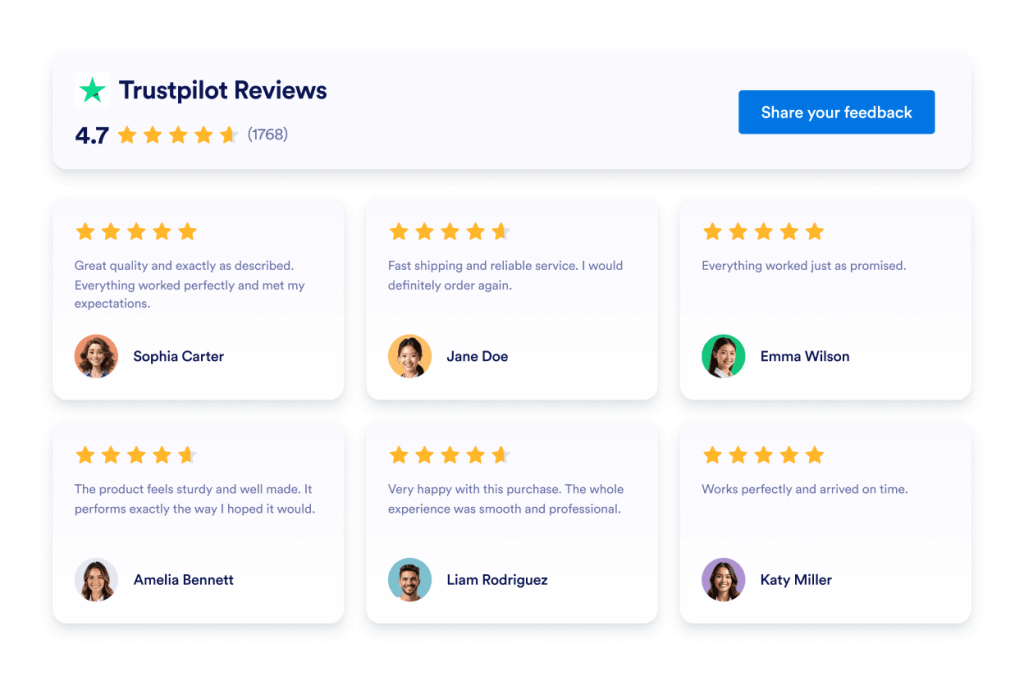
Trustpilot Reviews
Trustpilot Reviews Widget showcases real customer feedback in a clean layout. Jotform’s no-code tool lets you auto-sync, customize, and embed your Trustpilot reviews anywhere to build trust and boost conversions.
Siirry kategoriaan:Jotform-widgetitKäytä widgetiä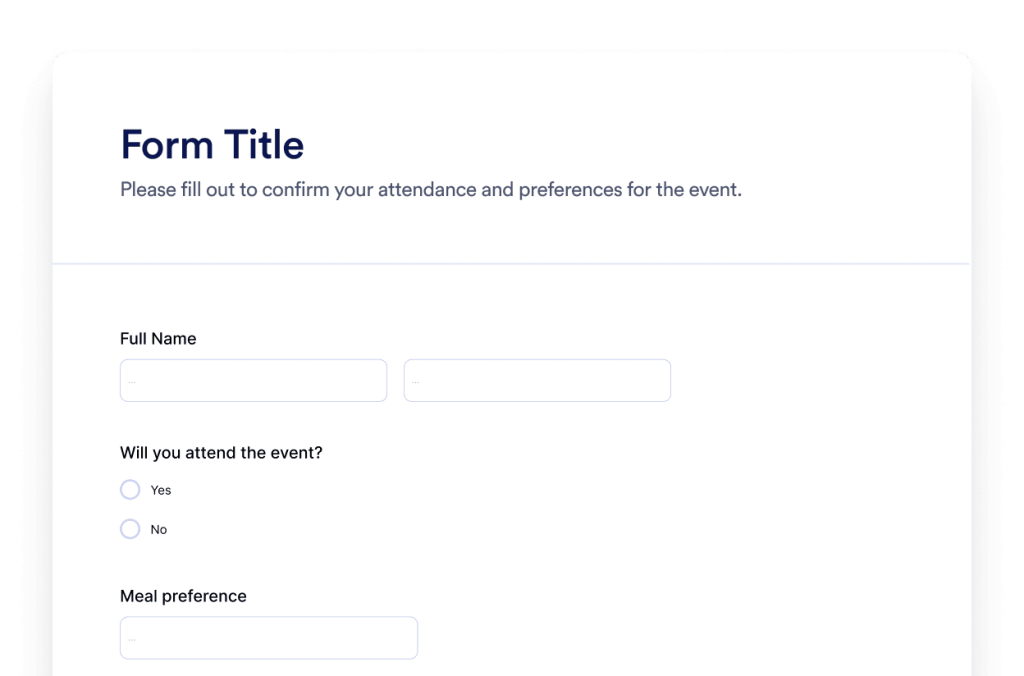
Lomake
Luo räätälöityjä lomakkeita Jotform tekoälylomakegeneraattorilla. Ei koodausta, ei pohjia, eikä vaivaa. Kerro vain tekoäly-chatbotillemme, millaisen lomakkeen haluat luoda.
Siirry kategoriaan:Jotform-widgetitKäytä widgetiä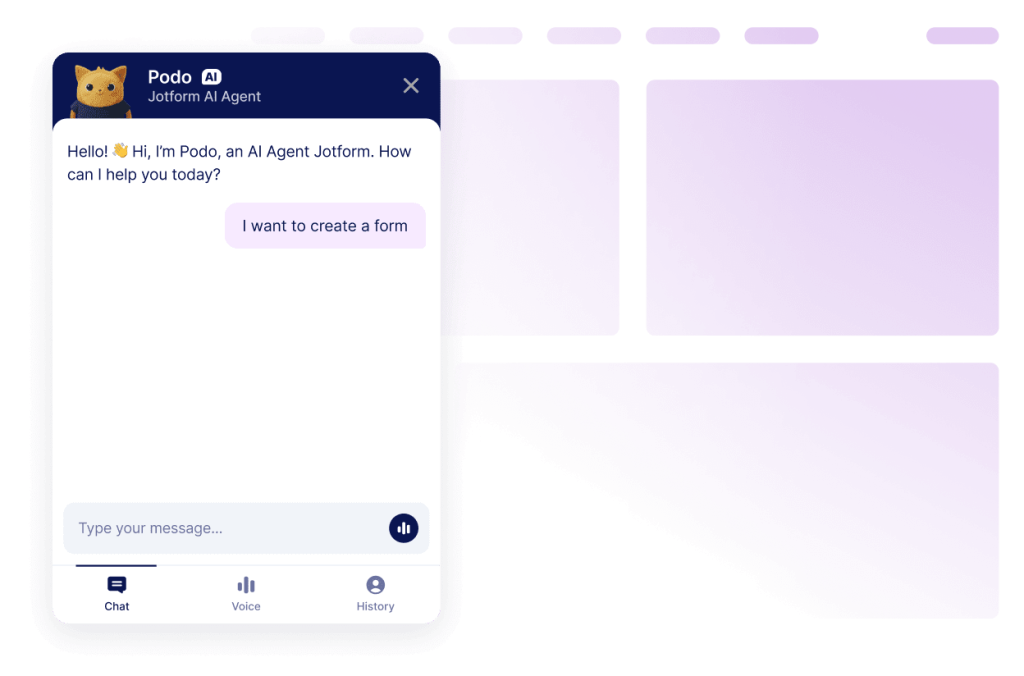
Keskustelubotti
Muuta verkkosivustosi interaktiiviseksi kokemukseksi Jotformin tekoäly-chatbot-rakennustyökalulla. Anna käyttäjille reaaliaikaisia vastauksia ja brändisi mukaista, sujuvaa apua lomakkeiden täyttämiseen.
Siirry kategoriaan:Jotform-widgetitKäytä widgetiäEtkö löydä etsimääsi widgetiä?
Jos etsit widgetiä, jota emme ole vielä käsitelleet, pyydä sitä vapaasti alla olevalla lomakkeella ja kerro meille, mitä haluaisit rakentaa tai lisätä verkkosivustollesi.
Pyydä widgetiäMiksi valita Jotform verkkosivustojen widgetteihin?
Rakennettu kasvamaan kanssasi
Voit aloittaa yhdellä widgetillä ja pitää asiat yksinkertaisina. Kun olet valmis, voit lisätä widgettejä uusille sivuille, kampanjoihin tai tavoitteisiin, kaikki samalta Jotform-tililtä, ilman että sinun tarvitsee siirtyä toiseen työkaluun tai aloittaa alusta

Helppo asentaa ja mukauttaa
Jokainen widget on rakennettu Jotformin tutulla koodittomalla editorilla, joten asettelujen ja tyylien muokkaaminen tuntuu yksinkertaiselta ja intuitiiviselta. Voit säätää värejä, välistyksiä ja suunnittelun yksityiskohtia itse ilman, että tarvitset kehittäjää tai teknistä tukea.

Works on most websites and platforms
Embed Jotform widgets on many website platforms and custom sites using standard embed options. Keep the same widget working across different pages and environments.
Muuta liidejä maksaviksi asiakkaiksi Jotform Form Builderin avulla
Muuta sitoutuminen toiminnaksi Jotformin avulla. Luo tehokkaita lomakkeita, jotka keräävät liidejä, vastaanottavat maksuja ja automatisoivat vastaukset – kaikki yhdessä paikassa. Jokainen lähetys saapuu Jotform-postilaatikkoosi valmiina jatkotoimenpiteisiin tai suosikkisovellustesi yhdistämiseen.
Aloita — Se on ilmaista!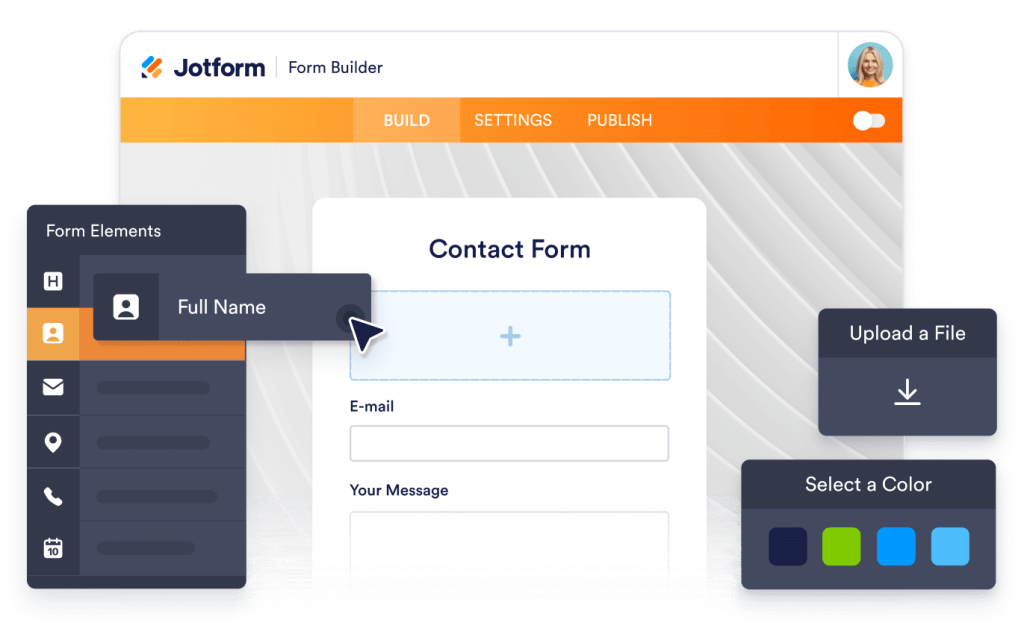
Why use widgets?
Website widgets help you improve your site without building every feature from scratch. They can support business goals like trust, lead generation, and customer support.
Build credibility with reviews and testimonials
Improve conversions with clear calls to action
Keep visitors on your site longer by reducing friction
Miljoonien luottamus
Jotform on käytössä yrityksissä ympäri maailmaa, pienistä tiimeistä suuriin organisaatioihin.





Understanding website widgets
Alla olevat osiot selittävät tarkemmin, miten kyselyt toimivat, milloin niitä kannattaa käyttää ja miten kyselyvastaukset muutetaan arvokkaiksi analyyseiksi. Tämä tieto on tarkoitettu lukijoille, jotka hakevat perusteita syvällisempää tietoa.
What are website widgets?
A website widget is a small feature you can add to a webpage using embed code. Widgets are often used to display content or enable actions like showing reviews, collecting leads, taking payments, booking appointments, or answering questions.
How widgets fit into a website
This section explains what website widgets are, how they work within a webpage, and how they can be used effectively as your widget library grows. Website widgets are usually embedded using a short code snippet and load within a defined area of a webpage. They can be placed alongside existing content and updated without changing the page structure.
Common types of website widgets
Widgets can be placed alongside existing content and updated without changing the page structure. This makes them useful for adding features without rebuilding or redesigning a website. Website widgets come in many forms, depending on the goal they support. Common types include:
Review widgets to display customer feedback from third-party platforms
- Form widgets for contact forms, lead capture, and registrations
- Scheduling widgets for booking meetings or appointments
- Payment widgets for collecting one-time or recurring payments
- Chat and messaging widgets for customer support and inquiries
- Feedback and survey widgets to collect opinions and responses
This page currently focuses on review widgets. Additional widget types can be added over time as the widget library expands.
How website widgets affect SEO
Website widgets can support SEO when used intentionally and aligned with the page's purpose. Widgets that improve usability, engagement, and task completion can help visitors spend more time on a page and interact with content more effectively.
To avoid SEO issues:
- Place widgets on pages where they add clear value
- Use descriptive headings and supporting text around the widget
- Avoid adding too many widgets to a single page
- Ensure widgets load efficiently and do not block content
Widgets work best when they complement content rather than replace it.
Website platforms that support widgets
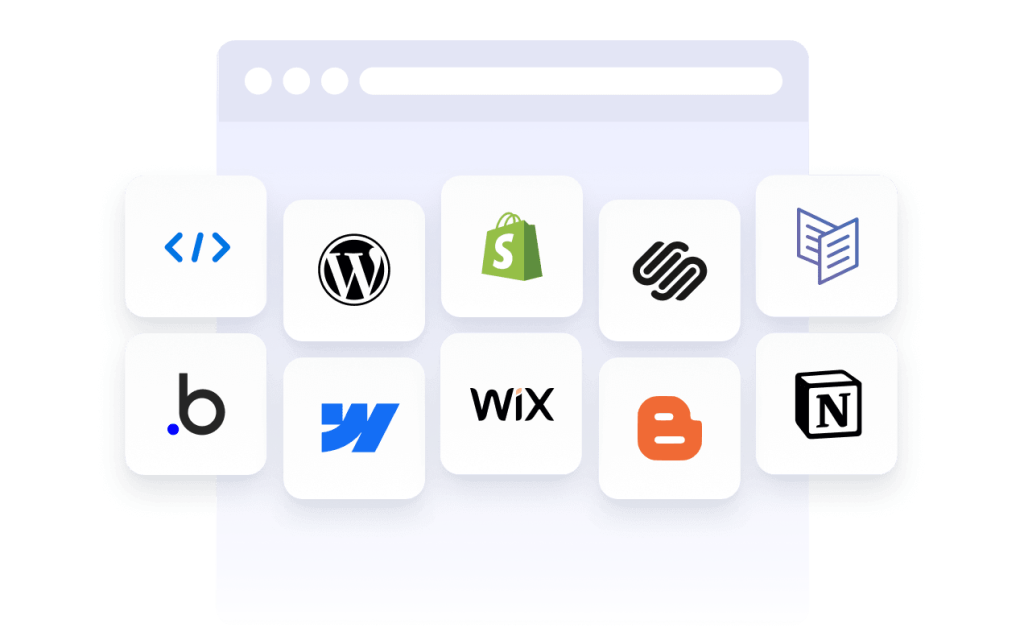
Most website widgets can be embedded on a wide range of platforms using standard embed code. This typically includes content management systems, website builders, and custom-built sites.
Common platforms that support embedded widgets include WordPress, Webflow, Wix, Shopify, Squarespace, and static HTML sites. The exact placement method depends on the platform, but widgets are usually added through a code block, a custom HTML section, or a page editor.
Website widgets vs plugins and extensions
Website widgets are generally platform-agnostic and can be embedded on many types of websites using code. Plugins or extensions are usually built for a specific platform and must be installed and maintained within that system.
Widgets offer more flexibility when you manage multiple sites or use different platforms, since the same widget can often be reused across environments.
Choosing widgets based on your goal
Choosing the right widget depends on what you want visitors to do on your site. If your goal is to build trust, review widgets can highlight customer feedback. If you want to collect information, form widgets may be more appropriate. For bookings or transactions, scheduling or payment widgets are a better fit.
Start with the widget that supports your primary goal, then expand as your site grows and needs change.
Managing and updating embedded widgets
Most website widgets can be updated after they are embedded. Changes to design, content, or settings are usually reflected automatically on any page where the widget is used, without requiring changes to the website code.
This makes widgets useful for campaigns, seasonal updates, and ongoing optimization.