



Choose a theme, adjust layouts, and update colors and fonts to fit your brand.
Jotform lets you migrate your Formstack forms in minutes without rebuilding your forms. Your questions, form structure and submissions are imported automatically, so you can start using Jotform right away. Jotform offers a free plan, allowing you to get started without incurring any extra costs.

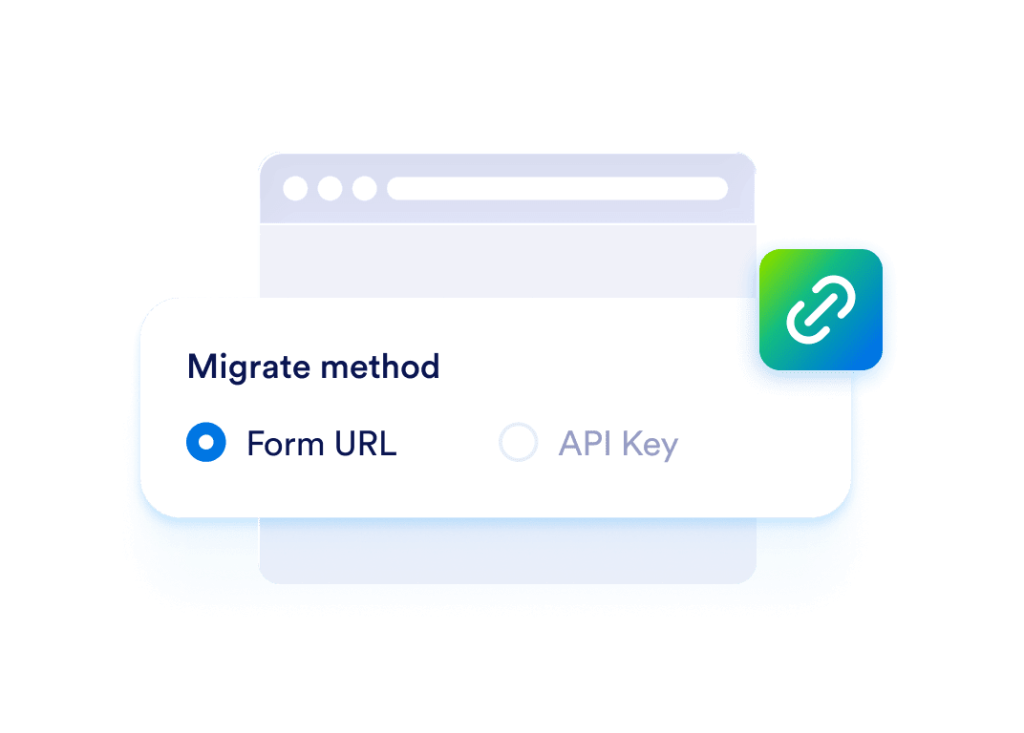
Select how you want to migrate from Formstack. You can migrate with a form URL or an API key.
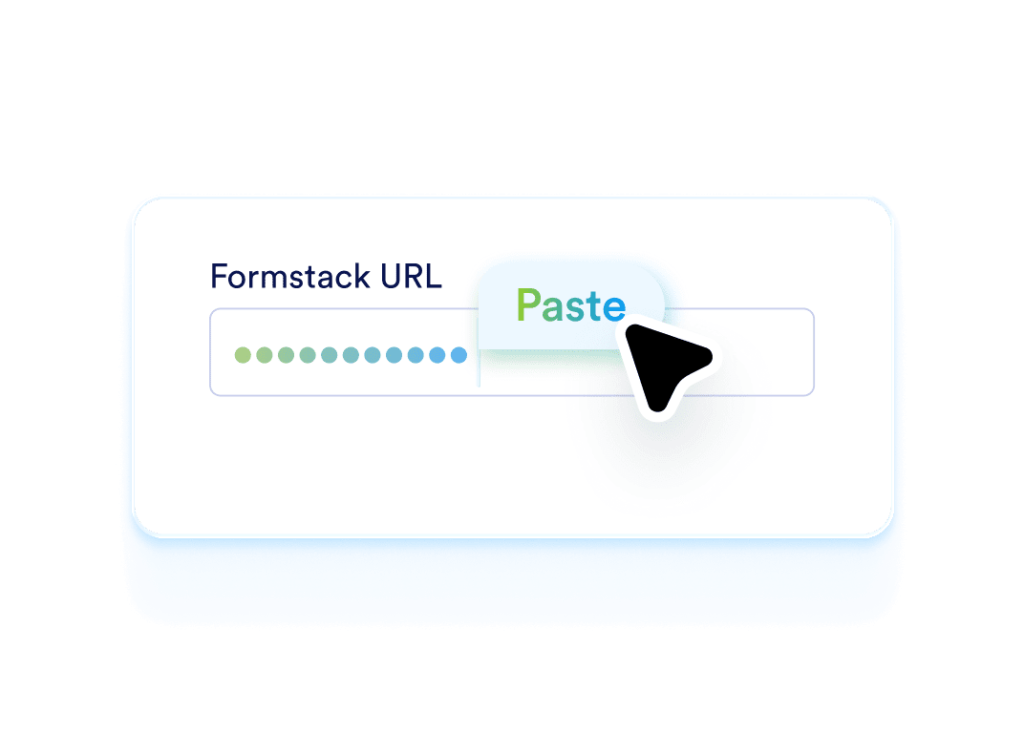
Paste your Formstack form link in the field provided. If you use an API key, enter it to continue.
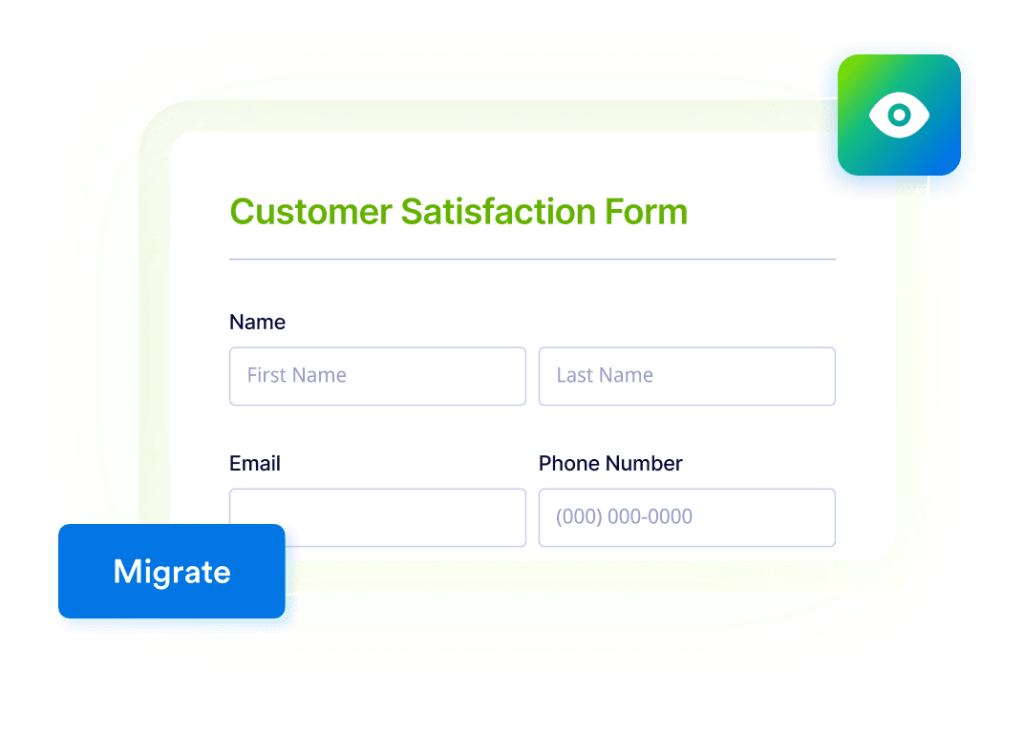
Click Migrate to import your form into Jotform. Review the imported form, then customize and publish it.
Jotform is used by small businesses, nonprofits, universities, and Fortune 500 companies to collect data and manage workflows with forms. Many teams choose Jotform as their Formstack alternative because it offers more control, customization options, and integrations with the tools they use.
After importing your Formstack form, you can keep your current process in Jotform and expand it when you are ready. Here are a few next steps many Formstack users set up right away.
Choose a theme, adjust layouts, and update colors and fonts to fit your brand.

Route submissions to the right people and collect approvals before moving forward.

Generate PDFs for requests, applications, and internal records.

Send data to Google Sheets, Slack, Airtable, Zapier, and many other apps.

Control who can view forms, manage submissions, and export data.

View, filter, and export submissions from your inbox and tables.
Move your existing forms to Jotform without rebuilding them, keep your form structure intact, and get more control and customization.