إنشاء أدوات باستخدام الذكاء الاصطناعي
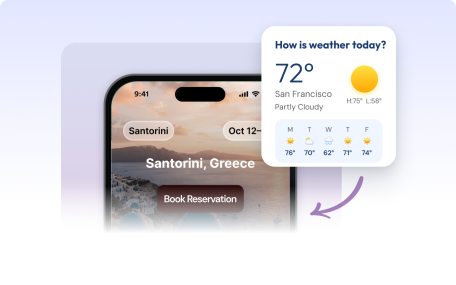
صِف أداة مخصصة في تطبيقات Jotform في Claude. وضّح ما الذي ينبغي أن تعرضه أو تفعله، مثل عرض توقعات الطقس، ودع الذكاء الاصطناعي ينشئ أداة بناءً على طلبك.
Create Widgets
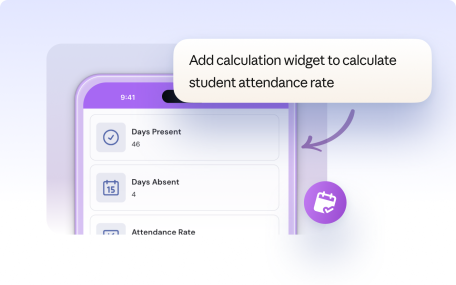
أنشئ أدوات مخصصة في تطبيقات Jotform في Claude من خلال وصف ما تحتاج إليه. أضف عمليات حسابية أو خاصية بحث أو أدوات تفاعلية أخرى مصممة خصيصًا لتطبيقك.
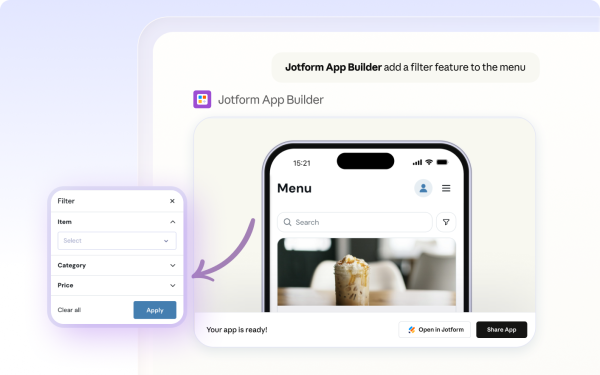
Empower your app users to find records and narrow lists with built-in search and filter widgets. Request custom options in Claude so people can and focus on the most relevant data in your app.
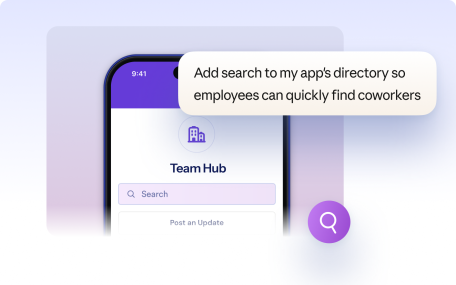
Describe the search and filtering options you want for your app directly in Claude. Jotform AI App Builder adds search bars or filter controls so your app users can quickly find records, narrow lists, and focus on the information that matters most to them.
Display a search bar and filter controls above your app’s record list. App users can enter keywords or select filter options to quickly narrow the results and focus on the information they need in your app.
هل لديك أسئلة حول هذه الميزة؟ اطلع على الأسئلة الشائعة أدناه للحصول على إجابات سريعة.
Describe the type of search or filtering you want directly in Claude. The Jotform AI App Builder will add search bars or filter widgets to your app, letting users easily find and narrow down information.
App users can search or filter lists, records, or other displayed data in your app. This can include items from Jotform Tables or any dataset you have added to your app’s pages. The specific searchable or filterable fields depend on your app’s content.
Yes, you can specify in Claude which fields should be included in search or filter widgets. Describe the fields you want users to search or filter by, and Jotform AI App Builder will update the app to match your request.