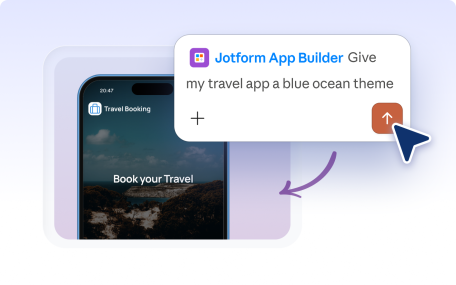
تصميم مظهر تطبيقك
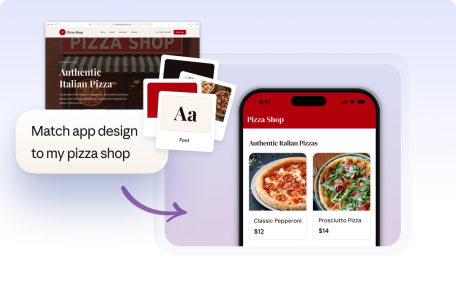
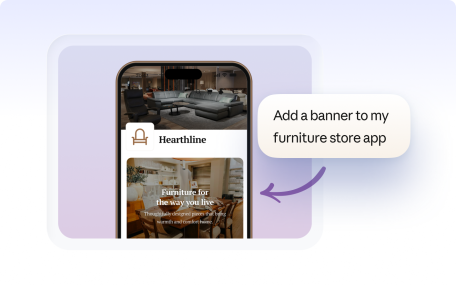
صِف المظهر الذي تفضّله لتطبيقات Jotform في Claude. اطلب من الذكاء الاصطناعي تحديث الألوان والخطوط والتخطيطات وعناصر الهوية التجارية، حتى يعكس مظهر تطبيقك الغرض منه ويبدو مألوفًا لجمهورك.
Design Apps
خصّص ألوان تطبيقك وخطوطه وهويته التجارية في تطبيقات Jotform في Claude. صِف المظهر الذي تفضله لإنشاء تصميم متناسق يمكن لجمهورك التعرّف عليه.
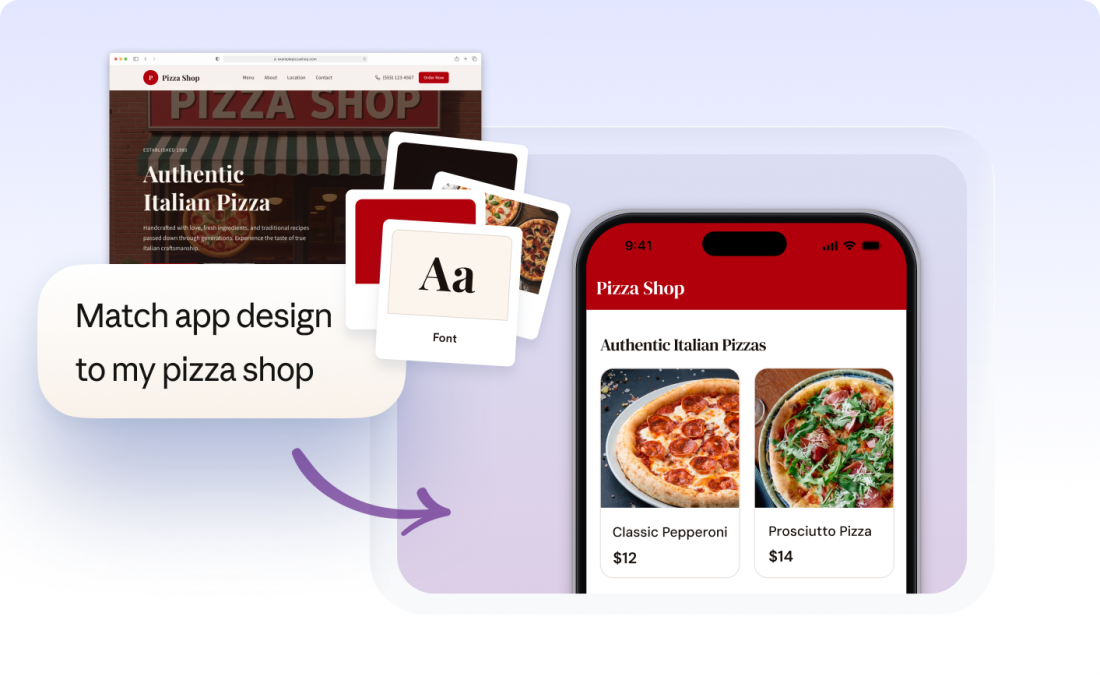
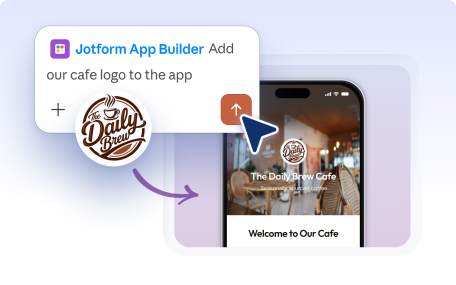
Give your app a consistent branded look with Jotform Apps in Claude. Upload your logo or provide a website URL, and the AI will extract your brand colors and apply them to your app’s buttons, backgrounds, and highlights automatically.
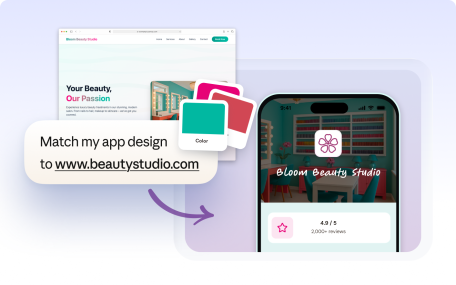
Create a cohesive look by having the AI extract colors from your logo, website, or brand image. Your app’s backgrounds, buttons, and highlights update to match your visual identity for a consistent experience.
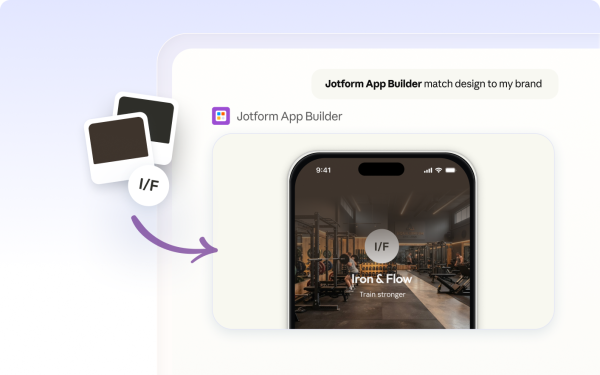
Describe your brand, upload a logo, or share your website URL in Claude. The Jotform AI App Builder extracts the color palette and applies it to your app, creating a consistent branded appearance for your audience.
Upload a logo or share your website URL in Claude to extract your brand’s color palette. The Jotform AI App Builder applies these colors to your app’s buttons, backgrounds, and highlights for a unified branded look.
هل لديك أسئلة حول هذه الميزة؟ اطلع على الأسئلة الشائعة أدناه للحصول على إجابات سريعة.
Describe your brand, upload a logo, or provide a website URL in Claude. The Jotform AI App Builder extracts the color palette and applies it to your app, giving it a consistent branded look.
Yes, you can upload a logo or image or provide your website URL in Claude. The Jotform AI App Builder will extract the main colors and apply them to your app’s design for a consistent branded look.
When you match your app’s colors to your brand, the AI updates elements like backgrounds, buttons, cards, and highlights. These changes help your app reflect your brand’s style across pages and sections.