InfoPath Forms
Jotform vs InfoPathIf your team still relies on InfoPath, now is the time to move to a more flexible way to collect and manage information. InfoPath 2013 reaches the end of its extended support period on July 14, 2026, and InfoPath Forms Services will be removed from SharePoint after that date. With Jotform, your team can replace legacy forms for online intake, approvals, signed documents, PDFs, and SharePoint-connected records.
المقارنة جنباً إلى جنب
| الميزات | Jotform | InfoPath |
|---|---|---|
| سعر الدخول | InfoPath لا يوجد سعر منفصل - يتم توفيره كجزء من SharePoint | |
| Templates | InfoPath 10+ | |
| المنطق الشرطي | InfoPath نعم | |
| خيارات مشاركة النماذج | InfoPath 5+ | |
| نماذج أكواد QR | InfoPath لا | |
| المجيب الآلي | InfoPath نعم | |
| تخصيص البريد الإلكتروني | InfoPath نعم | |
| بريد تذكير | InfoPath لا | |
| ترجمة النموذج | InfoPath لا | |
| خيارات التضمين | InfoPath عبر SharePoint | |
| تصميم النموذج | InfoPath نعم | |
| جدولة المواعيد | InfoPath عبر التكاملات | |
| حفظ والمتابعة لاحقًا | InfoPath نعم | |
| صفحة الشكر | InfoPath نعم | |
| تطبيق الهاتف | InfoPath لا | |
| وضع عدم الاتصال | InfoPath نعم | |
| وضع الكشك | InfoPath عبر SharePoint أو Windows | |
| ويدجتس | Hundreds of ويدجتس | InfoPath خانات خاصة |
| التكاملات | InfoPath عمليات تكامل SharePoint | |
| إدارة إستجابات النموذج | InfoPath قواعد البيانات أو مكتبات SharePoint | |
| تصدير بيانات الإستجابات | InfoPath عبر ملفات PDF وExcel وXML | |
| وكلاء الذكاء الاصطناعي | InfoPath الوكلاء في SharePoint | |
| التوقيع الإلكتروني | InfoPath لا | |
| إنشاء مستند PDF | InfoPath نعم | |
| مسار العمل | InfoPath سير عمل SharePoint | |
| النتيجة والتحليل | InfoPath مقيّد | |
| وضع العلامات البيضاء | Available on Enterprise | InfoPath مقيّد |
| Payment Gateways | InfoPath 4+ | |
| التبرعات والاشتراكات المتكررة | InfoPath لا | |
| النماذج المشفرة | InfoPath نعم | |
| المصادقة الثنائية (2FA) | InfoPath عبر إعدادات أمان Microsoft | |
| reCAPTCHA | InfoPath لا | |
| PCI Compliance Features | InfoPath متوفر | |
| ميزات التوافق مع HIPAA | متاح ضمن خطط Gold وEnterprise | InfoPath متوفر |
| SOC 2 Compliance Features | متاح ضمن خطة المؤسسات (Enterprise Plan) | InfoPath متوفر |
| GDPR Compliance Features | متوفر | InfoPath متوفر |
إذا لاحظت أي معلومات غير صحيحة أو غير مكتملة أو غير دقيقة، يُرجى طلب تصحيحها من خلال تعبئة النموذج أدناه.
طلب التصحيحReplace InfoPath before the 2026 deadline
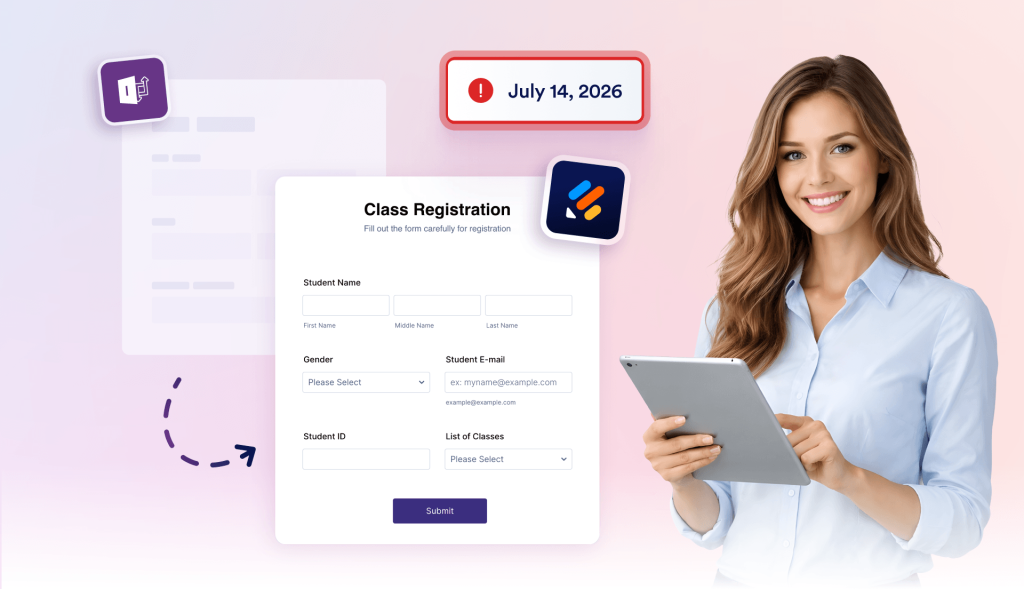
InfoPath support ends on July 14, 2026, and InfoPath Forms Services will be removed from SharePoint after that date. Jotform helps teams move active forms to a modern workspace before legacy SharePoint form processes become at risk.
Keep SharePoint in the process
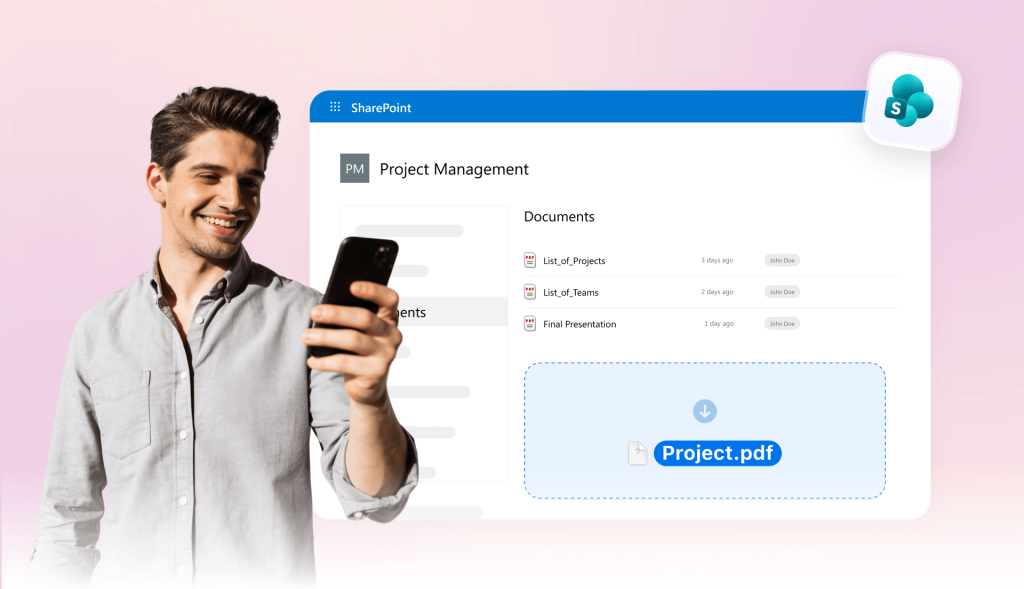
Jotform helps teams move away from InfoPath without abandoning SharePoint. Embed forms on SharePoint pages, send submissions to SharePoint lists, and upload files or generated PDFs to document libraries.
Replace approvals, signatures, and PDFs
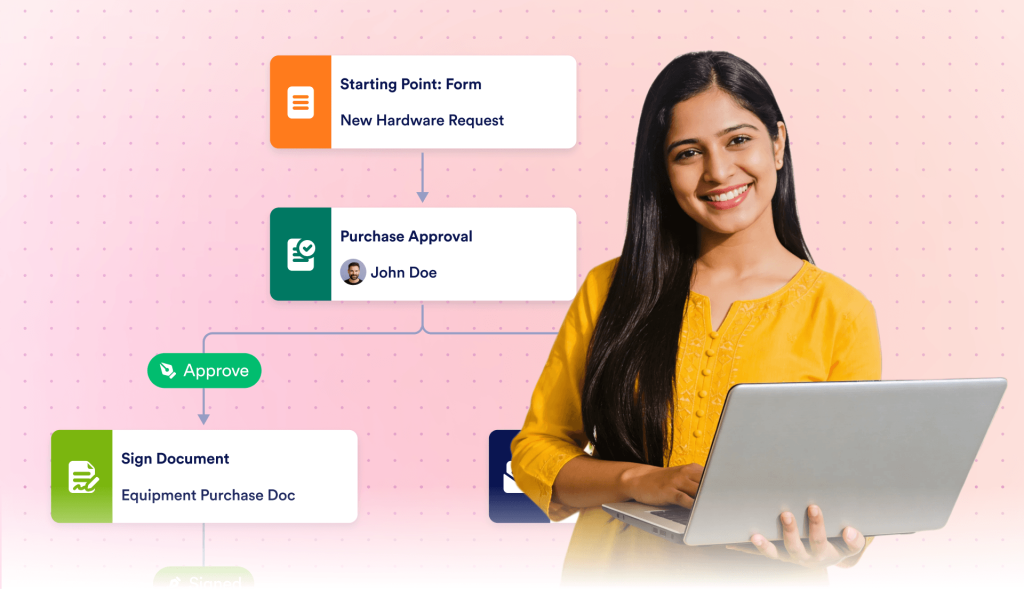
Many InfoPath forms are tied to manager reviews, acknowledgements, document packets, or records. With Jotform, teams can easily add approval flows, collect e-signatures, and turn submissions into completed PDFs.
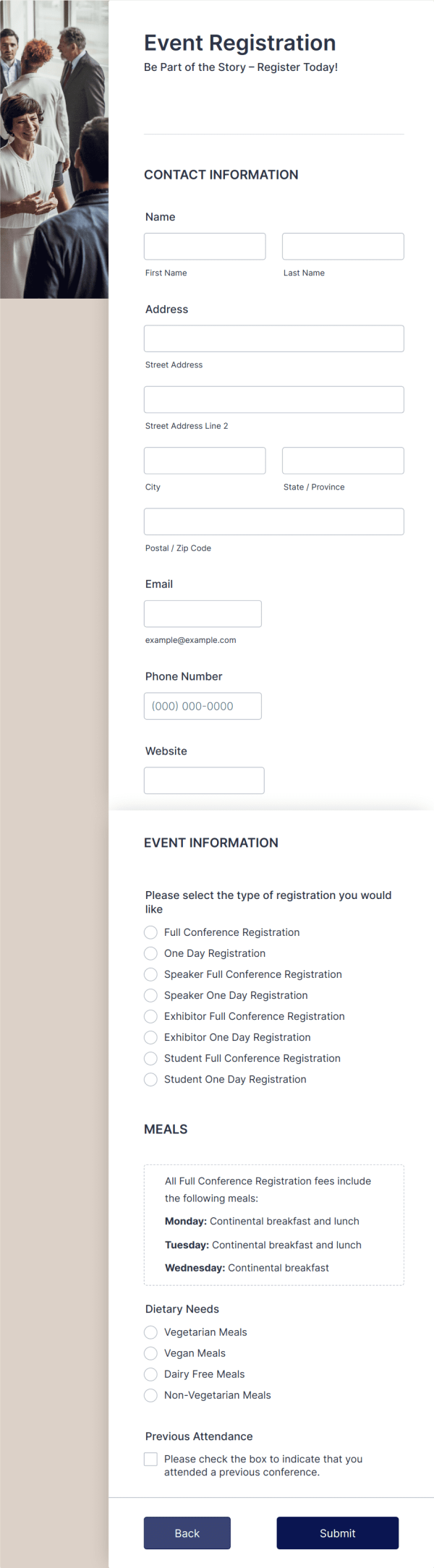
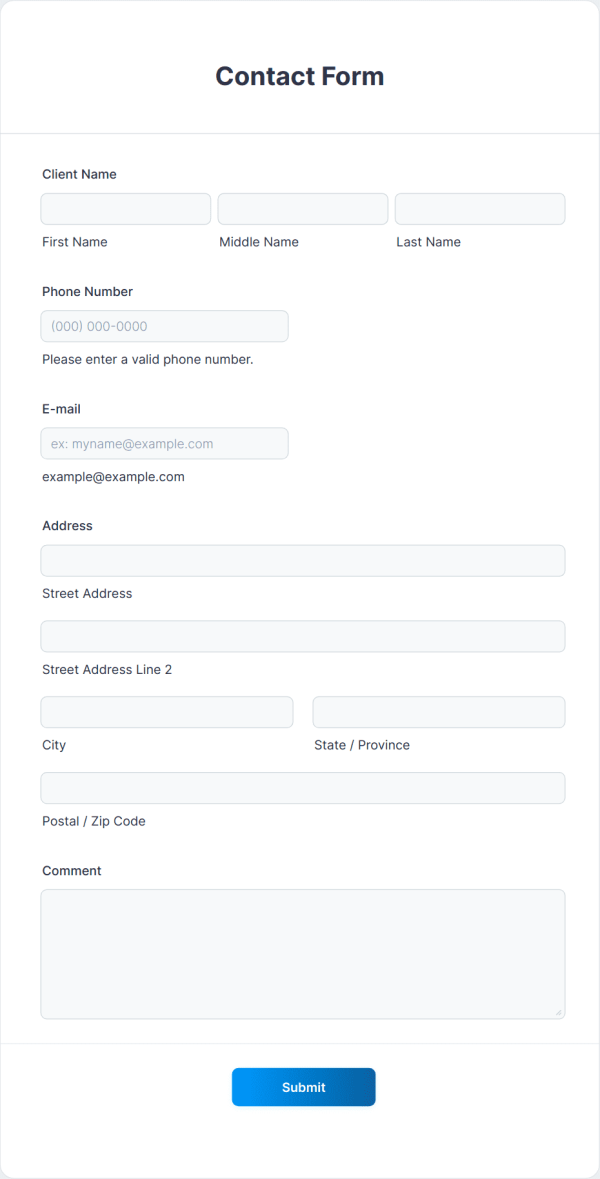
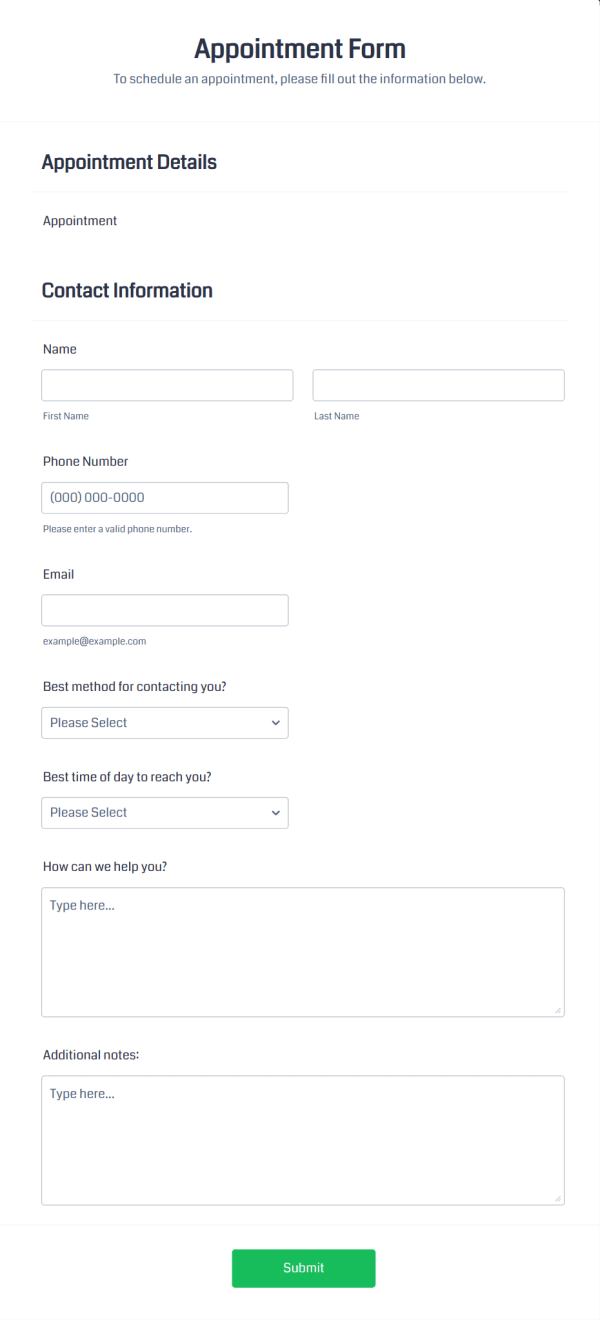
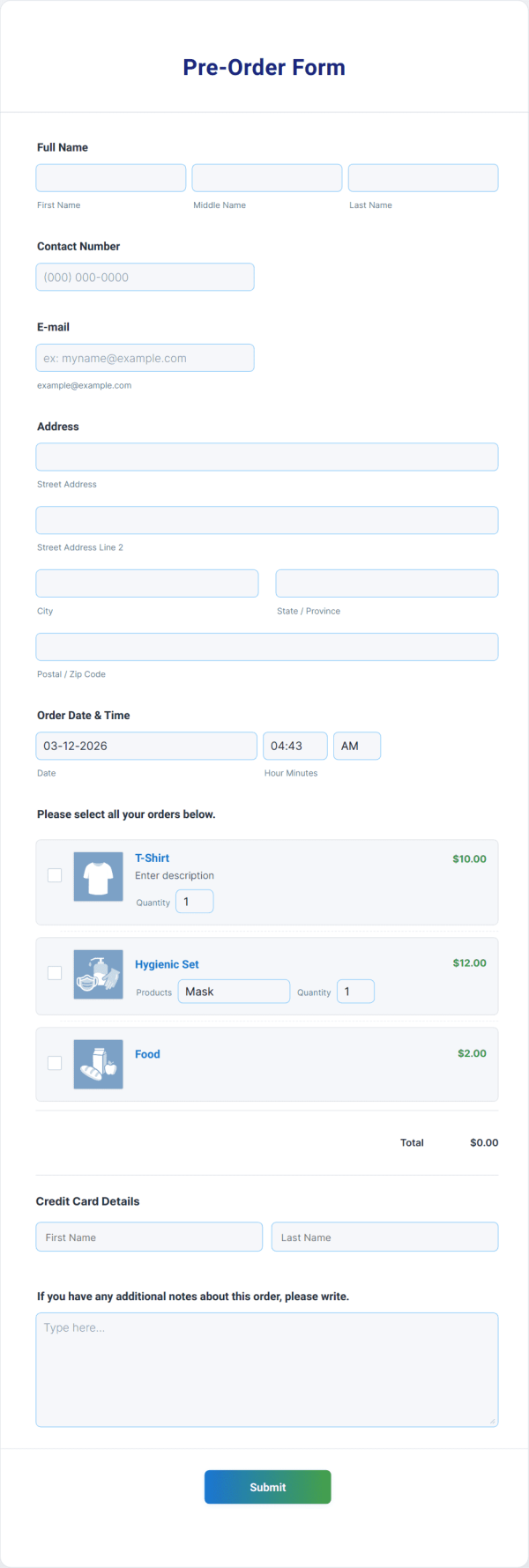
Save time with 20,000+ templates
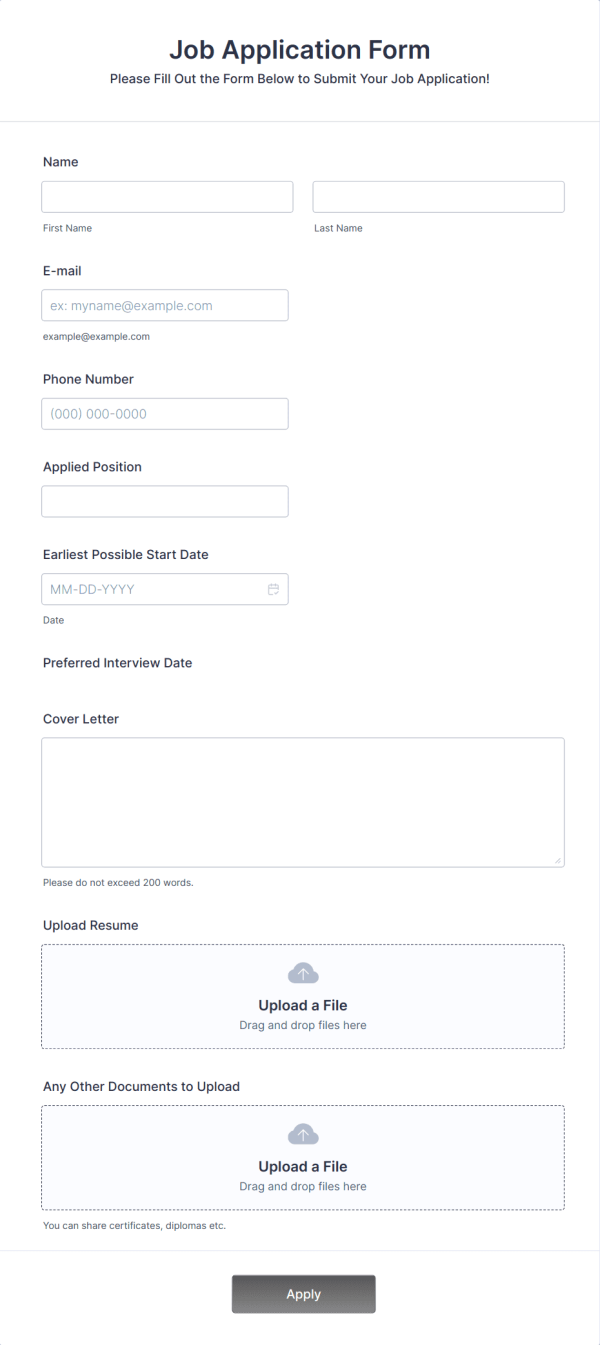
يضم Jotform آلاف القوالب المخصصة للحالات التجارية الشائعة. ابدأ باستخدام نموذج يتناسب بالفعل مع هدفك، ثم قم بتعديل الحقول وتحديث التصميم ونشره في غضون دقائق.
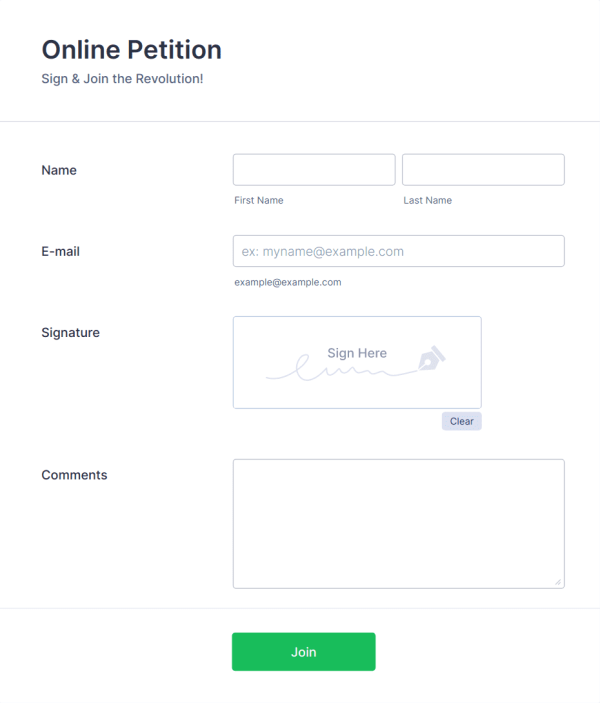
Jotform: The #1 InfoPath alternative
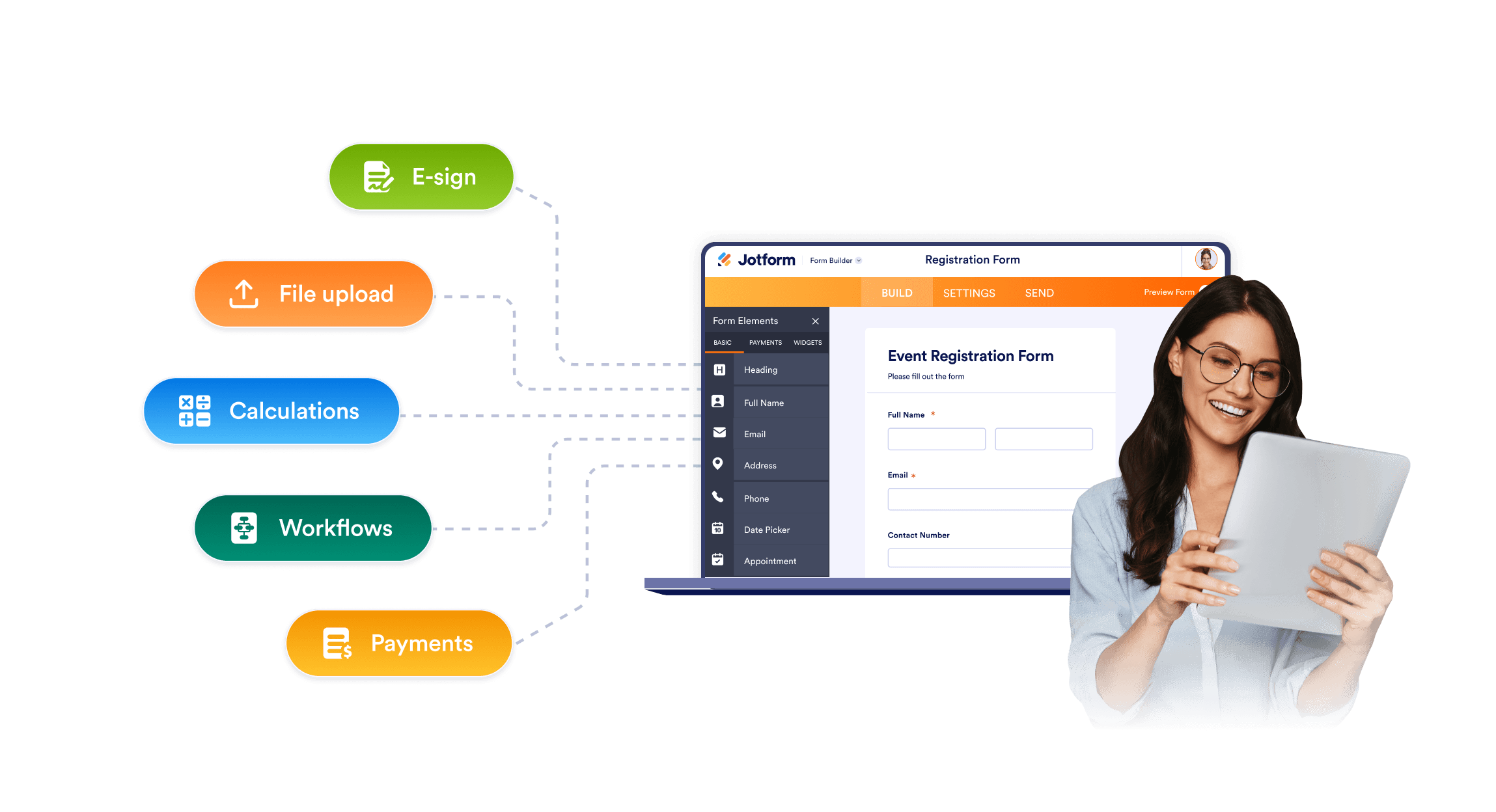
Easy form building for all teams
InfoPath often depends on older SharePoint patterns, legacy rules, and a desktop-based design. Jotform gives teams a no-code drag-and-drop form editor, ready-made fields, conditional logic, file uploads, and sharing options.
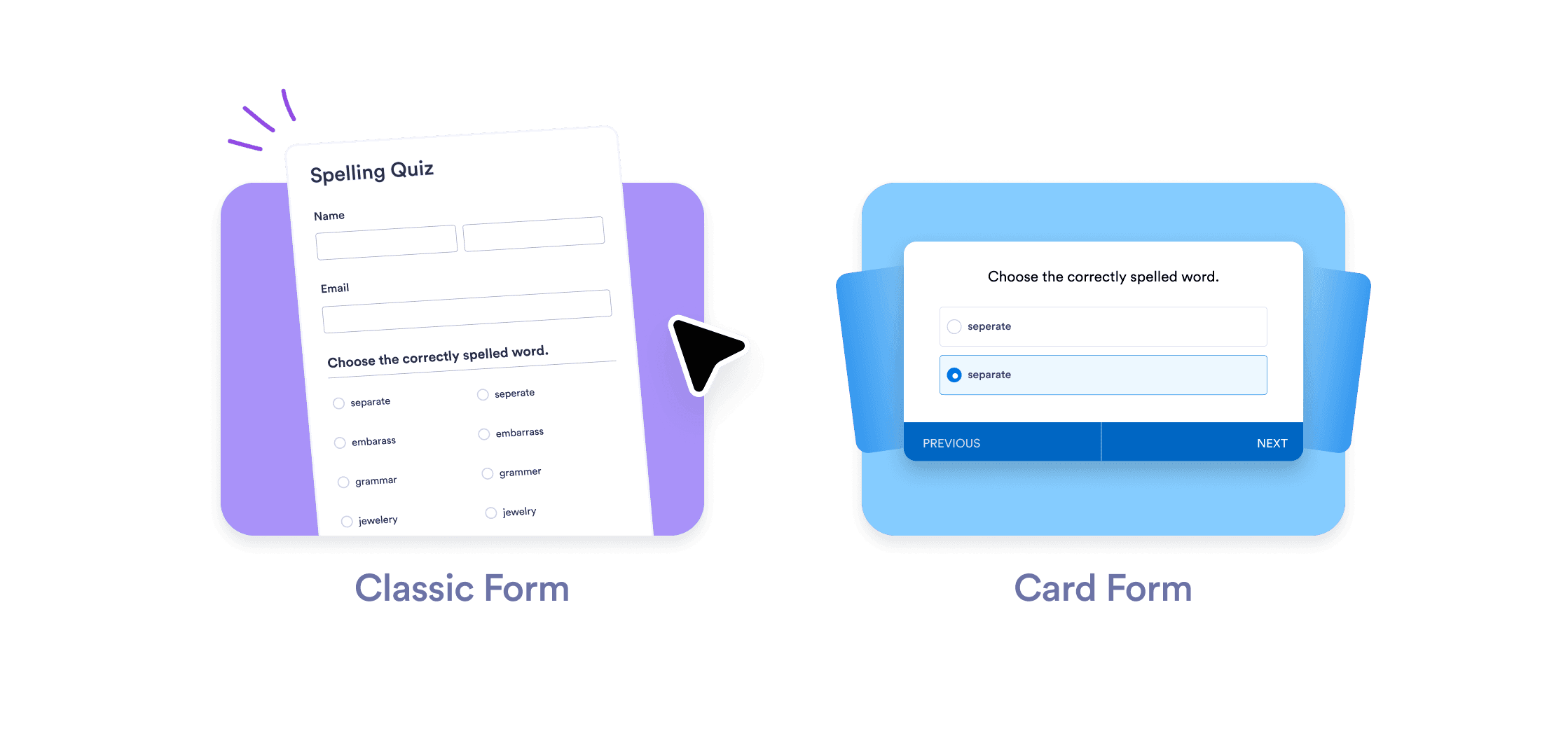
Forms to fit modern workflows
Share Jotform forms by link, embed them on internal or SharePoint pages, or open them on mobile devices. Teams can replace old InfoPath entry points with accessible forms that include custom branding, multipage layouts, required fields, and conditional logic.
Top-notch customer service with AI Agents
Jotform AI Agents guide your customers through form fields, answer questions, and collect information through chat, phone, SMS, WhatsApp, or QR codes interactions.
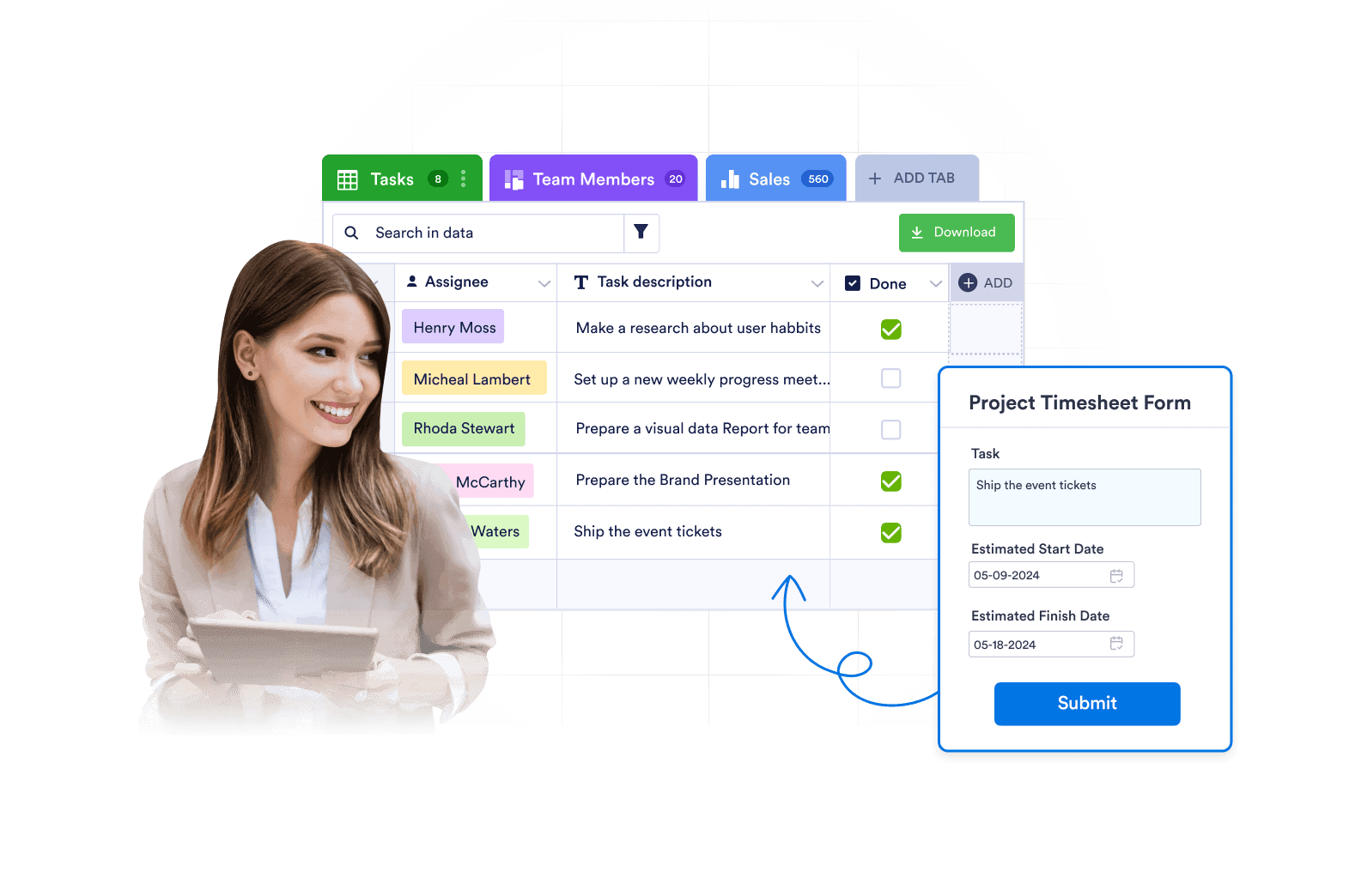
Expertly manage submissions
Jotform is more than just data collection. Review, search, filter, assign, and report on submissions with powerful features and data management tools.
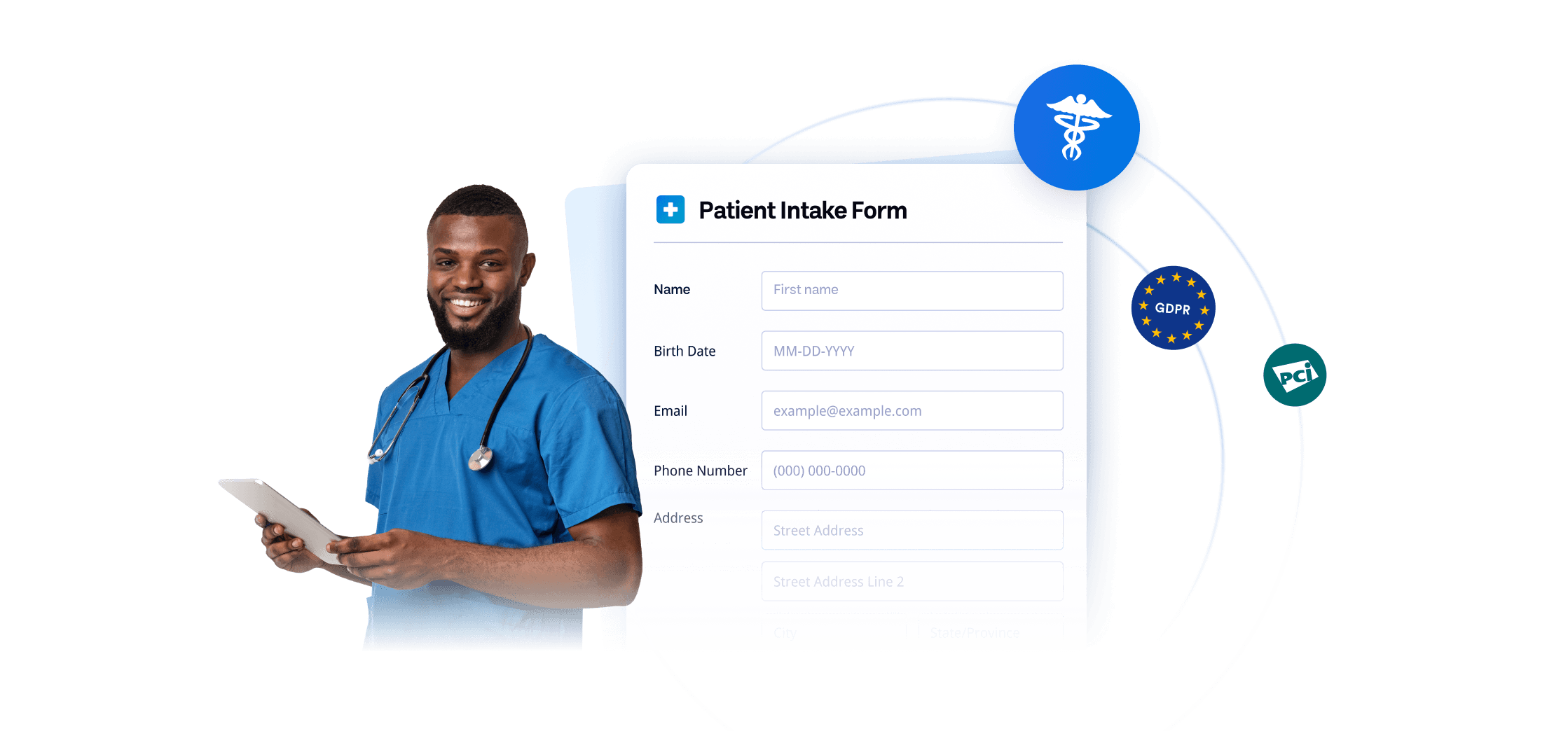
Giving your IT team more confidence
حافظ على أمان البيانات مع احتياجات الأمان والامتثال الرائدة في المجال، بما في ذلك النماذج المتوافقة مع GDPR وCCPA وSOC 2 وHIPAA، وSOC 2. كما يوفر Jotform خيار المصادقة الثنائية وتسجيل الدخول الأحادي (SSO).
أسئلة متكررة ومتداولة
هل Jotform مجاني للاستخدام؟
Yes. Jotform offers a free plan, so you can build forms, automate approval flows, and access powerful data collection and management tools at no cost. If you need higher form limits or additional features, Jotform also offers a variety of paid plans.
What makes Jotform a strong alternative to InfoPath?
Is Jotform an automatic InfoPath converter?
When does InfoPath support end?
Can Jotform work with SharePoint?
Can Jotform send form data to SharePoint lists?
Can Jotform upload files to SharePoint document libraries?
Can Jotform replace InfoPath approval forms?
Can Jotform create PDF records from form submissions?
Can Jotform collect signatures?
Is Jotform safe for sensitive form data?
هل أنت مستعد لنقل نماذج InfoPath الخاصة بك إلى Jotform؟
حوّل ملفاتك بصيغة .XSN إلى نماذج Jotform قابلة للتعديل بالكامل في غضون دقائق — ثم قم ببناء سير عملك الكامل باستخدام ميزات أتمتة الموافقة وإنشاء ملفات PDF والتوقيعات الإلكترونية وتتبع الإرسالات والتكامل مع SharePoint.
انقل نماذجك إلى Jotform