مشاركة الجداول
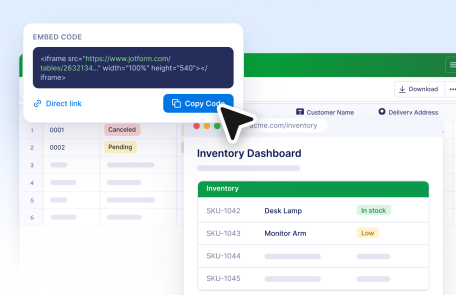
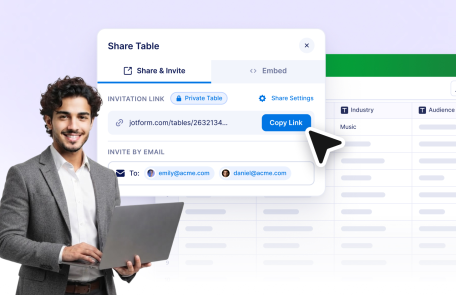
Easily share your Jotform Tables with teammates, clients, or stakeholders using email invitations or shareable links.
Share & Collaborate
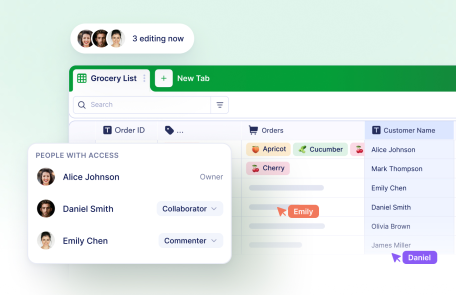
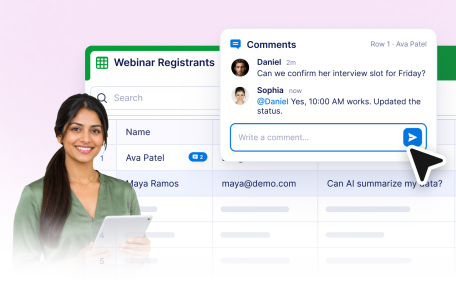
Collaborate with coworkers or clients by sharing your tables with custom access settings.
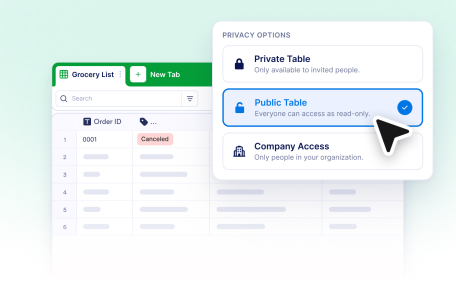
Choose who can access your Jotform Tables with flexible privacy settings. Keep data private, share it publicly, or limit access to your organization based on your sharing needs.
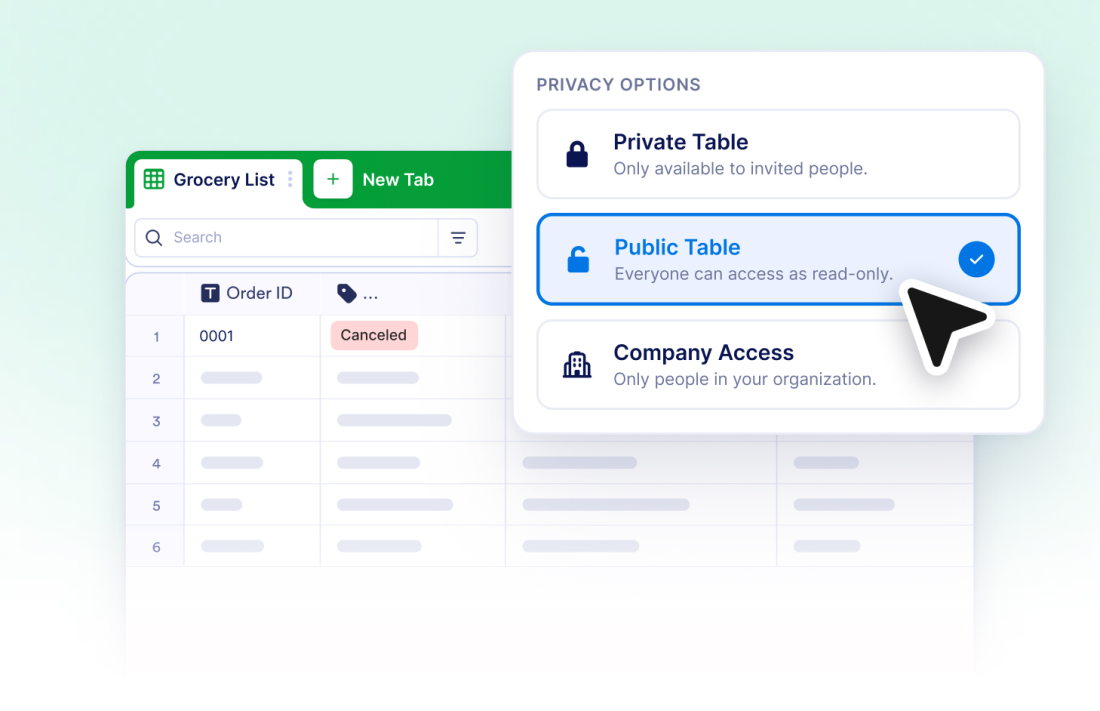
Share information with confidence using customizable table privacy options. Protect internal records, publish read-only data, or give your organization access to shared submissions.
Manage table visibility with Private, Public, and Company Access settings. Decide who can view your submission data and create a sharing experience that fits your team or audience.
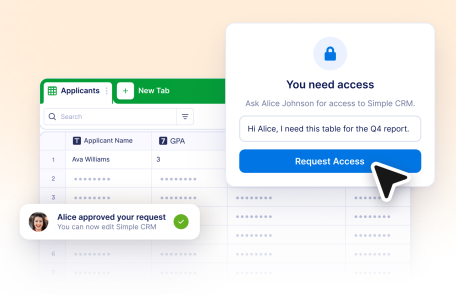
Restrict table access to invited users with Private Table settings. Share information with selected teammates or clients and assign permissions for viewing, commenting, or editing.
Make non-sensitive submission data available to anyone with your table link. Public tables provide read-only access without requiring visitors to sign in to Jotform.
Use Company Access to share tables with users registered under your organization's email domain. Keep internal information within your company while supporting team collaboration.
Jotform Tables offers three privacy options: Private Table, Public Table, and Company Access. Private tables are limited to invited users, public tables allow anyone with the link to view submissions, and Company Access restricts access to users under your organization's email domain.
Yes. Public Table provides read-only access, allowing people to view your table without signing in. Visitors cannot edit submissions or leave comments through public access.
Yes. Private and Company Access tables support Read-Only, Commenter, and Collaborator roles. You can decide whether invited users can only view data, add comments, or edit submission records.