مشاركة الجداول
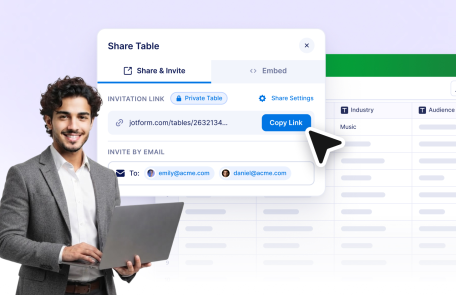
Easily share your Jotform Tables with teammates, clients, or stakeholders using email invitations or shareable links.
Share & Collaborate
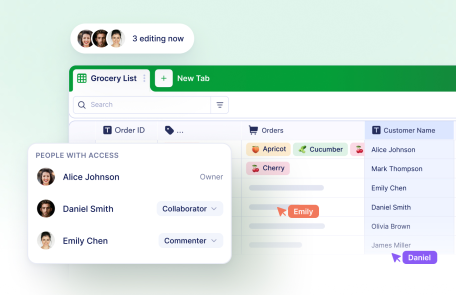
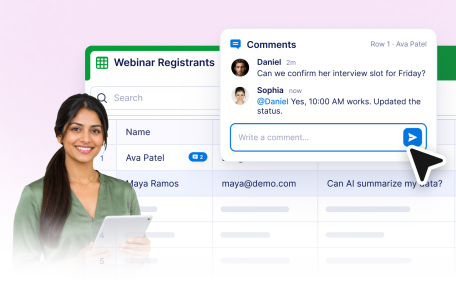
Collaborate with coworkers or clients by sharing your tables with custom access settings.
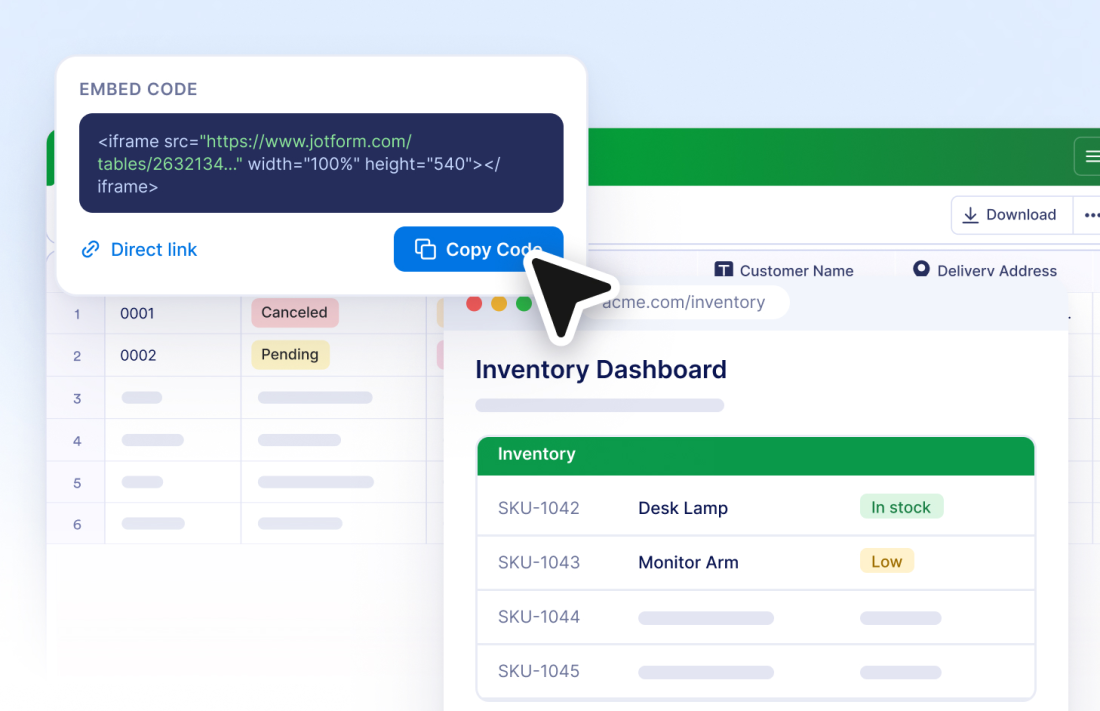
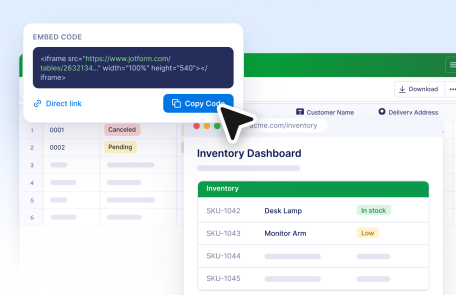
Display Jotform Tables on websites, blogs, or dashboards with a simple embed code. Share form submission data in a live, read-only view without requiring visitors to open another page.
Make important information accessible wherever your audience needs it. Embed public tables into your website and display updated submission data without manually publishing new files.
Turn your form submissions into accessible web content. Embed public tables into websites or internal dashboards to share information, display records, and keep data up to date.
Lorem ipsum dolor sit amet, consectetur adipiscing elit. Etiam quis nunc euismod, tempus orci vitae, convallis est. In posuere feugiat ipsum, id scelerisque purus interdum vitae.
Preview how your table will appear on your website and adjust its display height before publishing. Create a clean, accessible layout that fits naturally into your page design.
Bring submission data into articles, reports, and online publications. Use a dedicated embedding link for Medium or HTML embed code to make your public tables easier to discover.
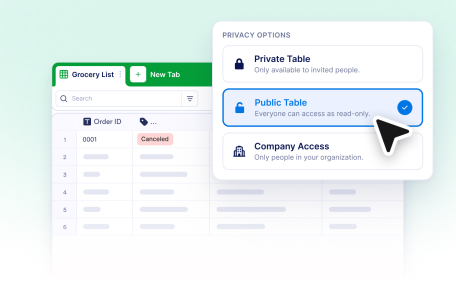
Open your table's Share panel and select the Embed tab. Set the table's privacy option to Public Table, copy the generated HTML embed code, and paste it into your website's HTML editor or embed block.
Yes. Embedded tables display live submission data, so new form responses can appear on your website without requiring you to manually export or republish the table.
No. The embed code is available only for tables set to Public Table. Public tables are viewable in read-only mode, so make sure the information is appropriate for public access before embedding it.