أداة مجانية للتحقق من العمر لموقع الويب الخاص بك
ضع نافذة منبثقة قابلة للتخصيص للتحقق من العمر قبل محتوى موقع الويب المقيد. تتيح لك أداة التحقق من العمر من Jotform تعيين الحد الأدنى للعمر، واختيار طريقة التأكيد، وتخصيص الرسائل، وتذكر الزوار الذين تمت الموافقة عليهم، وتضمين بوابة التحقق من العمر دون الحاجة إلى البرمجة.
ابدأ الآن — إنها خدمة مجانية!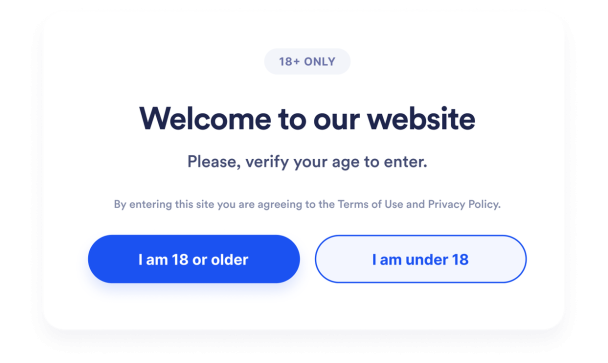

كيفية إنشاء عنصر واجهة التحقق من العمر
خصص بوابة التحقق من العمر
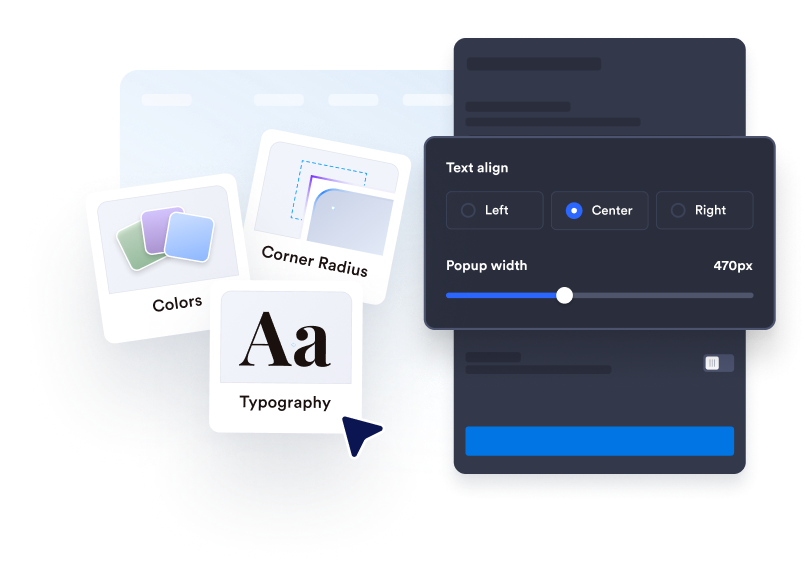
اكتب رسالة التحقق الخاصة بك، وعدّل نص الزر، وأضف أي معلومات قانونية داعمة. خصص الألوان والعرض والزوايا والوسائط الاختيارية لتتناسب مع موقع الويب الخاص بك.
حدد سلوك الزوار
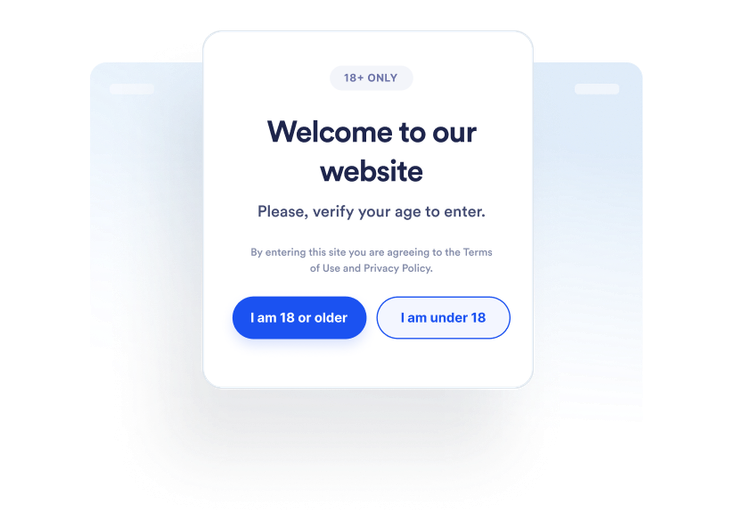
اختر كيفية تأكيد الزوار لأعمارهم وما يحدث عندما لا يستوفون المتطلب. يمكنك أيضًا تحديد ما إذا كان سيتم تذكر الزوار الذين تمت الموافقة عليهم ومدة تذكرهم.
تضمينه في أي مكان
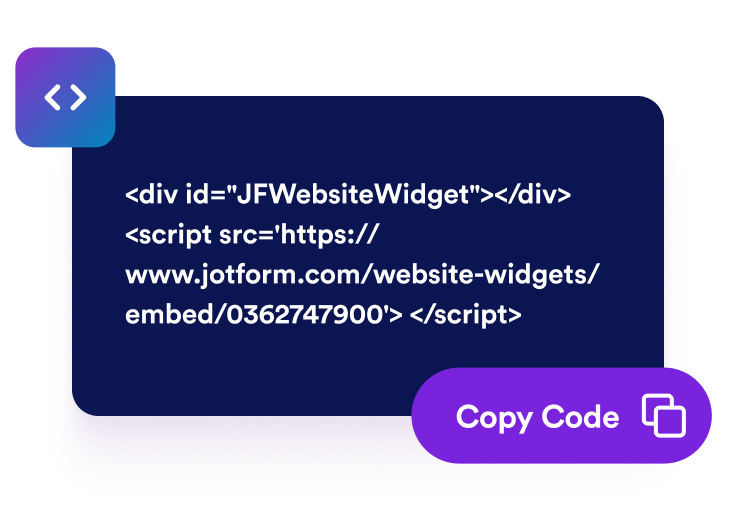
عاين الأداة وانشرها، وانسخ رمز التضمين الذي تم إنشاؤه، والصقه في كتلة HTML مخصصة أو كتلة تضمين في الصفحات التي تتطلب التحقق من العمر.
ضع عمليات التحقق من العمر قبل محتوى موقع الويب المقيد
اطلب من الزوار تأكيد أهليتهم
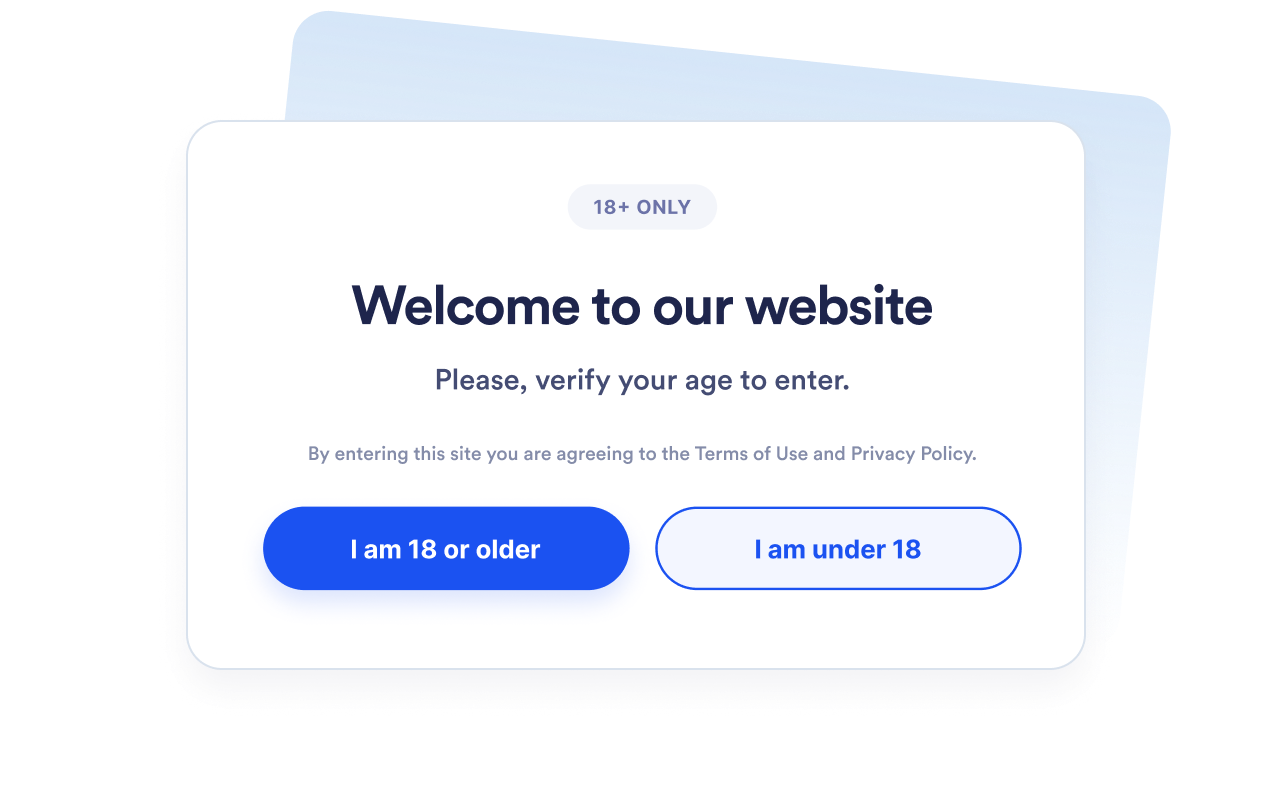
اعرض نافذة منبثقة للتحقق من العمر قبل أن يتابع الزوار إلى المنتجات أو الفعاليات أو المجتمعات أو الوسائط المقيدة. عيّن حدًا أدنى للعمر بين 5 و100 عامًا بناءً على المتطلب الذي تحتاج إلى توضيحه.
اختر طريقة التحقق المناسبة
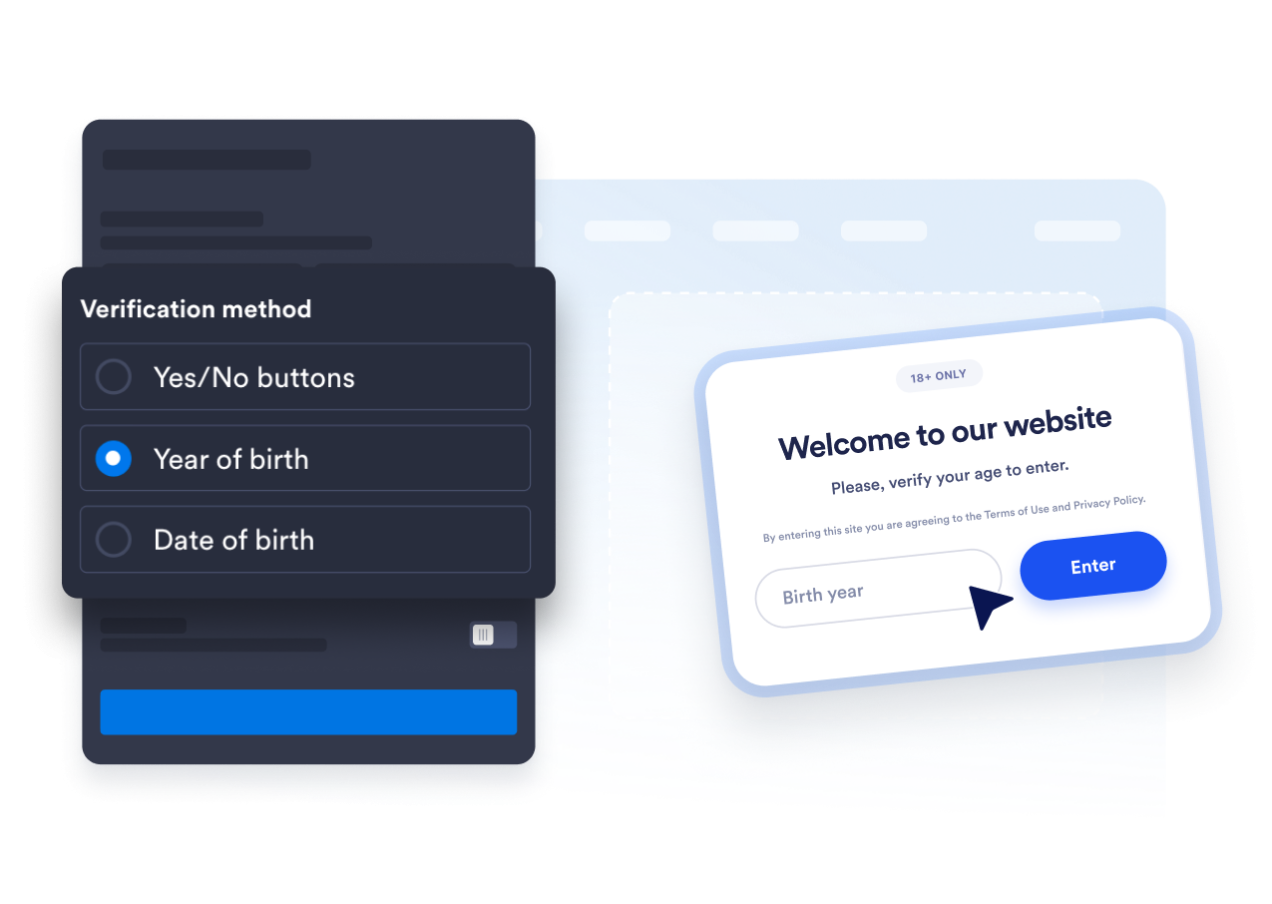
استخدم أزرار التأكيد بنعم أو لا، أو اطلب سنة الميلاد، أو اطلب من الزوار تاريخ ميلادهم الكامل. يتيح لك ذلك الاختيار بين تأكيد سريع ومسار أكثر تفصيلًا لحساب العمر.
اجعل النافذة المنبثقة متوافقة مع موقع الويب الخاص بك
عدّل العنوان، والتسمية التوضيحية، والأزرار، ورسالة عدم بلوغ السن المطلوبة، والملاحظة القانونية الداعمة. يمكنك أيضًا تخصيص الألوان، وعرض النافذة المنبثقة، ونصف قطر الزوايا، والوسائط الاختيارية بحيث تتناسب بوابة التحقق من العمر مع علامتك التجارية.

تجنب طلبات تأكيد العمر المتكررة
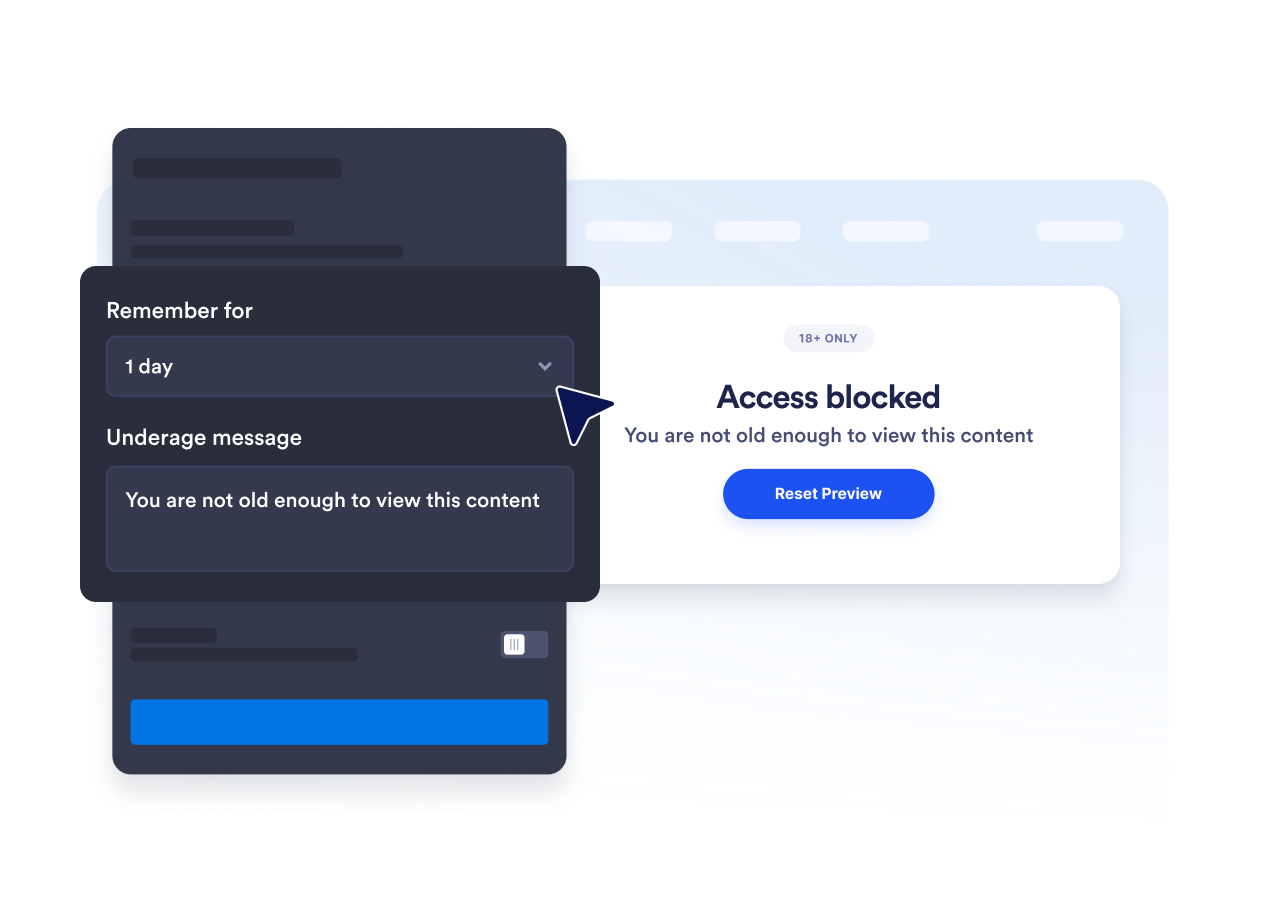
تذكر الزوار الذين تمت الموافقة عليهم للجلسة الحالية، أو ليوم واحد، أو سبعة أيام، أو شهر واحد، أو ستة أشهر، أو سنة واحدة. يقلل ذلك من طلبات التأكيد المتكررة عندما يعود الزوار المؤهلون خلال الفترة المحددة.
لماذا تتميز أدوات Jotform لمواقع الويب؟
تجعل أدوات Jotform موقع الويب الخاص بك أكثر تفاعلية وتساعد على زيادة معدلات التحويل. تتوفر العديد من الأدوات، بدءًا من تقييمات النجوم وأشرطة تمرير تقييمات العملاء، وصولًا إلى النوافذ المنبثقة التي تعرض تقييمات العملاء وتضمين الوسائط. أضف الأدوات إلى نماذجك أو صفحاتك المقصودة لجمع البيانات، وعرض آراء العملاء، وجمع العملاء المحتملين — دون الحاجة إلى كتابة أكواد.
أضف أدوات Jotform إلى موقعك الإلكتروني باستخدام كود تضمين بسيط. خصّص الأداة، واعرض معاينة لشكلها، ثم أدرجها في أي صفحة تدعم HTML المخصص أو حزم التضمين، وكل ذلك دون الحاجة إلى مطور.
استخدم أدوات مواقع الويب من Jotform لجمع بيانات العملاء المحتملين، وإظهار تقييمات العملاء، وعرض الآراء الاجتماعية، وتضمين ملفات الوسائط، أو إضافة أدوات مفيدة لصفحات ويب. تقوم كل أداة بمساعدة الزوار على التفاعل مع خدماتك مباشرةً من موقعك الإلكتروني.
إذا كنت بحاجة إلى مساعدة في إعداد أداتك أو تخصيصها أو تضمينها أو استكشاف المشكلات وإصلاحها، فإن فريق دعم العملاء في Jotform متاح على مدار الساعة طوال أيام الأسبوع. يمكنك المتابعة بثقة، مع العلم أن المساعدة متاحة عندما تحتاج إليها.
أين تستخدم أداة التحقق من العمر الخاصة بك
ضع الأداة قبل الصفحات التي ينبغي فيها للزوار تأكيد استيفائهم لمتطلب العمر قبل عرض المحتوى أو المتابعة.
متاجر الكحول والمشروبات لطلب تأكيد العمر قبل أن يتصفح الزوار المنتجات الخاضعة للتنظيم.
مواقع الويب الخاصة بالتبغ وأجهزة السجائر الإلكترونية لتطبيق فحص الأهلية قبل عرض محتوى المنتجات الخاضعة للقيود.
صفحات الفعاليات والحياة الليلية للتأكد من شروط السن قبل شراء التذاكر أو التسجيل.
مجتمعات العضوية لإغلاق المناطق المخصصة للبالغين أو المقيدة بالعمر قبل الدخول.
صفحات الوسائط والترفيه لطلب التأكيد قبل عرض المحتوى المخصص للبالغين.
صفحات الهبوط الترويجية لتوضيح شروط السن قبل أن يصل الزوار إلى العرض.
حوّل العملاء المحتملين إلى مبيعات حقيقية باستخدام منشئ النماذج من Jotform
حوّل التفاعل إلى نتائج فعلية مع Jotform. أنشئ نماذج قوية لجمع بيانات العملاء المحتملين، واستلام المدفوعات، وأتمتة الردود، كل ذلك في مكان واحد. تصل جميع البيانات المرسلة إلى صندوق الوارد في Jotform الخاص بك، حيث يمكنك المتابعة أو الربط مع تطبيقاتك المفضلة.
ابدأ - إنه مجاني!
أسئلة متكررة ومتداولة
ما هي أداة التحقق من العمر؟
تعرض أداة التحقق من العمر نافذة منبثقة تطلب من الزوار تأكيد استيفائهم لمتطلب الحد الأدنى للعمر قبل المتابعة. ويمكنها استخدام أزرار التأكيد، أو سنة الميلاد، أو تاريخ الميلاد الكامل.
هل أداة Jotform للتحقق من العمر مجانية؟
كيف أضيف التحقق من العمر إلى موقع الويب الخاص بي؟
هل أحتاج إلى كتابة أكواد؟
ما طرق التحقق من العمر المتاحة؟
هل يمكنني تغيير الحد الأدنى للعمر؟
ماذا يحدث عندما يكون الزائر دون السن المطلوبة؟
هل يمكن تذكر الزوار الذين تمت الموافقة عليهم؟
هل يمكنني التحكم في الصفحات التي تعرض النافذة المنبثقة؟
هل تتحقق الأداة من هوية الزائر؟
ما منصات مواقع الويب التي تدعم أداة التحقق من العمر؟
هل يمكنني الحصول على مساعدة في إعداد أداة التحقق من العمر؟