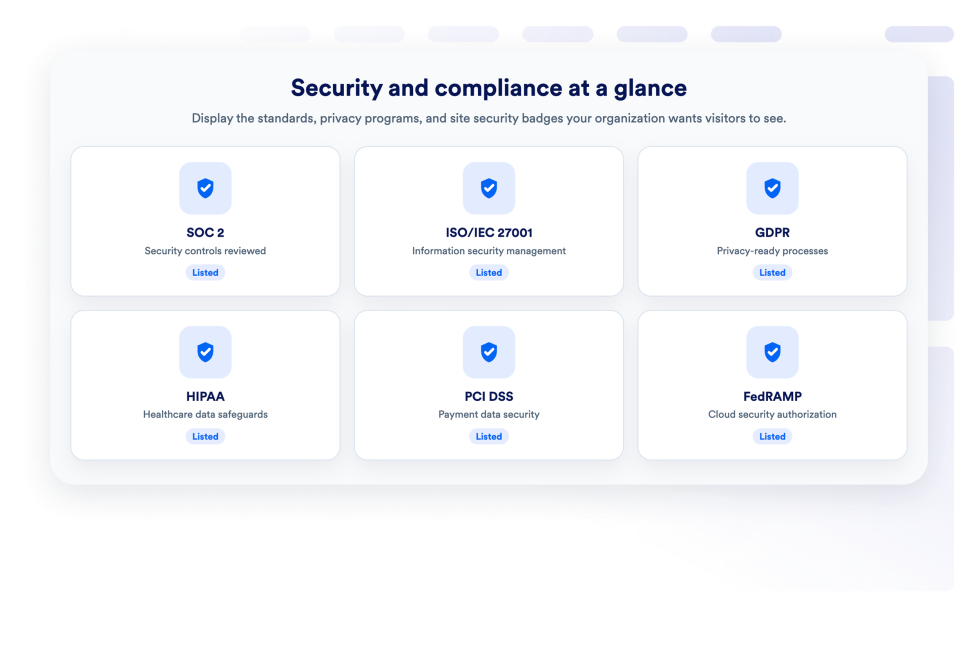
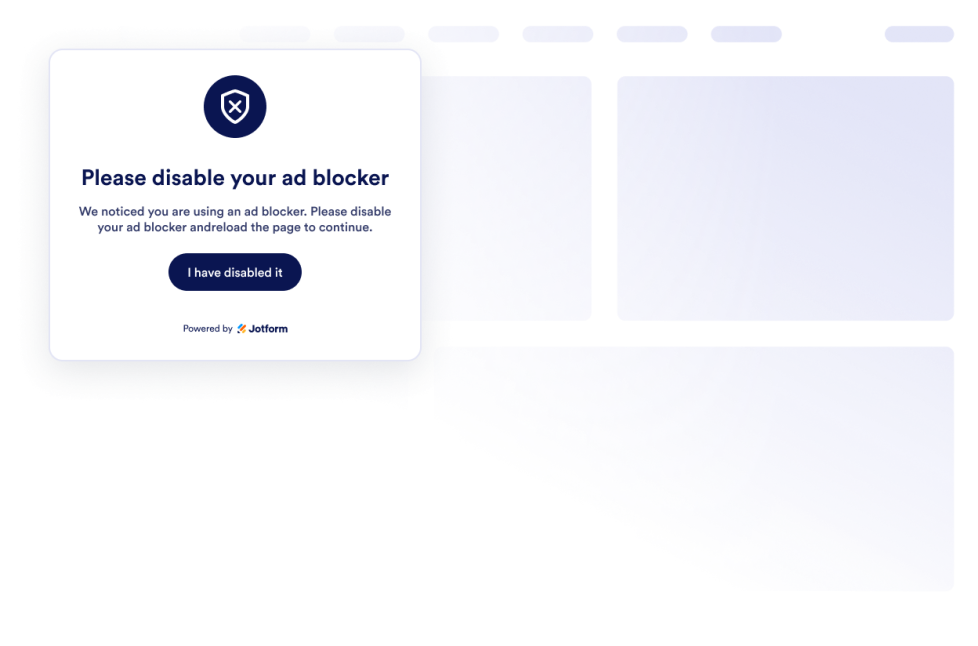
تساعد أدوات الأمان أصحاب المواقع الإلكترونية على إضافة عناصر تحكم للزوار وقيود على المحتوى وخيارات الموافقة ومعلومات متعلقة بالأمان إلى مواقعهم الإلكترونية دون الحاجة إلى كتابة أكواد مخصصة. ويمكن أن تساعد هذه الأدوات القابلة للتضمين في إدارة الوصول إلى محتوى محدد، وعرض خيارات ملفات تعريف الارتباط، والحد من إجراءات النسخ الشائعة، وعرض شارات الأمان.
باستخدام أدوات الأمان من Jotform، يمكنك إضافة التحقق من العمر، ولافتات الموافقة على ملفات تعريف الارتباط، وأدوات قفل المحتوى، وإشعارات حظر الإعلانات، وعناصر التحكم في النقر بزر الماوس الأيمن، وعروض شارات الأمان. ويمكن استخدامها على مواقع الشركات، والمتاجر الإلكترونية، والمدونات، وصفحات العضويات، ومكتبات الموارد، والمواقع الإعلامية، والصفحات المخصصة لفئات عمرية معينة.
توفر أدوات الأمان عناصر تحكم محددة داخل الصفحة. لكنها لا تحل محل إعدادات أمان الموقع الإلكتروني أو المراجعة القانونية أو التحقق من الهوية أو إدارة الحقوق الرقمية.
ما الذي يمكنك فعله باستخدام أدوات الأمان؟
يمكن أن تساعدك أدوات الأمان في:
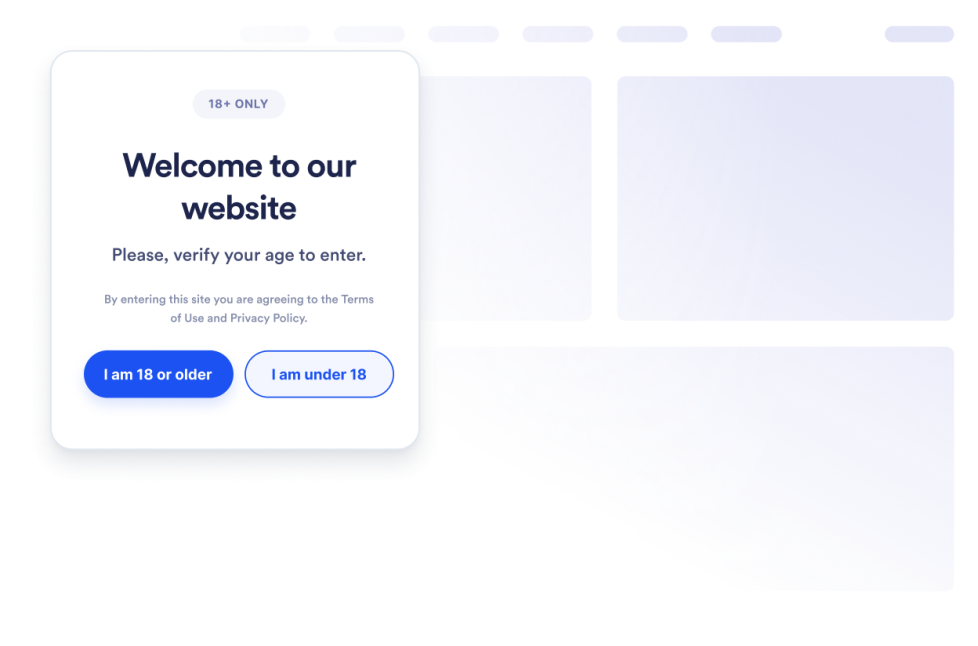
- قيّد الوصول إلى المحتوى المخصص لفئات عمرية معينة باستخدام أداة التحقق من العمر.
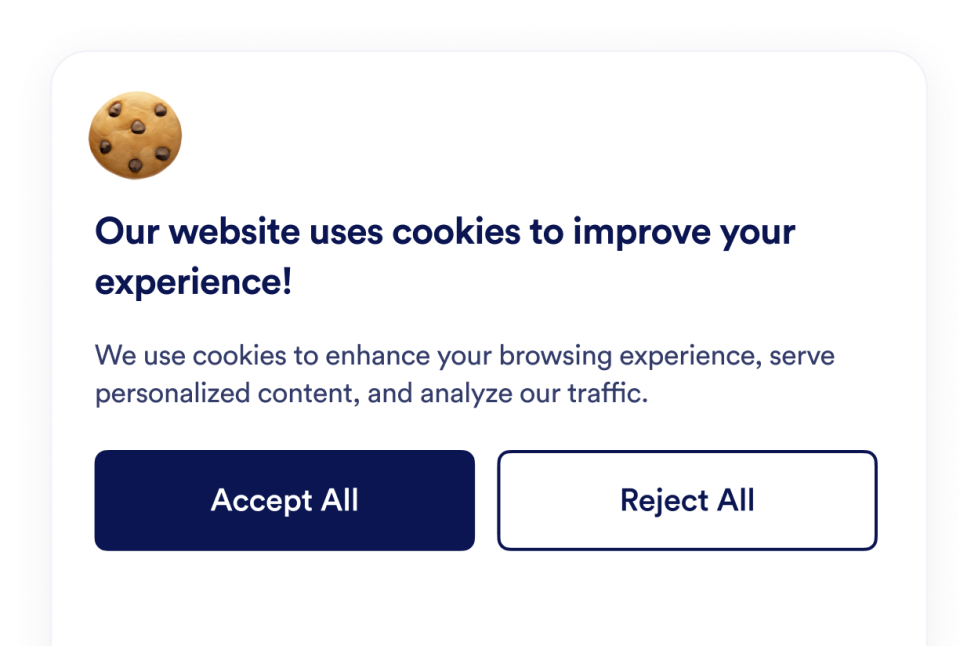
- اعرض لافتة موافقة على ملفات تعريف الارتباط قابلة للتخصيص.
- اجمع اختيارات الزوار بشأن ملفات تعريف الارتباط ونظّمها ضمن فئات التفضيلات.
- تحكّم في البرامج النصية المحددة بناءً على تفضيلات ملفات تعريف الارتباط.
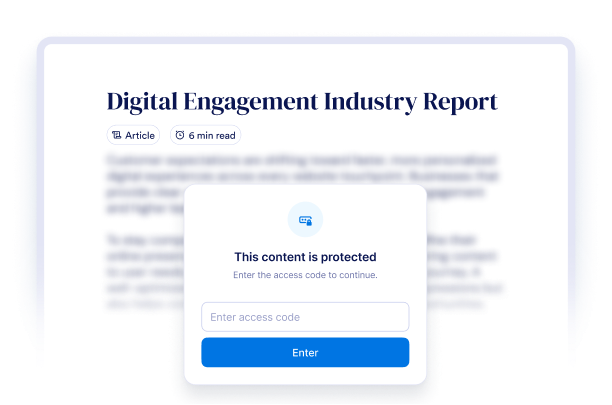
- اقفل صفحة كاملة أو قسمًا محددًا باستخدام أداة قفل المحتوى.
- اطلب من الزوار إدخال رمز وصول أو عنوان بريد إلكتروني أو تأكيد العمر أو إجابة قبل إظهار المحتوى.
- اكتشف سلوكيات حظر الإعلانات الشائعة واعرض إشعارًا قابلًا للتخصيص.
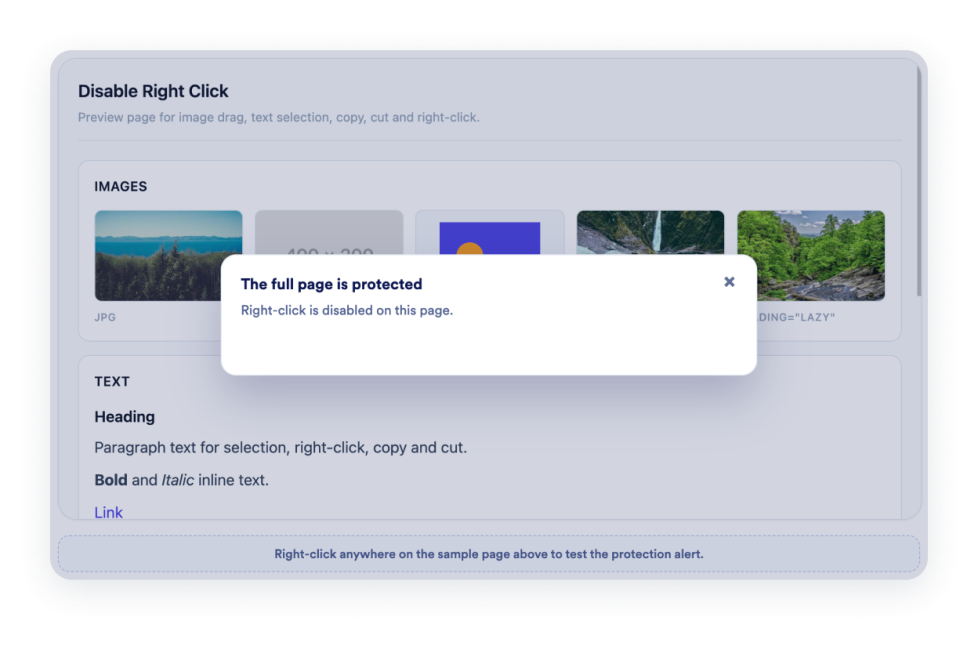
- عطّل النقر بزر الماوس الأيمن أو السحب أو تحديد النص أو إجراءات النسخ على محتوى محدد.
- اعرض شارات الأمان الجاهزة أو المخصصة مع الشعارات والروابط والأزرار.
حالات الاستخدام الشائعة لأدوات الأمان
يمكن استخدام أدوات الأمان عندما يحتاج الموقع الإلكتروني إلى التحقق من الزوار أو التحكم في المحتوى بشكل واضح. ويمكن للشركات التي تنشر مواد مخصصة لفئات عمرية معينة استخدام أداة التحقق من العمر لمطالبة الزوار بتأكيد أعمارهم قبل عرض الصفحة.
يمكن أن تعرض أداة الموافقة على ملفات تعريف الارتباط لافتة ملفات تعريف الارتباط، وتقدم فئات التفضيلات، وتجمع اختيارات الزوار، وتتحكم في البرامج النصية المحددة. وينبغي لأصحاب المواقع الإلكترونية إعداد الأداة وفقًا لممارساتهم الخاصة بشأن ملفات تعريف الارتباط والمتطلبات القانونية المعمول بها.
يمكن للناشرين والمعلمين ومواقع العضويات والشركات التي تقدم موارد قابلة للتنزيل استخدام أداة قفل المحتوى لتقييد الوصول إلى صفحة كاملة أو قسم محدد. ويمكن للزوار فتح المحتوى باستخدام رمز وصول أو عنوان بريد إلكتروني أو التحقق من العمر أو سؤال وإجابة مخصصين.
يمكن أن تكشف أداة التحقق من حظر الإعلانات عن سلوكيات حظر الإعلانات الشائعة، وتطلب من الزوار تعطيل أداة الحظر أو إعادة تحميل الصفحة أو المتابعة عندما يكون خيار الإغلاق متاحًا. ويمكن أن تساعد أداة تعطيل النقر بزر الماوس الأيمن في الحد من إجراءات النسخ والسحب والتحديد الشائعة للصور أو النصوص. كما يمكن أن تعرض أداة الأمان شارات الأمان ذات الصلة، بشرط أن يكون الموقع الإلكتروني مخولًا باستخدام الشعارات أو الادعاءات المعروضة.
أدوات سهلة الاستخدام للمواقع الإلكترونية تناسب جميع الفرق
تُعد أدوات الأمان القابلة للتضمين مفيدة لـ الشركات الصغيرة والناشرين والمتاجر الإلكترونية والمعلمين ومواقع العضويات ومنشئي المحتوى والمؤسسات غير الربحية وأصحاب المواقع الإلكترونية الذين يحتاجون إلى عناصر تحكم أساسية للزوار دون الاعتماد على مطور أو مصمم.
باستخدام Jotform، يمكن للمستخدمين اختيار أداة، وتخصيص رسائلها وعناصر التحكم والإعدادات والتصميم الخاص بها، ومعاينة النتيجة، ونسخ كود التضمين. وبعد ذلك، يمكنهم إضافة الأداة إلى محرر مواقع إلكترونية مدعوم أو قسم HTML دون الحاجة إلى كتابة أكواد مخصصة.
وهذا يجعل من السهل إضافة خيارات الموافقة وخطوات الوصول والإشعارات وعناصر التحكم في المحتوى من جانب الزوار، مع الحفاظ على تناسق الأداة مع تصميم الموقع الإلكتروني.
أدلة ذات صلة
لمعرفة المزيد حول إعداد الأدوات وإدارتها، يمكن للمستخدمين قراءة دليل Jotform لإدارة أدوات المواقع الإلكترونية. يوضح الدليل أنه يمكن للمستخدمين إنشاء أدوات جديدة، وتعديل الأدوات الحالية، ونسخ أكواد التضمين، والتحكم في ظهور الأدوات، وتنظيم أصول الأدوات من صفحة أدوات موقعي الإلكتروني .
ما أدوات الأمان؟
أدوات الأمان هي أدوات قابلة للتضمين في المواقع الإلكترونية، وتضيف عناصر تحكم للزوار أو تعرض معلومات متعلقة بالأمان. ويمكن أن تشمل بوابات التحقق من العمر، ولافتات الموافقة على ملفات تعريف الارتباط، وأدوات حظر المحتوى، وإشعارات حظر الإعلانات، وعناصر التحكم في النقر بزر الماوس الأيمن، وشارات الأمان.
هل تجعل أداة الموافقة على ملفات تعريف الارتباط موقعي الإلكتروني متوافقًا مع المتطلبات القانونية؟
يمكن أن تساعدك أداة الموافقة على ملفات تعريف الارتباط في عرض معلومات ملفات تعريف الارتباط، وجمع اختيارات الزوار، وتنظيم فئات التفضيلات، والتحكم في البرامج النصية المحددة. وتختلف متطلبات الامتثال حسب الموقع الجغرافي والموقع الإلكتروني، لذا يجب إعداد الأداة بما يتوافق مع ممارساتك المحددة بشأن ملفات تعريف الارتباط والقوانين المعمول بها.
هل يؤدي تعطيل النقر بزر الماوس الأيمن إلى منع نسخ المحتوى تمامًا؟
لا. يمكن أن تساعد أداة تعطيل النقر بزر الماوس الأيمن في الحد من إجراءات النقر بزر الماوس الأيمن والسحب والتحديد والنسخ الشائعة، لكنها لا تضمن منع النسخ تمامًا. فقد يظل بإمكان الزوار المصممين على ذلك الوصول إلى المحتوى أو إعادة إنتاجه باستخدام طرق أخرى.
هل تتطلب أدوات الأمان كتابة أكواد؟
لا. لست بحاجة إلى مطور أو مصمم. يمكنك تخصيص الأداة، ونسخ كود التضمين، وإضافته إلى موقعك الإلكتروني دون الحاجة إلى كتابة أكواد مخصصة. وتعتمد خطوات وضع الأداة بالتحديد على منصة موقعك الإلكتروني أو محرر الصفحات الذي تستخدمه.