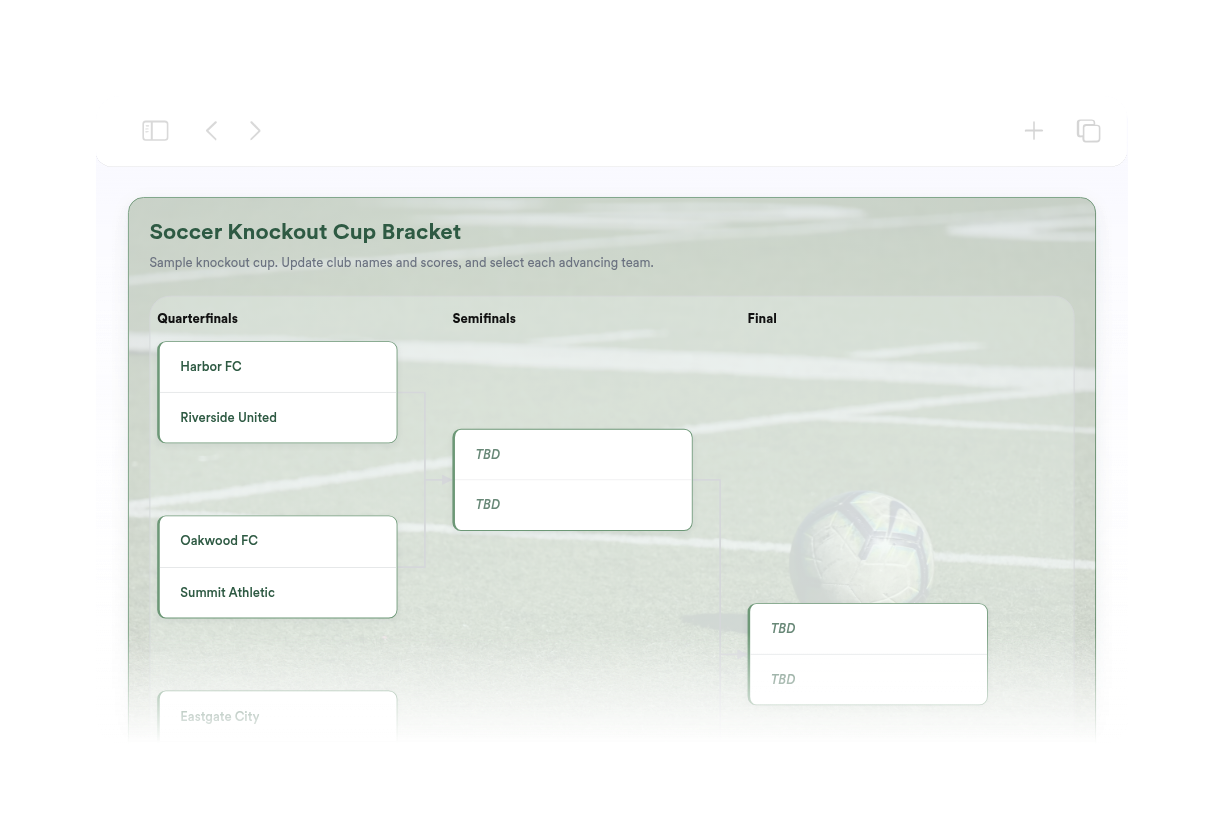
Soccer Bracket Maker
تعذّر علينا إنشاء عنصر واجهة المستخدم الخاص بك. يُرجى المحاولة مرة أخرى.
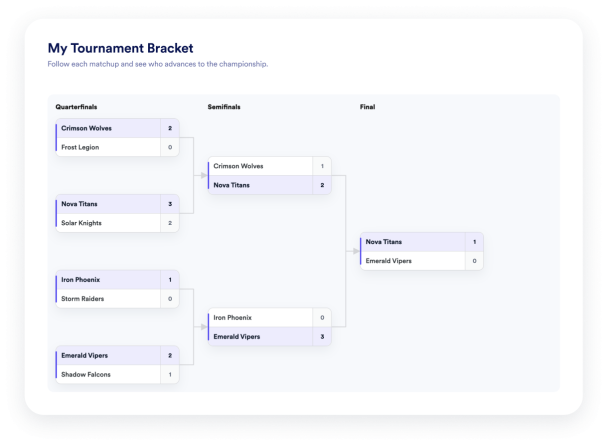

تعذّر علينا إنشاء عنصر واجهة المستخدم الخاص بك. يُرجى المحاولة مرة أخرى.
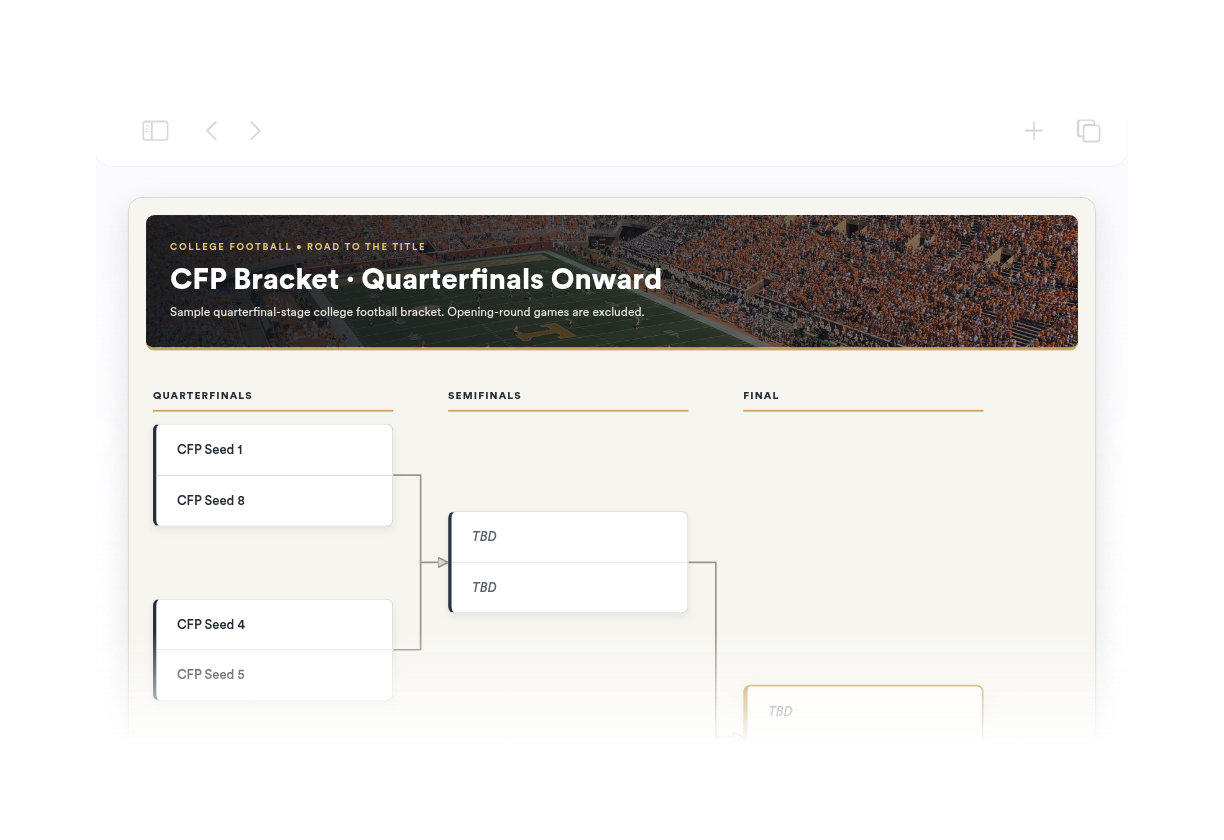
تعذّر علينا إنشاء عنصر واجهة المستخدم الخاص بك. يُرجى المحاولة مرة أخرى.
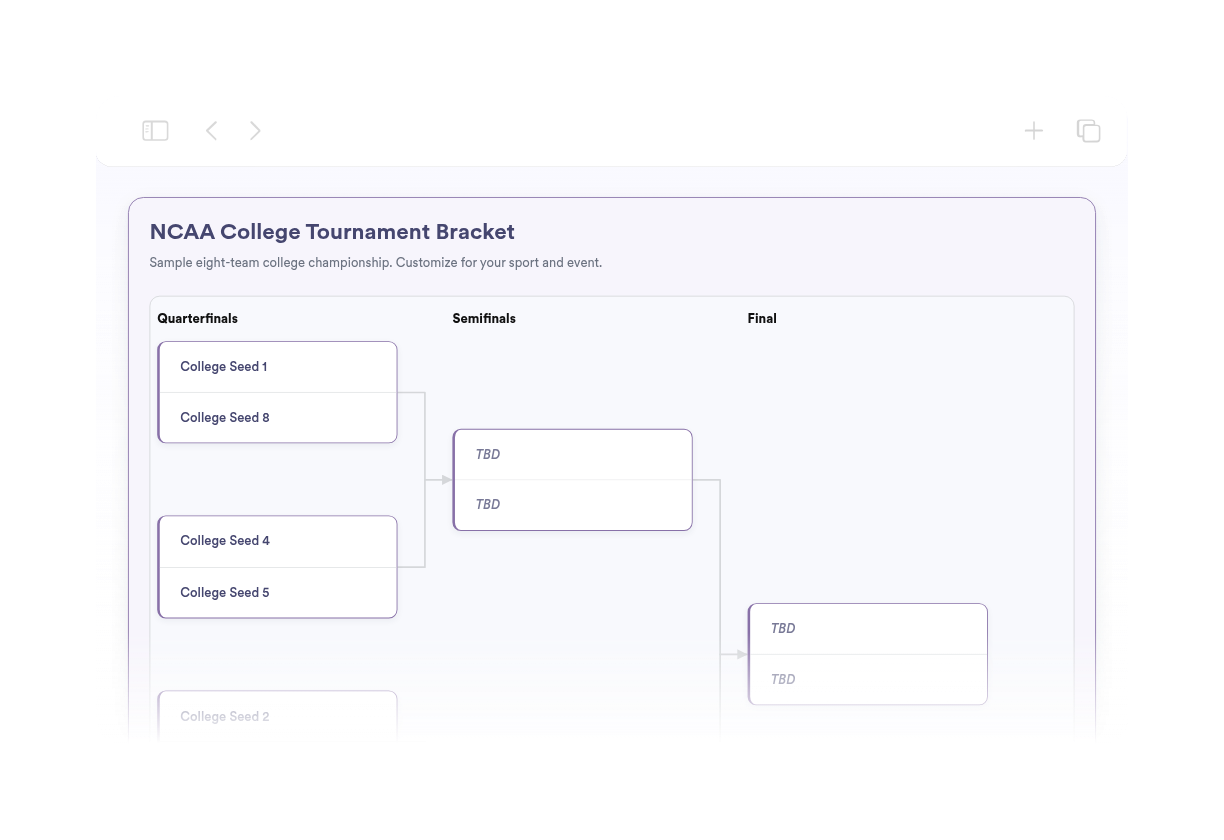
تعذّر علينا إنشاء عنصر واجهة المستخدم الخاص بك. يُرجى المحاولة مرة أخرى.
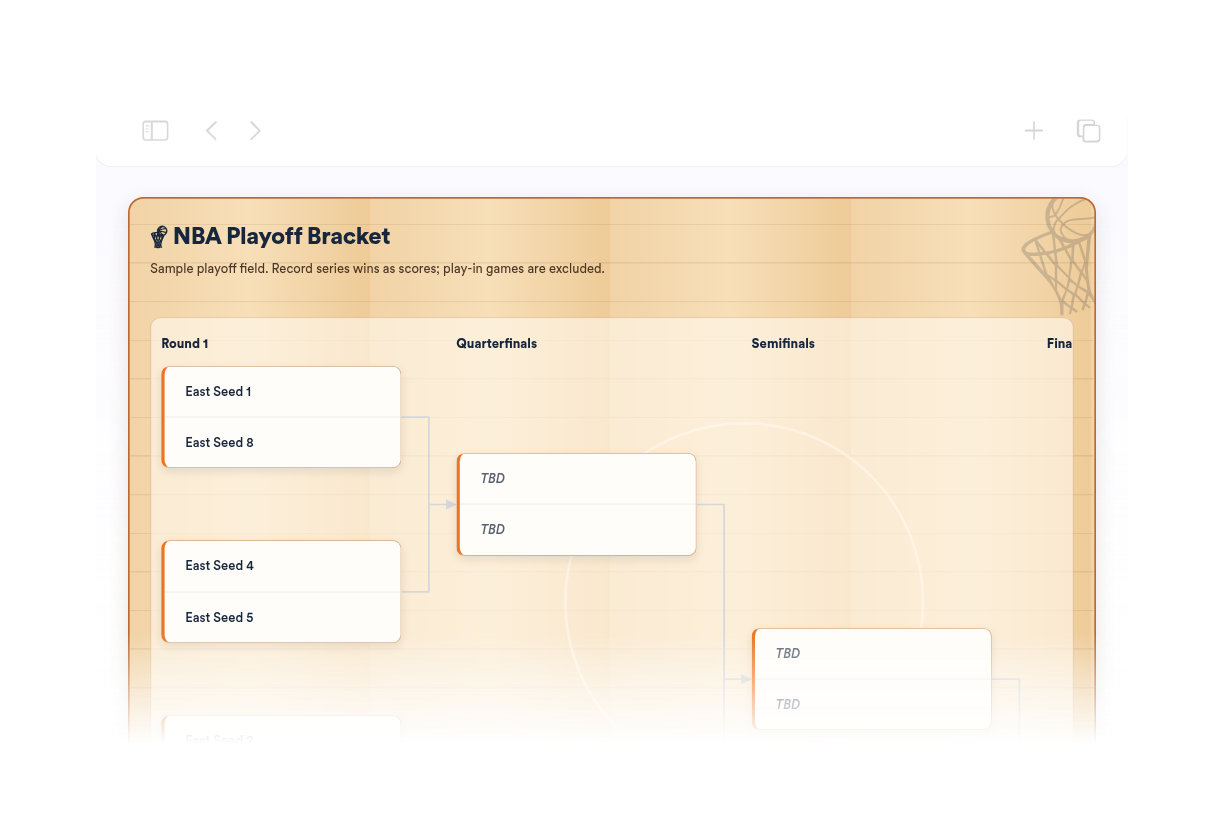
تعذّر علينا إنشاء عنصر واجهة المستخدم الخاص بك. يُرجى المحاولة مرة أخرى.
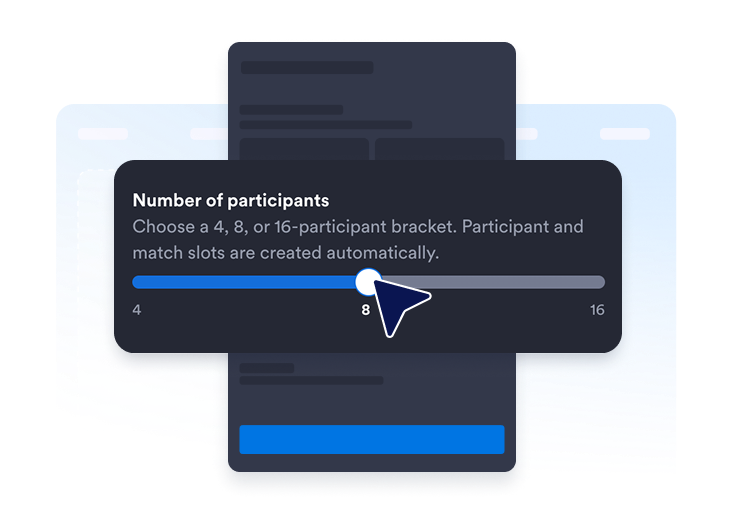
حدد جدولًا لـ 4 أو 8 أو 16 مشاركًا. يتم إنشاء خانات المشاركين والمواجهات المطلوبة لك.
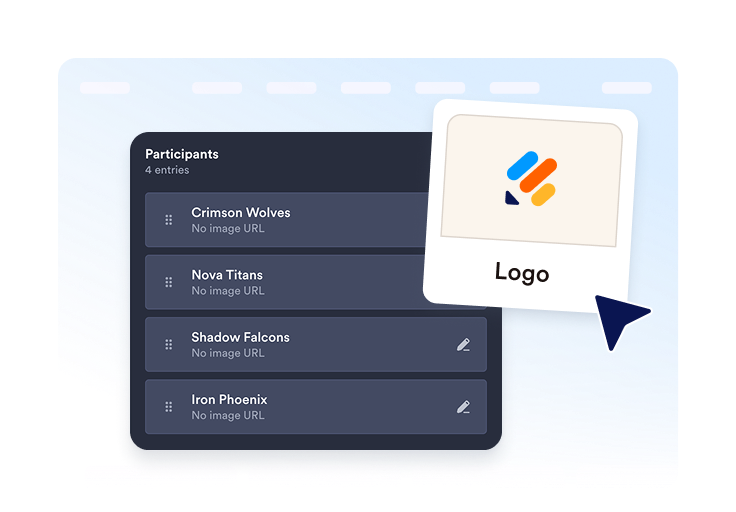
أضف الفرق أو اللاعبين، وأدرج الشعارات أو الصور الرمزية الاختيارية، ونظّم كل إدخال قبل النشر.
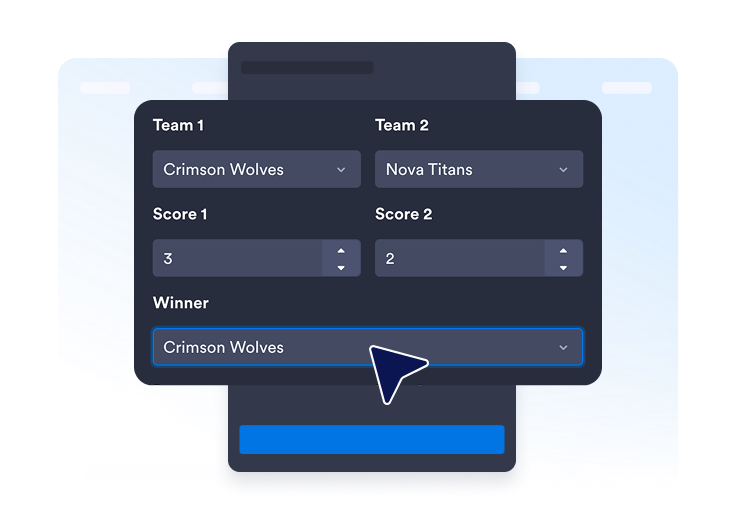
أدخل النتائج والفائزين والتواريخ أو المواقع عند الحاجة. انشر الأداة، وانسخ كود التضمين الخاص بها، وأضفه إلى موقعك.
اختر حجم الجدول الذي يناسب فعاليتك. يتم تجهيز خانات المشاركين والمواجهات تلقائيًا، لذلك لا تحتاج إلى رسم الجدول بنفسك.
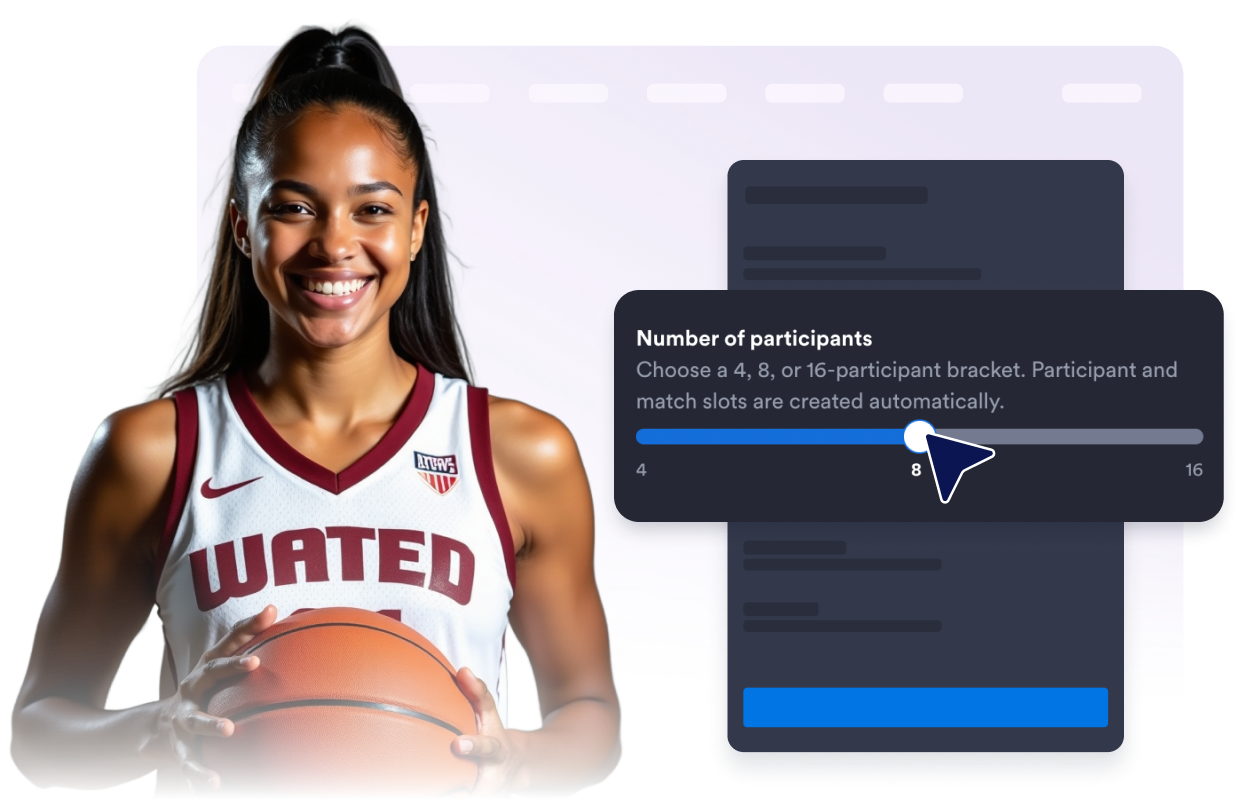
عدّل أسماء المشاركين، وعيّن التصنيفات، وأضف الشعارات أو الصور الرمزية الاختيارية، وكرّر الإدخالات، وحافظ على تنظيم كل متنافس.
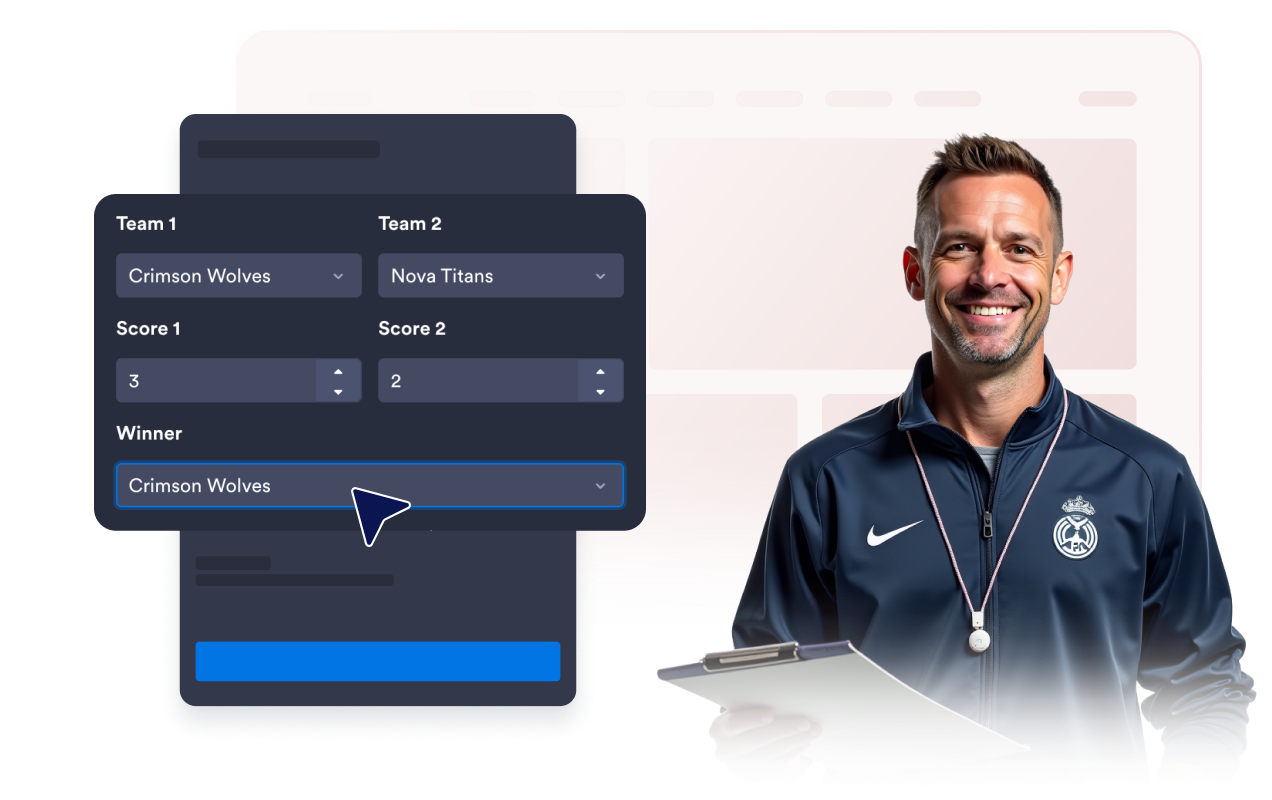
أدخل النتائج والفائزين للمواجهات المكتملة. أضف التواريخ أو المواقع الاختيارية عندما يحتاج الزوار إلى مزيد من السياق.
أظهر أو أخفِ عنوان الجدول والوصف وتسميات الجولات والنتائج والتواريخ والمواقع للحفاظ على تركيز العرض.
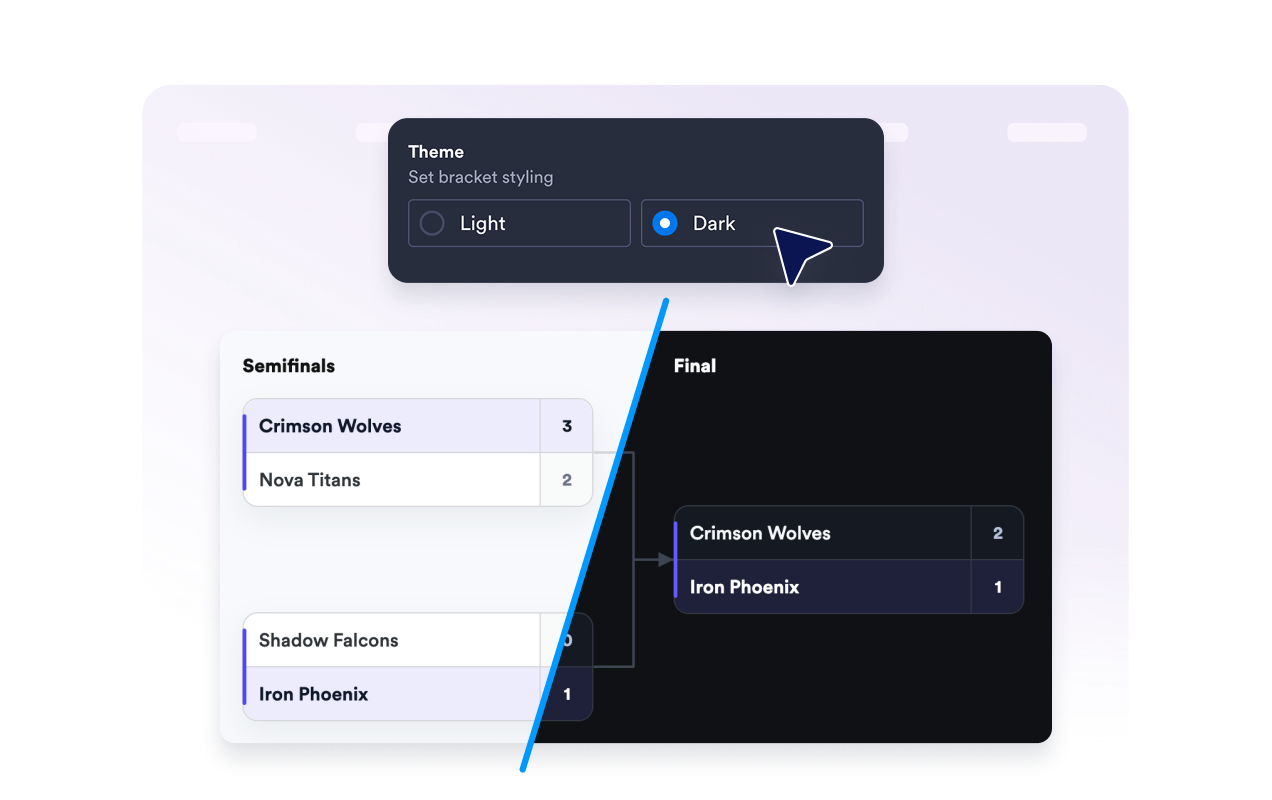
اختر سمة فاتحة أو داكنة، وحدد نمط زوايا بطاقات المباريات، وقرر ما إذا كان سيظهر شعار Jotform أسفل الأداة.
تجعل أدوات Jotform موقع الويب الخاص بك أكثر تفاعلية وتساعد على زيادة معدلات التحويل. تتوفر العديد من الأدوات، بدءًا من تقييمات النجوم وأشرطة تمرير تقييمات العملاء، وصولًا إلى النوافذ المنبثقة التي تعرض تقييمات العملاء وتضمين الوسائط. أضف الأدوات إلى نماذجك أو صفحاتك المقصودة لجمع البيانات، وعرض آراء العملاء، وجمع العملاء المحتملين — دون الحاجة إلى كتابة أكواد.
أضف أدوات Jotform إلى موقعك الإلكتروني باستخدام كود تضمين بسيط. خصّص الأداة، واعرض معاينة لشكلها، ثم أدرجها في أي صفحة تدعم HTML المخصص أو حزم التضمين، وكل ذلك دون الحاجة إلى مطور.
استخدم أدوات مواقع الويب من Jotform لجمع بيانات العملاء المحتملين، وإظهار تقييمات العملاء، وعرض الآراء الاجتماعية، وتضمين ملفات الوسائط، أو إضافة أدوات مفيدة لصفحات ويب. تقوم كل أداة بمساعدة الزوار على التفاعل مع خدماتك مباشرةً من موقعك الإلكتروني.
إذا كنت بحاجة إلى مساعدة في إعداد أداتك أو تخصيصها أو تضمينها أو استكشاف المشكلات وإصلاحها، فإن فريق دعم العملاء في Jotform متاح على مدار الساعة طوال أيام الأسبوع. يمكنك المتابعة بثقة، مع العلم أن المساعدة متاحة عندما تحتاج إليها.
أضف جدولًا أينما يحتاج الزوار إلى عرض واضح للمشاركين في البطولة والمواجهات والنتائج والتقدم.
مواقع الدوريات الرياضية للدوريات المدرسية، والبطولات المحلية، والأدوار الإقصائية، وفعاليات البطولات.
صفحات الألعاب والرياضات الإلكترونية للمنافسات عبر الإنترنت، ونوادي الألعاب، وفعاليات البث المباشر.
مواقع المدارس والفصول الدراسية للمناظرات، وبطولات المعلومات العامة، وتحديات القراءة، وأنشطة الأندية.
صفحات فعاليات الشركة للمنافسات المكتبية وأنشطة بناء الفريق والبطولات الداخلية
مواقع المجتمع والمنظمات غير الربحية للفعاليات الخيرية والمنافسات الترفيهية والدوريات المحلية.
صفحات المسابقات والترفيه للتحديات الفردية ونتائج البطولات.
حوّل التفاعل إلى نتائج فعلية مع Jotform. أنشئ نماذج قوية لجمع بيانات العملاء المحتملين، واستلام المدفوعات، وأتمتة الردود، كل ذلك في مكان واحد. تصل جميع البيانات المرسلة إلى صندوق الوارد في Jotform الخاص بك، حيث يمكنك المتابعة أو الربط مع تطبيقاتك المفضلة.
ابدأ - إنه مجاني!
إن أداة إنشاء الجداول هي عرض قابل للتضمين للبطولات، يُظهر المشاركين، والمواجهات، والجولات، والنتائج، والفائزين، ومسار الوصول إلى البطل على موقعك الإلكتروني.

