أداة موجز Facebook لموقعك الإلكتروني
أضف موجز Facebook إلى موقعك الإلكتروني حتى يتمكن الزوار من تصفح تحديثات الصفحة الحديثة دون مغادرة موقعك. استخدم أداة موجز Facebook لعرض المنشورات في تخطيطات متجاوبة، وتخصيص تفاصيل المنشورات، وضبط الأنماط، ونشر الموجز دون الحاجة إلى أكواد مخصصة.
ابدأ الآن — إنها خدمة مجانية!

كيفية إنشاء عنصر واجهة موجز Facebook
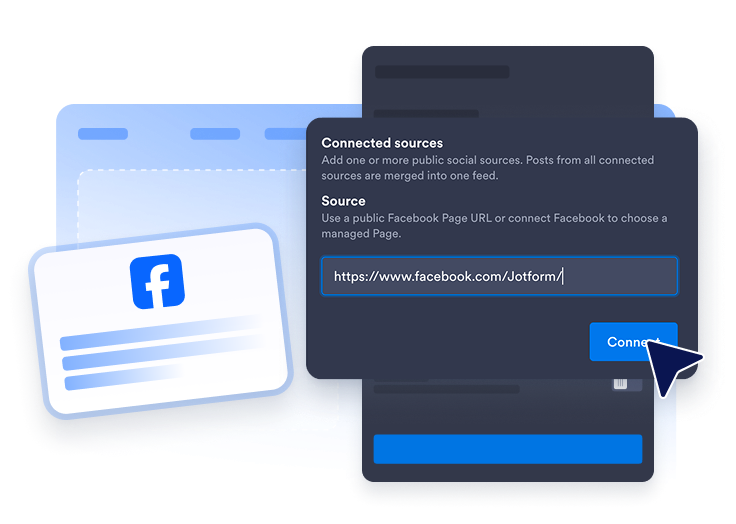
اربط مصدر Facebook
أضف مصدر صفحة Facebook العامة التي تريد عرضها في موجز موقعك الإلكتروني.
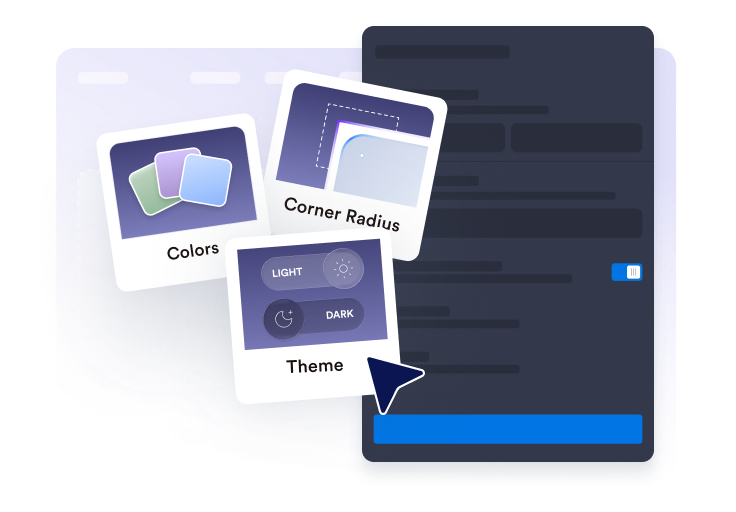
تخصيص موجز الأخبار
اختر التخطيط وتفاصيل المنشورات وسلوك النافذة المنبثقة والألوان وإعدادات الألوان المميزة الخاصة بـ Facebook.
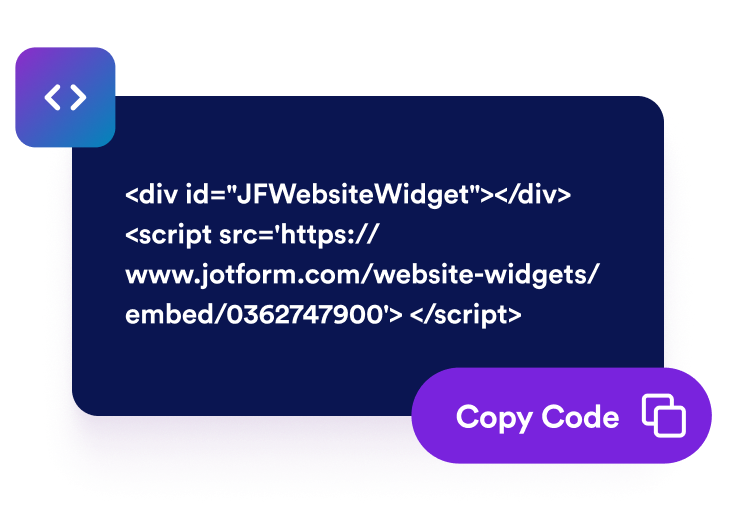
احصل على رمز التضمين
انسخ رمز التضمين الذي تم إنشاؤه وانشر أداة Facebook على موقعك الإلكتروني.
اعرض تحديثات Facebook على موقعك الإلكتروني
اربط منشورات صفحة Facebook
أضف مصدر Facebook عامًا واعرض تحديثات الصفحة في موجز مضمّن. تساعد أداة موجز Facebook الزوار على رؤية الإعلانات الحديثة والحملات والصور ومنشورات المجتمع من موقعك الإلكتروني بدلًا من إبعادهم عنه فورًا.
وفّق المنشورات مع تخطيطك
اختر تخطيطات الشبكة أو الفسيفساء أو القائمة أو الدوّار أو شريط التمرير لتتناسب مع تصميم صفحتك. استخدم موجز Facebook كقسم اجتماعي كامل، أو كتلة مضغوطة في الصفحة الرئيسية، أو منطقة محتوى متناوبة في صفحات الحملات.
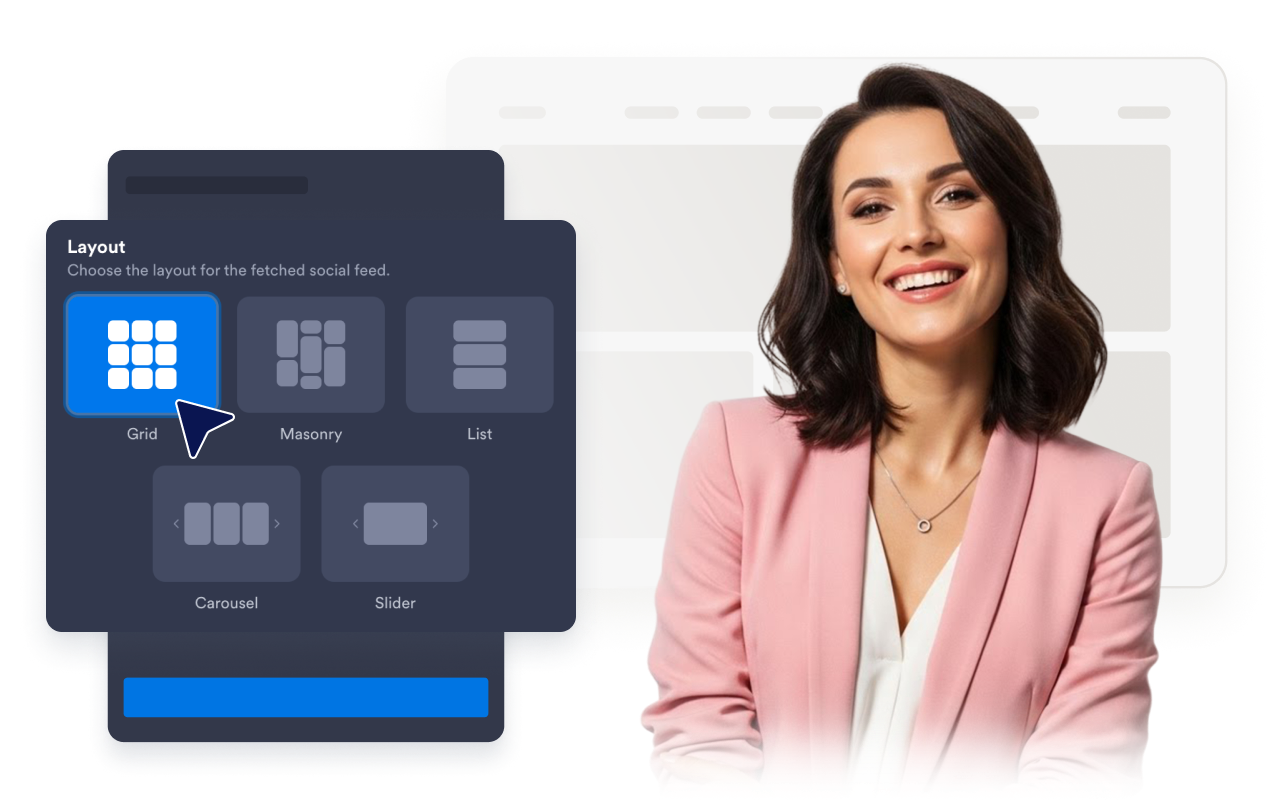
اختر عرض تفاصيل المنشور
تحكم في مقدار السياق الذي يتضمنه كل منشور على Facebook. اعرض أسماء المؤلفين والتواريخ والتعليقات التوضيحية وتسميات المصادر وعدد التفاعلات والروابط وتفاصيل النوافذ المنبثقة أو أخفِها، بحيث يبدو الموجز مفيدًا دون أن يطغى على الصفحة.

نسّق أداة Facebook
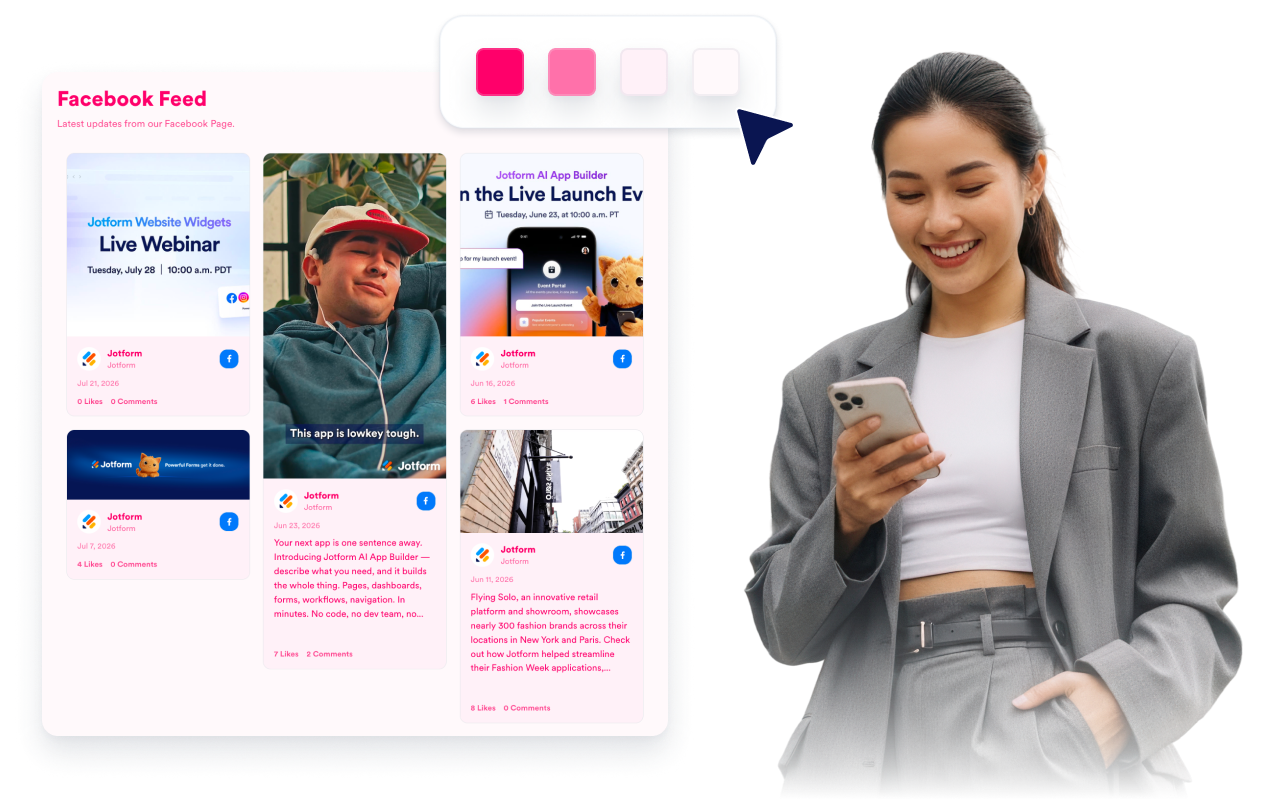
طابق أداة Facebook مع موقعك الإلكتروني مع الحفاظ على مظهر الموجز المميز. خصّص السمات وألوان المنصة وألوان البطاقات والأسهم وترقيم الصفحات وCSS مخصصًا لإنشاء عرض أكثر نظافة يحمل علامتك التجارية.
لماذا تتميز أدوات Jotform لمواقع الويب؟
تجعل أدوات Jotform موقع الويب الخاص بك أكثر تفاعلية وتساعد على زيادة معدلات التحويل. تتوفر العديد من الأدوات، بدءًا من تقييمات النجوم وأشرطة تمرير تقييمات العملاء، وصولًا إلى النوافذ المنبثقة التي تعرض تقييمات العملاء وتضمين الوسائط. أضف الأدوات إلى نماذجك أو صفحاتك المقصودة لجمع البيانات، وعرض آراء العملاء، وجمع العملاء المحتملين — دون الحاجة إلى كتابة أكواد.
أضف أدوات Jotform إلى موقعك الإلكتروني باستخدام كود تضمين بسيط. خصّص الأداة، واعرض معاينة لشكلها، ثم أدرجها في أي صفحة تدعم HTML المخصص أو حزم التضمين، وكل ذلك دون الحاجة إلى مطور.
استخدم أدوات مواقع الويب من Jotform لجمع بيانات العملاء المحتملين، وإظهار تقييمات العملاء، وعرض الآراء الاجتماعية، وتضمين ملفات الوسائط، أو إضافة أدوات مفيدة لصفحات ويب. تقوم كل أداة بمساعدة الزوار على التفاعل مع خدماتك مباشرةً من موقعك الإلكتروني.
إذا كنت بحاجة إلى مساعدة في إعداد أداتك أو تخصيصها أو تضمينها أو استكشاف المشكلات وإصلاحها، فإن فريق دعم العملاء في Jotform متاح على مدار الساعة طوال أيام الأسبوع. يمكنك المتابعة بثقة، مع العلم أن المساعدة متاحة عندما تحتاج إليها.
حوّل العملاء المحتملين إلى مبيعات حقيقية باستخدام منشئ النماذج من Jotform
حوّل التفاعل إلى نتائج فعلية مع Jotform. أنشئ نماذج قوية لجمع بيانات العملاء المحتملين، واستلام المدفوعات، وأتمتة الردود، كل ذلك في مكان واحد. تصل جميع البيانات المرسلة إلى صندوق الوارد في Jotform الخاص بك، حيث يمكنك المتابعة أو الربط مع تطبيقاتك المفضلة.
ابدأ - إنه مجاني!
أسئلة متكررة ومتداولة
ما هي أداة موجز Facebook؟
تعرض أداة موجز Facebook منشورات صفحة Facebook على موقعك الإلكتروني في موجز مضمّن ومتجاوب. تساعد الزوار على تصفح التحديثات والإعلانات والصور والحملات ومنشورات المجتمع دون مغادرة صفحتك مباشرة.
هل يمكنني تضمين موجز Facebook في موقعي الإلكتروني؟
ما نوع محتوى Facebook الذي يمكنني عرضه؟
هل يمكنني تخصيص تخطيط أداة موجز Facebook؟
هل يمكن للزوار فتح منشورات Facebook من الأداة؟
هل تعمل أداة Facebook على الأجهزة المحمولة؟
هل أحتاج إلى كتابة أكواد لإضافة موجز Facebook؟
ما منصات المواقع الإلكترونية التي تدعم أداة موجز Facebook؟
هل يمكنني الحصول على مساعدة في إعداد أداة موجز Facebook؟