أداة الأسئلة الشائعة لموقعك الإلكتروني
أَنشئ قسماً للأسئلة الشائعة ذات مرونه في البحث، ليساعد الزوار على العثور على الإجابات دون الحاجة لمغادرة الصفحة. تُتيح لك أداة الأسئلة الشائعة من Jotform تنظيم الأسئلة، وإضافة إجابات تدعم النصوص والوسائط، واختيار تخطيطات مرنة، وتخصيص التصميم بالكامل، بالإضافة إلى إمكانية تضمين الأداة في موقعك دون الحاجة لكتابة أي كود برمجي.
ابدأ الآن — إنها خدمة مجانية!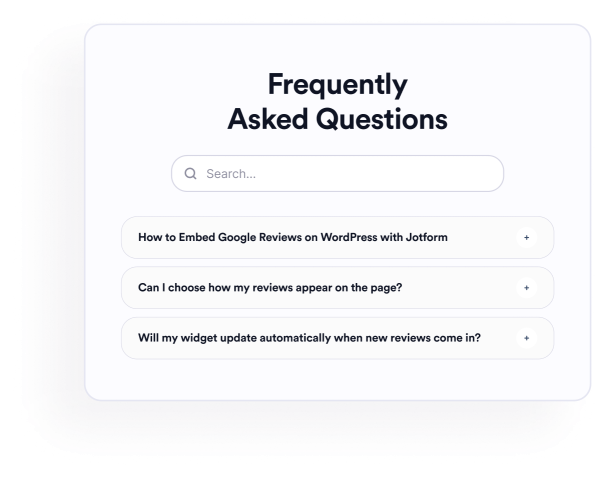

كيفية إنشاء عنصر واجهة أسئلة متكررة ومتداولة
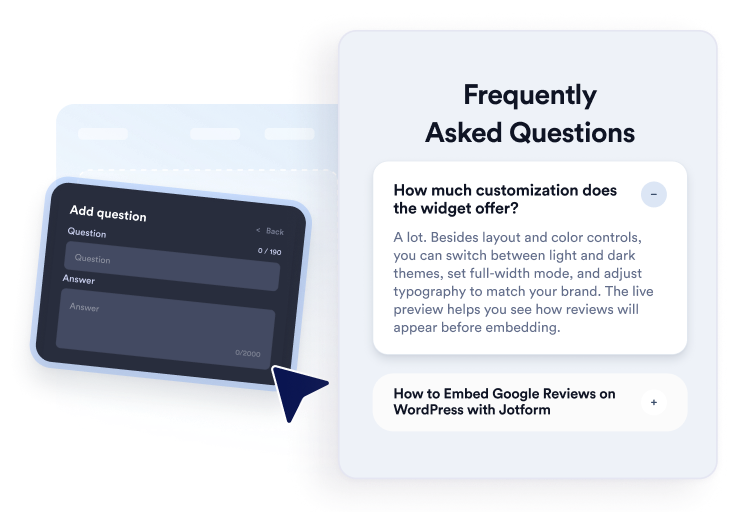
أضف أسئلتك
قم بكتابة الإجابات ونظّمها حول اقسام المنتجات أو الأسعار أو الدعم أو السياسات أو إعداد المستخدمين الجدد. أضف روابط أو صورًا عند الحاجة، ثم انسخ الأسئلة أو أعد ترتيبها أو احذفها من المحرر المرئي.
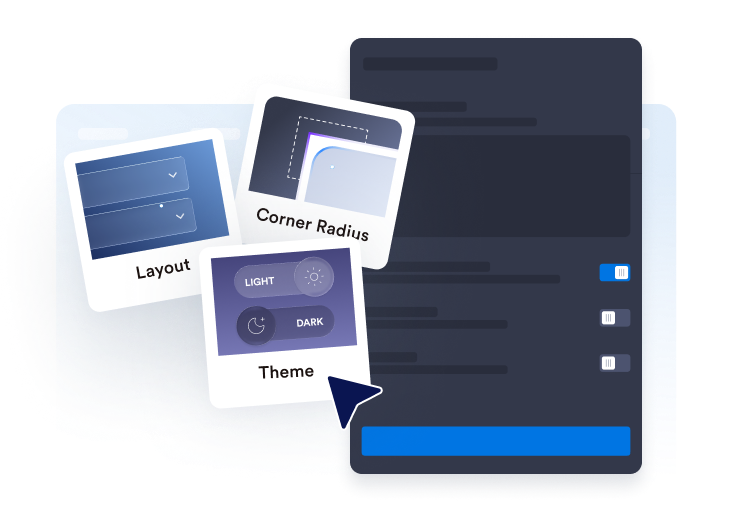
تخصيص التخطيط والتصميم
اختر قائمة قابلة للطي أو قائمة عادية أو تخطيطًا متعدد الأعمدة. واضبط شريط البحث والأيقونات وطريقة عرض الأسئلة والألوان والمسافات وغيرها من إعدادات التصميم بما يتناسب مع قسم الأسئلة الشائعة لديك.

قم بتضمينها في موقع الويب الخاص بك
يمكنك معاينة قسم الأسئلة الشائعة بعد اكتماله، ونسخ كود التضمين الذي تم إنشاؤه ولصقه في موضع HTML المخصص أو التضمين. انشر الصفحة واختبر الأسئلة وميزة البحث والروابط وملفات الوسائط.
أنشئ أسئلة وأجوبة مفيدة وقابلة للبحث بسهولة
تنظيم الأسئلة في محرر واحد
أضف الأسئلة، وكررها، وأعد ترتيبها، واحذفها دون إعادة بناء القسم يدويًا. استخدم إجابات النصوص المتقدمة لتنظيم تفاصيل المنتج، أو سياسات الفوترة، أو تعليمات الإعداد، أو معلومات الشحن، أو الموضوعات الأخرى التي يستفسر عنها الزوار عادةً.

توافق الأسئلة الشائعة مع تنسيقات مختلفة
اختر قائمة قابلة للطي لمجموعات الأسئلة المدمجة، أو قائمة للإجابات التي تريد إبقاءها ظاهرة، أو تخطيطًا متعدد الأعمدة لأقسام الأسئلة الشائعة الأكبر حجمًا. اختيار التخطيط المناسب يمكن أن يجعل المجموعات الكبيرة من الأسئلة أسهل في القراءة والتصفح السريع.
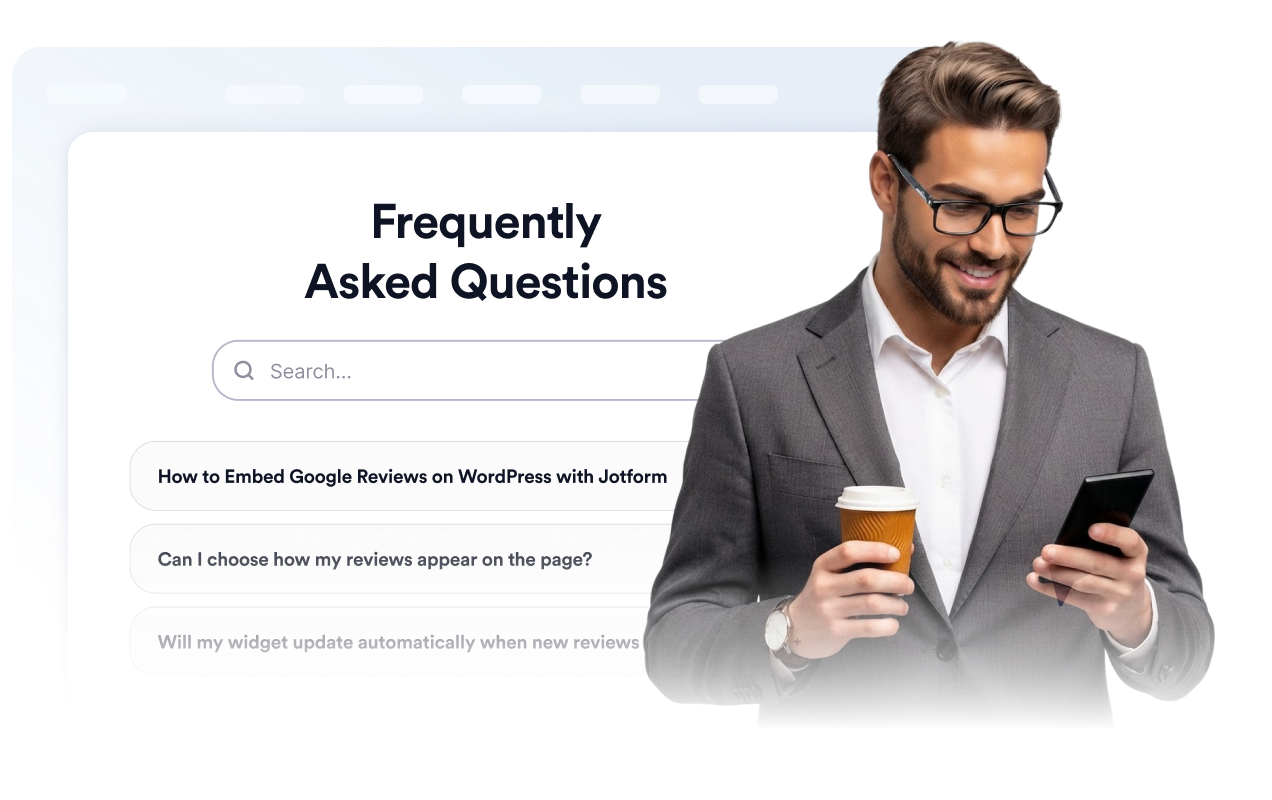
ساعد الزوار في البحث عن محتوى الأسئلة الشائعة
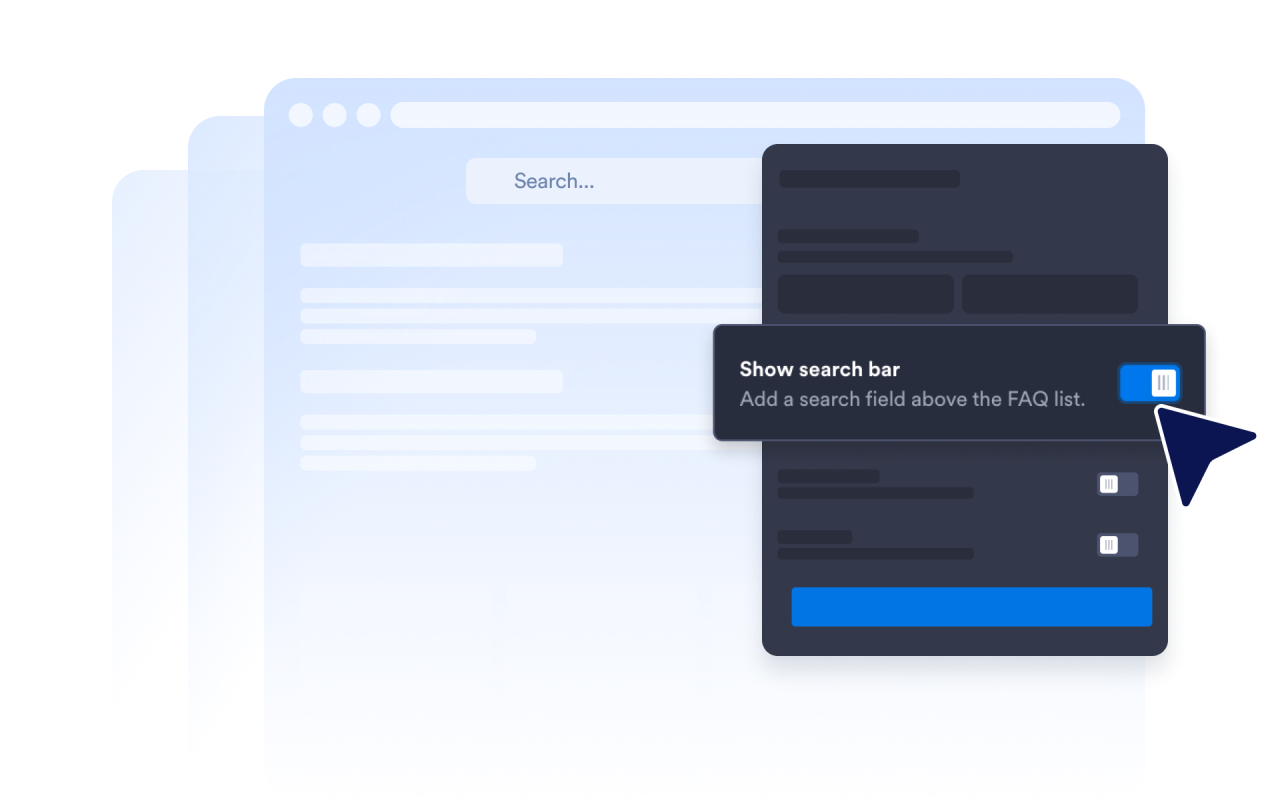
قم بتفعيل شريط البحث ليتمكن الزوار من تصفية الأسئلة والإجابات باستخدام الكلمات المفتاحية. يكون البحث مفيدًا بشكل خاص في صفحات الدعم وأقسام الأسئلة الشائعة التفصيلية، حيث تستغرق مراجعة كل سؤال يدويًا وقتًا أطول.
التحكم في طريقة توسيع الإجابات
اختر أيقونة القائمة القابلة للطي وموضعها، وحدد عدد الأسئلة التي تظهر في البداية، وقرر ما إذا كان يمكن إبقاء إجابة واحدة أو عدة إجابات مفتوحة. تتيح لك هذه الإعدادات تحديد الطريقة التي يستعرض بها الزوار أقسام الأسئلة الشائعة الطويلة.

لماذا تتميز أدوات Jotform لمواقع الويب؟
تجعل أدوات Jotform موقع الويب الخاص بك أكثر تفاعلية وتساعد على زيادة معدلات التحويل. تتوفر العديد من الأدوات، بدءًا من تقييمات النجوم وأشرطة تمرير تقييمات العملاء، وصولًا إلى النوافذ المنبثقة التي تعرض تقييمات العملاء وتضمين الوسائط. أضف الأدوات إلى نماذجك أو صفحاتك المقصودة لجمع البيانات، وعرض آراء العملاء، وجمع العملاء المحتملين — دون الحاجة إلى كتابة أكواد.
أضف أدوات Jotform إلى موقعك الإلكتروني باستخدام كود تضمين بسيط. خصّص الأداة، واعرض معاينة لشكلها، ثم أدرجها في أي صفحة تدعم HTML المخصص أو حزم التضمين، وكل ذلك دون الحاجة إلى مطور.
استخدم أدوات مواقع الويب من Jotform لجمع بيانات العملاء المحتملين، وإظهار تقييمات العملاء، وعرض الآراء الاجتماعية، وتضمين ملفات الوسائط، أو إضافة أدوات مفيدة لصفحات ويب. تقوم كل أداة بمساعدة الزوار على التفاعل مع خدماتك مباشرةً من موقعك الإلكتروني.
إذا كنت بحاجة إلى مساعدة في إعداد أداتك أو تخصيصها أو تضمينها أو استكشاف المشكلات وإصلاحها، فإن فريق دعم العملاء في Jotform متاح على مدار الساعة طوال أيام الأسبوع. يمكنك المتابعة بثقة، مع العلم أن المساعدة متاحة عندما تحتاج إليها.
أين يمكن استخدام أداة الأسئلة الشائعة؟
أضف الأداة إلى الصفحات التي يمكن أن تساعد فيها الإجابات الواضحة الزوار على فهم خياراتهم وتحديد ما يجب فعله بعد ذلك.
صفحات المنتجات للإجابة عن الأسئلة المتعلقة بالميزات، والمقاسات، والإعداد، والتوافق، والتوصيل.
صفحات التسعير لتوضيح الخطط، والفترات التجريبية، ودورات الفوترة، وعمليات الإلغاء، وترقية الحساب.
مراكز المساعدة لتنظيم أسئلة الدعم الشائعة في قسم قابل للبحث.
صفحات الحجز والفعاليات لتوضيح الجداول الزمنية، والمواقع، وعمليات استرداد الأموال، ومتطلبات الحضور.
صفحات الدورات التدريبية والعضوية للإجابة عن الأسئلة المتعلقة بالوصول، والمناهج الدراسية، والمدفوعات، والدعم.
صفحات الوصول لمعالجة المخاوف الشائعة قبل أن يقوم الزوار بالتسجيل، أو الحجز، أو إرسال النموذج.
حوّل العملاء المحتملين إلى مبيعات حقيقية باستخدام منشئ النماذج من Jotform
حوّل التفاعل إلى نتائج فعلية مع Jotform. أنشئ نماذج قوية لجمع بيانات العملاء المحتملين، واستلام المدفوعات، وأتمتة الردود، كل ذلك في مكان واحد. تصل جميع البيانات المرسلة إلى صندوق الوارد في Jotform الخاص بك، حيث يمكنك المتابعة أو الربط مع تطبيقاتك المفضلة.
ابدأ - إنه مجاني!
أسئلة متكررة ومتداولة
ما هي أداة الأسئلة الشائعة؟
أداة الأسئلة الشائعة هي قسم مخصص للأسئلة والأجوبة يمكن تضمينه داخل الموقع الإلكتروني. تُساعد هذه الأداة الزوار على استكشاف الأسئلة المتكررة من خلال واجهات تفاعلية قابلة للتقليص والتوسيع، أو على شكل قوائم، أو تقسيمات متعددة الأعمدة، وذلك دون الحاجة للانتقال إلى صفحة أخرى.
هل أداة الأسئلة الشائعة من Jotform مجانية؟
كيف أضيف قسم الأسئلة الشائعة إلى موقع الويب الخاص بي؟
هل أحتاج إلى كتابة أكواد؟
كم عدد الأسئلة التي يمكنني إضافتها؟
هل تتضمن أداة الأسئلة الشائعة ميزة البحث؟
ما هي تخطيطات الأسئلة الشائعة التي يمكنني استخدامها؟
هل يمكن بقاء عدة إجابات للأسئلة الشائعة مفتوحة في الوقت نفسه؟
هل يمكن أن تتضمن إجابات الأسئلة الشائعة روابط أو صورًا أو مقاطع فيديو؟
هل يمكنني تخصيص تصميم الأسئلة الشائعة؟
هل تعمل أداة الأسئلة الشائعة على الأجهزة المحمولة؟
ما هي منصات مواقع الويب التي تدعم أداة الأسئلة الشائعة؟
هل يمكنني الحصول على مساعدة في إعداد أداة الأسئلة الشائعة؟