
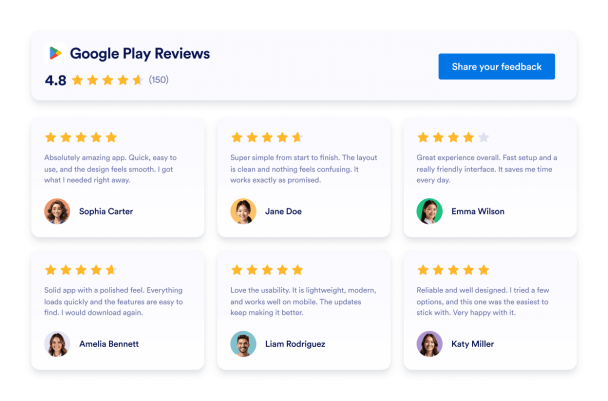
Google Play Reviews Rating Badge
تعذّر علينا إنشاء عنصر واجهة المستخدم الخاص بك. يُرجى المحاولة مرة أخرى.

تعذّر علينا إنشاء عنصر واجهة المستخدم الخاص بك. يُرجى المحاولة مرة أخرى.

تعذّر علينا إنشاء عنصر واجهة المستخدم الخاص بك. يُرجى المحاولة مرة أخرى.

تعذّر علينا إنشاء عنصر واجهة المستخدم الخاص بك. يُرجى المحاولة مرة أخرى.

تعذّر علينا إنشاء عنصر واجهة المستخدم الخاص بك. يُرجى المحاولة مرة أخرى.
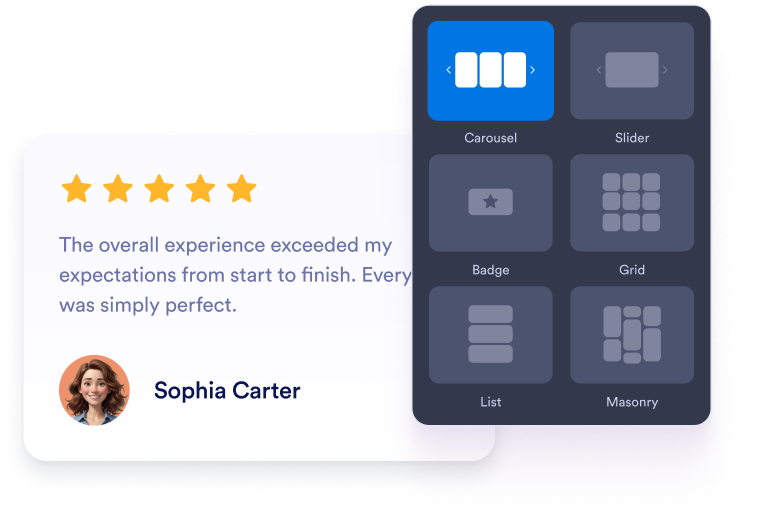
اختر تخطيط العرض الدائري، أو شريط التمرير، أو الشارة، أو الشبكة، أو القائمة. اضبط الألوان، والطباعة، والتباعد، والعرض لتتناسب مع موقع تطبيقك الإلكتروني.
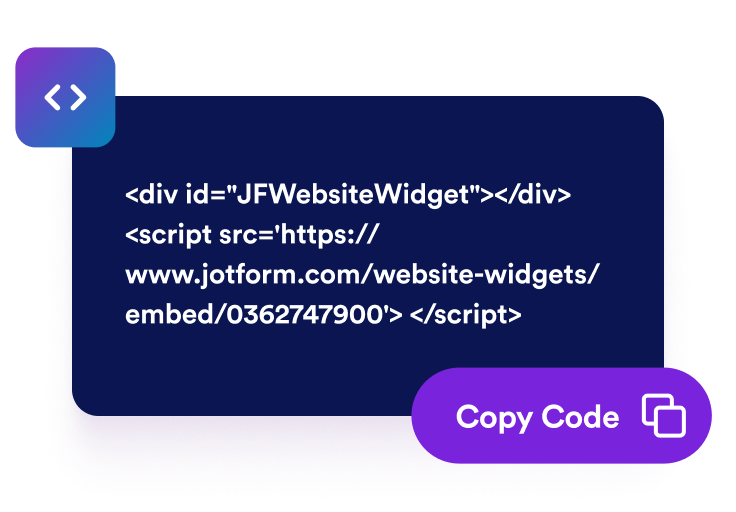
عاين مراجعات Google Play الخاصة بك وانتقل إلى خطوة النشر. يقوم Jotform تلقائيًا بإنشاء رمز التضمين، لذلك لا تحتاج إلى إنشائه أو تعديله يدويًا.

الصق الرمز الذي تم إنشاؤه في HTML مخصص أو كتلة تضمين. انشر الصفحة وتحقق من كيفية ظهور المراجعات على شاشات أجهزة الكمبيوتر المكتبية والمحمولة.
اعرض التقييمات والتعليقات من مستخدمي Google Play بجانب وصف تطبيقك. تمنح التعليقات المباشرة المستخدمين المحتملين سياقًا قيّمًا حول ميزات التطبيق، وسهولة استخدامه، وموثوقيته، وتجربة الاستخدام الشاملة قبل أن يفكروا في تثبيته.
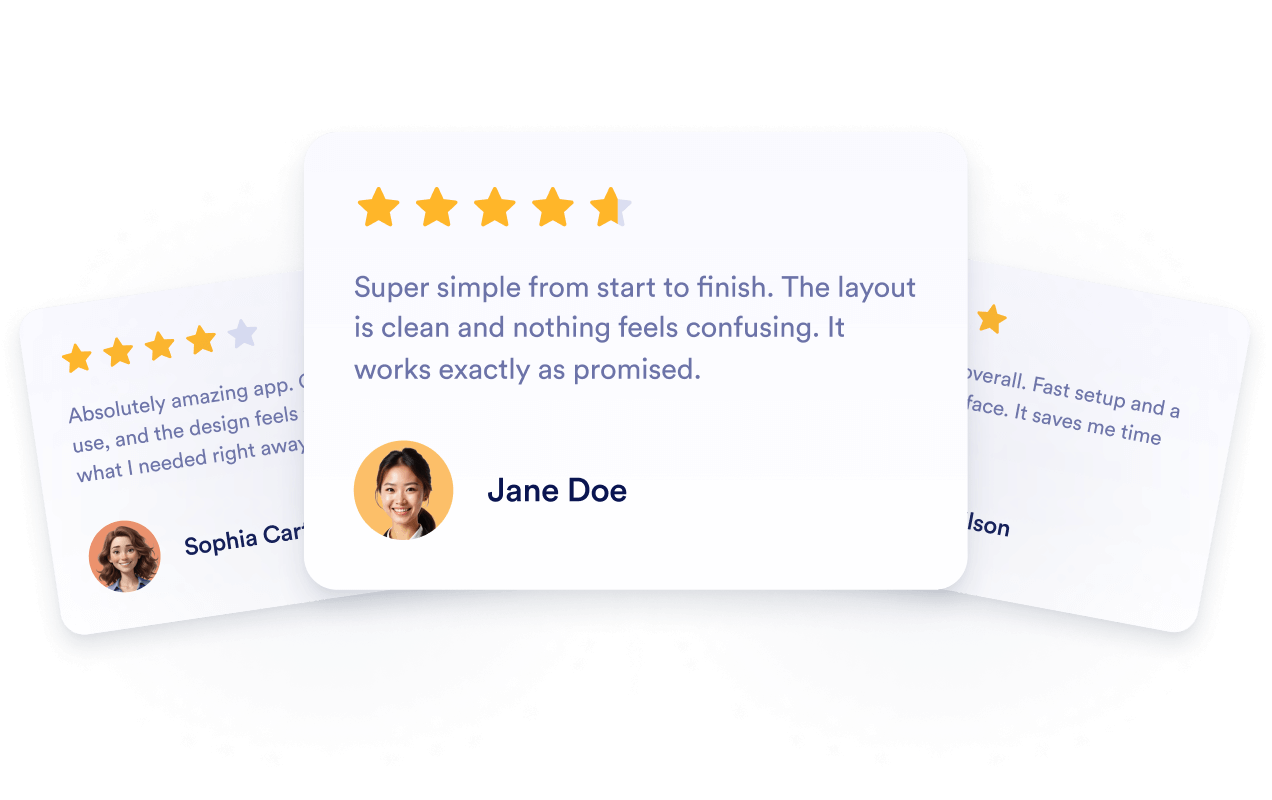
اربط الأداة بقائمة Google Play العامة الخاصة بك حتى تظهر التقييمات والمراجعات المتاحة حديثًا تلقائيًا. يمكنك الاستمرار في عرض تعليقات المستخدمين الحديثة دون إعادة إنشاء القسم يدويًا أو استبدال رمز التضمين الخاص به.
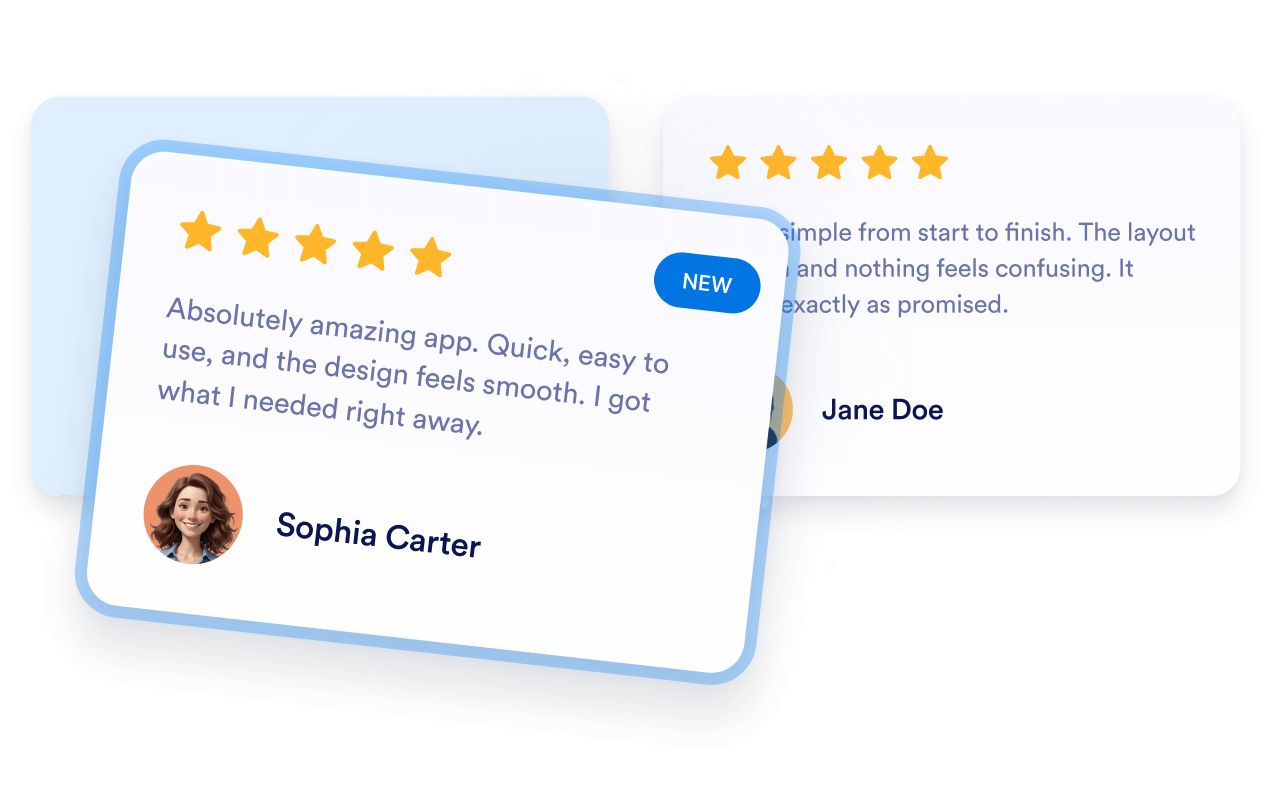
أضف تعليقات Google Play ذات الصلة إلى الصفحات المقصودة للتطبيق حيث يبحث الزوار عن معلومات حول منتجك. توفر المراجعات سياقًا مفيدًا للمستخدمين المحتملين، على الرغم من أن تضمينها لا يضمن الفهرسة أو ارتفاع ترتيب البحث.

ضع تعليقات المستخدمين الإيجابية بالقرب من أزرار التنزيل، أو أوصاف الميزات، أو العروض التوضيحية، أو خيارات التسجيل. يمكن للمراجعات ذات الصلة معالجة المخاوف الشائعة ومساعدة الزوار على اتخاذ قرار بشأن تثبيت التطبيق أو استكشافه بشكل أكبر.

تجعل أدوات Jotform موقع الويب الخاص بك أكثر تفاعلية وتساعد على زيادة معدلات التحويل. تتوفر العديد من الأدوات، بدءًا من تقييمات النجوم وأشرطة تمرير تقييمات العملاء، وصولًا إلى النوافذ المنبثقة التي تعرض تقييمات العملاء وتضمين الوسائط. أضف الأدوات إلى نماذجك أو صفحاتك المقصودة لجمع البيانات، وعرض آراء العملاء، وجمع العملاء المحتملين — دون الحاجة إلى كتابة أكواد.
أضف أدوات Jotform إلى موقعك الإلكتروني باستخدام كود تضمين بسيط. خصّص الأداة، واعرض معاينة لشكلها، ثم أدرجها في أي صفحة تدعم HTML المخصص أو حزم التضمين، وكل ذلك دون الحاجة إلى مطور.
استخدم أدوات مواقع الويب من Jotform لجمع بيانات العملاء المحتملين، وإظهار تقييمات العملاء، وعرض الآراء الاجتماعية، وتضمين ملفات الوسائط، أو إضافة أدوات مفيدة لصفحات ويب. تقوم كل أداة بمساعدة الزوار على التفاعل مع خدماتك مباشرةً من موقعك الإلكتروني.
إذا كنت بحاجة إلى مساعدة في إعداد أداتك أو تخصيصها أو تضمينها أو استكشاف المشكلات وإصلاحها، فإن فريق دعم العملاء في Jotform متاح على مدار الساعة طوال أيام الأسبوع. يمكنك المتابعة بثقة، مع العلم أن المساعدة متاحة عندما تحتاج إليها.
أضف المراجعات إلى الصفحات التي يقارن فيها الزوار الميزات، أو يقيّمون تجارب المستخدمين، أو يقررون ما إذا كانوا سيثبتون تطبيقك.
صفحات تنزيل التطبيقات لعرض تعليقات المستخدمين بجوار لقطات الشاشة وأزرار التثبيت.
أقسام الصفحة الرئيسية لعرض التقييمات والتعليقات جنبًا إلى جنب مع الرسالة الرئيسية لتطبيقك.
صفحات مميزة لتعزيز معلومات المنتج من خلال التجارب التي يشاركها المستخدمون الحاليون.
صفحات الأسعار لتقديم معلومات إضافية قبل أن يختار الزوار إحدى الباقات.
صفحات الإصدارات لعرض التعليقات الأخيرة إلى جانب معلومات الإصدار والتحديث.
صفحات الدعم لطمأنة المستخدمين المحتملين الذين يبحثون عن معلومات حول الإعداد أو سهولة الاستخدام أو الموثوقية.
حوّل التفاعل إلى نتائج فعلية مع Jotform. أنشئ نماذج قوية لجمع بيانات العملاء المحتملين، واستلام المدفوعات، وأتمتة الردود، كل ذلك في مكان واحد. تصل جميع البيانات المرسلة إلى صندوق الوارد في Jotform الخاص بك، حيث يمكنك المتابعة أو الربط مع تطبيقاتك المفضلة.
ابدأ - إنه مجاني!
تعرض أداة Google Play Reviews التقييمات وتعليقات المستخدمين العامة من قائمة تطبيق على Google Play في موقعك الإلكتروني. ويمكن للزوار تقييم تجارب استخدام التطبيق دون مغادرة صفحة منتجك أو صفحة التنزيل.