أداة مشغل راديو مجانية لموقعك الإلكتروني
ضمّن بث محطات الراديو المباشر في موقعك. أضف أسماء المحطات والأنواع والشعارات، واسمح للمستمعين بالتبديل بين المحطات، وخصّص التشغيل والتصميم والألوان والخلفية دون الحاجة إلى برمجة.
ابدأ الآن — إنها خدمة مجانية!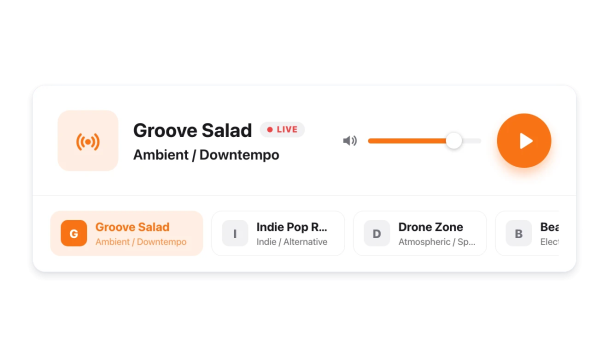

كيفية إنشاء عنصر واجهة مشغل الراديو
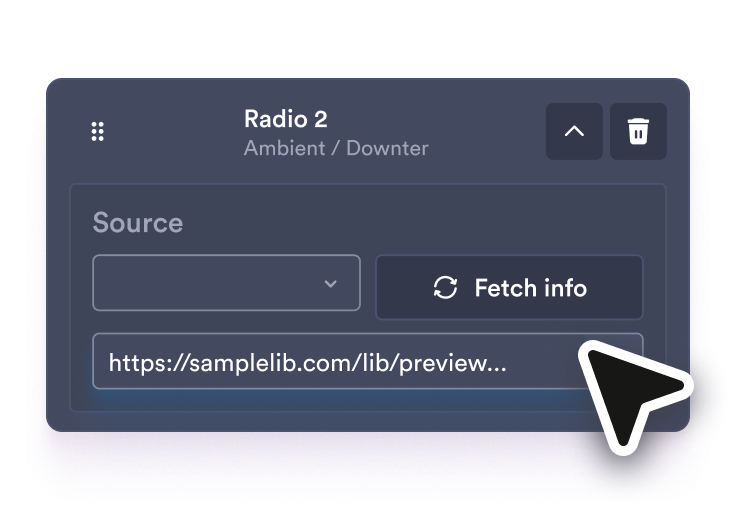
أضف محطات الراديو الخاصة بك
الصق كل رابط بث مباشر، ثم قم بتعديل اسم المحطة ونوعها وشعارها لكل محطة في القائمة.
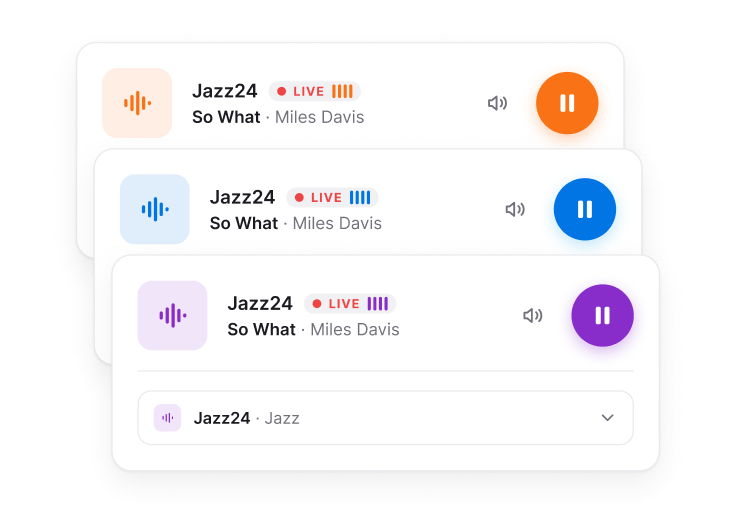
تخصيص المشغل
اختر تصميمًا، وحدد المحطات والتفاصيل التي تريد عرضها، واضبط التشغيل التلقائي ومستوى الصوت والألوان والخلفية.
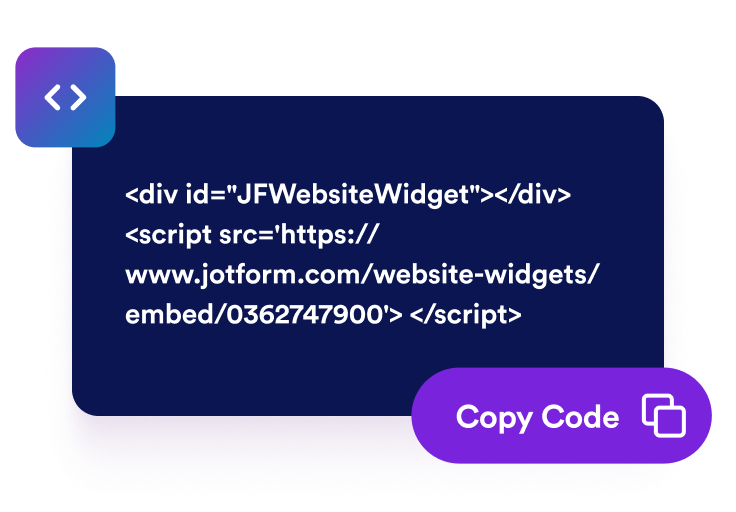
قم بتضمينها في موقع الويب الخاص بك
قم بمعاينة المشغل، وانسخ رمز التضمين، ثم ضعه على موقعك الإلكتروني حتى يتمكن الزوار من الاستماع دون مغادرة الصفحة.
أضف تجربة الاستماع المباشر إلى موقعك الإلكتروني
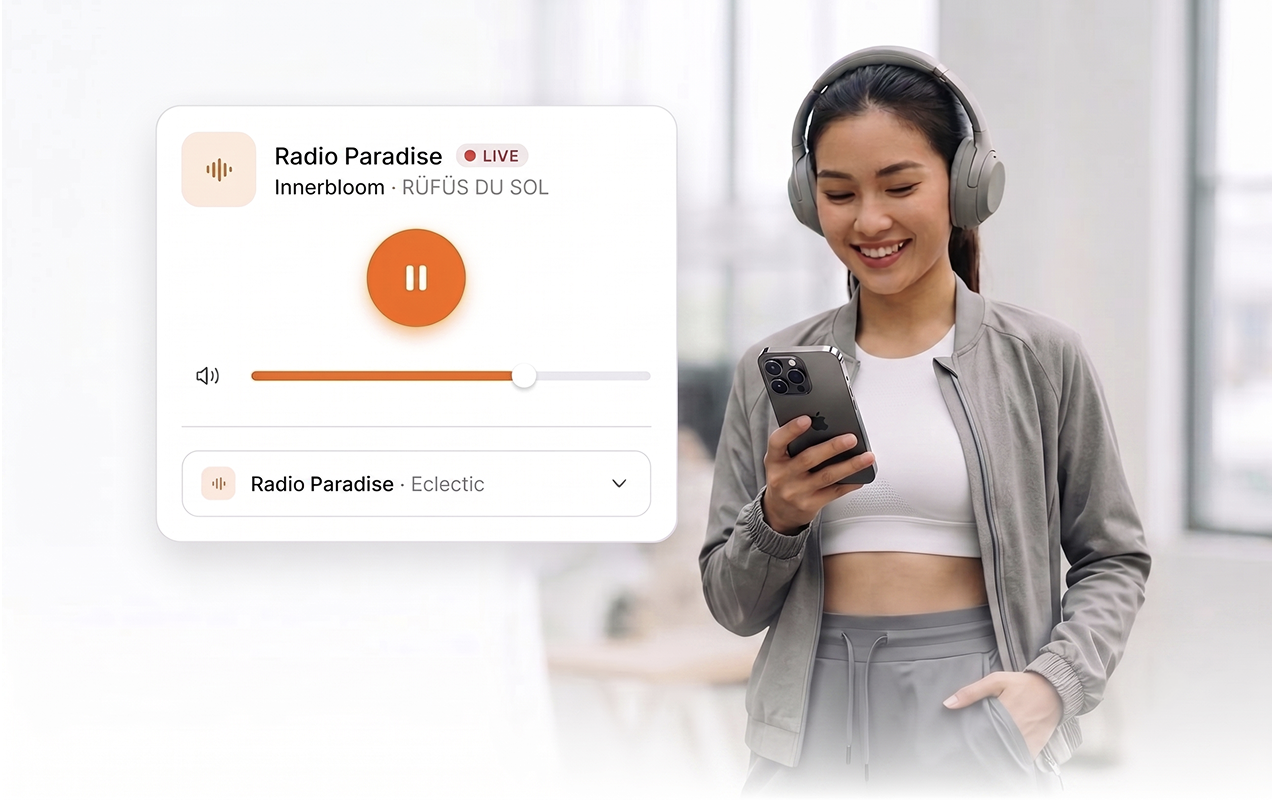
بث المحطات الحية على الصفحة
استخدم عناوين URL المباشرة لبث ملفات MP3 أو AAC حتى يتمكن الزوار من التشغيل والإيقاف المؤقت وكتم الصوت وضبط مستوى الصوت دون مغادرة موقعك الإلكتروني.
دع المستمعين يغيرون المحطات
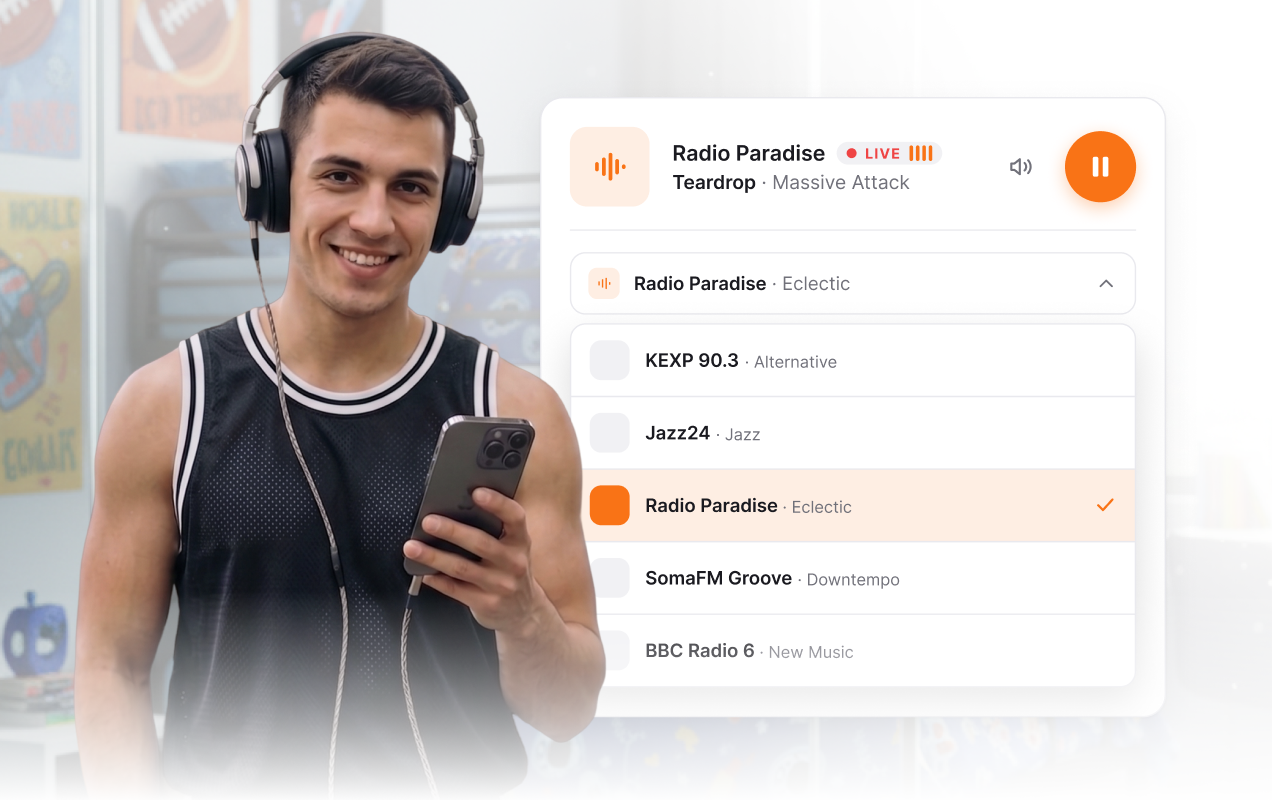
اعرض شريطًا أفقيًّا للمحطات أو قائمة منسدلة تحتوي على أسماء المحطات وأنواع البرامج والشعارات، حتى يتمكن الزوار من تصفح البث المتعدد.
إدارة تفاصيل المحطة من خلال أداة إنشاء واحدة
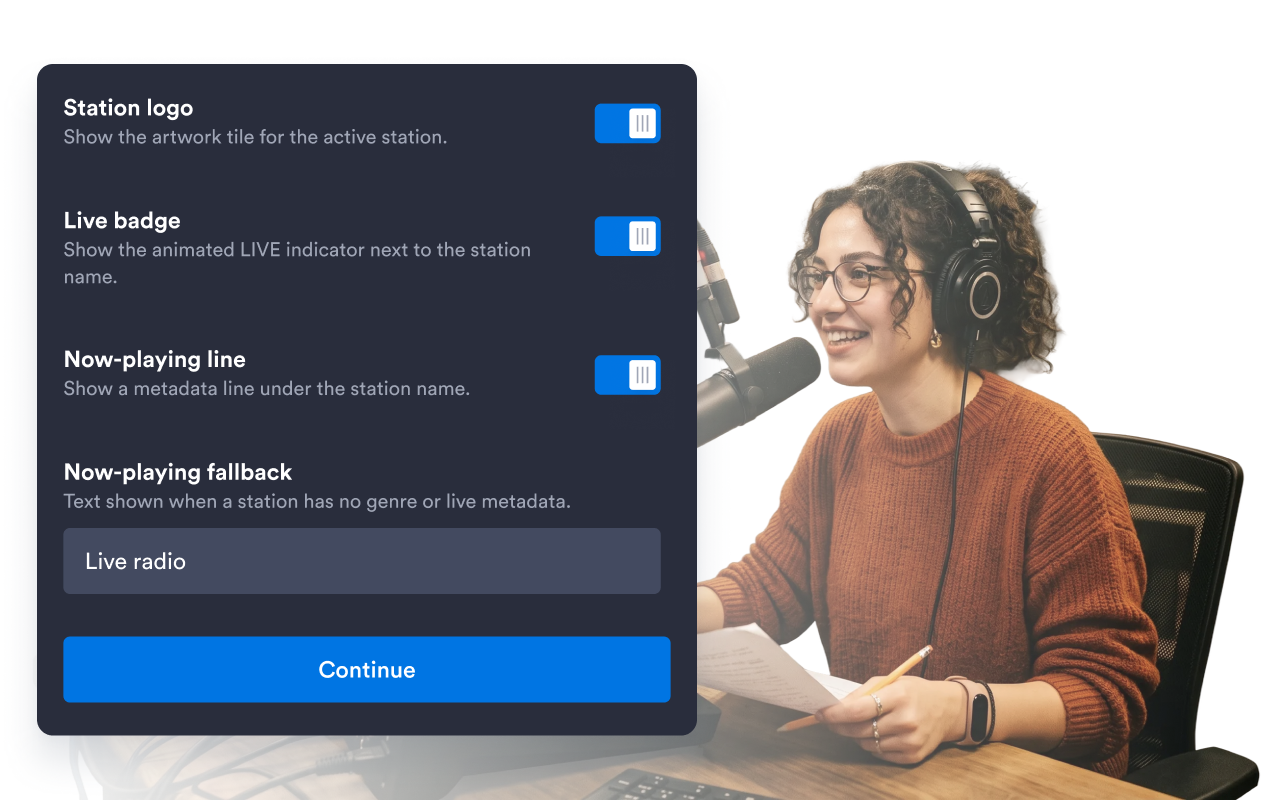
يمكنك إضافة إدخالات المحطات وعناوين URL للبث والعناوين والأنواع وصور الغلاف، أو حذفها أو إعادة ترتيبها أو طيها أو تعديلها، وكل ذلك من خلال مسار إعداد واحد.
اجعلها متوافقة مع تصميم موقعك الإلكتروني
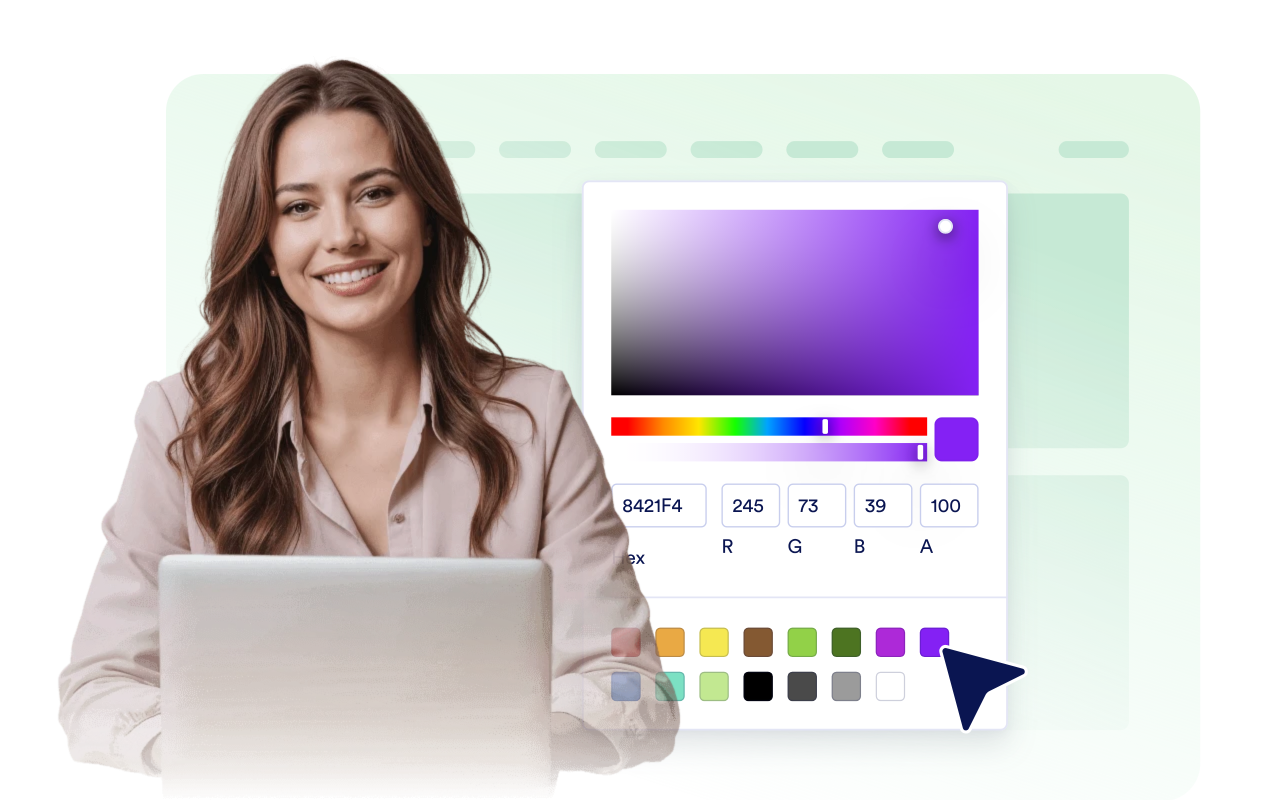
اختر ألوانًا فاتحة أو داكنة أو مخصصة؛ واضبط الخلفية لتكون شفافة أو صلبة أو على شكل صورة؛ واضبط نصف القطر؛ وأضف CSS مخصصًا محدد النطاق.
لماذا تتميز أدوات Jotform لمواقع الويب؟
تجعل أدوات Jotform موقع الويب الخاص بك أكثر تفاعلية وتساعد على زيادة معدلات التحويل. تتوفر العديد من الأدوات، بدءًا من تقييمات النجوم وأشرطة تمرير تقييمات العملاء، وصولًا إلى النوافذ المنبثقة التي تعرض تقييمات العملاء وتضمين الوسائط. أضف الأدوات إلى نماذجك أو صفحاتك المقصودة لجمع البيانات، وعرض آراء العملاء، وجمع العملاء المحتملين — دون الحاجة إلى كتابة أكواد.
أضف أدوات Jotform إلى موقعك الإلكتروني باستخدام كود تضمين بسيط. خصّص الأداة، واعرض معاينة لشكلها، ثم أدرجها في أي صفحة تدعم HTML المخصص أو حزم التضمين، وكل ذلك دون الحاجة إلى مطور.
استخدم أدوات مواقع الويب من Jotform لجمع بيانات العملاء المحتملين، وإظهار تقييمات العملاء، وعرض الآراء الاجتماعية، وتضمين ملفات الوسائط، أو إضافة أدوات مفيدة لصفحات ويب. تقوم كل أداة بمساعدة الزوار على التفاعل مع خدماتك مباشرةً من موقعك الإلكتروني.
إذا كنت بحاجة إلى مساعدة في إعداد أداتك أو تخصيصها أو تضمينها أو استكشاف المشكلات وإصلاحها، فإن فريق دعم العملاء في Jotform متاح على مدار الساعة طوال أيام الأسبوع. يمكنك المتابعة بثقة، مع العلم أن المساعدة متاحة عندما تحتاج إليها.
أين يمكنك استخدام أداة «مشغل الراديو»؟
انشر بثك المباشر في الأماكن التي يتفاعل فيها الزوار بالفعل مع علامتك التجارية ومحتواك ومجتمعك.
الصفحات الرئيسية لمحطات الراديو لتتمكن من الوصول إلى البث المباشر والقنوات البديلة بنقرة واحدة.
صفحات الموسيقى والفنانين لمشاركة محطات موسيقية مختارة حسب النوع الموسيقي، أو غرف الاستماع، أو البث المباشر في يوم إصدار الألبومات.
صفحات الفعاليات والمهرجانات لبث صوت المسرح أو الإعلانات أو التغطية المباشرة للمشاركين عبر الإنترنت.
مواقع المجتمع المحلي والمنظمات غير الربحية لبث آخر المستجدات المحلية والمقابلات والبرامج التي تخدم المصلحة العامة.
صفحات الكنيسة والعبادة لبث الخدمات الدينية والخطب أو برامج الإذاعة المجتمعية عبر مشغل بسيط.
المدونات والعلامات التجارية الإعلامية لإضافة بث صوتي موجز بجانب المقالات أو ملاحظات البث أو صفحات الحملات.
حوّل العملاء المحتملين إلى مبيعات حقيقية باستخدام منشئ النماذج من Jotform
حوّل التفاعل إلى نتائج فعلية مع Jotform. أنشئ نماذج قوية لجمع بيانات العملاء المحتملين، واستلام المدفوعات، وأتمتة الردود، كل ذلك في مكان واحد. تصل جميع البيانات المرسلة إلى صندوق الوارد في Jotform الخاص بك، حيث يمكنك المتابعة أو الربط مع تطبيقاتك المفضلة.
ابدأ - إنه مجاني!
أسئلة متكررة ومتداولة
ما هي أداة «مشغل الراديو»؟
تتيح لك أداة Radio Player تضمين تدفقات صوتية مباشرة في موقعك الإلكتروني مع عناصر التحكم في التشغيل، والتبديل بين المحطات، وأنماط قابلة للتخصيص.
هل يمكنني إضافة عدة محطات إذاعية؟
ما هي تنسيقات البث المدعومة؟
هل يدعم مشغل الراديو ميزة التشغيل التلقائي؟
هل يمكنني إخفاء أجزاء من المشغل؟
هل يمكنني إضافة صورة خلفية خلف المشغل؟
هل يمكنني تخصيص التصميم؟
هل الموقع متوافق مع الأجهزة المحمولة؟