أداة محادثة Telegram لمواقع الويب
أضف زر دردشة Telegram عائمًا إلى موقعك الإلكتروني حتى يتمكن الزوار من بدء محادثة من أي صفحة. قم بتخصيص وجهة Telegram، والترحيب، وطريقة بدء الدردشة، والألوان، وموضع الزر، والشارة، وإمكانية رؤيته على الأجهزة، وكل ذلك دون الحاجة إلى كتابة أي كود.
ابدأ الآن — إنها خدمة مجانية!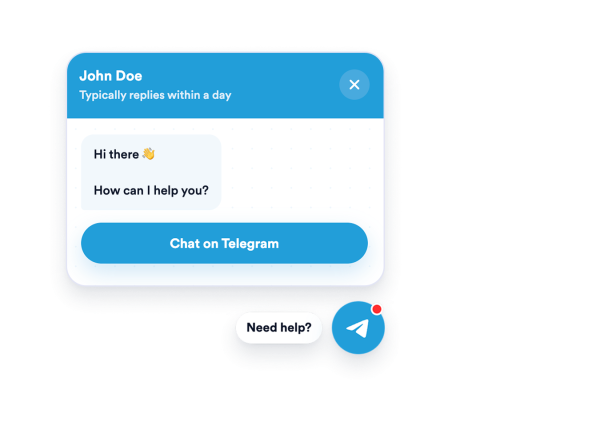

كيفية إنشاء عنصر واجهة محادثة Telegram
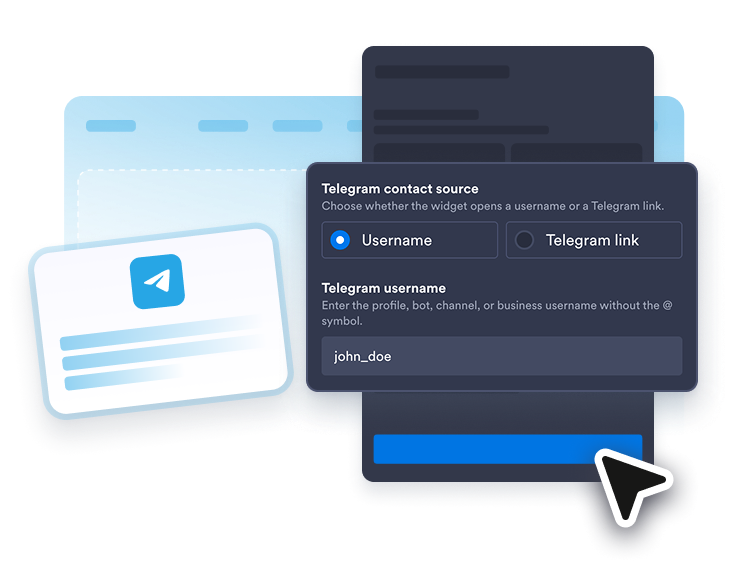
اربط جهة اتصالك على Telegram
أضف اسم مستخدم Telegram أو رابط t.me أو رابط عميق مدعوم من Telegram.
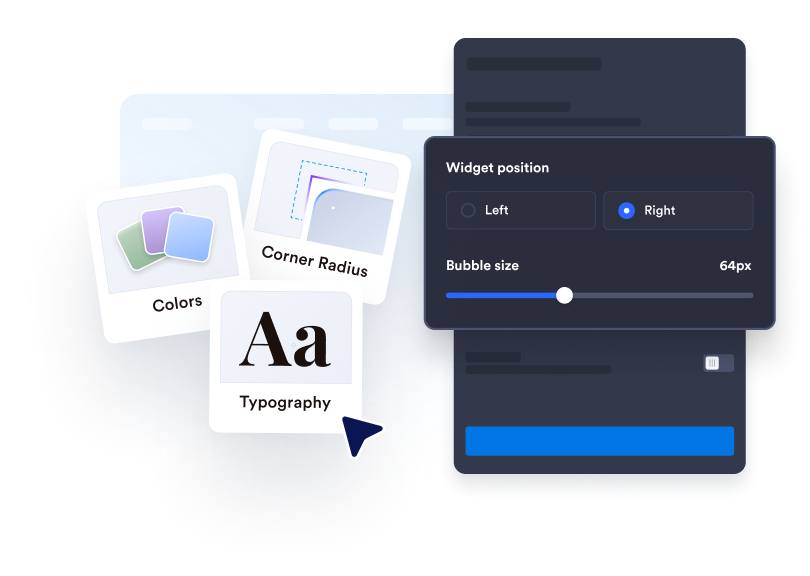
تخصيص موجه الدردشة
قم بتعديل تسمية الفقاعة، واسم الوكيل، والتعليق المصاحب للوكيل، ورسالة الترحيب، وطريقة بدء الدردشة، والألوان، والشارة، والحجم، وموضع العرض.
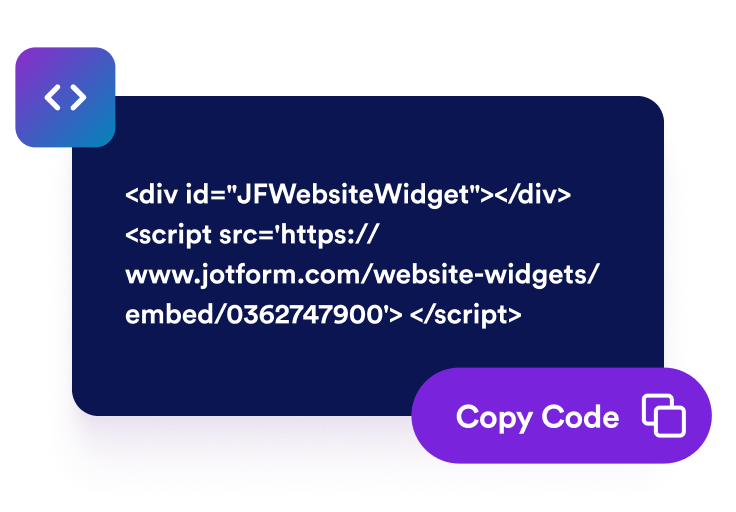
قم بتضمينها في موقع الويب الخاص بك
انسخ رمز التضمين الذي تم إنشاؤه وانشر أداة دردشة Telegram الخاصة بك في أي مكان.
ساعد الزوار على بدء المحادثة الصحيحة على Telegram
افتح تطبيق Telegram من موقعك
اربط الأداة باسم مستخدم على Telegram أو بعنوان URL من نوع t.me أو telegram.me أو telegram.dog أو رابط tg:// عميق، ليصل الزوار إلى المحادثة الصحيحة.
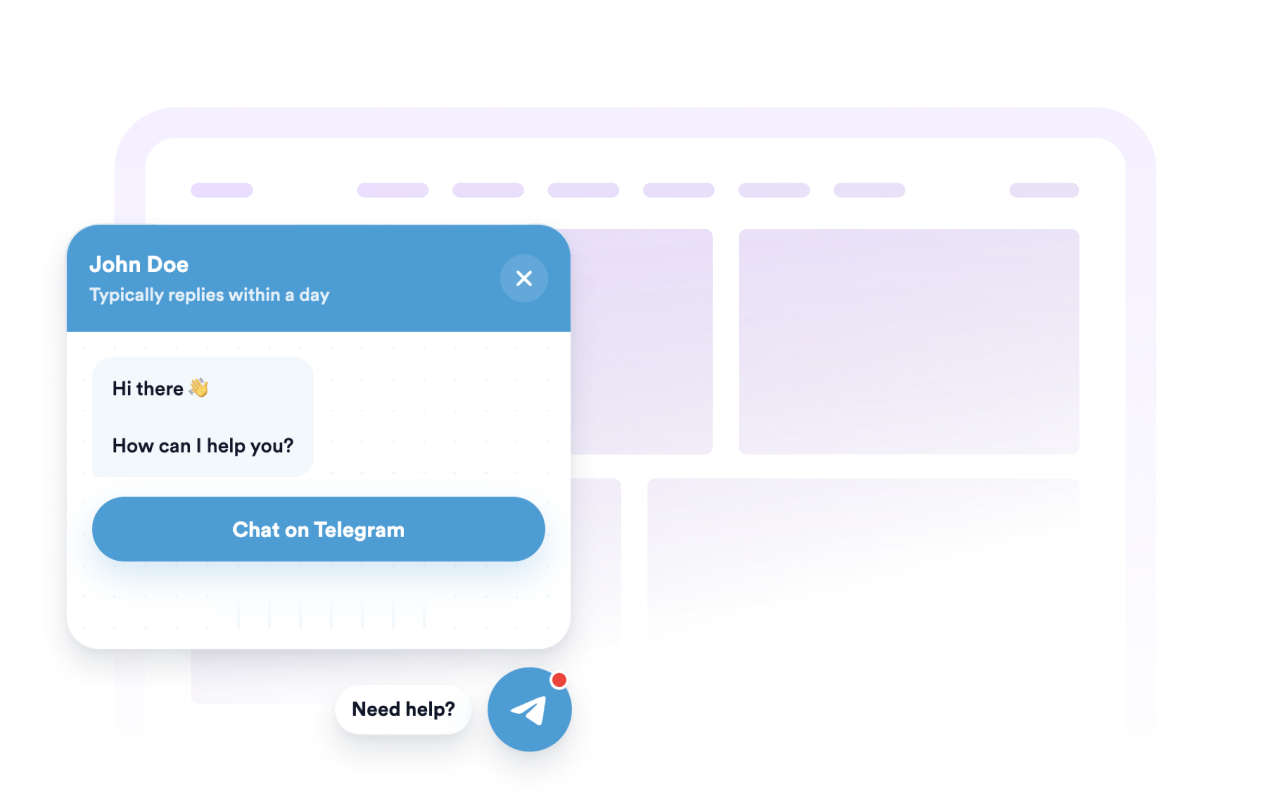
التحكم في التخطيط العائم
اضبط الموضع (يسارًا أو يمينًا)، وحجم الفقاعة، وعرض نافذة الدردشة، والمسافات البينية، وتأخير الفتح التلقائي، وإمكانية العرض على سطح المكتب أو الهاتف المحمول.

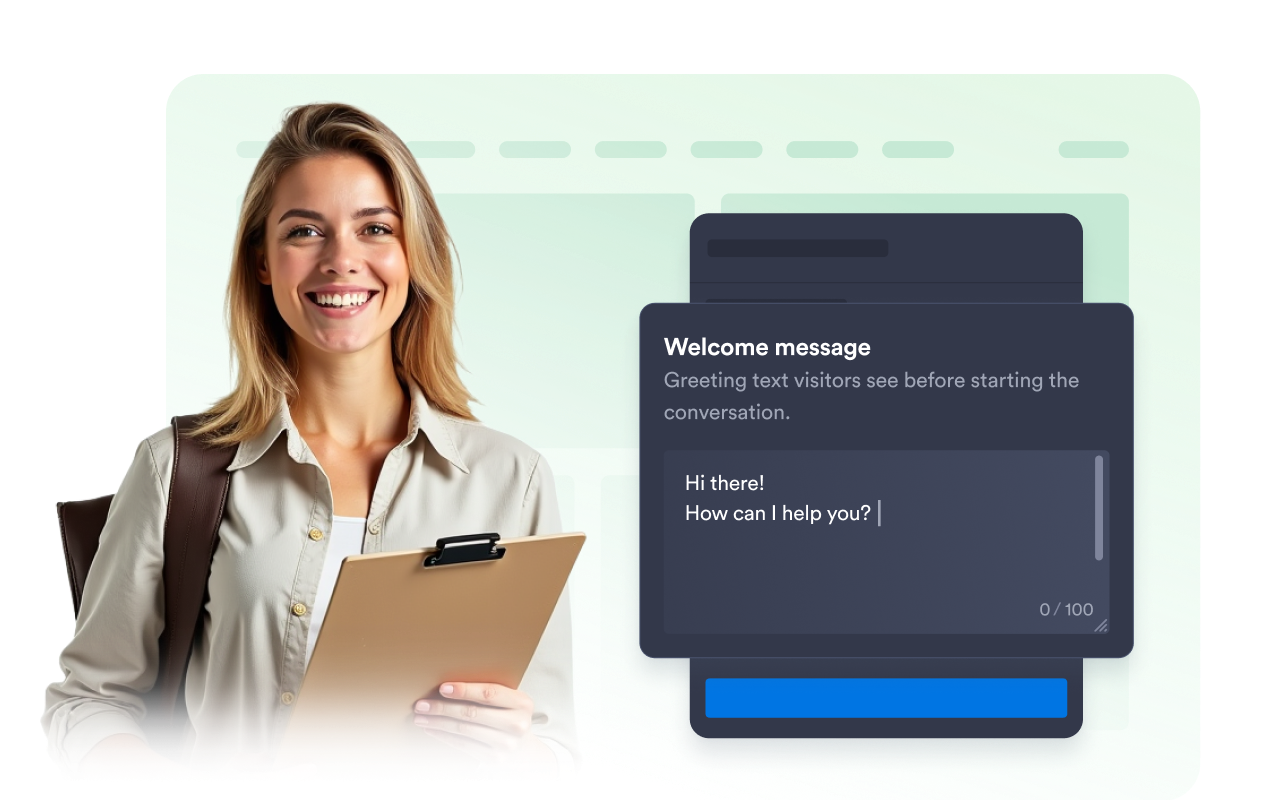
قم بتعيين رسالة ترحيب مفيدة
قم بتقديم فريقك، وحدد التوقعات، وأضف رسالة معدة مسبقًا حتى يعرف الزوار ما الذي يجب أن يسألوا عنه عند فتح تطبيق Telegram.
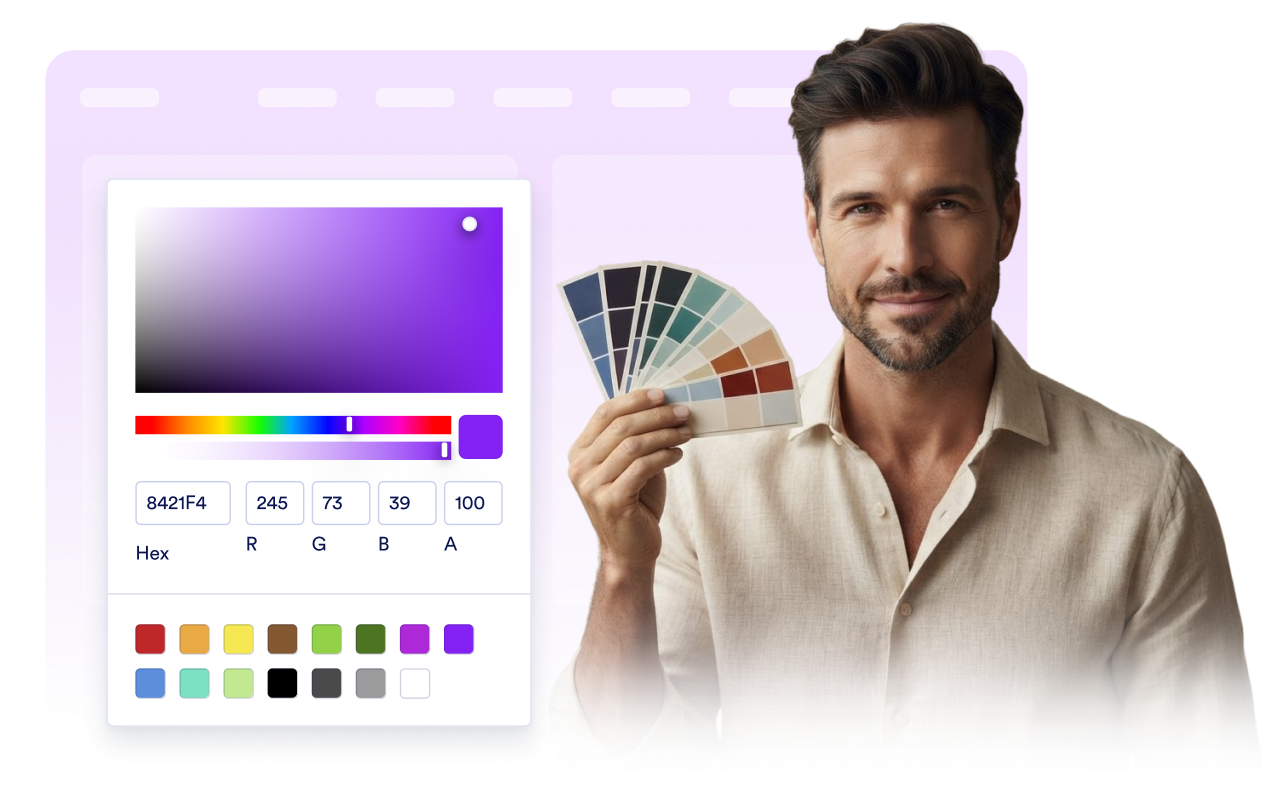
اجعلها متوافقة مع تصميم موقعك الإلكتروني.
اضبط فقاعة المحادثة والأيقونة والرأس وخلفية الرسالة وألوان زر CTA والعرض والحواف الدائرية والشارة وموضعها على الشاشة.
لماذا تتميز أدوات Jotform لمواقع الويب؟
تجعل أدوات Jotform موقع الويب الخاص بك أكثر تفاعلية وتساعد على زيادة معدلات التحويل. تتوفر العديد من الأدوات، بدءًا من تقييمات النجوم وأشرطة تمرير تقييمات العملاء، وصولًا إلى النوافذ المنبثقة التي تعرض تقييمات العملاء وتضمين الوسائط. أضف الأدوات إلى نماذجك أو صفحاتك المقصودة لجمع البيانات، وعرض آراء العملاء، وجمع العملاء المحتملين — دون الحاجة إلى كتابة أكواد.
أضف أدوات Jotform إلى موقعك الإلكتروني باستخدام كود تضمين بسيط. خصّص الأداة، واعرض معاينة لشكلها، ثم أدرجها في أي صفحة تدعم HTML المخصص أو حزم التضمين، وكل ذلك دون الحاجة إلى مطور.
استخدم أدوات مواقع الويب من Jotform لجمع بيانات العملاء المحتملين، وإظهار تقييمات العملاء، وعرض الآراء الاجتماعية، وتضمين ملفات الوسائط، أو إضافة أدوات مفيدة لصفحات ويب. تقوم كل أداة بمساعدة الزوار على التفاعل مع خدماتك مباشرةً من موقعك الإلكتروني.
إذا كنت بحاجة إلى مساعدة في إعداد أداتك أو تخصيصها أو تضمينها أو استكشاف المشكلات وإصلاحها، فإن فريق دعم العملاء في Jotform متاح على مدار الساعة طوال أيام الأسبوع. يمكنك المتابعة بثقة، مع العلم أن المساعدة متاحة عندما تحتاج إليها.
أين يمكنك استخدام أداة الدردشة الخاصة بـ Telegram
ضع الأداة في الصفحات التي يحتاج فيها الزوار إلى وسيلة سريعة لطرح الأسئلة أو متابعة المحادثة على Telegram.
المتاجر الإلكترونية للإجابة على الأسئلة المتعلقة بالمنتجات والشحن والطلبات.
صفحات الدعم والخدمة لتوجيه استفسارات العملاء إلى جهة الاتصال الخاصة بك على Telegram.
صفحات الحجز والاستشارة لمساعدة الزوار على التأكد من التفاصيل قبل التسجيل.
مواقع المبدعين والمجتمعات والشركات المحلية للحفاظ على اهتمام المستخدمين بالمواقع الإلكترونية عبر Telegram.
حوّل العملاء المحتملين إلى مبيعات حقيقية باستخدام منشئ النماذج من Jotform
حوّل التفاعل إلى نتائج فعلية مع Jotform. أنشئ نماذج قوية لجمع بيانات العملاء المحتملين، واستلام المدفوعات، وأتمتة الردود، كل ذلك في مكان واحد. تصل جميع البيانات المرسلة إلى صندوق الوارد في Jotform الخاص بك، حيث يمكنك المتابعة أو الربط مع تطبيقاتك المفضلة.
ابدأ - إنه مجاني!
أسئلة متكررة ومتداولة
ما هي أداة دردشة Telegram؟
تتيح لك أداة محادثة Telegram إضافة زر عائم لموقع الويب ومعاينة للمحادثة، بحيث يمكن للزوار فتح محادثة على Telegram مع جهة الاتصال التي أعددتها.
هل أحتاج إلى كتابة كود لإضافته إلى موقعي الإلكتروني؟
هل يمكنني تخصيص رسالة الترحيب والزر؟
ما هي روابط Telegram المدعومة؟
هل تقوم الأداة بتخزين رسائل Telegram؟
هل يحتاج الزوار إلى تطبيق Telegram؟