أداة معرض YouTube لموقعك الإلكتروني
ضمّن معرضًا متجاوبًا لمقاطع فيديو YouTube في موقعك الإلكتروني. باستخدام عناصر واجهة مواقع Jotform، يمكنك ربط قناة، أو قائمة تشغيل، أو مقطع فيديو واحد. اختر تخطيطًا، وخصّص النمط، ووفر للزوار تجربة تصفح أنيقة دون الحاجة إلى كتابة أي تعليمات برمجية.
ابدأ الآن — إنها خدمة مجانية!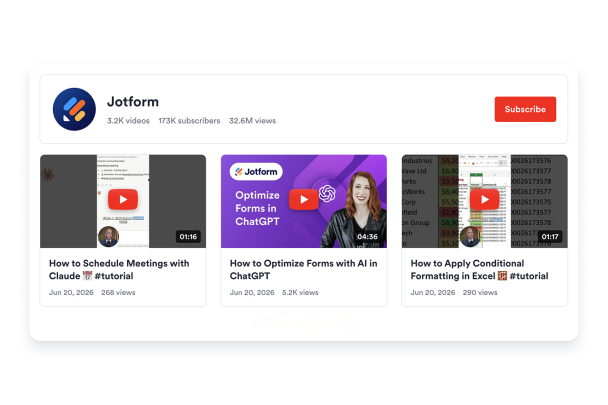

كيفية إنشاء عنصر واجهة معرض YouTube
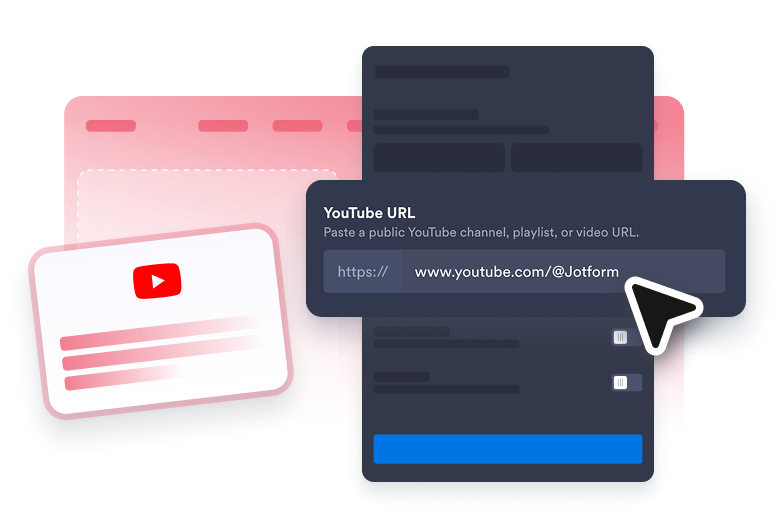
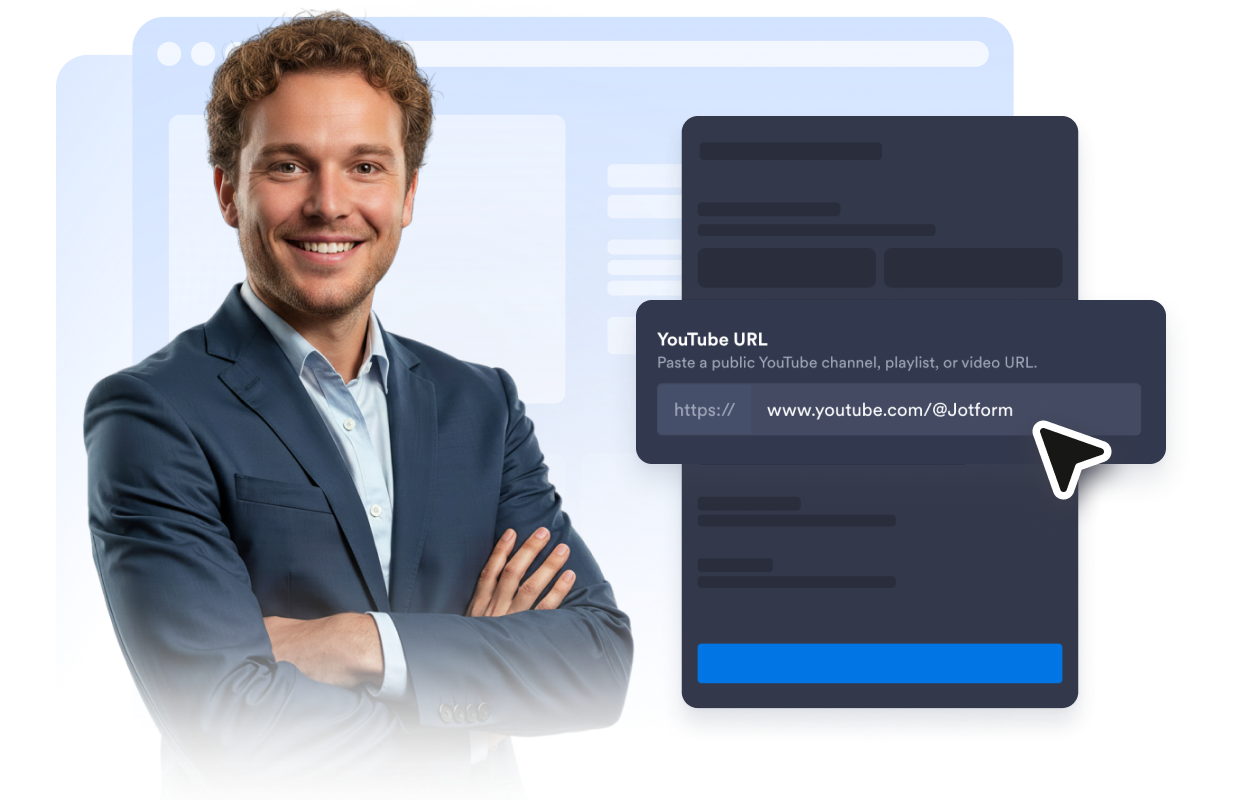
قم بتوصيل مصدر YouTube الخاص بك
املأ معرضك باستخدام قناة عامة على YouTube، أو قائمة تشغيل، أو رابط فيديو.
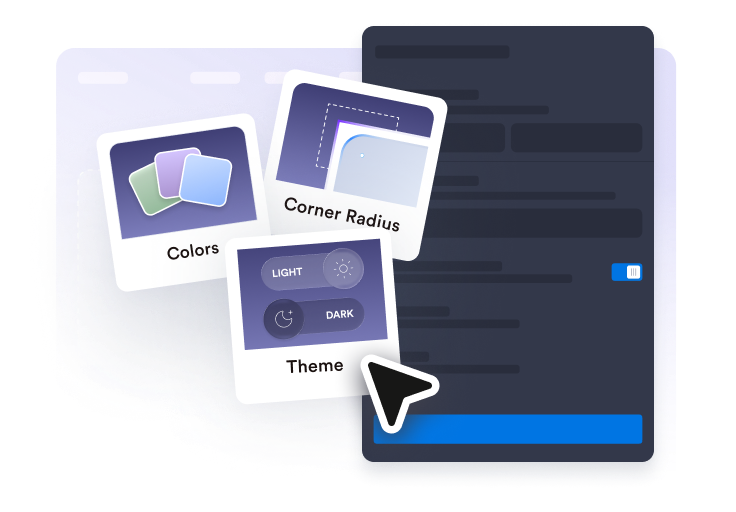
خصص المعرض
اختر تصميمًا، واضبط تفاصيل العنوان، وحدد عدد الأعمدة والصفوف، وقم بضبط الألوان لتتناسب مع موقعك.
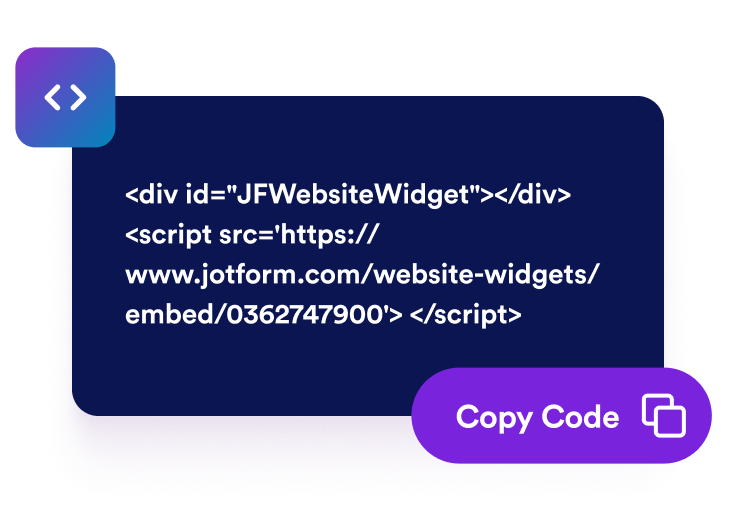
تضمينه في أي مكان
انسخ رمز التضمين الذي تم إنشاؤه تلقائيًا، ثم ضع معرض الفيديو الخاص بك في أي صفحة من صفحات موقعك الإلكتروني.
ربط القنوات وقوائم التشغيل ومقاطع الفيديو
ربط القنوات وقوائم التشغيل ومقاطع الفيديو
استخدم عنصر واجهة مستخدم واحدًا لعرض محتوى يوتيوب الأكثر أهمية، سواء كان من قناة كاملة أو قائمة تشغيل مختارة بعناية أو مقطع فيديو واحد.
التحكم في تجربة التصفح
اعرض رأس القناة، واختر تخطيطات البطاقات، واضبط الأعمدة والصفوف، وحدد ما إذا كان سيتم فتح مقاطع الفيديو في نافذة منبثقة، أو مشغل مدمج، أو على موقع يوتيوب.

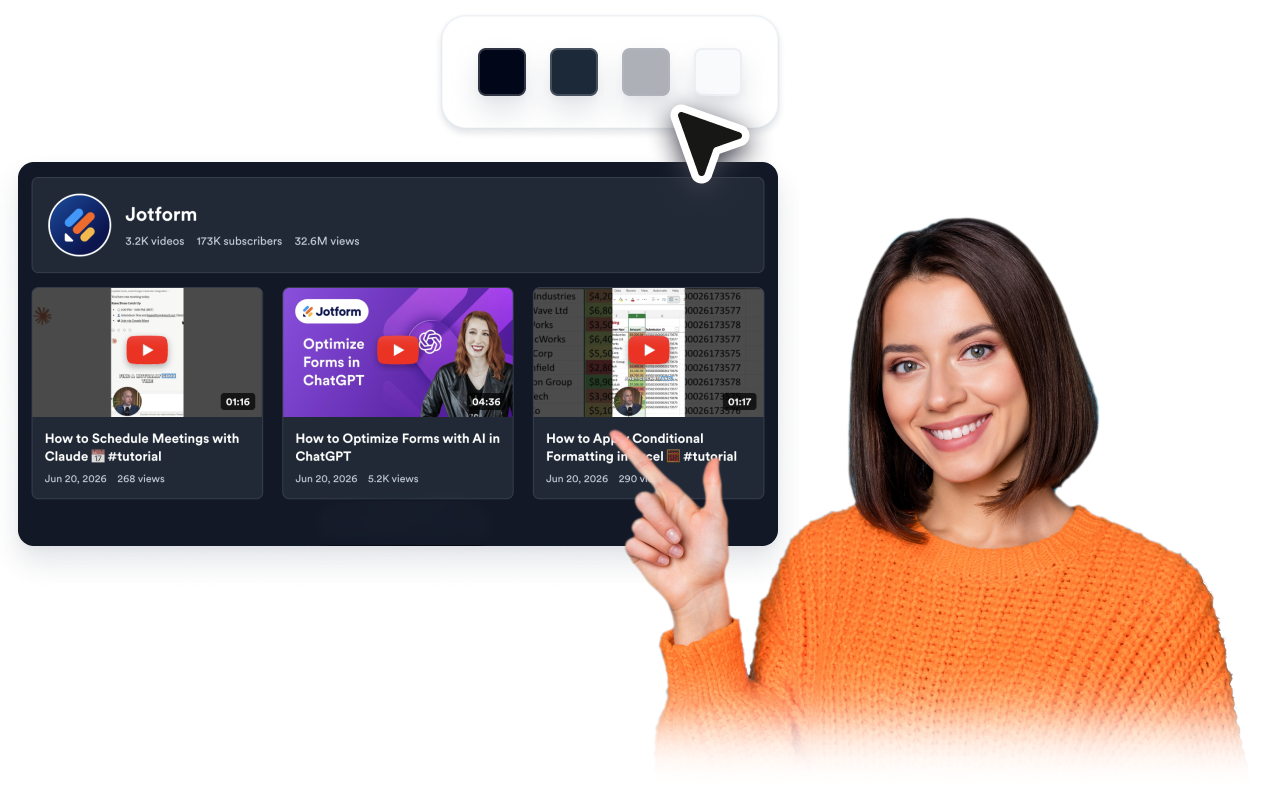
طابِق تصميم موقعك
ابدأ بتنسيقات ألوان نظيفة، ثم قم بتخصيص ألوان الترويسة والفيديو والنافذة المنبثقة وشريط التمرير (Slider). وأضف أكواد CSS مخصصة لإضفاء لمسة نهائية متقنة.
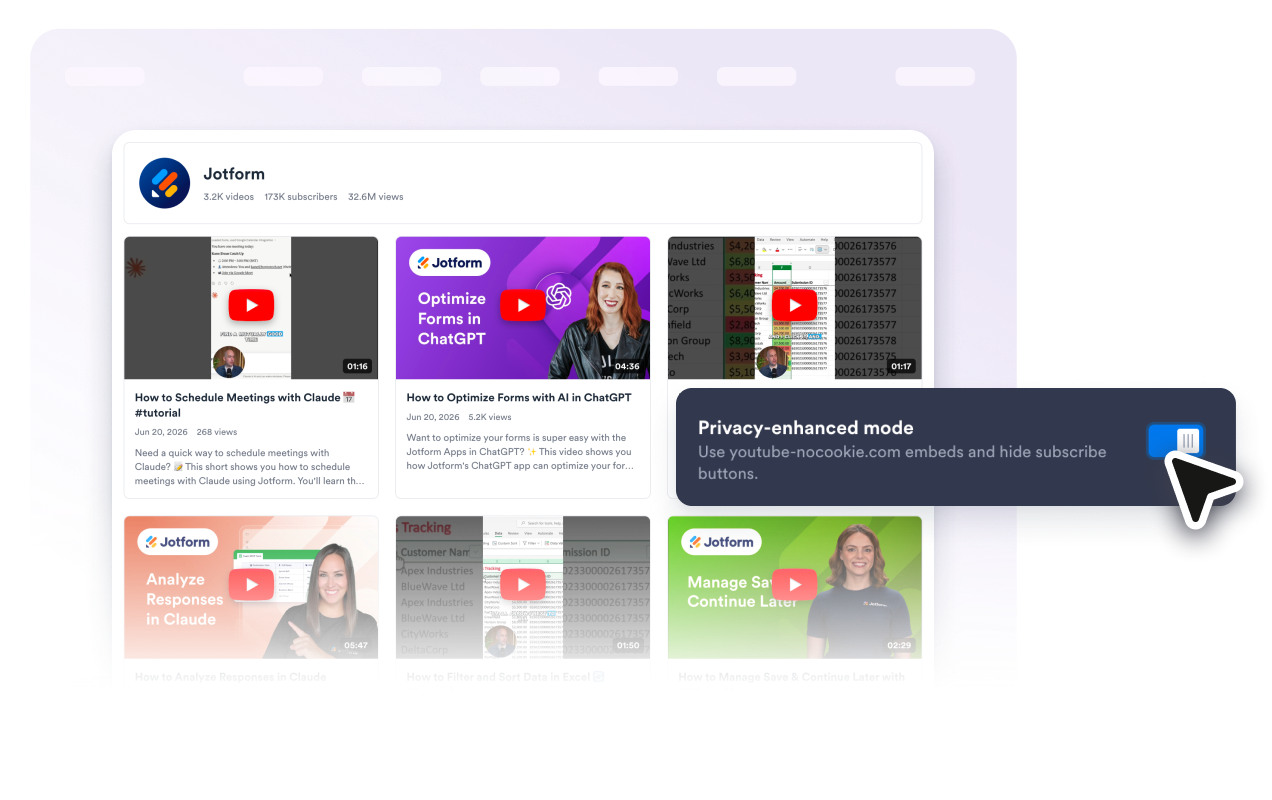
دعم عمليات التضمين التي تراعي الخصوصية
فعّل خاصية تضمين مقاطع YouTube مع تعزيز الخصوصية (باستخدام youtube-nocookie.com) وحافظ على استجابة المعرض وتوافقه مع مختلف الأجهزة.
لماذا تتميز أدوات Jotform لمواقع الويب؟
تجعل أدوات Jotform موقع الويب الخاص بك أكثر تفاعلية وتساعد على زيادة معدلات التحويل. تتوفر العديد من الأدوات، بدءًا من تقييمات النجوم وأشرطة تمرير تقييمات العملاء، وصولًا إلى النوافذ المنبثقة التي تعرض تقييمات العملاء وتضمين الوسائط. أضف الأدوات إلى نماذجك أو صفحاتك المقصودة لجمع البيانات، وعرض آراء العملاء، وجمع العملاء المحتملين — دون الحاجة إلى كتابة أكواد.
أضف أدوات Jotform إلى موقعك الإلكتروني باستخدام كود تضمين بسيط. خصّص الأداة، واعرض معاينة لشكلها، ثم أدرجها في أي صفحة تدعم HTML المخصص أو حزم التضمين، وكل ذلك دون الحاجة إلى مطور.
استخدم أدوات مواقع الويب من Jotform لجمع بيانات العملاء المحتملين، وإظهار تقييمات العملاء، وعرض الآراء الاجتماعية، وتضمين ملفات الوسائط، أو إضافة أدوات مفيدة لصفحات ويب. تقوم كل أداة بمساعدة الزوار على التفاعل مع خدماتك مباشرةً من موقعك الإلكتروني.
إذا كنت بحاجة إلى مساعدة في إعداد أداتك أو تخصيصها أو تضمينها أو استكشاف المشكلات وإصلاحها، فإن فريق دعم العملاء في Jotform متاح على مدار الساعة طوال أيام الأسبوع. يمكنك المتابعة بثقة، مع العلم أن المساعدة متاحة عندما تحتاج إليها.
أين يمكنك استخدام أداة «معرض يوتيوب»؟
أضف معرضًا من YouTube في أي مكان يمكن أن يساعد فيه الفيديو الزوار على التعلم، أو يساعدهم في مقارنة الخيارات، أو يحثهم على الاشتراك، أو يجذبهم لمواصلة مشاهدة المحتوى الخاص بك.
ستعرض الصفحات الرئيسية للمبدعين والعلامات التجارية أحدث مقاطع الفيديو الخاصة بالقنوات مع رأس صفحة أنيق وزر للاشتراك
صفحات الدورات التدريبية والبرامج التعليمية لتنظيم الدروس أو الشروحات أو إرشادات استخدام المنتجات في شكل شبكة يسهل تصفحها
صفحات المنتجات والعروض التوضيحية لعرض مقاطع فيديو الإطلاق، وقصص العملاء، والندوات عبر الإنترنت، ومعاينات الميزات بالقرب من العبارات الرئيسية التي تحث على اتخاذ إجراء
صفحات الفعاليات والحملات لجمع أبرز اللقطات والملخصات وإعادات البث المباشر ومقاطع الفيديو الترويجية في مكان واحد
مدونة ومراكز موارد لربط المحتوى المكتوب بقوائم تشغيل الفيديو ومكتبات التعلم ذات الصلة
صفحات المحفظة والوسائط لعرض مجموعة محددة من مقاطع الفيديو دون تحويل الزوار إلى مواقع أخرى خارج موقعك
حوّل العملاء المحتملين إلى مبيعات حقيقية باستخدام منشئ النماذج من Jotform
حوّل التفاعل إلى نتائج فعلية مع Jotform. أنشئ نماذج قوية لجمع بيانات العملاء المحتملين، واستلام المدفوعات، وأتمتة الردود، كل ذلك في مكان واحد. تصل جميع البيانات المرسلة إلى صندوق الوارد في Jotform الخاص بك، حيث يمكنك المتابعة أو الربط مع تطبيقاتك المفضلة.
ابدأ - إنه مجاني!
أسئلة متكررة ومتداولة
ما هي أداة «معرض يوتيوب»؟
تعرض أداة معرض YouTube مقاطع الفيديو على موقع الويب الخاص بك ضمن معرض متجاوب. ويمكنك عرض مقاطع فيديو فردية من YouTube أو محتوى من قناة أو قائمة تشغيل. ويتيح المعرض للزوار تصفح مقاطع الفيديو ومشاهدتها دون مغادرة موقعك.
هل يمكنني ربط قناة أو قائمة تشغيل على YouTube؟
هل يمكنني تخصيص تصميم معرض الصور؟
هل تدعم الأداة التضمينات المُحسَّنة من حيث الخصوصية لمقاطع يوتيوب؟
هل يمكنني مواءمة الأداة مع تصميم موقع الويب الخاص بي؟
هل ستعمل أداة معرض YouTube على الأجهزة المحمولة؟
هل أحتاج إلى كتابة أكواد؟