



Adjust layouts, themes, colors, and fonts to create forms that match your website and brand.
Move your Microsoft Forms to Jotform without rebuilding them from scratch. Import your form and recreate the structure in Jotform so you can keep collecting responses. After migrating, you can expand your forms with more customization, integrations, and submission management tools.

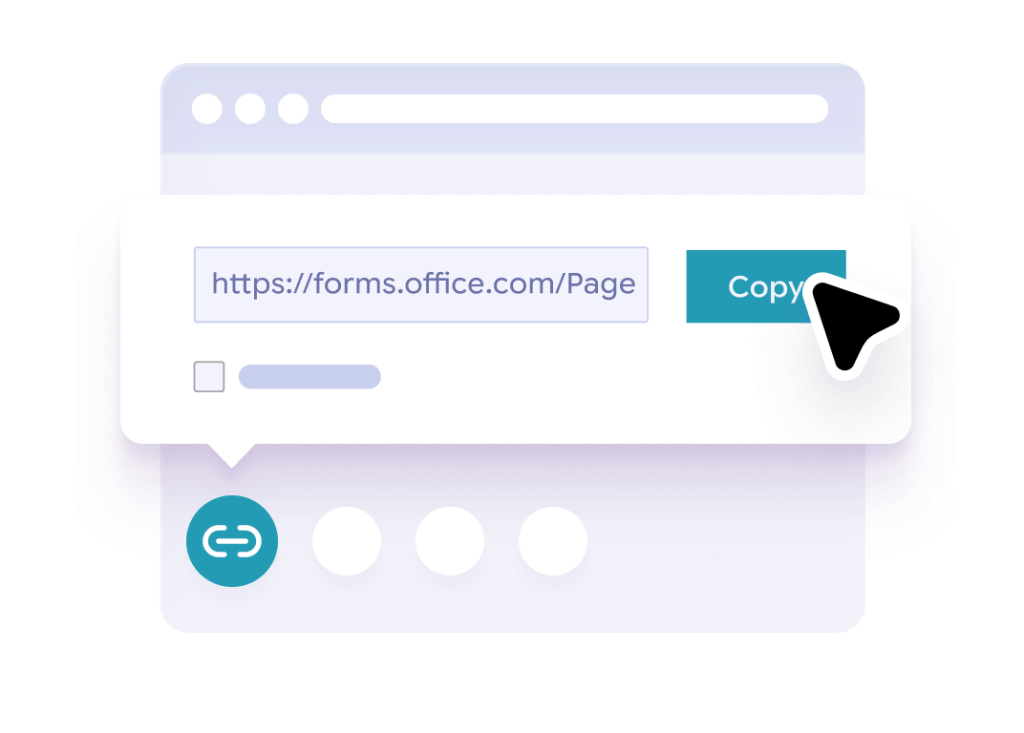
Open the Microsoft Form you want to migrate and copy its public form URL.
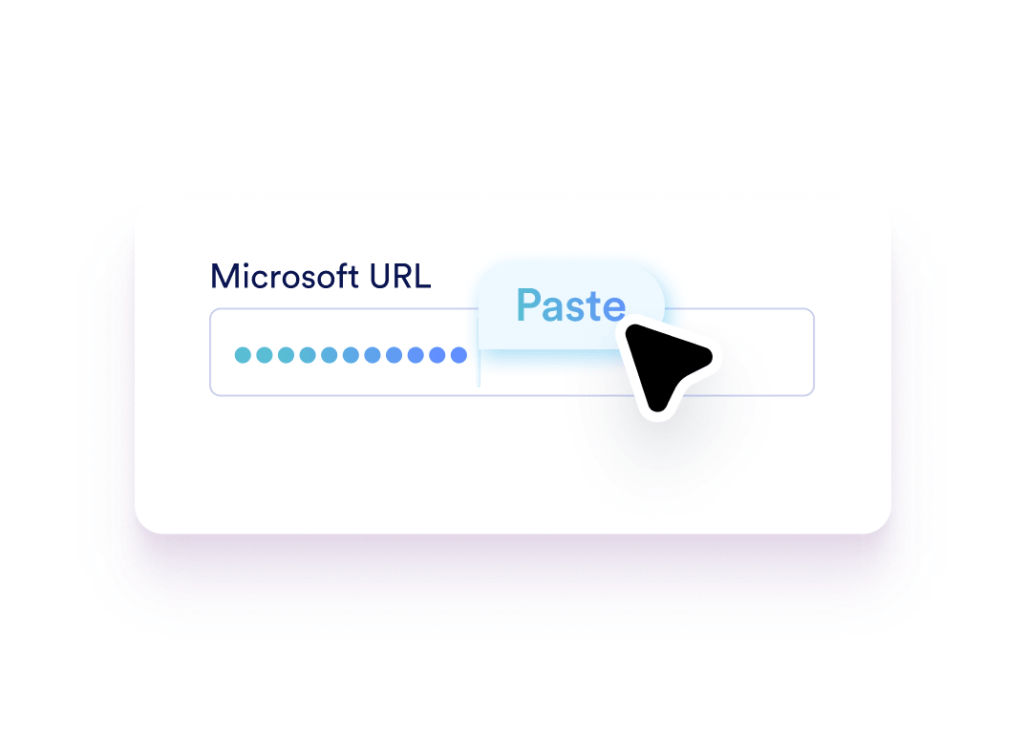
Go to the Jotform migration tool and paste your Microsoft Forms URL into the field provided.
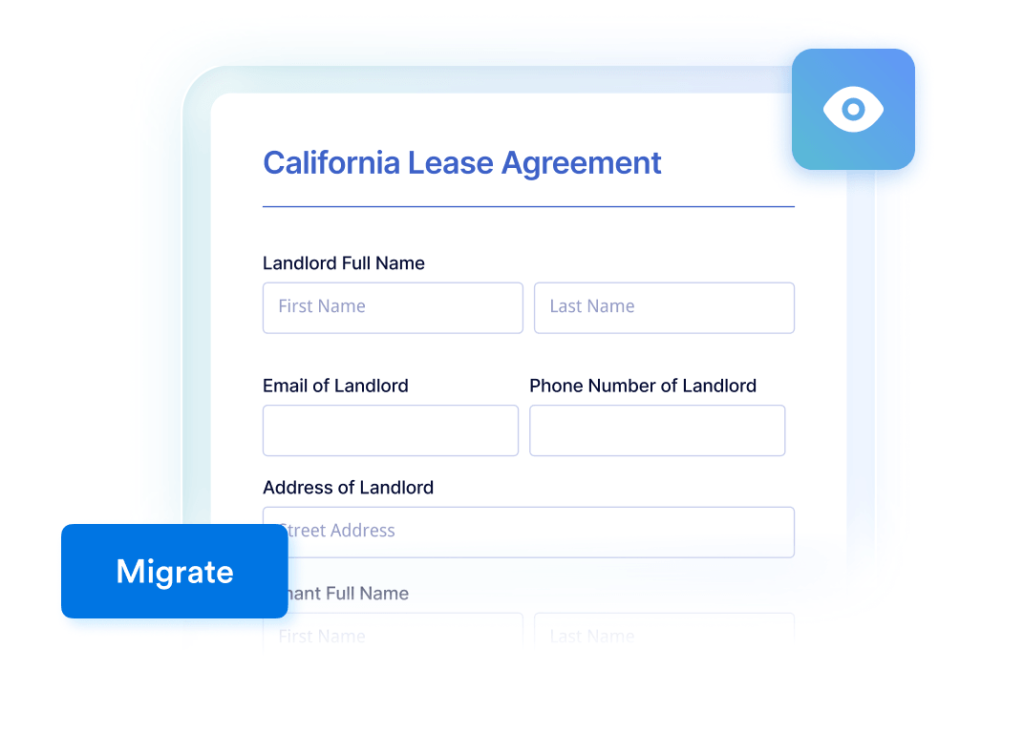
Click Migrate to import your form into Jotform and review the imported form.
Jotform is used by businesses, schools, nonprofits, and global organizations to collect and manage data with online forms. Many teams switch from Microsoft Forms to gain more control over form design, workflows, integrations, and submissions.
After importing your Microsoft Form, you can keep your current form workflow or extend it with additional tools available in Jotform.
Adjust layouts, themes, colors, and fonts to create forms that match your website and brand.

Automatically generate PDF files from responses for applications, reports, or internal records.

Route submissions to the right team members and collect approvals before moving requests forward.

Send responses to Google Sheets, Slack, Airtable, and hundreds of other apps.

Share forms with teammates so they can edit forms, review submissions, or manage responses.

View responses in tables, filter records, search submissions, and export your data when needed.
Import your Microsoft Forms and continue collecting responses without rebuilding your forms. Keep your existing structure while gaining more ways to customize forms and manage submissions.
Your form can not be migrated.
Please ensure that your form URL is correct and that your form is set to “public” before attempting to migrate it again.
Your form has been migrated.
Congratulations! Your form has been seamlessly transferred to the Jotform and is now ready for use. What would you like to do next?